
I cannot overstate how impressed I am with the Insta360 Luna Ultra. In my review I pointed out that it has nearly everything I could possibly want in a portable camera. While I wrote the review, and in subsequent patches and updates post-launch, the team at Insta360 proceeded to fill just about every gap I’d identified. The only thing left on the wishlist at that point was more reasonable pricing – perhaps an unrealistic expectation given the staggeringly long list of technology and features present in the Ultra. It turns out, however, that Insta360 had been cooking up a Pro version of their camera – one that would tick nearly every box, but somehow in a lighter package and with a price to match.
When I reviewed the Ultra, it was already becoming my go-to for travel. It’s the camera I grab when I need to capture an interview, outdoor fun, and everything in between. Even as I write this, they’ve updated the Ultra again, pushing zoom out to 15X instead of 12X, a new “Stage mode” to help you stay locked onto the stage from the crowd, better audio tracking and capture, a boost up to 4K/30 for vertical, and much more. It’s wild to watch the Insta360 team squeeze even more out of this already-impressive, well-equipped camera. The only real downside is that all of this technology is going to set you back anywhere between $700 and $900, based on the bundle you select. A more cost-conscious version would be greatly appreciated. Enter the Insta360 Luna Pro.
Before we get into the review, one caveat. There are a lot of folks side-importing Osmo Pocket 4s for comparison to both of these cameras. While I respect the hustle, I can’t in good conscience recommend the Osmo Pocket 4 as you are effectively smuggling it into the country. That means no official warranty claims, support, repairs, or replacements. It also means no DJI Care Refresh options as this is considered “Grey Market”. You are effectively assuming all risk, both functionally and financially. You are free to do what you want, but I don’t need that $700 to $900 headache when I see enough Reddit posts about Pocket 4s that suddenly have gimbals getting stuck in protect mode, axis being knocked out of calibration causing drift, flip screen hinge fragility, and devices just being DOA right out of the box. As such, my review will focus on the Ultra and the Pro exclusively.
If you’re unaware of who Insta360 is, they are a company that makes incredible action cameras. No, that’s underselling it – they make incredible action cameras that do things that no other camera can do. No, they aren’t paying me to say that in any way – it’s just a simple truth. They make cameras that can attach to your skateboard and catch crazy windsurfing, true, but they also make cameras that can shoot in 360 degrees, digitally erasing the stick, making it seem like you have the best drone operator on the planet there to capture every moment. They also make tiny versions of their cameras built for capturing impossible moments like the inside of a 3D printer, zooming under an object, or doing crazy commercial shots like going inside of a bag you might be selling as a product demo of how big it is. They have the only microphones on the market using e-Ink to allow you to put whatever image you want on there (I have four of them - half set with GamingTrend logos and then load the other person’s company logo on the fly to maximize the professional look). They have professional audio conferencing gear, gimbals, and yes – even drones. It should come as no surprise that they were watching companies like Osmo very closely and learning how they could not only meet that market, but iterate and exceed it. That brings us to the Insta360 Luna Pro.
A collaboration with legendary German camera and lens manufacturer, Leica, both the Insta360 Luna Ultra and the Luna Pro are equipped with a Leica Summicron lens with a 1” 8K sensor, sporting an F1.8 aperture and 14 stops of dynamic range. It has a 35mm-equivalent focal length, with a minimum focus of roughly 9cm – a very capable lens, and arguably the best on the portable market. The difference, then, is the telephoto lens. With a 1/1.3” sensor, F2.0 aperture, and up to 15x zoom, it delivers an incredible amount of zoom with an impossibly small form factor. The Pro version doesn’t have this secondary lens, instead handling 4X zoom via software. In the video above you’ll be able to see both devices, providing a side-by-side comparison. Judge for yourself, but by my eye these two cameras are identical, other than the aforementioned zoom. That’s far from the only trick both of these cameras have up their proverbial sleeves.
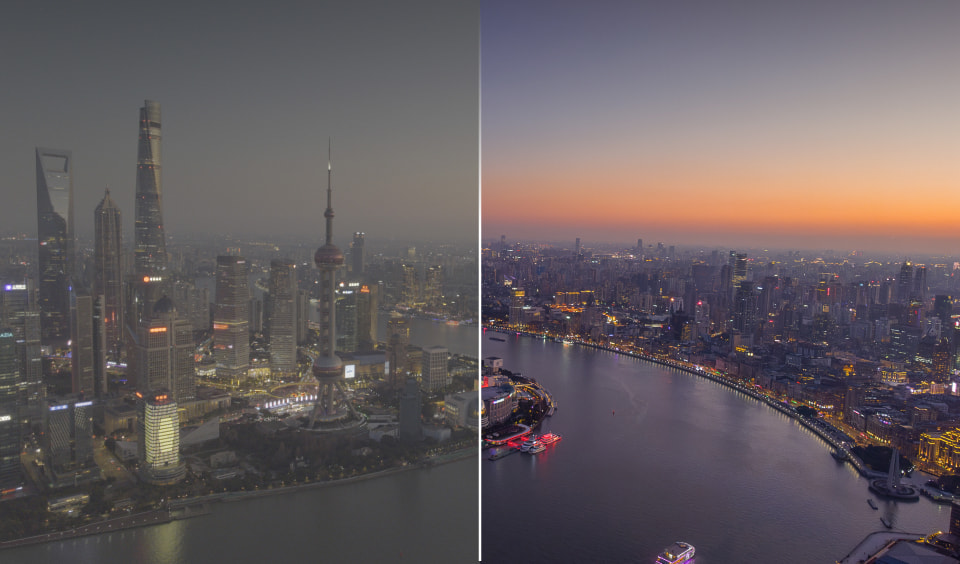
10-bit I-Log, Modes, and Color Grades
The Insta360 Luna Ultra and Pro both operate off the same software, so all modes appear to be shared at this point, minus one – panorama. Or perhaps it’s more fair to say that it does it differently. Without the secondary lens to do a full spherical 360° panorama, the Luna Pro instead uses ultra-wide high-resolution wide shots that it can then stitch together to create said panorama. These are done with computational stitching and auto-leveling, ensuring you get something similar to what you’d get out of the Insta360 Go 3 or Ace Pro which features a similar lens setup. You miss out on true 360x180 spherical panoramas that you could navigate in VR, but it delivers the panorama that the vast majority of folks would want – one that they could navigate on their phone. Let’s talk about modes, as there are plenty.
First and foremost, the “Standard” mode works extraordinarily well in the full strength of outside lighting in the sun. All of the video you see outside at Cedar Park in the video above were shot in Standard with no additional settings, other than I-Log, which we’ll talk about in a moment. Colors are warm and saturated, the grass in Ohio looks vibrant (it’s mostly shades of brown in Texas currently), and shadows show contrast with detail inside. In this Standard mode you can adjust a number of things, including light exposure, facial priority targeting, auto-focus or continuous, contrast, saturation and much more. If your plan is to carry either Luna cameras to quickly catch that big theme park moment or the goofy thing your dog is doing right this second, it’s fantastic. Moreover, the Pro is lighter thanks to the single lens approach, so it’s even lighter and slightly smaller in your pocket than the Ultra.
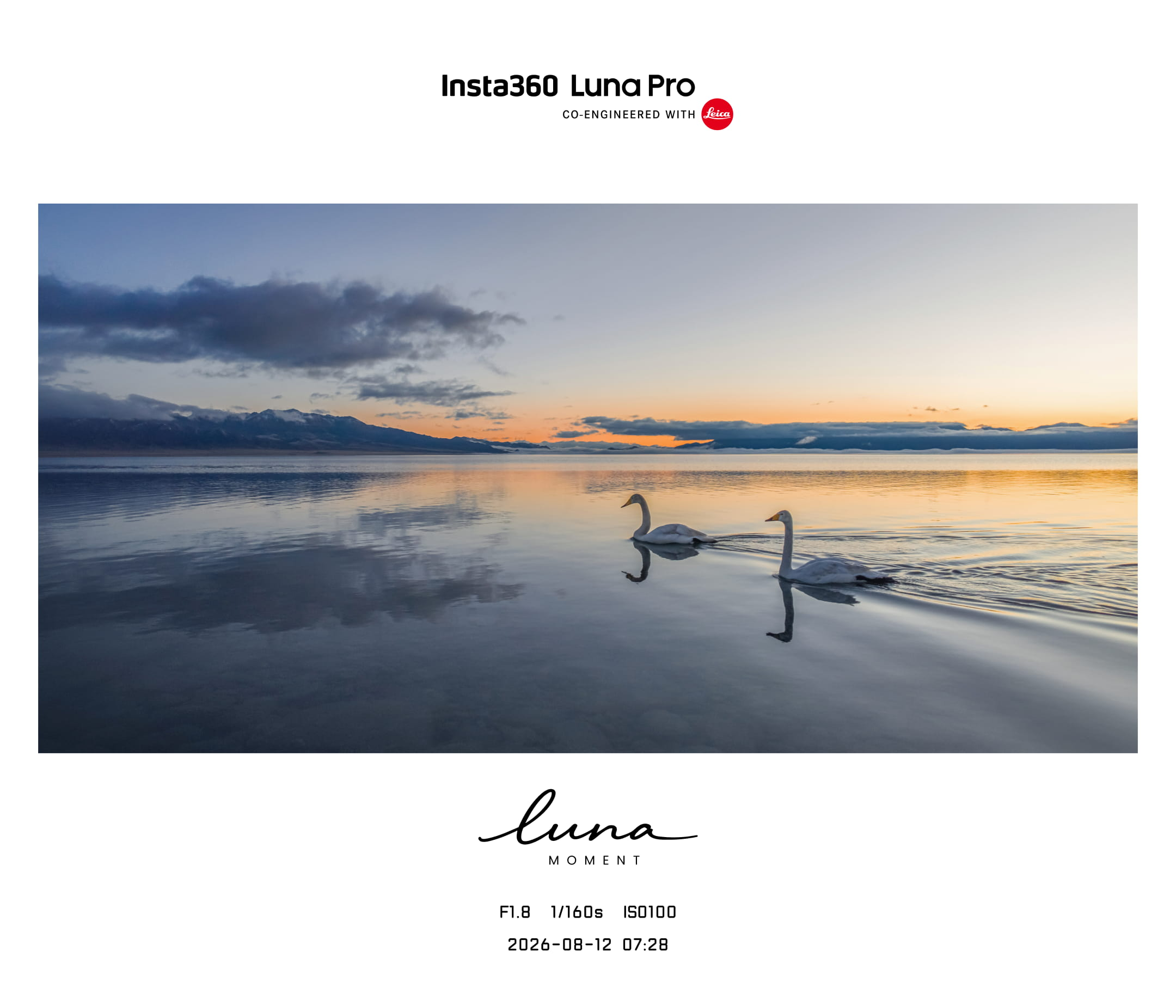
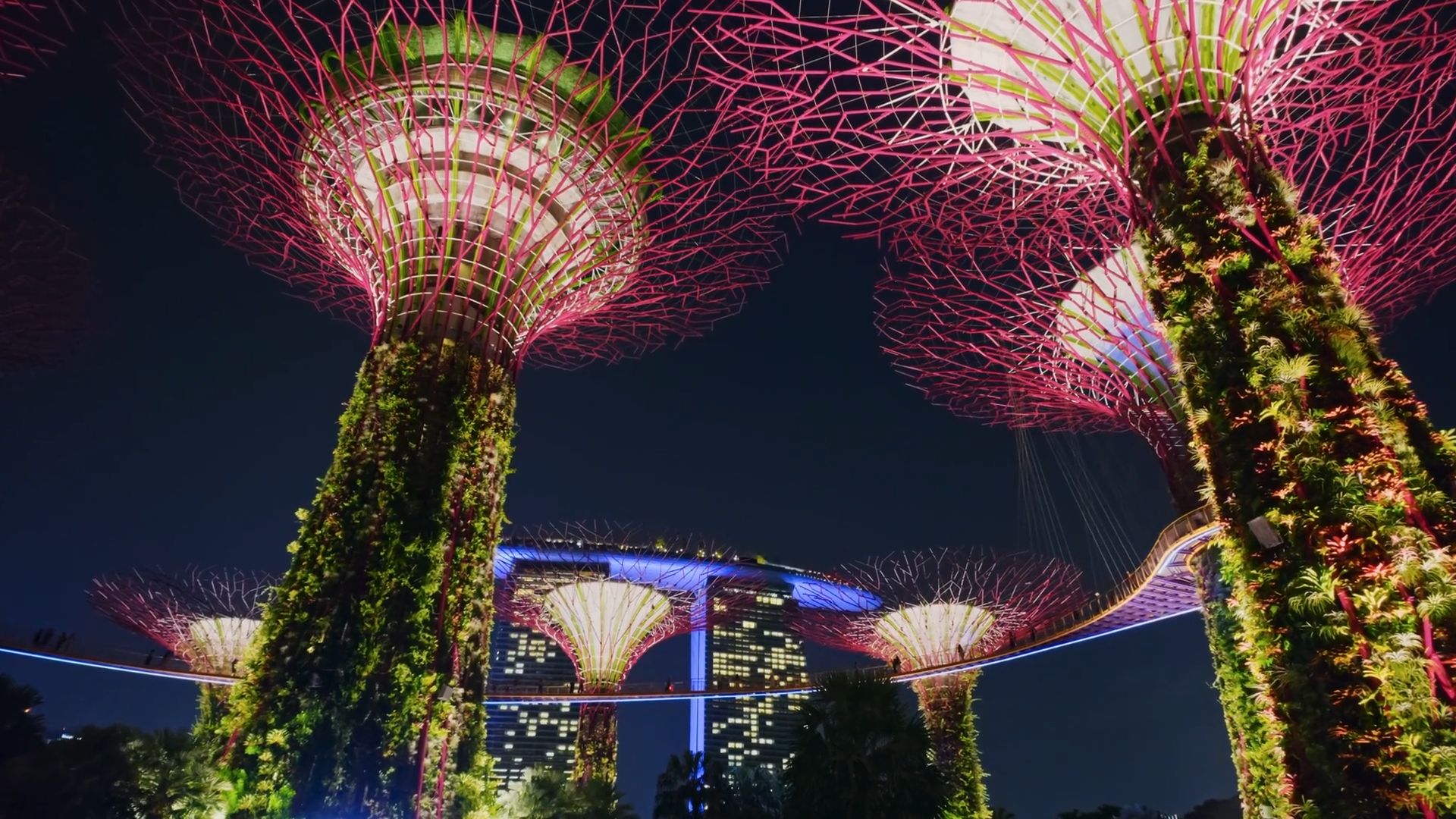
When the sun sets, your Standard mode is likely going to be less useful, but still far from useless. Your shadows will probably be a little darker, but the larger sensor still picks up quite a bit, though you will start to lose color and detail, picking up noise in the image. That’s where Pure Video comes in. While they probably should have named it “Night mode” so it’s more intuitive, it allows the Luna to really shine, thanks to a triple low-light AI-powered chipset. First introduced in the Insta360 X5, the Luna has not one, not two, but three AI chips working in concert to help your low-light recording in realtime. The first is an AI Noise Reduction Engine that uses multi-frame fusion, motion-aware denoising, and temporal noise modeling to reduce the static look you might see in the dark. If it sounds like AI you’d find in a modern NVIDIA GPU, that’s not by accident. The second AI chip is for AI color and Tone Engine, lifting shadow contrast and recovering highlights in the process. It’s useful for low-light color stabilization, which is critical for preserving light sources in the dark without blowing them out. The third and final AI chip is the Detail Engine. The Detail Engine is your smoothing chip, cleaning up edges, ensuring textures are processed cleanly, and “de-smearing” the image for handheld motion. As a result, subjects that are otherwise dark enough to make the details muddy are instead crisp and clear. Neon shines bright and doesn’t blow out the image. Contrasts are clean and don't introduce a bunch of noise, even with the digital zoom of the Luna Pro. The chipset does exactly what it says it will do. The only downside? You’re fully reliant on the chips to do all the work – you lose the I-Log setting entirely when this is in use, as well as 8K capture. Thanks to a firmware update that first came to the Ultra, now both cameras can make use of I-Log, expose a REC 709 image for preview, and much more. It’s remarkably versatile and rivals the image quality of my Sony FX-30 and my Google Pixel 8 Pro, both of which launched at significantly higher price points.
If you’re unfamiliar with what I-Log or a LUT is, you’re not alone. Unless you do color correction, these are probably not concepts you’ve dealt with. If you do shoot in lower light conditions, I highly recommend enabling I-Log as it will now pull in 10 bits of color. This will provide you with the most color data to perform accurate and granular post-processing color grading, resulting in a contrast-heavy cleaner image in the long run than if you just applied a pre-built LUT. All that said…the average person doesn’t want anything to do with that. In that way, this may or may not matter to you. I’m not a colorist, so I took my best shot at it, but there are scores of folks out there that will happily sell you a pre-set that’ll handle 99% of this in an automated way. If you do end up using this mode, know that Insta360 has a LUT you can download to make it a breeze to apply in software like DaVinci Resolve or Adobe Suite.
User Presets When?
One of the things I wanted for the Insta360 Luna Ultra was a user preset. There are a number of settings that would be useful to quickly switch between modes, with specific settings that you use frequently. This would, potentially, allow users to share profiles so you can really nail the absolute best look for your chosen activity. On the positive side, it’s almost there – the device will remember things like resolution, frame rate, color profile, bitrate, etc. and recall them next time you enter that mode. What I’d like is the ability to build out profiles for my specific use cases (Motorcycle, Treadmill Tuesdays, Studio-B-Roll, etc.) and have them hold the specific presets for those tasks. It’d allow me to quickly switch to them when I need them, and then use the defaults when I’m out and about.
Quality of Life features
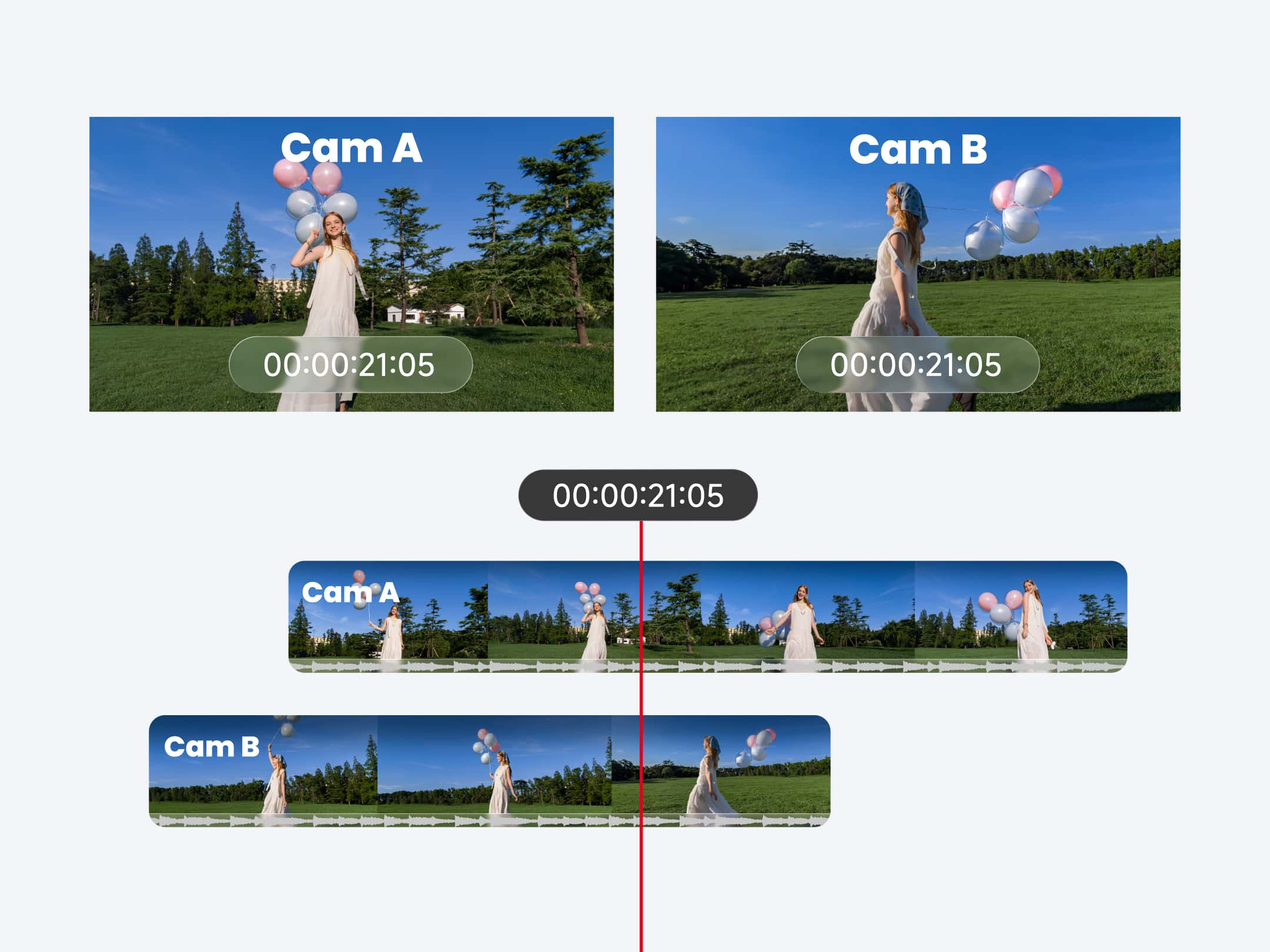
When I reviewed the Insta360 Luna Ultra, I only had one camera to synchronize. My Osmo Pocket 3 does not have a timecode generator to synchronize them, but the Luna Ultra, and now the Luna Pro does. For my Pockets I have to use a Deity TC-1 to do a jam code, sync them, then disconnect the device, otherwise it can cause issues. Now that I have two Luna cameras, I’m able to perfectly synchronize them down to the millisecond. Where the Osmo pocket struggles to jam sync in the first place, it then has the audacity to drift over time. I found myself using my Osmo less for critical work and now for more incidental b-roll as I know it’ll be an extra step or three just to get it to align them in post-production. Now that I’ve seen what two can do, I’ll absolutely be adding a third since I know they’ll all play well together.
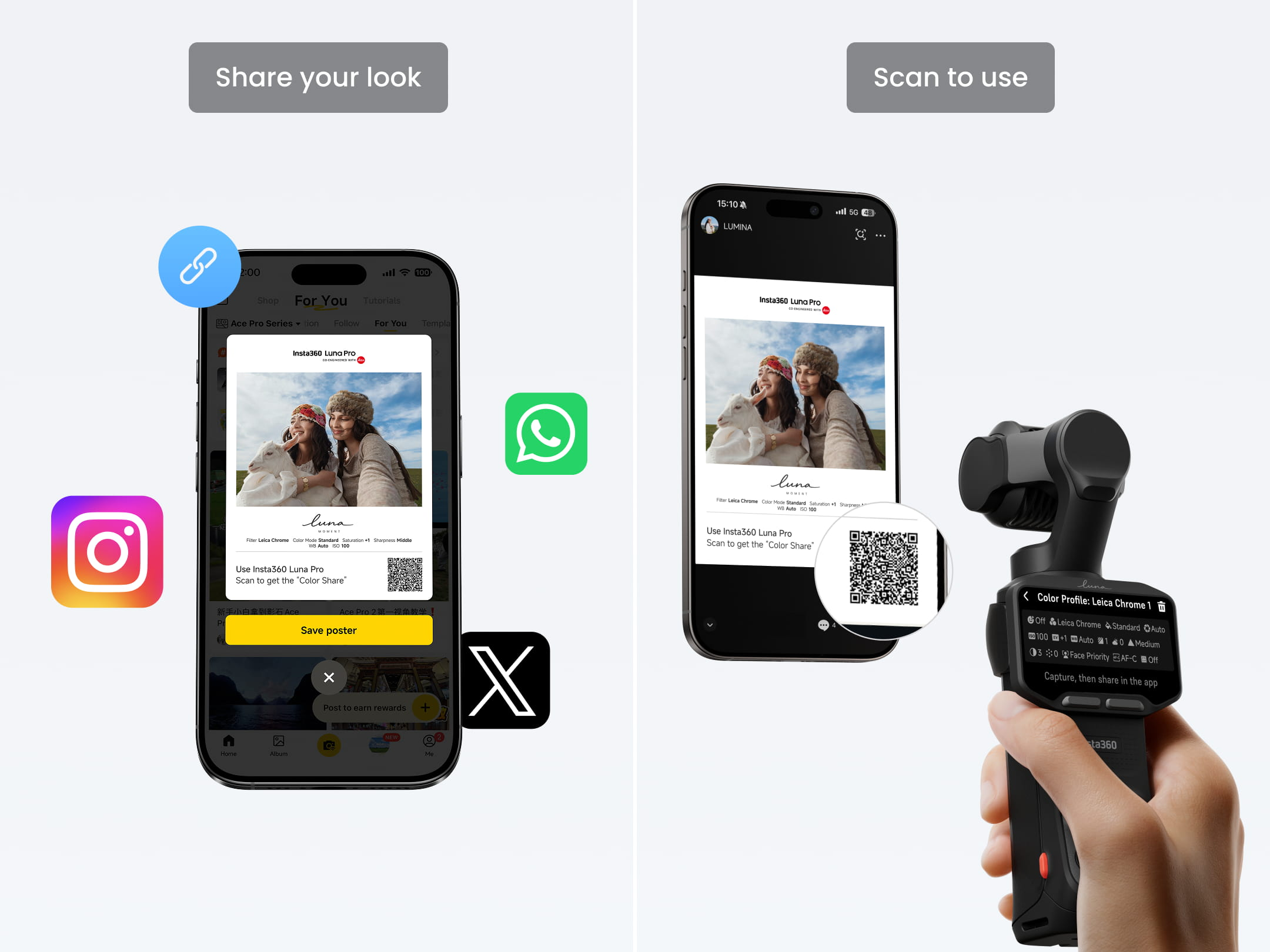
To ensure that your cameras synchronize perfectly, the Insta360 Luna devices both have a QR code that allows them to easily inherit the qualities of the first camera. This ensures you have precisely the same image quality out of both, which is critical for multi-camera interviews or multiple angles in the same space. As a side bonus, it’s also a hack for the lack of user defined presets as you can save them as a QR code, print and laminate them, and use them to quickly switch them up, if that’s a hard-pressed need.
There is a feature that has saved my bacon more than once – internal storage. Both the Luna Ultra and Luna Pro have 47 GB of built-in internal storage, letting you shoot without the need for an SD card. Yes, you should have a card to ensure you don't run out of space, but if you happen to have forgotten, you can get a lot of mileage out of 47 GB of space. It’s easy to eject the microSD card and then forget to put it back in the device. Given the price of RAM these days, this easily could have been an area that Insta360 saved a few dollars to drop the price even further, but they recognized how important this feature truly is. By way of comparison, if you forgot your SD card on the Osmo Pocket 3, you might as well pack it up – you’re done for the day. With the Luna, you can keep rolling. For scratch math, that’s about 100 minutes of 4K/60 footage, 35 minutes of 8K/30, and nearly four HOURS at 1080p/30.
Speaking of four hours, that’s how long the internal battery is purported to last. The small battery pack (1000 mAh) that serves as an adapter will bump that up an additional hour of 4K/30 film time, or can charge the main body up roughly 45% in about 30 minutes. Given that it can be swapped without disruption, you can, of course, charge one while using the other, swapping them at will. For longer shoots, the passthru USB-C connection can be attached to a larger battery pack, though you should prepare as it adds to the overall heat on the device. Thankfully, the Luna devices have received a firmware update that completely resolves the heat issues that the Ultra had at launch, nullifying them entirely. Let’s talk about battery life in the field.
The four hour number comes from the most ideal conditions, but without a secondary battery of any kind. In practice, it’s very unlikely you’ll be setting out without the battery adapter that connects to the bottom, granting not only a small pop-out set of feet for the device to stand on, but also adding to the overall battery life. I tend to shoot in 4K/30 as it’s the most practical to edit, looks fantastic, and doesn’t pick up that “soap opera” effect. In that mode I get roughly 3 hours of constant use, with the battery pack adding another hour. I also carry a USB-C battery pack that runs USB-C out, effectively quadrupling my amount of battery life. Yes, completely untethered battery life is important, but with the advent of selfie sticks with batteries, battery pack adapters, battery pack cylinders, and every other shape under the sun, it’s not as much of a consideration as it once was. Given how diligent Insta360 has been on upgrades and updates, I’d suspect we’ll see better battery life, more features, and other improvements, so these numbers may improve over time.
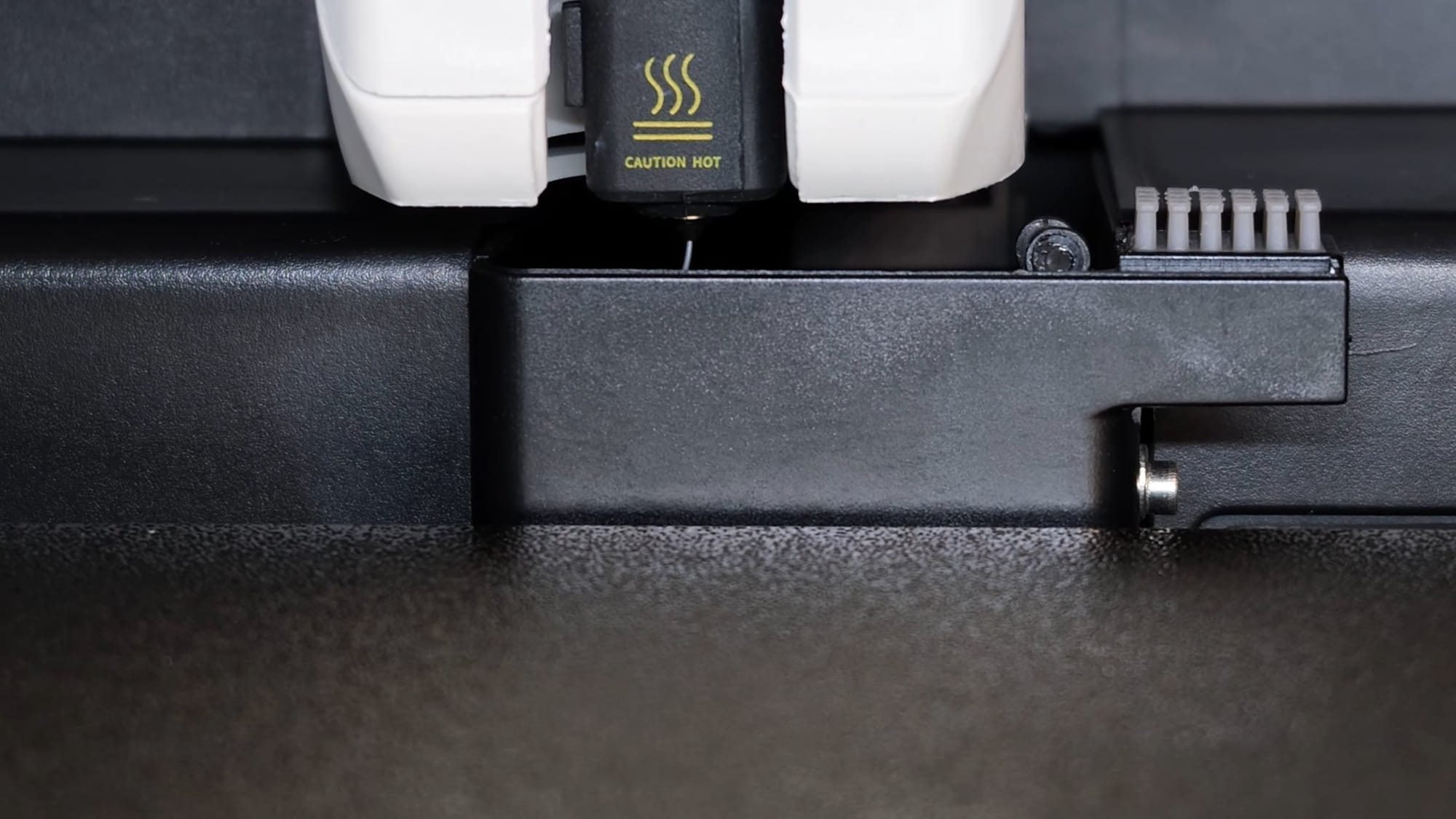
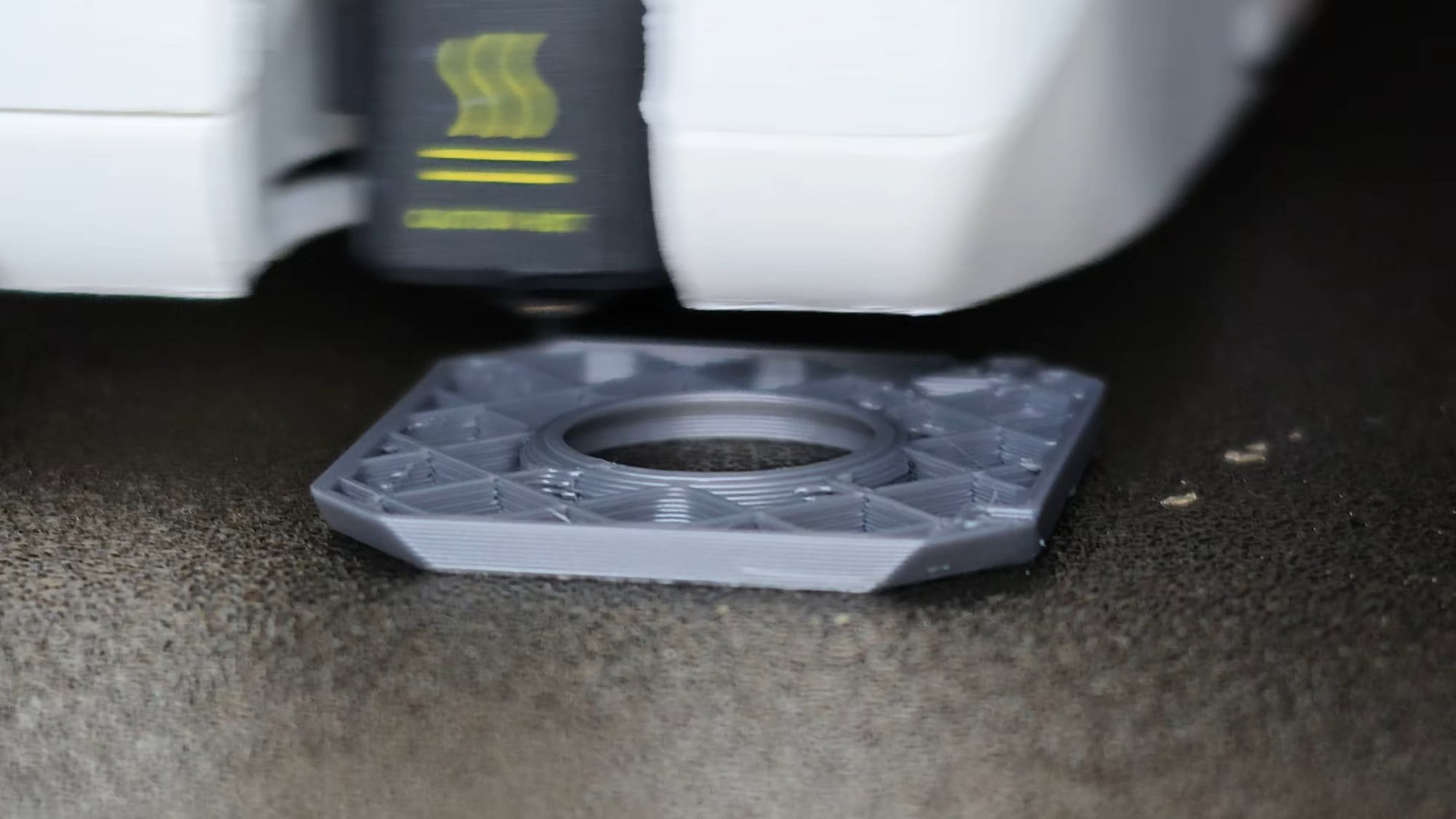
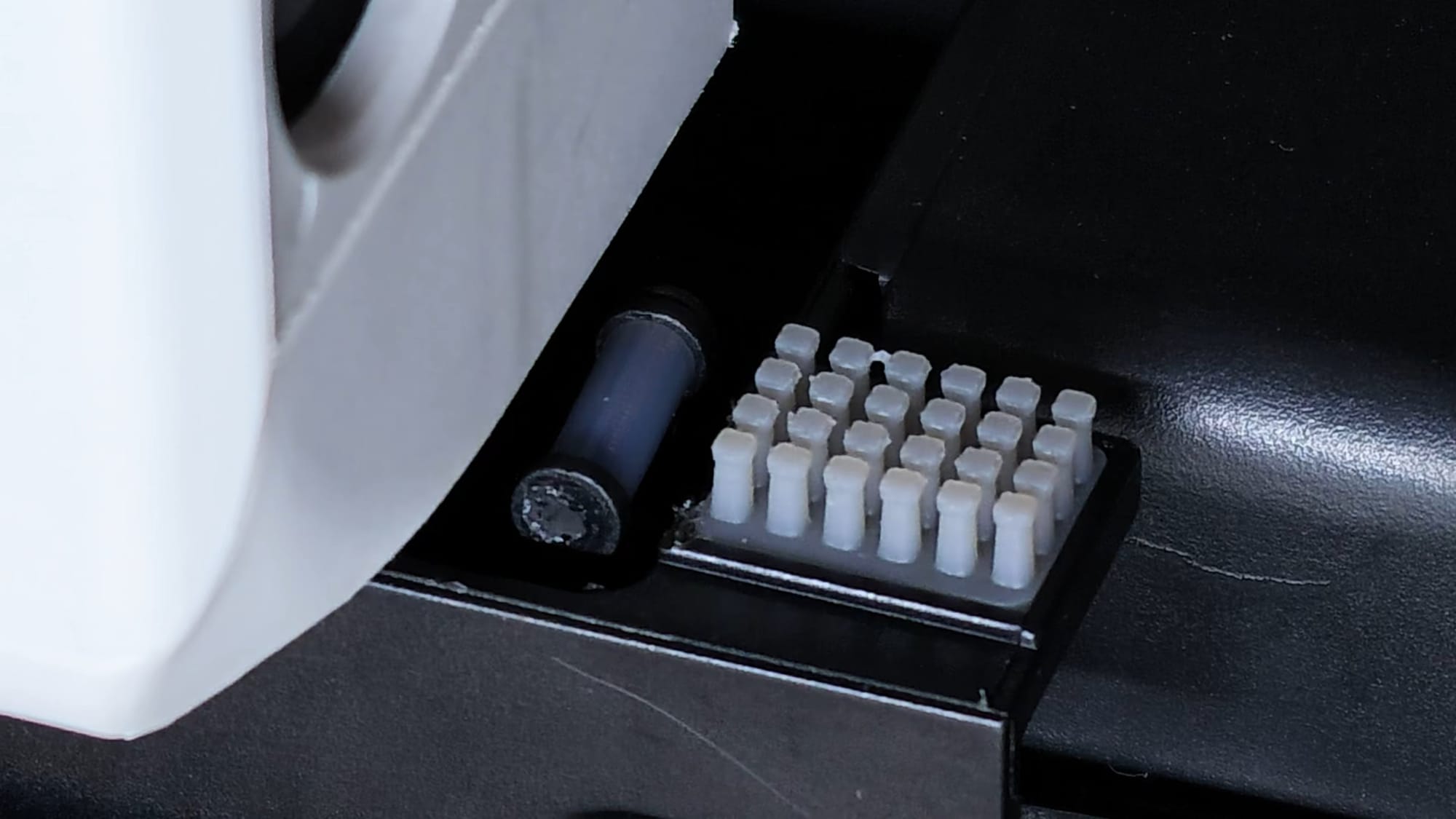
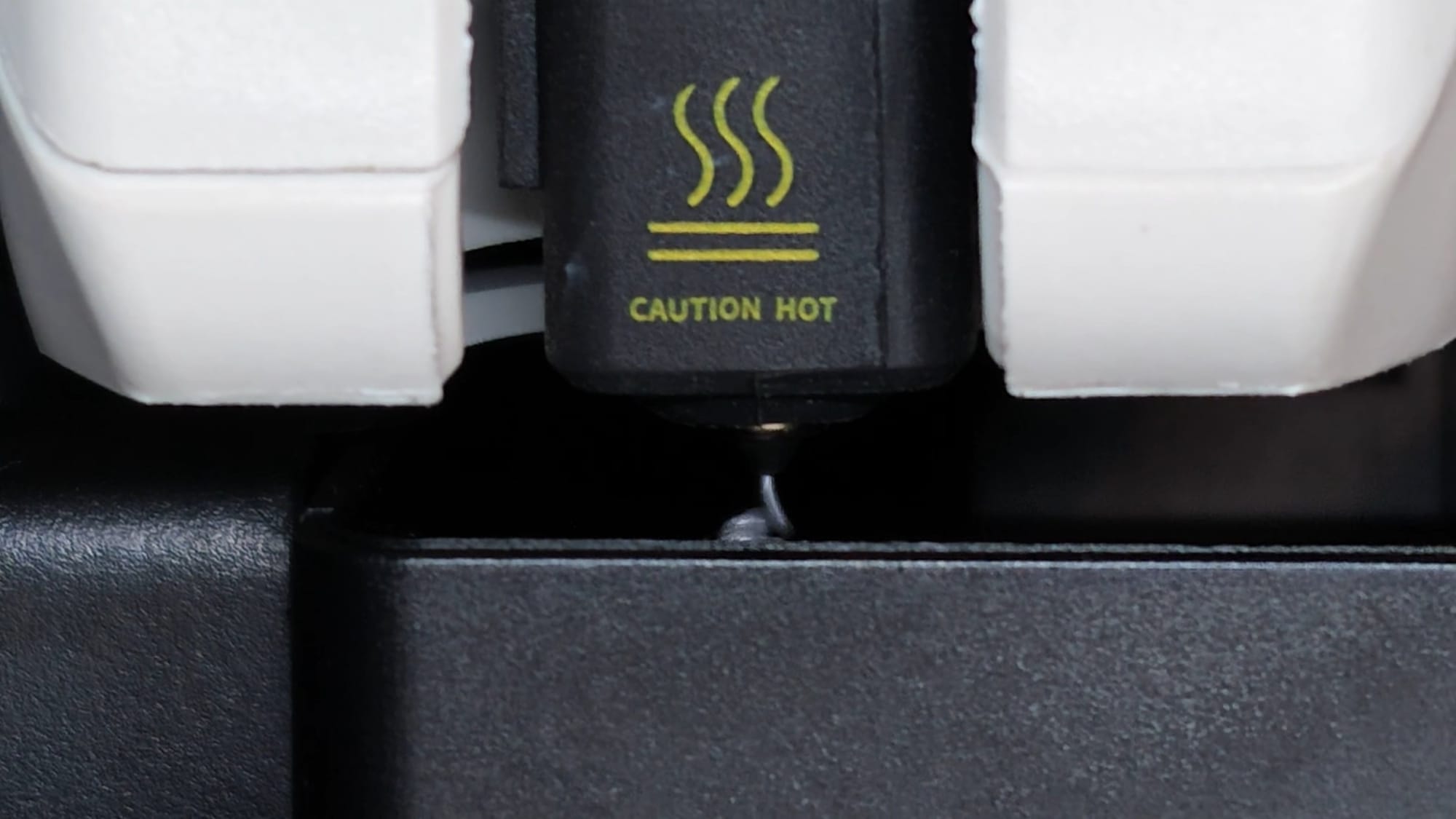
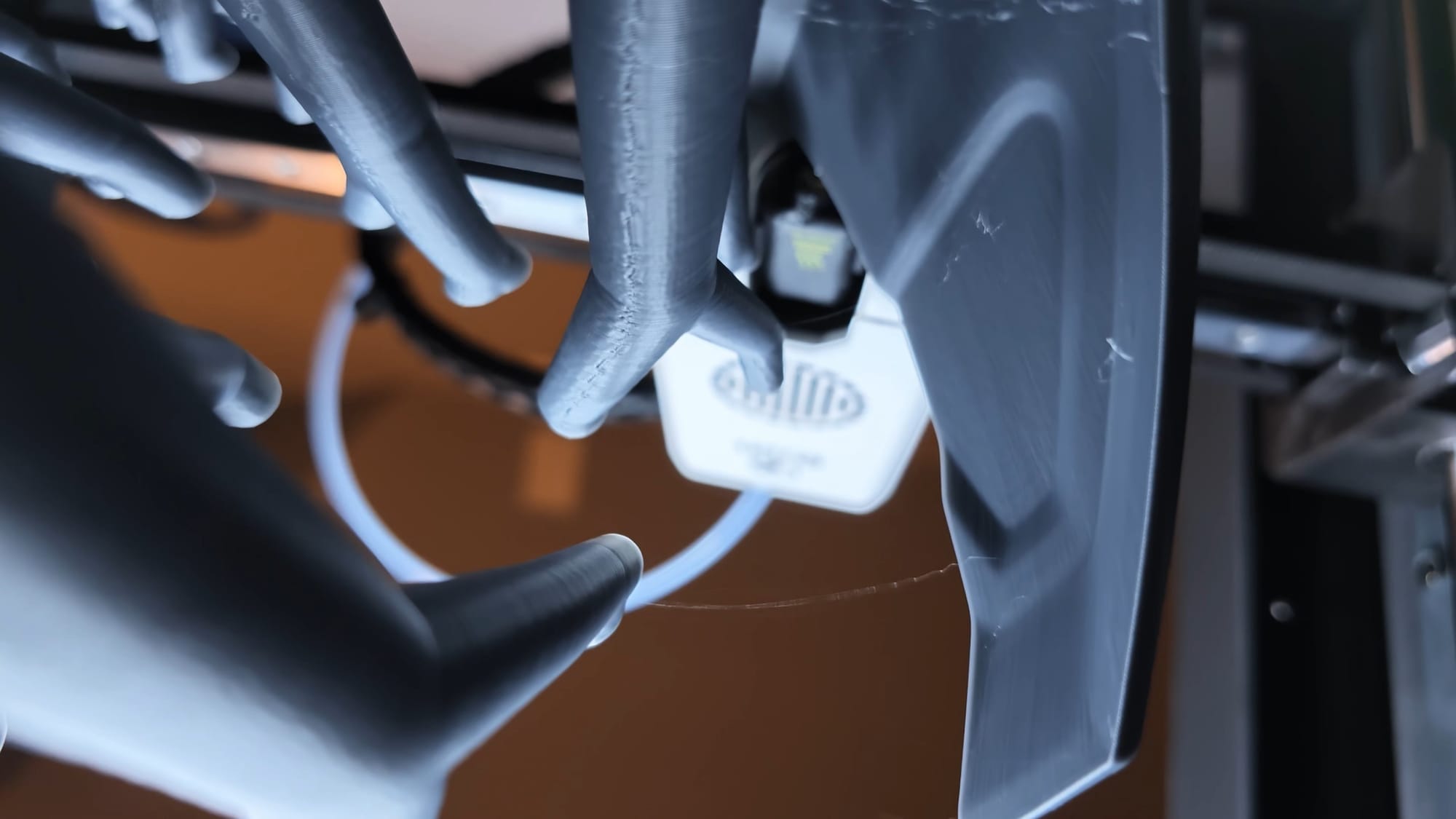
Some extreme close-ups and a high-speed printing shot -- impossible with any other camera
Horizontal or Landscape – You’ve got options
The Insta360 Luna Ultra is at its best when shooting horizontally. Frankly, anything that I’d like to take seriously and see more than 5 seconds of is shot horizontally anyway, so this camera is built for me. As such, this is where Insta360 put the most options. The camera happily shoots at 8K30 at 16:9 aspect ratio. If you do shoot vertically, you aren’t entirely left out, though – the Luna delivers 4K30 at the vertical 9:16 ratio for you TikTok types. This, like many things, is thanks to a recent firmware update for the device, enabling both the Luna Ultra and the Luna Pro to shoot 4K30 vertically, whereas the Ultra shipped at 3K30.
For fun, I’ve really put the Luna to the test inside devices that I’m reviewing. When I did my review for the Qidi Plus 5 3D printer, I put the Luna inside and shot sideways, upside down, and everything in between. It made for some seemingly impossible shots of extrusion, print head movements, and more that made the overall visuals that much more interesting. I’m always finding new ways to film with this camera, and frankly it’s been some time since I’ve had this much fun with discovering tools like that.
Tracking, Tracking, Tracking
Insta360 is no stranger to tracking as it’s a primary feature of their Ace Pro and X series cameras. As such, it should come as no surprise that the tracking on the Insta360 Luna Ultra and Pro are not only remarkably clean, but very smooth. This is largely in part to Insta360’s well-hewn Tracking 5.0 software. Whether you’re tracking a person, an object, a dog, a frisbee, or whatever else, the camera does a remarkable job of keeping it in frame.
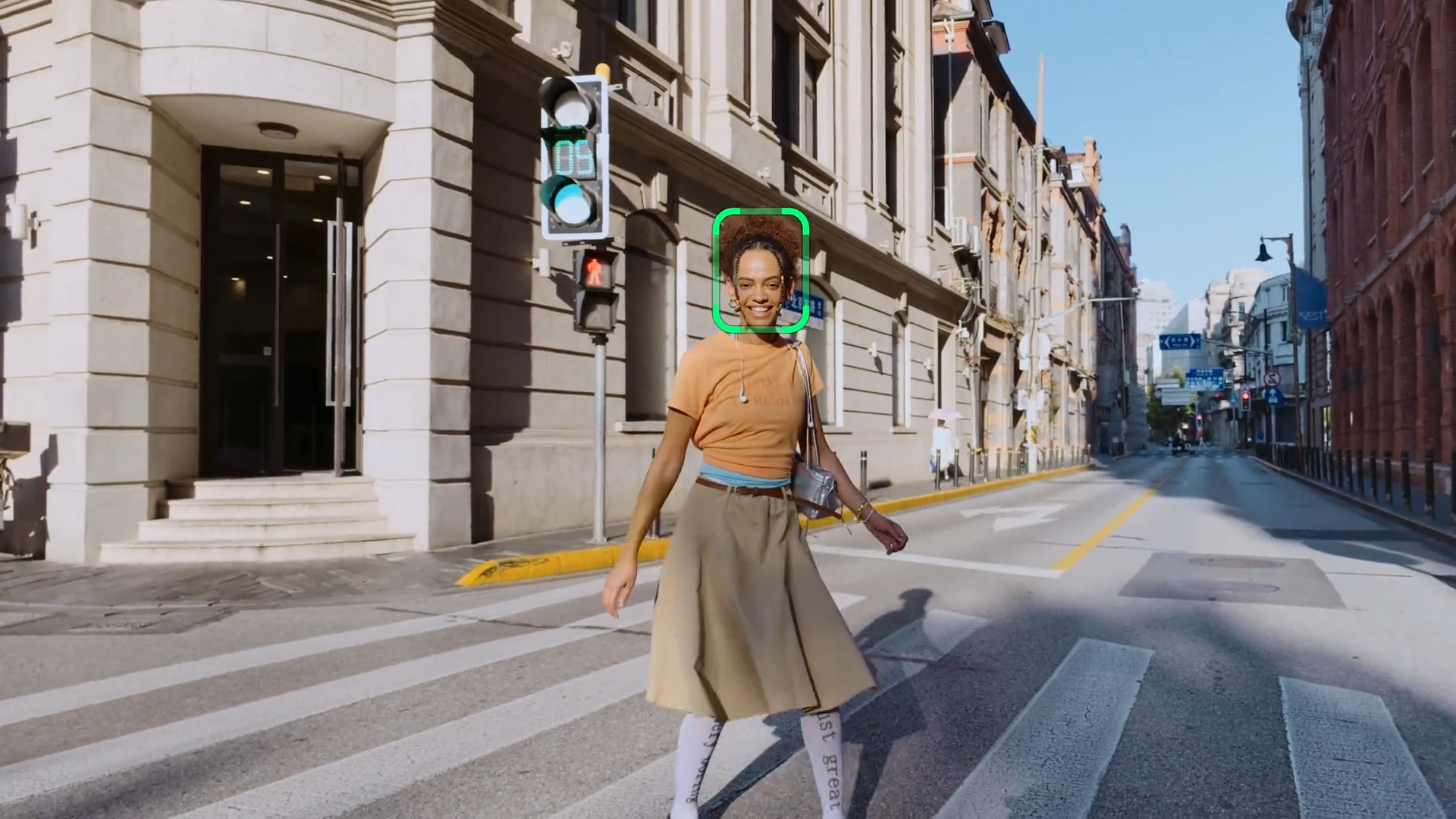
If enabled, you can place a hemispheric 9-box tracking option on the screen. Tapping one of the boxes will then try to put the subject in that position. If you’re wanting to be on one side of the screen while what you’re showing in the background is taking the bulk of the image, this is how you do that. It lines the subject up on the vertical lines to create the best composition - aka the “Rule of thirds”. Since you can have the screen with you while you’re in front of the camera, it’s incredibly helpful for solo shooters and Vloggers. It takes the guesswork out of framing, and it’s a feature I didn’t know I’d use as much as I am.
Beyond the 9-box framing mechanism, there are a handful of other tracking options. Auto tracking is activated by depressing the joystick. The camera then tries to identify the primary subject and starts tracking them immediately. If it gets it wrong (which seems to be quite rare), you can tap the subject on the screen and it'll lock onto the subject, framing them in a square. Tapping and dragging on the screen will allow you to draw a box around a subject or subjects, providing whole-body tracking, or tracking of an object in the environment. Using the stick while in this mode repositions the subject in-lens, similar to the golden ratio boxes.
Active zoom tracking is, as the name suggests, for tracking fast moving objects. That’s your kid chasing the soccer ball, your dog with the zoomies at the dog park, or a bird shooting by – times when the subject is a bit in the distance, requiring the zoom, but where you still want active tracking. The camera works overtime to keep that subject dead center, no matter how fast they are moving. In my recent trip to Cedar Point I used it to track rollercoasters and flat rides that were moving very quickly – something it did with ease. This camera works overtime to make shooting amazing things incredibly easy, and this is just one example of many.
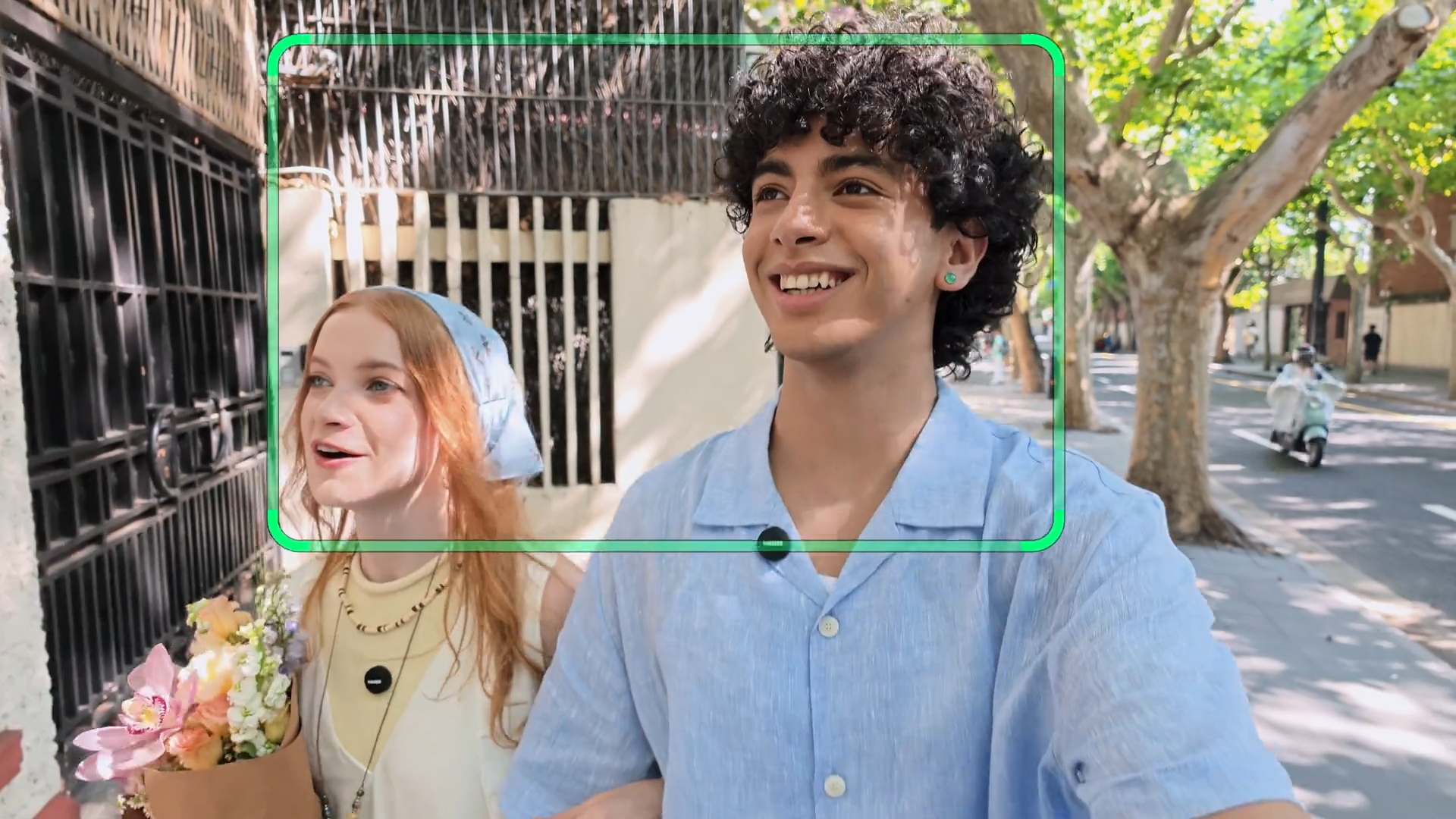
The last mode, group tracking, utilizes the full frame of the camera to try to keep your group of subjects in the shot. This is great for when you’re close together, but be mindful that it’s not meant to operate in a crowd. Still, it’s great for a group where you’re conducting an interview, but the subject likes to pace – something that’s happened a surprisingly frequent number of times.
No matter which of these tracking modes I used, the Luna Pro, just like the Luna Ultra, had zero problem keeping up with the target. It’s no surprise that a company that has cut their teeth on action cameras has mastered this, but it is nice to have it in a handheld camera like this.
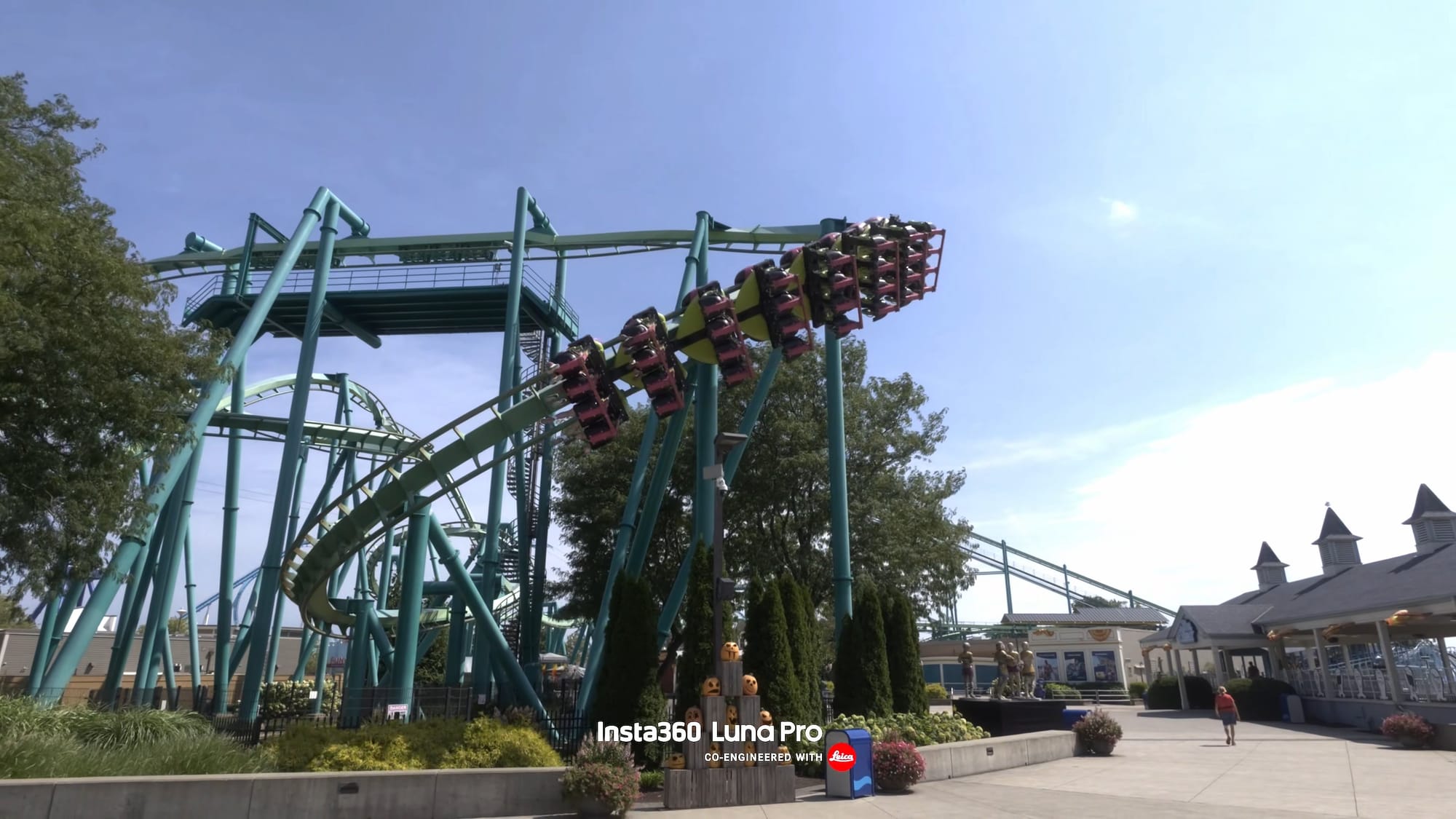
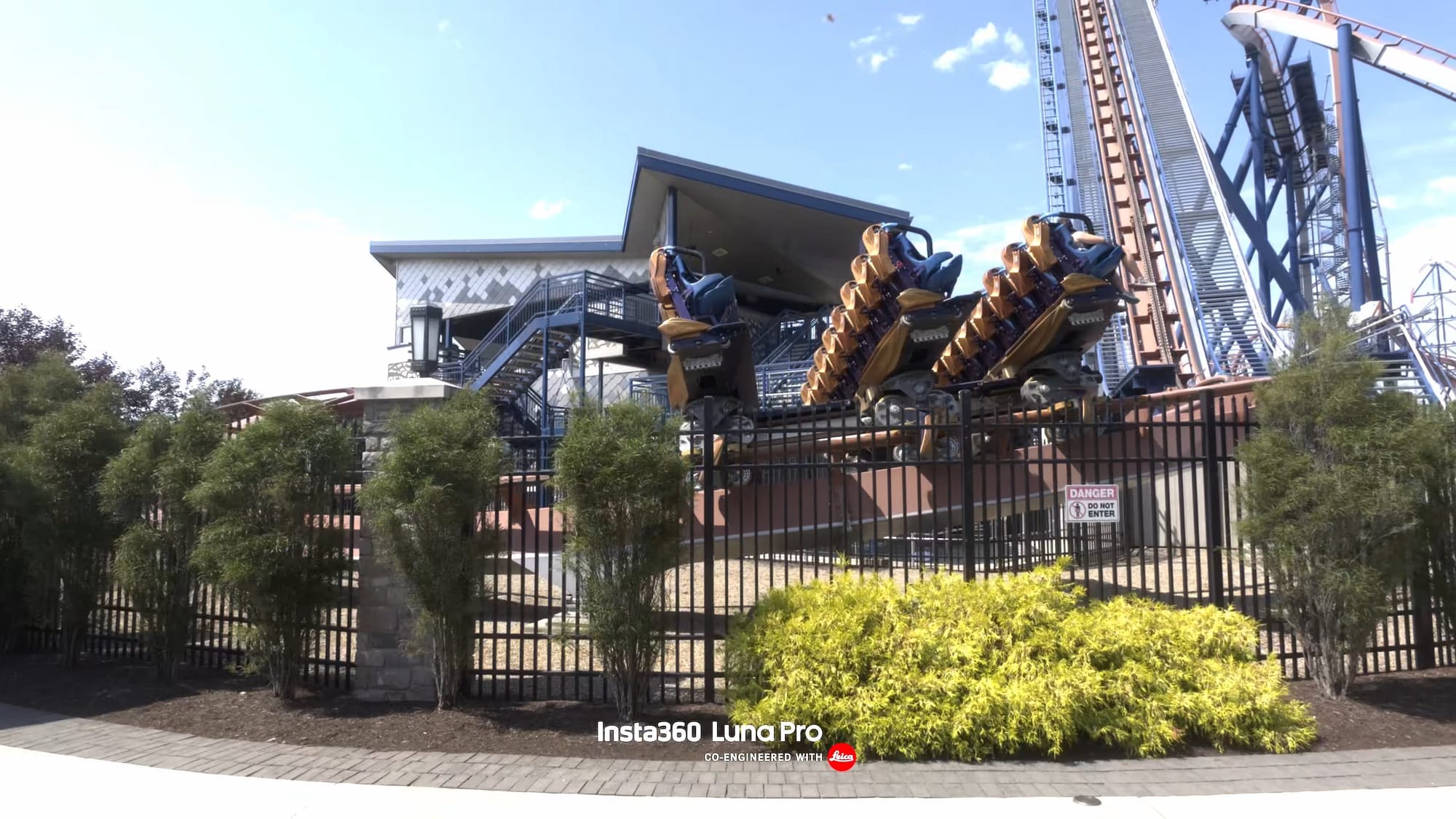
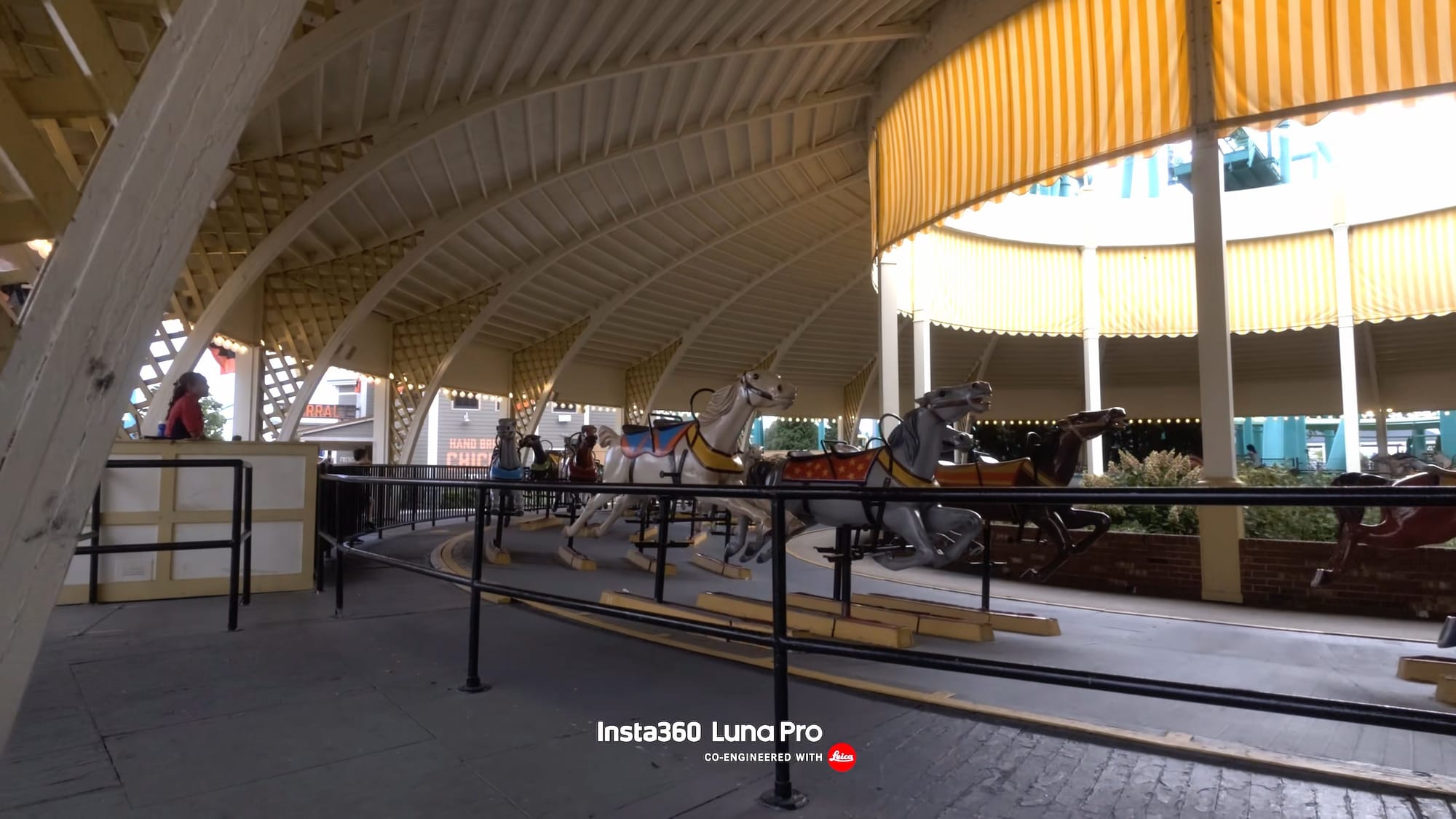
Not even a hint of motion blur. Just flawless capture!
All the modes!
There are a handful of camera modes to know about as they will help you figure out if the Luna aligns with your workflow. For fun, we’ll use music videos to demonstrate them:
Timeshift: Timeshift delivers a video where you move through the environment and you get an effect similar to Fallout Boy’s “Centuries” video.
Timelapse: Timelapse is somewhat opposite of Timeshift, where the camera stays put but everything else moves over time. Star Guitar from The Chemical Bros is a great example of this.
Slow motion - Slow motion is what the name suggests, letting you shoot up to 120 frames per second in 4K, which isn’t unique to handhelds. What is unique is that you can do it with sound. The Osmo Pocket’s 60fps cut sound, saves at 30 fps and plays as slow motion, and you lose the ability to do any sLOG capture, and obviously the aforementioned sound. The Luna gives you audio, full playback, LUT, and image quality options. OK Go’s “The One Moment” is an extreme slow motion example, and it’s pretty cool at that.
Let’s talk audio and accessories
The built-in microphone is quite solid on the Luna. You get a touch of echo, but it’s far from unmanageable. Instead, however, I’d recommend you buy the Creator Bundle as I can’t overstate just how S-tier the Insta360 Mic Pro microphones are. You can check out our review here, but also know that you can record with both. Why would you want that, you ask? You can use the internal for scratch audio or as a backup, with your Mic Pro pulling the high quality audio you expect.
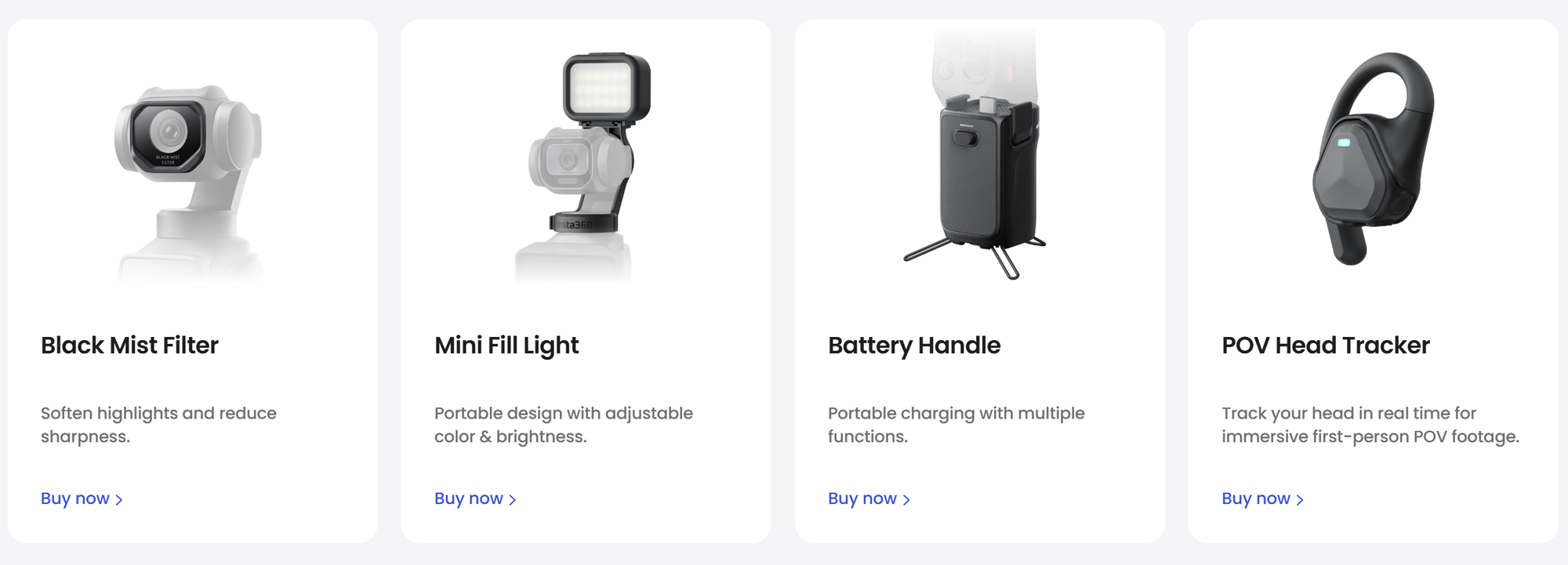
The design on both the Luna Ultra and Luna Pro does something odd in that it copies the USB-C bottom of the Osmo Pocket 3. Well, this is an area where Insta360 iterated on the original thought. The USB-C port on the bottom of the Luna allows it to connect to all manner of things, but most often you’ll use that small adapter. In the bottom of the adapter is a standard 1/4"-20 UNC thread (the small common screw type), but also a set of wireless feet that fold up into the bottom. This gives it a nice little tripod that tucks away when not in use, meaning you aren’t setting your camera on the rounded square bottom, just asking for it to topple over. Unlike most of the Osmo Pocket’s similar adapters, this one sports a pass-through USB-C port that not only supports charging, but also audio connectivity, now located in the rear of the camera. When combined with four Mic Pro microphones, you can split the audio into four tracks – something very few microphones on the market can do, allowing you to record four subjects simultaneously.
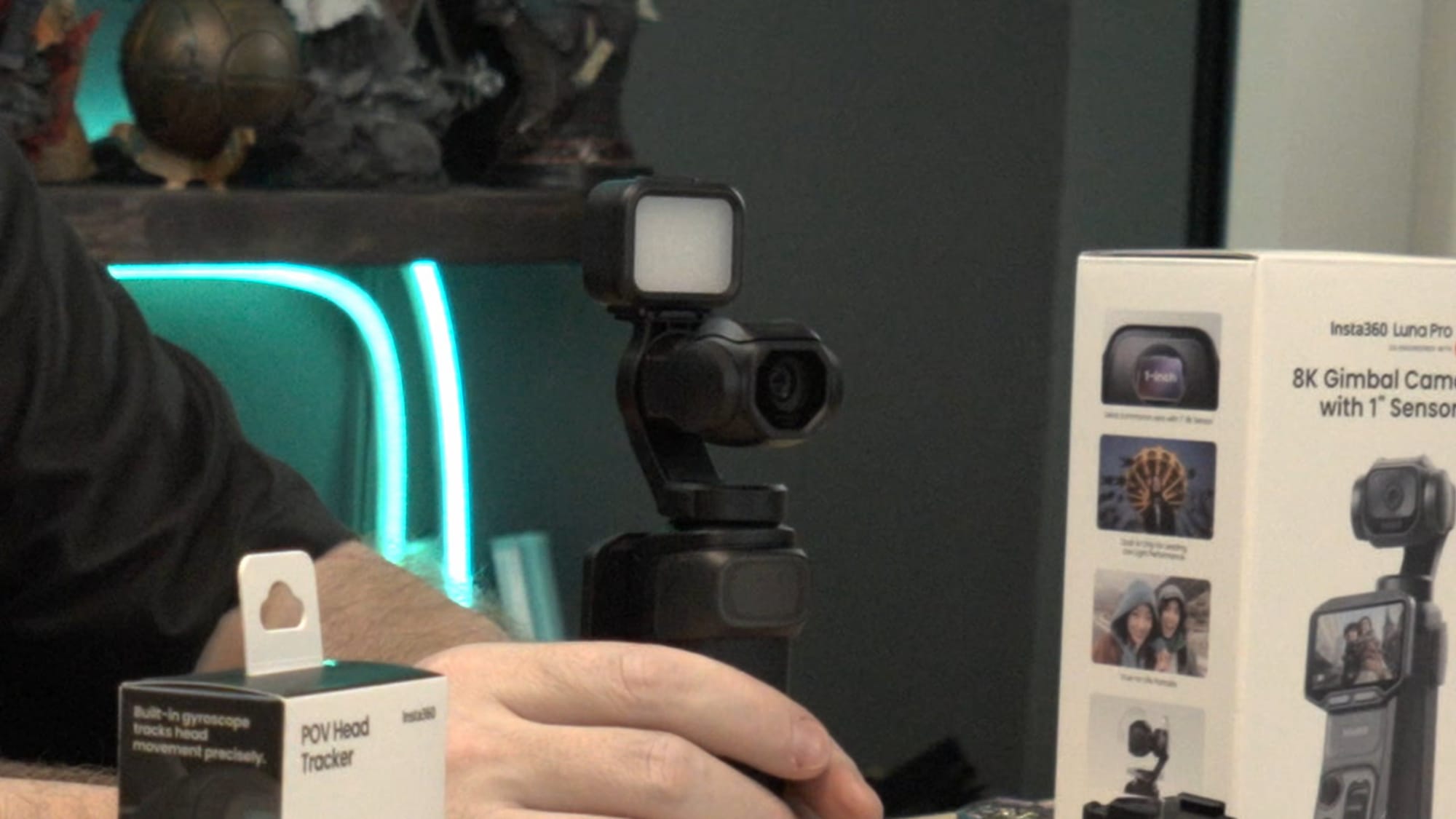
The Luna Ultra and Luna Pro are both capable of sharing nearly every accessory. Obviously the ND filters are different due to the change in lens head shape, but almost everything else does. The hard clamshell case on the Ultra was a very welcome surprise, and one that I miss already on the Luna Pro, which instead comes with a sort of rubber falcon hood to protect the head and lens. I’ll be looking for an aftermarket solution to replicate that Ultra protection shell just for my own sanity. Beyond that, all of the audio devices, adapters, collar light system, windscreens, neck mount, wrist strap, and effectively everything else will all carry across or can be shared.
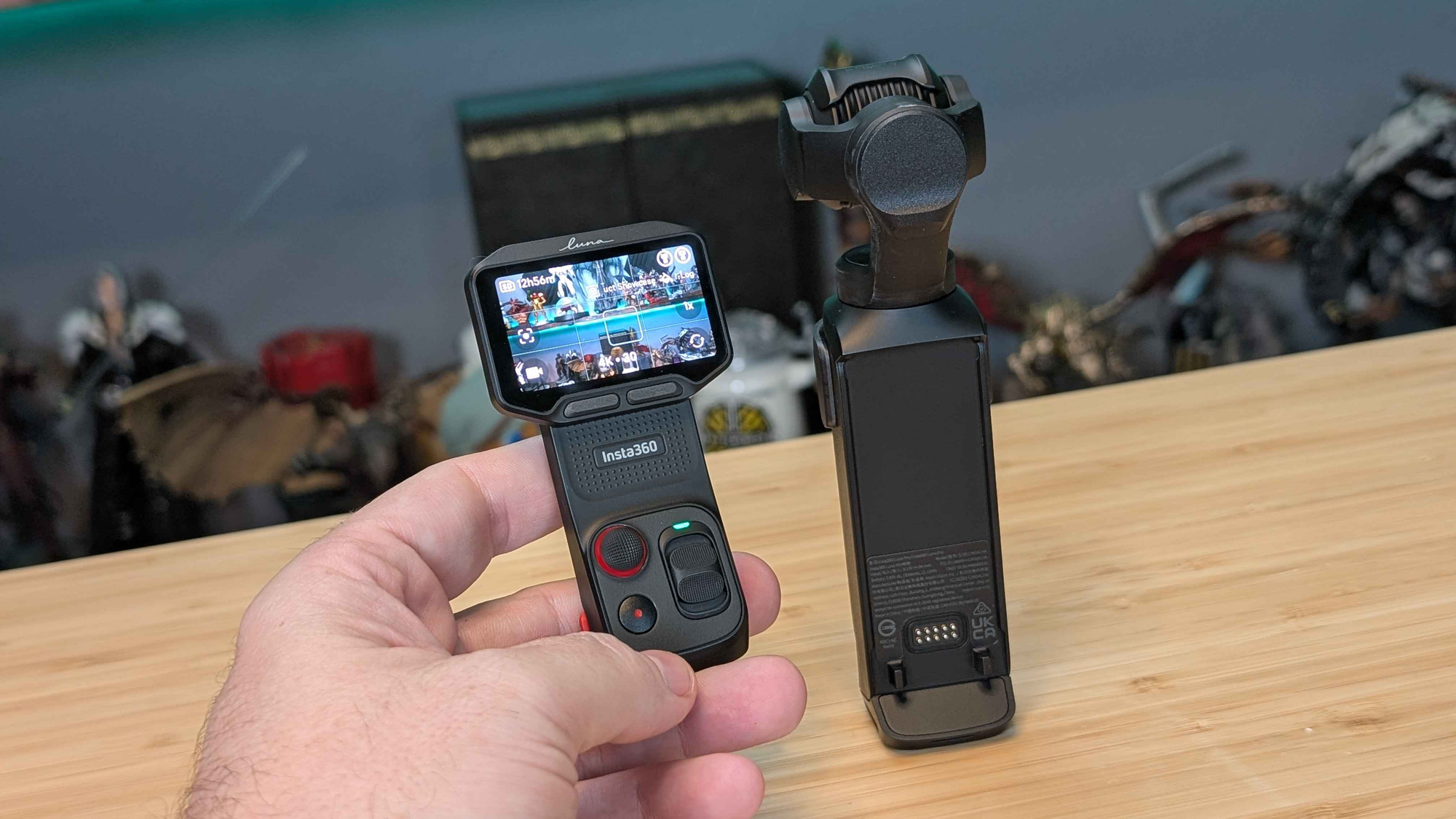
Best feature for any camera, hands down
You’ll have to excuse me for burying the lede, but I did save the best feature for last. The Insta360 Luna Ultra and Luna Pro both feature a 2” removable remote control. Pressing the two buttons on the sides of the body releases the entire front face of the camera, letting you take the touchscreen, joystick, zoom controls, and record start/stop/power button with you. This allows you to remotely operate the camera up to 20 meters (65 feet) away. That means, you can set this device on top of a tall tripod, extend it well above the crowd, and then operate it from your seat. It means you can set up your camera, back away from it, and then remotely focus it, track objects, and control it as if you were standing behind it. This enables a one-person content creator the freedom to get a lot more done without walking behind the camera between every shot. It means no longer having to worry that your entire day might have been shot out of focus. I found this cool wrist strap that lets me keep the device on my arm so I can use both hands. It seems like there’s a new and super useful accessory coming out every other day for this camera, and I’m here for it.
There are a few cool tricks with the detachable screen that I don’t want you to miss. When I was shooting my video for a 3D printer and I flipped the Luna upside down to go down into the print itself, I was surprised that the detached screen also inverted my controls. Up was still up, down was still down, left was left, and right was right. It’s a small thing, but one that I appreciated greatly. Not for nothing, but I did pick up a remote for my Osmo Pocket 3 and was immediately surprised that you can make exactly zero changes on that screen, so I had even more appreciation for a full 1:1 experience whether the screen is attached to the Luna or not.
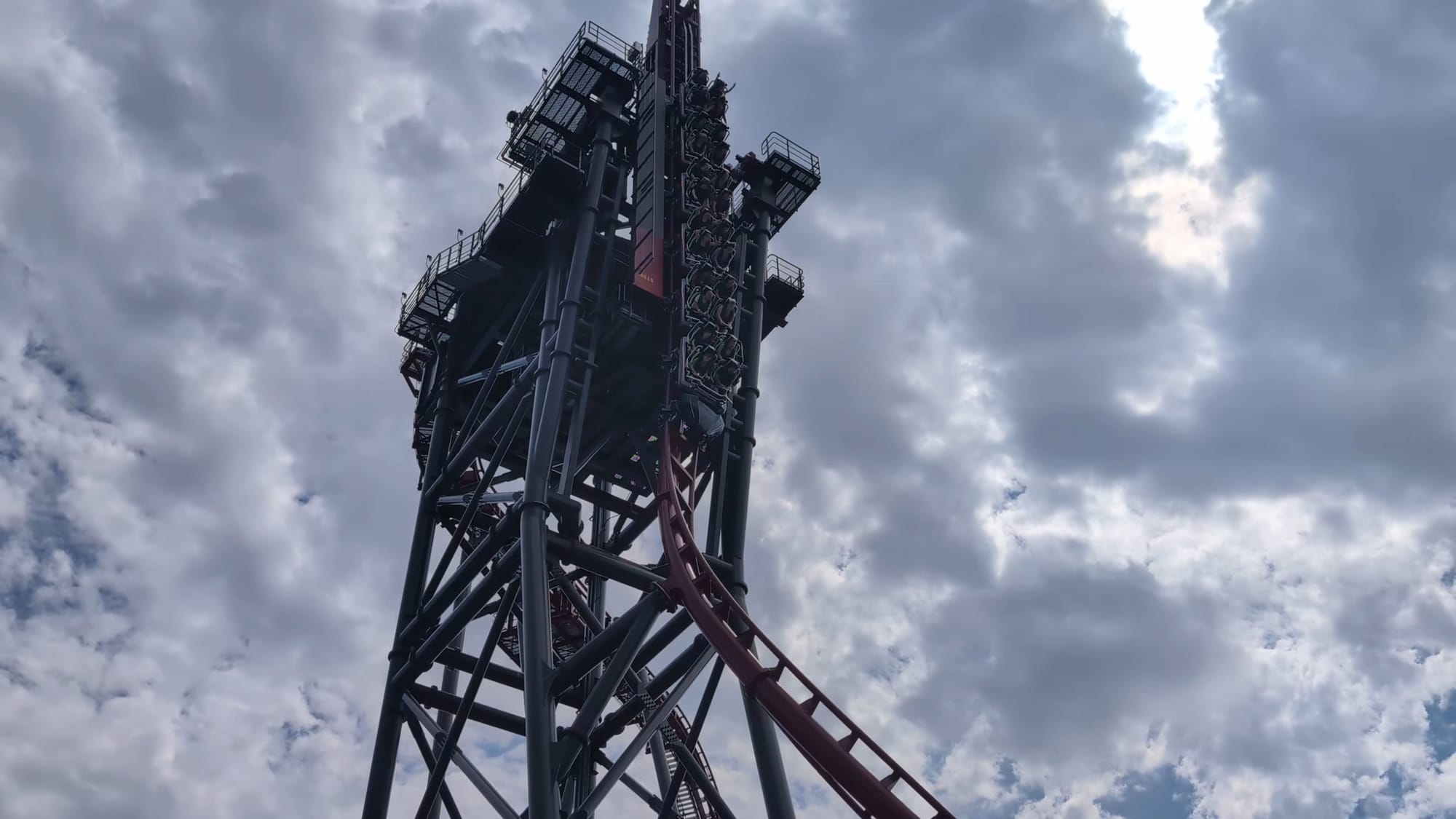
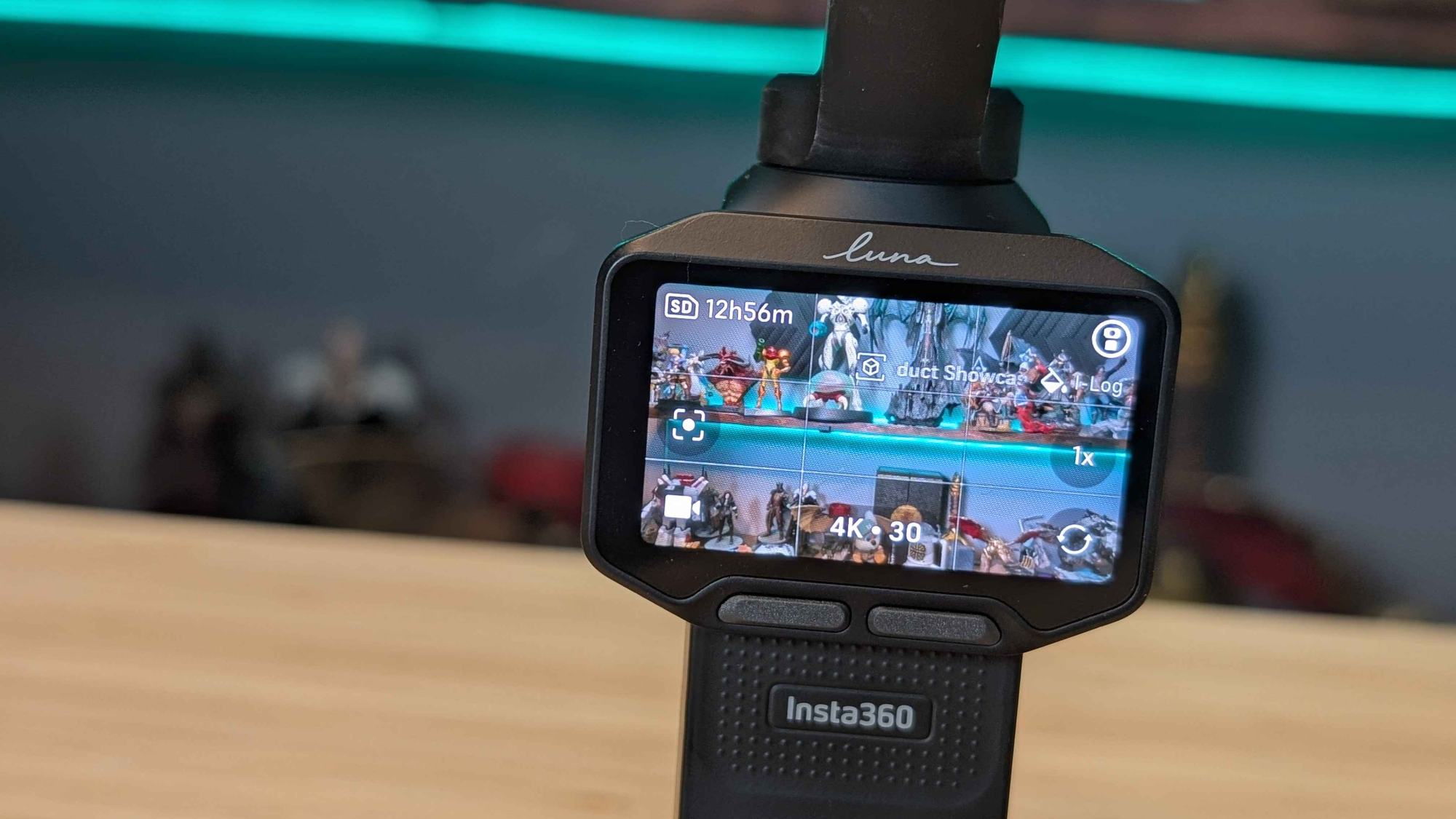
I do have to point out that the joystick movement on the Luna gives the video a somewhat unnatural look, even with the current updates. This has been patched a few times, so the team is aware and working on adding speed ramping. At present it’s still a little fast to start and stop, as you can see in our video review when I do side-by-side comparison between the Ultra and Pro. You can see me overshoot my zoom target and then have to back up. This is another quality of life improvement I can see getting resolved with firmware updates, so I’m going to mark this one as a temporary inconvenience.
My biggest wishlist item, however, is the ability to add things like zebra stripes and false color. If you’re unfamiliar, these are exposure and focus tools, the first of which telling you areas where a shot might be over or under exposed, and the latter showing where the camera is focused. The Luna could use both of these tools to give it parity with DSLR options, making this a wish list item, but it’d also be a great value-add as my other portable cameras don’t have them either. Here’s a differentiator – perhaps in a future firmware version?
So who is this for?
Hands-down, The Insta360 Luna Ultra is the flagship of the Luna line. I called it the absolute best solo-creator experience money can buy, and for a number of reasons. Now we have the Insta360 Luna Pro able to deliver 99% of what the Ultra can, but at a remarkably lower price. If you’re shooting solo, either camera will deliver a workflow that beats literally any other. I was considering selling my Osmo Pocket 3s in favor of buying more Lunas, but now that I’ve seen two of them work together, that’s becoming a plan of action.
The standard bundle for the Insta360 Luna Ultra is $599, down from $769.99 USD for the Ultra. The creator bundle on the Pro side is $649, with the same bundle for the Ultra hitting $969.99. Both devices come with a 1-year warranty, but with Insta360 Care you can extend that another 24 months. Not only that, it covers up to FOUR replacements should something happen, meaning you can get out there, capture awesome moments, and do so without worrying.
When I would travel for events, my go-to camera was my reliable Sony FX-30. The camera body on that device is $2000, then you add a lens, and I’m taking with me on planes to go shoot a 5 minute interview and some walk-around b-roll. Now I have a device that I can drop into my backpack that can deliver even higher resolution and framerates than I can get out of that Sony device. Sure, you won’t get the impressive zoom or panorama functionality that the Ultra brings, but given all the Pro brings to the table, it’s an excellent alternative to its bigger brother. No matter which you choose, the Luna is the ONLY portable handheld camera I would recommend.
Insta360 Luna Pro
Excellent
The Insta360 Luna Ultra remains the flagship, but the Luna Pro provides an incredible and more affordable alternative that will easily tick every box most users could ever have. No matter which you choose, the Luna is the top of the ultra-portable shelf.
Pros
- Far more reasonable pricing
- Detachable screen is a workflow game changer
- Remarkably excellent video quality
- Color composition is solid
- Multiple audio options
- Top-tier still shot color and composition
- Innumerable quality-of-life improvements over their contemporaries
- Wildly-response firmware updates
Cons
- 4X zoom and spherical panorama is lost in the bargain
This review is based on a retail version provided by the manufacturer.












