
Simplifying your gear is crucial when on the go. Trust me, I've been at a convention or show having to haul big bags or cases before. It tires you out, as if the exhaustion of your social battery wasn't enough. Thankfully, there are several good options out there for you, and Elgato has now stepped into the market with the Wave Go: a portable interview mic. As one of my favorite companies when it comes to streaming and recording gear, I just had to check it out, and I came away impressed by the simplicity and capabilities it offers.
Opening the signature blue box, you'll find the Elgato Wave Go hard case, along with a small carrying pouch that holds several Wave Go accessories. In the hard case rests the Wave Go transmitter, a receiver, a magnetic clip and plate, and the Smart Handle. In the pouch, you'll find two furry windshields and a USB-C charging cable. For only $100, it certainly feels like you get a lot for your money. You can also buy a second transmitter to go with it if necessary for only $30! I’m thrilled with how portable all of this is; it won’t take up much space in your backpack at all, and could easily be stowed in a purse.
To my surprise, the Wave Go microphone transmitter is incredibly tiny. It's barely the size of an AirPod. Elgato being able to shove all their power into such a small package is pretty awesome, and of course, makes it take up less space and weigh less heavily on your shirt when you attach it for an interview. The magnetic functionality is also great, with both the clip and plate giving you choices when affixing it to your person. My only fear is the size could lead to it being more easily lost; perhaps some sort of “Find my transmitter” function should be employed for the Wave Go app?
For those not wanting to add it to their wardrobe, and have no interest in looking somewhat silly holding a transmitter, Elgato has made an amazing accessory just for this purpose. The Smart Handle is both a battery and changes the EQ settings, giving you a different tone for the style in which you’re using it. What’s even better is how easy it is to combine the two devices – pop off the top of the Smart Handle, insert the transmitter (which is held in magnetically and will charge from the handle), and snap the top back into place. Voilà, you’re ready to go! With a mute button on the front, you can also silence everything on the fly. It’s a nice, slim handle as well, not getting in the way of your interview shots.
Receivers are usually not anything to write home about, but Elgato had the right ideas in mind for this one. This USB-C dongle plugs right in, and I had no issues with my case interfering with the connection, although you could have problems if yours was bulky. On the receiver are two indicator lights, letting you know if both of your transmitters are connected – you can connect up to two – and it also has a passthrough USB-C port. I love this, as it lets you charge your phone as you use the Wave Go, and is a godsend for creators with long days at conventions with little time for charging their gear.
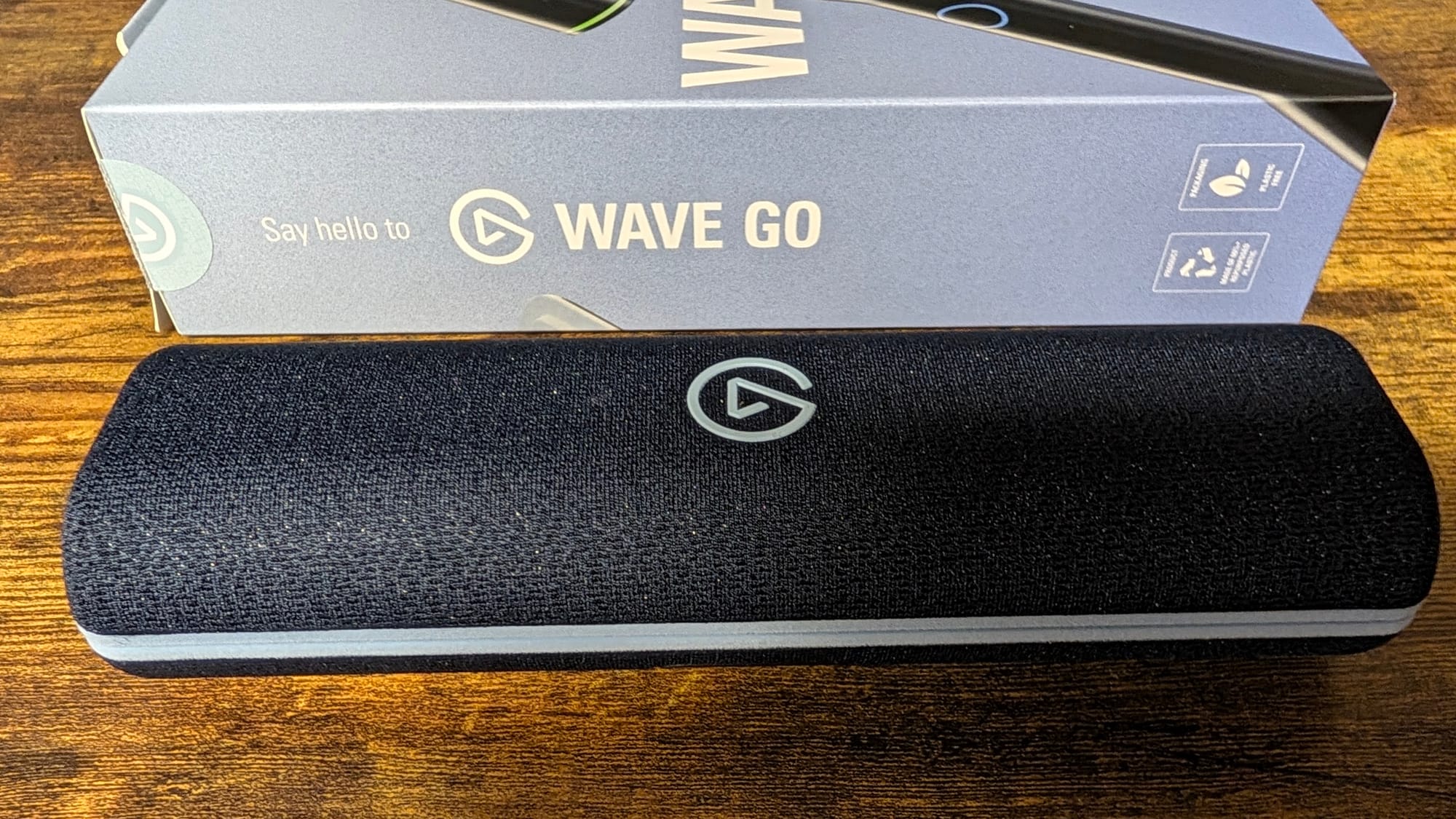
Speaking of charging your gear, the case is not a battery, which is a tad different from other interview mics. Instead, the handle is the focus, holding your additional battery inside. That said, the case does have a USB-C charging port and contact pins inside, allowing you to at least charge your handle and transmitter conveniently. With upwards of eight hours available in the transmitter, up to forty-eight when in the Smart Handle, and a ten minute charge giving you an hour of use, you are going to be set anywhere you’re capturing. Also of note, if you are trying to use a second transmitter, it can be holstered in the Smart Handle and will still charge in there as you do so. My only qualm is that there isn’t an indicator light on the case to tell you if you’re fully charged, but you can peek inside the case and gauge that from the devices themselves.
I feel like I’ve almost undersold the ease of use of the Elgato Wave Go. It’s compact, making it perfect for travel. You can plug the receiver into your phone and turn on the transmitter or insert it into the handle, and within a minute or two you can be recording. It doesn’t require any proprietary software for recording, so your stock or specific capture app is viable. Plug and play is often more of an aspiration for gear, but Elgato regularly makes the simplest to use devices I’ve ever picked up, including the Wave Go.
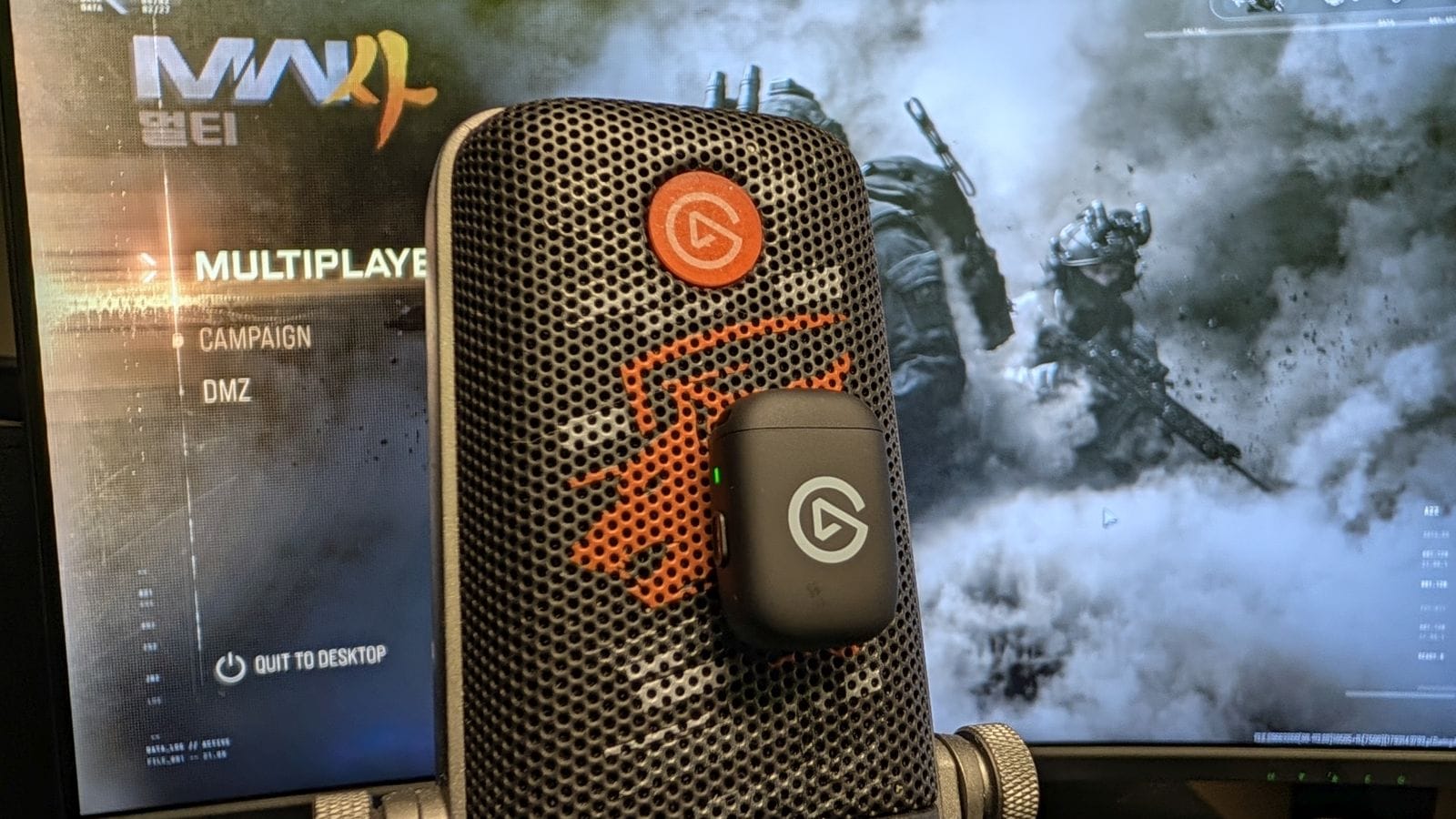
So, how does it sound? Right out of the case, it overachieves. Without making almost any changes, I've been able to get close to what I'd expect out of my Wave:3 streaming microphone, which is impressive. You want to hear the fullness of your voice in any interview setting, along with clarity, and the Wave Go provides that with little to no effort. I also used it while playing Call of Duty: Modern Warfare 4 instead of my Wave:3, and my friends heard almost no difference in my voice compared to what they usually hear from my Wave:3. Considering they usually ask if I’m using a new headset when I test those microphones, this is high praise for the Wave Go.
Even so, I’d love to see more in-depth offerings on the app side. The Wave Go app is fantastic for updating your mic, but only has a couple of settings to tweak: gain and noise cancellation levels, along with enabling auto-gain. While mics don’t generally need a lot of customization, and the audio sounds good immediately, it’d be nice to have more to mess around with. You do get more of that on PC, as the Wave Link software offers the full breadth of settings to employ. It’s more beneficial if you’re making a video or recording on the go, however, as you might as well use the more heavy duty equipment at that point.
Elgato Wave Go
Excellent
You often have to choose between convenience and power in a device, but not with Elgato’s Wave Go mic. This mic has it all; it’s simple in set up, easy to use, provides top-of-the-line capture, and does so while being compact and delivering two styles of operation. No one provides this level of product for a more than reasonable price than Elgato does.
Pros
- Easy to use and set up
- Extremely compact
- Stellar capture, full body of vocal tones
- Love the Smart Handle
Cons
- Lack of customization in Wave Go app
This review is based on a retail copy provided by the publisher.












