
Back in the early days of portable computing, before the modern laptop, we had the luggable. Named as such because they were only barely considered portable: large, heavy devices that, in their earliest incarnations, even required two people to transport. Like most technology, portable computers have gotten lighter and smaller over time, to the point where most people’s primary computing device literally fits in their pocket. If you need something with a keyboard and trackpad, though, you’ve still got some great options in a range of sizes. Earlier this year, I reviewed Razer’s Blade 16 2026, a 16-inch laptop focused on providing raw power in a lightweight form factor. Now, I’ve had my hands on the highest-end Blade device, the 18, and I can’t help but be reminded of old luggables.
This thing is massive, with an 18-inch screen as the name implies. I knew this going in, but was still taken aback by just how big this device is. It’s a chonker, and only barely fits in the laptop pocket of my backpack. At 7.06 pounds (3.2 kg), the 18 is heavy too, and can be a bit uncomfortable sitting on your lap. So you’ll mostly be using this on a table of some sort, and probably plugged into power too, as the battery can drain pretty quickly under load. If you are putting it under load, you’ll also need some external cooling to get good performance and avoid stuttering, just like the 16.
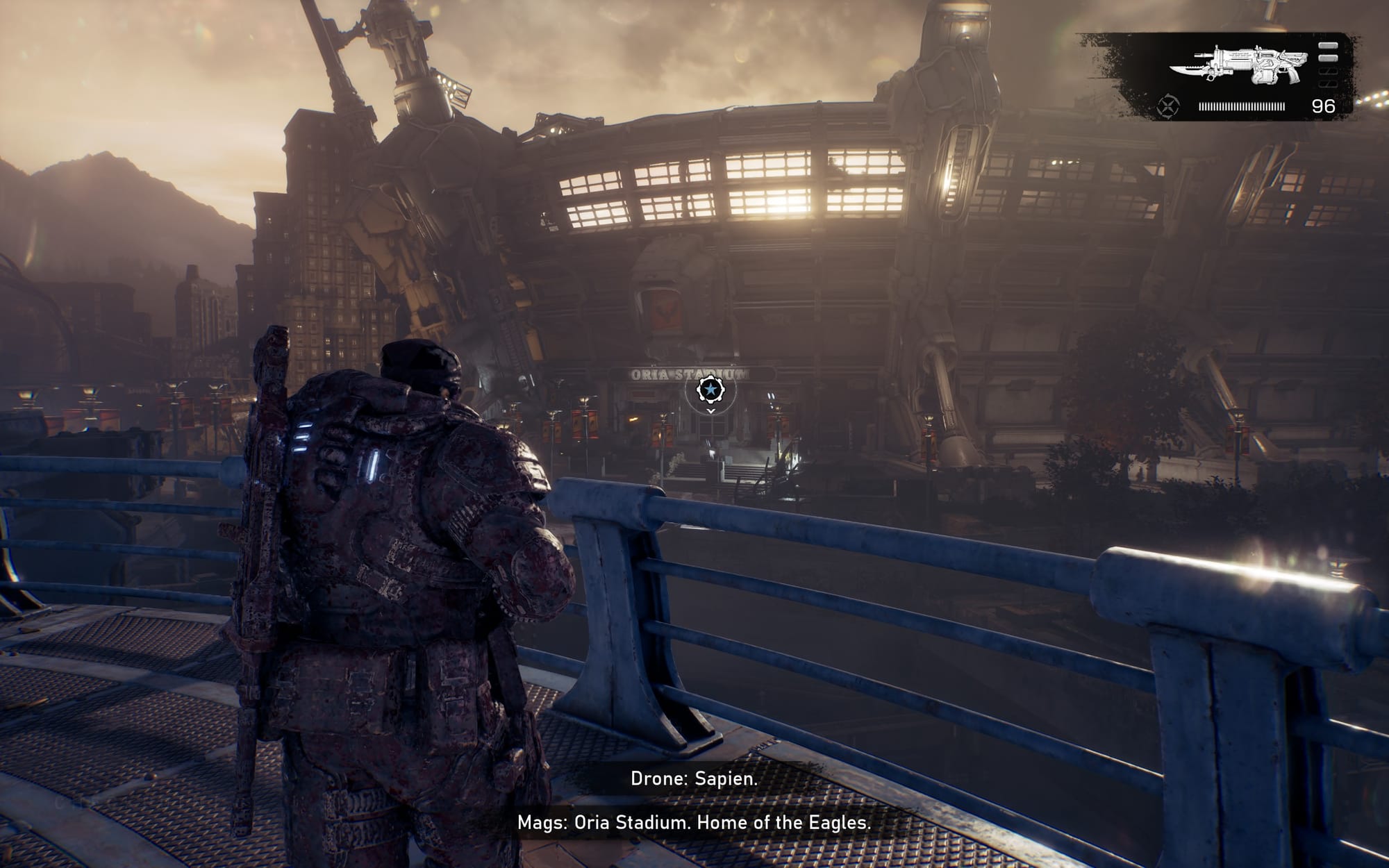
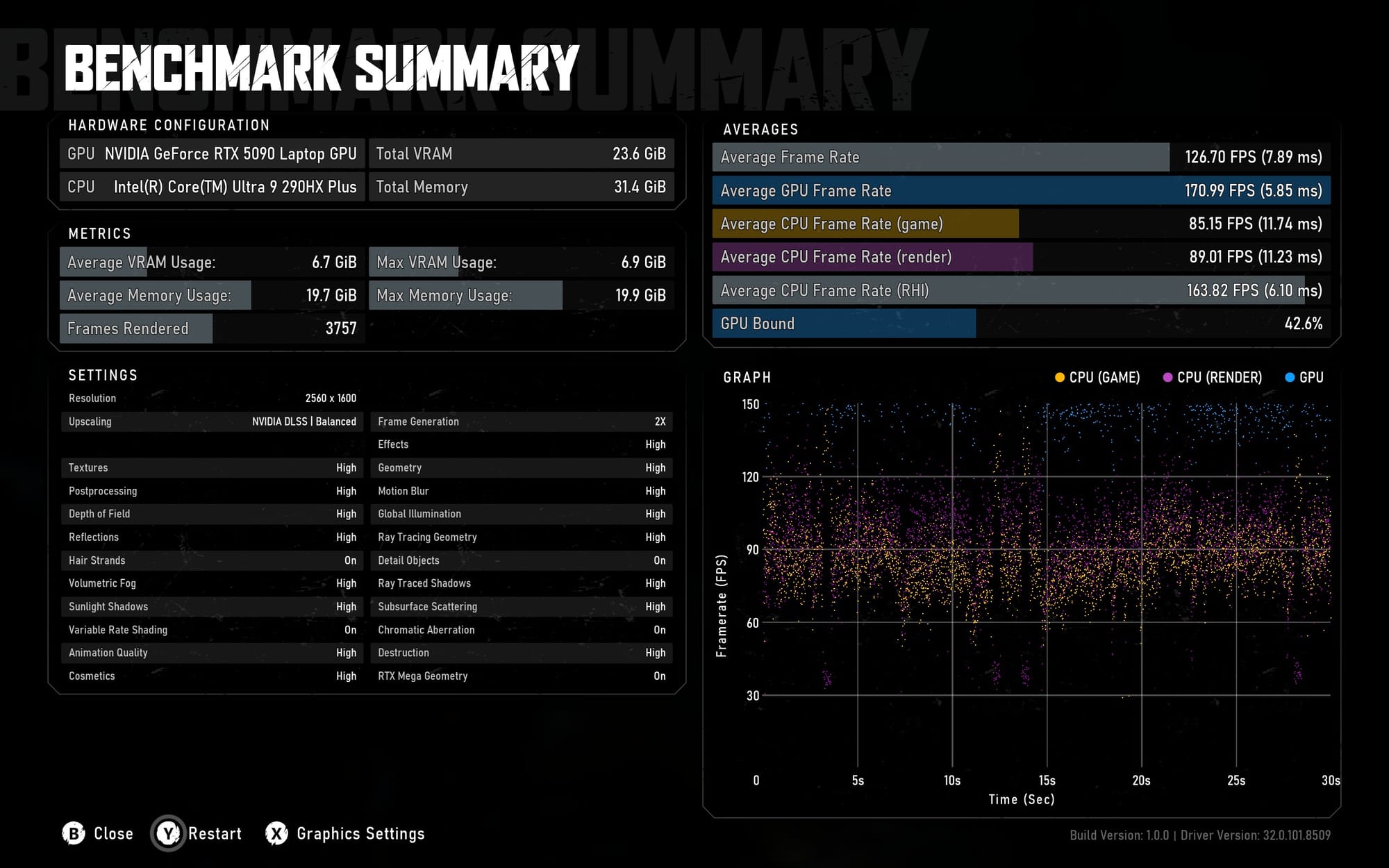
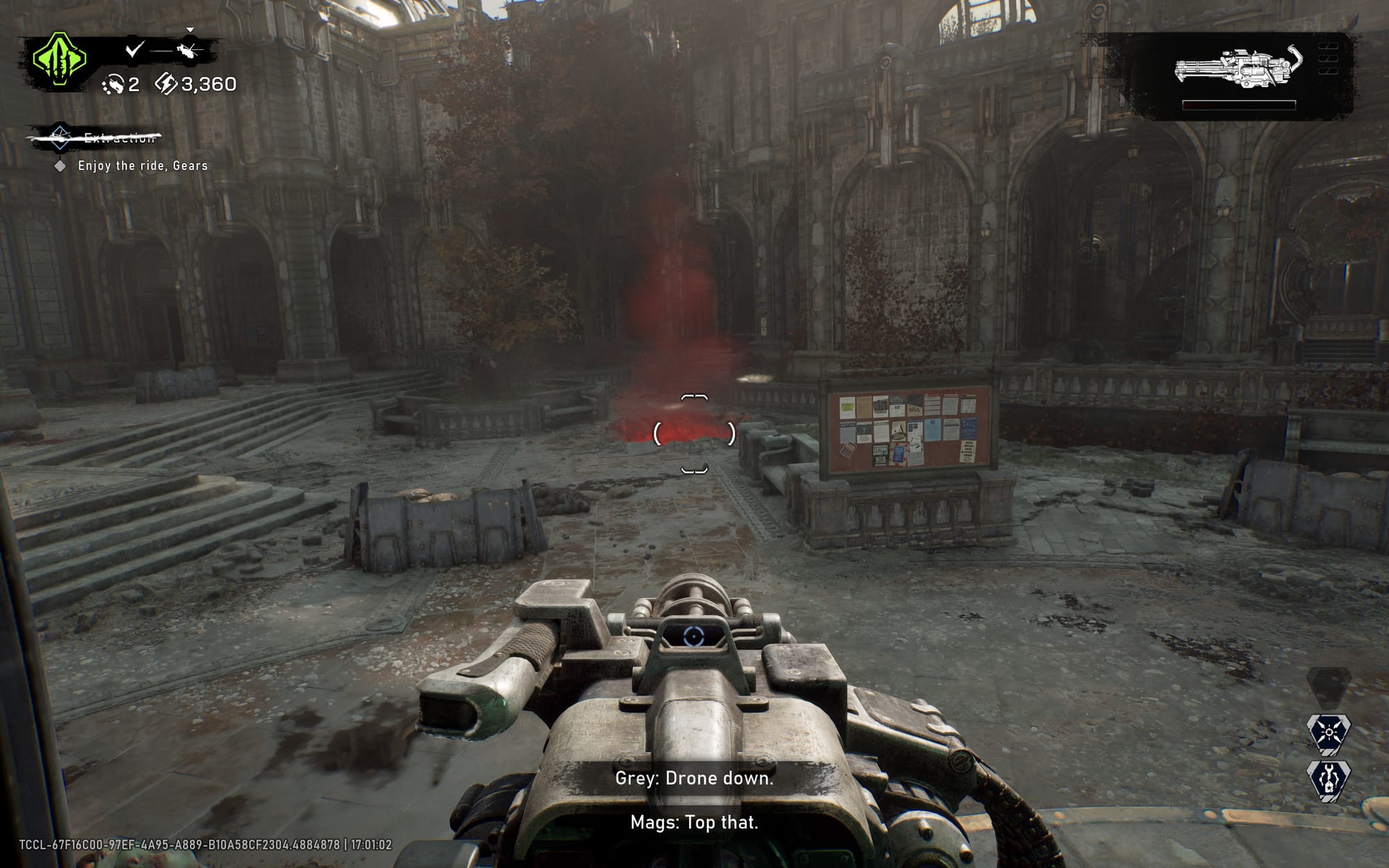

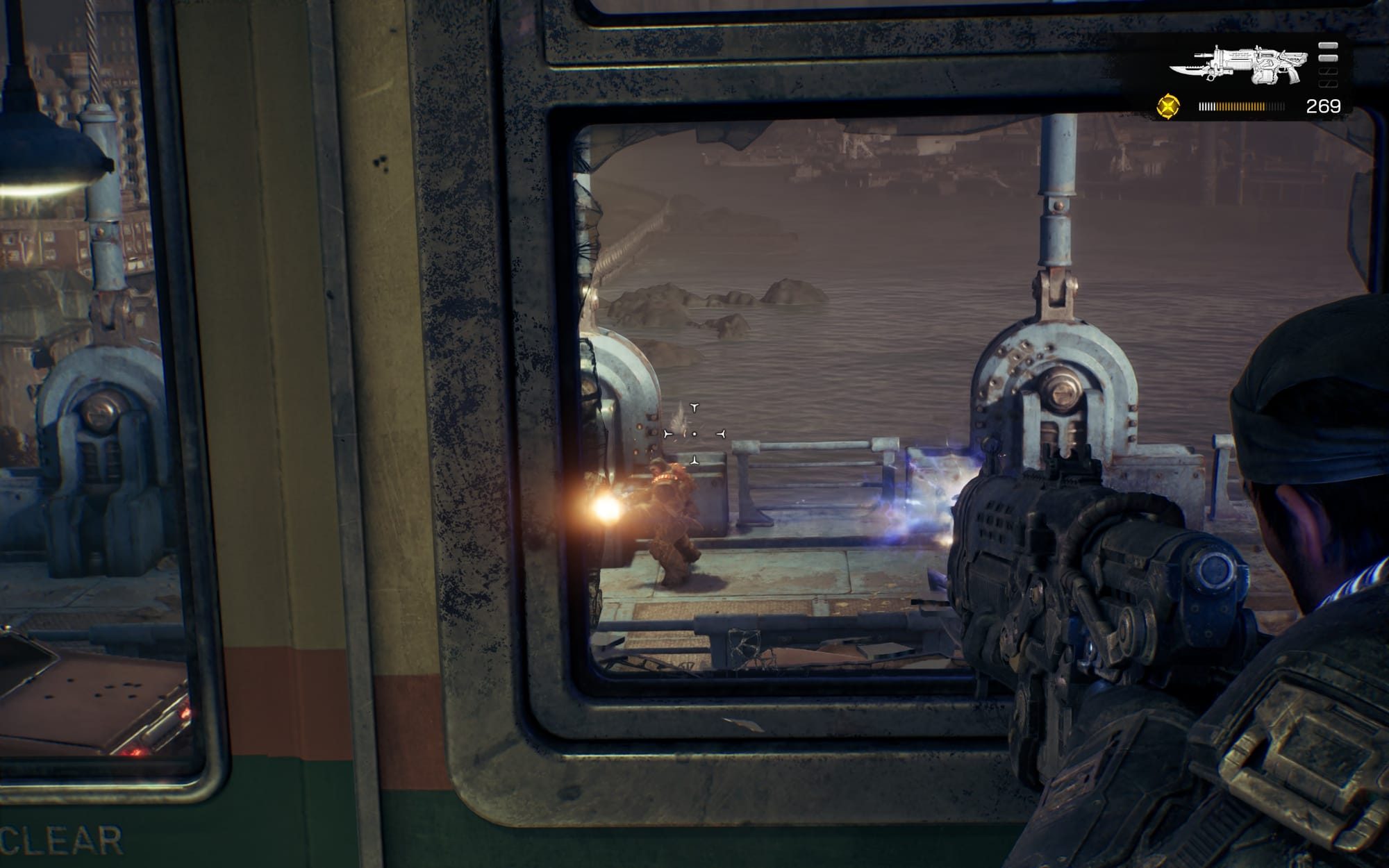

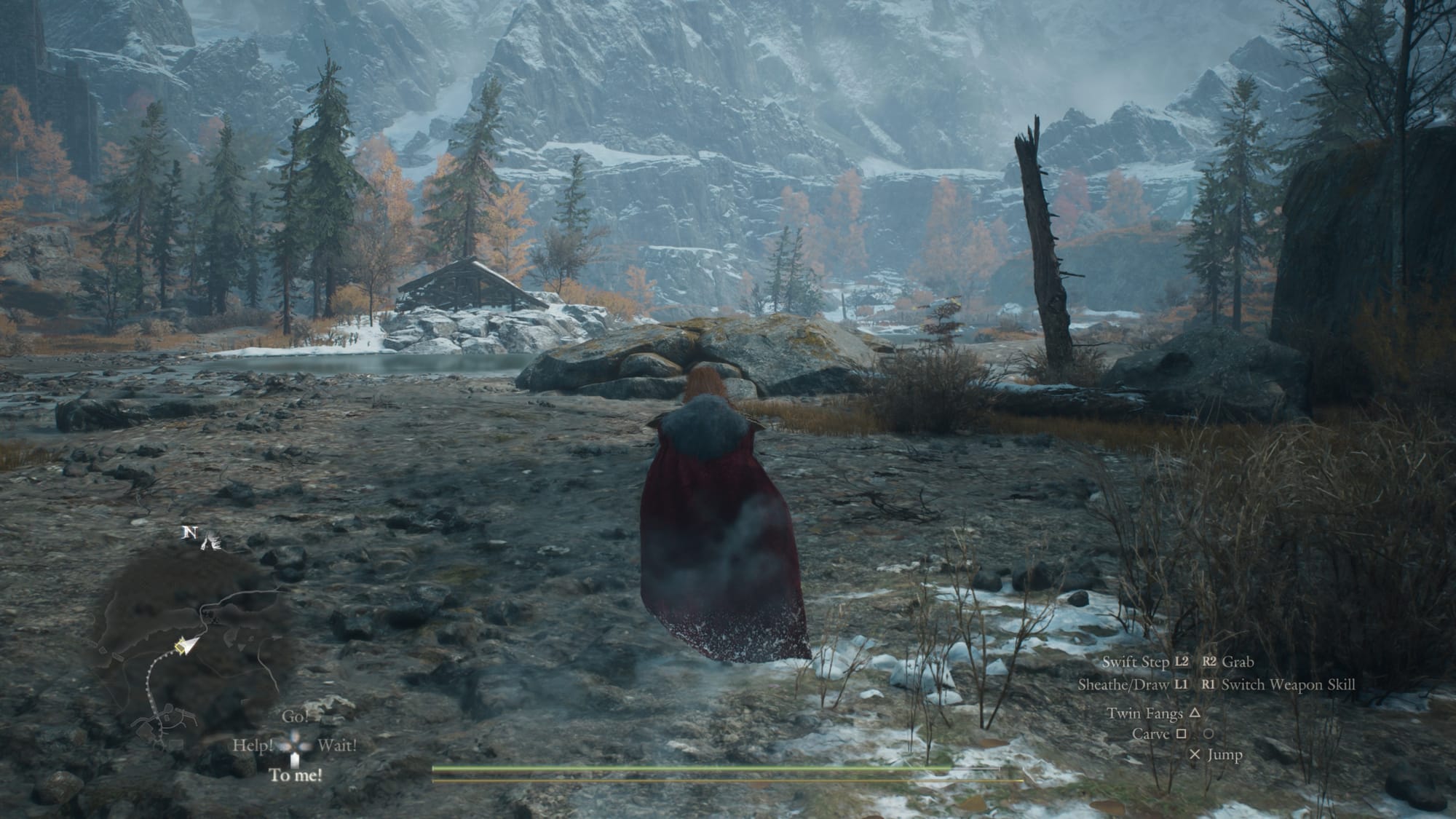
Unlike the 16, though, the 18 just isn’t something I could recommend as a daily driver laptop; it’s a desktop replacement, with the footprint and bulk to match. As such, I’ll be focusing exclusively on the device’s actual purpose: gaming. The game I tested the most here is Gears of War: E-Day, the latest title in the series, and a true showcase for Unreal Engine 5. Once I finally got a handle on the stuttering by plugging in my laptop cooling pad, the game ran flawlessly at max settings and about 50% resolution (so 2K as this is a 16:10 4K screen) with DLSS upscaling and frame generation. I was consistently getting 90 fps, usually more. I attempted to just set the desktop resolution in Windows to 2K, but unfortunately this causes some issues.
Next up on my testing track was Kingdom Come: Deliverance II. At my default, maxed-out settings, it has a lot of stuttering, and the only way to get that to mostly stop is to crank up the cooling pad’s fans all the way to max, which creates around 70 decibels of noise. It’s not pleasant, and I couldn’t hear the game, so I tried to find a balance by reducing some settings. Once more, I bumped the resolution down to 2560x1600, which brought me from 80 fps up to 122, though the stuttering is still happening, so I capped that back down to 80. Frankly, I can’t see much of a difference between 2K and 4K, so I’d recommend dropping the resolution just a tad to control the noise and temperature while playing most games.

However, there is another option. By default, the 18’s screen is a 3840x2400 240hz panel. In Razer Synapse, you can instead swap it to a native 1920x1200. That might sound like a dumb feature, but in return you get an absolutely excessive 440hz. Games will, obviously, run better at the lower resolution too, so while you might not be able to hit that cap in most modern titles, they’ll still feel smooth as butter. Plus, the downgrade in resolution won’t be as much of a hit since you’re no longer smooshing a low-resolution image into a high-resolution monitor. You’ll have to fiddle with some Windows zoom settings to make it comfortable to use, but I’d say it’s a worthy tradeoff.
With how bulky the device is and how it usually requires loud cooling solutions to run well on the device, I’d actually say using this laptop as a laptop isn’t ideal. Instead, the Blade 18 works best when docked to an external display like a TV. This is how I’ve been replaying 007 First Light, and it runs flawlessly like this even without additional cooling. Most TVs are 60 Hz, so you also don’t have to worry about capping the framerate most of the time either. It’s like an even more expensive but even more powerful Steam Machine. So long as you’re sitting far enough away from the laptop, the fan noise isn’t too bad either, sounding similar to the PS5 when under load.
Outside of gaming, you may want to use this for something like video rendering. Rendering a very basic video at 4K using DaVinci Resolve and the AVI NVIDIA encoder took only one minute and three seconds. This is a fairly simple baseline, but the 18 still surpassed my expectations with that lightning-fast time. I did have a lot of trouble getting OBS to work properly to get that footage, though I’d chalk that more up to OBS being itself than any fault of the laptop. So it does make a good option for “portable” video recording and rendering.
If you want to push the Blade 18 even further, you have the surprising ability to add more RAM. In this day and age, it might not be worth it monetarily, but it’s great to have in terms of future-proofing. Speaking of future-proofing, the device is Ubuntu-certified, so you can install Linux without worrying about losing a ton of functionality, especially now that Synapse can be used in an internet browser. I tested it out quickly using a bootable USB, and while Ubuntu isn’t my go-to Linux distro, it seemed to work very well right out of the box.
 David Flynn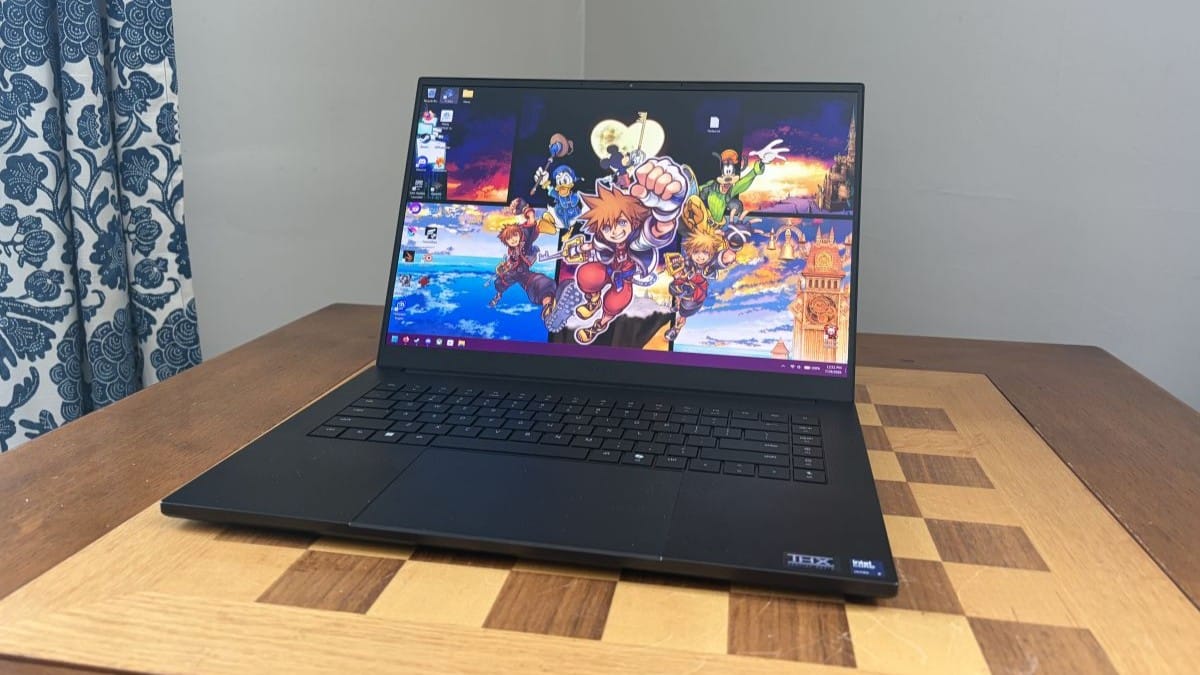
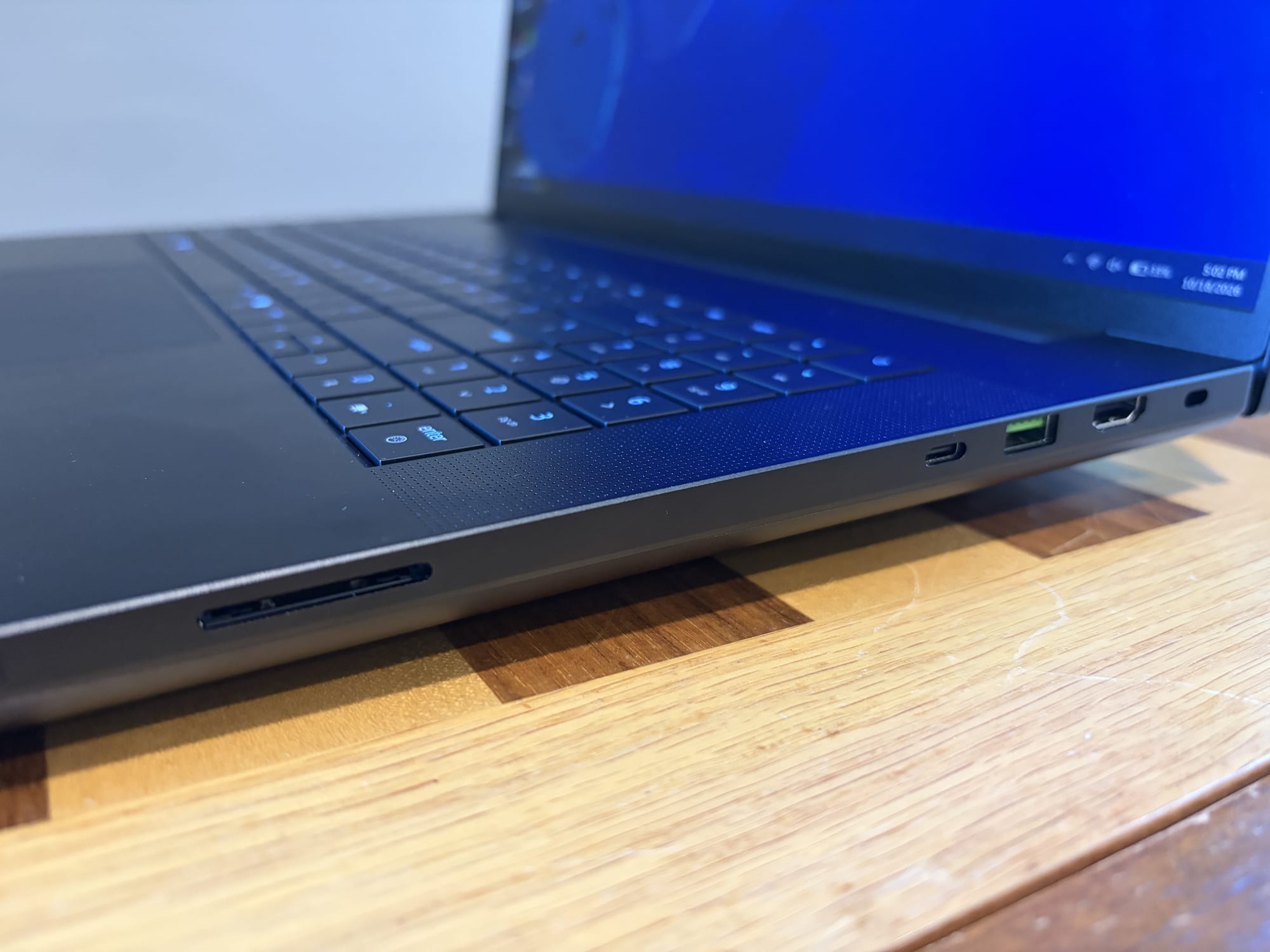
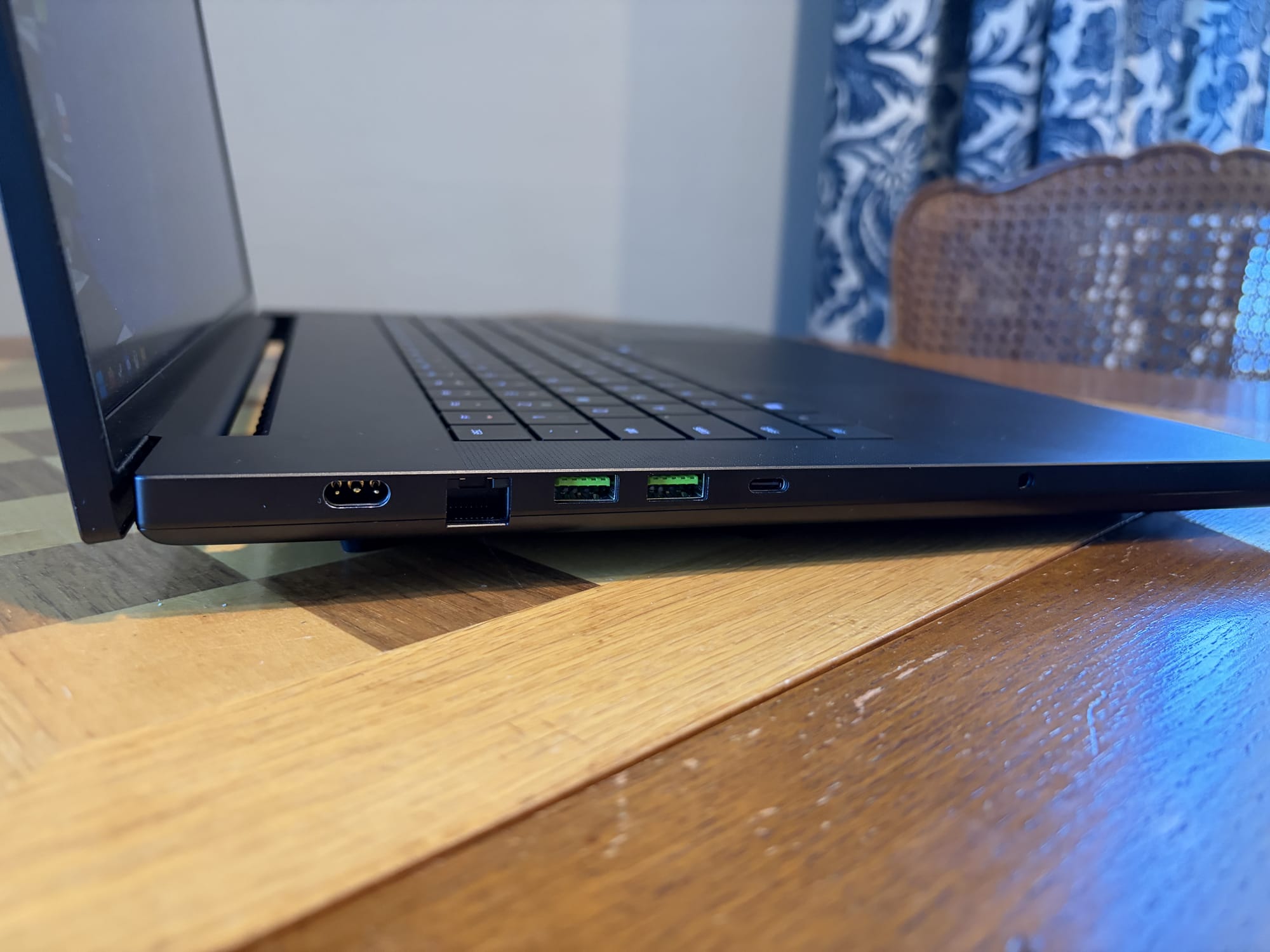
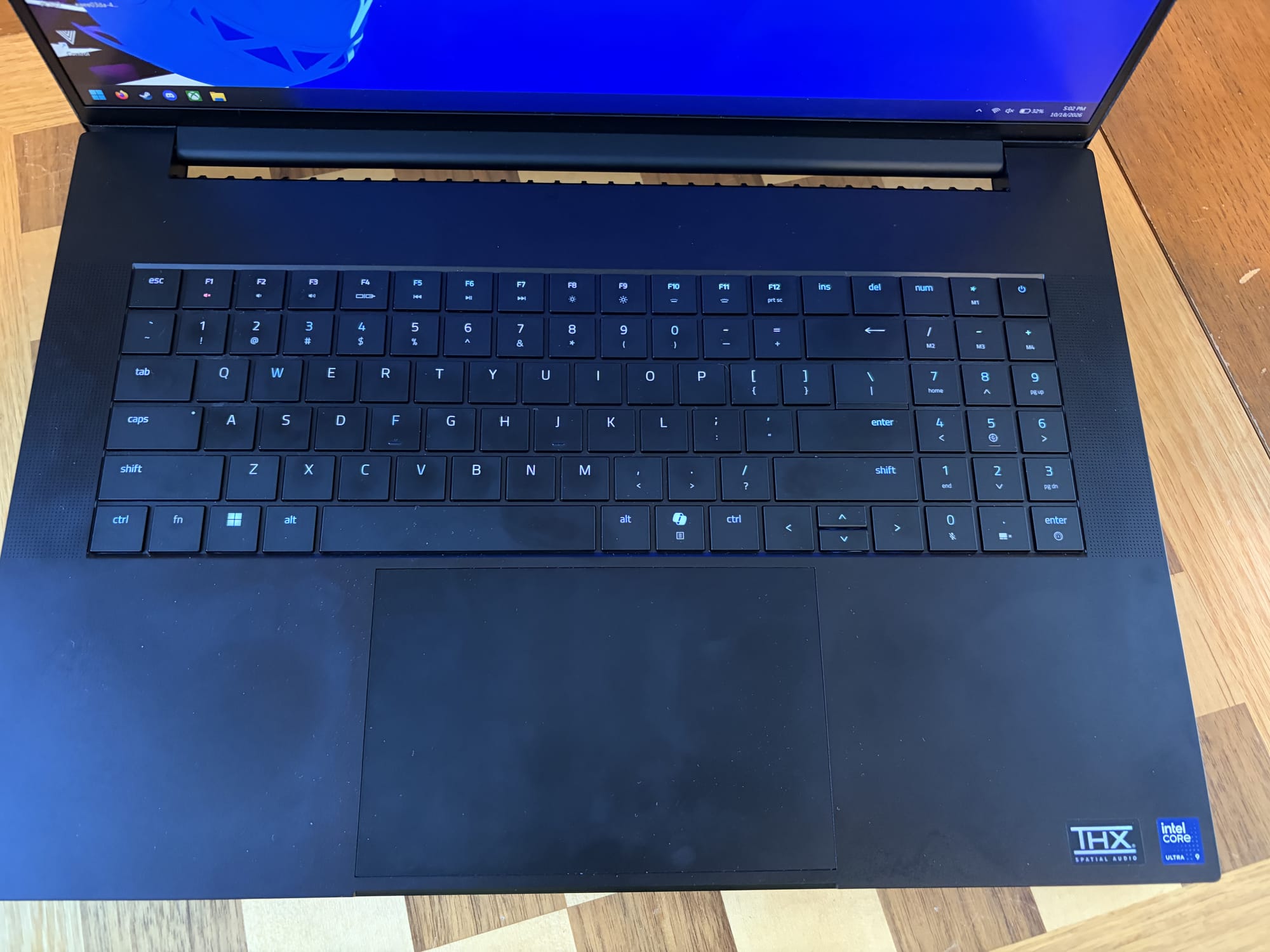
Finally, while this is a massive laptop, it does come with a great I/O suite with three USB-A ports, two USB-C ports, a Thunderbolt port (which supports EGPUs), an SD Card reader, an Ethernet port, an HDMI port, and a headphone jack. There are also the speakers, situated on either side of the keyboard (which has a numpad). I wasn’t too hot on the 16’s speakers, but the 18’s are way better in my experience, and actually deliver on that THX Spatial Audio promise.
The Blade 18 is a powerful device, but I don’t think it’s a particularly good laptop. It’s too big, loud, and hot to reasonably use on your lap, and pretty much requires external power. As a “portable” desktop, though, it’s pretty nice. You’ll still need to lug it and any required accessories around to use it, but once you have it all set up, it works great. Still, that includes a lot of hidden costs, like the cooling pad or a wireless controller and external display. For a device already this expensive, unless you absolutely need the most power possible in this specific form factor, it may be worth lowering your standards for something a bit cheaper.
Razer Blade 18 2026
Good
Razer’s Blade 18 2026 can’t really call itself a laptop, though it is still portable in a sense. Its power comes at a great cost, both financially and in terms of general usability, which makes this device work best as a portable desktop solution, complete with external monitor, keyboard, mouse, etc. If you absolutely need tons of power and don’t mind the heft or the noise, this is a good option, but most people should look elsewhere.
Pros
- Exceptionally powerful
- Lower resolution, higher refresh rate mode
- Fantastic portable desktop
- Great amount of I/O
Cons
- Large and heavy
- Very noisy
- Almost requires external cooling
This review is based on a retail copy provided by the publisher.












