
If you’re like me, you’ve spent quite a bit of time chasing the latest, lightest gaming mice. The ultralight division just keeps stripping out more and more to give you the lightest mouse with the sharpest competitive edge, no frills attached. Well, I’m kind of tired of going down that road. Don’t get me wrong, they’re easy to use for hours on end, but they don’t really… spark joy. I want a mouse that gives me all the bells and whistles with comfort to boot. Razer knew I was out here, yearning to live to the fullest, so they’ve given us the Razer Basilisk V4 Pro. Now I spend each day with a little more warmth in my heart.
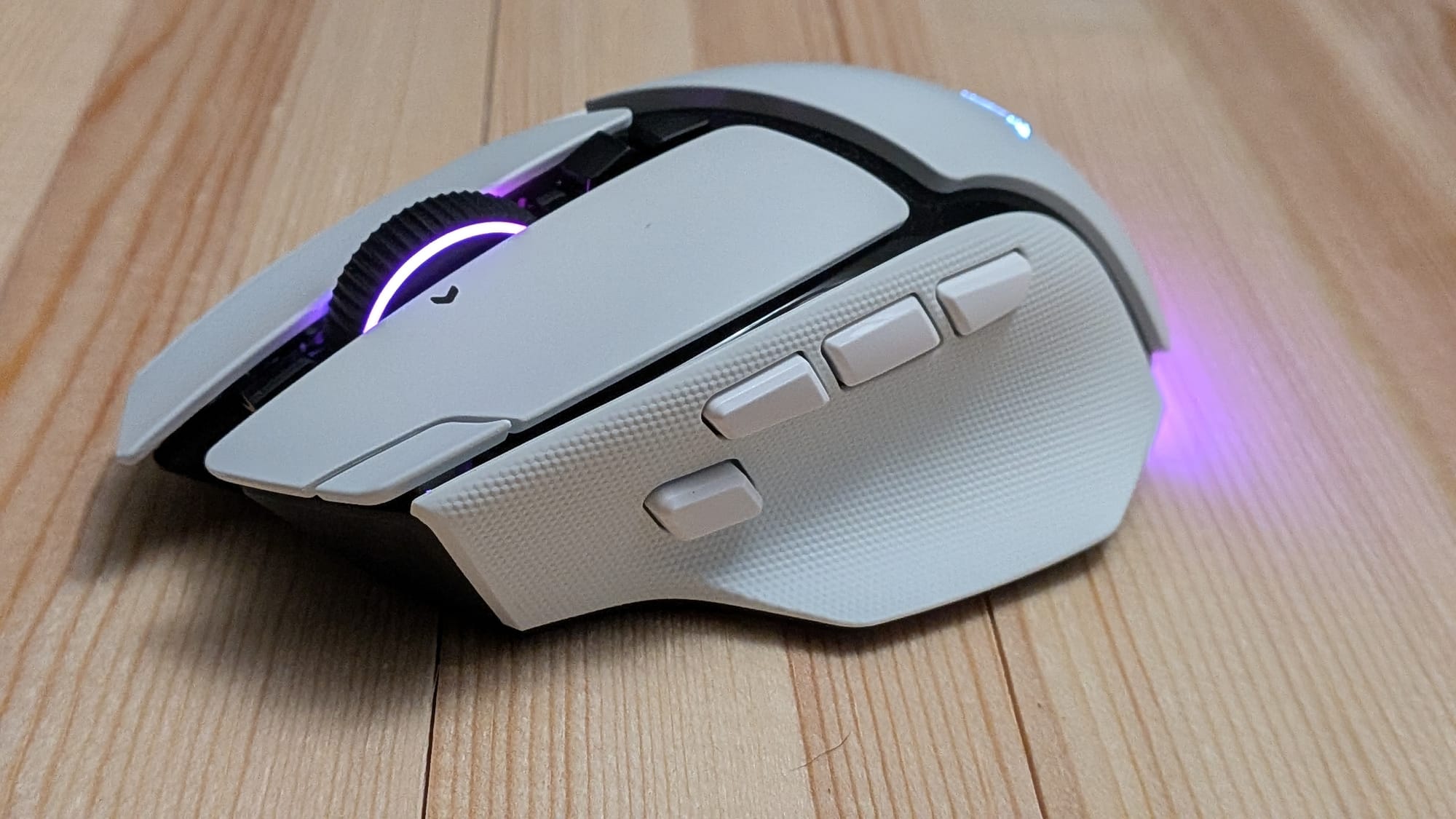
The industry has spent much of its time and effort catering to the top 0.1% of competitive gamers. This has resulted in a trend of smaller, lighter mice with stripped-down feature sets. Razer, however, has kept normal, everyday gamers like you and me in mind, and that’s evident with the Basilisk V4 Pro gaming mouse. Unlike the ~50g ultralight mice that shuck LEDs and enhanced features, the Basilisk V4 Pro comes in at a respectable 100g with a boatload of features to enjoy, and it offers a fantastic user experience.
First, let’s talk about the core experience. The Basilisk V4 Pro is ergonomically designed to fit in your right hand comfortably while offering plenty of tools at your fingertips…and thumb. With 14 programmable buttons and Razer’s own specially designed scroll wheel, there’s little you’d want to do with a mouse that’s out of reach.
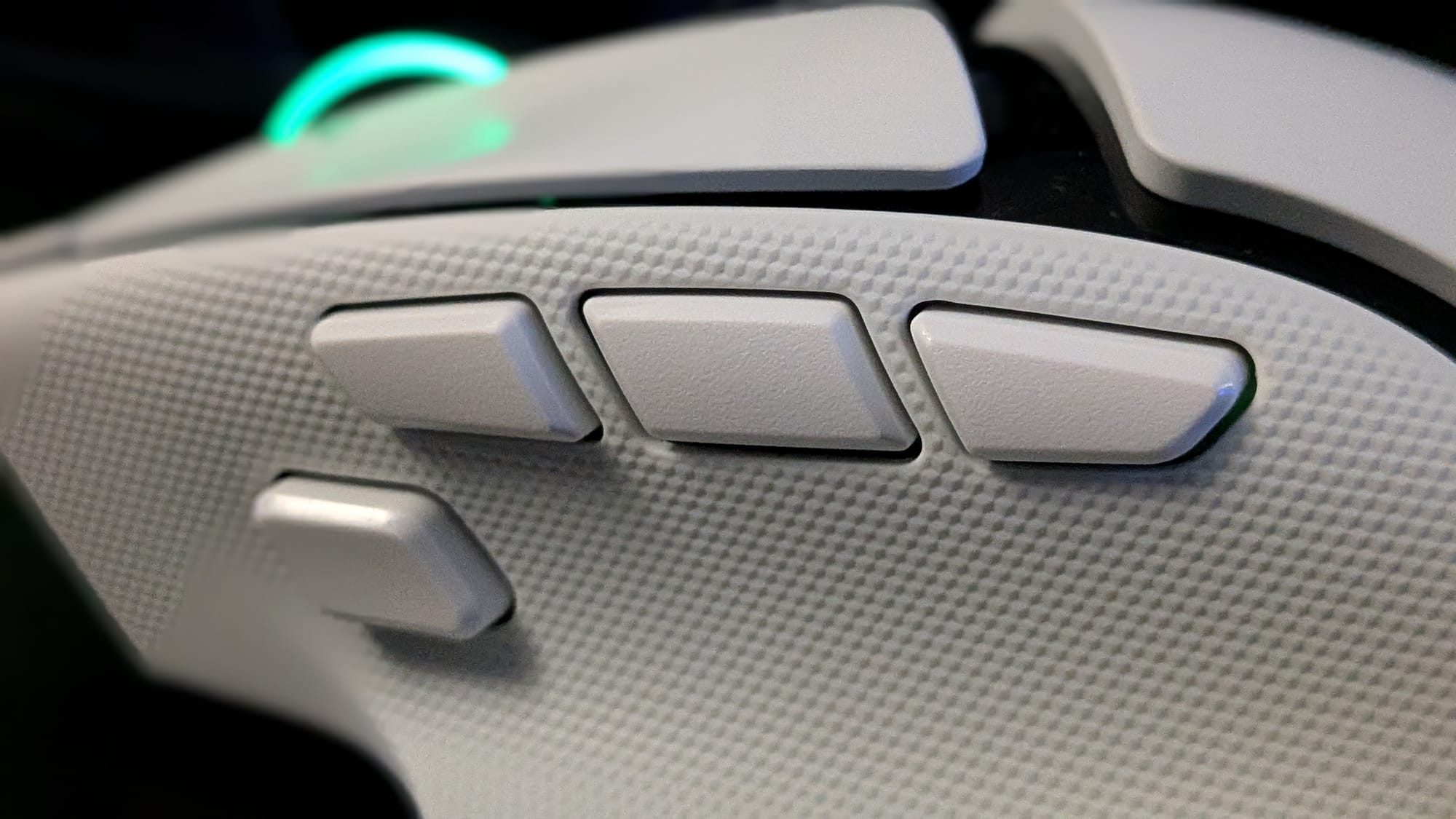
By default, you have all your standard mouse buttons, forward/back buttons, and sensitivity swap buttons with some added features out of the gate. There’s an auto-repeating left-click button, profile swapping, scroll wheel mode swap, and their new built-in AI Prompt Master key. They even have what they call a “Hypershift Clutch” key that unlocks a new mode for each of the 14 keys, if you map it to do so. Each of the mouse buttons is built on top of Razer’s Gen-4 optical mouse switches. These actuate based on light instead of mechanical parts touching, so they’re both more reliable and durable with a 100-million-click lifecycle. You’re going to be able to enjoy this mouse for a long time.
Everything feels great out of the box, but if you prefer your own setup, you can do some wild customization with the Razer Synapse software. You can have the click of a mouse button act like a keyboard key press, run a macro, change your light, alter profiles on other Razer devices, and more. It can be a bit daunting if you really dive into it. While I didn’t make many changes, there is one I personally recommend. I’m not a big ChatGPT user, and the default AI Prompt Master button sits on prime thumb real estate. I must’ve accidentally triggered ChatGPT half a dozen times unintentionally, so I may recommend leaving that for a Hypershift-only press and doing something else with the default behavior. I changed mine to be the “R” key so I can reload with my thumb in Call of Duty matches.
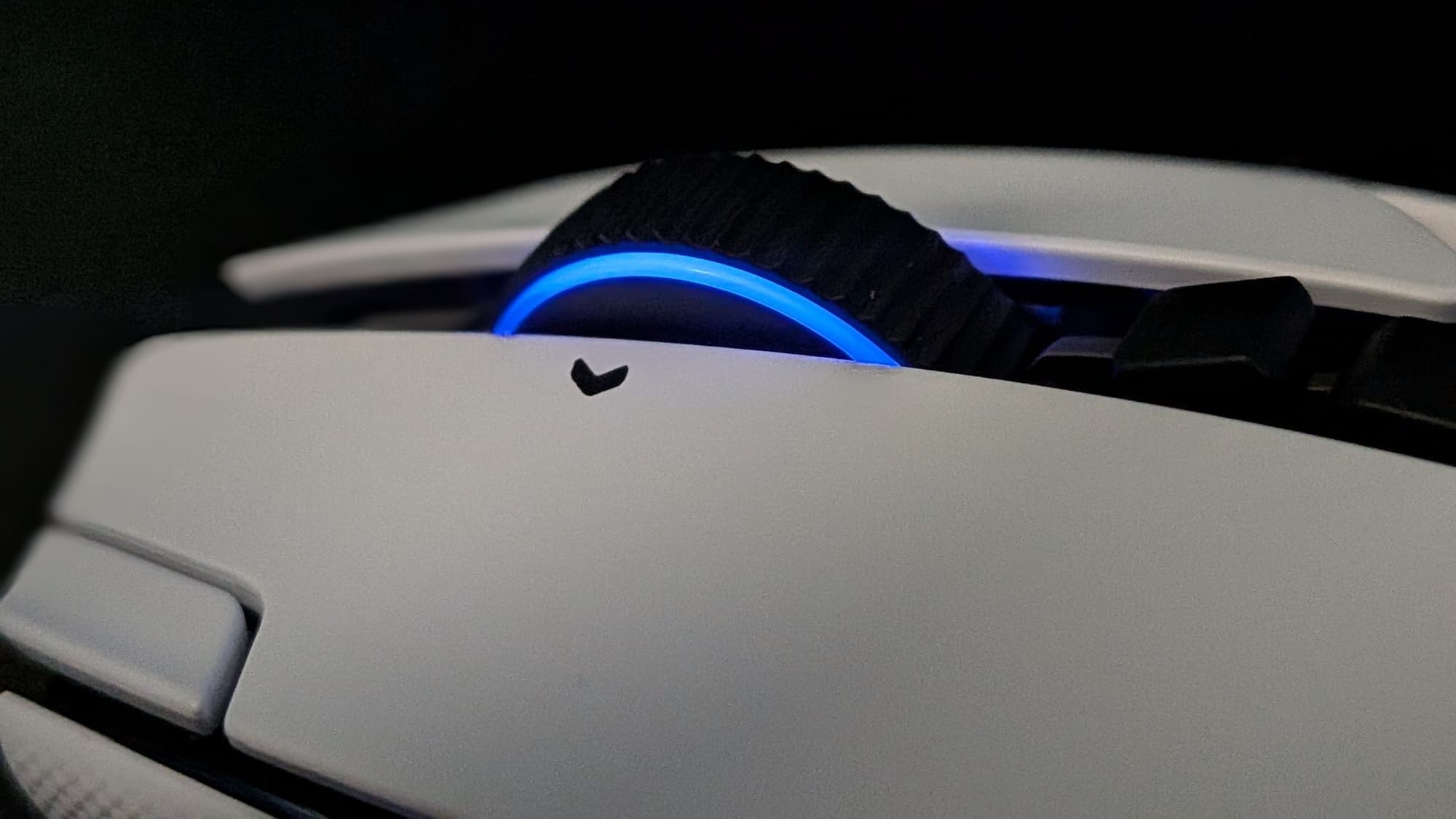
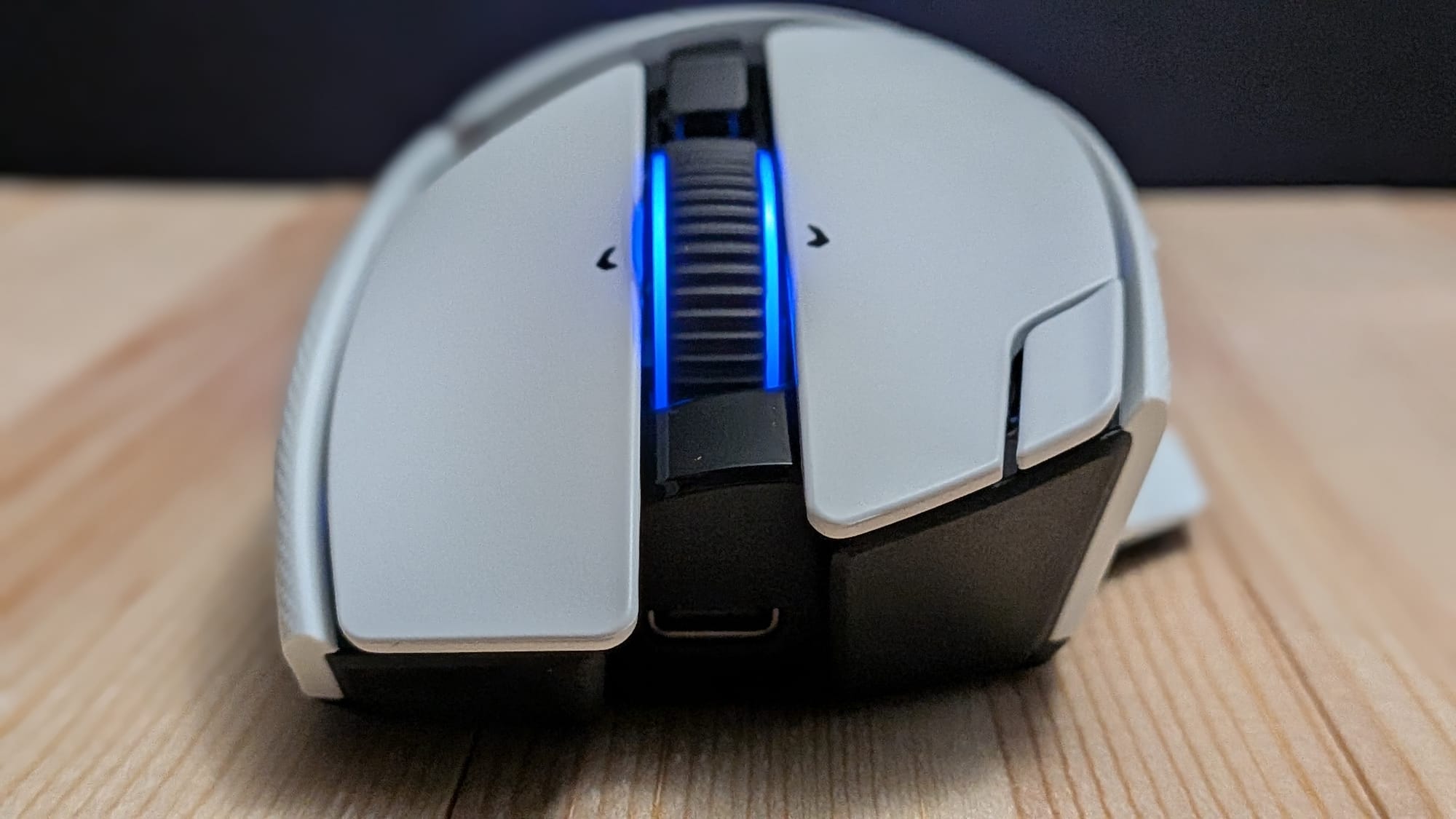
The Basilisk’s mouse wheel has some neat features built into it. As a Razer HyperScroll Tile Wheel Gen-2, it features four different operating modes. The Basilisk’s Tactile scroll setting is your standard scroll wheel behavior with 24-step positions. The Precision Tactile mode turns each Tactile step into 2 smaller steps for a 48-step scroll wheel, which could be handy when rolling through inventory items and the like. If you don’t like the predetermined distance of a scroll click, you can engage Free-Spin mode for high-speed scrolling. Even cooler, the Basilisk has the option for a “Smart-Reel” mode, which operates in Tactile mode but, if you give it enough force, unlocks the wheel to spin in Free-Spin mode until it runs out of momentum, at which point it re-engages Tactile mode. I’ve seen this functionality on mice over the years, but it feels like a bit of a lost art form I’m happy to see them bring back. It both feels great and offers an experience of your choosing. If you can’t decide or want to try out different options on the fly, you’re in luck. One of the buttons below the scroll wheel changes your scroll mode at the touch of a button. It feels like Razer really has thought of everything here.
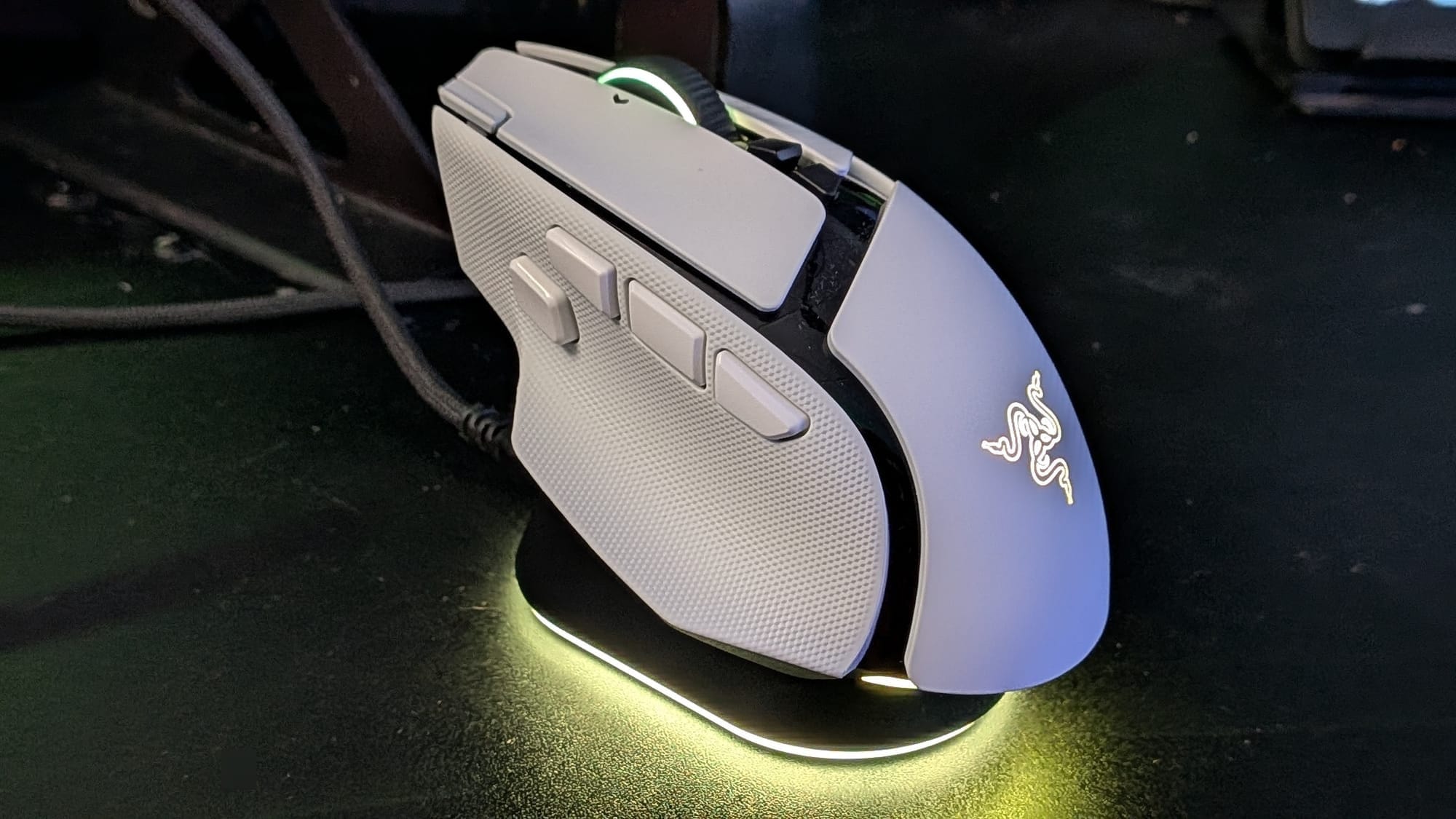
What would a robust gaming mouse be without RGB? The Basilisk features a full lighting profile that can be updated to suit your style using Synapse. The mouse features 7-Zone Chroma Lighting with full underglow. That means it can light up like you want, sync with your other Chroma-compatible devices, or react to the 300+ games that are compatible with Chroma. That’s something you won’t see from many ultralight gaming mice.
One of the most impressive aspects of the Basilisk V4 Pro, to me, is its upgraded optical sensor. The new Focus Pro 50K Optical Sensor Gen-3 gives you 50K DPI (yes, you read that right) with 930 IPS (inches per second of accurate sensor reporting) and 90G of acceleration, guaranteeing rapid movements won’t cause the sensor any problems. The Basilisk also features Frame Sync, which marries your mouse’s alignment with your computer for the most accurate tracking. As a positive side effect, it makes the mouse more power-efficient, too, which contributes to the handsome ~200-hour battery life. With a “Perfect 180” function to literally flip you around at the touch of a button and its Mouse Rotation feature, which can detect how you grip the mouse and correct for any issues automatically, you’re still set up for success on the battlefield. Who needs those scrawny ultralight mice when this comfortable powerhouse can turn your enemies to stone?
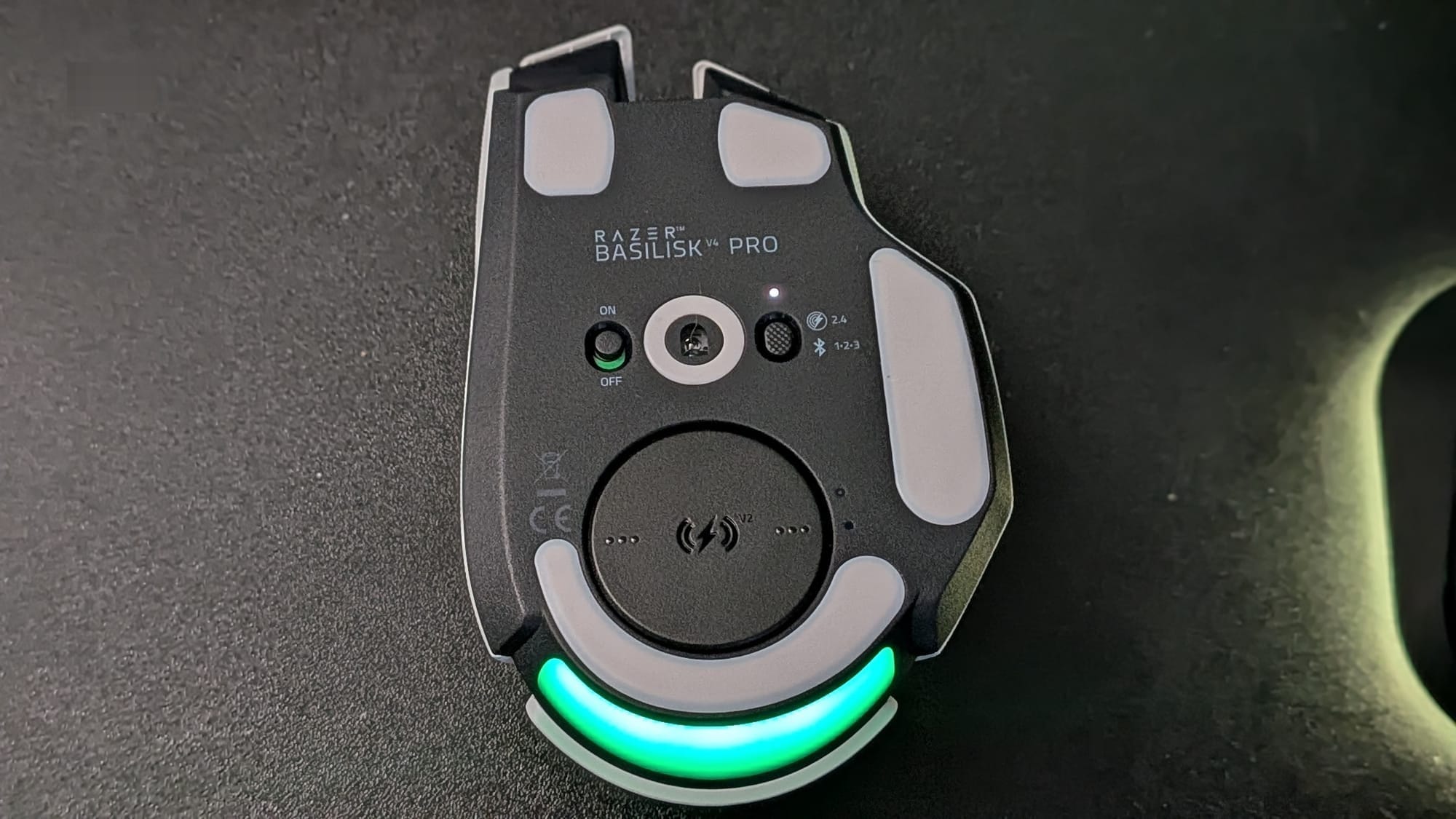
I’d be remiss if I didn’t mention the fact that you can use your Basilisk with virtually any device. If you prefer to play wired, the included USB-C cable will let you do just that. If, like me, you prefer a wireless option, the Basilisk features 8000 Hz wireless with an average 0.204 ms latency – nearly half the latency of Razer’s previous-generation wireless devices. If you’re willing to give up 8K polling (which the battery can hold for ~50+ hours) for 1000Hz polling, you can quadruple that battery life to nearly 200 hours. Finally, you can connect the Basilisk to up to three devices via Bluetooth at a time. A toggle button on the bottom of the mouse lets you switch devices quickly.
When talking about battery life, we have to talk about a couple of really cool products Razer is offering that will work with the Basilisk V4 Pro. First, the Razer Mouse Dock V2 Pro will offer a wireless charging puck you can plug into the bottom of your Basilisk. It lets you charge your Basilisk quickly and easily and, even more importantly, it doubles as an 8K wireless transceiver, so it will replace your wireless USB dongle while giving you a handsome, slick way to charge your wireless device. Oh yeah, it can link up to multiple wireless Razer devices, too, so your wireless keyboard is good to go, too. Second, the Razer HyperFlux V2 pulls multiple duties as a mouse pad, wireless transceiver, AND charging method for your mouse as you use it. If that doesn’t butter your biscuit, you must be eating scones.
In my experience, very few gamers actually need the trimmed-back features and weight of a competitive ultralight gaming mouse. At 100g, the Basilisk V4 Pro is svelte enough to offer plenty of precision without needing to skimp on some of its more luxurious features. At $169.99, it earns its asking price.sd Between the comfortable ergonomic design, 14 customizable buttons, enhanced scroll wheel, multi-device connectivity, top-of-the-line sensor, and generous battery life, there’s nothing you won’t love about this mouse. Combine that with their Mouse Dock V2 Pro or HyperFlux V2 mouse pad, and you have a nice, cohesive battlestation upgrade you’ll enjoy for years to come.
Razer Basilisk V4 Pro
Excellent
The mythical basilisk was called the “king of snakes” for good reason. With an excellent user experience, top-tier utility, and cream-of-the-crop features, the Basilisk V4 Pro proves it belongs among the best gaming mice on the market. If you’re looking for a top-tier gaming mouse with luxurious features that still packs plenty of bite, look no further than the Basilisk V4 Pro.
Pros
- Comfortable, ergonomic design
- Long-lasting battery life
- 14 programmable buttons and a customizable scroll wheel
- Fits right into the Razer ecosystem to work with your other devices
- Charging Dock and HyperFlux V2 mouse pad make charging and connectivity even easier
Cons
- Default layout includes an AI-prompt button that can be easily triggered accidentally
This review is based on an early copy provided by the publisher. Razer Basilisk V4 Pro comes out on October 8, 2026.












