As a miniature painter who has a focus on getting better and more known for their work, eventually, YouTube and video content are a part of the equation. And that equation can get complicated quickly.
In my journey to finally get on YouTube, I’ve racked my brain on lighting, cameras, how to edit, how to film, when to post…and as someone with ADD, it’s not going great. Luckily, part of my concerns have been solved with the YoloCam S3, a 4 K USB-powered camera with a wide variety of features, including a promised “AI-Powered” parameter system.

Will this camera help me get over my anxieties and get me on YouTube? Let’s find out.
What’s in the box?
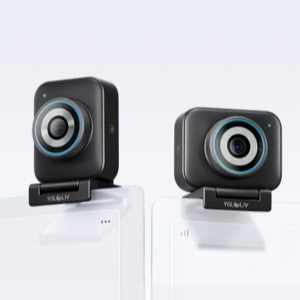
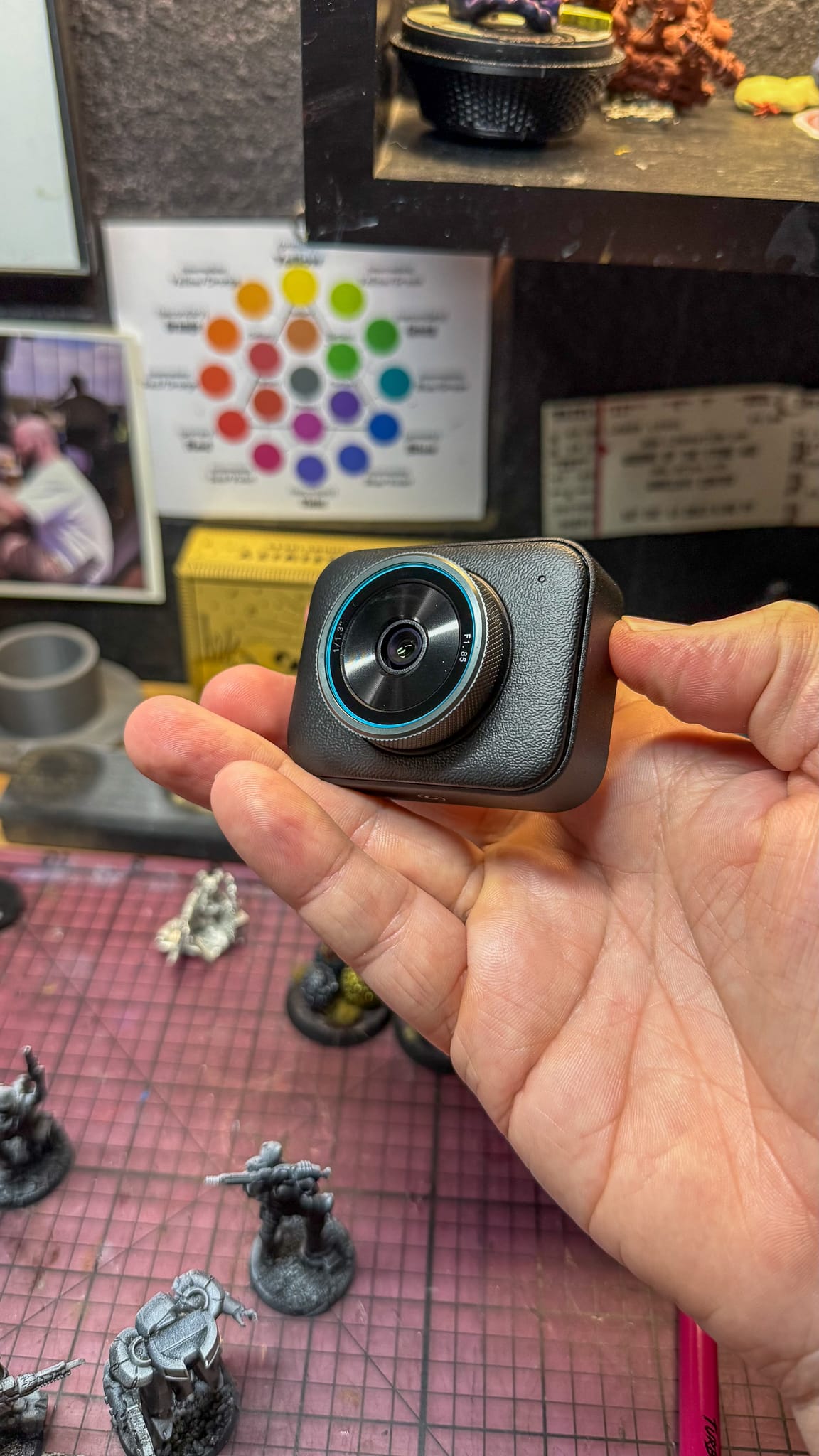
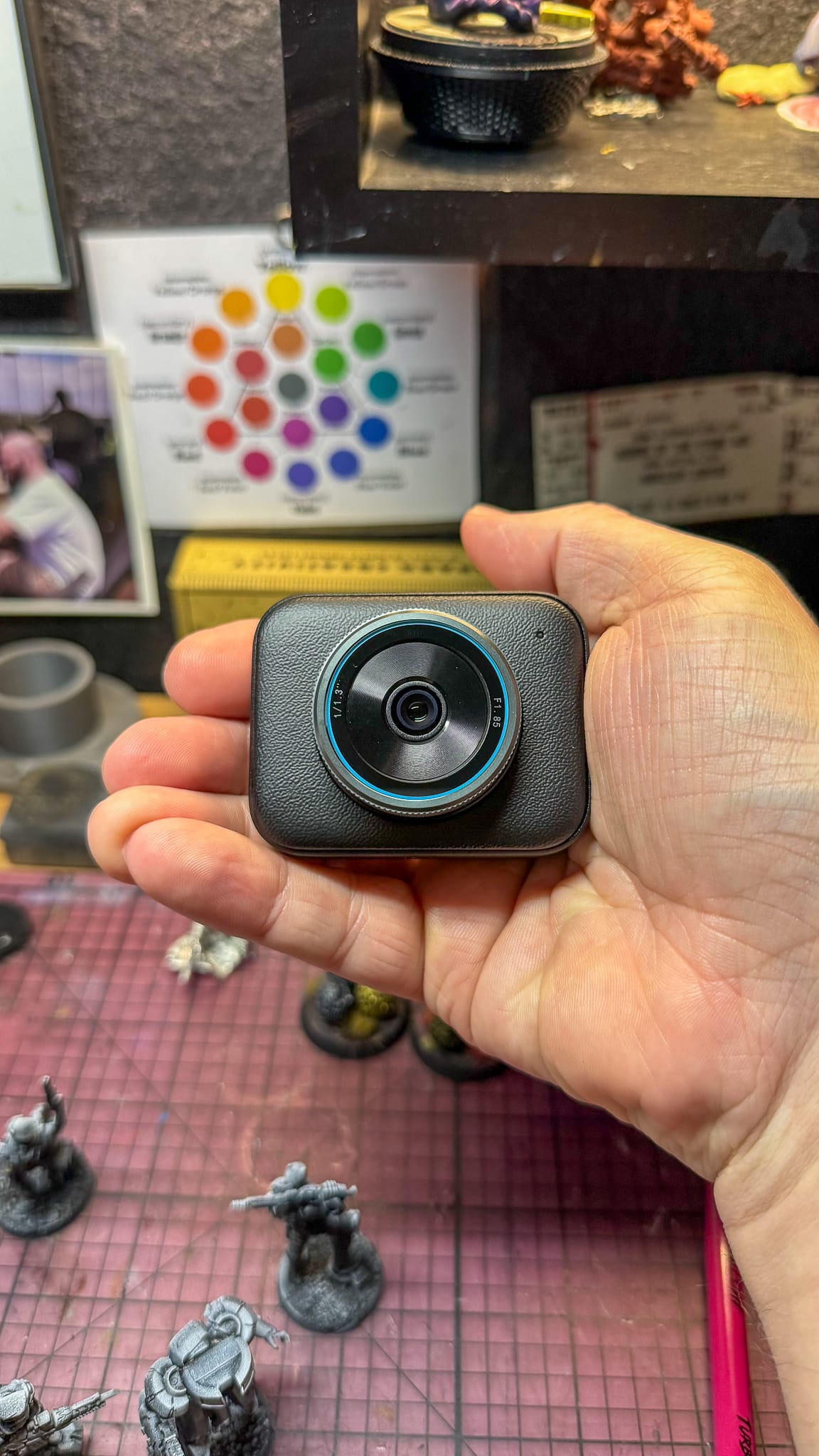
To start with, this camera is small. When compared to my Logitech C920, the footprint of the camera is nearly half in size, and utilizes a 1/1.3” CMOS sensor…which is the kind of sensor usually found in DSLR cameras. This means you get a crisp image, which in my tests was pretty incredible.
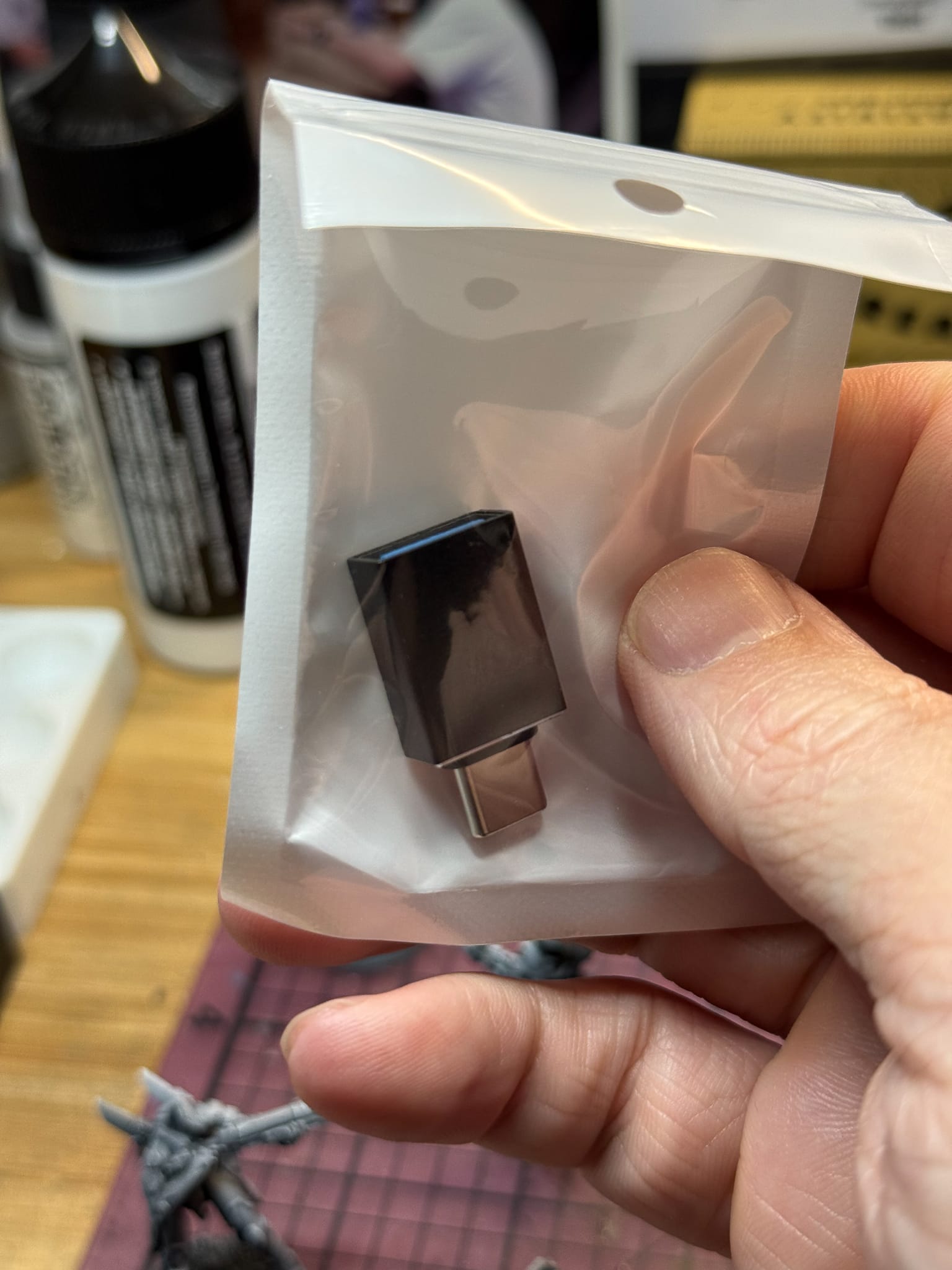
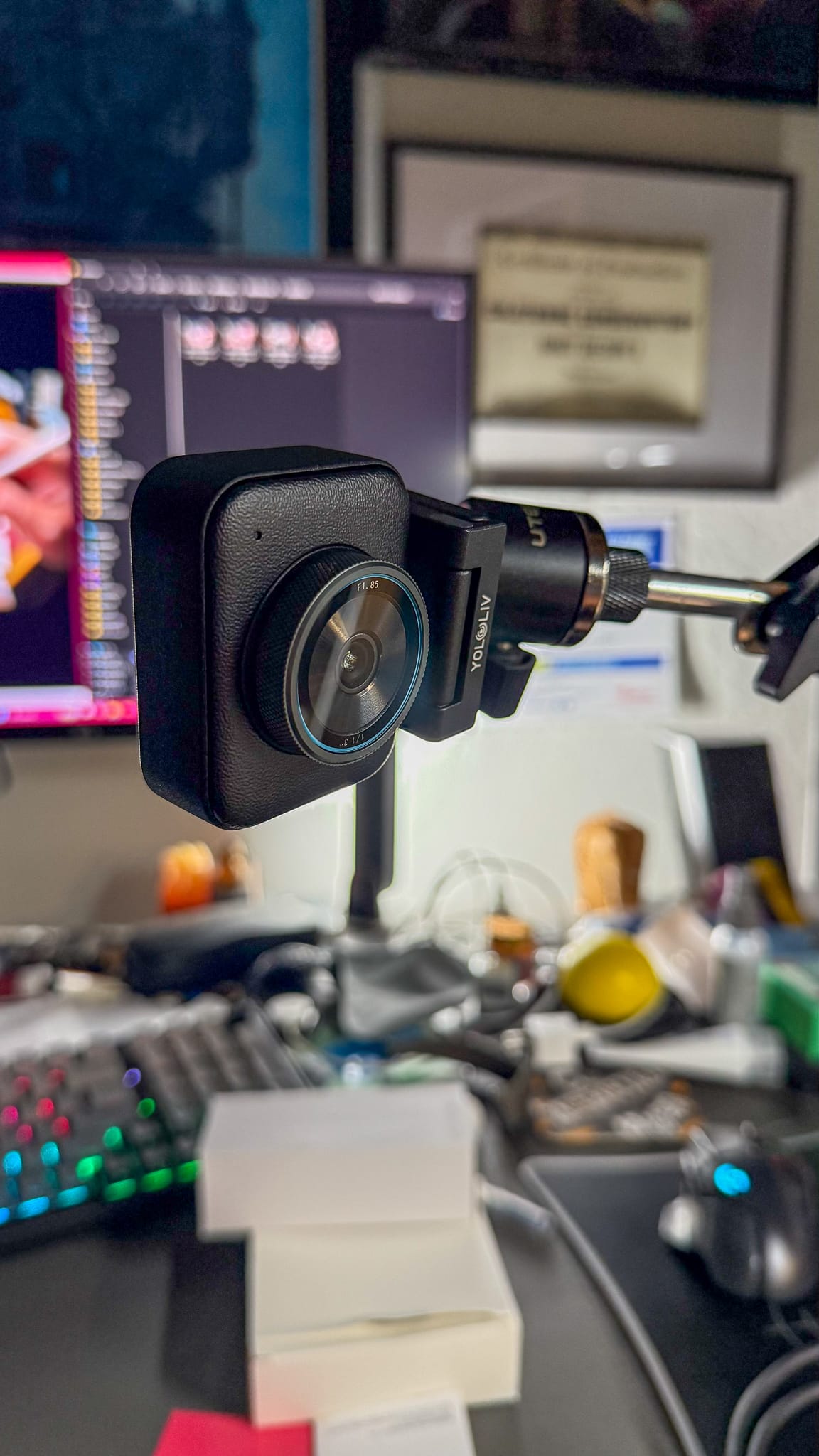
You also get a magnetic mount, which can go on a computer monitor, laptop, or can attach to an articulated desk arm, which is key for me. The magnet is incredibly strong, so there’s zero fear of the camera falling off the mount. There’s the pre-requisite USB cable and adapter for folks with USB-C. The software is a free download named YoloLiv Compose, and is quite robust, featuring multiple video setting options, focus, zoom, exposure, white balance, and even HSL (Hue, Saturation, Lighting) adjustments, which take over traditional color adjustments.
The Software and the “AI”
The software offers “AI Tuning,”, which, if you’ve used the presets in Lightroom, really feels like that, where the software looks at the current settings of the image and then presents options that optimize brightness, color, and contrast. This is a great setting, but calling it AI is a stretch.
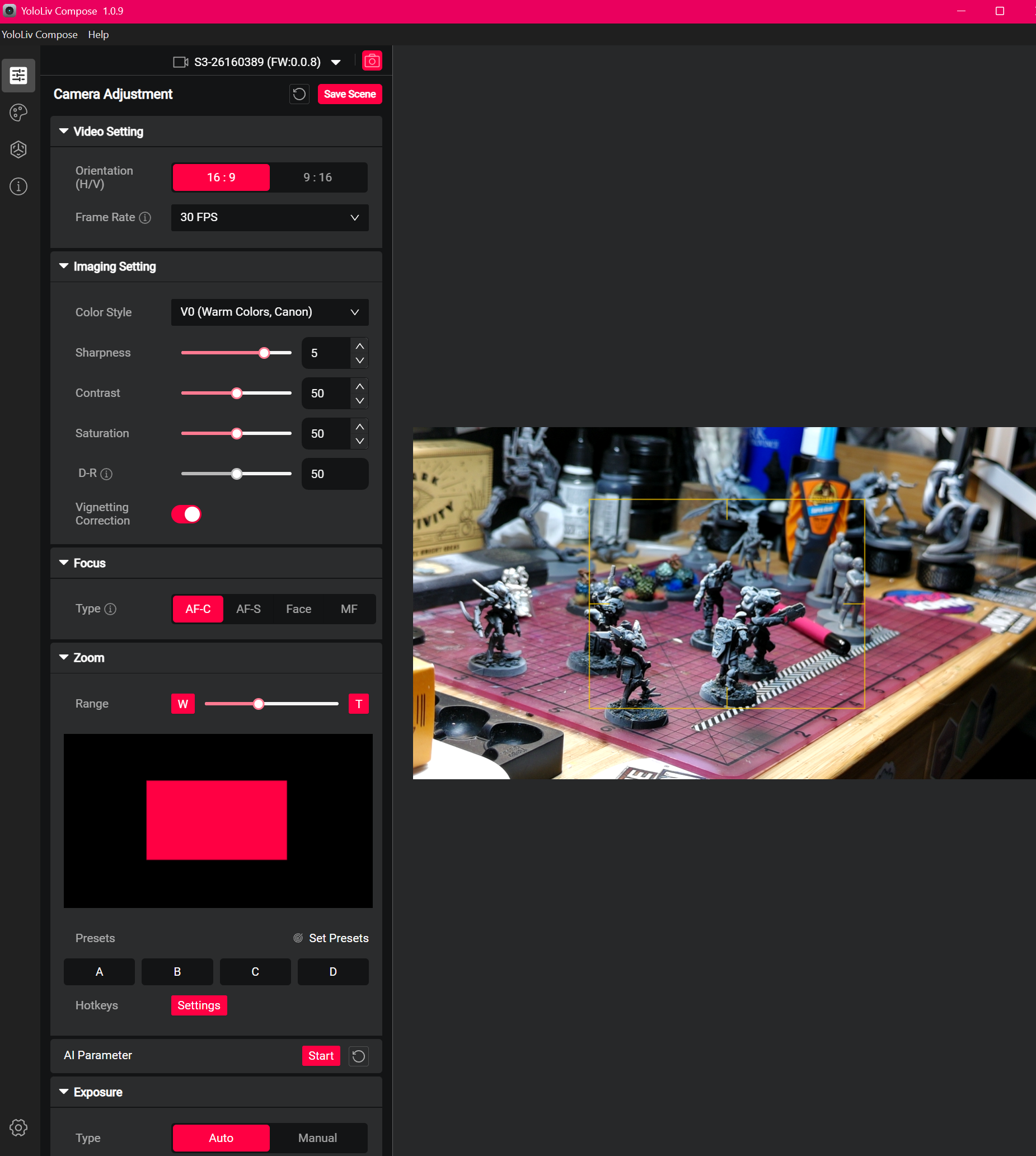
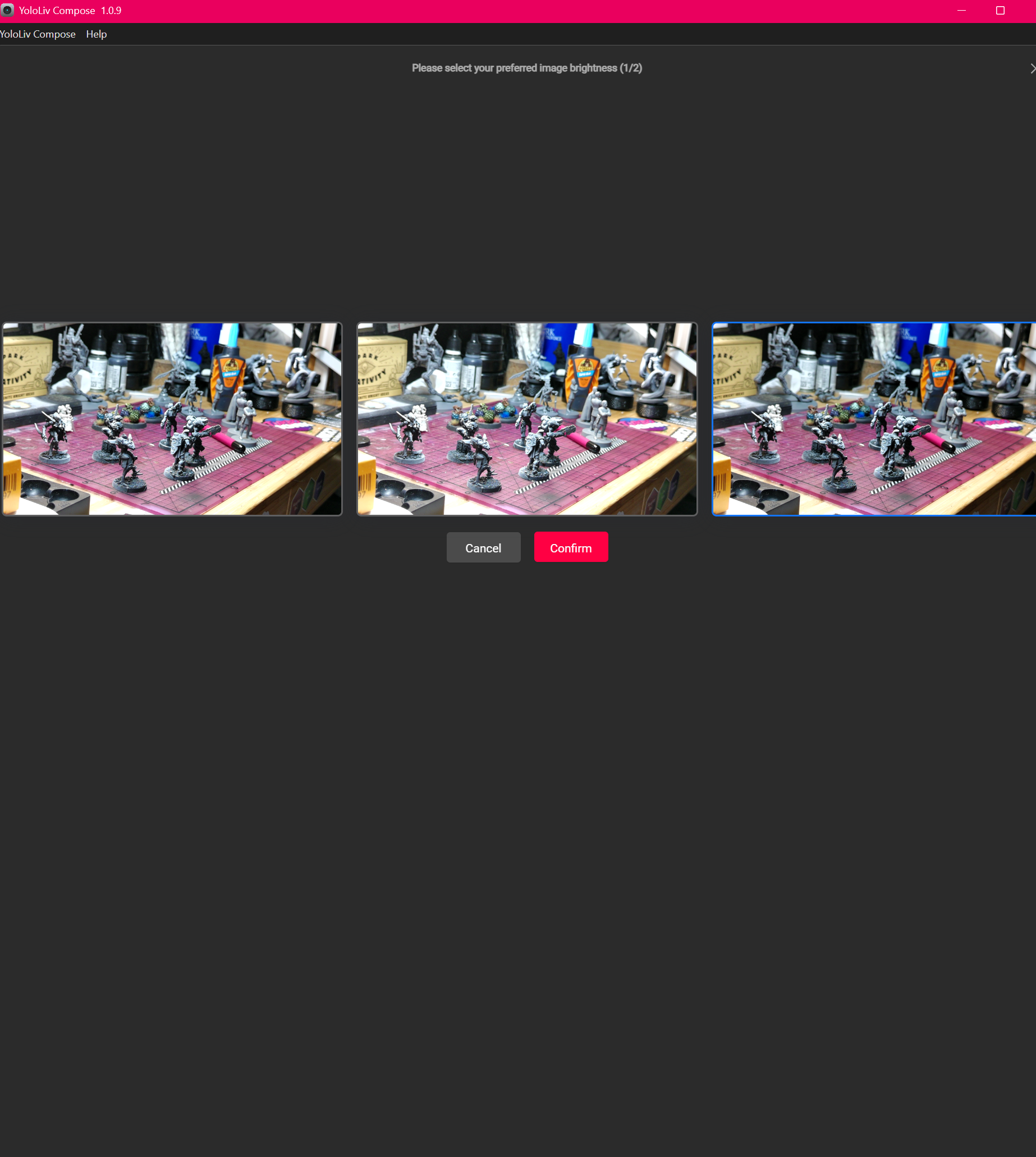
For the rest of the software, I’m in love with what I get. Total and absolute control over every parameter is present, which allows me to dial in everything. With my setup on my desk, I used to get worried about not having enough light, but the YoloCam solves that through all of the tweaks.
All of the adjustment settings are spot on and well designed. Not once did I feel like I couldn’t dial in the contrast, color, or focus…and to be honest, the automatic options work perfectly out of the box.
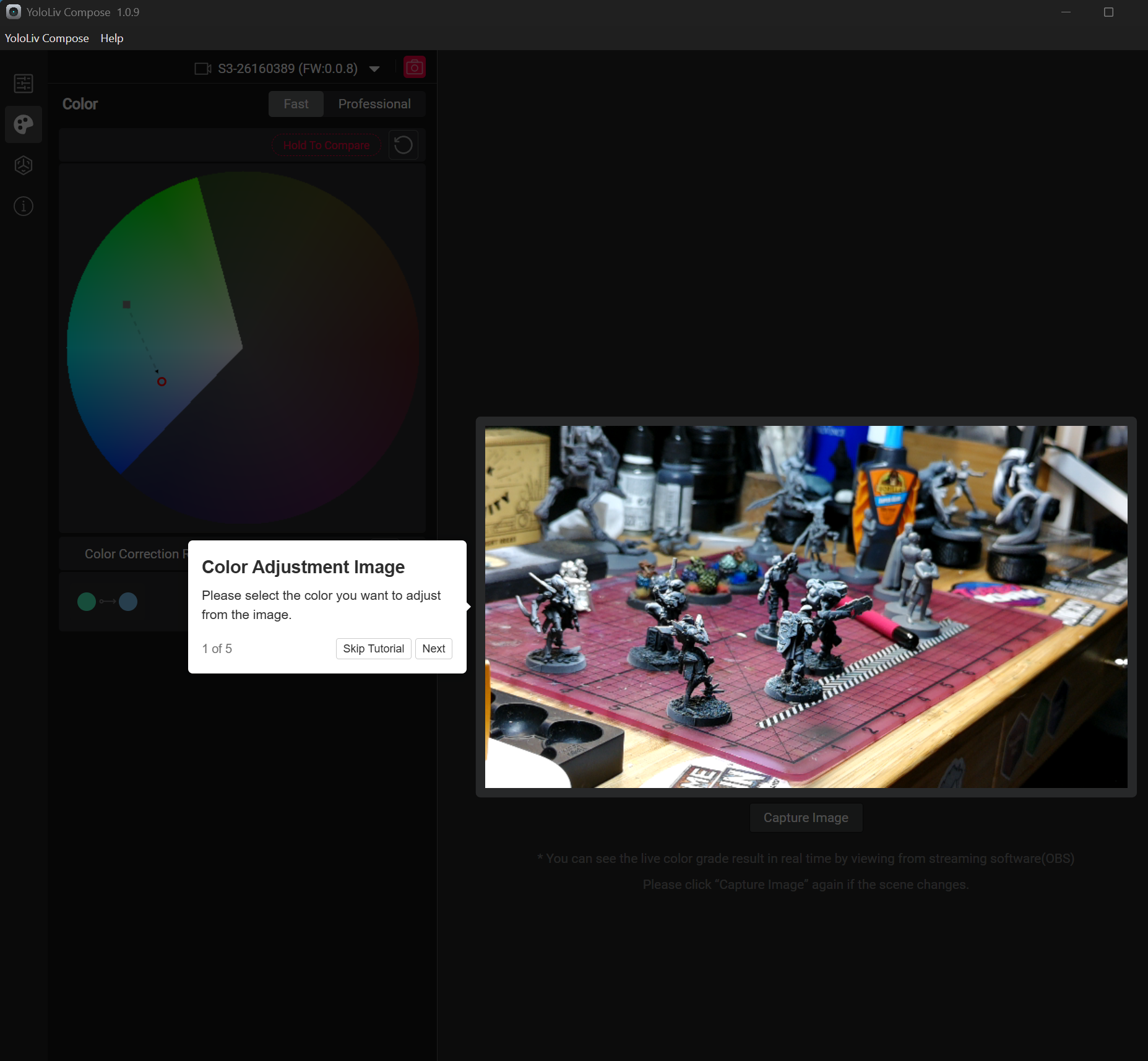
Color mode uses Picasso Resolve, which has similar controls to Davinci Resolve, but if you’re not used to it, it’s easy to pick up. A tutorial appears, and it’s extremely easy to pick specific colors out of your shot, adjust, and move on.
The Images
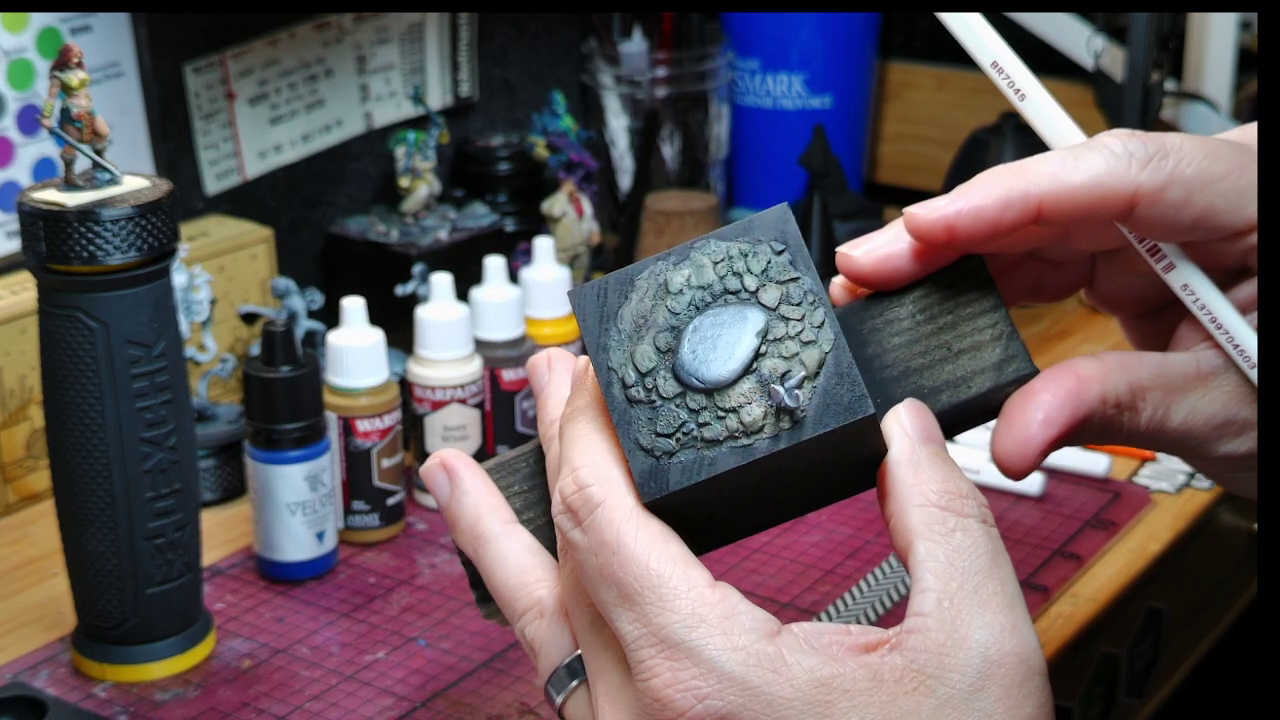
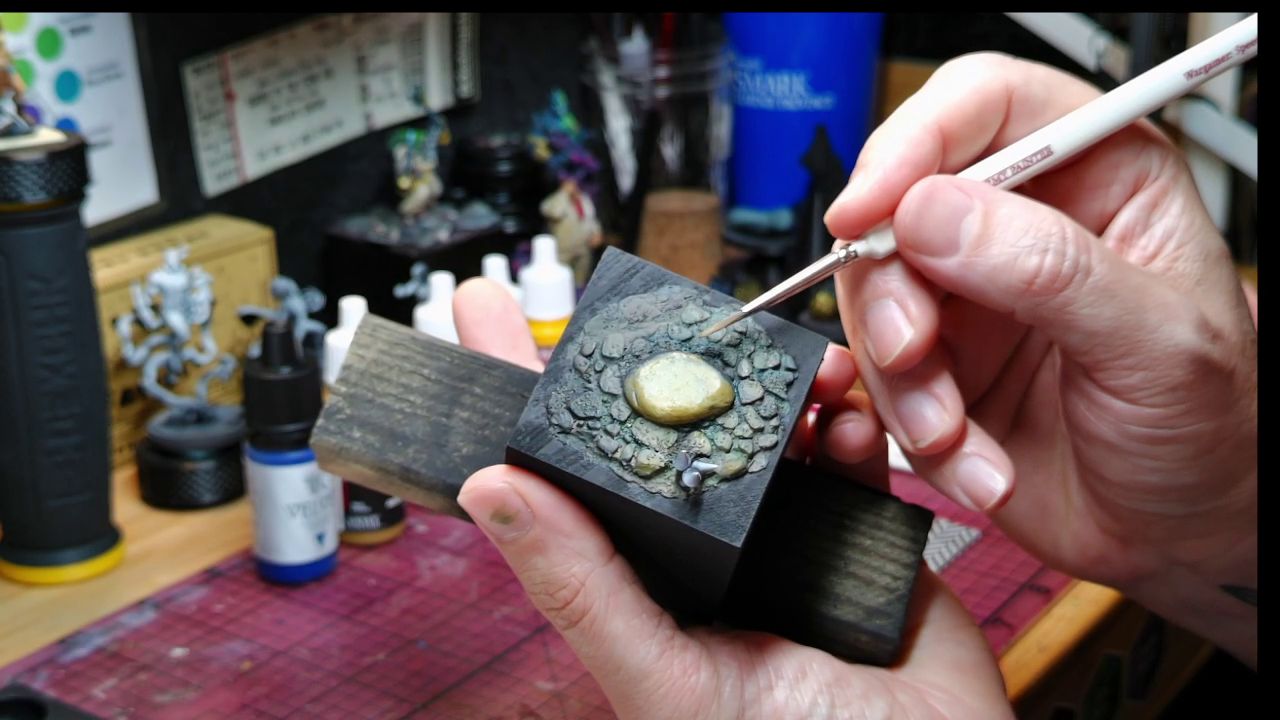
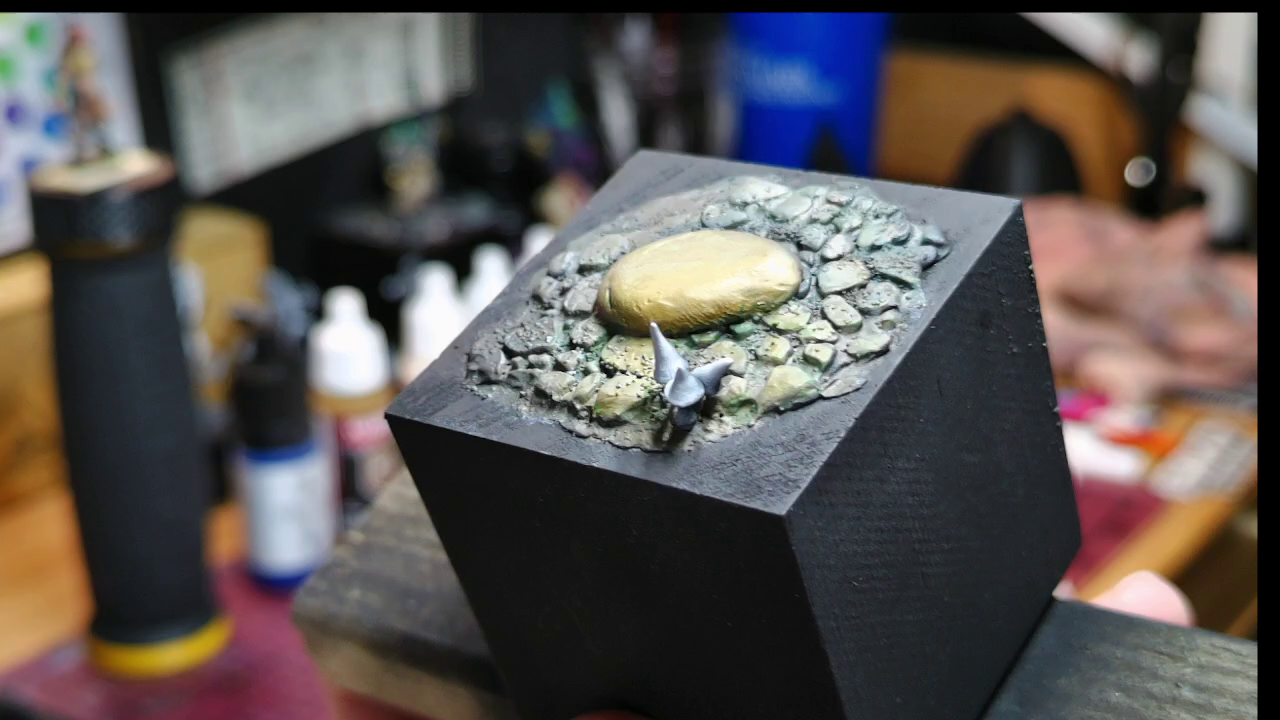
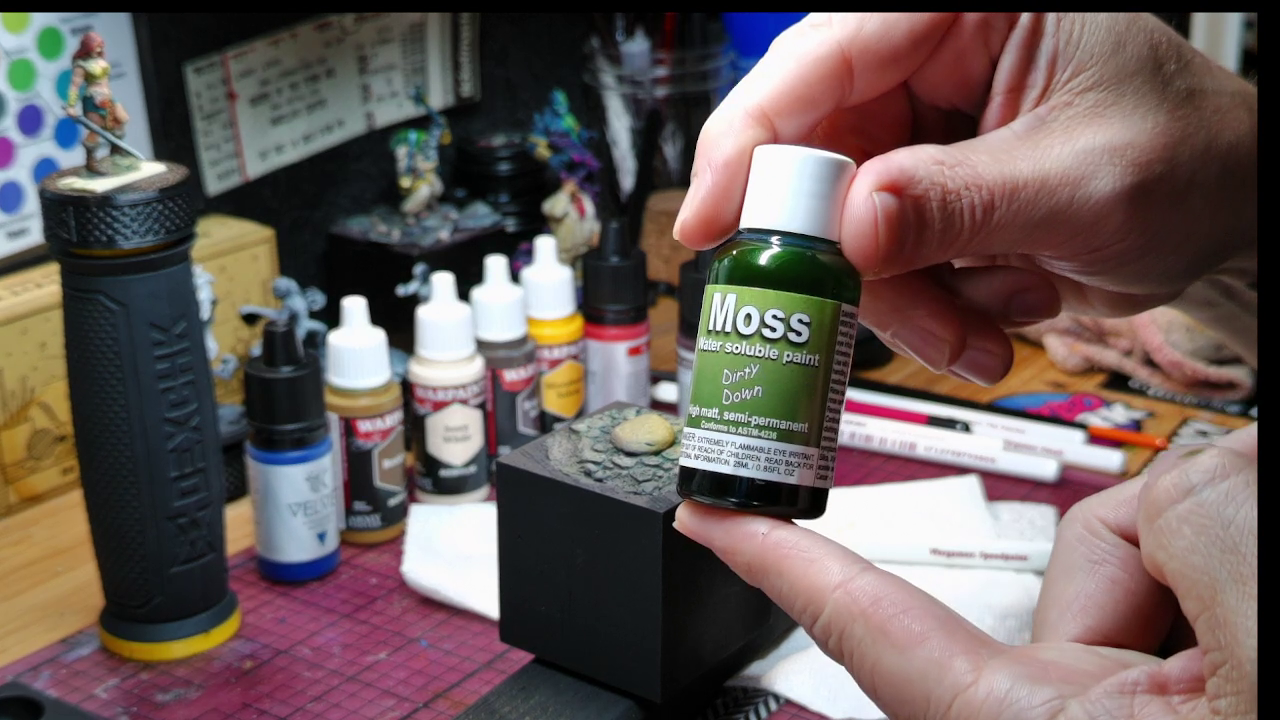
As you can see with your own eyes, the images are crisp. I shot these at 60k, running through OBS (Open Broadcaster Software), and then snapshotted in VLC. I used the AF-C focus, and for the most part, relied on automatic settings throughout the YoloLiv Compose software.
A few concerns
While this camera is mostly perfect, there are a few concerns I had with some of the operations. The camera requires a USB3 connection to operate best. This isn’t documented anywhere, and on my PC, I have only 2 of those ports on the front, so I was lucky, but buyer beware. Also, the cable supplied isn’t as long as I would want/need for my setup, so invest in a longer cable.
Secondly, the software and camera were both kind of buggy. When booting up the camera, I usually have to plug and unplug it several times for the software to register, and in OBS, if I have the camera preview showing in YoloLiv Compose, the camera simply won’t appear in OBS. I went through a lot of chaos before I figured that out.
While these are minor, a camera that presents itself as such a high-quality camera offering DSLR quality, these bugs shouldn’t exist.
Should I use this?
Absolutely yes. For the minor issues with system compatibility and software bugs, the hardware is awesome. The image quality is ridiculous for such a small size, and I think a lot of people will get great use out of the YoloCam s3. Now, I'd better get going making some tutorial videos!
Yololiv YoloCam S3
Great
Minus a few software issues and a small learning curve, the Yolocam s3 is an excellent way to get 4k quality video without using a DSLR.
Pros
- Excellent hardware and mounting solution
- Large CMOS brings 4k video
- Expansive settings
Cons
- Cable is short
- Software can be buggy
This review is based on a retail copy provided by the publisher.