
When it comes to quality-of-life upgrades for my gaming and workspace setup, a handful of things immediately come to mind: wireless peripherals, high-quality sound devices, and nice, feature-rich monitors, to name a few. With a desk whose space is still largely commandeered by monitor stands, things still feel busy, maybe even a little anxiety-inducing. Now, with the AndaSeat monitor arms, it feels like I control my space again; I can breathe a little easier…and that’s the definition of a quality-of-life improvement.
My wife and I are both gamers and spend a lot of time in front of our gaming desks. We both have dual-monitor setups. I typically use one to game and the other for research or Discord, while my wife enjoys low-friction Minecraft and YouTube. We once tried our hands at content creation, and we’re consummate geeks, so over time our desks had become littered with peripherals, cables, and tchotchkes. When you also consider that we both had our desks arranged around where our monitors were placed, you can start to understand why monitor arms could be such a significant upgrade.
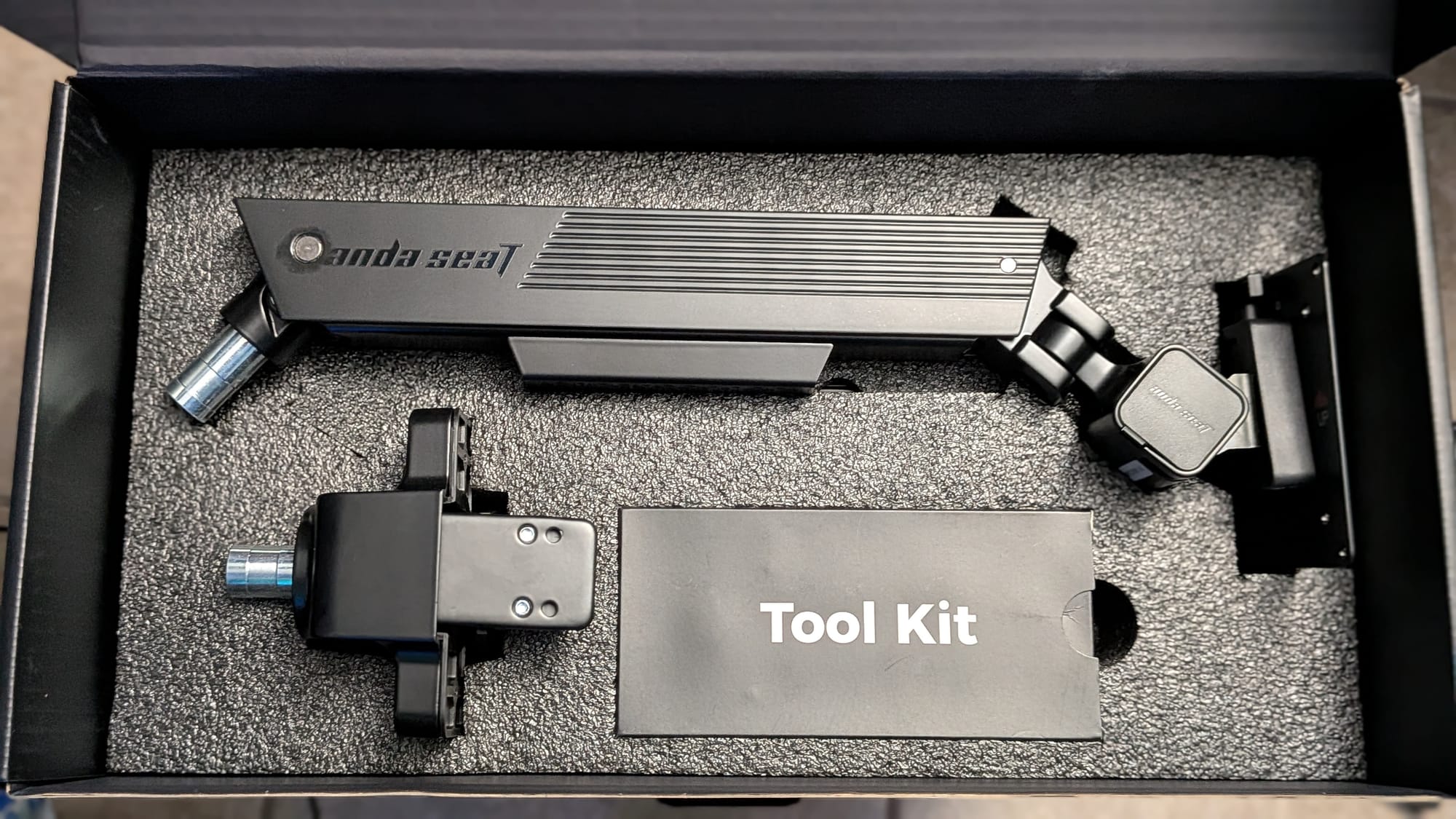
The AndaSeat monitor arm comes with the table mount, two arm segments, and a packed-in toolkit. The standard mount uses clamp mounting and can be tightened to fit a range of desks using the packed-in Allen socket/Phillips head screwdriver combo tool. If you’d prefer, you can also use the packed-in grommet mounting kit to secure the arm through your table.
Once you have the mount in place, you’ll place the lower arm onto the mount and secure it with the Allen key. You can then set the top arm, which includes a tension spring mechanism and the monitor mounting plate, onto the bottom arm and secure it with another Allen screw. The mounting plate can be removed via quick-release from the upper arm to easily attach it to your monitor using either 75mm or 100mm VESA standard mounts. The included toolkit includes screws and spacers to accommodate either, and can be secured with the packed-in screwdriver.
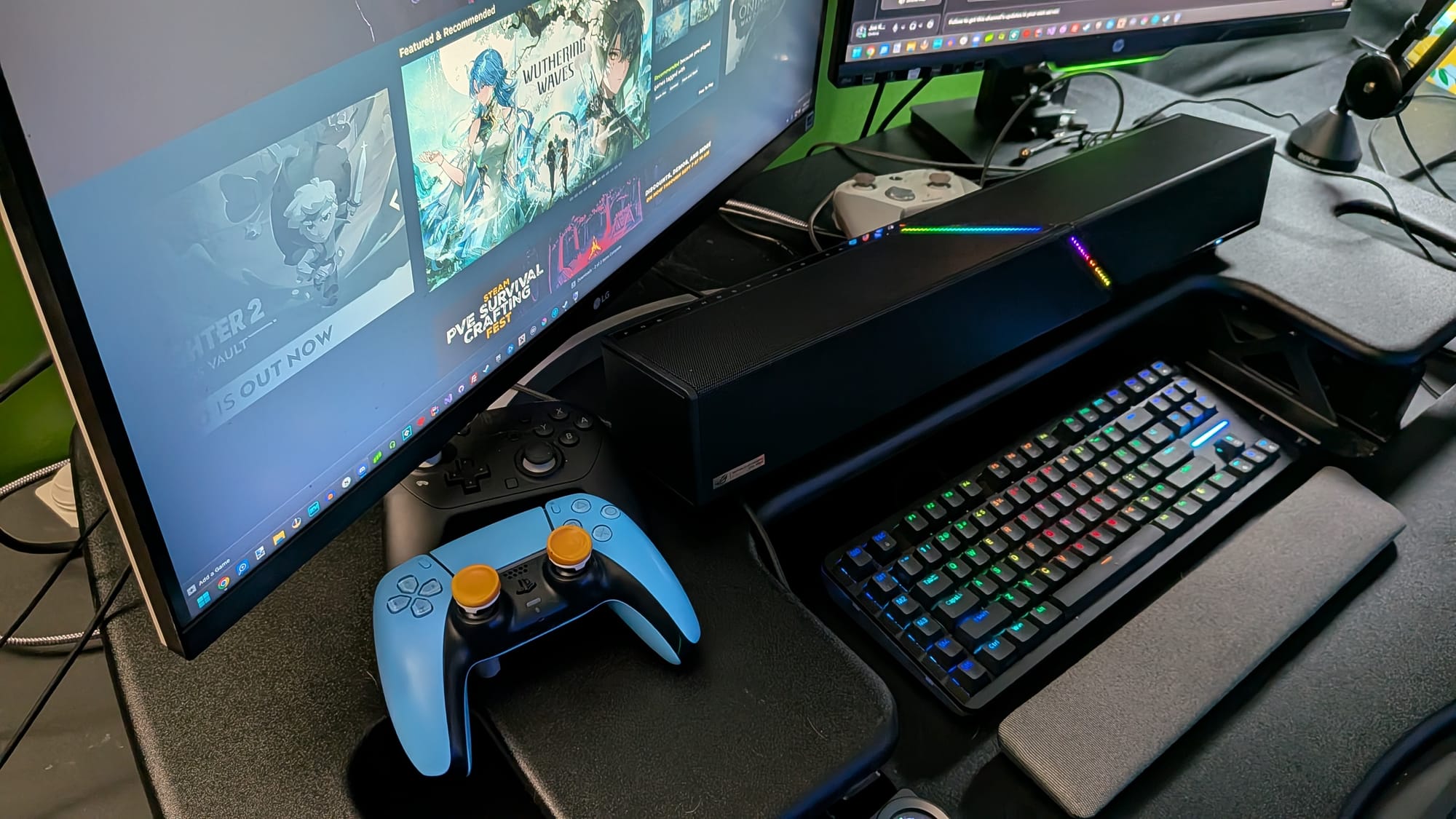
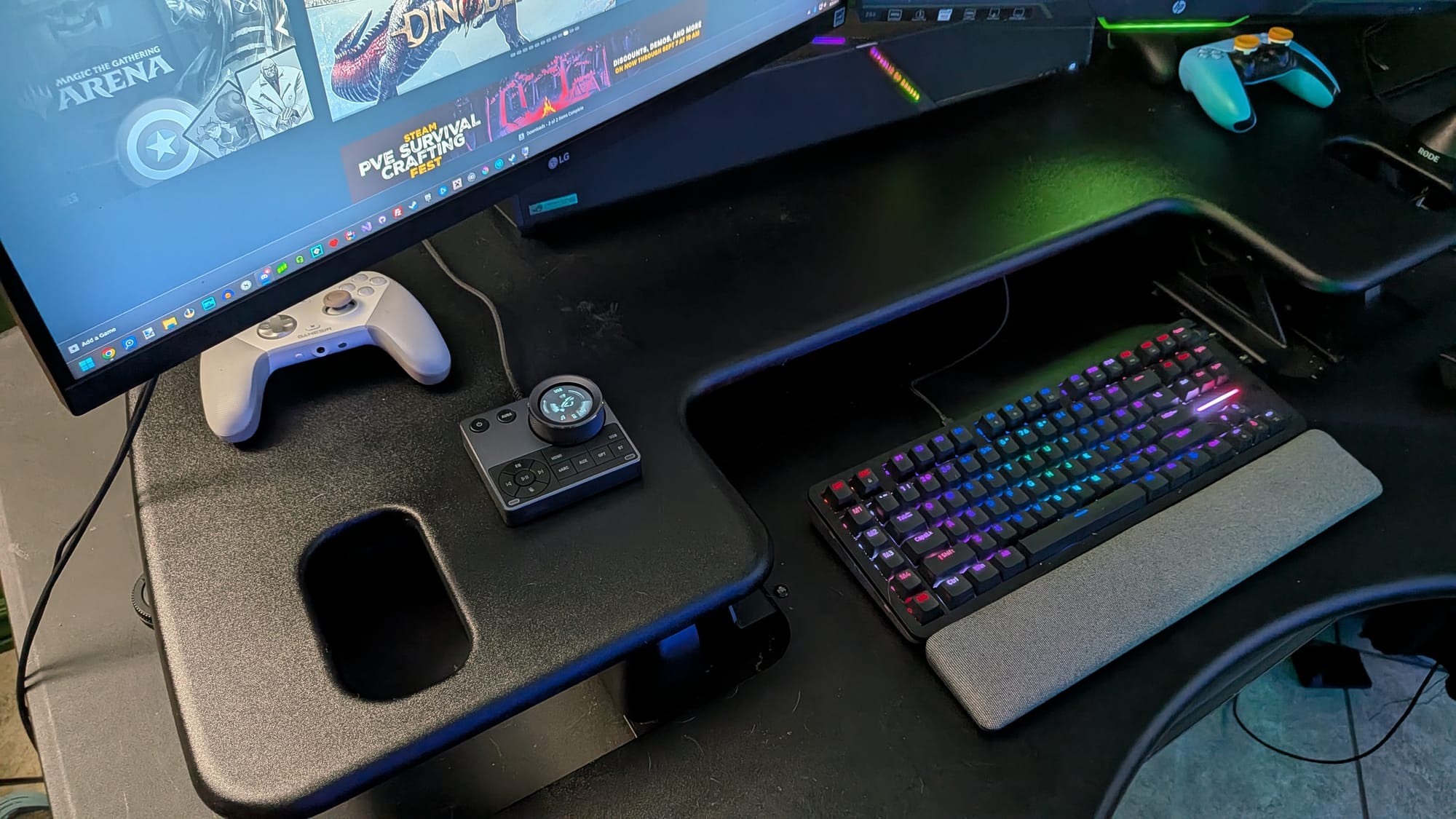
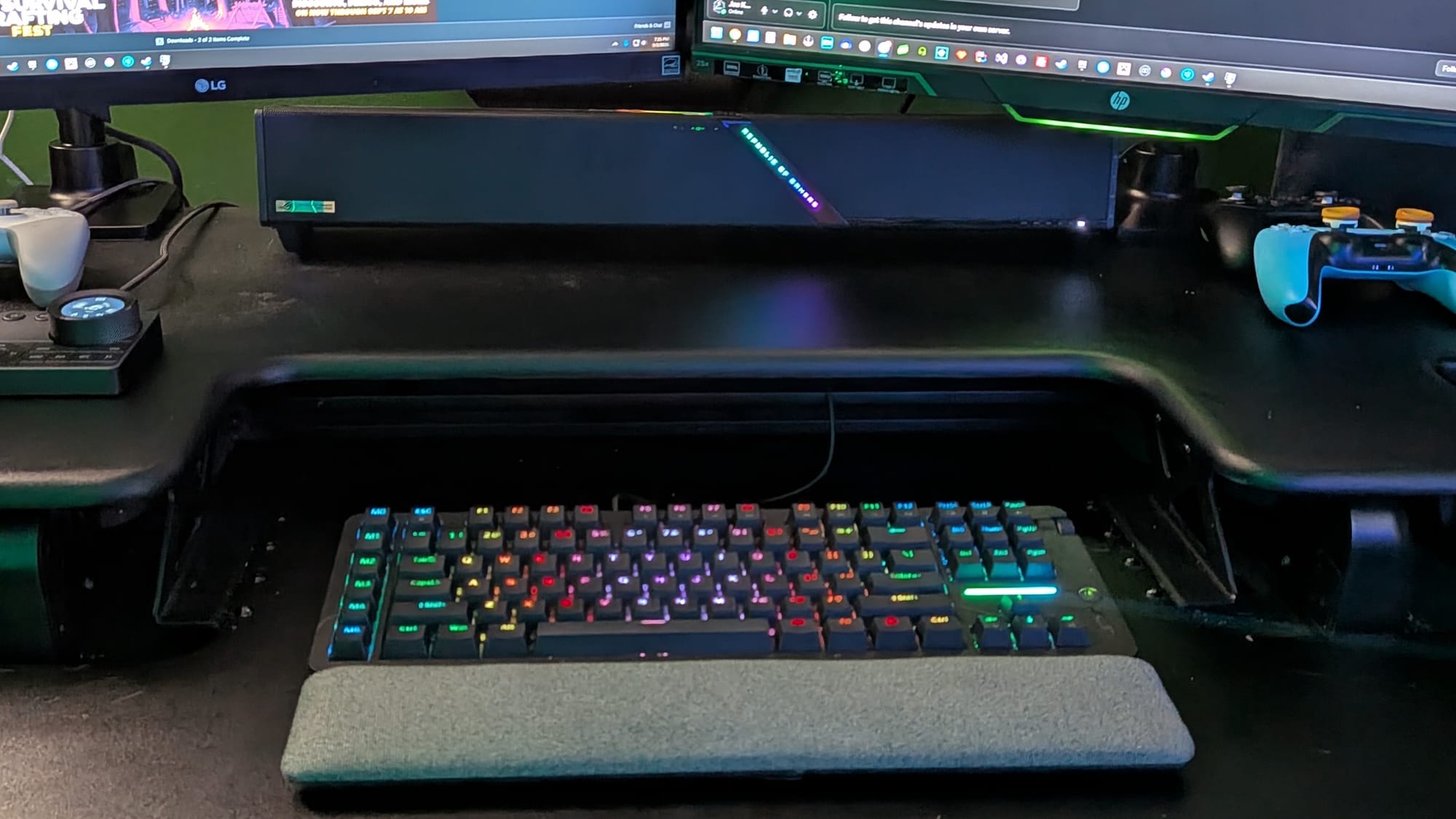
My Before and a couple of Afters
Once you have the mounting plate on your monitor, you’ll be able to easily attach the mounting plate to the upper arm, and you’re almost done. There are a few nice features AndaSeat’s monitor arm has to ensure the best experience. There’s an adjustable tilt tension mechanism you’ll need to adjust depending on your monitor, so you can ensure you can easily adjust the monitor’s angle. Depending on the weight of your monitor, you may need to adjust the lift-force spring in the unit’s upper arm. Using the packed-in Allen key, this takes just a few seconds, and once you get it dialed in, you’re set unless you change monitors.
After you have the tension spring dialed in, you can start working with one of the AndaSeat’s coolest features: a magnetic cable management system. Both the upper and lower arms have bays that can be removed, with a channel for any cables going to your monitor. The upper arm’s bay is a bit smaller and attaches to the bottom of the arm using two strong magnets. The bottom arm’s cable management features a similar device, but it’s bigger and embeds to sit flush with the edge of the bottom arm, where the top arm’s channel protrudes slightly.
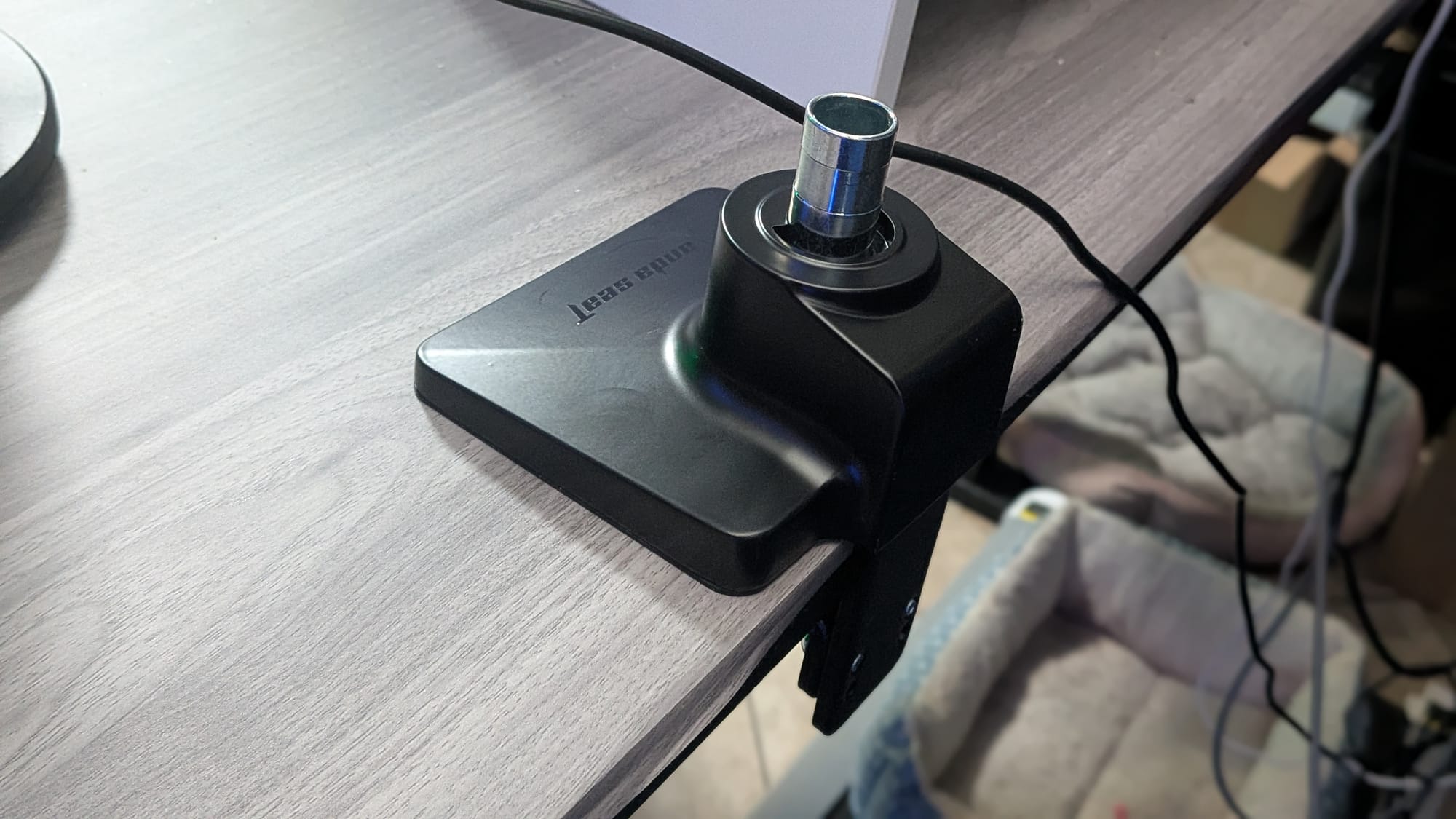
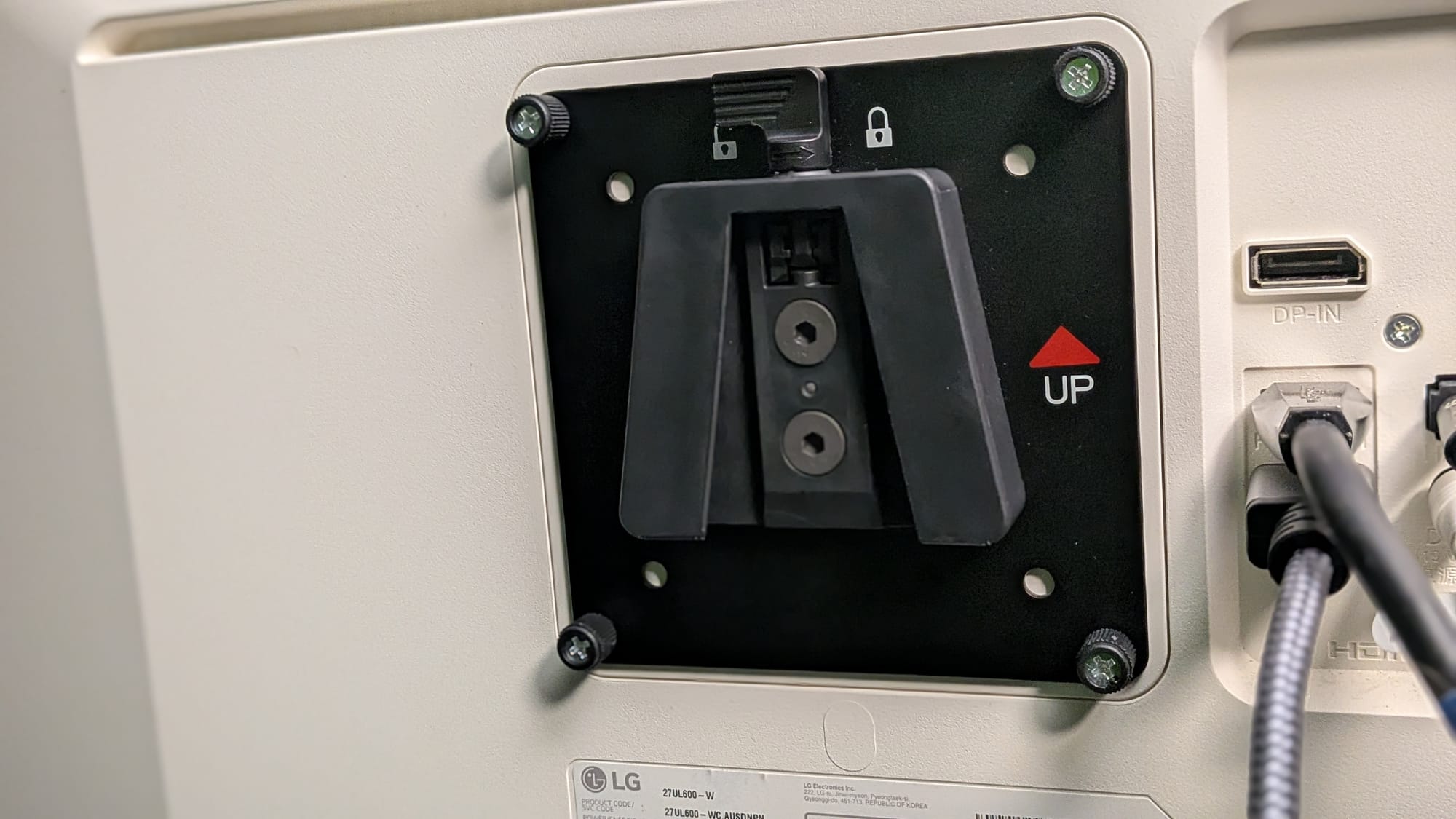
The clamp mount and mounting plate are sturdy and easy to install
I do want to take the time to point out that, depending on the number of cables going to your monitor and how sturdy or how much tension is on them, you may have to consider leaving them out of the cable management channel. A couple of our monitors were using sturdier, braided HDMI cables, and it was occasionally a fight to keep the magnetic channels from being pulled off the arms. That said, it’s a minor complaint, especially in the grand scheme of how much form and function this device brings to your setup.
From opening the first box to having a fully mounted, ready-to-use monitor took maybe 15-20 minutes, and most of that was spent dialing in my tilt tension, lift tension, and sorting out cable management. By the time I installed our fourth and final mount, it took me less than 10 minutes.
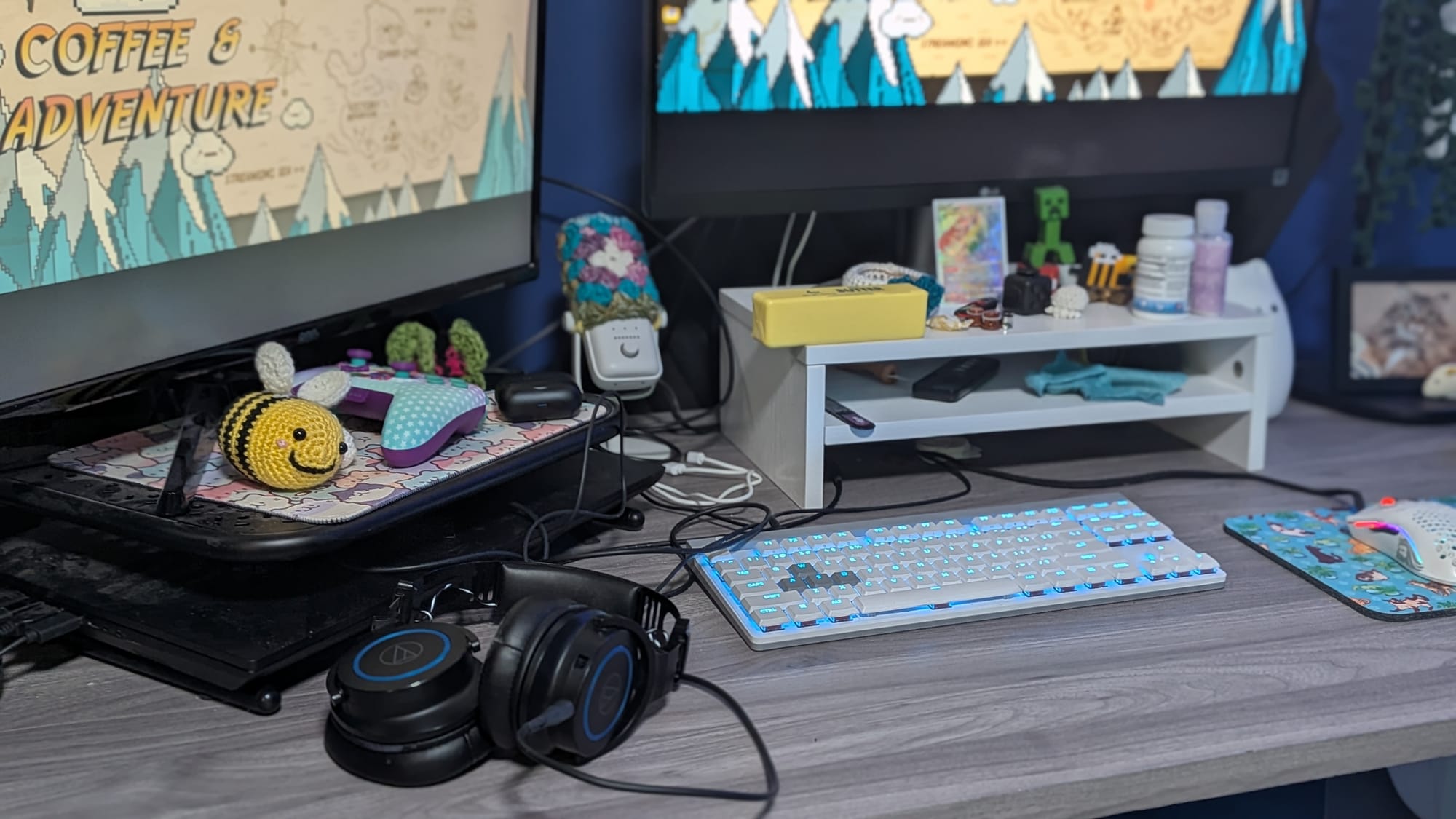
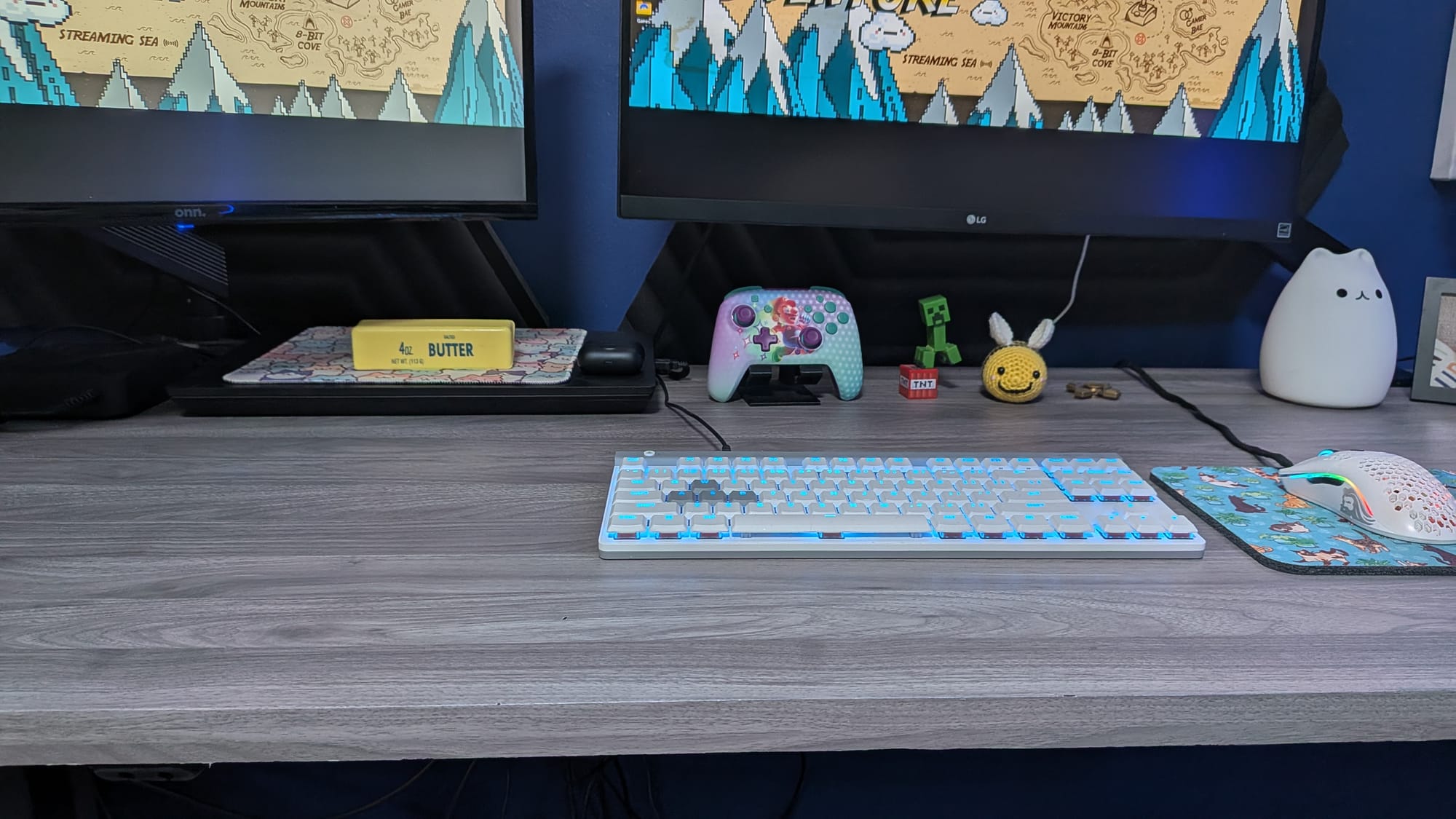
My wife's Before/After
I could not be happier with AndSeat’s monitor arms. They’re made of high-quality materials, they’re sturdy, look fantastic, and they help make my space cleaner and calmer. The built-in features are slick and easy to utilize, and I can trust these to reliably hold my monitors for years to come. If I decide to reorient my setup, the ~11” of height adjustment, mobility, and screen rotation give me the freedom to make the experience my own. On top of that, they come in a wide range of colors. My only regret with the AndaSeat monitor arms is that I spent so many years of my life without them.
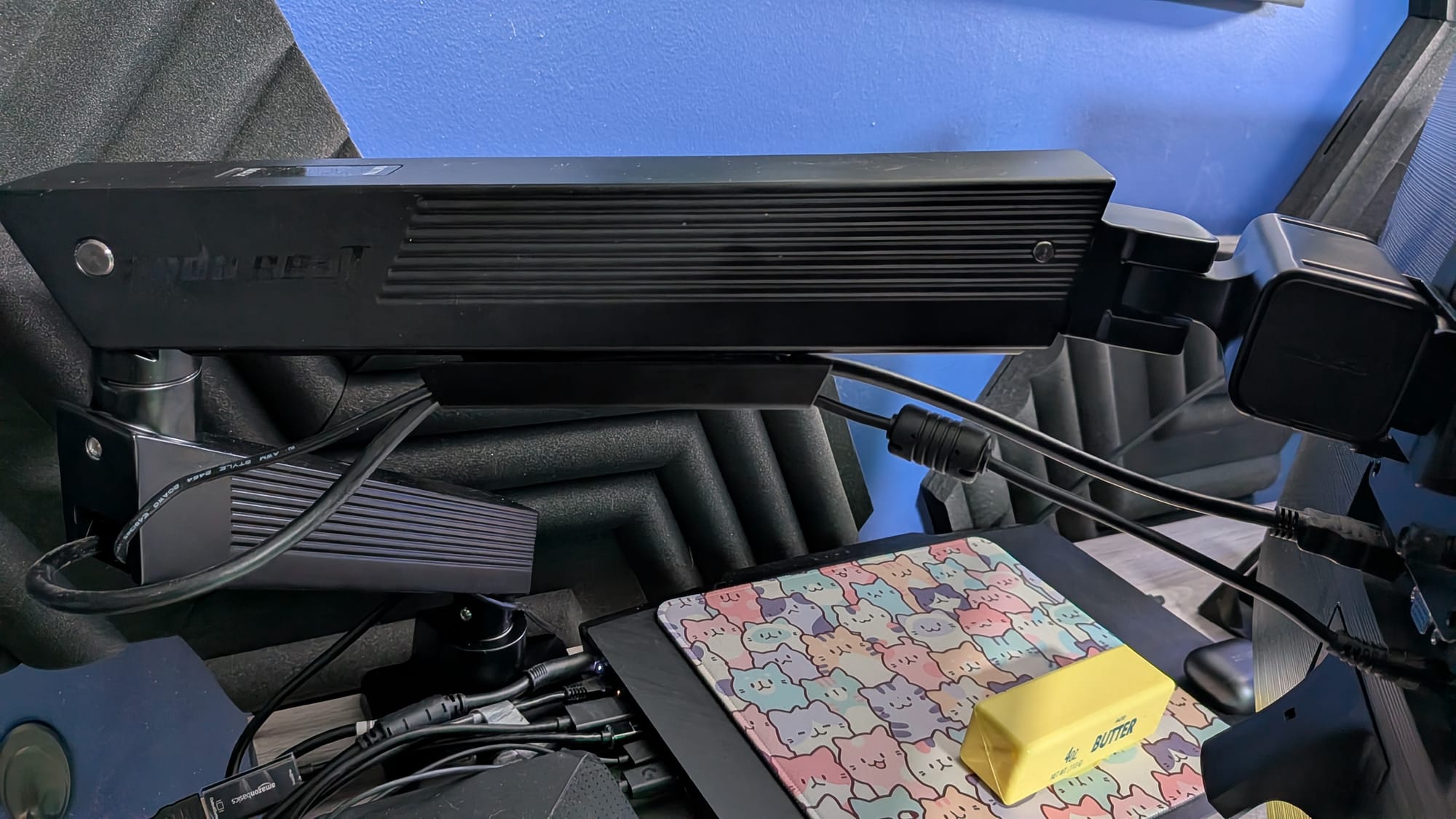
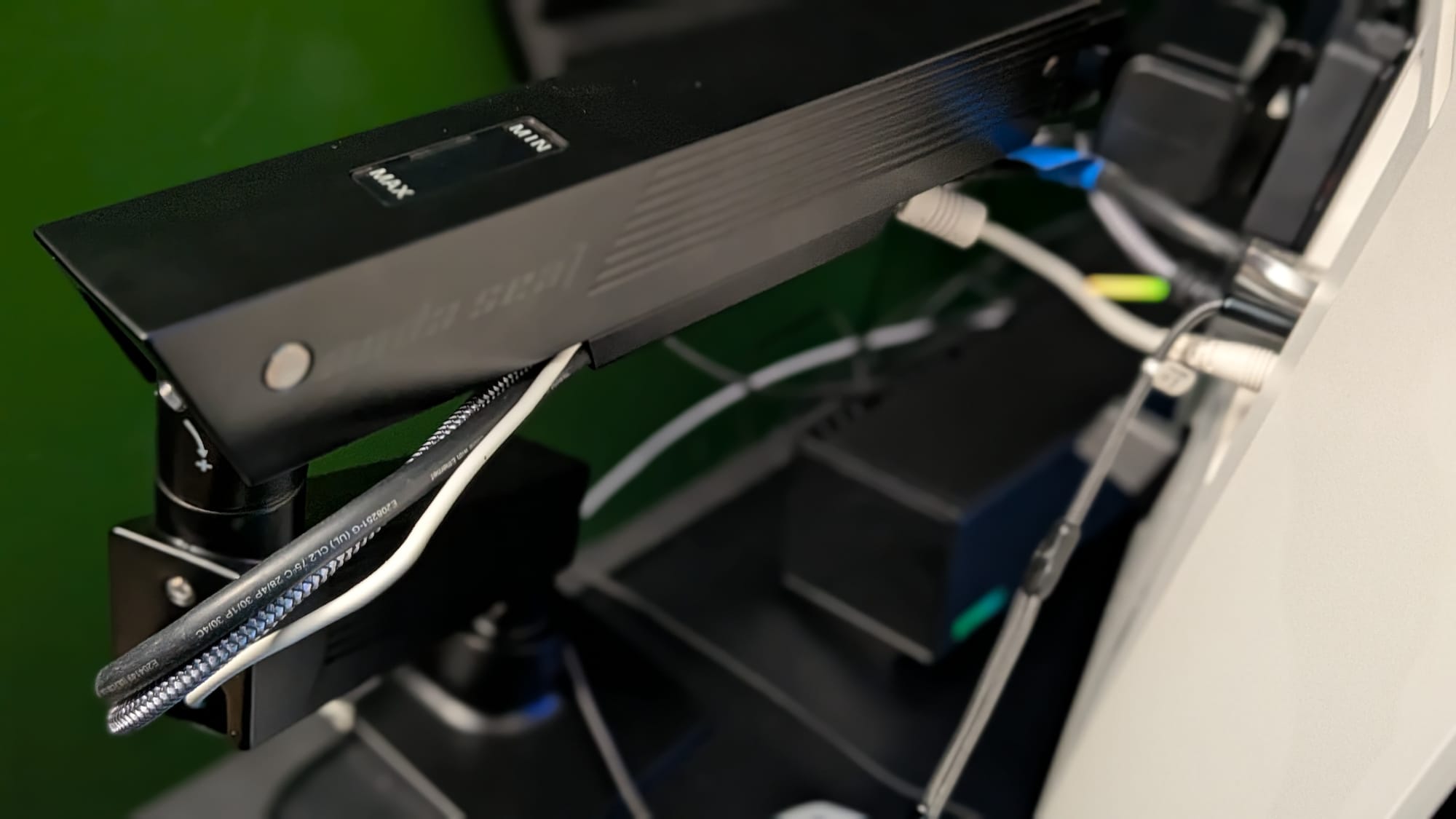
The magnetic cable management solution is fantastic but can struggle with multiple sturdier cables
While my desk was mostly littered with video game controllers and audiovisual equipment, my wife had both her monitors sitting atop other structures, and everything else was displaced around that. Everything was cluttered and busy, but we felt like we had no good way to wrangle either of our messes any better than we already had. AndaSeat’s monitor arms have given both of our spaces a new lease on life and, more importantly, helped us find a more peaceful way to enjoy our favorite space.
If your monitors are sitting on your desktop with the stand they shipped with and you’ve been thinking about a switch, I’d strongly encourage you to consider these for your upgrade. At ~$130 USD, they might be a little pricey, but they’re worth every penny. AndaSeat’s monitor arms work with monitors from 17-34” weighing 6-24 pounds and, with the quality of construction and built-in features, they’re a surefire way to improve your desk space and overall experience gaming and working. You should definitely consider making a couple of these a part of your home.
 AndaSeat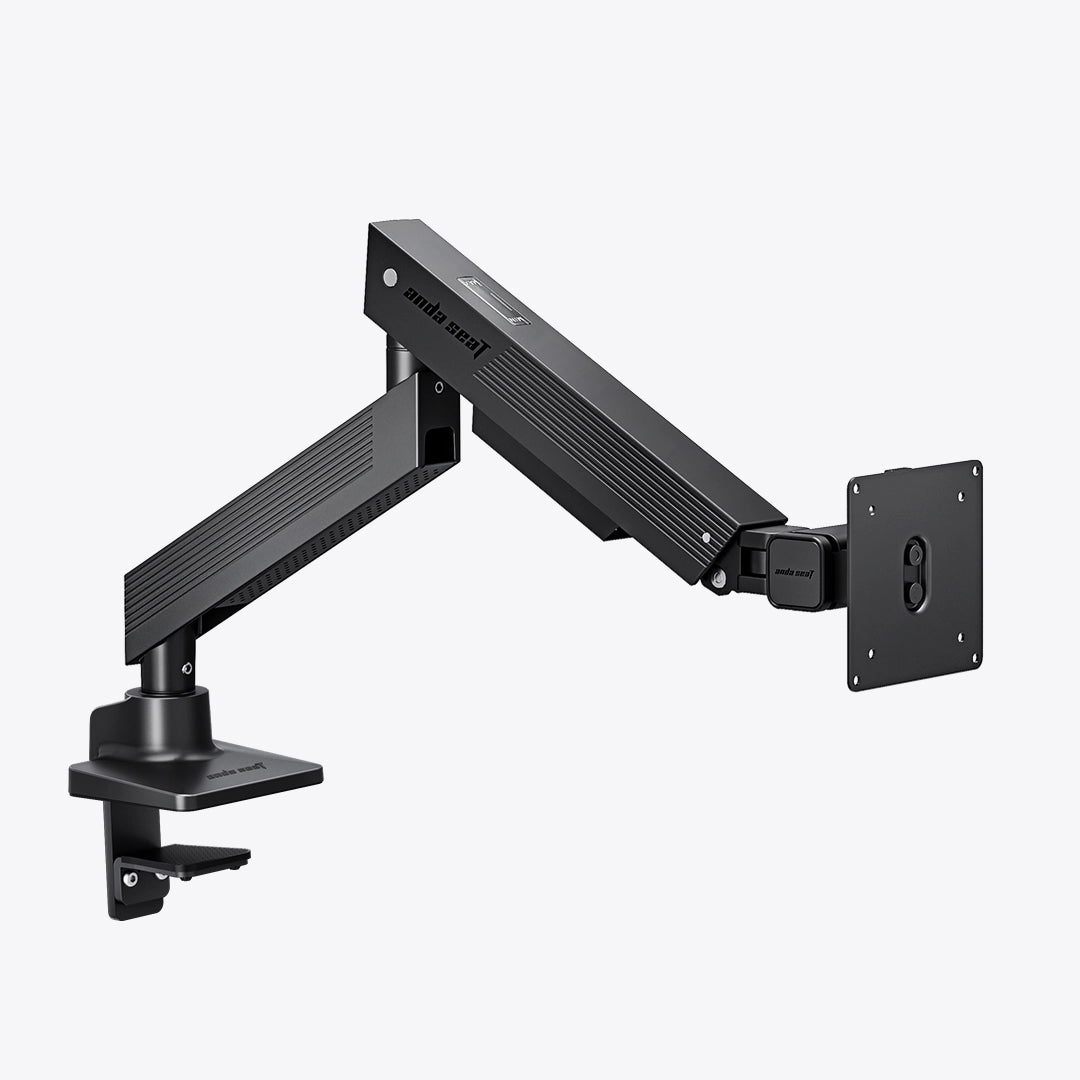
AndaSeat Axis Single Monitor Arm
Excellent
The AndaSeat monitor arms are easy to set up, made of high-quality materials, and help make your workspace far more manageable while giving you desk space back. They fit standard monitor mounts, can rotate from portrait to landscape, and can hold monitors up to ~25 pounds. With premium materials, easy installation, and built-in cable management, the AndaSeat monitor arms may be the single greatest battle station upgrade I’ve ever gotten. These accessories are an easy recommendation.
Pros
- Easy setup - includes tools and easy-to-follow instructions
- High-quality materials
- Makes your workspace cleaner, easier to manage
- Integrated cable management
Cons
- Magnetic cable management is fantastic, but it can struggle to handle multiple sturdy cables
This review is based on a retail copy provided by the publisher.












