
Iteration is not easy. If you have a good product, you don't want to change much but risk the customer thinking you're just selling them something with a new coat of paint. If it sucks, you have to put in a lot of effort to fix its problems. Either way, designing the sequel in peripherals can be challenging. Razer already had a fantastic controller in their Wolverine V3 Pro, with several great iterations in last year's PC and PS5 Raiju controllers. In this case, what's new came easier: moving over several awesome features and dropping in something fresh to boot.
Inside the box you'll find the Razer Wolverine V4 Pro, the HyperSpeed USB dongle, a charging cable, a couple of additional thumbstick styles, and back button port covers. Sadly, with this version, the case has been done away with. Whether this is due to low demand or a cost-saving measure is undetermined, but I like it when my expensive controller has a protective home. You could still buy one separately, and previous Wolverine cases will fit it.
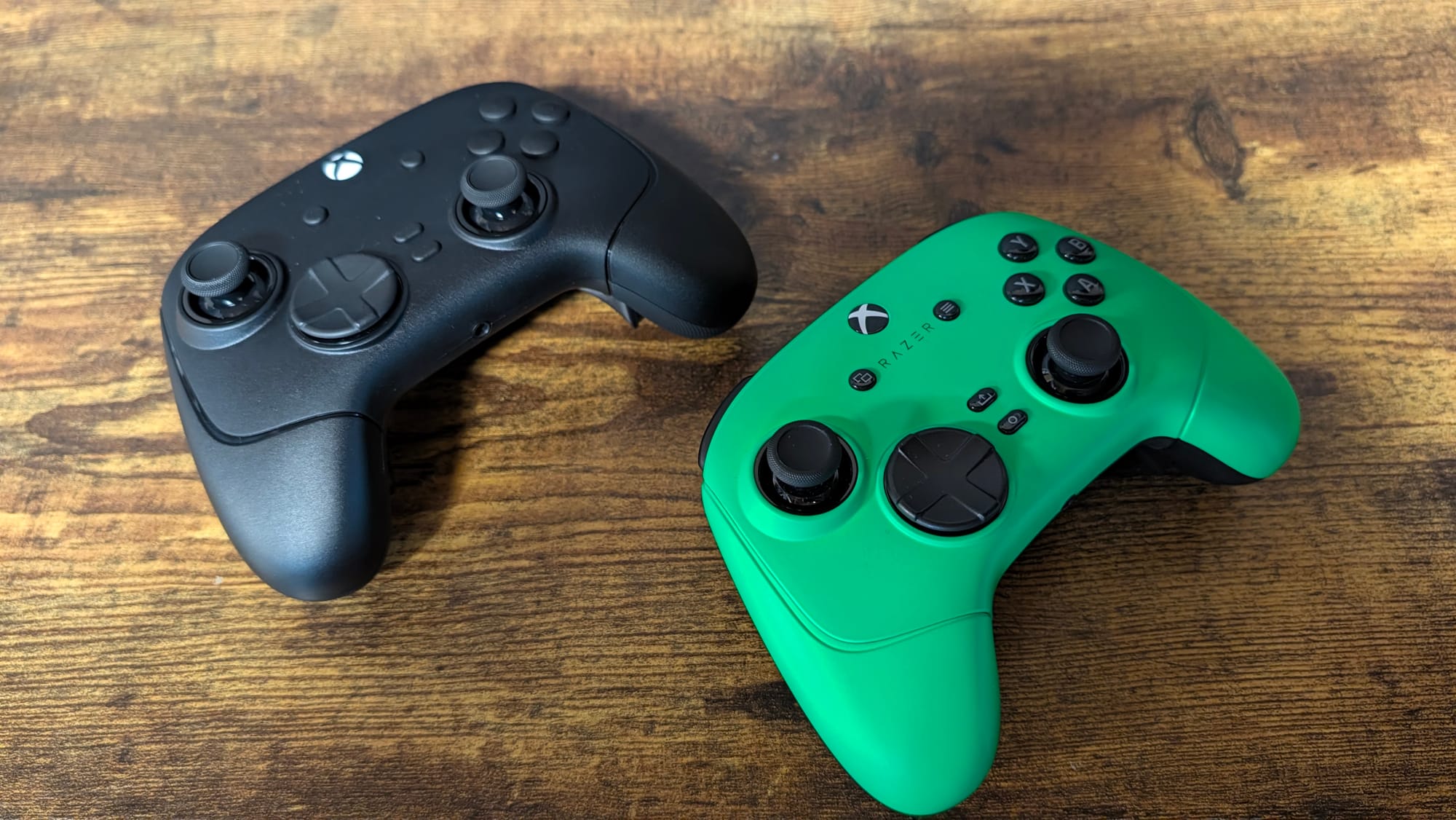
Looking at this V4 model, you aren't going to notice a lot of differences. It's quite similar to the V3, the offset thumbsticks, mecha-tactile face buttons and D-Pad, digital bumpers and M-buttons, quick triggers, and in-grip back buttons. It could be disputed that the look is somewhat between the XBOX V3 Pro and PC V3 Pro, but that's neither here nor there.
All of this doesn't necessarily matter, because in grip the V4 feels as comfortable as the V3. Everything is accessible, the textured grips on the handles and thumbsticks are nice, and almost every button or trigger has a great click to it. My only issues are with the handles and heft. You've heard me complain about the Wolverine's handles before – they're too short, and that's from someone with smaller hands. The heft is more of a personal preference; the V4 is heavy. What's funny, the V4 is a single gram heavier, so it shouldn't bug me. I assume it's probably from recently maining a controller that weighs almost nothing, so it feels more prevalent in this controller.
Razer’s thumbsticks have often taken me time to adjust to, but not with this controller. Newly introduced with this model, and a fresh design from the gear maker, capacitive sensors power your aiming. These use electrical capacitance for their measurements instead of the magnetic traits TMR and Hall Effect thumbsticks do. In essence, you eliminate stick drift issues and avoid any magnetic interference with capacitive thumbsticks. We all like a good buzzword, but here Razer really has something.
I've been pushing the envelope with them, and I've felt completely in command from the first moment I picked up the V4 Pro. Engaging with Warzone, I was nailing long-range shots with ease, being able not only to control my recoil, but also keep my reticle on the tiny pixels of players I could barely see on the screen. The left stick also felt great, with full control of my movement capabilities. Maybe it's just a placebo, but there was no need for tweaking anything or getting used to these thumbsticks from my TMR ones. If I wanted to, the thumbstick tops pop right off to switch to other styles, such as the tall concave and convex thumbsticks included.
One of the reasons I've felt at home with the thumbsticks is the new implementation of 8KHz polling on PC (XBOX is locked to 250Hz). It works both wired and wirelessly via the HyperSpeed USB dongle. I'm an 8K truther, as the smoothness of your aim cannot be simply stated, but needs to be experienced. Getting the perfect flick is easy when you have such precision offered by 8KHz polling. This was already a part of the great PC Wolverine V3 Pro, but alongside the capacitive sensors, it gets even more of a chance to shine.
Beyond these advancements, the mecha-tactile buttons feel great and respond with each click you hit. You won't question whether you pressed anything; that's for sure. Similarly, the bumpers and M-buttons also offer the same awesome feel. Razer's quick triggers have the option for a full pull, but also lock for that instant mouse-click press. Together, these make for a deadly bunch, especially for whatever enemies come your way.
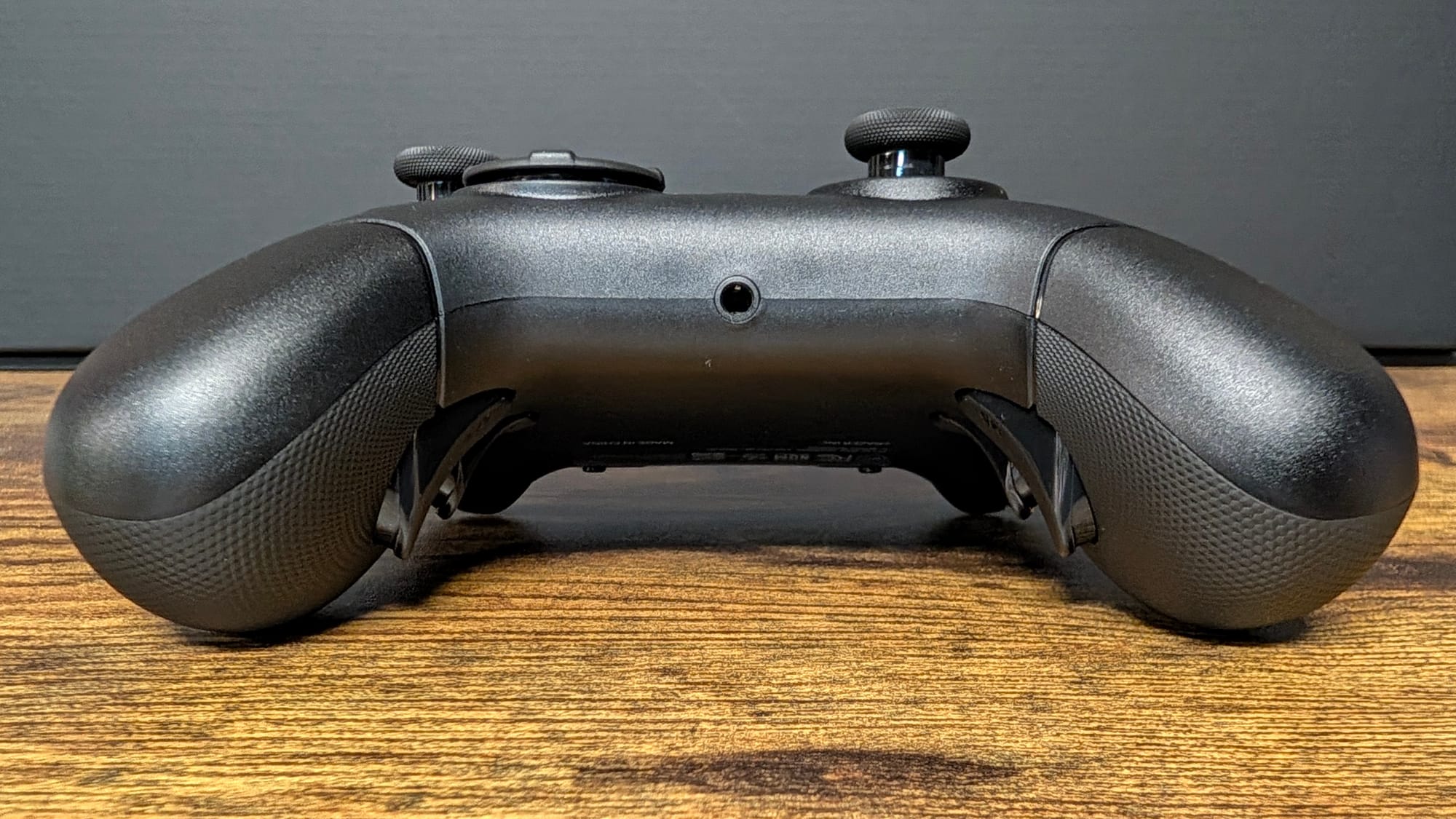
A feature from the Raiju makes its way over to the Wolverine, but in an even more impressive way. First, however, let me assure you that the back buttons are as good as they've ever been. If it ain't broke, don't fix it, and both the mouse-click-like responsiveness and the in-grip comfortable return. These are some of the best back buttons on the market. The new ability to remove them is what's terrific, as they're held in place by powerful magnets. This means you can pop them out and drop a cover in place in seconds. It's not something you'll need to do often, but the convenience of this controller – the Raiju has a screwdriver necessary for changing the back buttons out – is stellar.
Another magnetic feature is tied to the faceplate. You can change it out… although so far, Razer doesn't have anything to swap it out with. One would assume you'll be able to get custom faceplates for the controller like you can with the BlackShark V3 Pro’s earcups; it's just going to be eventually. I'm just disappointed in a feature that doesn't really do anything yet.
While I'm a wired controller kind of person for the input lag benefits, you won't run low for long with the battery life of the V4 Pro. Featuring up to 27 hours of charge, even gaming for a full day won't knock it out. It'll even fully recharge in three hours, so take a break, eat dinner, watch a few episodes of Reacher, and head back to the battlefield with a ready-to-rock controller.
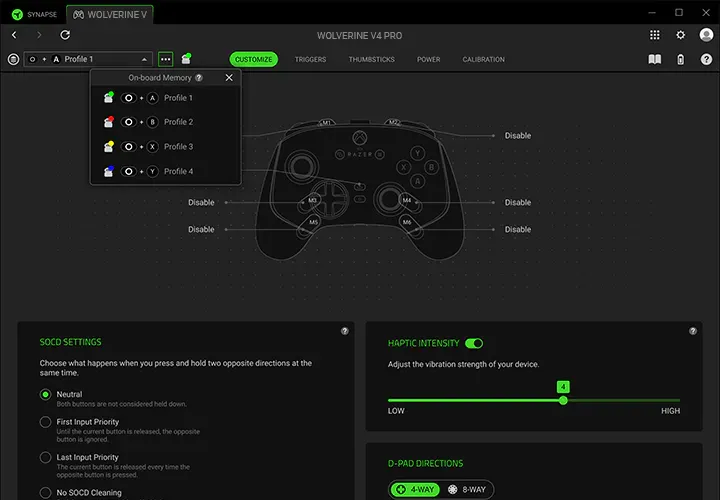
Lastly, Synapse really makes it easy to get the most out of your controller. Upon syncing it up either on PC or XBOX, you'll find the profiles, which you can customize to suit your needs. Easily accessed with the profile button on the controller, you'll be able to quickly swap between them for whatever game (or device) you're engaging with. Deadzones, polling rate (on PC), stick sensitivity, trigger actuation, remapping back and M-buttons, and more are just a few of the benefits you'll get from the software.

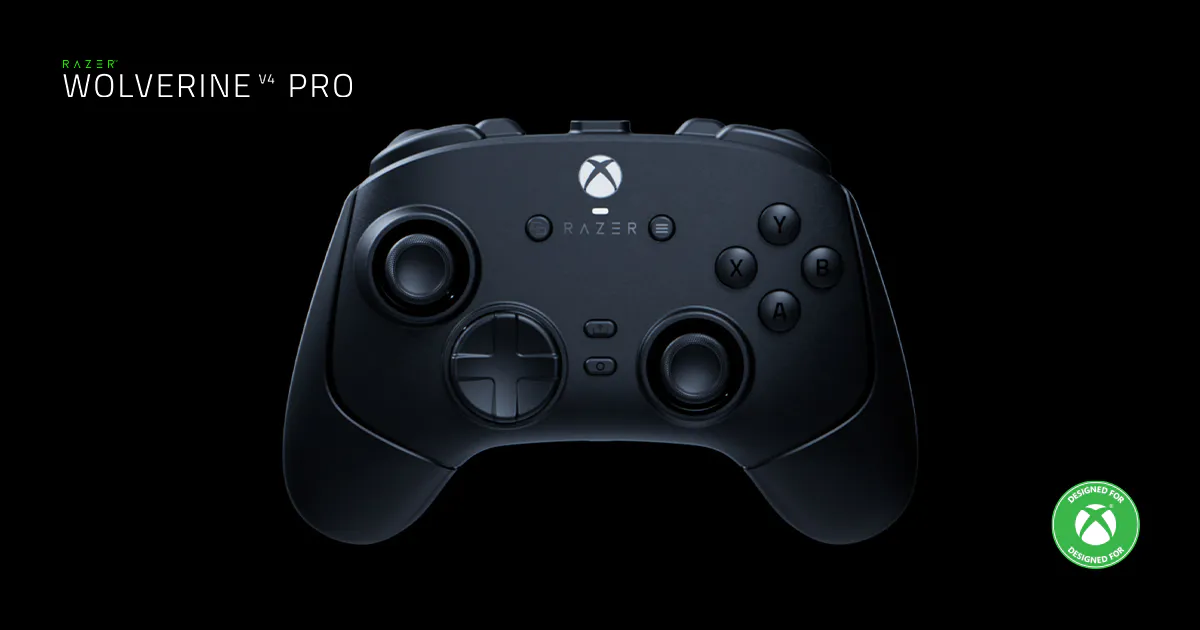
Razer Wolverine V4 Pro controller
Excellent
Taking what you've learned and using it to improve what's next is necessary in any business, and Razer took that to heart in making the Wolverine V4 Pro. All of the existing features were great, but now they're supported by removable back buttons and 8K polling on PC. Even better, adding a breakthrough in capacitive thumbstick tech makes this controller update a win.
Pros
- What worked before wasn't removed
- Phenomenal advancement in thumbsticks with capacitive sensors
- 8K polling for PC
- Cool idea with magnetic removable back buttons
Cons
- Handles are still too short
- I miss the case
This review is based on a retail copy provided by the publisher.












