
Razer has made a name for itself as a leader in hardware for the competitive gamer. Those split-second decisions, big and small, can be the difference between a world champion and what could have been. Continuing the goal of making the most cutting-edge, competitive equipment on the market while keeping it accessible, affordable, and appealing to the mass market, Razer developed its Huntsman magnetic keyboard. With so much packed into such a powerful, affordable keyboard, the world is at your fingertips, and it feels great.
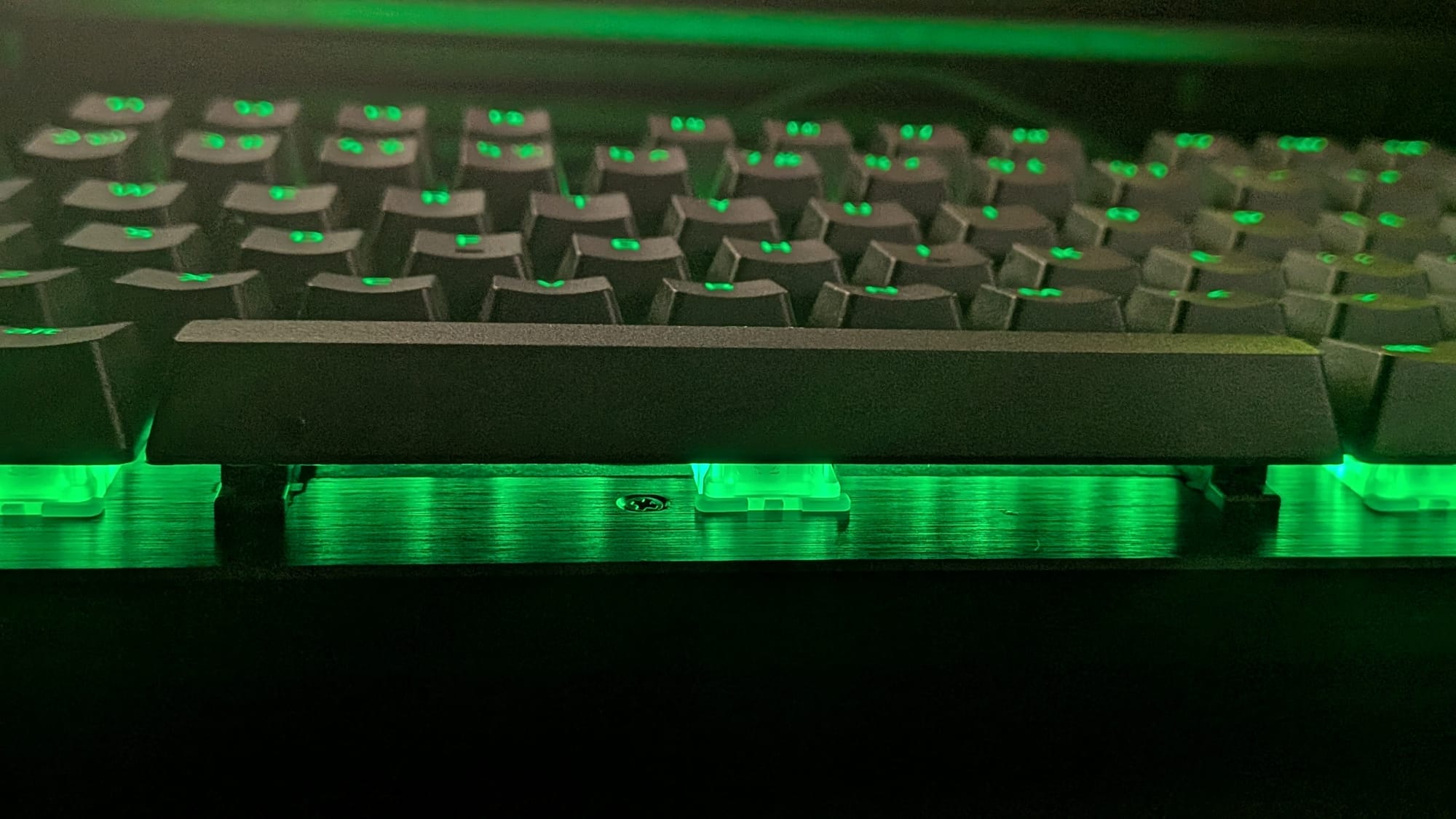
The Huntsman V3 HE represents a notable movement forward for Razer’s keyboard line. With the magnetic switch’s rise in popularity (of which I am a particular fan), the hardware manufacturer knew the market was ripe for something fresh. The release of the Razer Hall Effect magnetic switch sees the industry giant’s first innovation to keyboard switch design in three years. While mechanical switches arguably still provide the fastest response time by a few milliseconds, for your average gamer, the Hall Effect switch is still going to provide top-tier response with a host of new features to sink your teeth into.
Before we get deep into the Huntsman’s handsome feature set, let’s discuss some basics. For the uninitiated, Hall Effect switches (also known as magnetic switches) operate by actuating based on magnetic fields. This allows the switch to activate different key-down and key-up events based on where in its range of movement it is. Razer’s Hall Effect switches give you, the gamer, the ability to set that range from 0.1mm to 4.0mm. Their switches have been durability-tested to provide a 100-million keystroke lifespan, too, so you know you’ll have a reliable product on your desk for a long time to come.
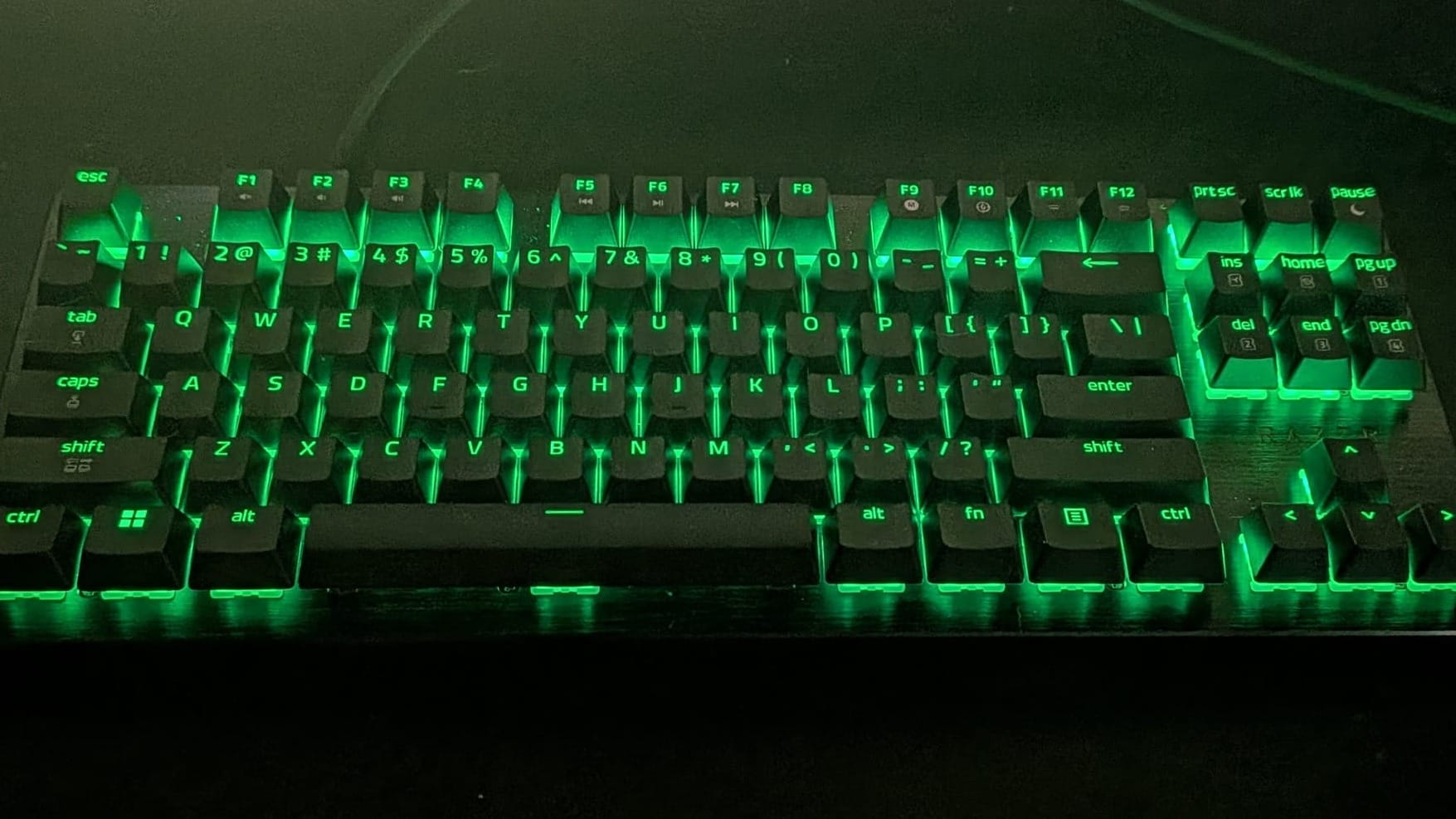
Now that you have a basic functional understanding of Hall Effect switches, let’s discuss the Huntsman HE’s feel. Coming from someone who’s had his hands on several magnetic switch keyboards, I had expectations for a certain feel for each keystroke. Most of the other magnetic switches I’ve used lend themselves to a soft, creamy, almost raindrop-like sound and feel. The Huntsman took me a bit by surprise, opting instead for a feel with a little more punch. The sound is still on the quieter, more comforting side, but when the action heats up, it can bring a little thump at the bottom of the keystroke range. That is to say, Razer’s Huntsman V3 completely subverted my expectations in the best way possible. When you’re in those tight gameplay moments, the crispier, more forceful keystroke sensation is a welcome bit of tactile feedback that magnetic keyboards focused on typing do not offer. As a gaming-focused keyboard, I consider that to be a great adjustment.
One problem I’ve found with other keyboards is the keycap feel. Many ship with slick, glossy keycaps and, while there’s a place for those, it isn’t on a competitive gaming keyboard. The Huntsman V3’s keycaps are textured doubleshot PBT that really give your fingertips something to grip onto. This helps minimize finger slippage (yes, I used that term) and keeps your button presses accurate and intentional. On top of that, they just feel good. Combine great keycaps with accurate, responsive, satisfying switches and 8000 Hz HyperPolling, and you have one of the most responsive, satisfying keyboards available to the mass market.
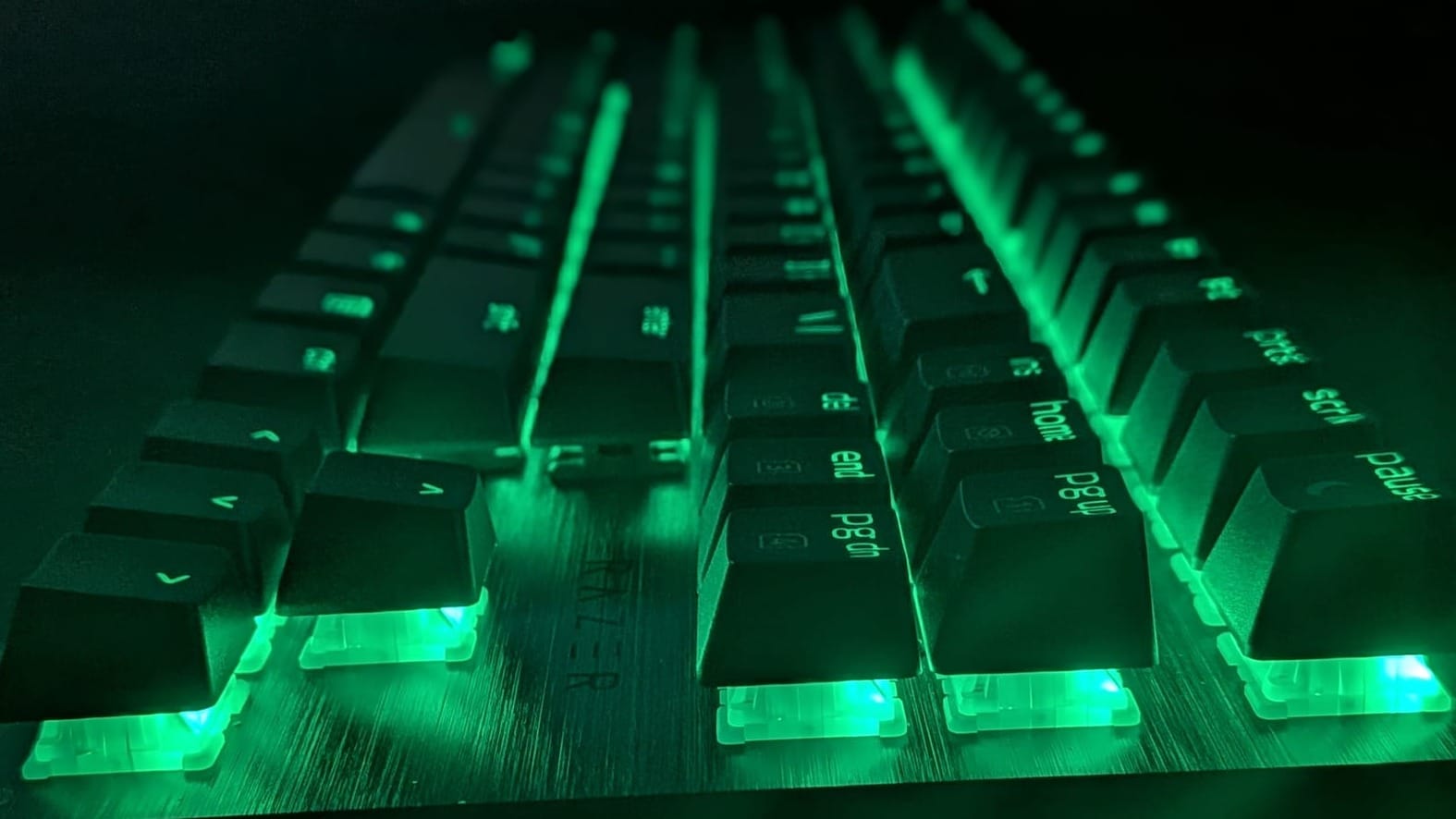
While the industry standard for gaming hardware has been 1000 Hz polling, that goalpost has begun shifting. Top-tier gaming hardware has been moving toward an 8000 Hz standard and, with the Huntsman V3, Razer’s right there in the fray. With accurate, responsive switches and comfortable, grippy keycaps, Razer’s fought to get you a responsive, comfortable experience and the peace of mind that your low K/D is a skill issue, not a hardware problem.
While the out-of-the-box settings may not be to everyone’s liking, with just a few minutes and the Razer Synapse software, you’ll be able to maximize your Huntsman V3 experience. From color control with Razer Chroma to fine-tuning, Synapse works to deliver the most out of your Huntsman V3. For myself, I found things to be comfortable activating around 2.5mm, but here, we all get options.
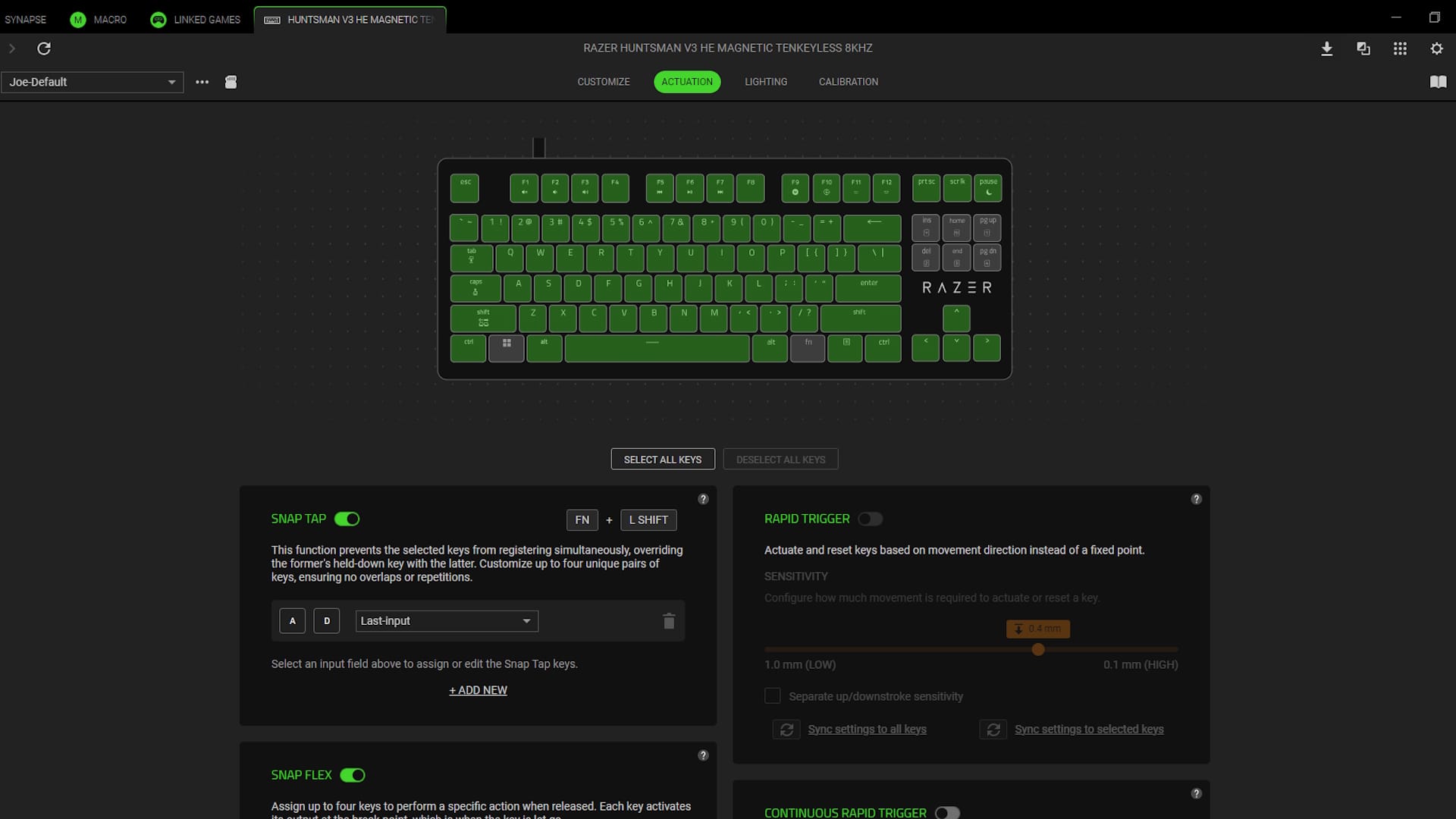
Beyond actuation pressure, Synapse allows you to set up some of the Huntsman V3’s special features. First, let’s discuss Snap Tap. Billed as SOCD on other keyboards, it allows you to select two keys and have them take priority over the other any time they’re pressed. Most commonly used with A and D, this allows you to pop out and return to cover quickly. This functionality was so disruptive, it’s actually been banned by Counter-Strike, as Valve said it nullifies the skill gap for high-level play. Razer actually took this and went above and beyond, letting you prioritize which button in the set gets priority and why. This functionality is deactivated by default due to how Counter-Strike and other games could prevent players from playing with it turned on.
Second is what Razer is calling Snap Flex. This functionality allows you to assign one key’s activation on a press, and another key’s activation on a release. The example they provided to me was an intriguing one. Say you want a single keyboard button that allows you to both jump and throw a grenade. You could use Snap Flex on the space bar to jump and, at the apex of your jump, release the key to have it throw a grenade. Pretty slick option.
The functionality I found most impressive is Dynamic Keystroke. While Razer isn’t the first to implement this, it’s great to see them adopting functional standards from the magnetic-switch gaming public. Using the magnetic ranges on the Hall Effect switches, Dynamic Keystroke allows you to assign up to 4 key activations to a single keystroke. You’ll assign one button to the first range on a down press, another for bottoming the key out, another for an upward range, and a fourth for releasing the key. I played around with this function just to see it in action and, while I couldn’t personally come up with a practical in-game application for it, it’s fun to see it work. I’m genuinely curious to see what kind of wild use cases the community will come up with for this sort of functionality.
Finally, in a bid to be as precise as possible, Razer has developed what they’re calling Dual-Keypress Priority. This allows your Huntsman to intelligently maintain input states so movement control is consistent. For instance, you can press W+A to move forward and strafe left simultaneously. Pressing D to strafe right won’t do anything until you release the A key. They don’t want to interrupt your intentional forward movement, after all.
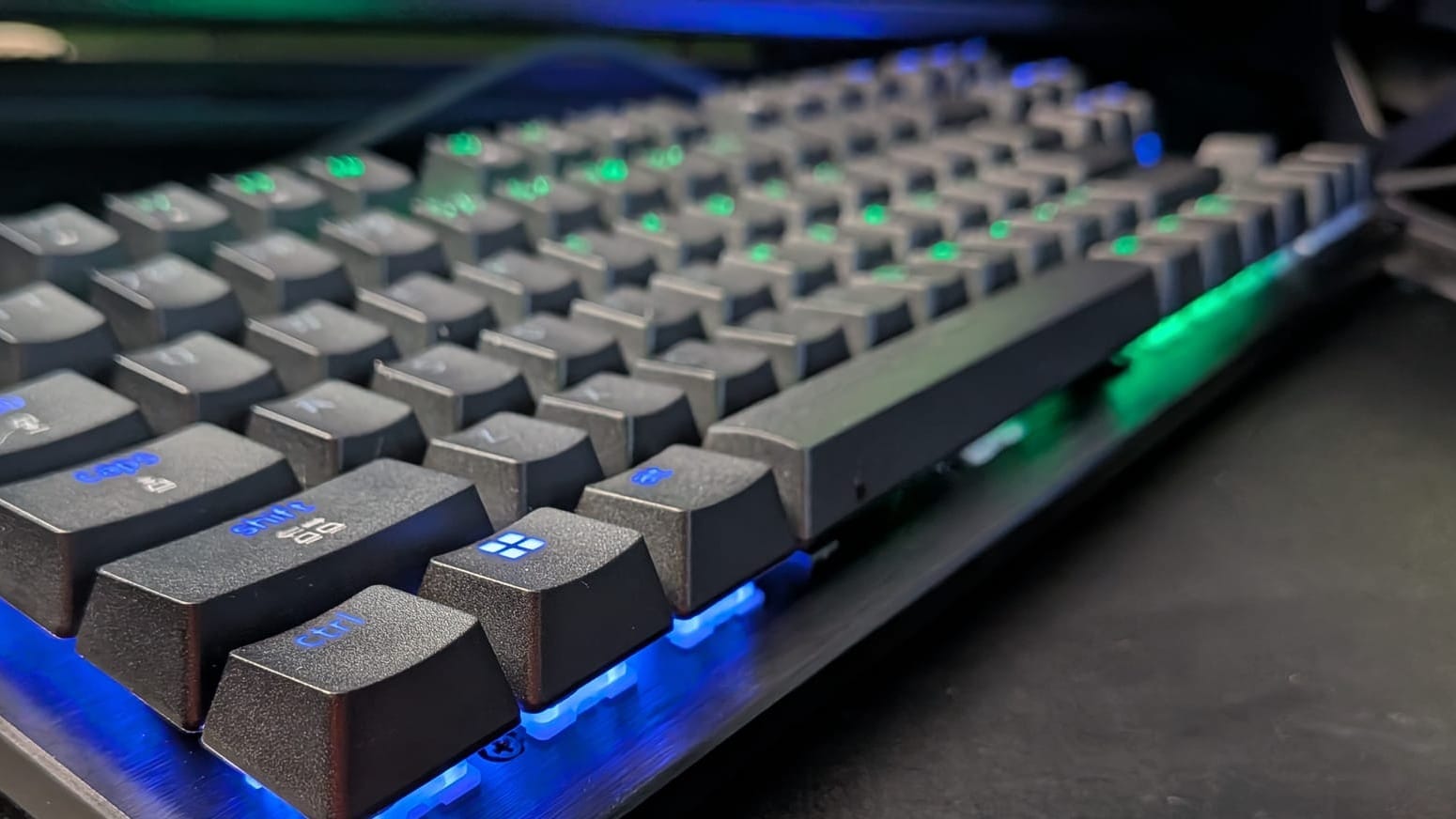
The Huntsman V3 HE magnetic keyboard has quickly become one of my favorites, particularly while gaming. The Hall Effect switches feel great, the keycaps are comfortable, and the feature set is rich. Combine all that with 8000 Hz polling and a 100 million keystroke lifetime, and you’ve got a great keyboard that offers both a competitive edge and a cadre of slick features.
If you’re a world-class eSports athlete that can’t afford to lose 0.12 ms response time, you should probably stick to Razer’s mechanical switches. Otherwise, the Razer Hunstman V3 HE line offers an excellent competitive experience with a fantastic feel. Given its more affordable price point, it’ll give hobbyists everywhere better access to top-of-the-line tools, too.
Razer Huntsman V3 HE Magnetic Tenkeyless Keyboard
Excellent
Razer has once again proven why they’ve earned their place in the hearts and minds of gamers everywhere. Their Hunstman V3 HE magnetic keyboard line offers an excellent feel, top-tier responsiveness, and a suite of powerful features, all at a price that makes it accessible for your average gamer. If you’re a gamer looking for a new keyboard, the Huntsman V3 HE line is an easy recommendation.
Pros
- Hall Effect switches feel great and offer impressive functionality with 100 million keystroke lifetime
- Deeply customizable with Synapse and Chroma
- 8000 Hz HyperPolling makes it fast and responsive
- Rich feature set will keep you competitive with several powerful tools
- Affordable
Cons
- Wired-only option (I’d love to see a wireless option!)
- Slightly less responsive than their mechanical switches
This review is based on a retail copy provided by the publisher.












