
My first impression of the Odyssey was this: oh, they didn’t send me a monitor, they sent me a small TV. Make no mistake though, this is meant to be a computer monitor, and a 4K one at that. It’s perfect for gaming, but leaves something to be desired for daily computing tasks.
I played through the entirety of 007 First Light to test this thing out, and it may have been the perfect choice. The OLED panel allows for some incredible contrast, particularly in the game over screen where the red really pops against the pitch black background. I didn’t even use HDR here, and the game looked absolutely stunning. When the monitor is in 4K mode, its refresh rate is set to 165hz, and unfortunately I wasn’t able to take full advantage of that with my RTX 4070; it’s more meant for 1440p or 2k gaming. However, you can switch the Odyssey into what Samsung calls Dual Mode. This sets the monitor’s resolution to 1080p, but allows the refresh rate to skyrocket up to 330Hz.
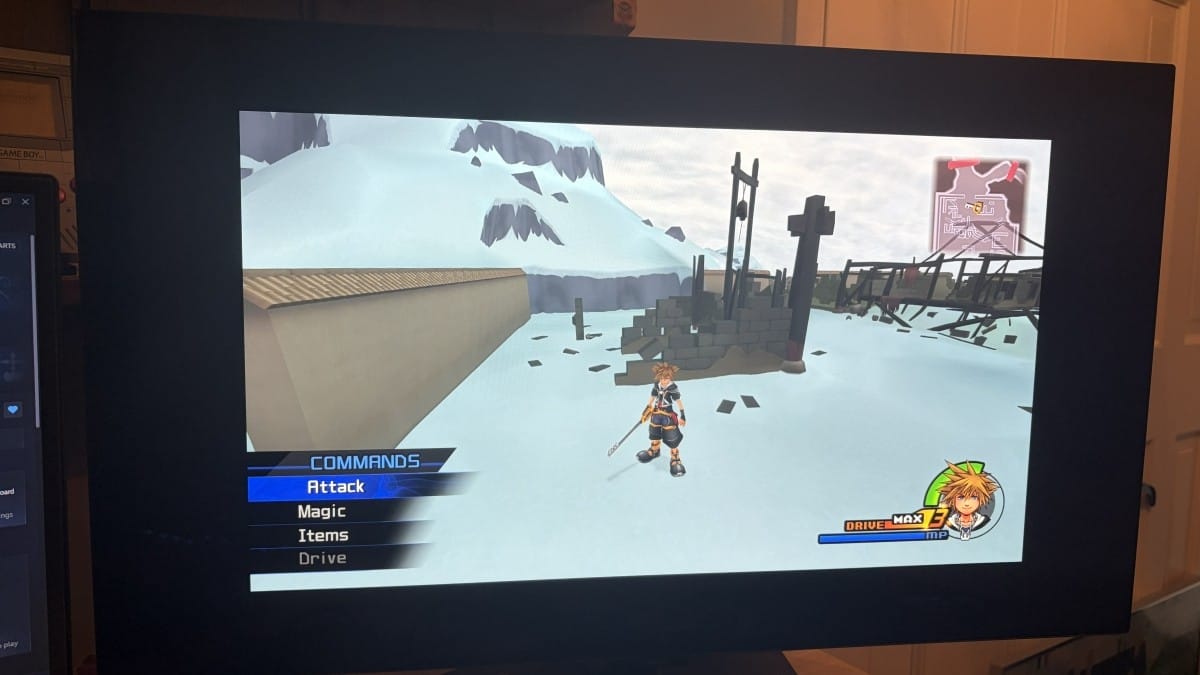
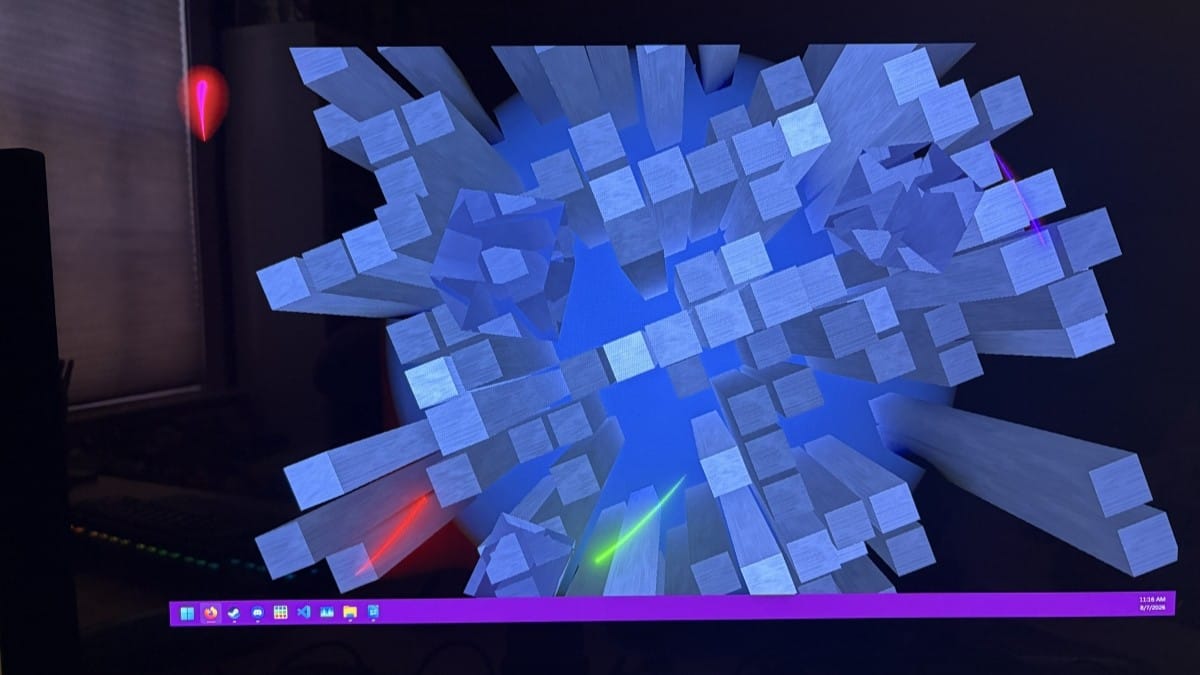
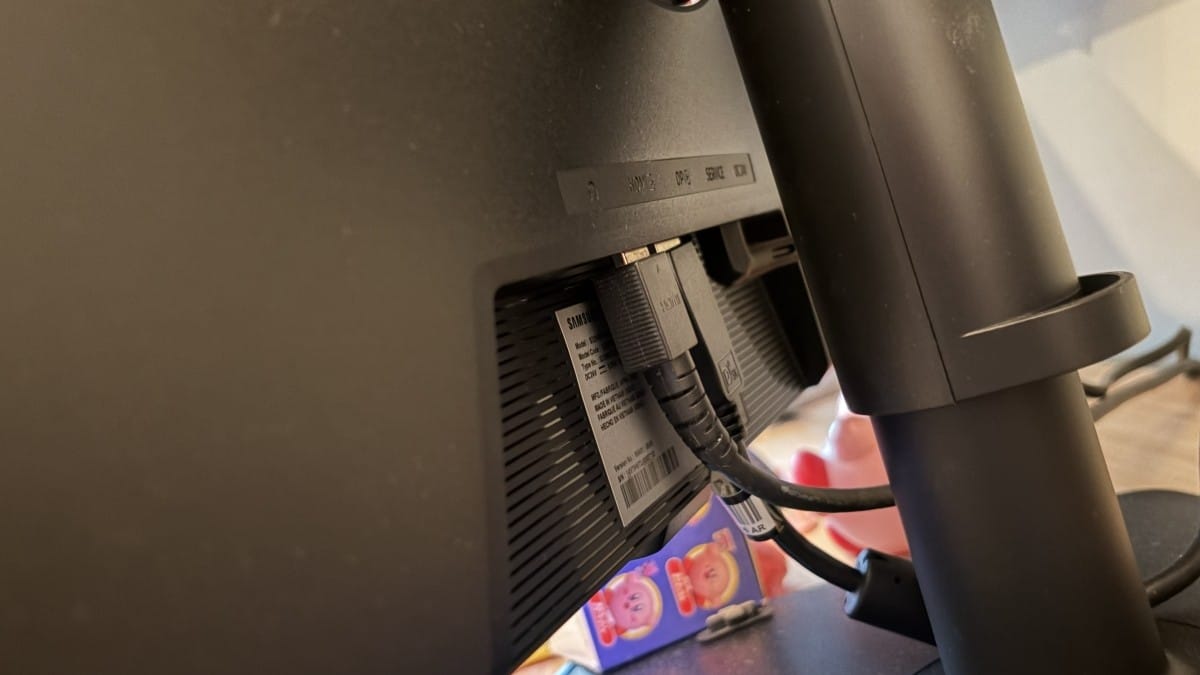
I’ve been using a 1440p 170Hz monitor for a few years now, and while I thought that was smooth, this is a whole other level. Even just moving the mouse on screen in Dual Mode is a trip. It’s genuinely difficult to describe without seeing it yourself in a “I didn’t know something on a screen could be this smooth” kind of way. That said, I don’t really think the resolution drop is worth it here, especially with a screen so large. Its size allows the imperfections to stand out a lot more here, with things looking a little crusty even just on the desktop. I have a properly sized 1080p monitor as part of my setup as well, and having the two next to each other makes for a stark contrast. Dual Mode does have an option to properly scale the 1080p image to 24 inches, but even then it still doesn’t look great. It does let Marathon run at 230 fps for me though, which is cool.
Speaking of, Marathon might be the perfect example of the difference an OLED screen makes with its brightly colored UI and effects. Even the loading screens look fantastic here, and turning on HDR makes everything pop. I usually avoid HDR on PC (and on most consoles, to be honest) as it’s just impossible to properly calibrate with settings in the game, Windows, and your monitor to align. Here though, with Marathon specifically, the Odyssey works right out of the box. Even with HDR off, it still looks incredible; I can’t see anything in Dire Marsh at night, which makes that area even more spooky.
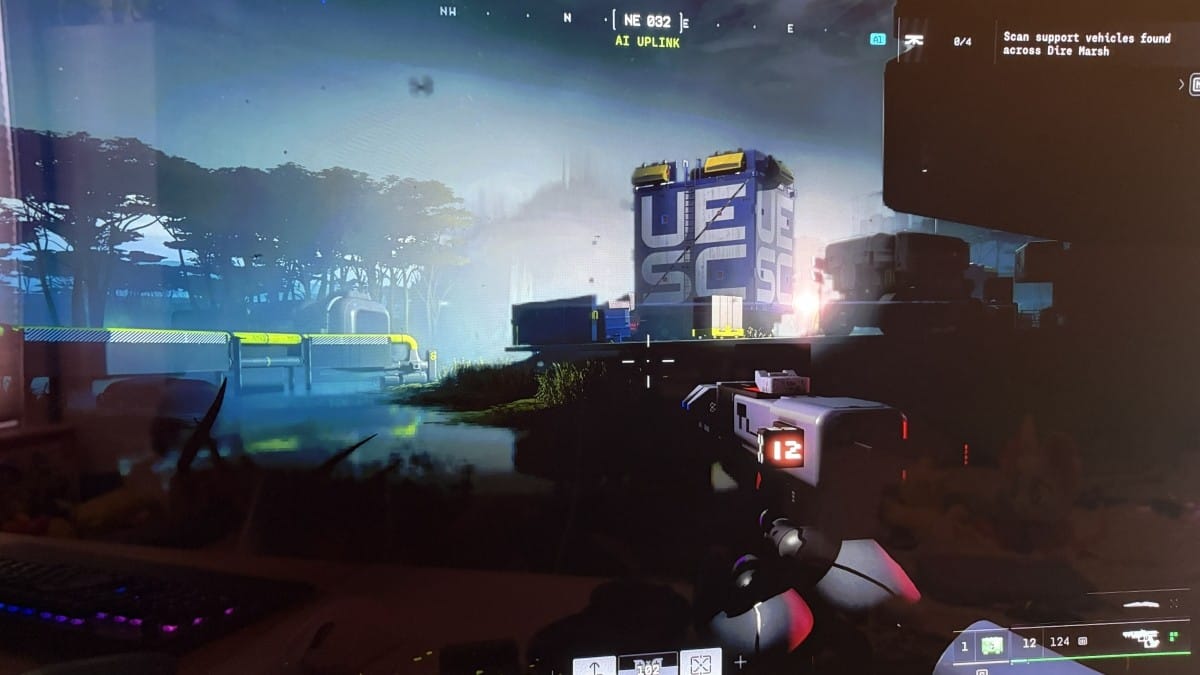
I am a firm proponent of OLED screens, though they do come with the risk of burn-in. Most newer OLED panels will automatically shift pixels around in a way that’s imperceptible to you to prevent burn-in, but it’s still something to always be aware of. Especially if you play games with bright HUD elements like Marathon or Final Fantasy XIV. I only had the Odyssey for a few weeks, and it would take a lot longer than that with the screen on 24/7 to even get a little burn-in, so as long as you use it normally you’re probably fine.
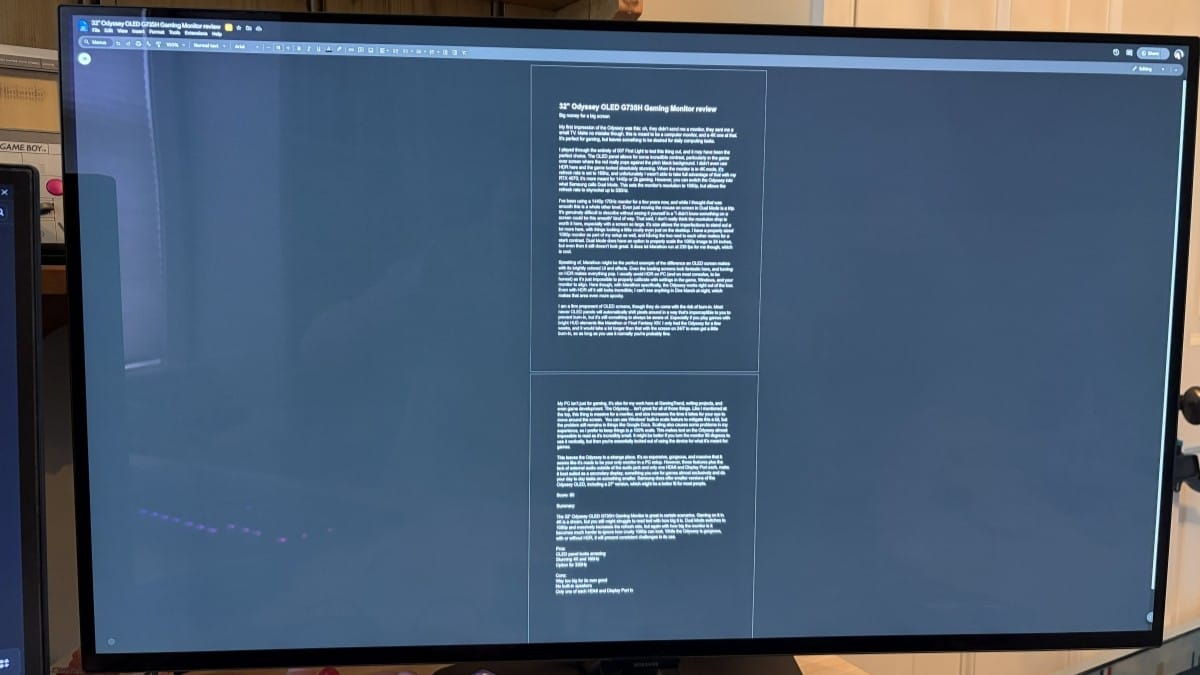
My PC isn’t just for gaming; it’s also for my work here at GamingTrend, writing projects, and even game development. The Odyssey… isn’t great for all of those things. As I mentioned at the top, this thing is massive for a monitor, and size increases the time it takes for your eye to move around the screen. You can use Windows’ built-in scale feature to mitigate this a bit, but the problem still remains in things like Google Docs. Scaling also causes some problems in my experience, so I prefer to keep things at 100% scale. This makes text on the Odyssey almost impossible to read as it’s incredibly small. It might be better if you turn the monitor 90 degrees to use it vertically, but then you’re essentially locked out of using the device for what it’s meant for: games.
This leaves the Odyssey in a strange place. It’s so expensive, gorgeous, and massive that it seems like it’s made to be your only monitor in a PC setup. However, those features plus the lack of external audio outside of the audio jack and only one HDMI and DisplayPort each make it best suited as a secondary display; something you use for games almost exclusively and do your day-to-day tasks on something smaller. Samsung does offer smaller versions of the Odyssey OLED, including a 27” version, which might be a better fit for most people.
32” Odyssey OLED G73SH Gaming Monitor
Great
The 32” Odyssey OLED G73SH Gaming Monitor is great in certain scenarios. Gaming on it in 4K is a dream, but you still might struggle to read text with how big it is. Dual Mode switches to 1080p and massively increases the refresh rate, but again with how big the monitor is it becomes much harder to ignore how crusty 1080p can look. While the Odyssey is gorgeous, with or without HDR, it will present consistent challenges in its use.
Pros
- OLED panel looks amazing
- Stunning 4K and 165Hz
- Option for 330Hz
Cons
- Way too big for its own good
- No built-in speakers
- Only one of each HDMI and DisplayPort in
This review is based on a retail copy provided by the publisher.












