
If you’re a PC gamer, you’ve probably been using a mouse and keyboard together since time immemorial. Razer’s been mindful to deliver top-tier gaming tools for those of us looking to make the most of that experience. For some of us, the keyboard alone just isn’t cutting it though. We need to be able to take control of our gaming experience without hampering other tasks that require our keyboard. Enter Razer’s Tartarus V2 Pro.
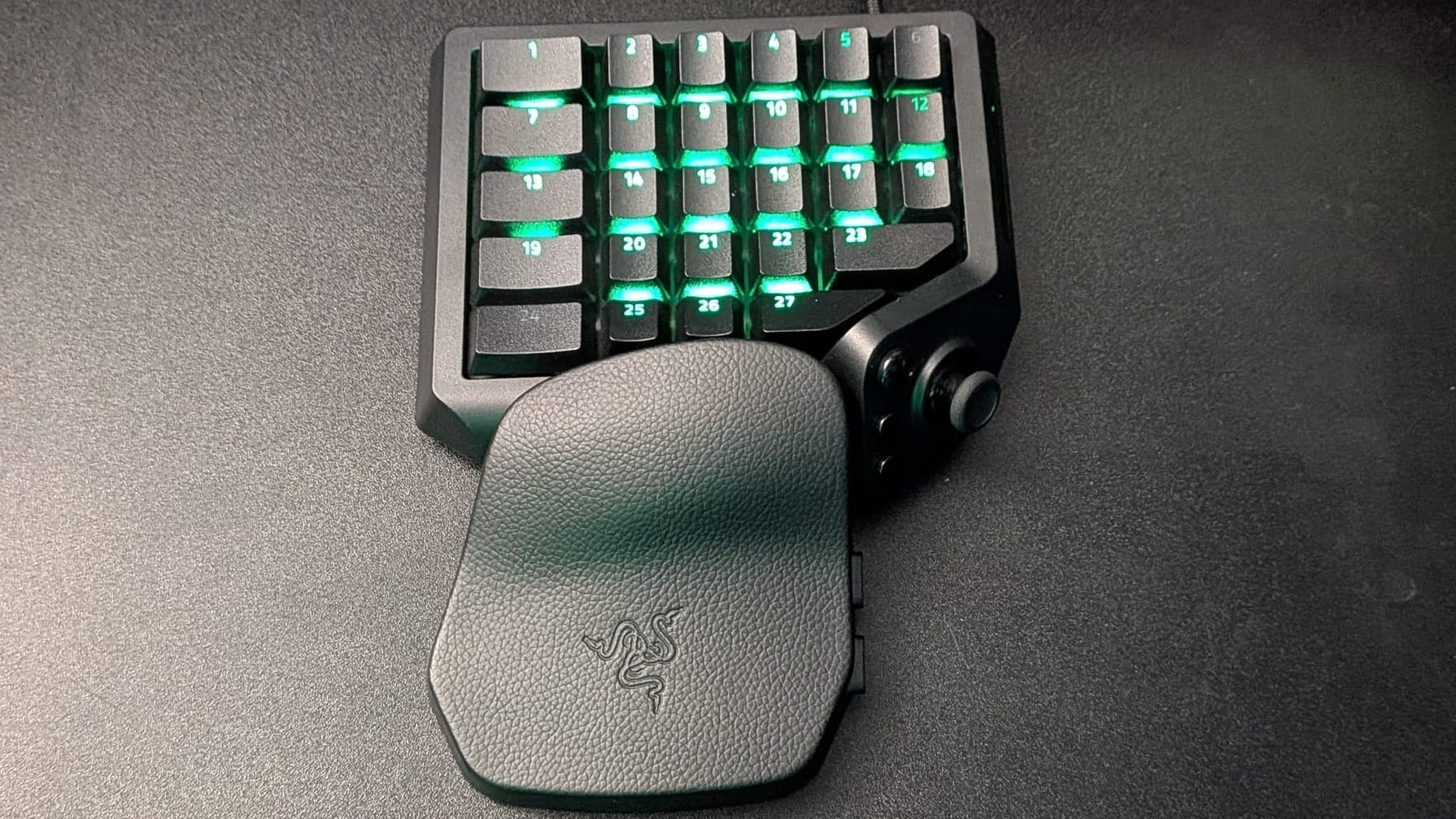
We’ve all seen the half-keyboard peripherals; machinations that look like something out of a sci-fi movie, where the rogue hacker hero navigates around firewalls with the greatest of ease. These monstrosities with far too many buttons could never be practical for the average gamer…right? I used to think that way, but as someone who’s become steeped in keyboard culture, I just had to know, you know?
Without being pedantic, I feel comfortable saying that the Tartarus V2 Pro is, well, whatever you want it to be. If you’re just a plain old WASD kid looking for something to save wear-and-tear on your keyboard, it’ll serve you wonderfully. If you fancy yourself the hero hacker, Razer’s built a piece of kit that will serve you well, too. Whether you enjoy one game or want to create custom layouts for each of the 15 games you’re playing right now, the Tartarus V2 Pro is a fantastic vehicle to serve your needs.
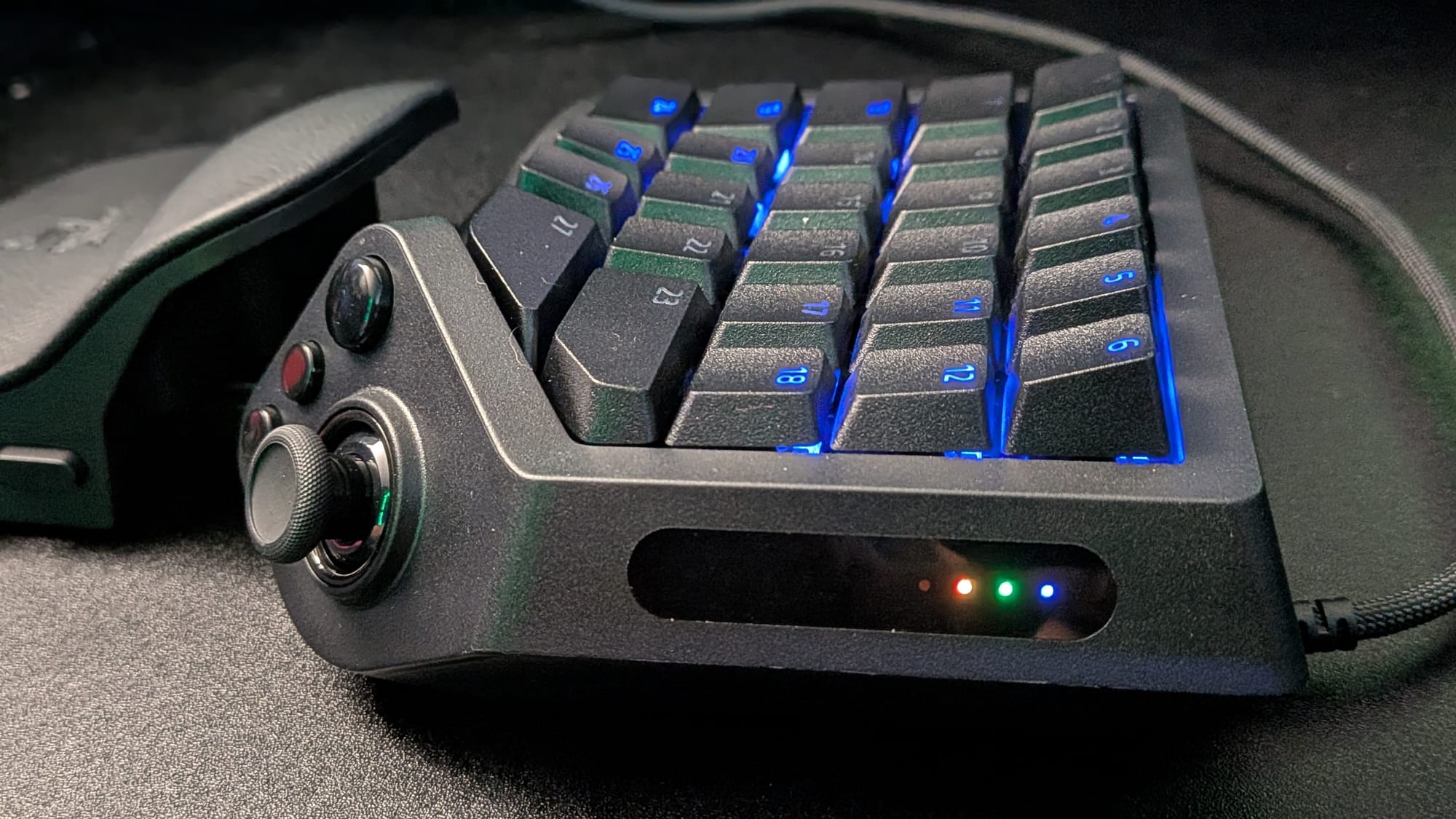
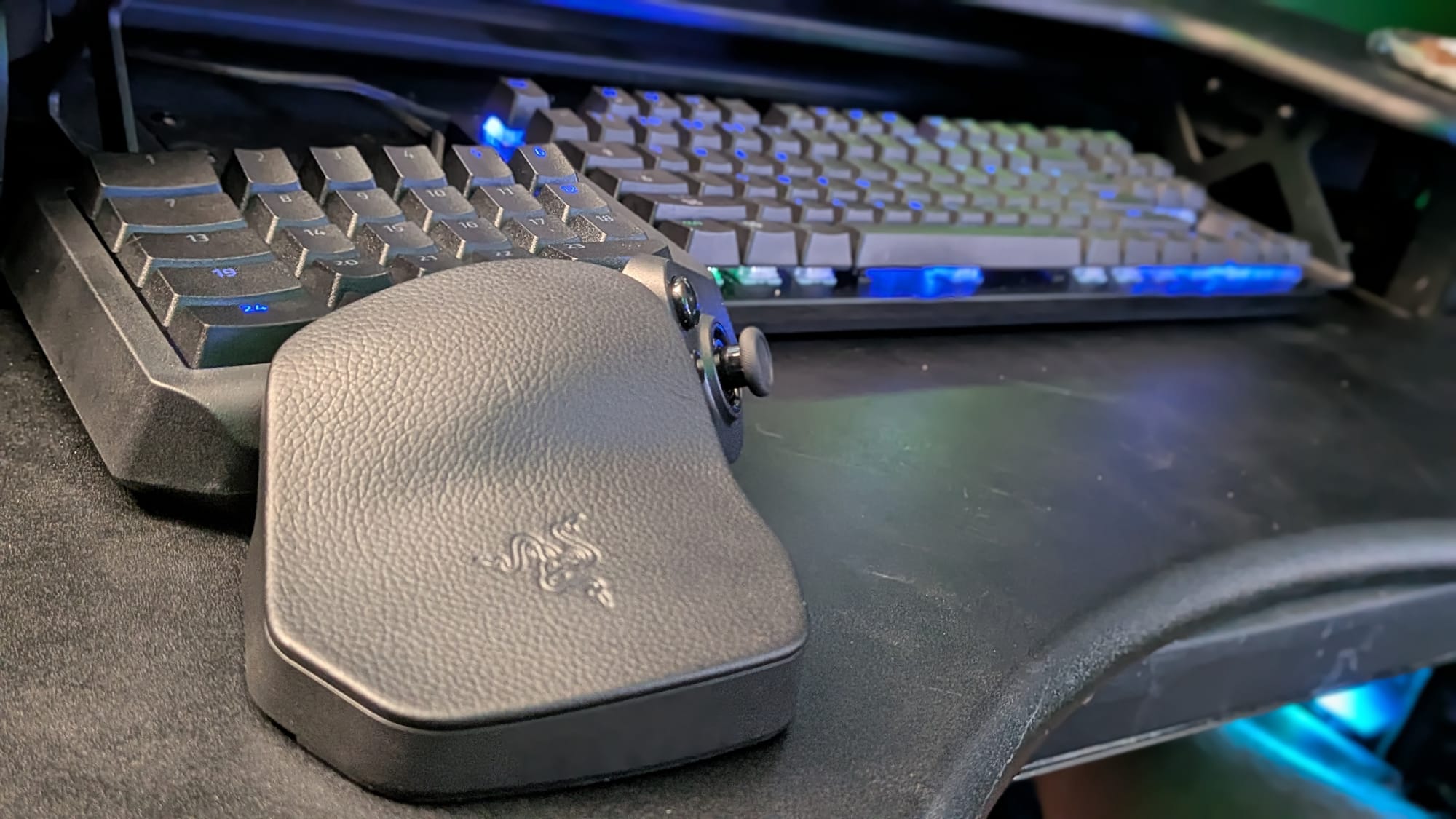
At its core, the Tartarus V2 Pro is essentially a fully-customizable USB command station. It has a button layout that essentially clones the left half of your keyboard, and a host of functionality to satisfy even the pickiest gamers.
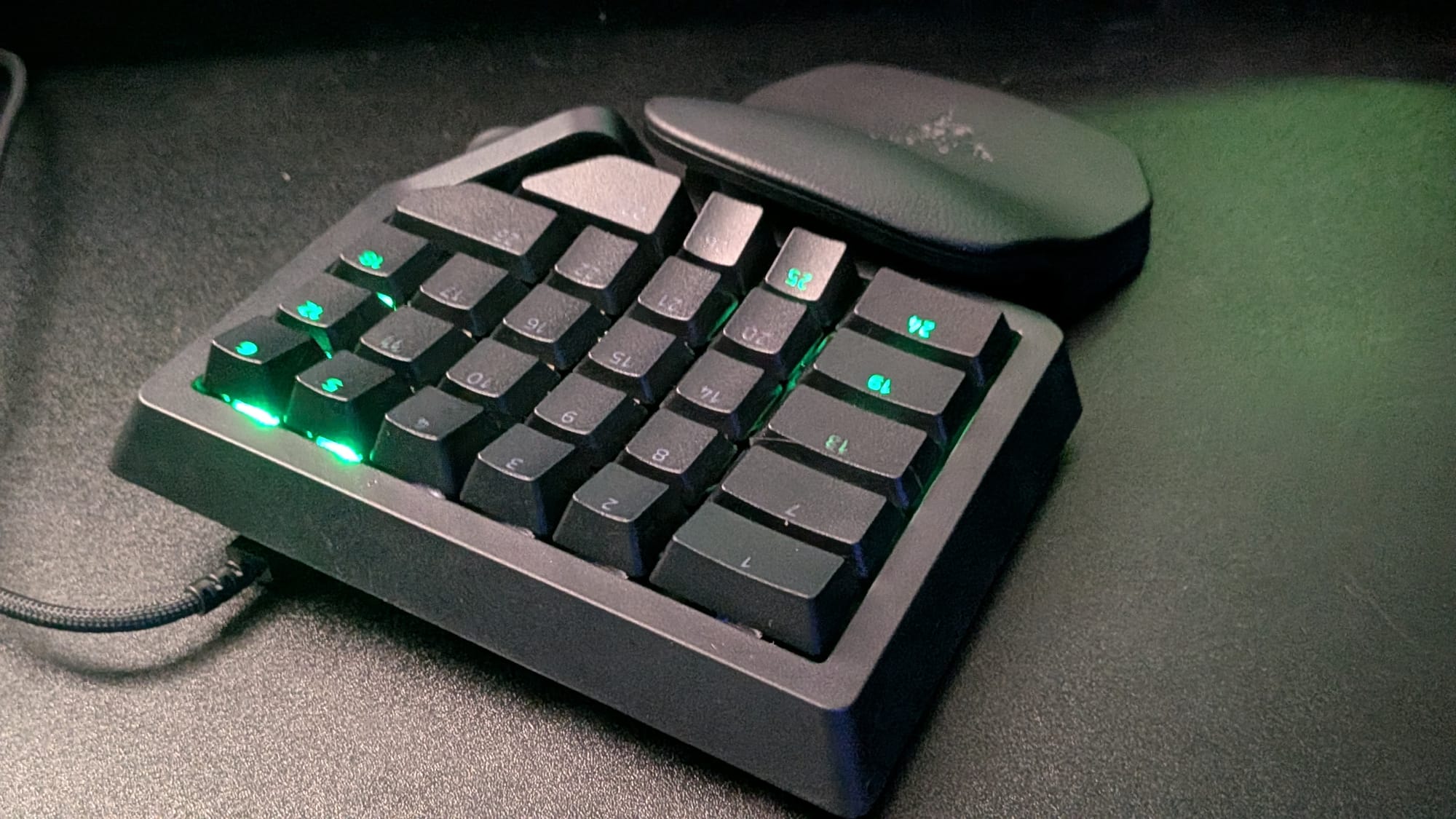
First, let’s address the keys, which are the lion’s share of the Tartarus V2 Pro. While their recently-released Huntsman Magnetic V3 HE keyboard featured their own Razer Hall Effect switches, the Tartarus V2 Pro has already opted to go a different direction…and I honestly love it. The Tartarus keys use Razer Analog Optical Switch Gen-2 switches for their keys. Anyone who’s followed my keyboard reviews knows I love a robust magnetic switch – their feel, range of motion, and additional functionality are great selling points. Razer’s Analog Optical Gen-2 switches provide a lot of the same functionality, though, with some added benefits. First, I actually love the way the Tartarus’s optical switches feel in action: springy and reactive without being distracting. They have no debounce delay (so you don’t lose time between presses), and, unlike magnetic switches, they aren’t susceptible to magnetic interference. They’re also wildly durable, with claims of a 100-million keystroke lifespan.
Just like the Huntsman V3 and many of the other top magnetic gaming keyboards on the market, the Tartarus’s optical switches are built for precision and customization. With a range of 0.1 to 4.0 mm, the amount of range you want for a personalized feel and playstyle is all yours. Want to make sure your movement requires less input while, say, throwing a grenade needs to be intentional? You can shorten the actuation range on your movement keys to 1.0-1.5 mm but crank that grenade key up so it requires a full 4.0 mm press. Each key is individually assignable…and all of that can change with the profiles and keymaps you set up.
Razer has brought over some of the best features from their keyboard line to the Tartarus V2 Pro. You can utilize Snap Tap (known otherwise as SOCD) to give any two keys top priority when pressed. Any time one of the Snap Tap-assigned keys is pressed, it’s given priority over the rest of the keyboard. When used with A and D, this ensures you can get back to cover if peaking around goes south in a hurry. Be mindful of this functionality, as Counter-Strike (and possibly other titles) prevent players from playing with this turned on. The Tartarus V2 Pro can store up to four pairs of Snap Tap functions and you can have it prioritize one over the other or even compare which is pressed further.
Snap Flex allows you to assign different button presses at different actuation ranges for a keyboard. The classic example is a button that, when pressed down, makes you jump and, when released, throws a grenade. This gives you the ability to jump and throw a grenade with a single keystroke. It’s a fun bit of situational setup that could prove quite useful.
One of the coolest features I’ve seen is called Razer Dynamic Keystroke. This allows you to take Snap Flex a bit further. Dynamic Keystroke can perform keystrokes with a single physical key press. Let’s say you’re an MMO player and you have a set rotation you like to perform for damage, while you have another for healing. You can assign four actions (two down, two up) to activate at set points in the key press lifecycle. With that in your pocket, a big chunk of your rotation can be pulled off with just one key. Pretty slick.
You can also set up Dual-Keypress Priority, which allows you to maintain input states for consistent movement control (or, with the Tartarus, whatever reason(s) you choose!). The canned example is moving forward with W+A then swapping to W+D. Traditionally, A and D would be competing for priority and would cancel one another out. With Dual-Keypress Priority, you can maintain forward momentum with W (or the key of your choice here) and still get that direction swap without putting yourself in danger.
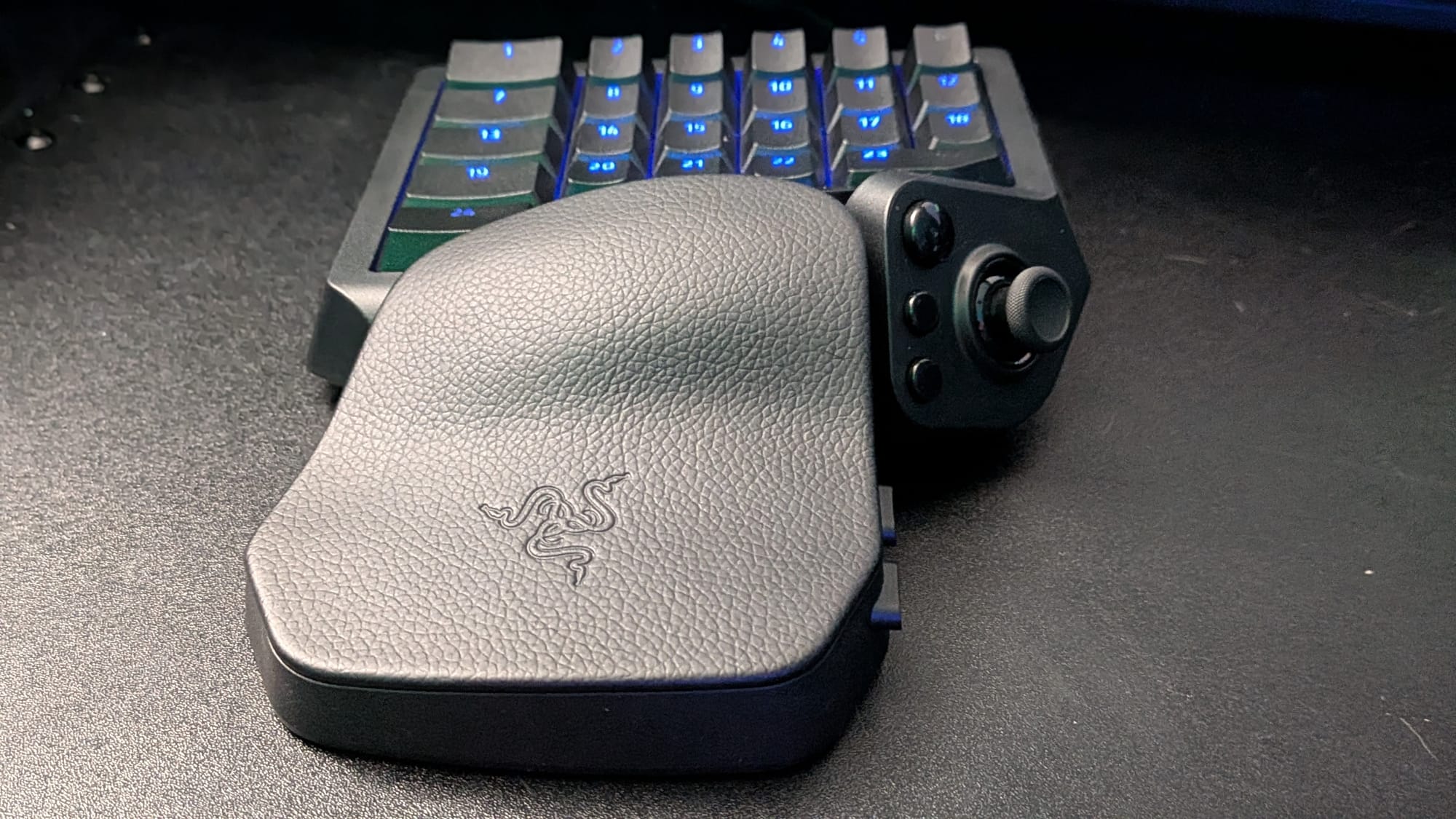
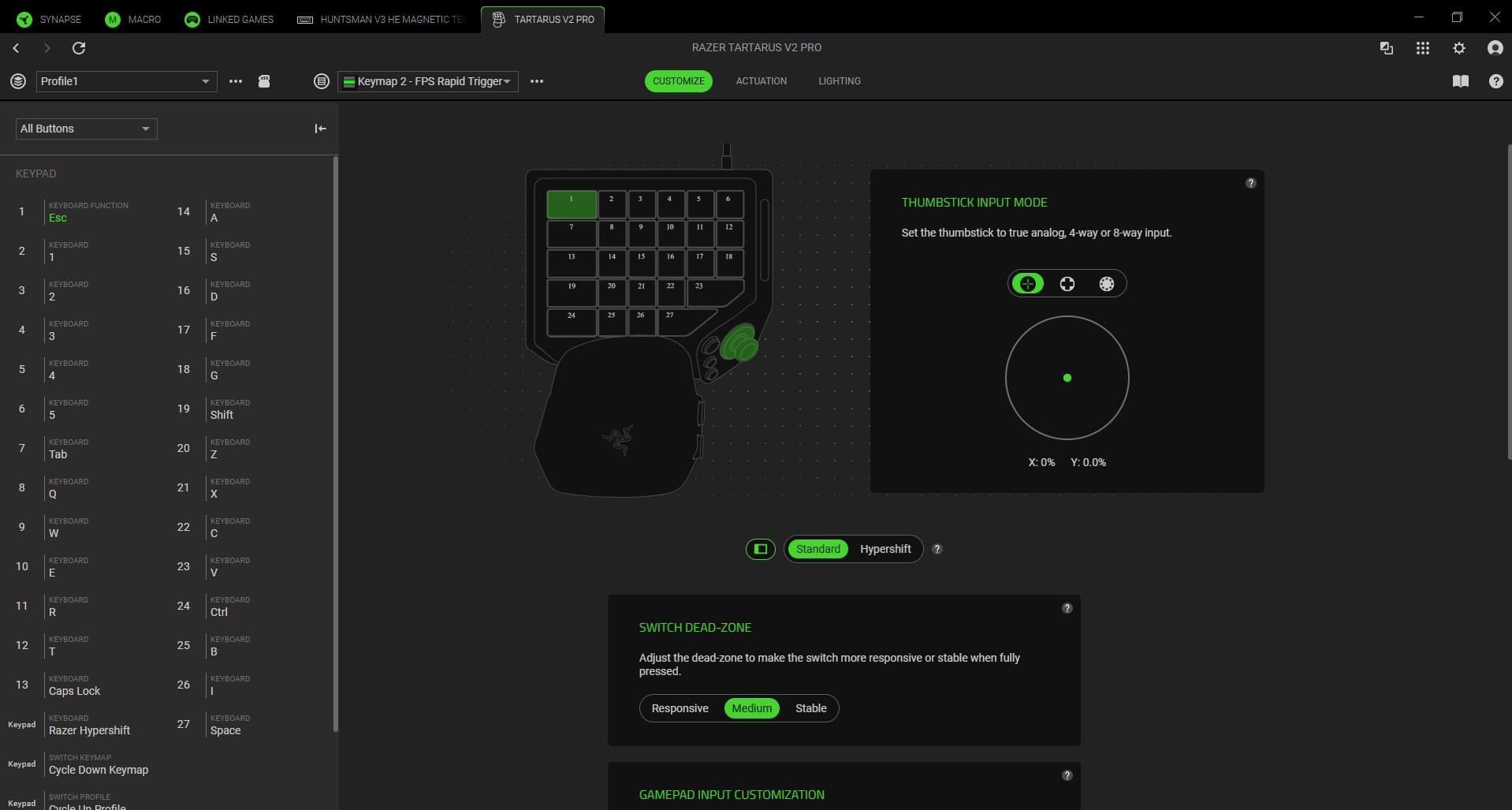
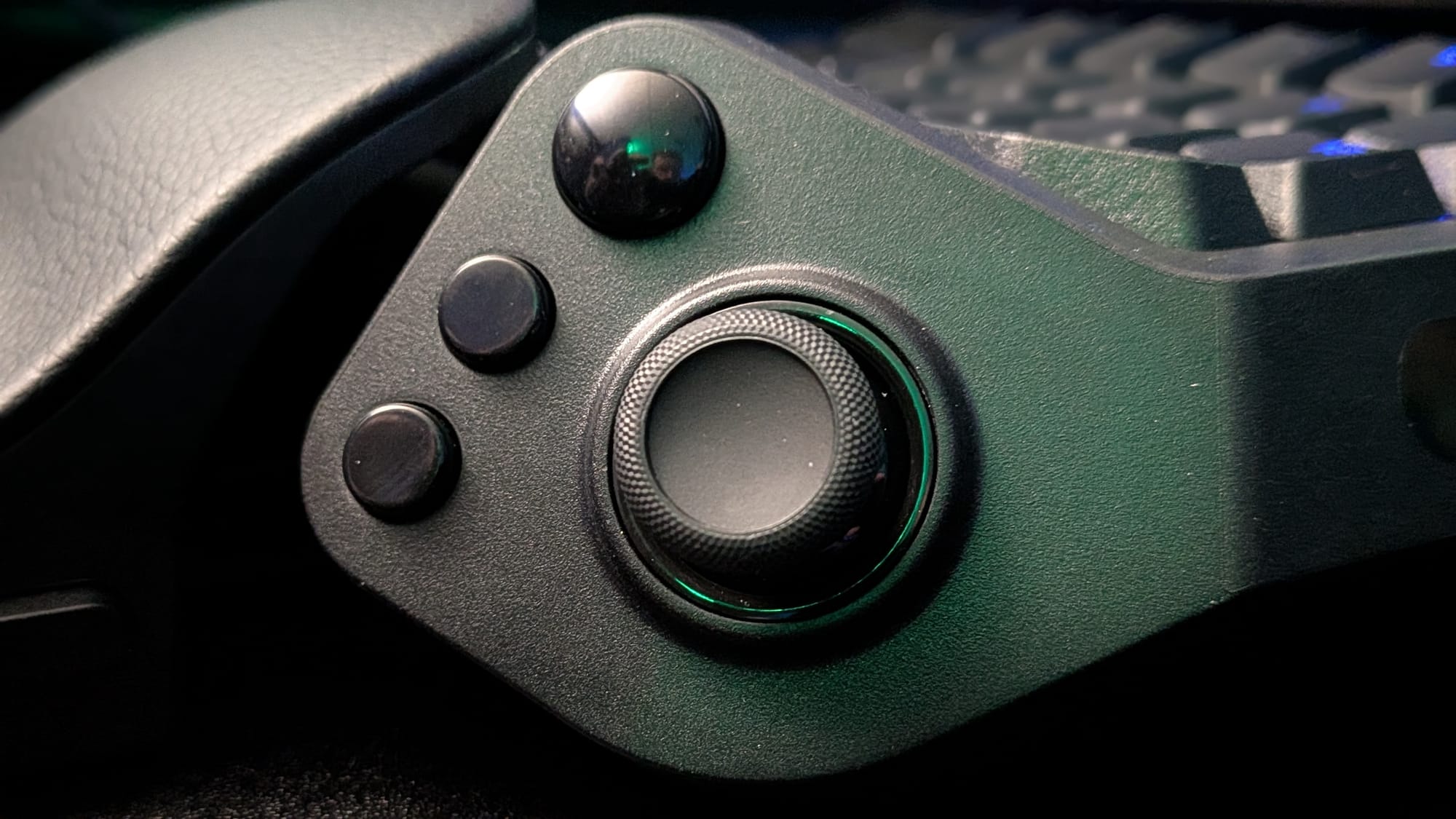
On top of the 27 customizable keyboard keys, the Tartarus also features a magnetic TMR thumbstick for precise navigation and aiming. TMR thumbsticks are the modern cream of the crop. Instead of traditional thumbsticks, which use physical moving parts and would introduce what we all know as “stick drift”, TMR sticks use magnetic fields to sense movement. This prevents that stick drift and reduces wear on your unit over time. It feels great and offers its own set of customization. The Tartarus comes with 3 joysticks, so you can use what feels most comfortable. Out of the box, the joystick is set to be fully analog and behaves like the right joystick on a controller, which FPS games use to aim. That felt a little awkward to me; I wanted to aim with my mouse, so I changed the joystick to behave like a 4-way device. Mapping those directions to WASD let me navigate the world with my thumb and still aim with my mouse. If your brain doesn’t like that, you could do what I finally settled on – set up the Tartarus so your keys are a classic WASD layout and assign quick functions to your joystick. I had mine set so a flick upward was jump, flicking down crouched, flicking left reloaded, and flicking right threw a grenade. There’s so much you can do, and you can even change it to different layouts.
The Tartarus V2 Pro and Razer’s Synapse software go hand-in-hand to deliver the best personalization experience you can have. Out of the box, it has 4 profiles built into it. Each profile can have up to 8 custom keymaps, too. MMO, FPS, RTS…whatever suits your fancy, you can have the device ready to best suit your needs. Heck, if you still want to play with your keyboard, you could use the Tartarus to be a powerhouse full of macros or system functions at your disposal. What’s more, you can change profiles and keymaps using one of the two dedicated buttons built into the device. Just like that, you can change World of Warcraft to Marvel Rivals, and it’s all just how you like it.
I’d be remiss if I didn’t mention the virtually mandatory 8000 Hz max polling rate for the quickest response. This feels like a required checkbox for high-end peripherals nowadays. While it can chew up some CPU, if you have it to spare, knowing your device is more responsive than your own brain is pretty slick.
If all of those customizable buttons weren’t enough, the Tartarus also features Razer HyperShift, which essentially allows you to set up and activate a second layer of custom functionality. As I begin to age, I’m just reminded that this device knows more of what I’m capable of than I do. It’s fun and exciting, if not a little daunting to approach.
The only thing I can think of to say that I found frustrating with the Tartarus is its thumbstick customization. My hope was that out of the box, I’d have the True Analog access to the traditional left joystick for movement. WASD mappings work, but I’ve been playing with analog thumbsticks for years and want that experience. To Razer's credit, I was told it was on their roadmap, so I have something more to look forward to. I have literally no other complaints with this device.
For anyone who plays PC games using a mouse and keyboard, the Razer Tartarus V2 Pro has to be one of the most versatile, comfortable, effective PC gaming peripherals they could get their hands on. The built-in optical switches are comfortable and durable, the thumbstick feels great and is positioned just right, and the breadth of options available to you is tremendous. It can be a bit daunting to get set up like you want, but when your product is named after a mythological abyss, it should come as no surprise your options are nearly as deep. Whether you’re casually playing Minecraft, enjoying Guild Wars 2 with your significant other, or gunning for Crimson Rank in Black Ops 6, mouse-and-keyboard gamers across the board will find something to love about Razer’s utility belt for the Batman inside us all.
Razer Tartarus V2 Pro
Excellent
Whether you’re a competitive weekend warrior or a casual gamer looking to save some wear and tear on your keyboard, the Razer Tartarus V2 Pro is a fantastic peripheral that gives you comprehensive customization over your experience. At $200, it’s a little expensive but given the price of high-end peripherals nowadays and the product’s quality, it feels justified. With 27 customizable analog optical switch keys and a customizable TMR analog thumbstick, the possibilities are virtually endless. Combine that with a comfortable, adjustable wrist rest, 8000 Hz polling, and a robust toolkit via Synapse, and you have one of the most comfortable, responsive, customizable gaming tools on the market.
Pros
- Razer Analog Optical Switches feel fantastic
- 27 customizable keys and a TMR thumbstick give you crazy options to tackle each setup
- Have multiple profiles, each with an array of keymapping options. Swapping between your MMO, FPS, and other layouts is as easy as the touch of a button
- Rich feature set with Snap Flex, Snap Tap, Dynamic Keystroke, and Dual-Keypress Priority, all capable of matching your preferences
Cons
- The learning curve can take some time, as the sheer number of options can be overwhelming
- Mapping the thumbstick to WASD for movement works, but it doesn’t feel as good as fully analog joystick movement would. (I've been told this is on their roadmap)
This review is based on an early copy provided by the publisher. Razer Tartarus V2 Pro comes out on September 17, 2026.












