
Over the last few months, magnetic switch keyboards have become more prevalent. While there’s no denying the precision a mechanical switch can provide, magnetic switches are more than sufficient for most of us. When you add a rich feature set, it’s easy to see why they’re becoming so popular. With gamers in mind, MelGeek has created the MADE68 Ultra V2, their premium magnetic keyboard, with you and your gameplay experience in mind.
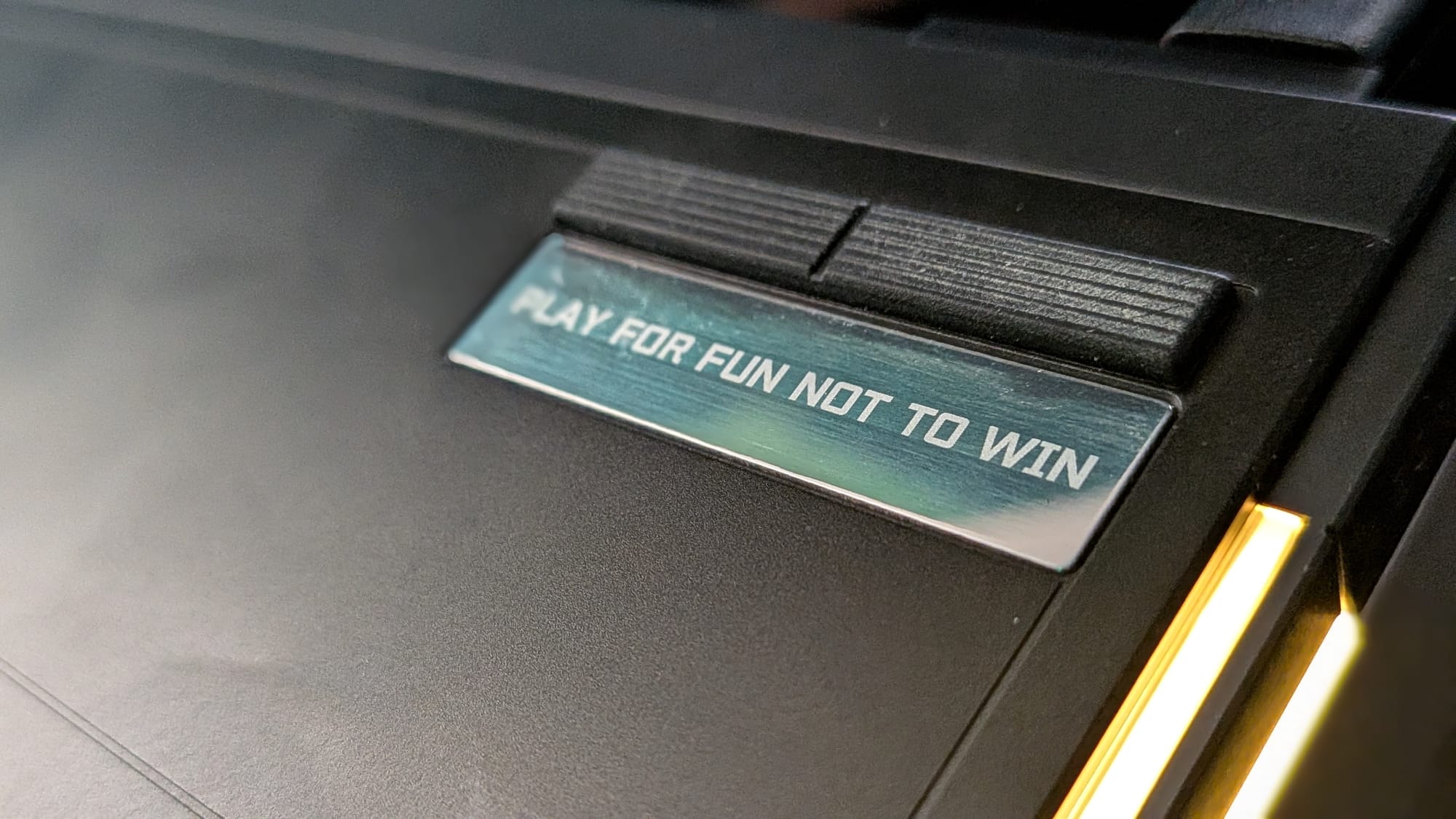
Before the MADE68 Ultra V2, I wasn’t familiar with MelGeek or their product line. I had to chuckle at the tagline that came on the box, though. “Play for fun, not to win.” It’s a little bit of an oxymoron, given their marketing focus on eSports and sponsored athletes to promote the Ultra V2, but I love the sentiment behind it. Other companies focus on being the most cutting-edge piece of weaponry you can have in your kit. MelGeek wants us to remember our roots, though. It’s all about fun.
To that end, the MADE68 Ultra V2 is an excellent way to have fun while you game. At $219, the keyboard is firmly in the premium range, but it feels great and comes with some notable features that make it a great option if you’re in the market…and it does implement some cutting-edge features to get you there…so winning is well within your grasp, too.
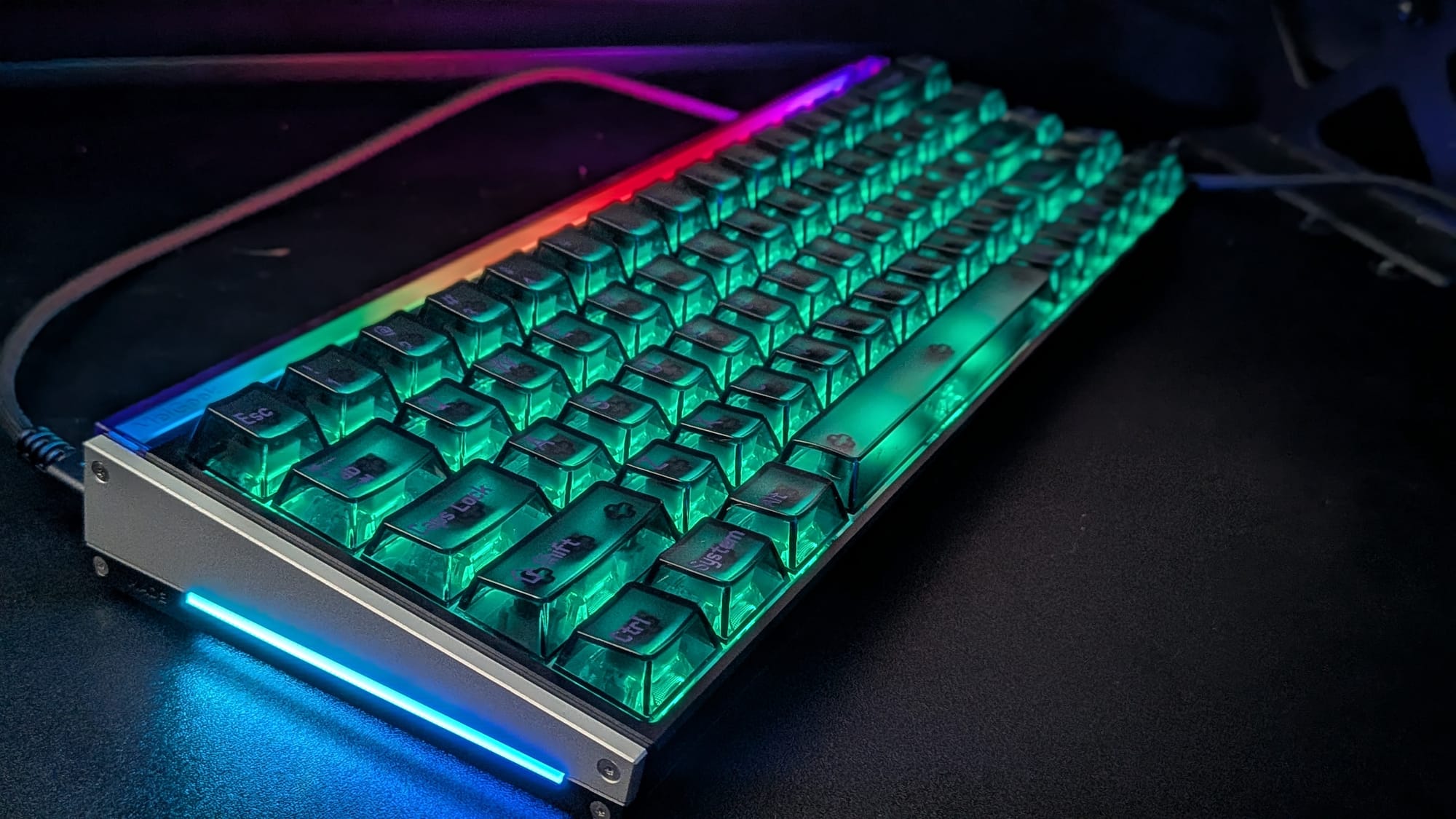
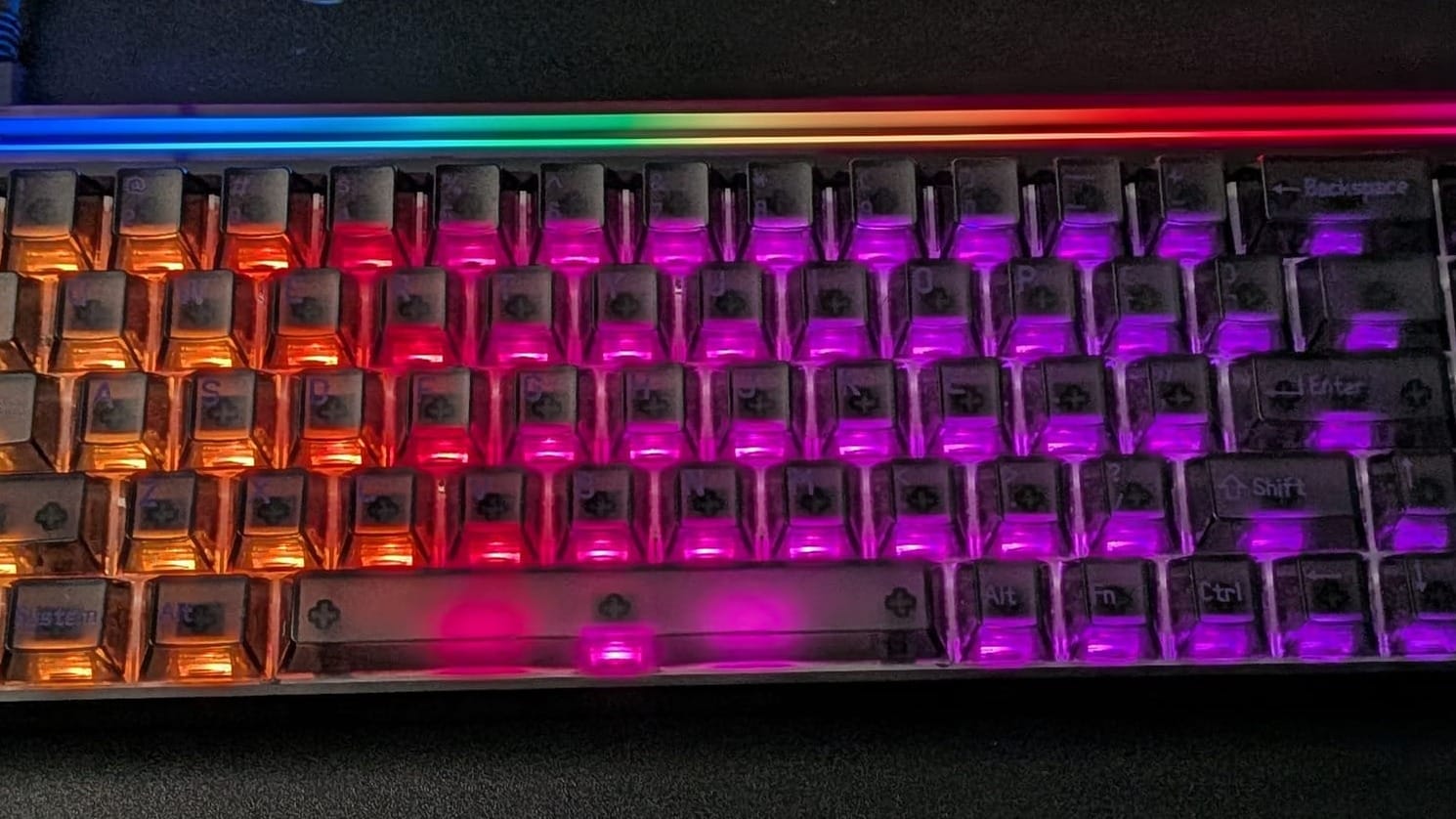
In the box, you’ll get the MADE68 Ultra V2 keyboard, a nice braided USB cable, switch/cap puller, and some bonus keycaps in case you’d like to re-map the keyboard’s default layout. The unit I received is their Night Purple model, with a dark body and semi-translucent black keycaps featuring purple text. (They have Frost White and Bloom Pink if you prefer lighter colors) The keycaps are somewhat glossy, but they have enough grip to ensure comfort without any worry that your hands could slide off the keys.
The construction of the Ultra V2 itself is excellent. The chassis is made of CNC-cut aluminum and weighs 1175g (2.6 lbs). The body of the board uses 6-way silicone dampening with gaskets and layers of foam to keep the keyboard stable while you’re applying force to the keys.
The MADE68 Ultra V2 can be shipped with two possible types of switches: the KOM Lite and Flip King magnetic switches. While I can’t speak to the KOM Lite magnetic switches, which they say are their crispier switches, I can comfortably say I’m a fan of their Flip King switches, which feel like a creamy, somewhat thocky switch. It feels like a joy to use, both for gaming and typing.
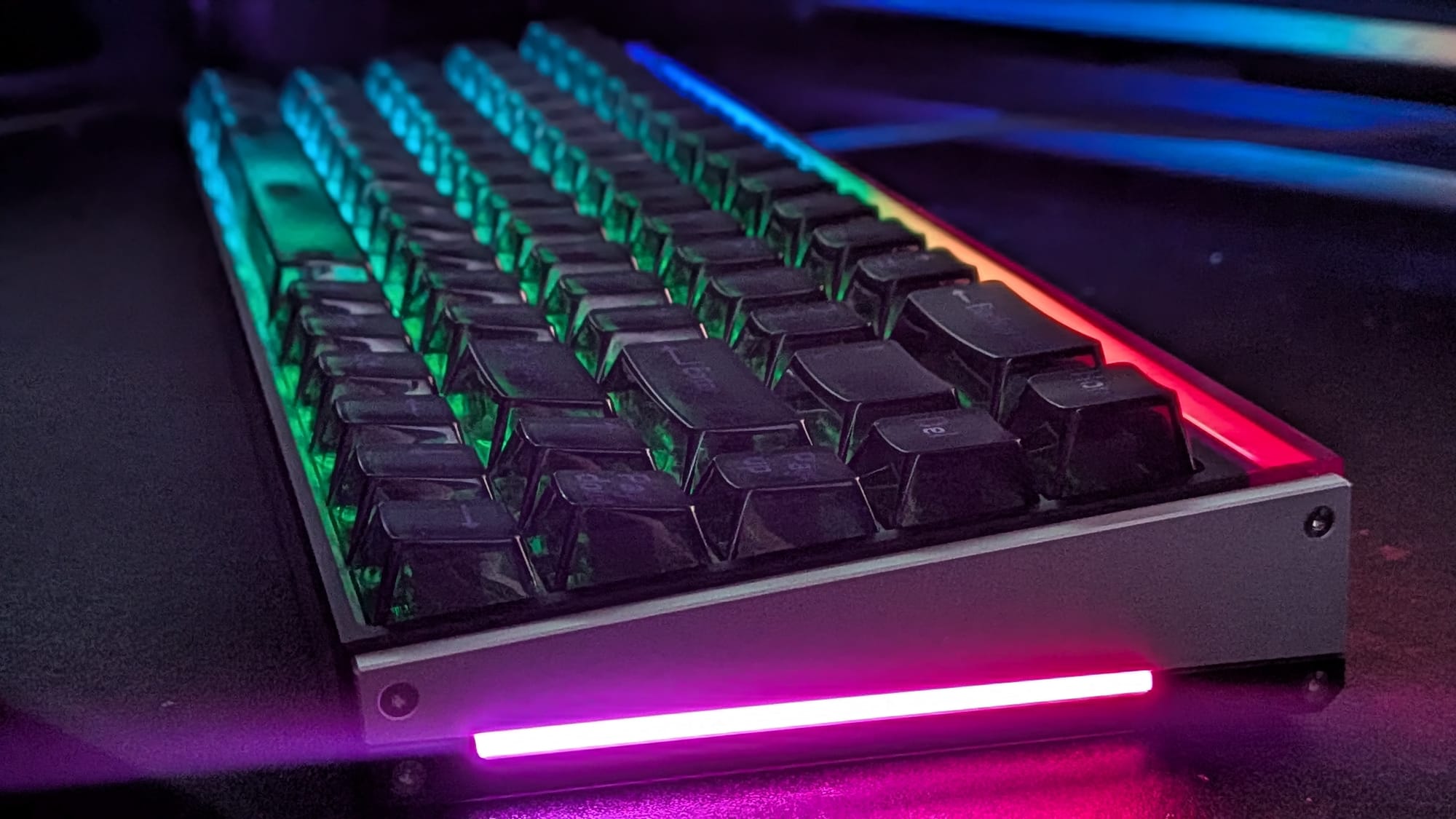
Before we dive further into the specifics of the Ultra V2’s special features, I wanted to speak to the layout of the keyboard itself. As the name suggests, the MADE68 is a 68-key keyboard. This is what’s known as a 65% keyboard. Like other similarly sized keyboards, the Ultra V2 has no F1-F12 keys. It gets around this by combining the number keys with a built-in Fn (function) key. If you’re used to using those F-keys in your daily navigation, the jump to a 65% can take some getting used to, or you may have to consider a keyboard with a larger layout.
The wired gaming keyboard provides near-instant feedback with the new gaming-standard 8000Hz polling rate to ensure it registers what you press when you press it. The Ultra V2’s Multi-MCU architecture ensures the unit has the power to register keystrokes as fast as your brain can input them with as little as 0.125ms of latency. MelGeek wants you to fire and get back to cover quicker than you do, and they’ve given the Ultra V2 the power to make that happen.
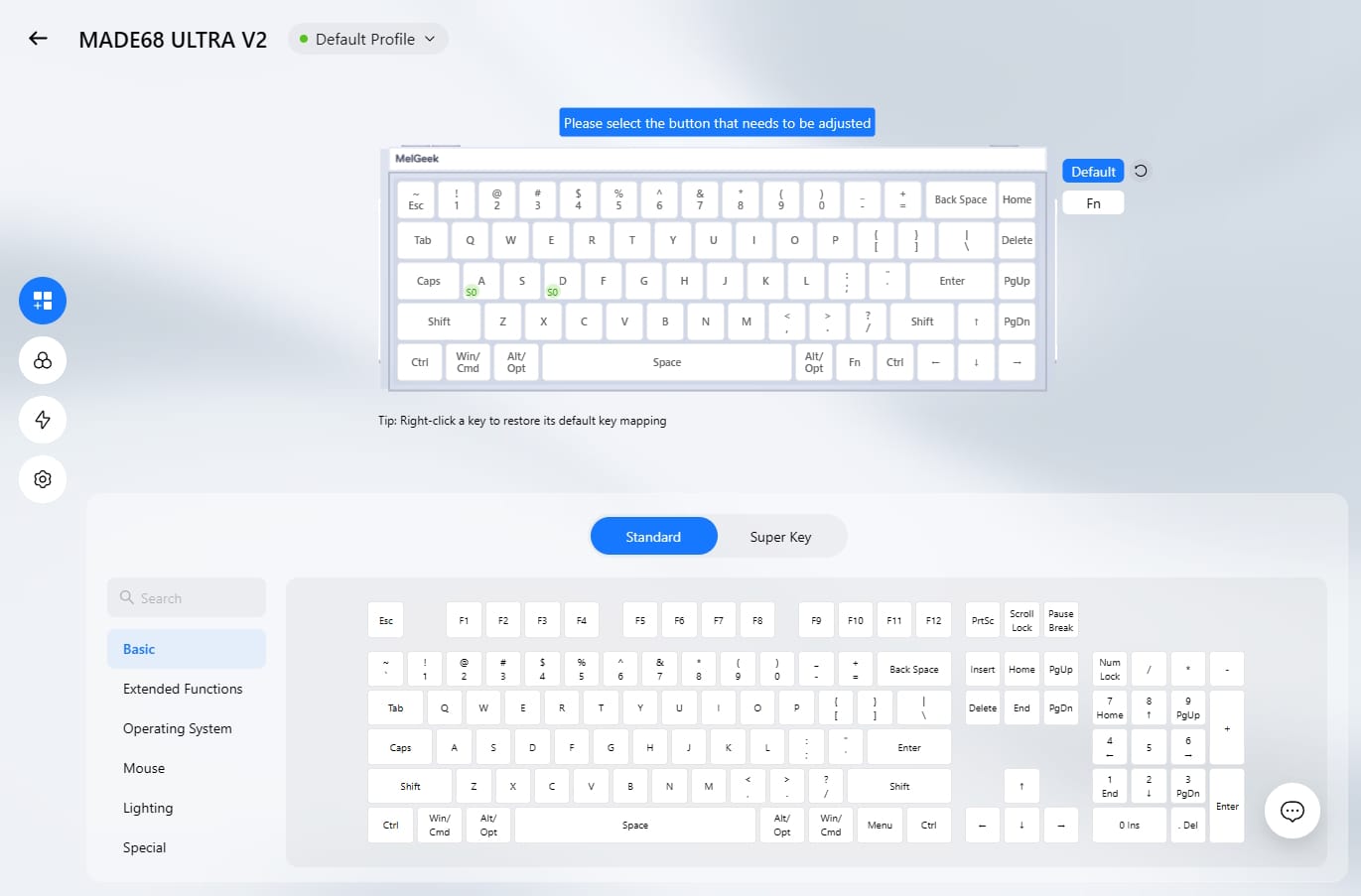
Let’s discuss the Ultra V2’s selling points. One buzzword I see invoked over and over is “AI.” Hive 2.0, MelGeek’s software customization suite for the Ultra V2, gives you the option of utilizing AI for lighting control. For full disclosure, I like pretty RGB as much as anyone, but I’ll take a handful of stock options before I hand anything over to AI. That doesn’t stop Hive 2.0 from prompting me every time I pull it up in a browser.
Continuing the thought of custom lighting, MelGeek is actually doing something pretty cool with the Ultra V2. They designed the keyboard to be impressively customizable. The unit itself has split LED panels along the sides and a 3-row matrix LED lightbox attached to the top. The keys, side panels, and top light box are all customizable, as you’d expect for any modern keyboard, but even more impressive is the fact that the side panels can be removed, adjusted, and replaced using a small Allen key. MelGeek even provides the 3D print files directly on their website. You really have the power to make the keyboard uniquely yours.
Given the nature of magnetic switches, it’s probably not a surprise that you can customize the registered range of each key to a tenth of a millimeter, from 0.1 to 3.4mm. Other HE (Hall Effect) keyboards have had this functionality for a while. What MelGeek did with the Ultra V2 and their Hive 2.0 software, however, will have it competing with top brands in the eSport space.
First, the Ultra V2 features SOCD (Simultaneous Opposing Cardinal Directions). This feature, which allows players to shift their direction instantaneously, is a major factor in peak-and-pop gameplay. Valve actually banned the use of this feature for Counter-Strike, as they say the feature overtakes the skill gap required for high-level play. Second is a feature MelGeek calls DRT, which allows you to assign two keys to a single keystroke. Using the precise range provided by magnetic keys, you can have one key activate for a portion of the keystroke and a second activate for another portion. Again, A/D counter-strafing is a popular provided example. One of the Ultra V2’s cooler features is what they call Rappy Snappy. This allows you to pick two keys, and the key that’s pressed further gets preference, allowing you some wiggle room to play without having to fully press either key (though, if both are fully pressed, both are triggered). One of the most unique features, which I’ve only seen in a handful of keyboards at this point, is what they call DKS (Dynamic Keystroke), which allows you to assign up to EIGHT actions to a single keystroke (with two push points and two release points to activate actions). Hive 2.0 also allows you to create your own full-blown macros to assign and some neat advanced tools (3 actions with a single range-dependent button press, anyone?). I say all that to say this: Hive 2.0 empowers the Ultra V2 to do some impressive stuff, and your imagination seems to be the limit.
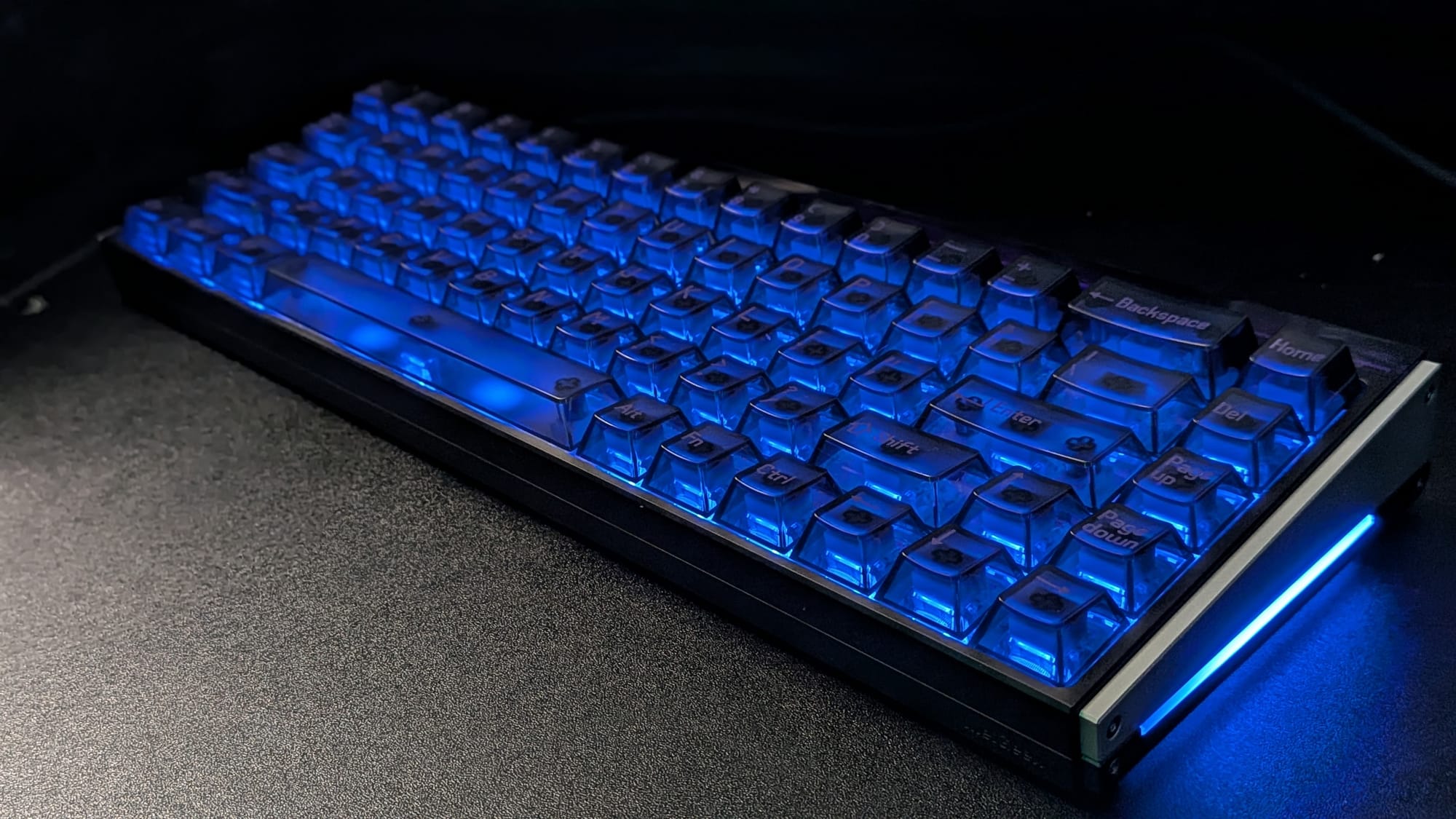
The MelGeek MADE68 Ultra V2 is a fantastic keyboard that touts as much firepower as any of today’s top brands. The Flip King magnetic switches feel buttery smooth and offer a satisfying, gentle thocky sound. The full aluminum construction is sturdy, and its 6-way dampening ensures minimal rattle. The customization options are impressive, with MelGeek offering 3D printer files so you can make your own components. Finally, with the help of their Hive 2.0 software, the wide range of competitive features at your fingertips ensures you have the most useful tool in your belt possible. I think invoking AI so they can add a bullet point to their marketing was unnecessary, and I’d love to see a wireless version of this keyboard, but for the $220 price, the MADE68 Ultra V2 feels like it gives you plenty of powder for the cannons.
MelGeek MADE68 Ultra V2
Excellent
The MelGeek MADE68 Ultra V2 is an excellent gaming keyboard with a great feel and access to plenty of nice features to keep your blade sharp.
Pros
- Excellent construction quality
- Flip King magnetic switches both feel great and sound satisfying
- Hive 2.0 software gives you a handsome range of lighting and functionality options]
- Print and change your own side components for a truly unique, personalized look
Cons
- We need a wireless version of this keyboard
- 65% form factor can take some getting used to if you aren’t already
- “AI” is more of a marketing buzzword than a value
This review is based on a retail copy provided by the publisher.












