
JLab’s been making moves in recent years. Their pivot from an audio company to an all-around peripheral manufacturer has gotten them some well-earned attention. With their gaming-focused lines, they’ve been giving gamers more ways to frag and bag than ever before. Enter the JLab Daybreak mouse — a precise wireless mouse with 9 programmable buttons and respectable battery life.
I used to be of the opinion that the only gaming mice worth their salt had to be wired. After all, those are the most responsive, accurate mice out there, right? At one point in time, I think that was probably true, but that gap has dwindled as technology has improved. Now, there are plenty of mice out there that either keep that gap negligible or are just as fast wirelessly, and I love it. Give me the tools to be just as competitive with fewer cables, and I’ll melt like butter in your hands.
The Daybreak is JLab’s premium gaming-focused line. Their gaming brand features three lineups: Nightfall, Midnight, and Daybreak, each a step up in terms of tech, quality, and yes, price point. As a geeky aside, I like how their marketing implies that more hardcore gamers go later and adjusted their product line accordingly. Where the Nightfall mouse has 6 buttons and goes up to 12k DPI, the Daybreak has 9 programmable buttons, 80+ hour battery life, and up to 26K DPI for improved sensitivity and precision.
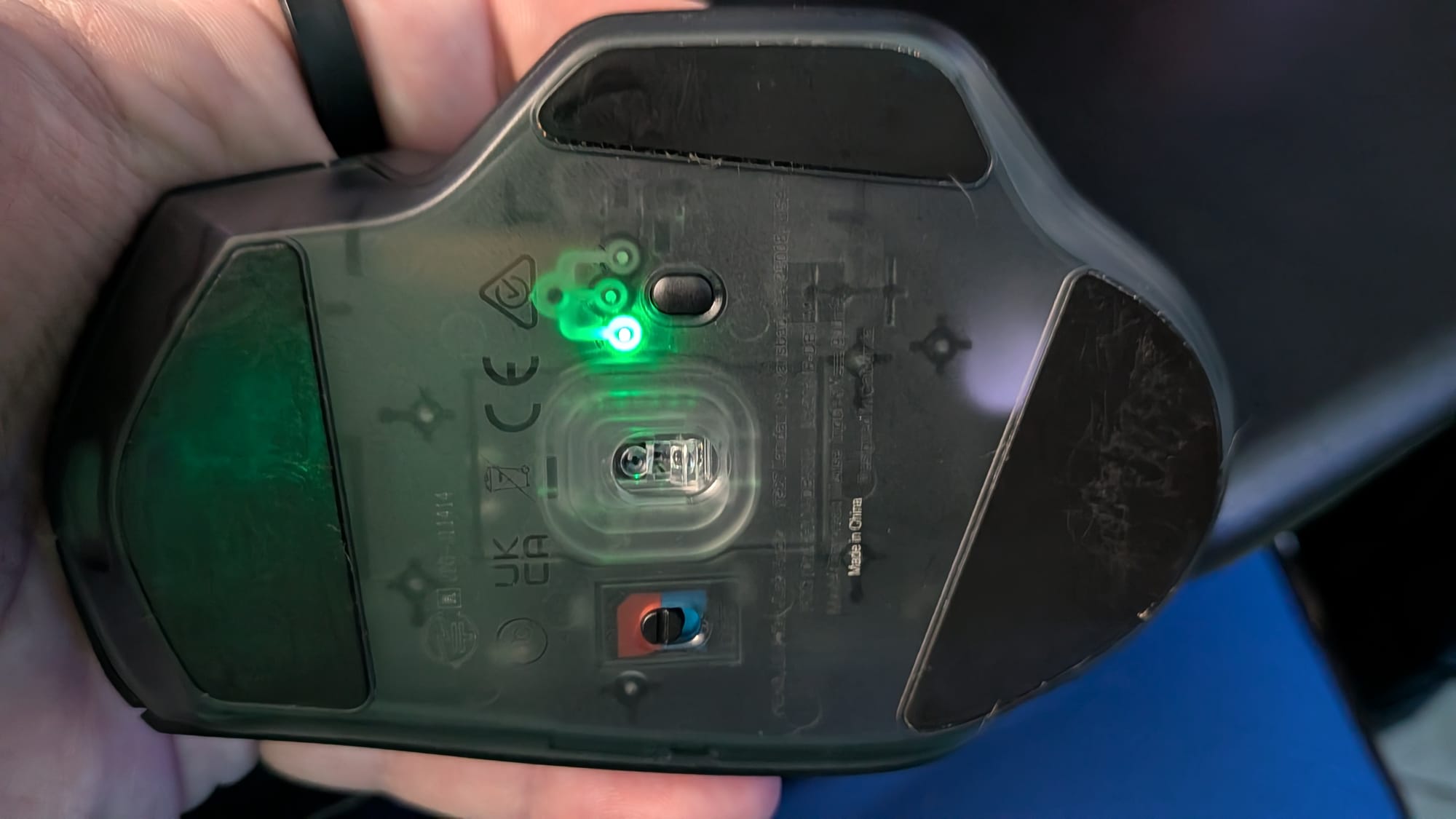
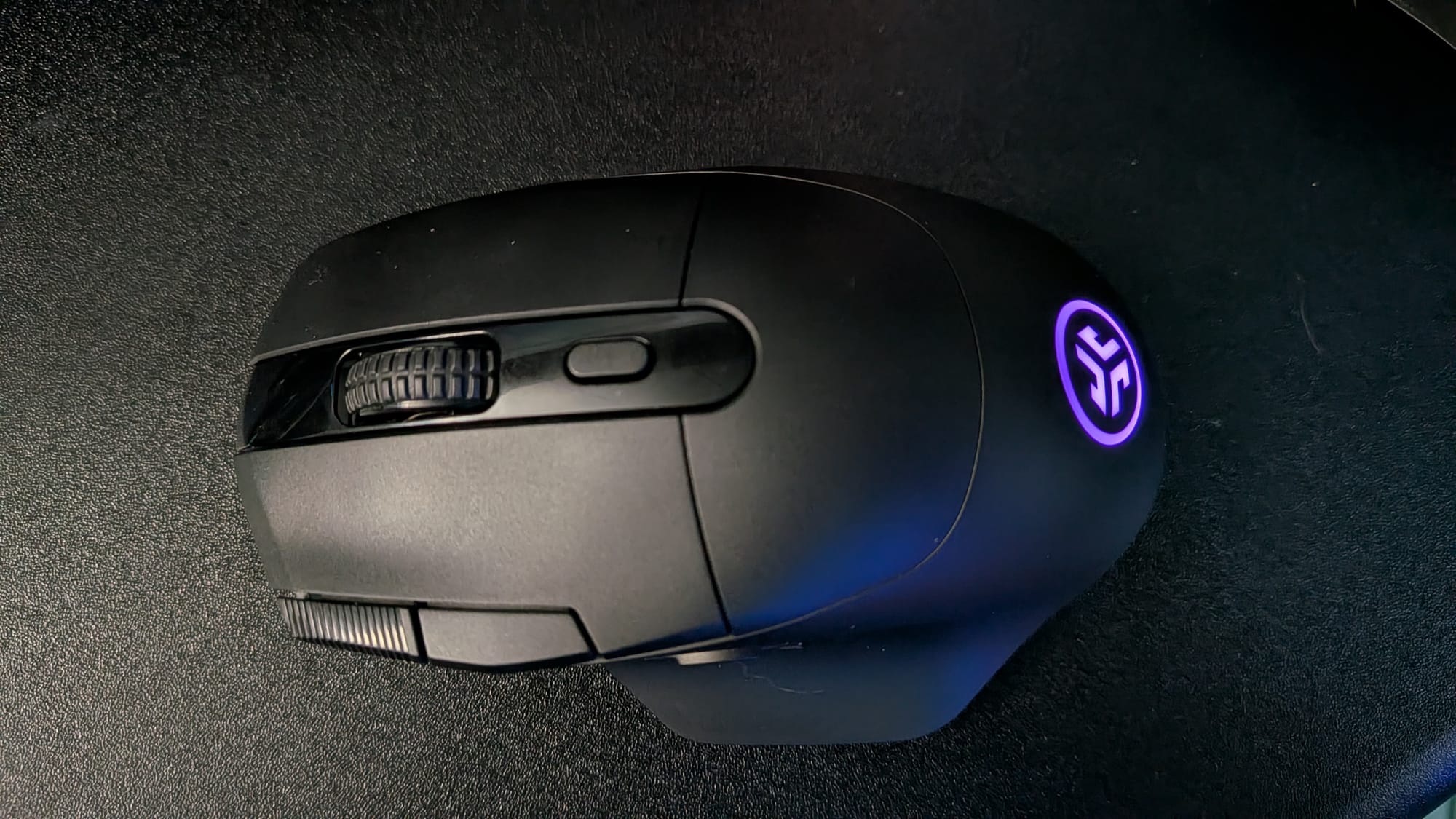
Straight out of the gate, I like the way the Daybreak mouse feels in my hands. The ergonomics are designed to fit a right-handed mouse user beautifully. At just 53 grams, it falls into the ultra-lightweight category, allowing you to stay nimble without putting extra strain on your wrists during long gaming sessions. On top of that, with an 80+ hour battery life, time between charges will be further apart, keeping you in the game longer. Should the need to charge arise while you’re mid-game, you can just plug your Daybreak into a USB-C port for charging and keep on plugging.
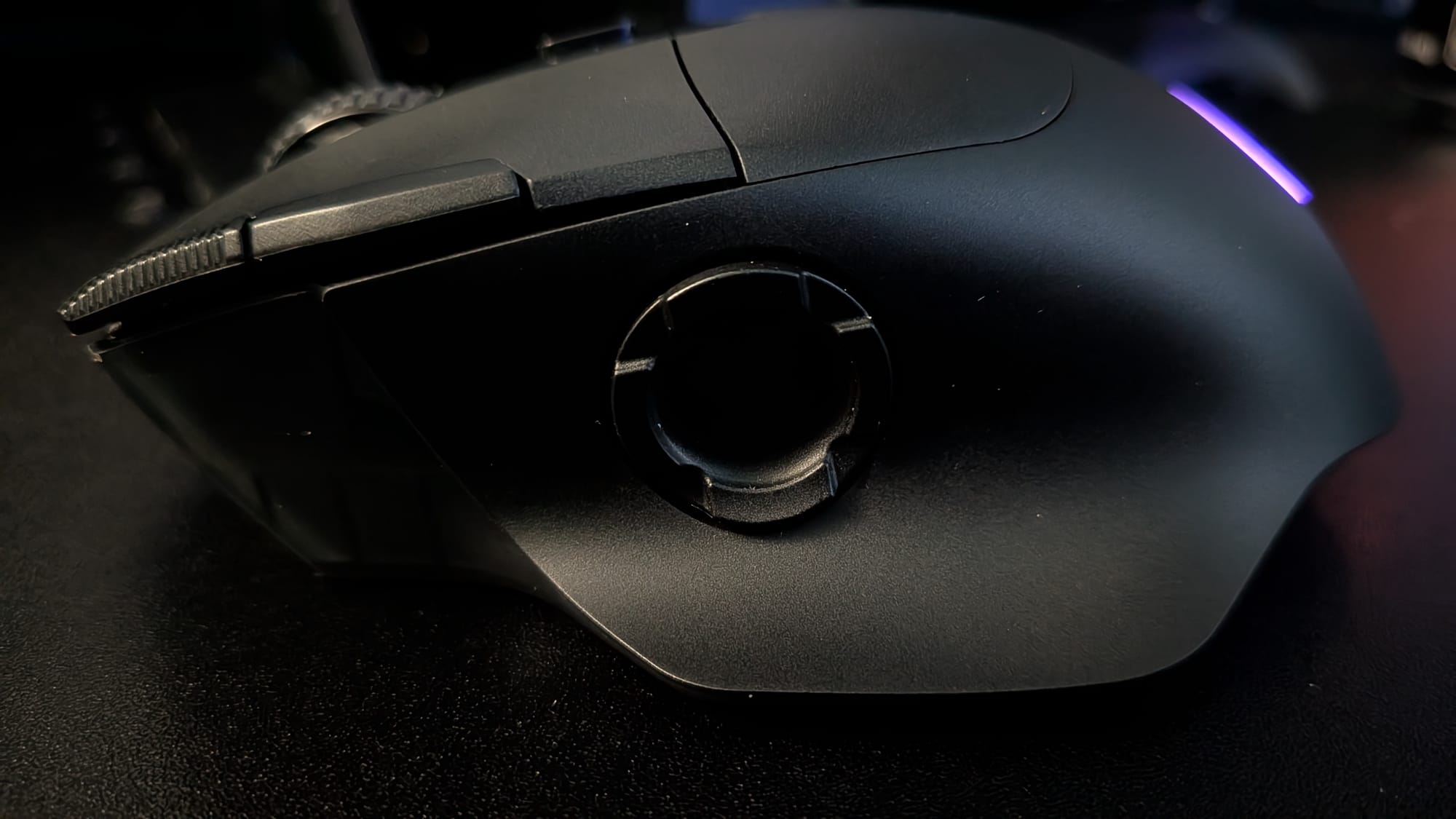
As I’ve mentioned, the Daybreak has 9 buttons. The standard layout is a left click, right click, scroll wheel, DPI switch, forward and back buttons, and a D-pad with 4 programmable buttons on the thumb. The D-pad buttons are, by default, mapped to an Up arrow key, Down arrow key, DPI Shift, and my favorite, a Rapid Click button.
All 9 buttons are programmable, but I do have to say a few things about the layout and experience I’ve had with the Daybreak mouse. First, the placement of the forward/back buttons is a bit problematic for me. They’re both placed to the left of the left-click button, right on the top edge of the mouse. This makes it somewhat awkward to press with either my left pointer finger or my thumb. Ultimately, this isn’t a big deal for normal use, but depending on the game you’re playing and what you have everything mapped to, it could cause issues. The other problem I’ve run into with the unit I’m reviewing is the DPI switch on the top of the mouse. At one point, I thought the button may have been defective, but now I realize there just isn’t much tactile feedback when clicking it. It works, but for days it left me wondering if it was functional or if my mind was playing tricks on me.
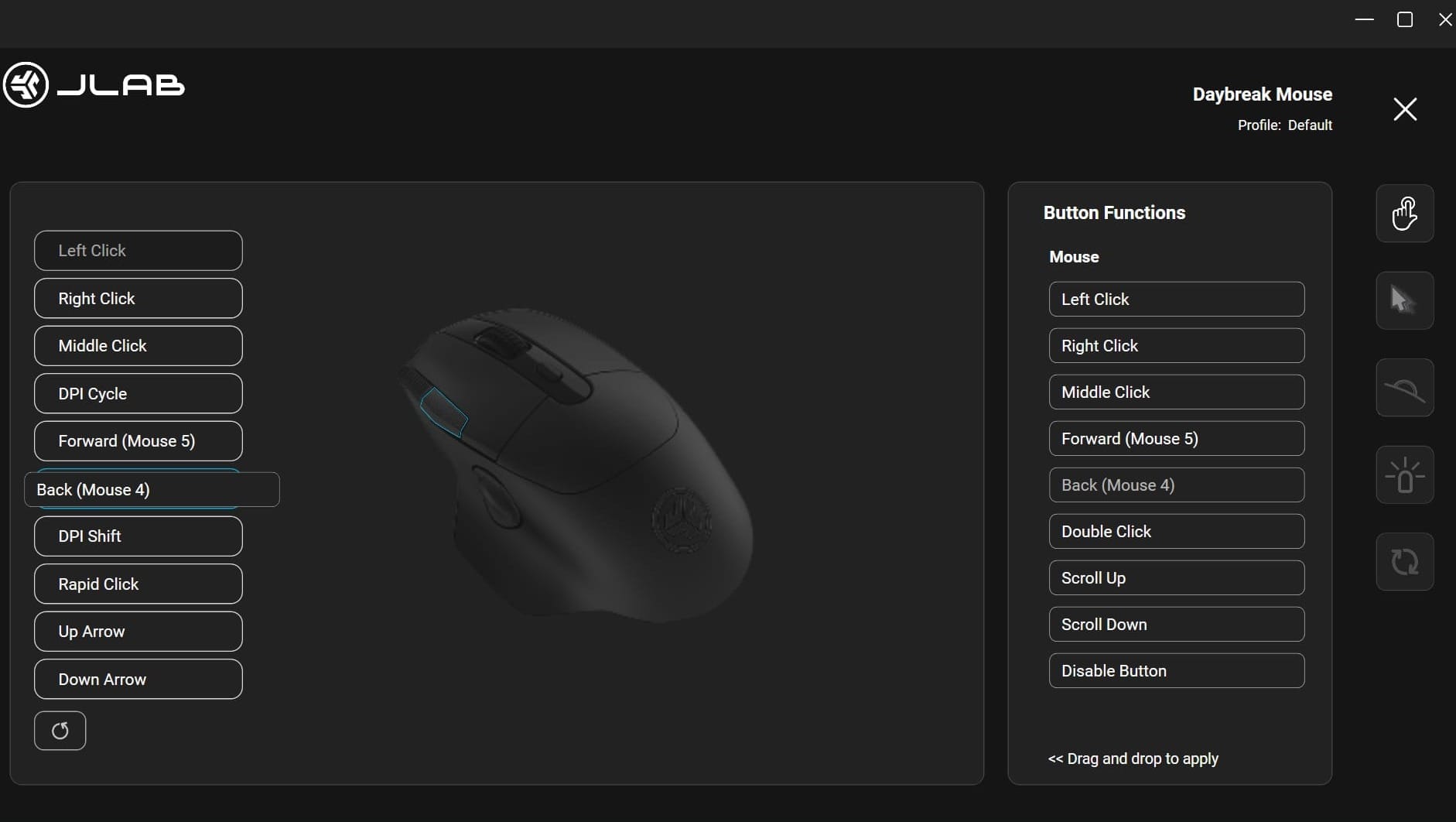
The JLab Test Lab software, which you’ll need to download from JLab’s site, will give you the option of customizing your experience with the mouse. In my time reviewing this unit, I had to reach out and wait for an updated build, as the Daybreak mouse initially didn’t register properly. Now that it works, though, it’s been fun to play around with. You can get in there and goof around with the color scheme to a limited degree. More importantly, you can adjust meaningful settings like the scroll wheel speed or the DPI settings to rotate between. I typically keep mine around 1600 DPI, but for those of you capable of exploiting it, you can set the mouse as high as 26000 DPI.
While we’re discussing the Test Lab software, I want to call attention to its user experience in the format I used it. Each button of the mouse is listed next to a picture of the mouse…but no button is outlined or highlighted until you drag a function over the corresponding box. It feels somewhat unintuitive in its current state, so I hope they’ll continue to make things clearer as they improve the software.
One thing of note for those of you who are curious: While the Daybreak TKL keyboard has 8000Hz polling, the Daybreak wireless mouse only goes up to 1000Hz polling. For my own skill level, 1600 DPI at 1000Hz is a great happy ground, but it does feel awkward to me that they didn’t push for 8000Hz polling on the mouse too. I’m sure that’s derived from the fact that the keyboard is wired and the mouse is wireless, so I don’t want to complain too much. I found it worthy of noting for those interested, though. One more thing that’s worth noting for those who want to use this as a Bluetooth device: polling rates on Bluetooth devices are much lower than PC hardware. The Daybreak mouse’s polling rate drops to just 125Hz when in Bluetooth mode. For clarity, that’s not a knock on the Daybreak mouse. The Bluetooth protocol limits all mice to 125Hz, so don’t be surprised if things feel a bit chunkier that way.
Despite a couple of small hangups with the button layout, I quite like the Daybreak wireless mouse. It’s comfortable and responsive, with more functionality packed into it than I’ll ever be able to take advantage of. I wish a couple of the buttons were laid out a bit differently, and the Test Lab software needs time to mature. That said, if you’re in the market for a great lightweight wireless gaming mouse, the Daybreak offers a great experience. With a slew of button and DPI customization options, respectable battery life, and a reasonable price, JLab’s Daybreak mouse is a great option for keeping you gaming more comfortably and competitively without breaking the bank.
JLab Daybreak Wireless Gaming Mouse
Great
The JLab Daybreak wireless mouse offers comfort and precision while giving you the option to customize your experience. 1000Hz polling with up to 26000 DPI ensures every movement is translated into the game. While a couple of the buttons feel awkward to access and their software suite needs time to mature, the Daybreak is a great gaming mouse with a reasonable asking price.
Pros
- Comfortable
- Plenty of customizable buttons
- 80+ hour battery life
- Reasonably priced
Cons
- 1000Hz cap (for those who want 8000Hz)
- DPI button lacks sufficient tactile feedback
- Forward/back buttons are somewhat awkward to reach fluidly
- JLab Test Lab software suite needs time to mature
This review is based on a retail copy provided by the publisher.












