
Gaming keyboards have been evolving over the last couple of years. Where everyone used to just think 1000 Hz polling with mechanical switches was the end-all-be-all, the industry has developed more refined tastes. Now, magnetic switches provide functionality impossible with other hardware, and top-end gaming keyboards poll at 8000Hz. With the Daybreak keyboard, audio-turned-all-around company JLab is looking to establish itself amongst the big boys. While there’s room to grow, I think the Daybreak is an excellent keyboard that places them on firm footing as an industry competitor.
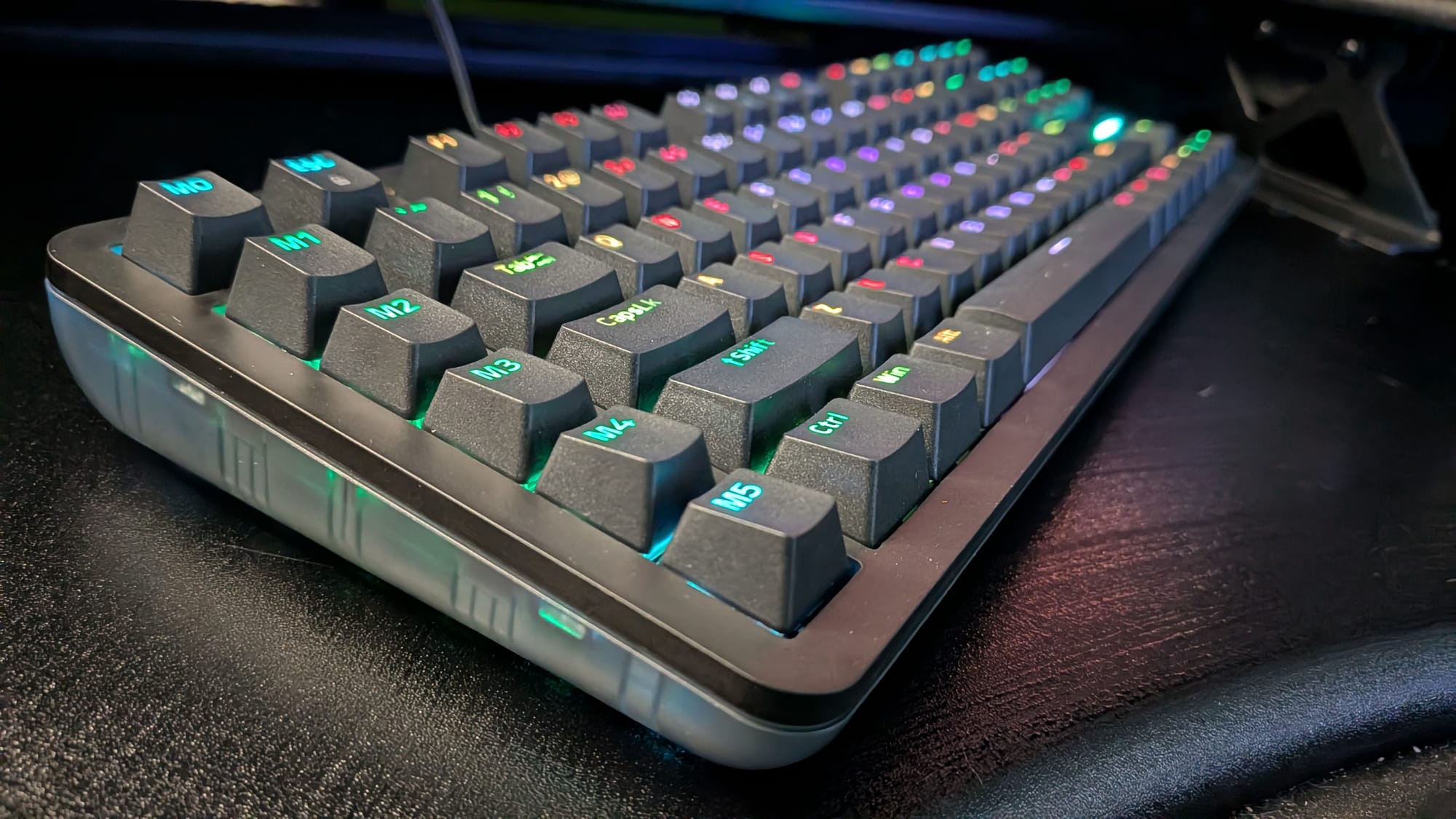
The Daybreak is JLab’s premium gaming-focused line. Their gaming brand features three lineups: Nightfall, Midnight, and Daybreak, each a step up in terms of tech, quality, and, yes, price point. As a geeky aside, I like how their marketing implies that more hardcore gamers go later and adjusted their product line accordingly. Where the Nightfall keyboard is a membrane keyboard and the Midnight line steps up to mechanical switches, the Daybreak is their magnetic offering.
Before getting into the nitty-gritty of the keyboard, I want to point out a couple of things specific to the Daybreak. First, this is a USB-C wired keyboard. It takes USB-C in from your computer (or game console). It also doubles as a USB-C passthrough, though. I found this to be useful for plugging in the receiver for my wireless headset, though you could use it to daisy chain peripherals, too. Also worth noting, the Daybreak has five macro keys. This stood out to me, in particular, because I don’t feel like I’ve seen dedicated macro keys in quite a while. After some consideration, I did find a handy use for one, though: I set up a macro for Mistfall Hunter so it automatically throws my inventory into my warehouse and sorts my warehouse at the press of a button. It saves me a few seconds every run. Finally, JLab included a wrist rest in the box with the Daybreak. I’ve been using the fabric cushioned add-on, and I have to say, I’ve found it to be a nice extra.
If you’ve read some of my other keyboard reviews on GamingTrend, you know I’m a fan of the magnetic switch movement. For the most hardcore, it could be argued that mechanical keys are still the fastest, most effective, error-free option, but as a gamer who spends a lot of time writing, high-end magnetic keyboards are the best of both worlds for me. JLab’s Daybreak continues to reinforce that with a sleek gaming keyboard that feels great to use.
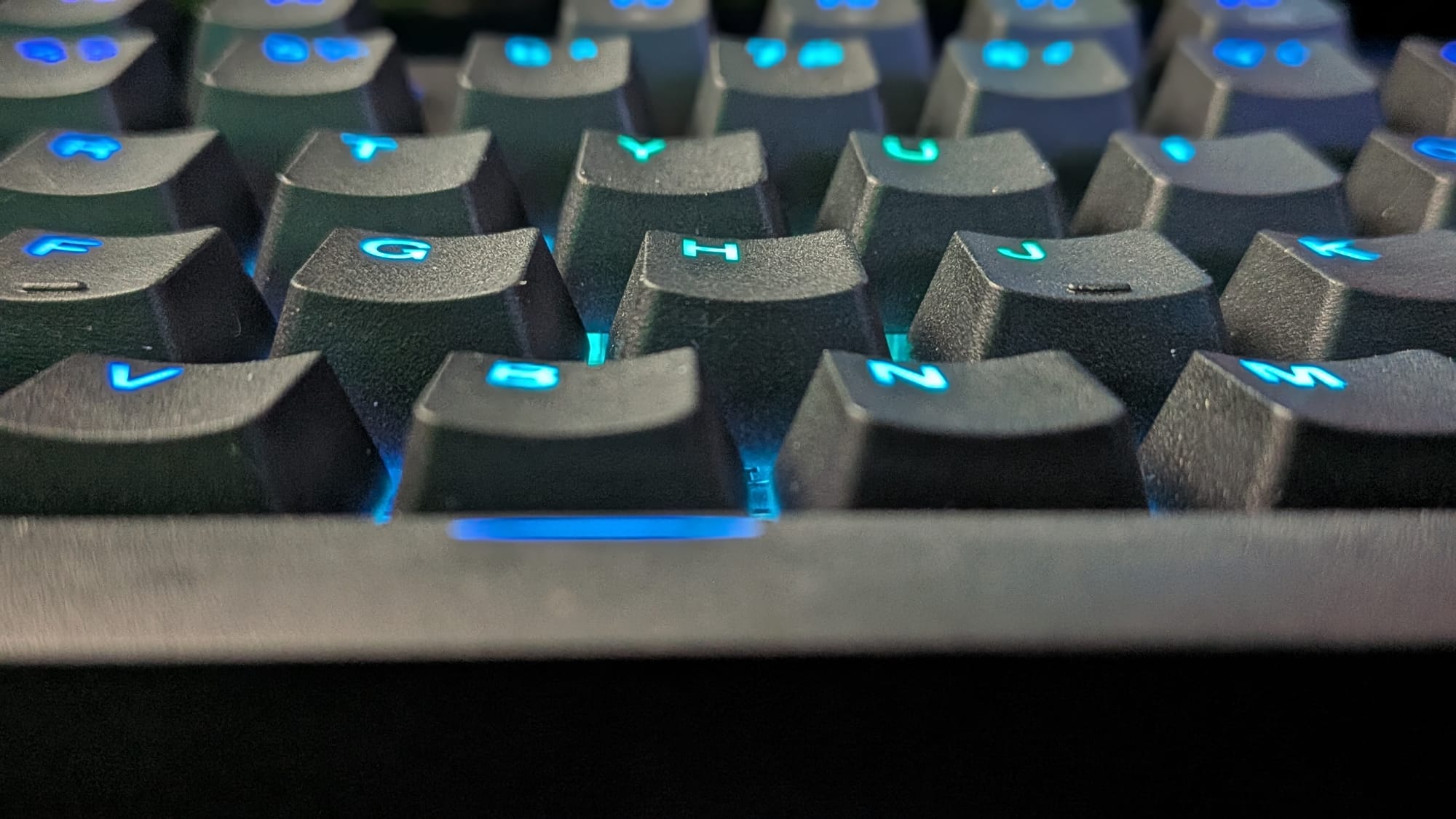
I want to discuss the magnetic switches, as those are the defining feature of a magnetic keyboard. While most companies have names of the specific magnetic switches they use, I couldn’t find that information for the Daybreak. What I can tell you are the specs they provide about those switches and my personal experience with them. The magnetic switches in the Daybreak keyboard offer an individual activation range of 0.2mm to 3.8mm, which puts them pretty well right in line with other magnetic gaming switches on the market. This lends to some enhanced functionality, which we’ll speak about momentarily.
I’m a fan of the minute-to-minute feel of using the Daybreak keyboard. They use double-shot premium PBT keycaps with a textured surface to provide superior grip. The magnetic switches used in the Daybreak provide crisp, clean, clicky feedback with plenty of responsive spring to get you back to home quickly. This matters, particularly to some enthusiasts, in the same way a lifelong firearms expert has a certain feel they prefer in their weapon of choice. Some gamers and typists prefer soft, buttery switches that sound like gentle rain on a padded surface. The Daybreak, conversely, provides feedback that feels more like a precision machine. To the point, it feels good, particularly in a gaming context. You want to know you’ve pressed the button, not get the sense your finger may have slipped. You’ll get that feedback instantly with the Daybreak.
Keeping in line with immediate feedback, the Daybreak touts 8000Hz polling, which has become the new goal for high-end gaming peripherals. This means the keyboard sends 8000 signals a second to your computer. On top of that, the Daybreak has a 1ms response time, so you can always be sure what you press is what your hardware is registering.
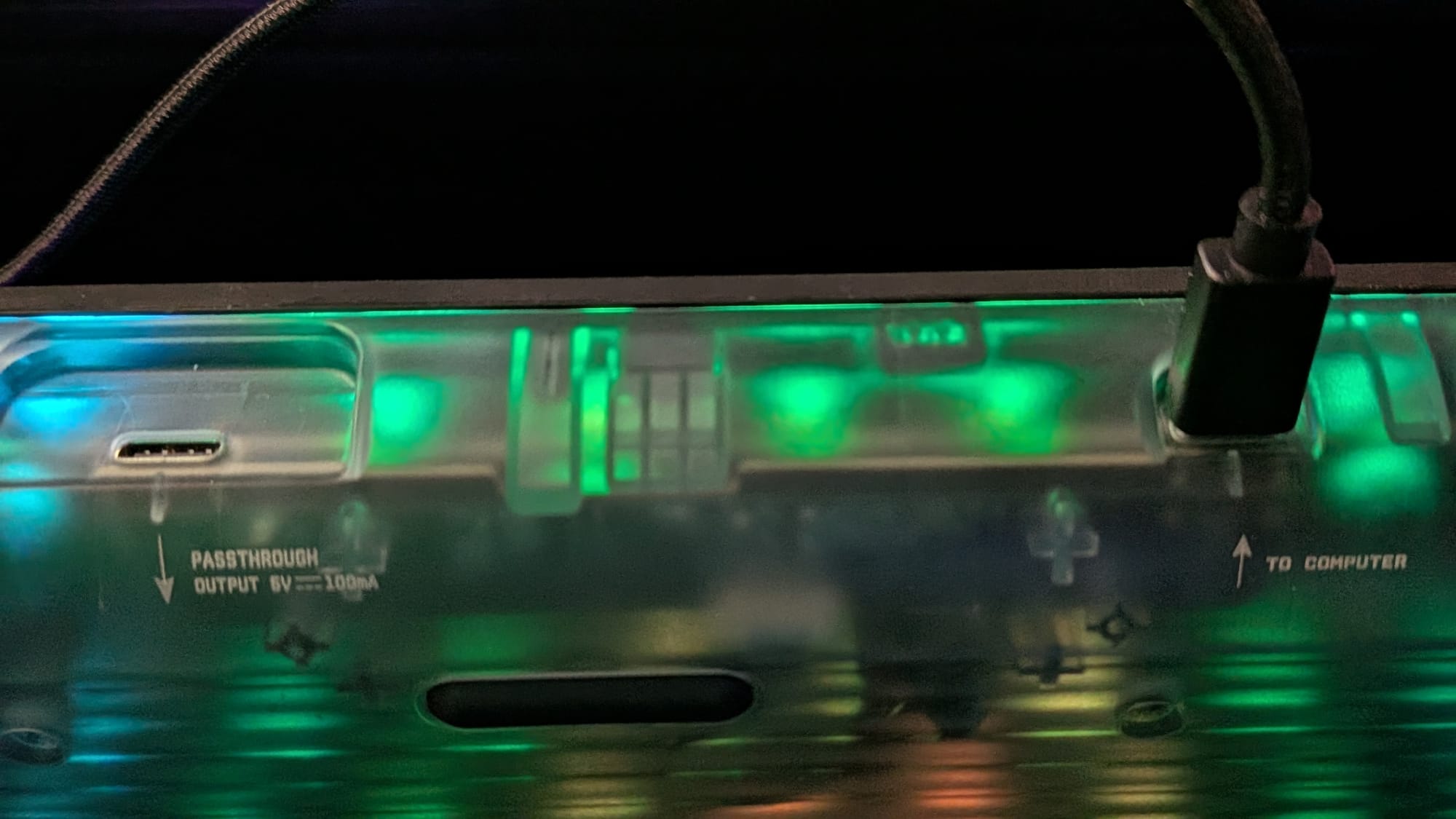
In terms of feature set, JLab’s Daybreak magnetic keyboard has some of the same features as other top-end magnetic gaming keyboards. Using JLab’s The Lab software, which is currently in Beta, you can fiddle with some of the knobs to make the experience your own.
First, you can modify the keypress range required to activate the keys. If you prefer a light touch, you can have a key activate with as little as 0.12mm of movement. Do you find that resting your fingers on the keys activates them accidentally? You may want to crank that activation range up to the switch’s full range. I’ve found that I typically like mine a little over halfway at about 2.5mm.
Moving on to the Daybreak’s special features, you can activate and adjust the Quick Trigger feature in The Lab. This provides you the ability to re-activate a key once you release it past a certain threshold. Think of it as a modified, intentional way to rapid-fire a keystroke. One of the most notable features is the Dynamic Keystroke, which allows you to assign up to four button activations to a single keystroke (one for starting a press, one for a full press, one for a partial release, and one for a full release). It effectively turns any key on your keyboard into a miniature macro key. Finally, the Daybreak allows you to activate two other features that have become more popular recently: Snap Tap and Rap Tap. Snap Tap (also called Rappy Snappy or SOCD) allows you to choose two keys. Pressing the first, then pressing the second will have the second override the first, even if the first remains pressed. This can be used for things like quick corner peeks. It’s worth noting that Valve has banned this functionality for Counter-Strike, as they’ve said it overrides a large point of the skill required for high-level play. Rap Tap (also called Dual-Keypress Priority) sets two keys and takes the input of the one with a deeper button press, so you essentially grant priority based on what you press harder. The feature set for high-end gaming has begun to shift, and magnetic switches provide some pretty slick functionality to level the playing field for those of us who aren’t eSports athletes.
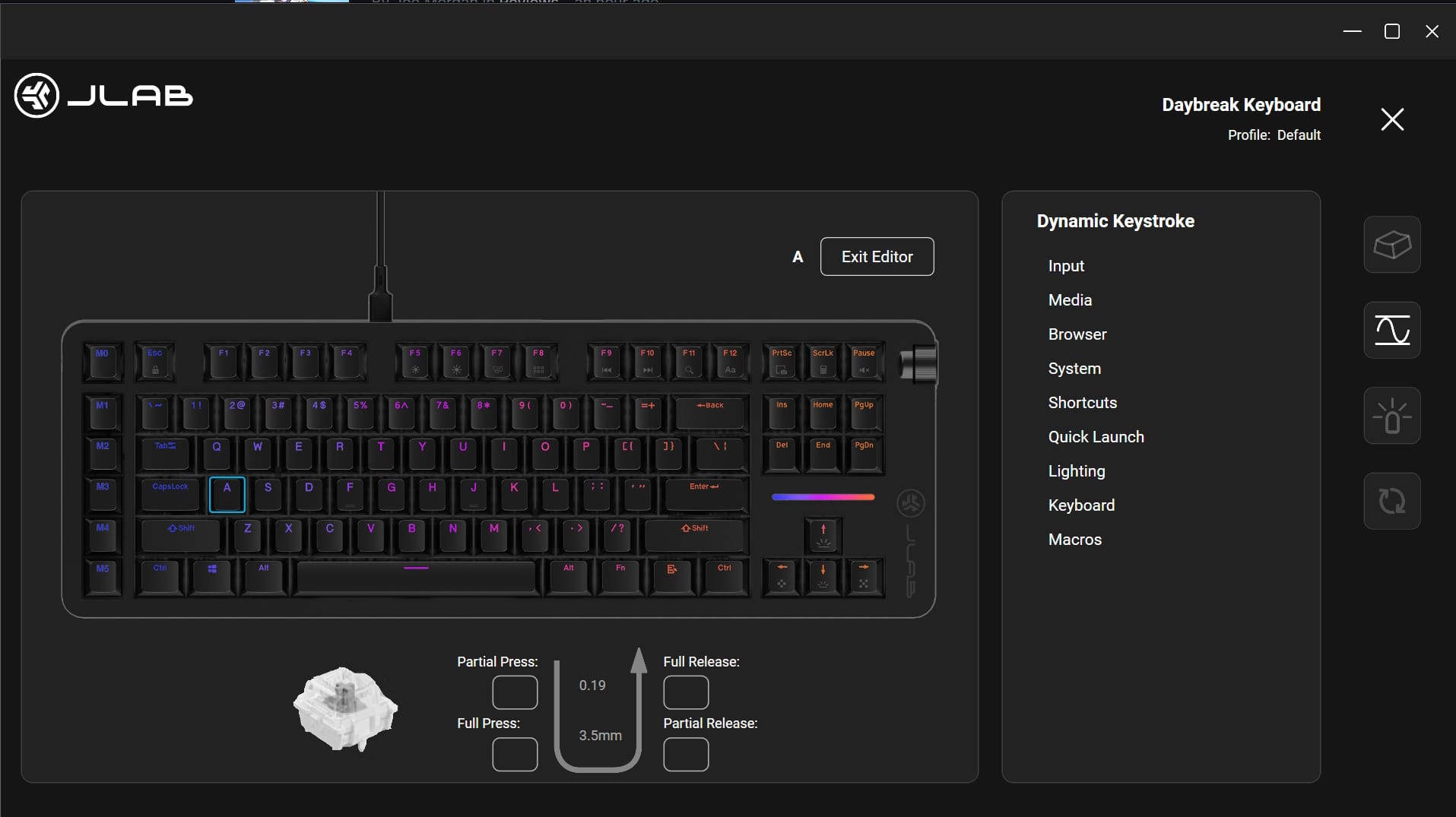
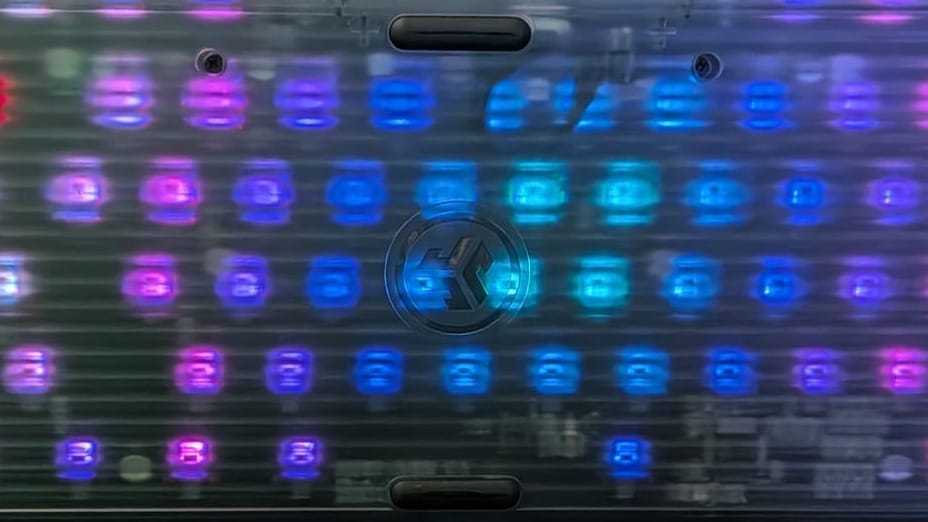
There are a handful of concerns I think are worth noting with the Daybreak keyboard. First, this is a premium keyboard that’s competitively priced, which is fantastic, but I’m slightly concerned about the keyboard’s shell. Other comparable keyboards often feature a machined aluminum shell. The Daybreak’s shell is made of textured plastic. It feels and looks great on the front, but it feels out of place on the back. I don’t believe this should be a deal breaker, but there are folks to whom that will matter.
JLab’s Test Lab software is the other current thing to note. As I mentioned earlier, the software is in Beta phase, so I’m confident they’ll iron it out, but at present, it lacks polish. Some things stood out to me with the Daybreak keyboard in particular. First, most magnetic keyboard customization software gives you a visual of the button press range as you press a key. This lets you tie a number and visual to the physical feeling so you understand the settings. Second, and this is a minor quibble, the interface doesn’t scale if I maximize the software for full-screen.
The Daybreak is a great magnetic gaming keyboard with an excellent feel at a competitive price. Their software suite still needs some polish, and the plastic shell may be of concern to some folks, but JLab has delivered a great product I can easily recommend. Typing is a joy, and gaming on it provides a crisp, snappy experience with access to some nice features, too. If you want the features of a high-end magnetic keyboard with that clean, sharp feedback, JLab’s Daybreak TKL keyboard would be an excellent option to keep you gaming until the sun comes up.
JLab Daybreak TKL Wired Magnetic Gaming Keyboard
Great
The Daybreak is a great magnetic gaming keyboard with an excellent feel at a competitive price. Their software suite still needs some polish, and the plastic shell may be of concern to some folks, but JLab has delivered a great product I can easily recommend. Typing is a joy, and gaming on it provides a crisp, snappy experience with access to some nice features, too. If you want the features of a high-end magnetic keyboard with that clean, sharp feedback, JLab’s Daybreak TKL keyboard would be an excellent option to keep you gaming until the sun comes up.
Pros
- Excellent feel
- Feature set keeps it competitive
- USB-C passthrough is a nice way to help manage cables
Cons
- JLab’s Test Lab software suite needs polish
- Plastic shell backing feels out of place on a premium peripheral
This review is based on a retail copy provided by the publisher.












