
I’ll always prefer to play the three most recent Elder Scrolls games on PC. I actually built my first desktop specifically to play Skyrim after buying the game on a whim and becoming addicted, even at like 5 fps on my tiny Acer notebook. There’s something I’ve missed from that first blush with the series, however, and that’s portability. A big part of the series’ appeal is being able to go anywhere whenever you want, and likewise taking that experience wherever I want is a dream. I’ve tried Morrowind, Oblivion, and Skyrim on Steam Deck, but Skyrim SE and the recent remaster of Oblivion don’t run as well on the platform as I’d like. When Oblivion Remastered was announced to be coming to Switch 2, I was more than eager to return to Cyrodiil again on Nintendo’s portable platform. The dream of Cyrodiil on the go might just be more than we could hope for unfortunately, as I found this port wanting.
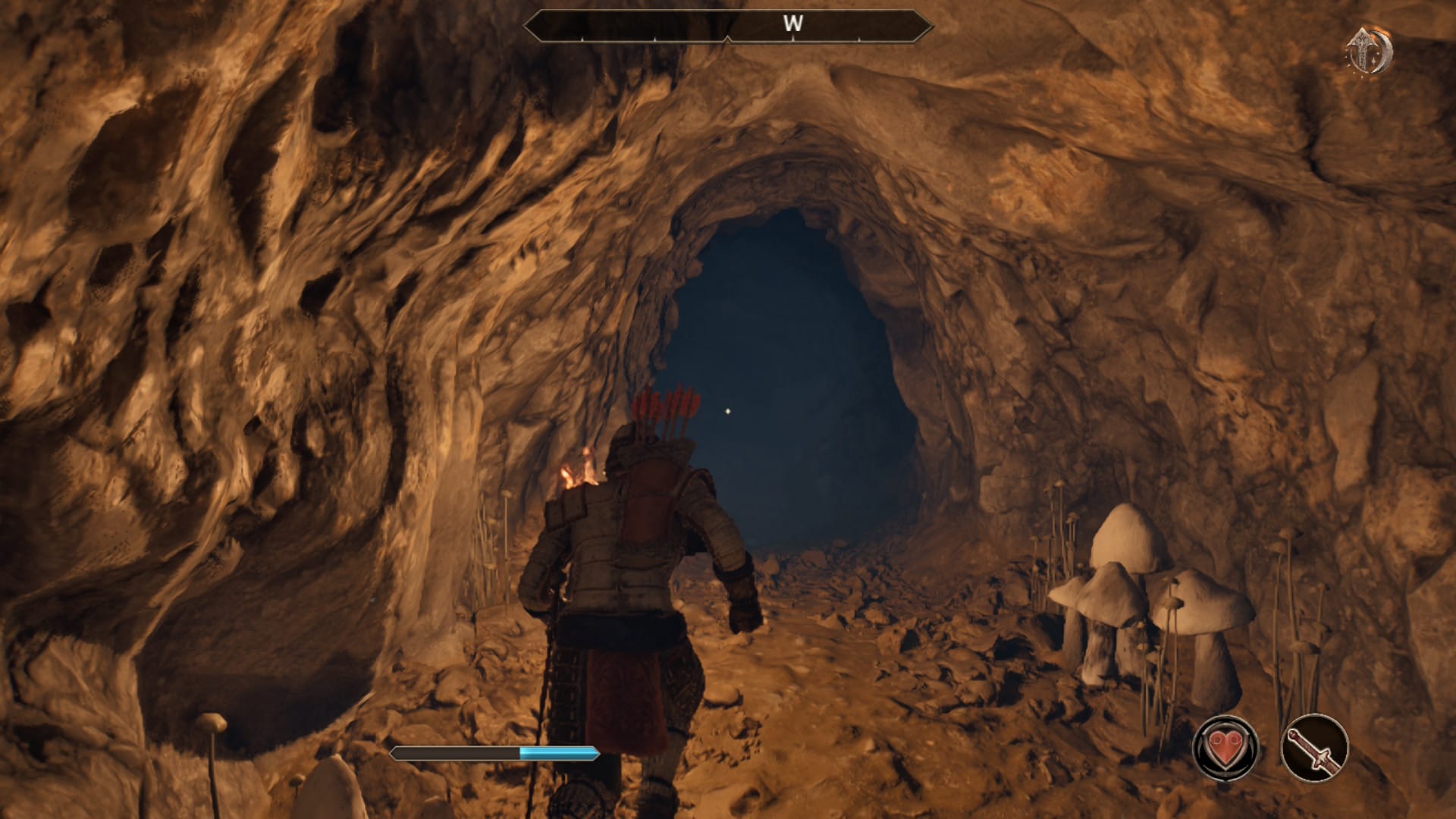
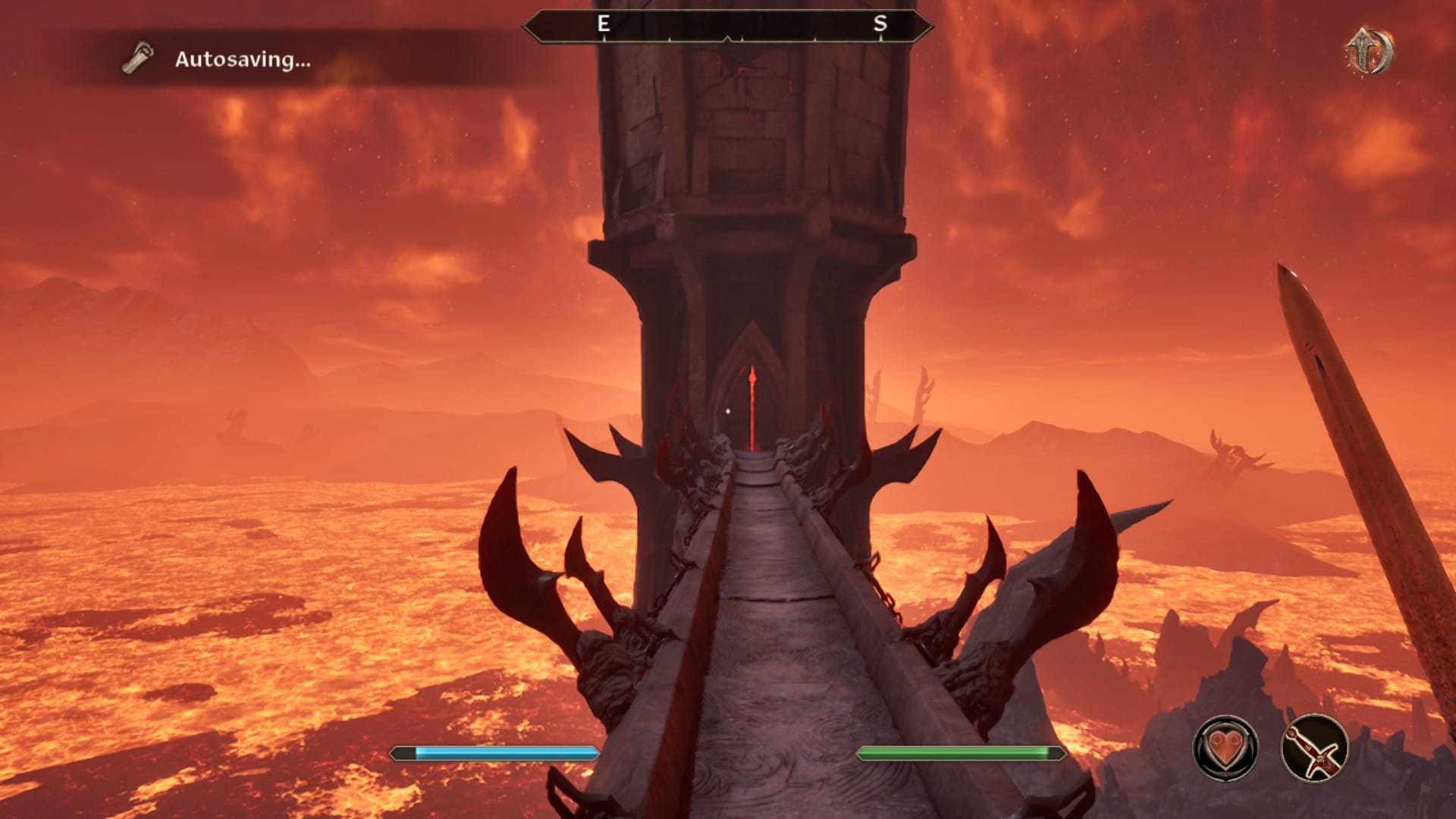
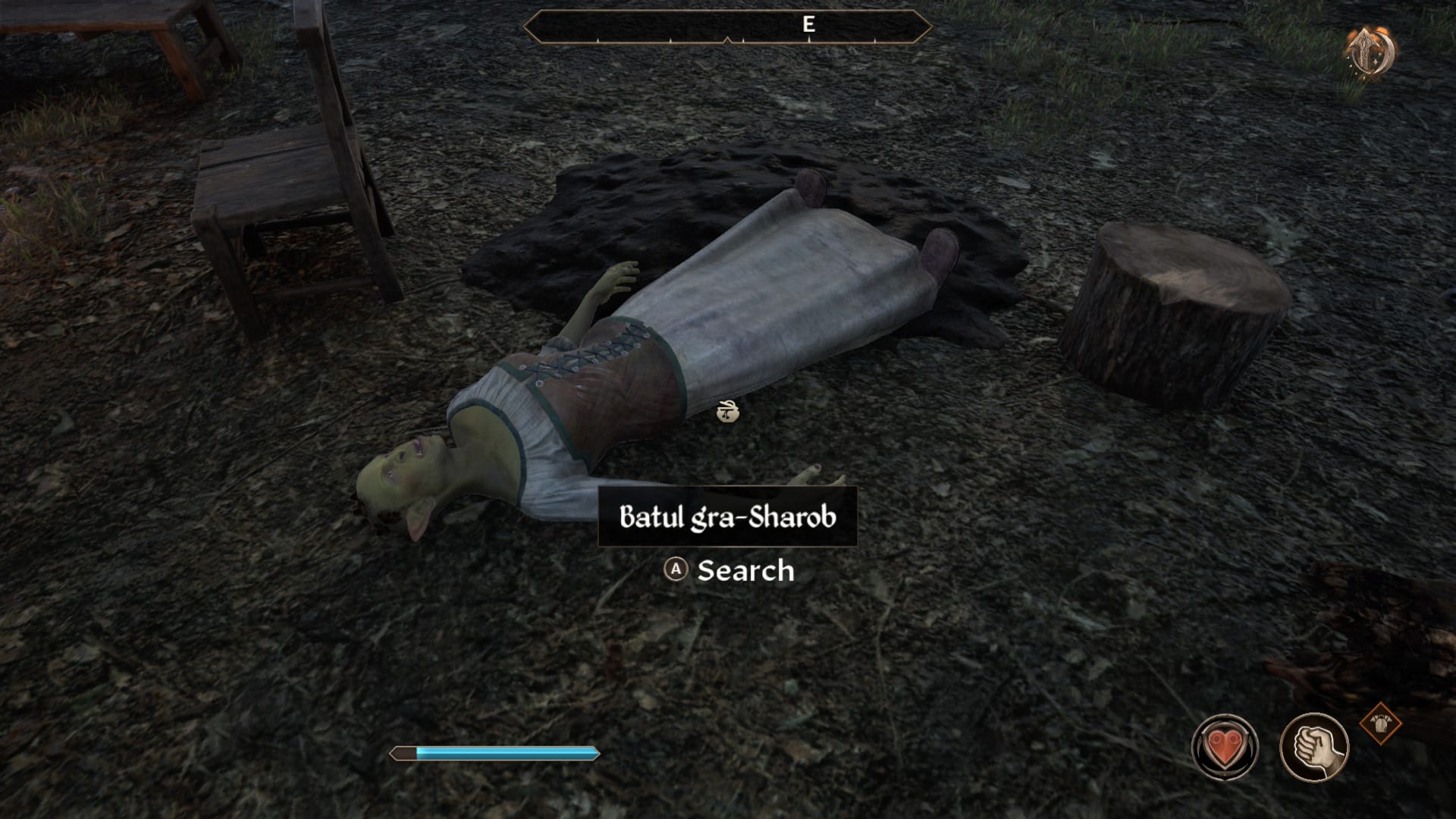
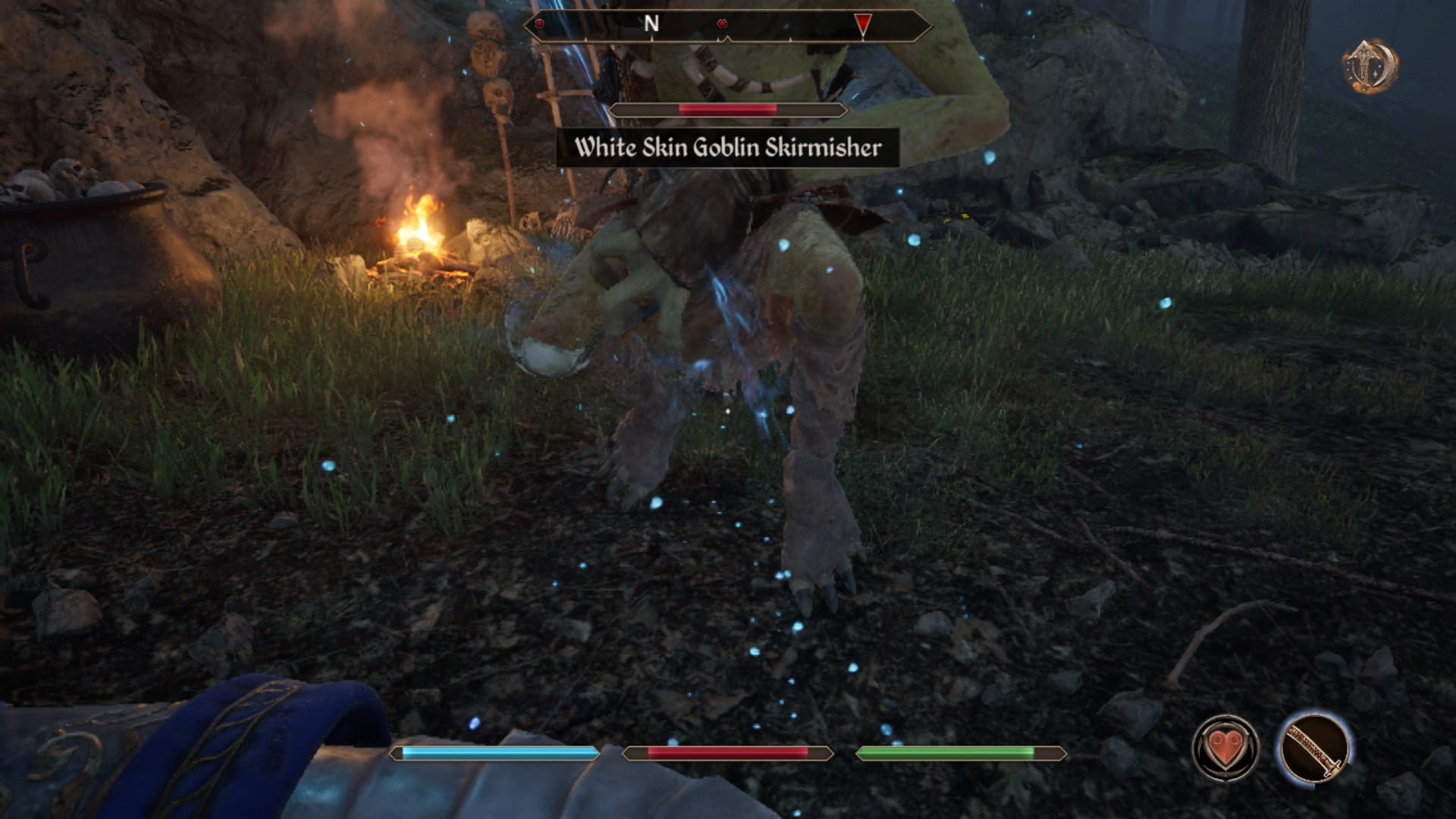
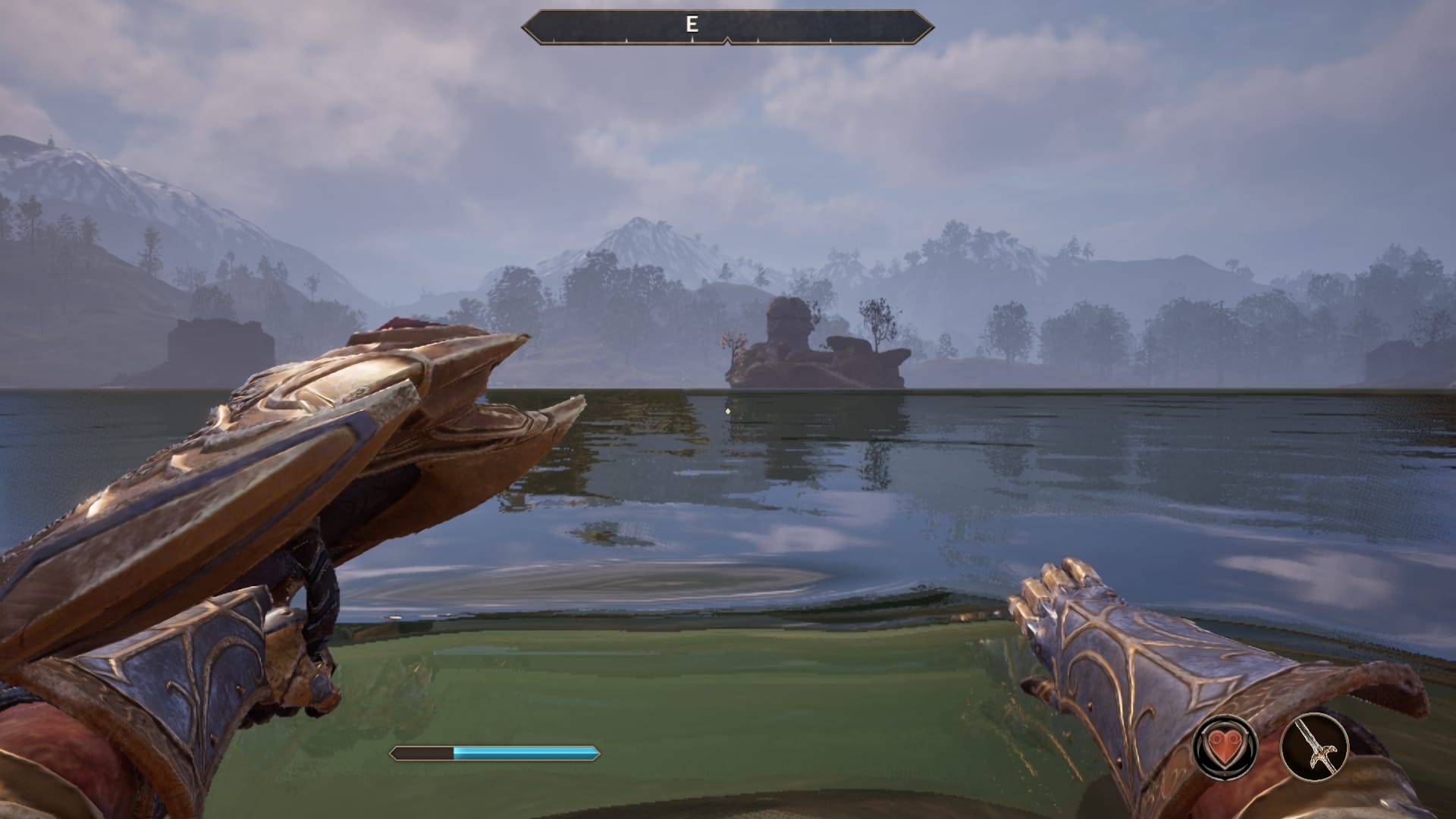
Oblivion Remastered is, first and foremost, a visual update to the original game. In fact, that original game is still running under the hood here, with Unreal Engine 5 being used to render the new visuals. On Switch 2, the game looks… decent. The textures, new geometry, and lighting are all there, but you can tell the game is suffering from low resolution here, even presumably with upscaling in the background. It’s less noticeable in portable mode, though definitely still an issue with regards to visual clarity. Everything just looks fuzzy, and while the game’s art style is usually a boon, it does cause everything to sort of blend together here. The original game looked dream-like with its copious amounts of bloom, but here it’s dream-like in that nothing ever really comes into focus.
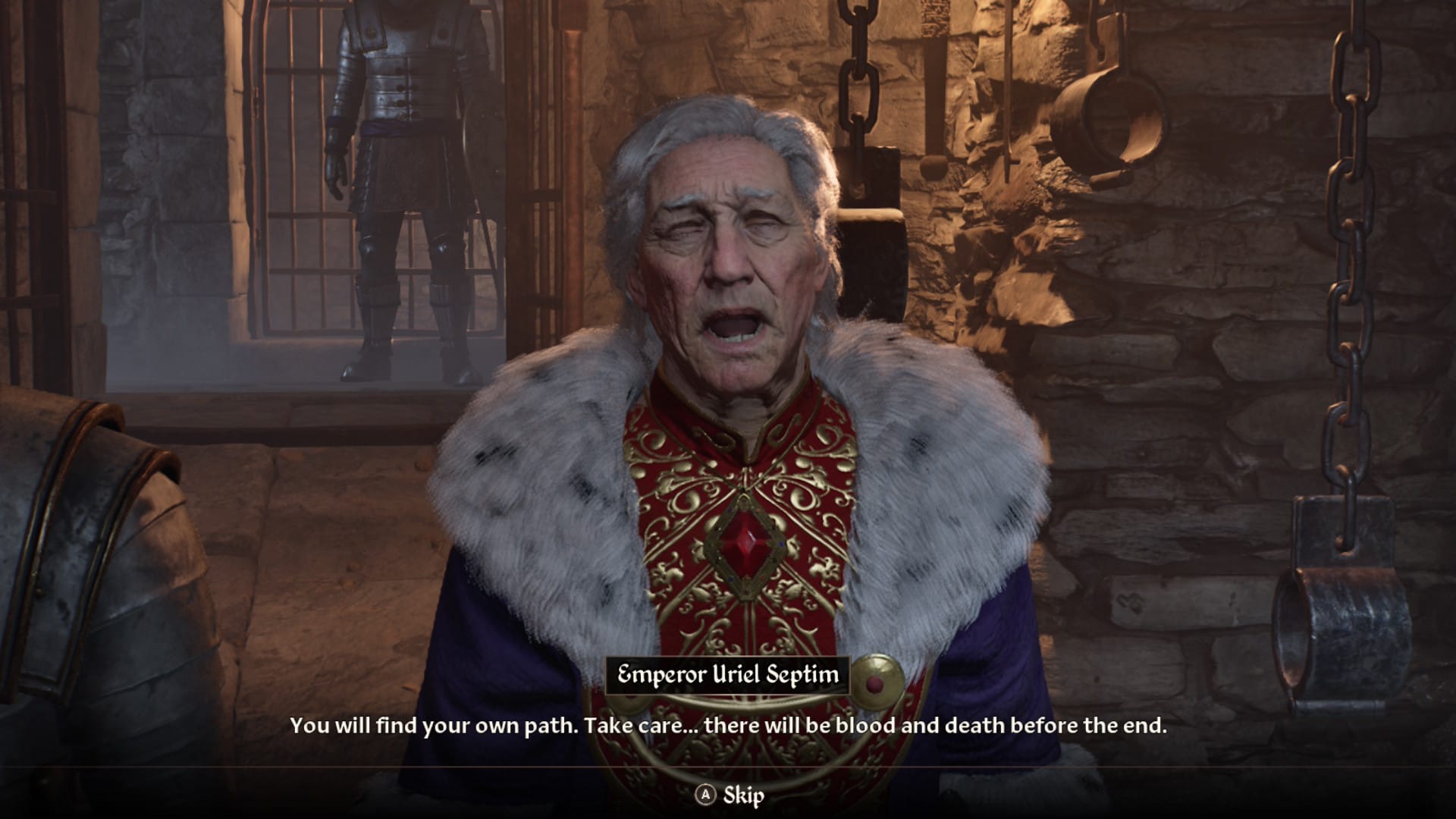
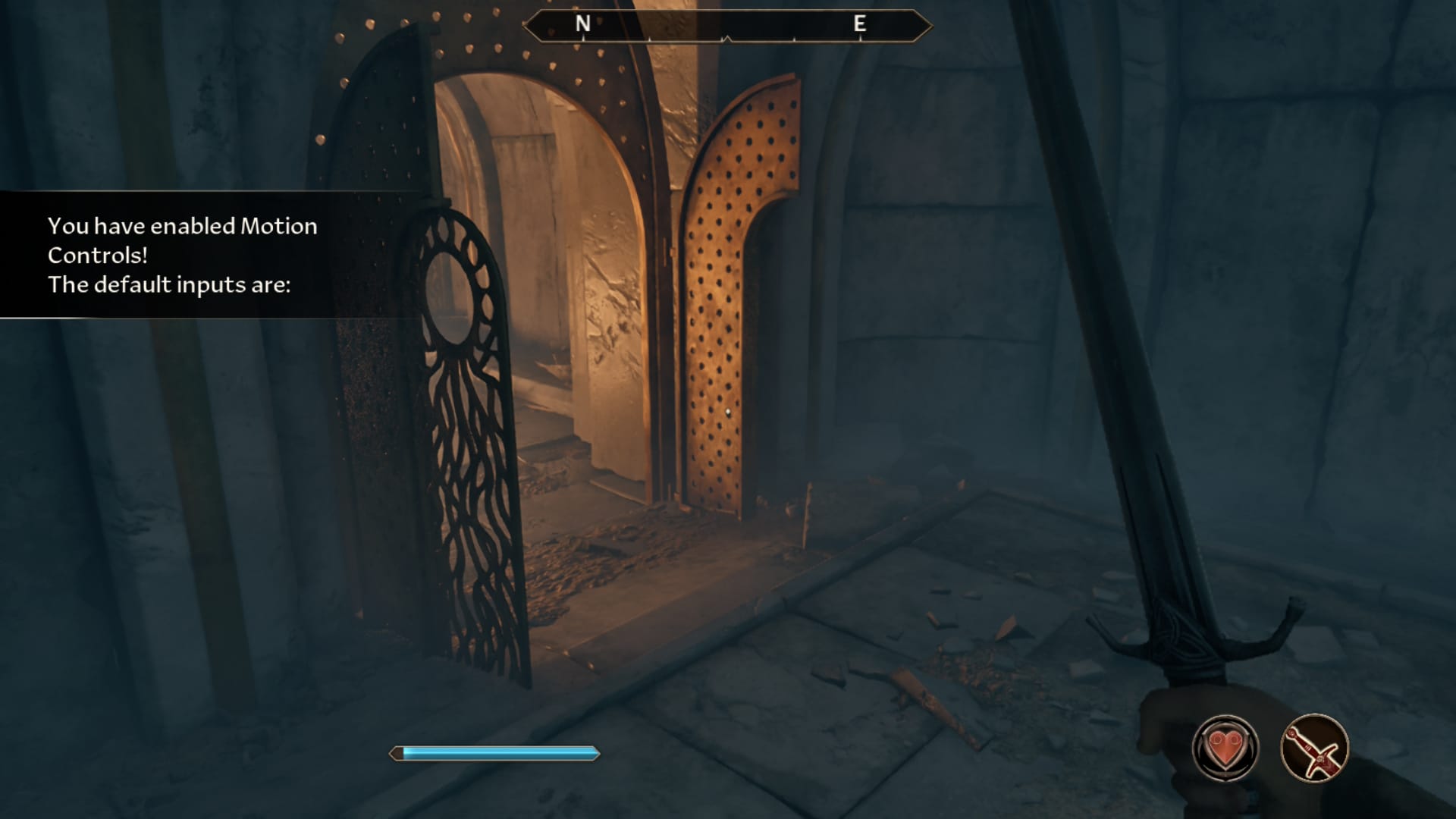
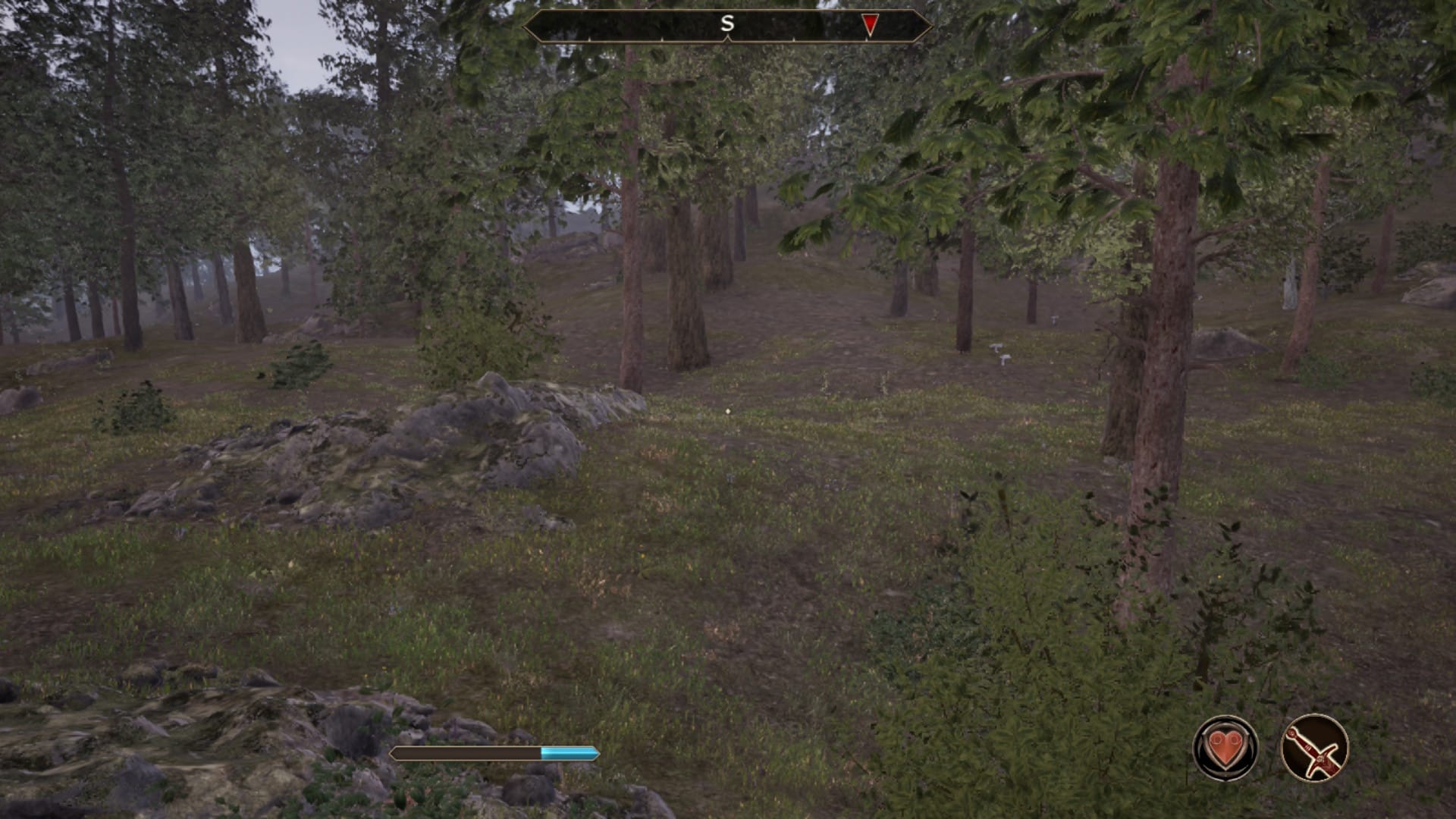
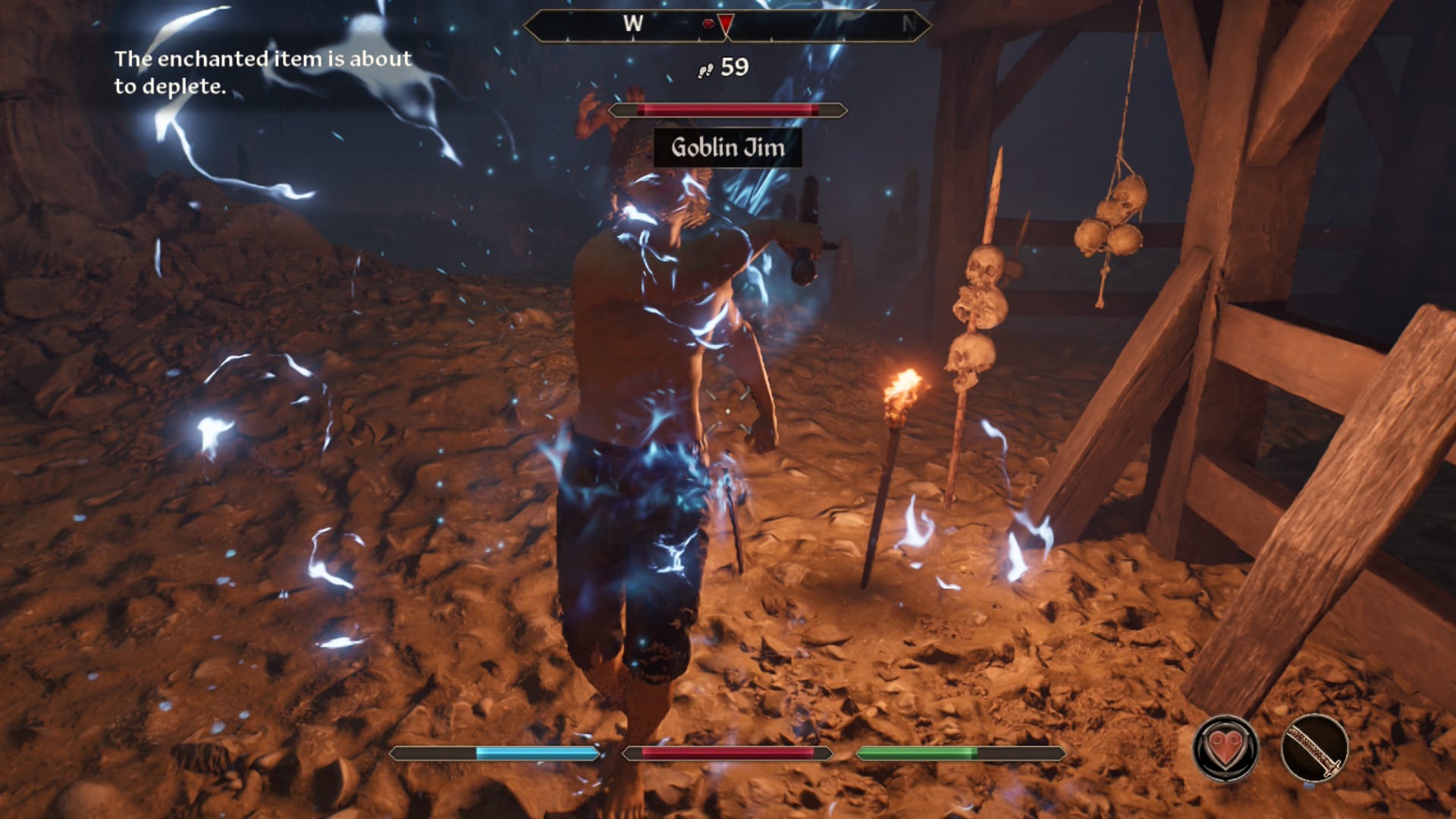
While the visuals are sub-par, performance is what really kills this port. Oblivion targets 30 frames per second, and it comes close enough to that in portable mode. There are still very noticeable drops; I wouldn’t even try to play this game in third-person as it just tanks the framerate in the open world, but it’s better than docked mode. From my analysis, docked mode simply cannot hit 30 fps, period. You’ll be hovering just below that target at the best of times, and crashing all the way down to 17 or so at the worst of times. I wanted to wait for a patch before posting these impressions, but as I’ve had the game for a few weeks now, I also want to inform people of the game’s current state. Bethesda has stated they’re working on a patch for all platforms, not just Switch 2, so I’d definitely wait before jumping in, for that and other reasons.
The Switch 2 version does come with some cool extra features, my favorite of which is touch screen support. Being able to navigate dialogues, menus, and the map with touch is incredibly convenient, especially as someone used to mouse and keyboard. Speaking of, you can also play the game in mouse mode, which you must enable from the title screen and must also have motion controls disabled. Mouse mode feels like a perfect fit, giving you the precision of a mouse and the convenience of an analogue stick in one. Left click is your primary attack with right click activating your currently equipped spell. The stick becomes a scroll wheel in menus which is amazing to have, but otherwise the controls stay mostly the game. This does make it a bit inconvenient when you need to press the face buttons to interact or jump, which makes me really wish you could assign actions to SL and SR on the left Joy-Con 2. It feels like Oblivion takes advantage of every feature of the Switch 2 other than these often forgotten buttons.
If you don’t want to play with a mouse or traditional controls, you can instead use motion controls. These are neat to have and, while I’m glad they exist for the novelty, they’re pretty terrible and unresponsive, particularly actions bound to the left Joy-Con 2. Like Onimusha, you use light attacks and heavy attacks by shaking the right Joy-Con 2 horizontally or vertically, with everything else being bound to the left Joy-Con 2. You tilt your left hand to the right to block, tilt left to sheath or unsheathe, tilt back to enter stealth, and shake to cast a spell.
Blocking works well enough, but I had a lot of trouble getting everything else to trigger. When I could get my character to crouch, it would be while I was trying to cast a spell, which is unhelpful to say the least. The real reason you’d want motion controls, other than the Twilight Princess-style novelty, is for gyro aiming with a bow. It makes that weapon far more usable here than in other versions to me, so I really wish I could just turn gyro on in portable or pro controller modes and leave mouse mode on for split Joy-Con 2 play. As I said earlier, if you want to swap motion or mouse on you have to go back to the title screen, which is frustrating given that loading times are super long here.

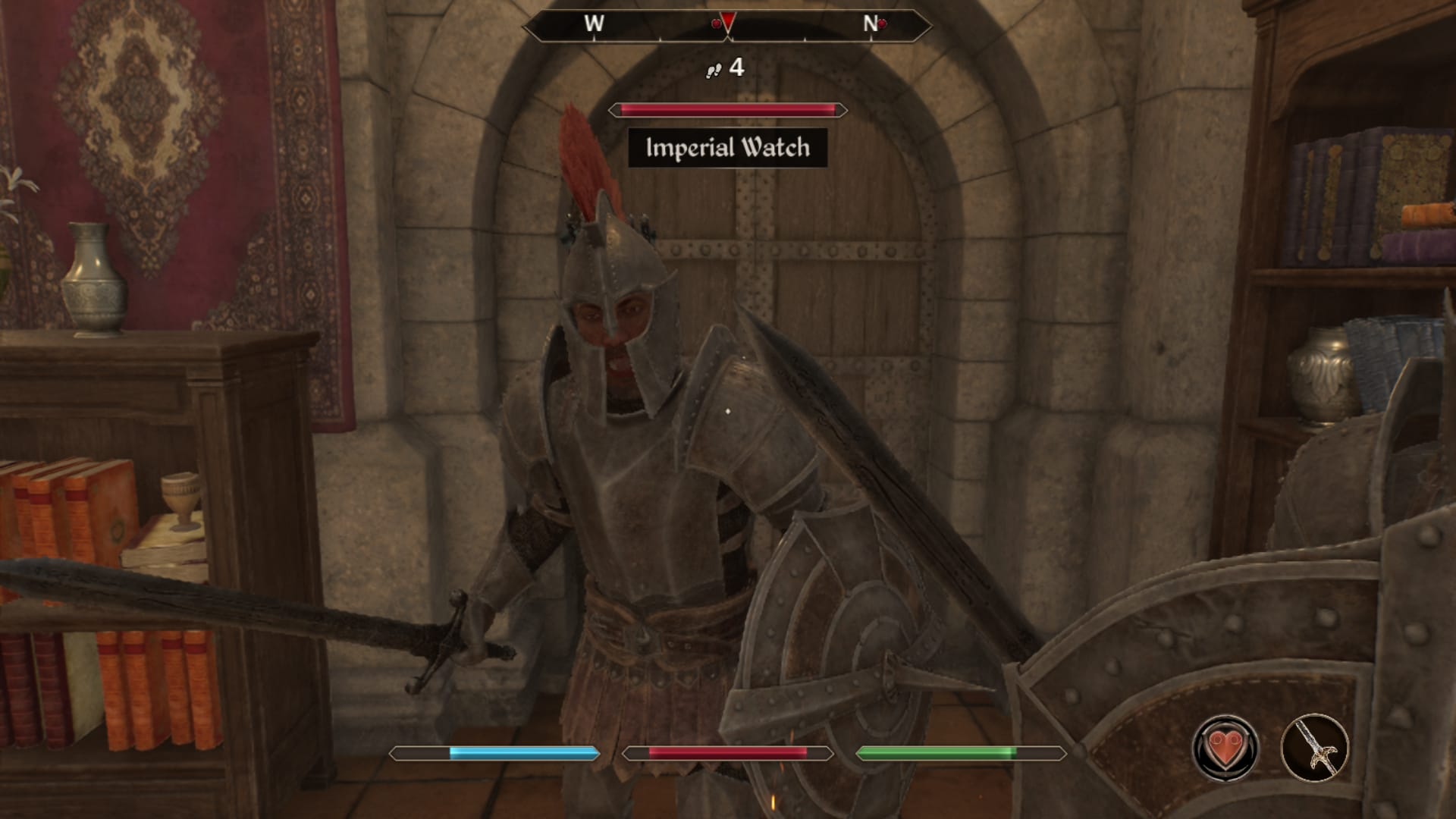
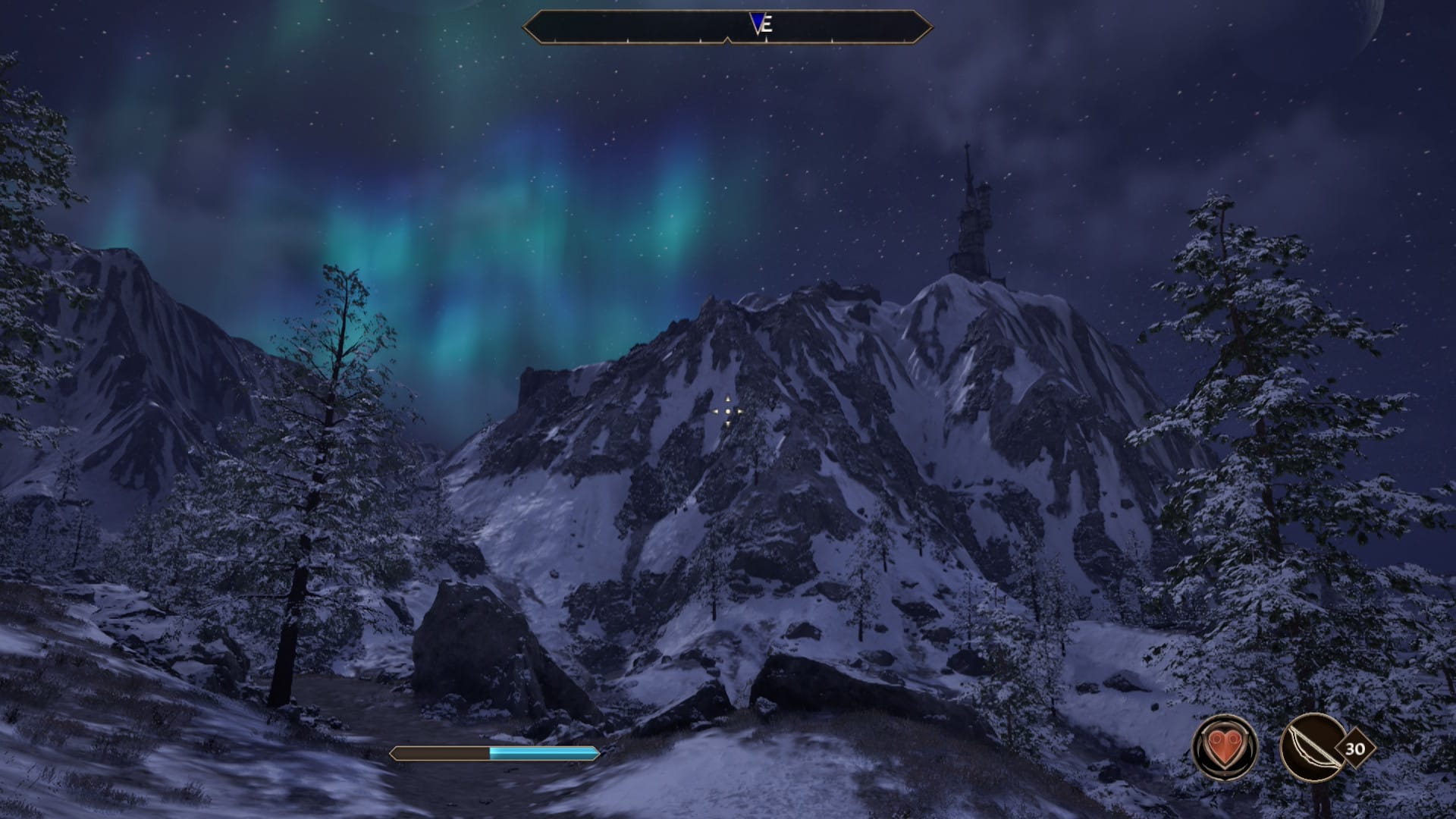
Loading from the Switch 2’s home menu into the title screen took about 25 seconds. Going from the main menu to an autosave within the arena bloodworks, a fairly small area in the imperial city, took about 10 seconds, which is pretty respectable. Leaving the bloodworks into the city proper took 15 seconds - not awful considering the game’s origins, but still leaves you hanging in this age of instant loading. Fast traveling from the Imperial City to Weynon Priory, which is in the open world, took 30 seconds. Essentially, the larger and more complex the cell you’re loading into the longer it’ll take to load, in handy multiples of 5. This is all with the game installed on a micro SD express card, and you can expect that to be a bit shorter using the System Memory instead. The game is 58.6 GB so it’ll take up a big chunk of your storage, but it’s smaller than I would have expected for this title.
Those loading times don’t sound too long, but in a game like this where you’re constantly moving between areas and fast traveling, it really adds up. There were a few times where I would leave a shop and suddenly remember something I wanted to sell or buy, requiring me to wait through the current loading screen, turn around to wait through another loading screen, then wait through yet another loading screen once I was done. That’s about 30 seconds of just waiting because I forgot one thing, something that’s a non-issue on PC with almost instant loading times.
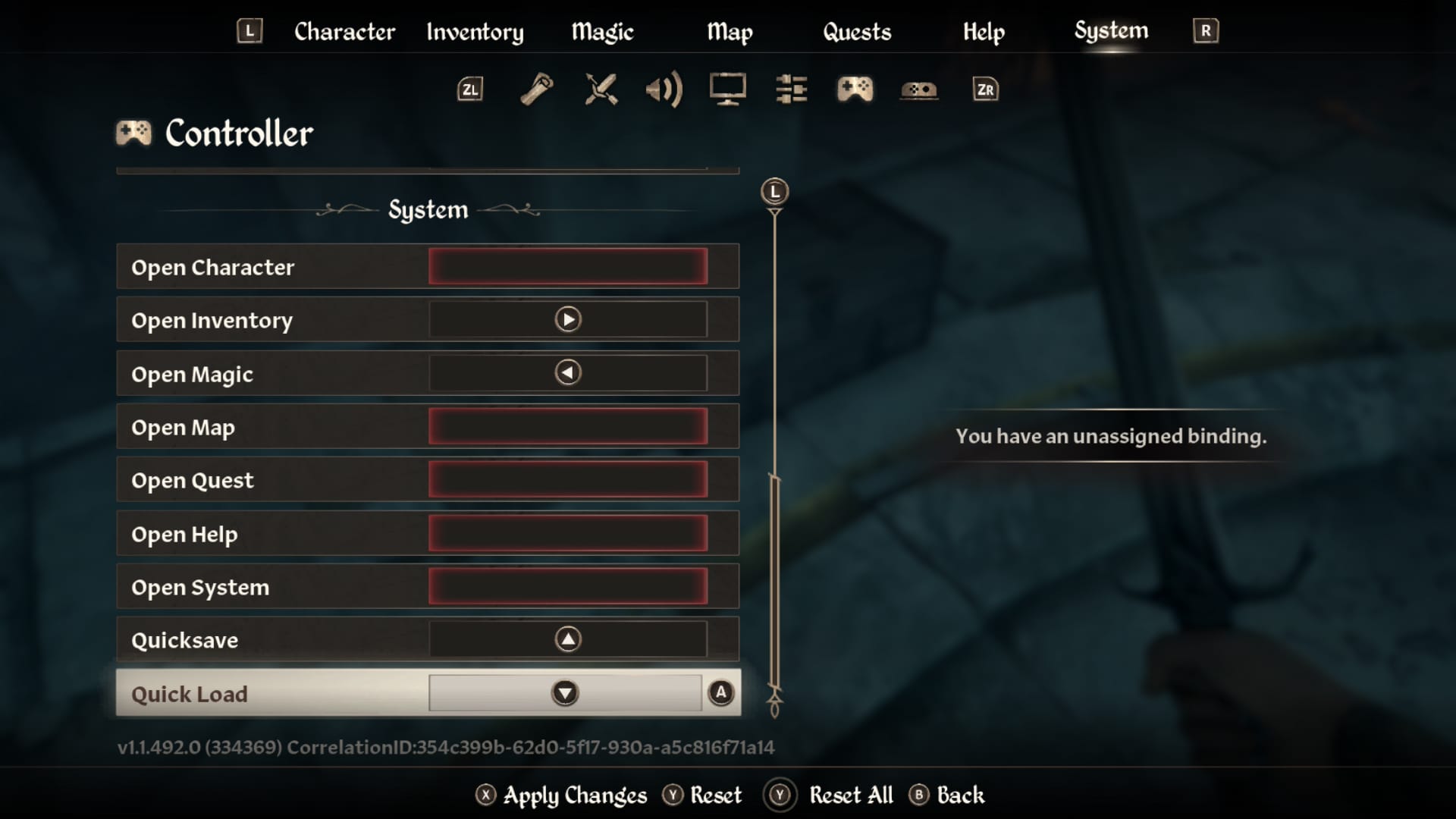
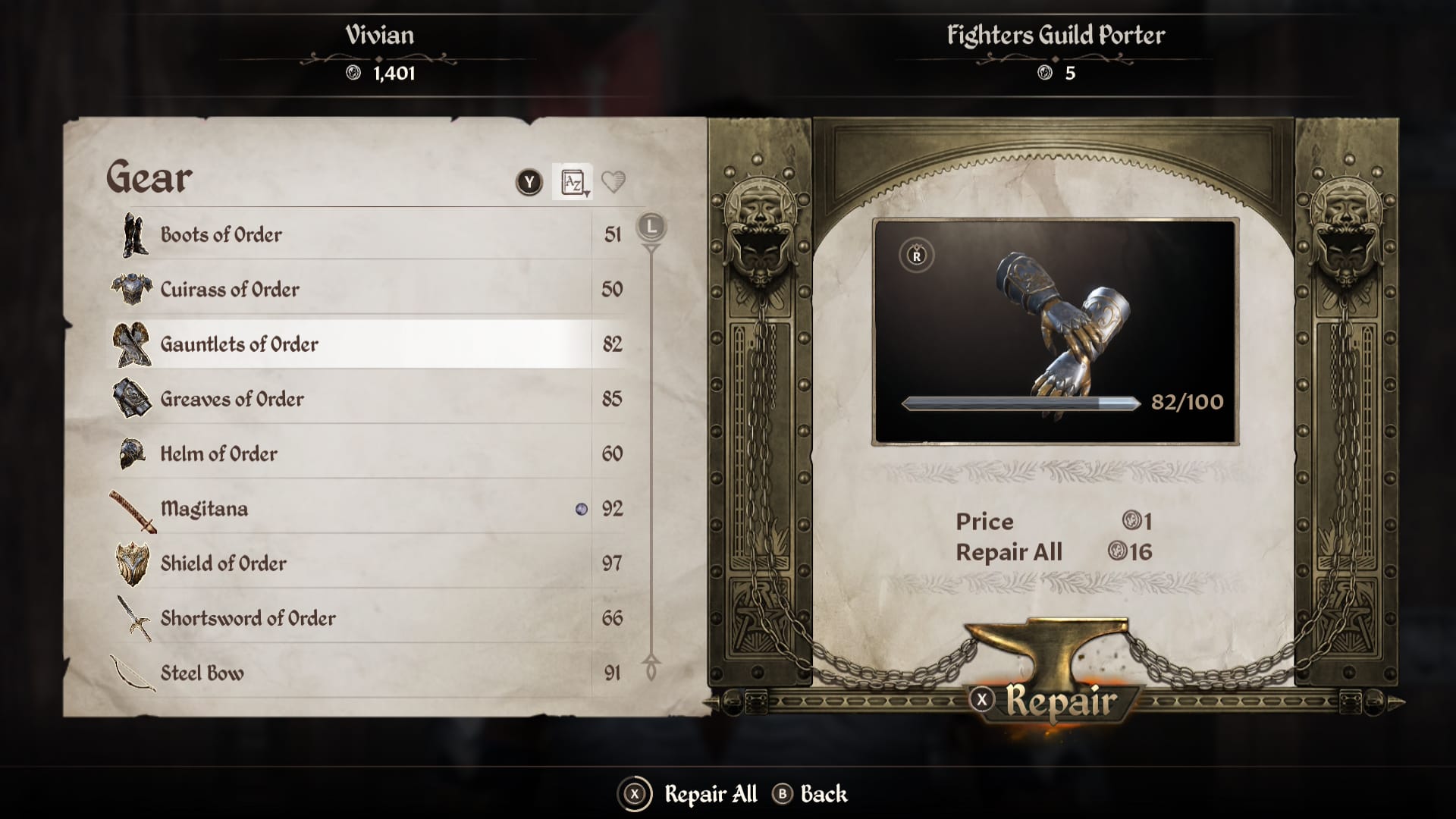
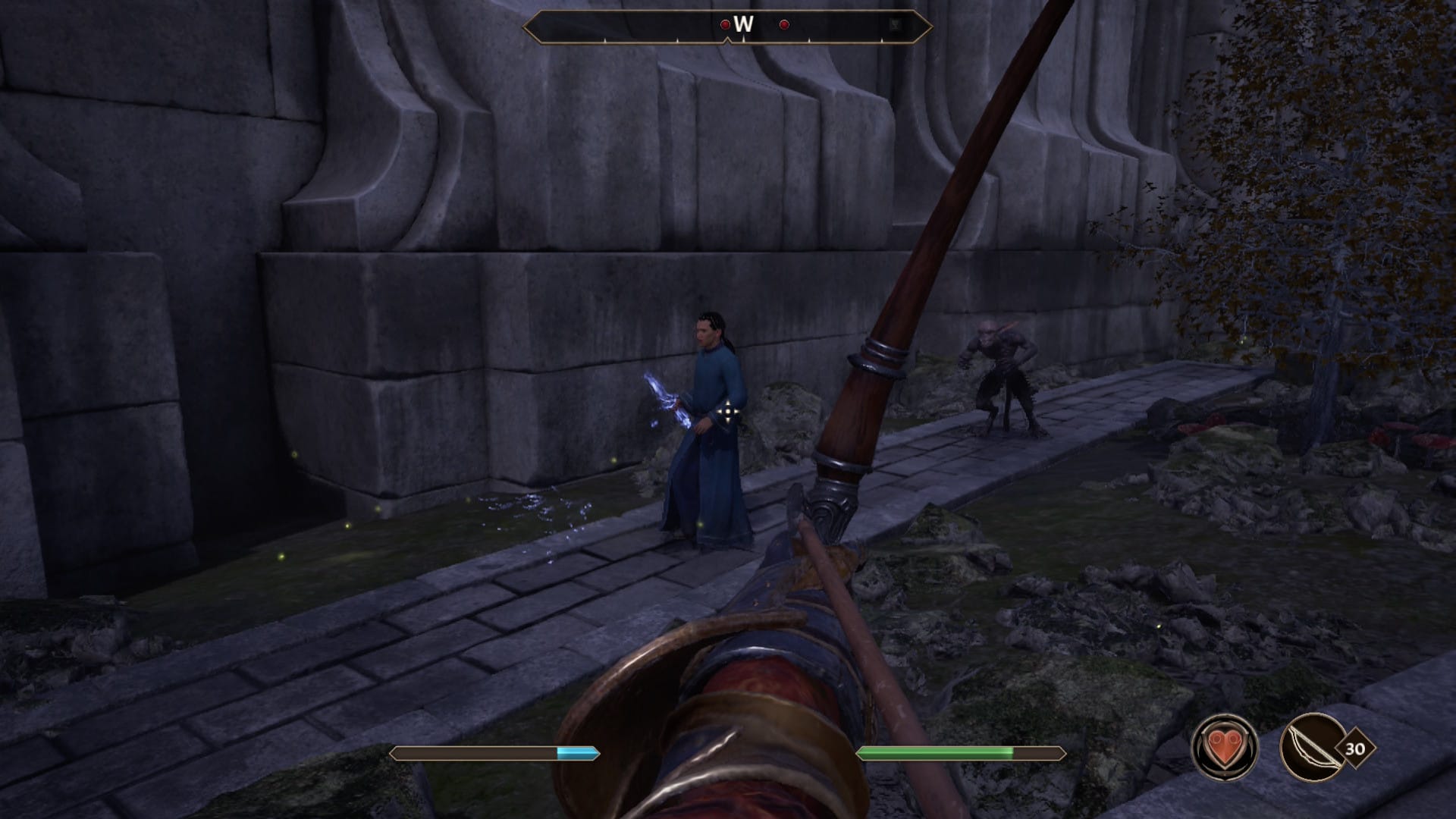
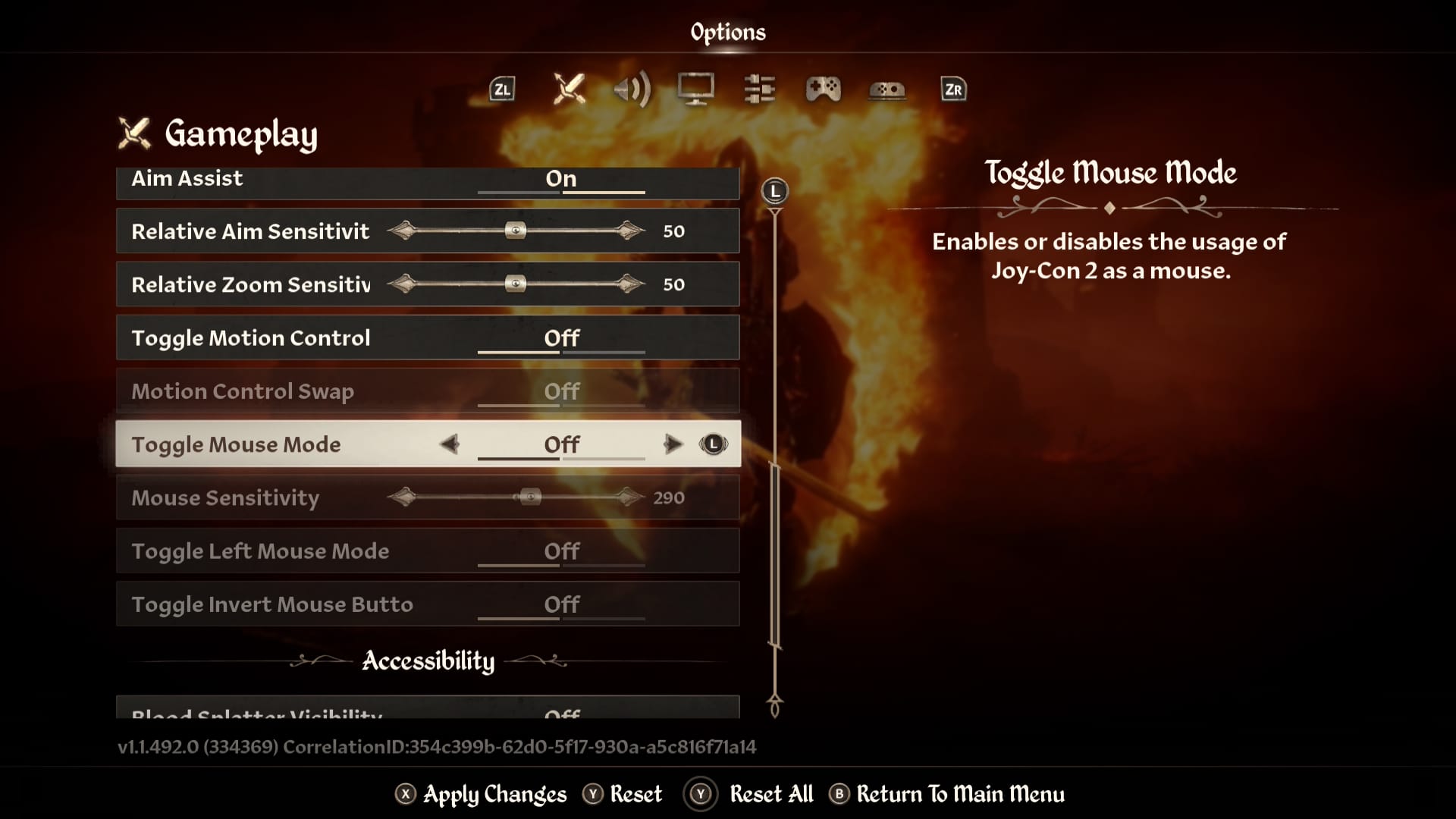
As a final note, more on controls: all actions are fully rebindable, including things like quicksave and quickload. I ended up mapping the former to up on the D-Pad which has been super useful, though it does say “you cannot save here” every time I press the button even if it still saves anyway. Honestly, this would be a pretty great port if it weren’t for the performance, loading times, and visual clarity issues. I hope Bethesda can shore it up with some patches, because I’m always interested in exploring more of Cyrodiil.












