
Building a hobby focused gaming beat for an online magazine can be difficult. Especially now that GamingTrend has burst into the tabletop scene, we need cameras that can be quick, high definition, and easy to use.


The SVN W2, from Svbony, fits some of these needs, and falters in others. Let’s take a dip into this camera.
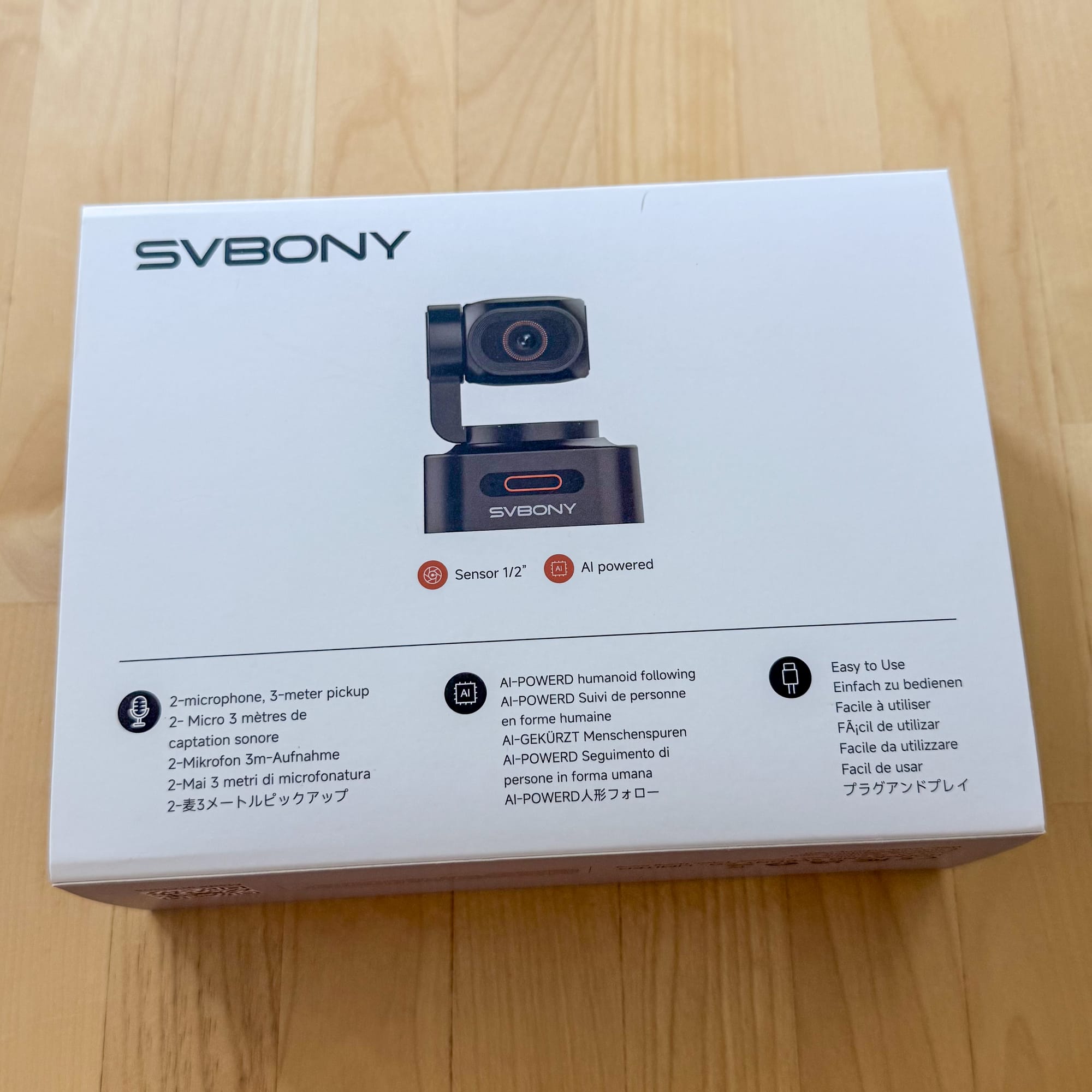
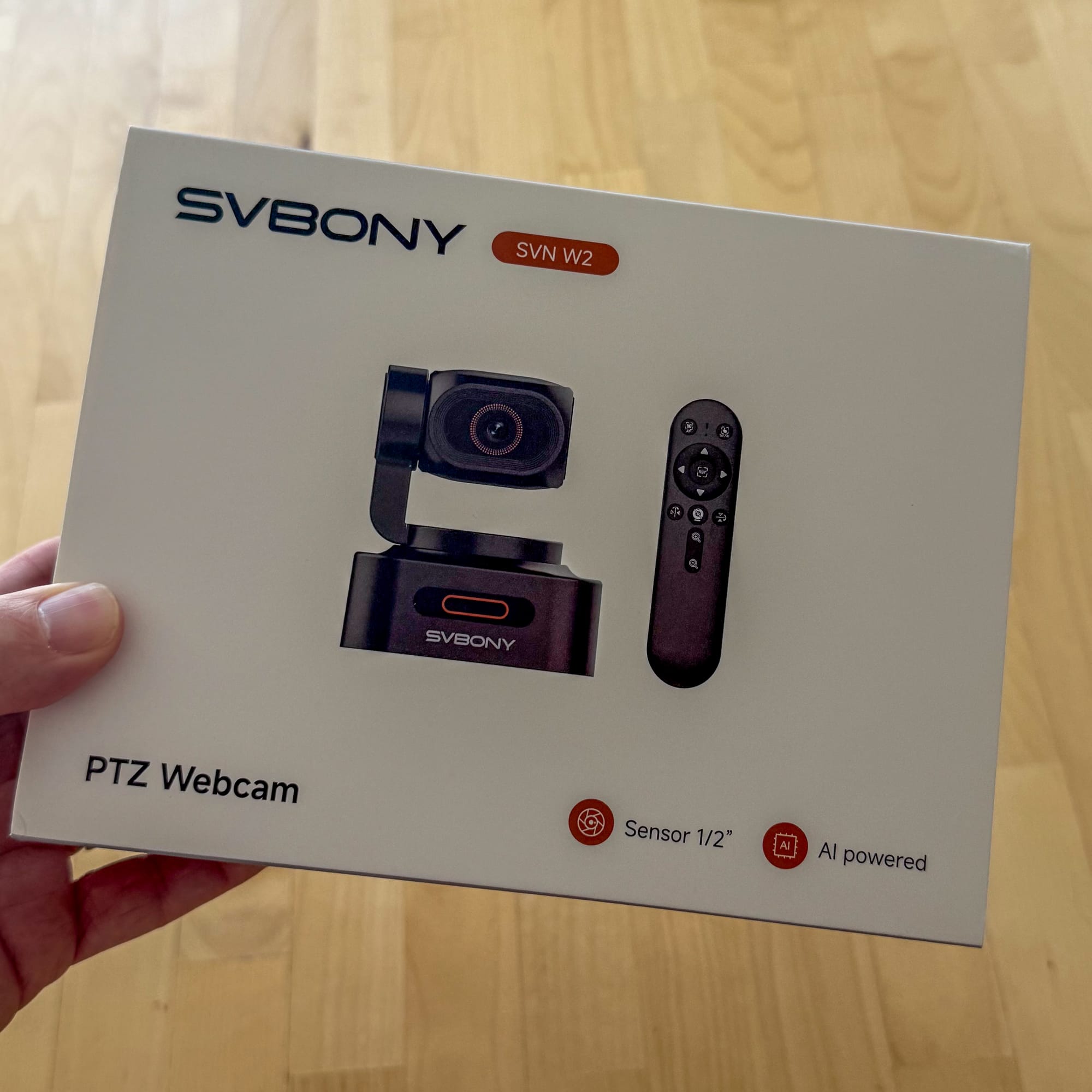
The Specs
If we were judging this camera by its specs alone,it’s a solid piece of hardware. The SVN W2 comes with:
- 2 microphones
- no software to install
- a ½” sensor that outputs 4k video
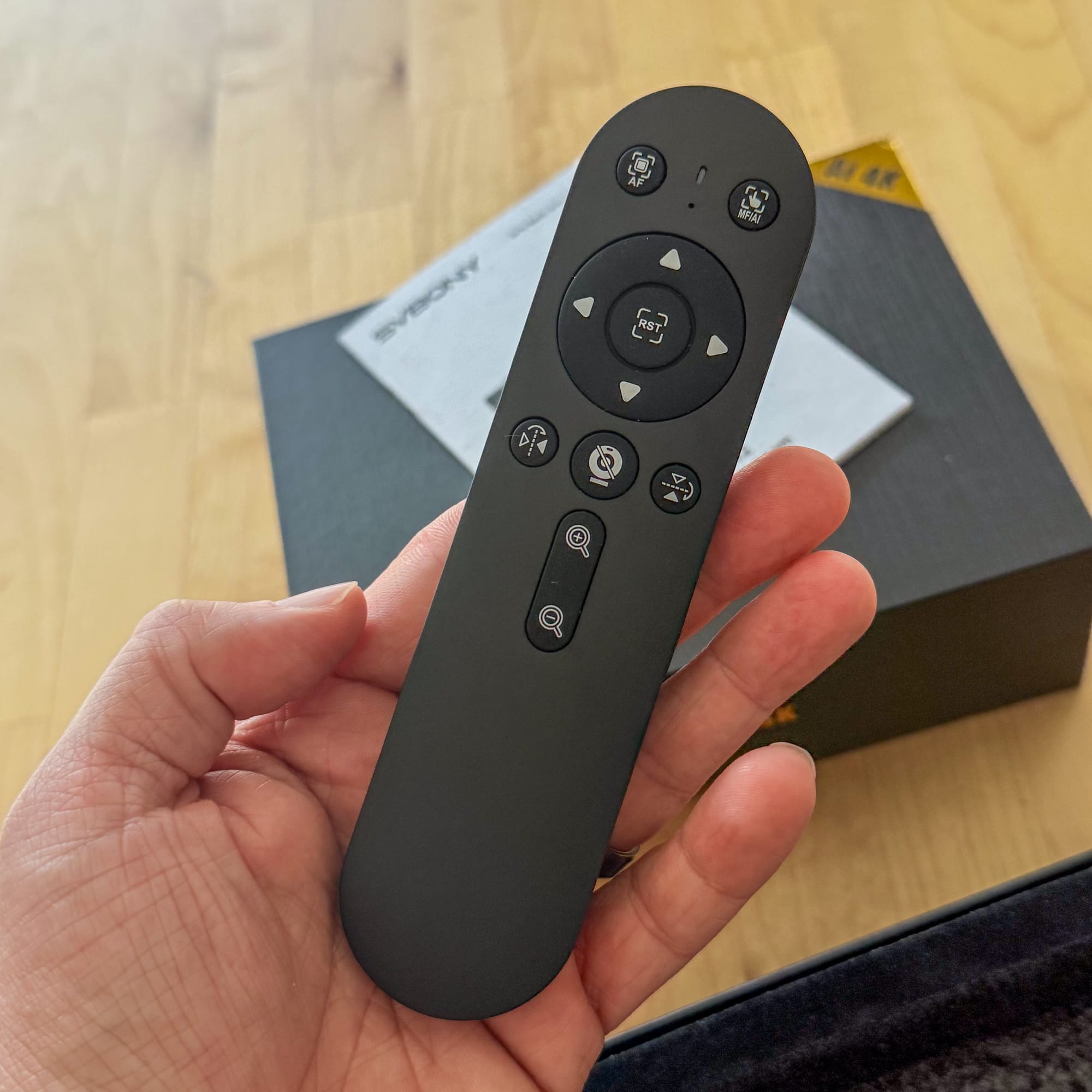
- a remote
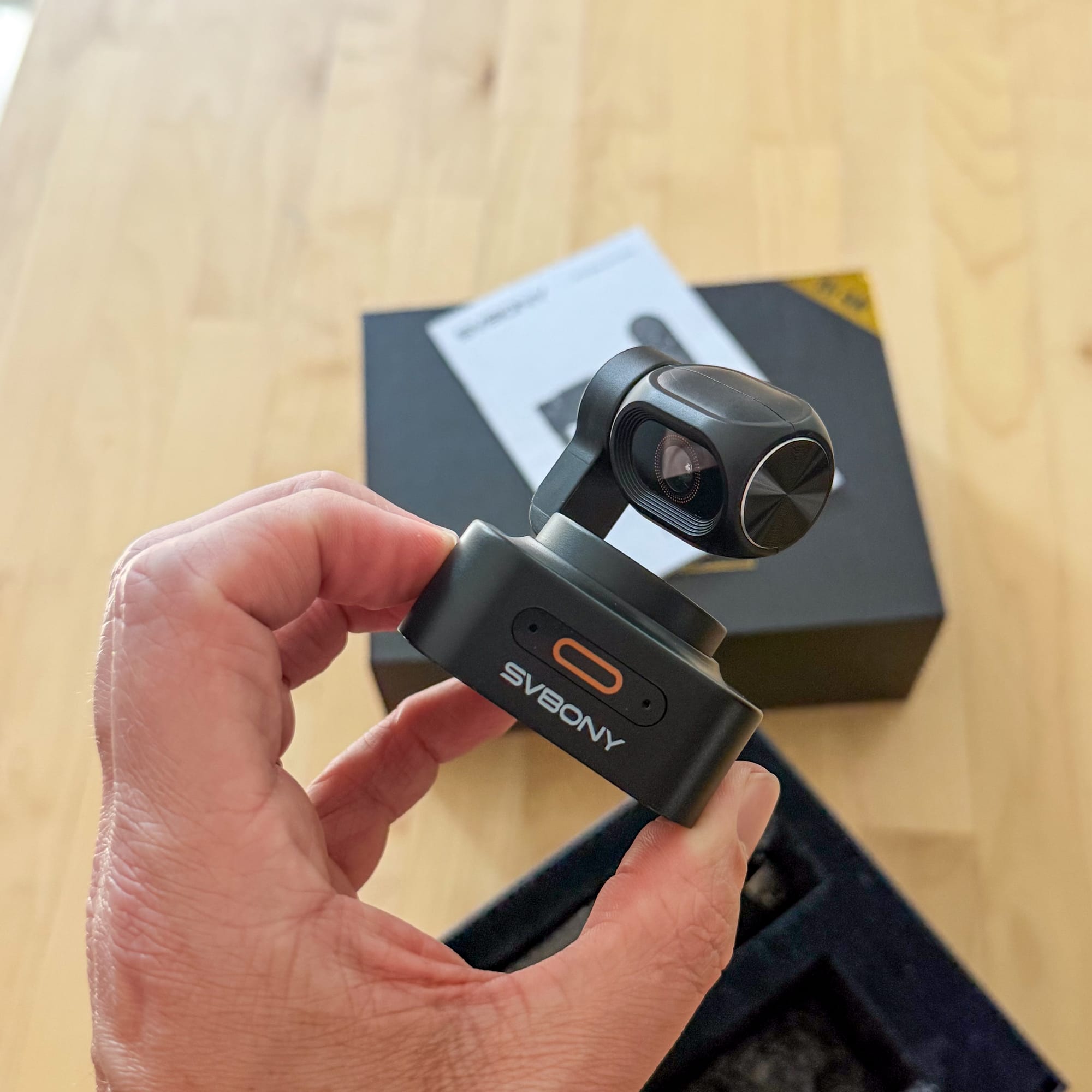
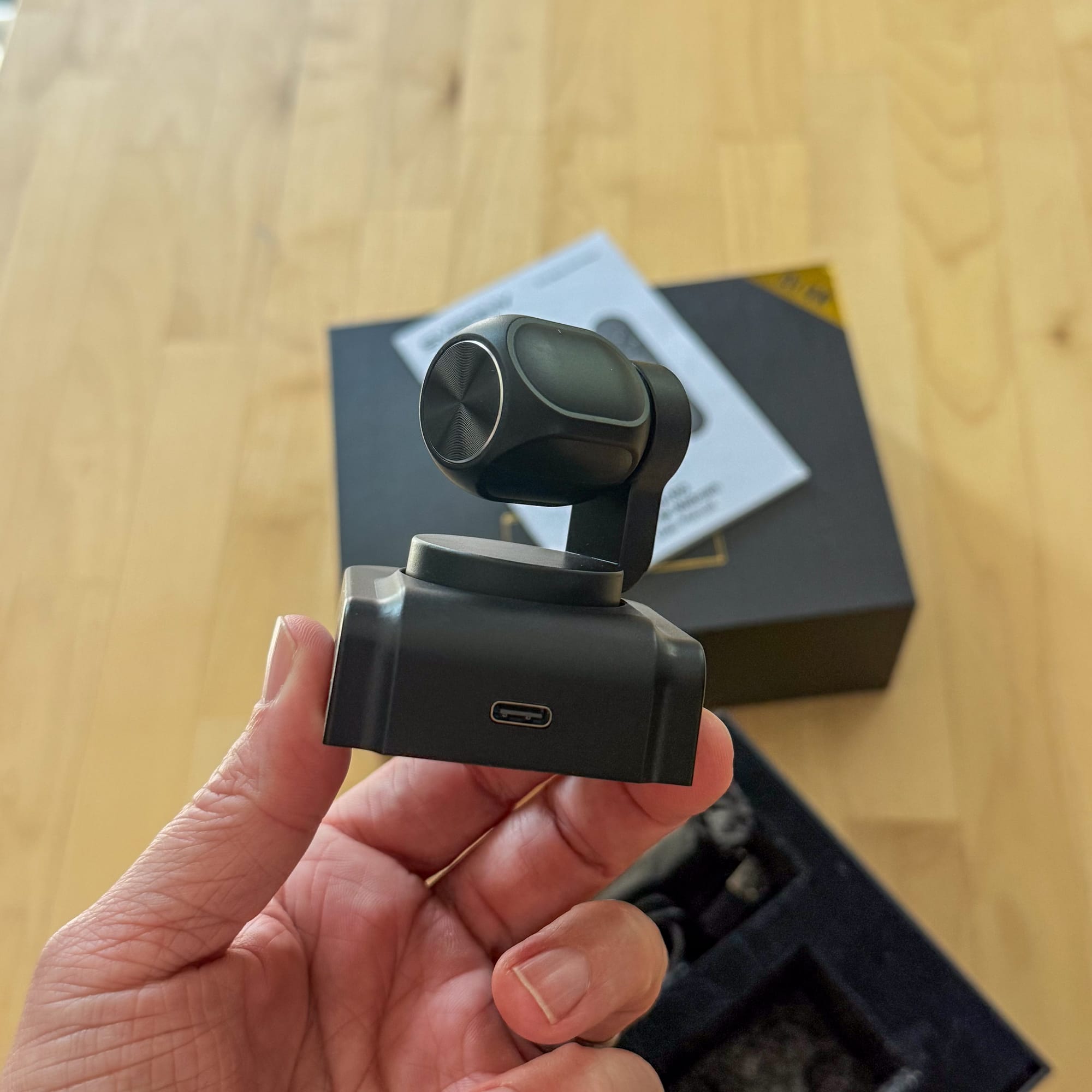
- camera mounted on a dual axis gimbal
The SVN W2 promises a lot in a small package.
Along with the specs I’ve mentioned, there’s also an AI button which turns on the ability for the camera to perform face tracking, which sounds nice, but as I’ll detail later, performance is an issue.
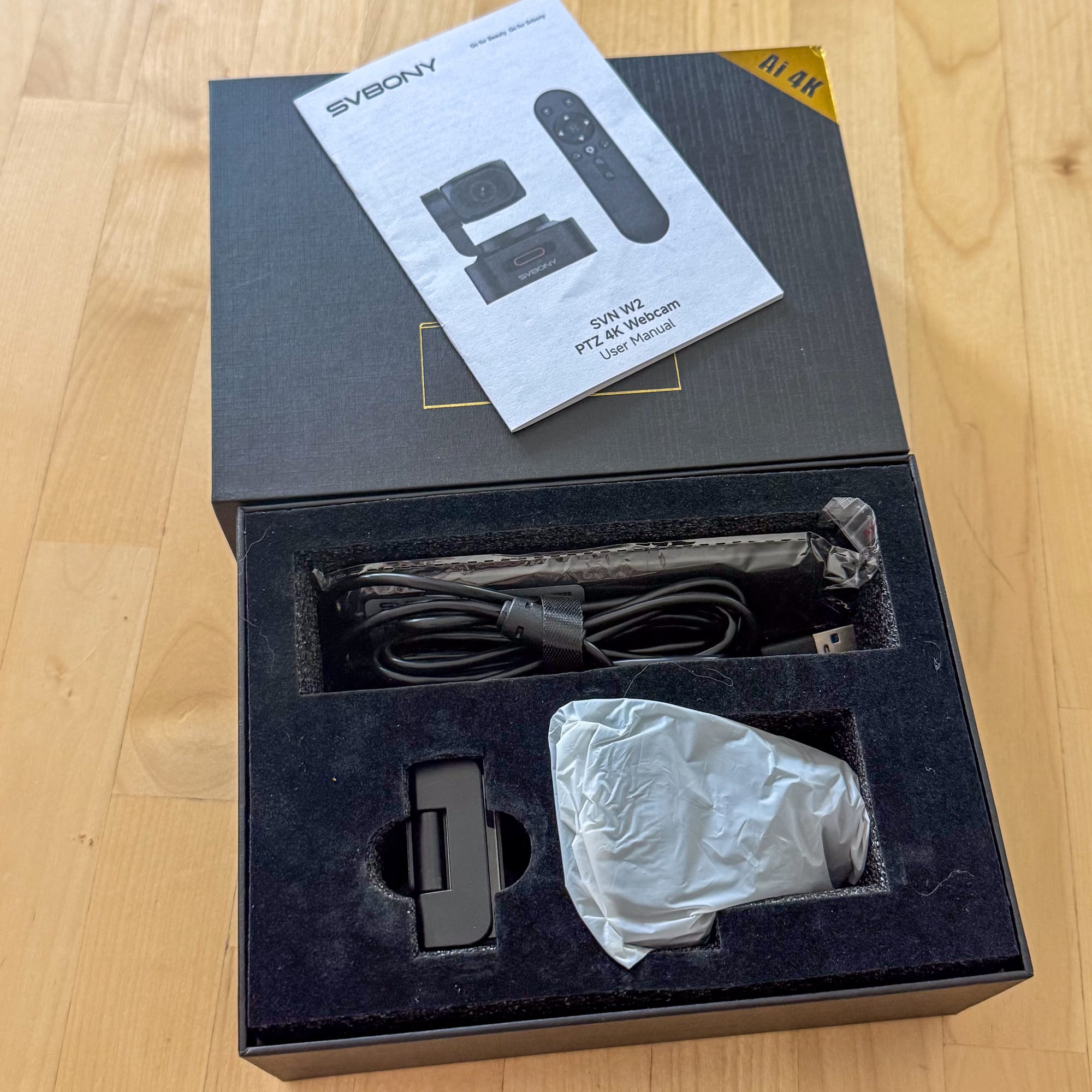
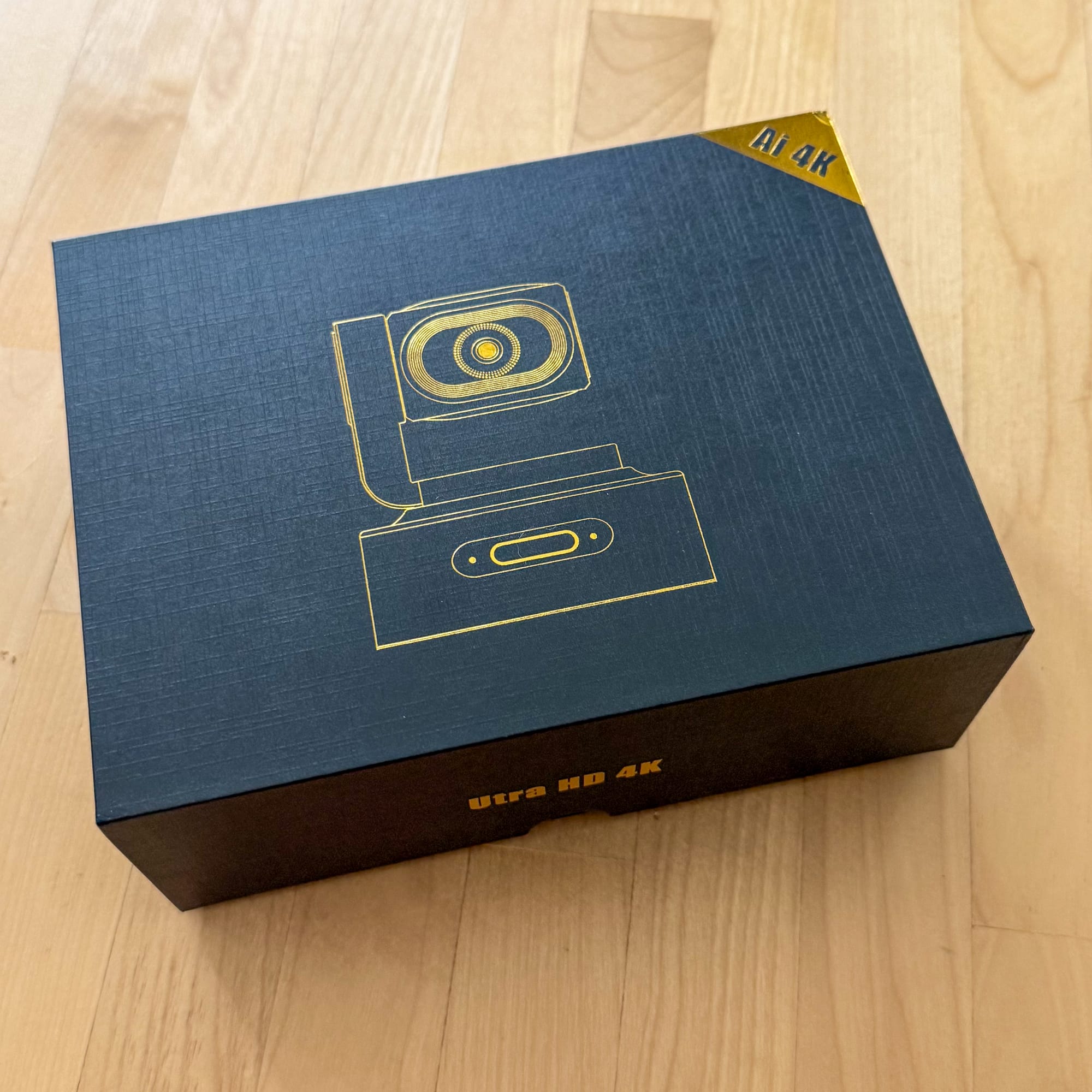
The Packaging
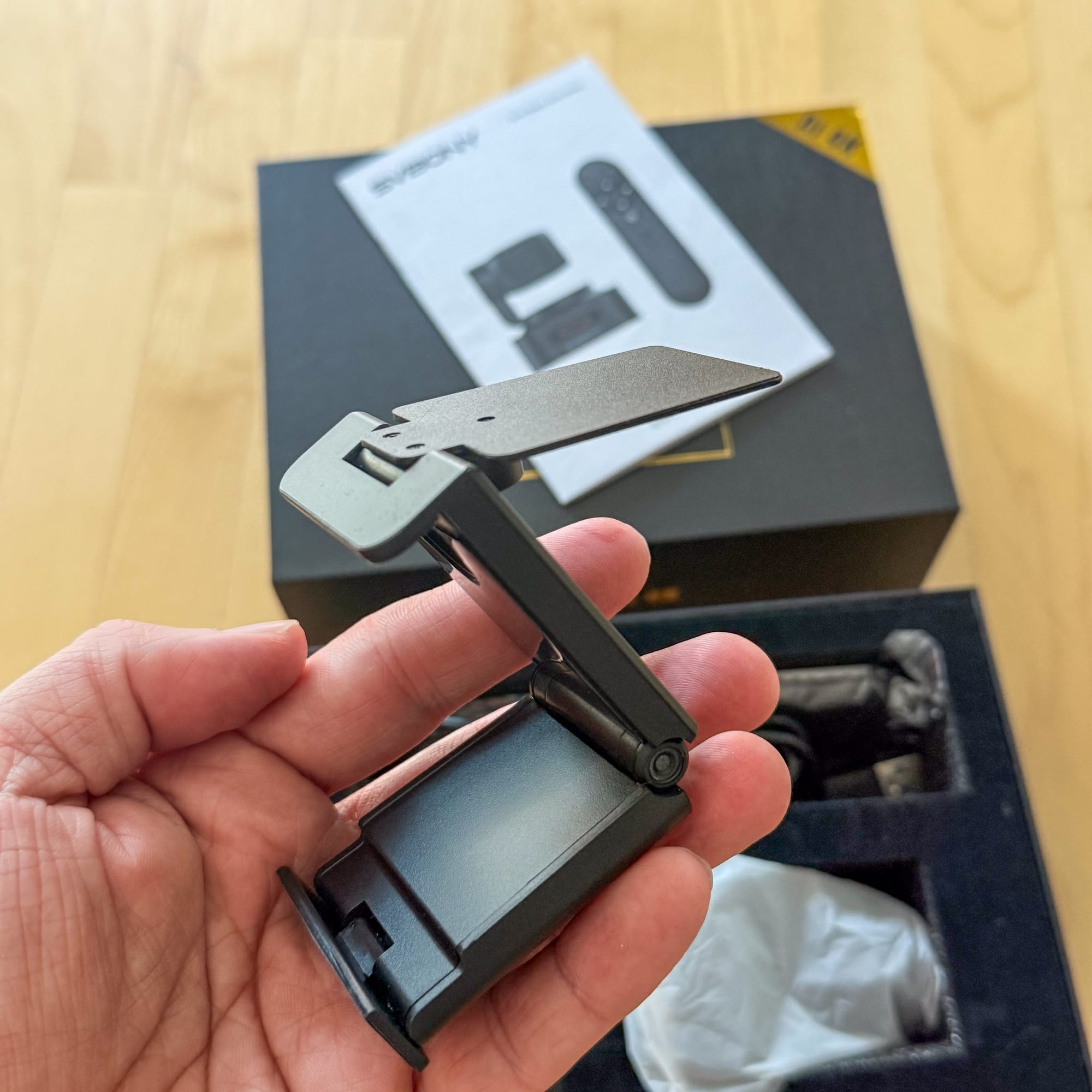
This camera comes in a luxury package. Black with gold screenprint, along with nice foam inserts, it feels fancy. The camera comes with a remote (sans batteries), a mounting bracket which attaches to the camera via magnets, a decently long USB-C to USB-A cable, and a guide in multiple languages.
The camera mount is solid, easy to attach to stands, laptops, and monitors. It features a magnetic mount which is fairly useful and reliable.
The Quality
Once I plugged in the camera, I searched for software, and couldn’t find any. It wasn’t until googling the camera that I found a different review which stated that there was no software. I feel like having some form of listing for this camera on the Svbony site would be a good start.
I fired up the camera in OBS, and if I’m honest, I felt like the image was a little flat. I currently own 3 other webcams, and while the Svbony does produce 4k images, the fact that there’s no software to tweak the output was a bit of a letdown. You can see for yourself in the screenshots.
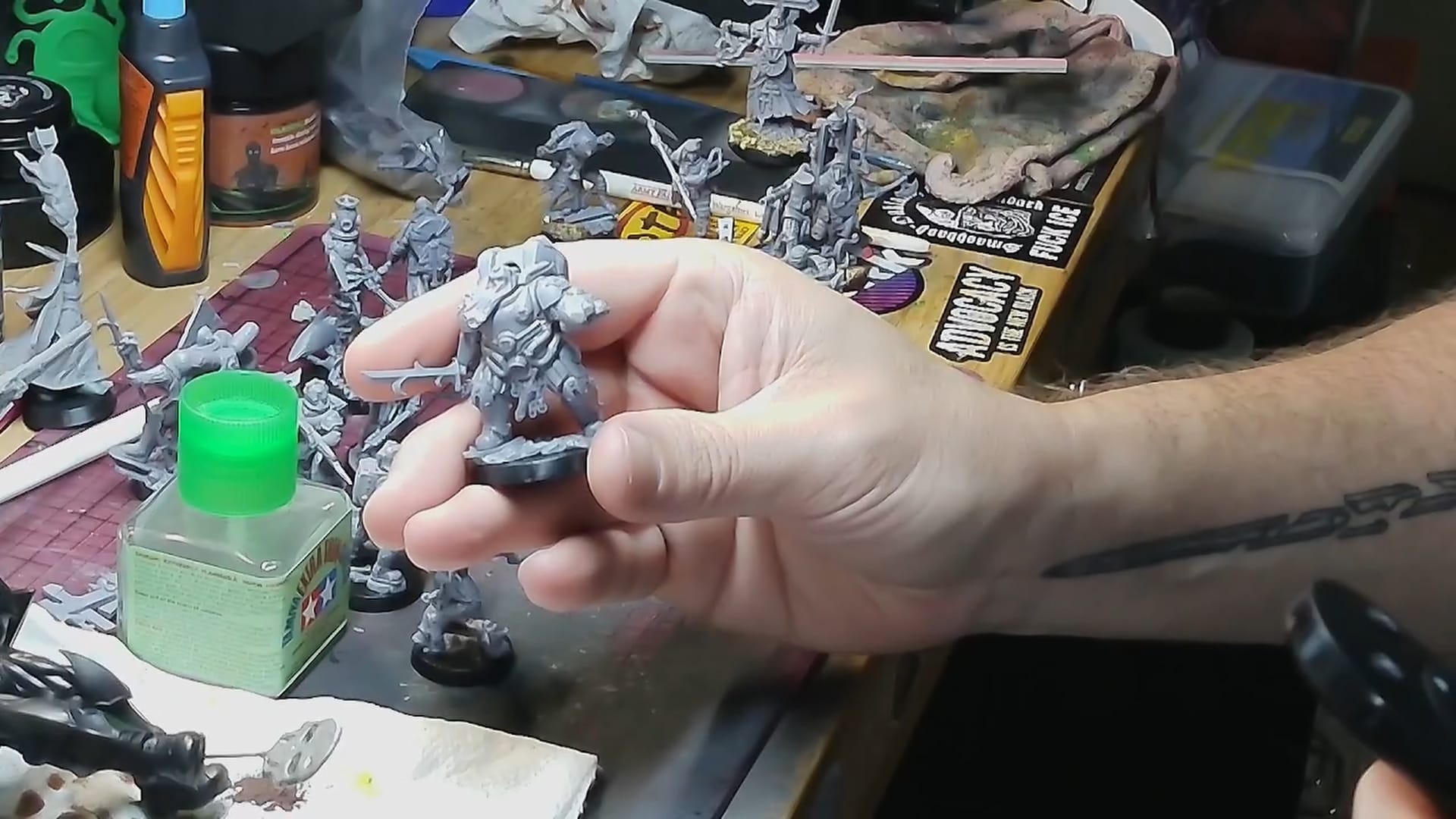
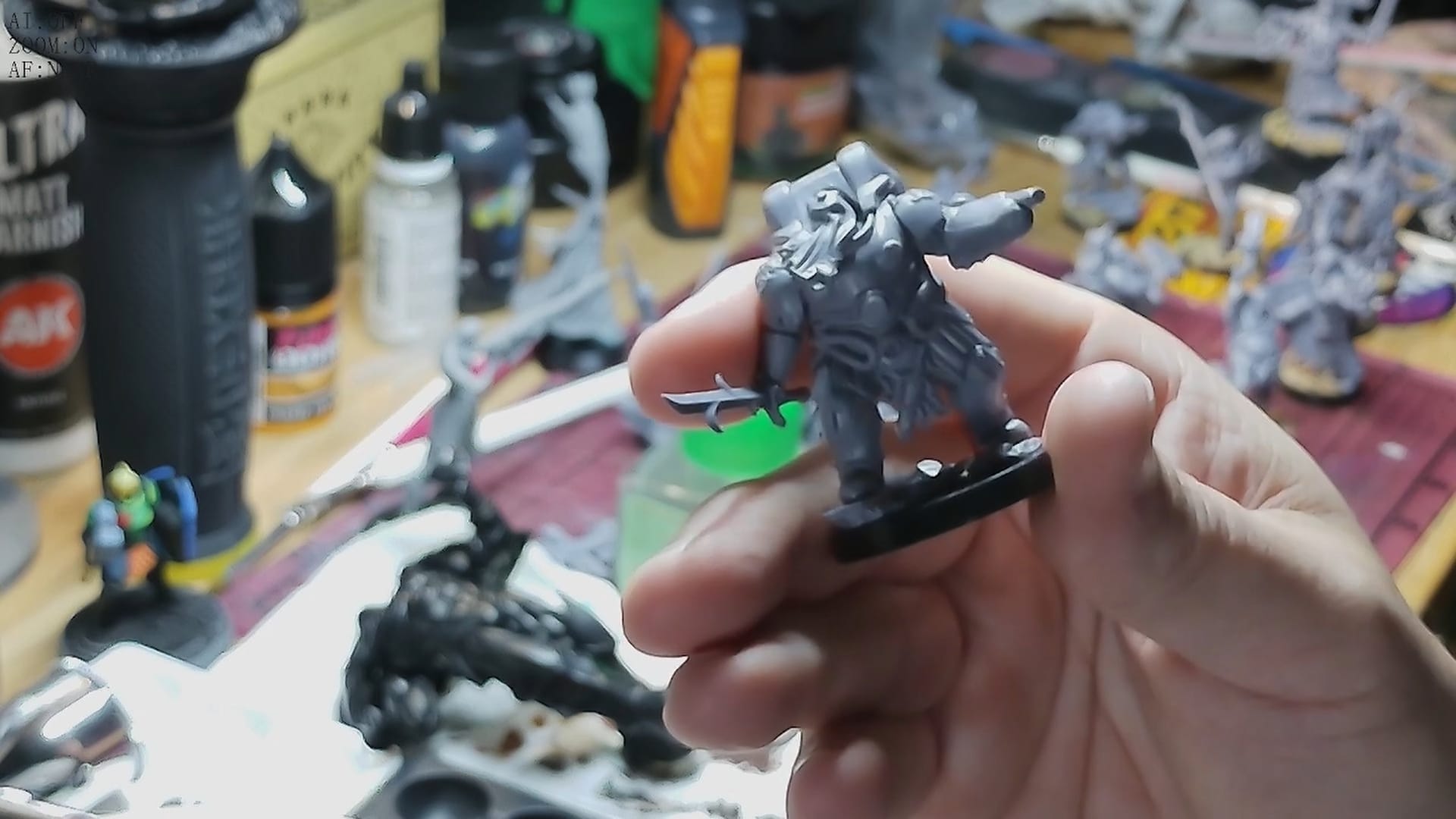
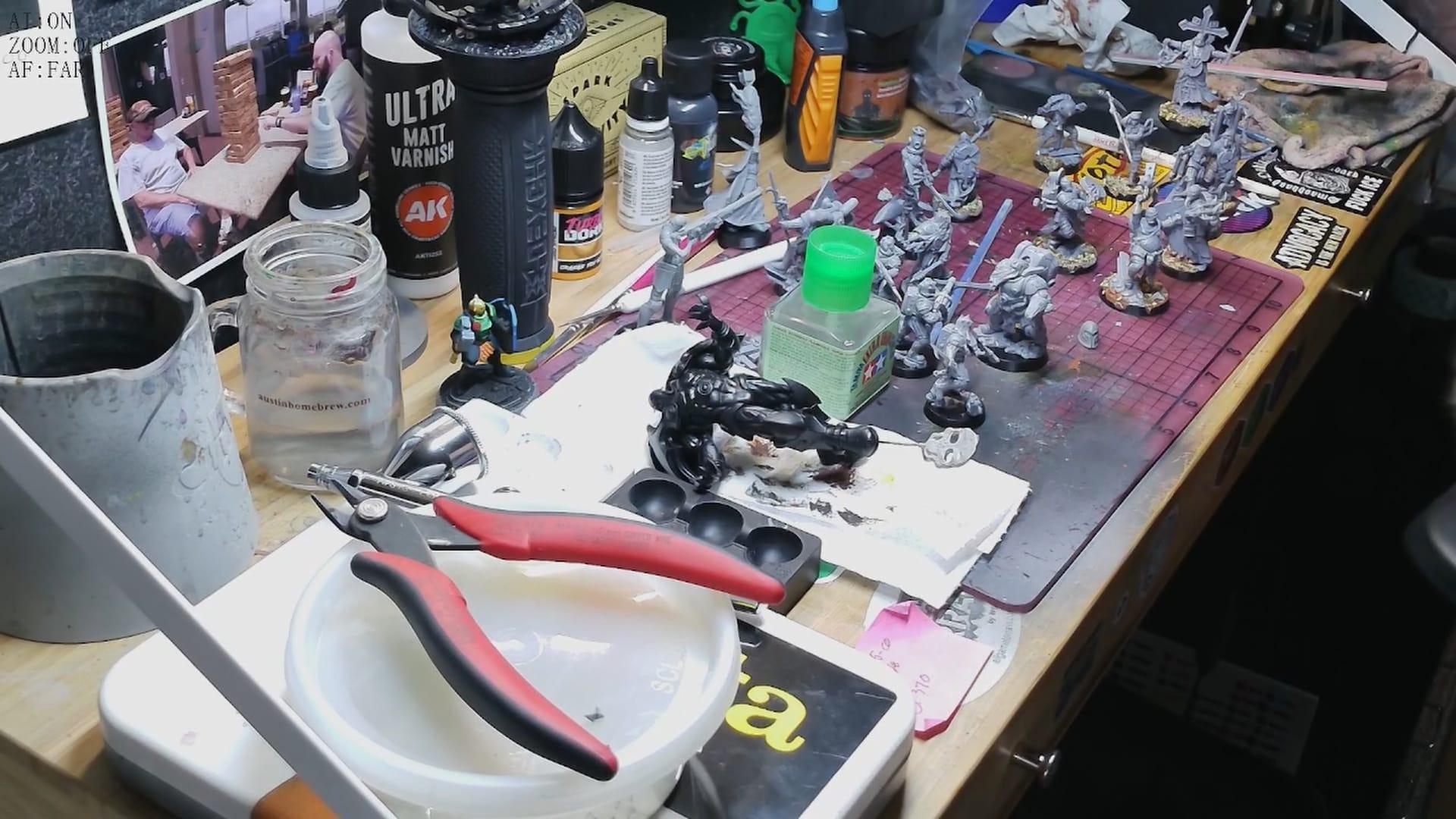
While these stills are clean, the video itself isn't as fine tuned as I'd want it to be.
The remote control is responsive, but limiting the camera controls to a remote also feels like a bit of a miss. In my testing, all of the buttons worked, which includes the ability to flip the image both horizontally and vertically, an auto focus feature, an on/off (called Privacy mode), and an AI function.
The AI Function itself was glitchy. The system is trained to recognize two different gestures, which can get a little confusing. By holding your hand up with an open palm, you’ll engage “tracking mode”, in which the camera will follow your movements. In my testing, this worked about half the time, and sometimes tracked my face instead of my hands. This makes sense for someone in a conference room or on a web call, but for my needs (miniature painting), this just doesn’t work for me.
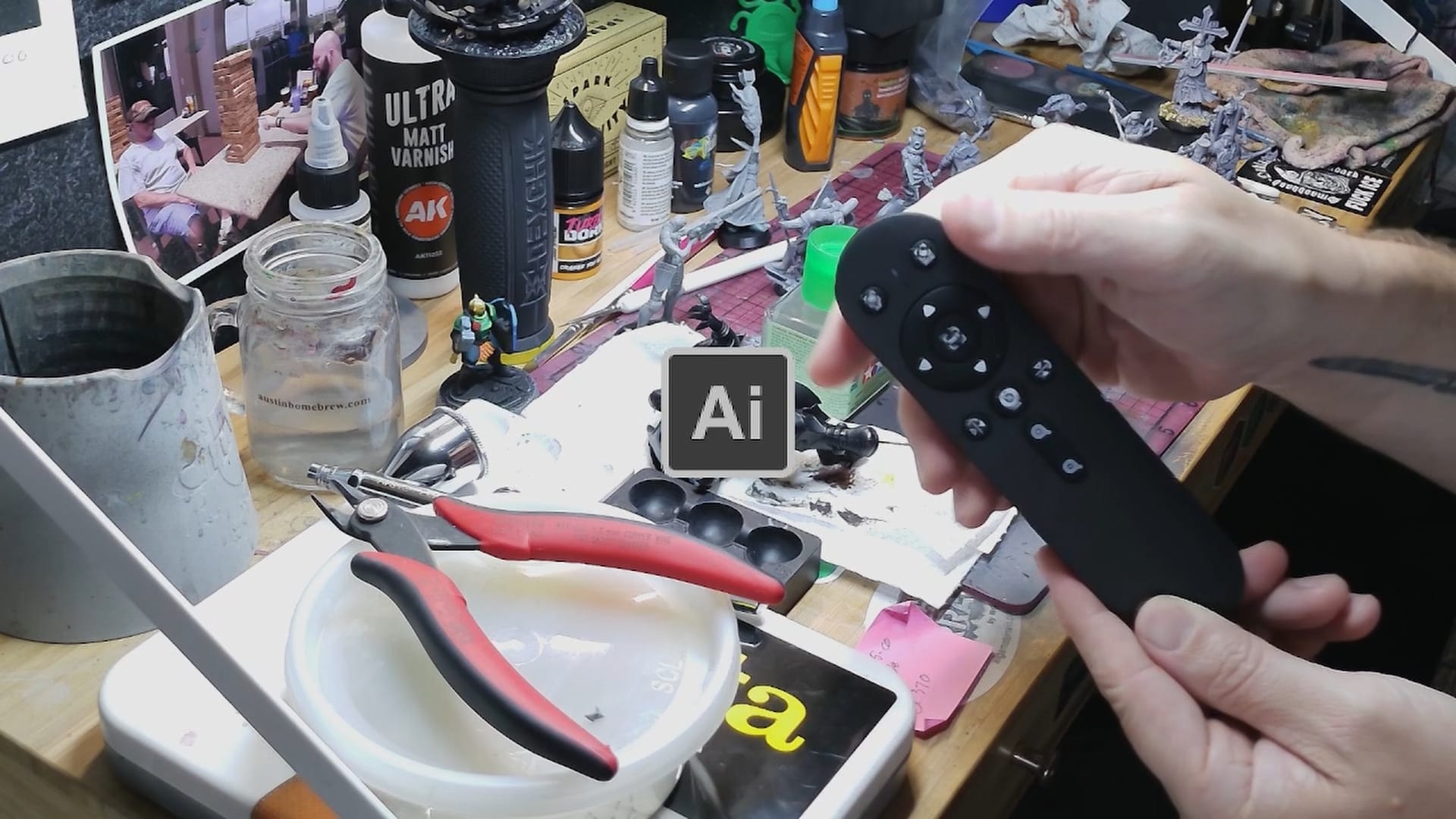
The second feature, Zoom, requires you to make an L shape with your hand and then the camera slowly zooms in. Once again, this might be fine if I was performing video conferencing
This brings up my biggest challenge with this camera, which is that it’s quite slow. For my needs, which will involve capturing gaming footage, this camera might not be exactly what I need, but if I was presenting work in a corporate setting, this might be great for that.
For audio quality, I think the audio is fine. I tested it at close range and at far away. In close range, I’d say the mic is pretty powerful and results in a bit of a bassy tone. Far away, it sounds nice.Lastly, when I recorded my footage for my YouTube review of this camera, the footage shows the options selected (AI, zoom, etc)...this isn’t a great feature, especially if I’m using this on YouTube. Once again, good for the office.
The Verdict
If you’re in the office, this camera is great. It’s plug and play, a good microphone, and once you get AI mode going, you can move around the room and present to your heart’s content. However, outside of that use case, I don’t see a lot of value or use out of this camera due to its slowness and lack of customization. I also can’t find anything on their website about this camera. I could only find a selling option via Amazon.
I’d say if you need an office camera that can track you during a call, this is the one. For anything else, maybe look elsewhere.
If you're interested, we have a 10% coupon via this affiliate link!
Amazon North America Link: https://www.amazon.com/dp/B0H2VHNSK2?maas=maas_adg_46F7CFECD9A72DD0CD7B19C402A96DDD_afap_abs&ref_=aa_maas&tag=maas
North American Exclusive 10%‑off Code: NRAMF5DA
Amazon Europe (DE) Link: https://www.amazon.de/gp/product/B0H4QTYFY2?maas=maas_adg_C7CDF6AB437E3A33668016BCDD74B0B2_afap_abs&ref_=aa_maas&tag=maas&th=1
Europe Exclusive 10%‑off Code: KENOXXPM
Svbony SVN W2 4K PTZ
Good
The Svbony SVN w2 webcam promises a lot with motion tracking and 4k video but is plagued by slowness and quality issues.
Pros
- Plug and play system
- Small profile
- 4k Quality
Cons
- No software
- AI features are slow
- Use of a remote is clunky
This review is based on a retail copy provided by the publisher.












