
I have a number of cameras that I use regularly. When you run out the door to an event, you make a mental checklist and grab your most trusted gear. I find more often that I’d rather grab a smaller portable device than my larger Sony cameras, and frequently that has been an Osmo Pocket 3. That is, until I started using the Insta360 Luna. The Insta360 Luna has solved literally every complaint I had with the Osmo Pocket 3. And if that wasn’t enough, they then iterated on every strength it had. Two months into using the Insta360 Luna Ultra, it continues to deliver nearly everything I could want in a portable camera, but are the few limitations it has enough to hold it back from a recommendation? Let’s dig into the details.
Before we get into the review, one caveat. There are a lot of folks side-importing Osmo Pocket 4s for comparison to this camera. While I respect the hustle, I can’t in good conscience recommend this as you are effectively smuggling it into the country. That means no official warranty claims, support, repairs, or replacements. It also means no DJI Care Refresh options as this is considered “Grey Market”. You are effectively assuming all risk, both functionally and financially. You are free to do what you want, but I don’t need that $700 to $900 headache when I see enough Reddit posts about Pocket 4’s that suddenly have gimbals getting stuck in protect mode, axis being knocked out of calibration causing drift, flip screen hinge fragility, and devices just being DOA right out of the box. As such, we’ll be comparing it to what is available here – the Osmo Pocket 3.
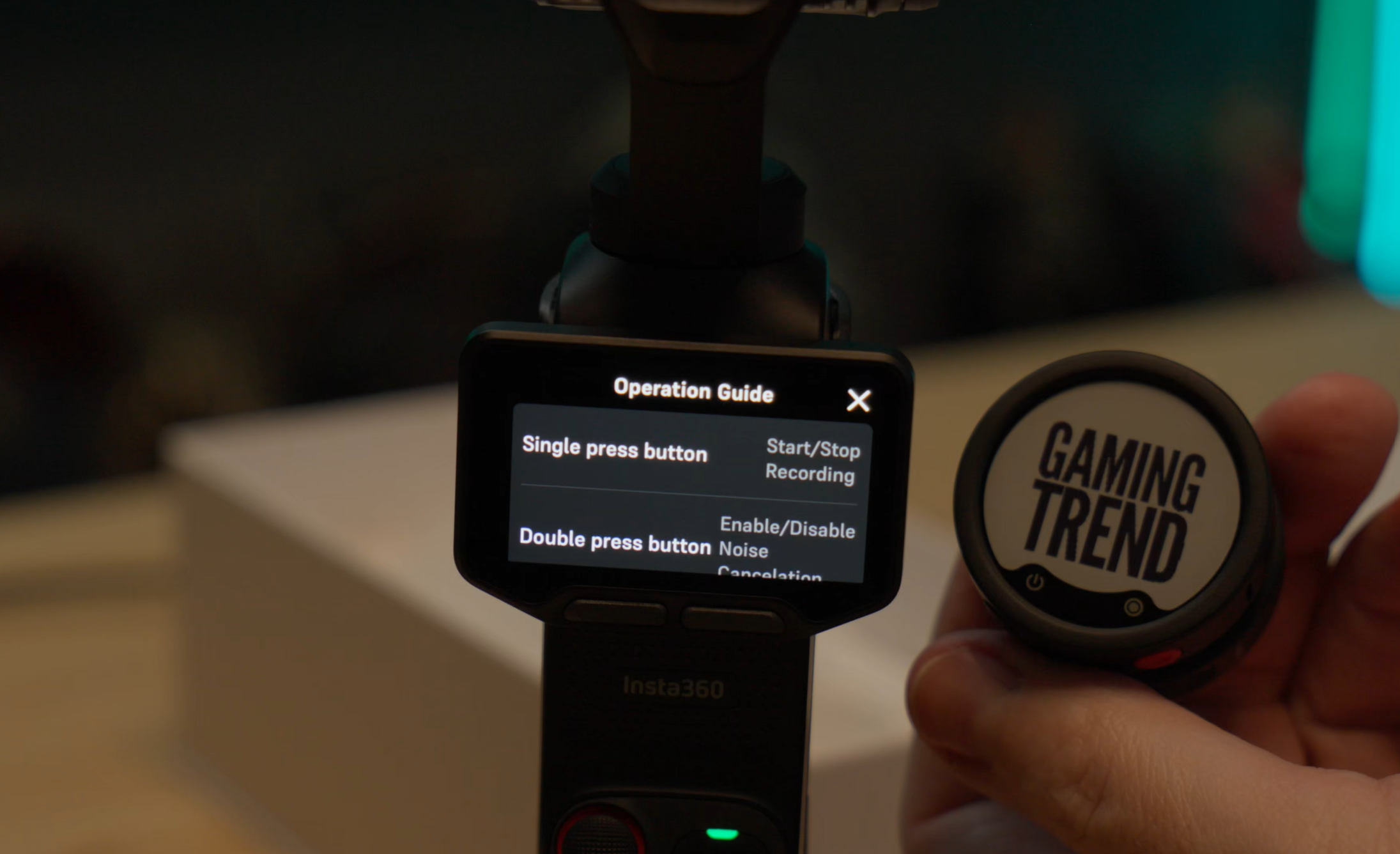
If you’re unaware of who Insta360 is, they are a company that makes incredible action cameras. No, that’s underselling it – they make incredible action cameras that do things that no other camera can do. No, they aren’t paying me to say that in any way – it’s just a simple truth. They make cameras that can attach to your skateboard and catch crazy windsurfing, true, but they also make cameras that can shoot in 360 degrees, digitally erasing the stick, making it seem like you have the best drone operator on the planet there to capture every moment. They also make tiny versions of their cameras built for capturing impossible moments like the inside of a 3D printer, zooming under an object, or doing crazy commercial shots like going inside of a bag you might be selling as a product demo of how big it is. They have the only microphones on the market using e-Ink to allow you to put whatever image you want on there (I have four of them - half set with GamingTrend logos and then load the other person’s company logo on the fly to maximize the professional look). They have professional audio conferencing gear, gimbals, and yes – even drones. It should come as no surprise that they were watching companies like Osmo very closely and learning how they could not only meet that market, but iterate and exceed it. That brings us to the Insta360 Luna Ultra.
A collaboration with legendary German camera and lens manufacturer, Leica, the Insta360 Luna Ultra is equipped with a Leica summicron lens with a 1” 8K sensor, sporting a F1.8 aperture and 14 stops of dynamic range. The other lens is a telephoto lens with a 1/1.3” sensor, F2.0 aperture, and up to 12x zoom. That means this camera can operate at 20mm all the way up to 240mm with (mostly) lossless zoom. We’ll dig into that more later, but understanding F-stops and dynamic range are worth diving deeper into so you can further understand how much of a huge leap these lenses truly are.
F-stops are the number of positions the camera can open the aperture (the opening that allows light in). The more of them, the more granular and gradual you can change the clarity of the image behind the subject. A small F-stop, something like F1.4, allows your subject to be clear, while the background behind them becomes fuzzy – a “Bokeh” effect. It does so by opening the aperture very wide, allowing a lot of light to come in. On the opposite end, F32 would be a pinhole, allowing very little light to come in, resulting in a crisp and clear foreground, subject, and background. Yes, these numbers are inversely proportional to what their name suggests, but I don’t make the camera rules. It all boils down to this simple rule: the more light you let in, the greater the depth of field will be. Looking back at the Luna, that first lens has an F1.8, and that second lens is F2.0. That doesn’t sound like much of a difference, but the dual focal length allows enough of a difference to see it in your footage. Remembering that you’re dealing with an extraordinarily small lens and sensors, it’s remarkable what the team has pulled off. That said, it’s not without issues.
10-bit I-Log and Color Grades
The Insta360 Luna Ultra has a handful of modes that make shooting a breeze. First and foremost, the “Standard” mode works extraordinarily well in the full strength of outside lighting in the sun. Colors are warm and saturated, grass looks vibrant (well, less so right now as it’s over 100 degrees in Texas), and shadows show contrast with detail inside. In this Standard mode you can adjust a number of things, including light exposure, facial priority targeting, auto-focus or continuous, contrast, saturation and much more. If your plan is to carry the Luna Ultra, then pull it out quickly to catch that big theme park moment or the goofy thing your dog is doing right this second, it’s fantastic. Standard, much like Automatic, is great for the vast majority of people.
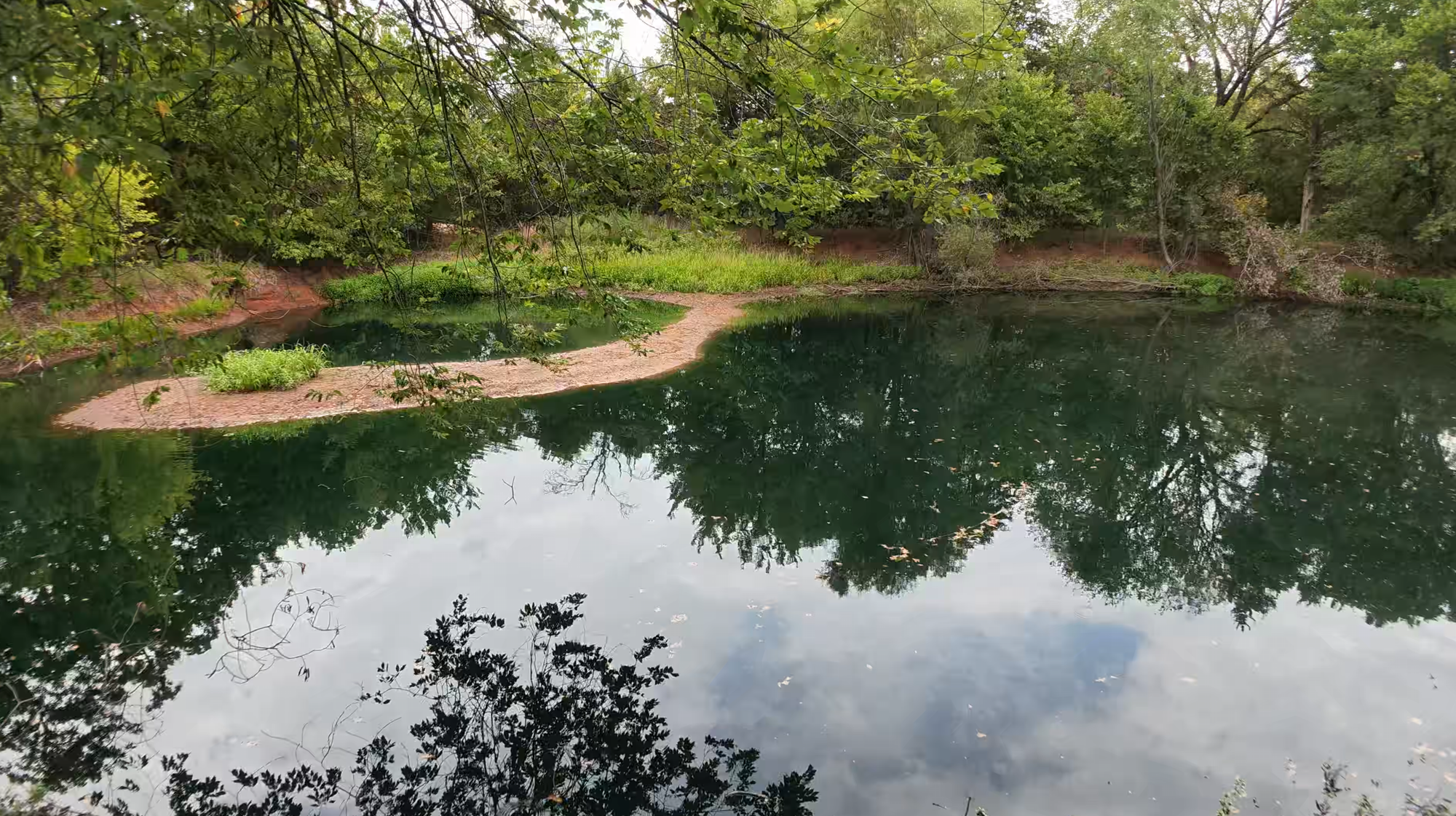
When the sun sets, your Standard mode is likely going to be less useful, but still far from useless. Your shadows will probably be a little darker, but the larger sensor still picks up quite a bit, though you will start to lose color and detail, picking up noise in the image. That’s where Pure Video comes in. While they probably should have named it “Night mode” so it’s more intuitive, it allows the Luna to really shine, thanks to a triple low-light AI-powered chipset. First introduced in the Insta360 X5, the Luna has not one, not two, but three AI chips working in concert to help your low-light recording in realtime. None of what you see here has been edited in any way, instead allowing the AI to adjust and sharpen within the image itself. The results are, at least to my eyes, nearly flawless. Subjects that are otherwise dark enough to make the details muddy are crisp and clear. Neon shines bright and doesn’t blow out the image. Contrasts are clean and don't introduce a bunch of noise, even with zoom. The chipset does exactly what it says it will do. The only downside? You’re fully reliant on the chips to do all the work – you lose the I-Log setting entirely when this is in use, as well as 8K capture, but thanks to a recent firmware update, you can now make adjustments to the aforementioned settings like contrast, saturation, sharpness, etc. Thankfully, the image is clean and bright enough where I didn’t feel the need to put that footage through post-production or make adjustments beyond my initial setup. In fact, I think the image quality rivals that of my Sony FX-30 and my Google Pixel 8 Pro, both of which launched at significantly higher price points.
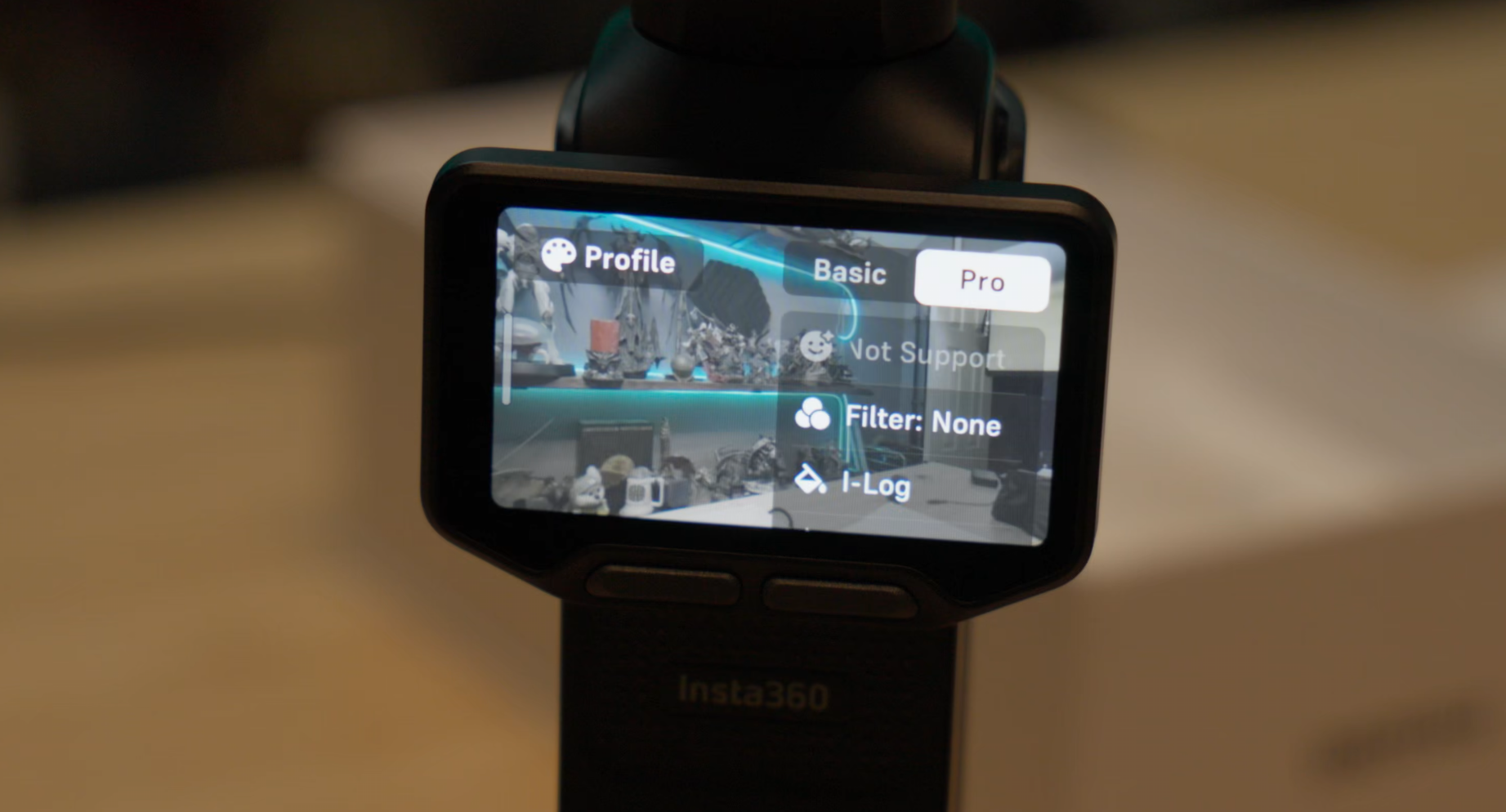
The average person doesn’t probably even know what a LUT or color parade is, but if you’re the type that likes to color correct in post production, you’ll appreciate that the Luna supports 10-bit I-Log capture. I-Log is a flat, low-contrast logarithmic color profile that may look awful and washed out on screen, but is, in fact, pulling in FAR more light and shadow detail, allowing you to make adjustments in post to produce balanced and dynamic footage – you’ll see this in action below. (Of note, you’ll need to be using DaVinci Resolve 21 or better as that color science setting is not available in previous versions.) By pulling in 10 bits of color, you’ll be able to do far more accurate and granular grading, resulting in a contrast heavy cleaner image in the long run than if you just applied a pre-built LUT. All that said…the average person doesn’t want anything to do with that. In that way, this may or may not matter to you. I’m not a colorist, so I took my best shot at it, but there are scores of folks out there that will happily sell you a pre-set that’ll handle 99% of this in an automated way. Even Insta360 has a page to give you ACES workflow support, which will make it extraordinarily easy to grade your footage in seconds. There is a hitch in the current output, however…or I should say, there was.
As I was finishing up this review, I saw a lot of softness in the I-Log footage, as well as some edge blurring and loss of overall fidelity. I had shot a lot of video comparing them, but as I edited those up for presentation, I connected up to the Insta360 phone app and was surprised to see that I had a firmware update waiting for me. Sure enough, that update not only fixed this issue, but a whole host of other minor issues. Whatever processing was occurring behind the scenes, Insta360 adjusted it. Now I see all of the detail that I had expected, and the color looks rich and saturated. This is the sort of timely firmware updates I expect to see from Insta360. In fact, another update just prior to this review going live added color preview for i-log footage so you can see what your footage will look like once graded – something Insta360 is calling “Color Recovery”. This is really important for judging exposure, so it’s great to see this improvement. This patch also adds a number of improvements to the overall platform. The touchscreen's remote transmissions and now connects almost instantly, battery life for that remote screen has been improved, gimbal stabilization and tracking has gotten some attention, and much more. The zoom movement experience is improved, as is the battery life for the screen, the slide from 1x to 3x is eased, though there is still a bit of a "pop in quality" as you go between these two zoom levels and the camera switches between lenses. It's far from egregious, but you will notice this parallax change as you shift between two physical devices. Frankly, it's so slight that you might not even see it unless you are looking for it specifically.
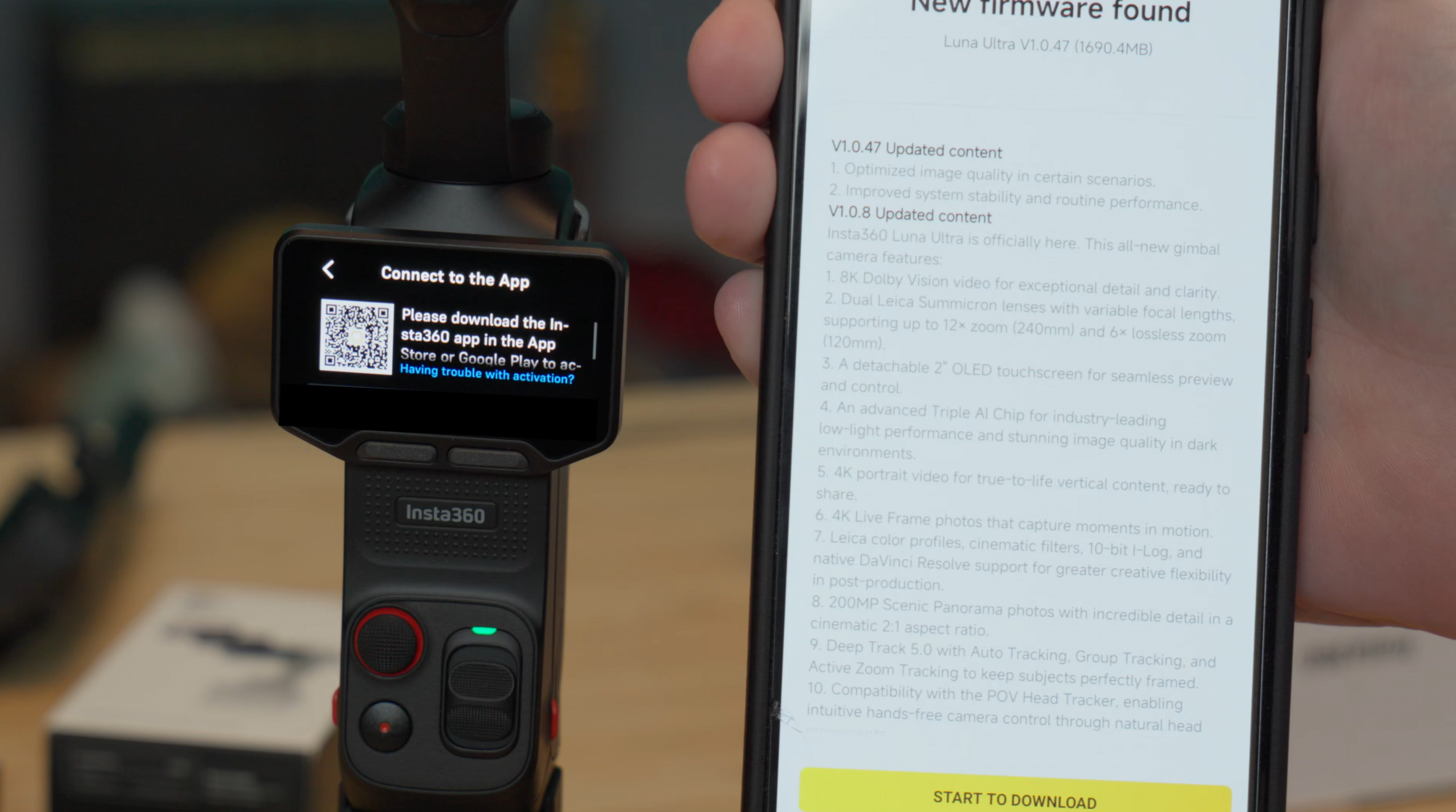
All of this points to a wildly-engaged team that is hyper-focused on ensuring this flagship device is as flawless as they can make it. I'm beyond impressed.
User Presents When?
I was surprised, given how much the Insta360 Ace Pro 2 has in common with the Luna (also co-engineered with Leica, 8K/30, Pure Video AI chips, etc.) that it doesn’t also support user presets. User presets are handy for when you’ve tweaked your settings to operate under specific conditions and want to be able to easily switch between user presets. Much like the I-LOG issue that was fixed with a firmware update, this is something that a firmware update could add to the mix, and I hope they do it – it’d be a valuable addition.
Quality of Life features
While I can’t speak to its effectiveness as I don’t have more than one Luna to synchronize, I can speak to the ease of how that occurs. Where my Osmo Pocket 3 cameras do not have a timecode generator to synchronize them, the Luna Ultra does. For my Pockets I have to use a Deity TC-1 to do a jam code, sync them, then disconnect the device, otherwise it can cause issues. The Luna, on the other hand, doesn’t need such a thing. Not only can it continue to operate with an auto jam signal running (something the Osmo cannot do), it has its own built-in timecode! Timecodes allow you to seamlessly pull together multi-cam shoot synchronization smoothly and accurately. Given that the Osmo, despite the challenges in even getting it to sync in the first place, has the audacity to drift over time, it makes me want to replace them with Luna devices just to save my timecode-related sanity!
As an added bonus, when you do have your camera dialed in, there’s another quality of life thing that would be excellent if you have multiple Luna in your studio – QR code synchronization. Your second camera can scan a QR code, inheriting the qualities of the first camera to ensure you have precisely the same image quality out of both. It’s also a hack for the lack of user defined presets as you can save them as a QR code, print and laminate them, and use them to quickly switch them up, if that’s a hard-pressed need.
There is a feature that has saved my bacon more than once – internal storage. The Luna Ultra has 47 GB of built-in internal storage, letting you shoot without the need for an SD card. Yes, you should have a card to ensure you don't run out of space, but if you happen to have forgotten, you can get a lot of mileage out of 47 GB of space. It’s easy to eject the microSD card and then forget to put it back in the device. On the Osmo Pocket 3, you might as well pack it up – you’re done for the day. With the Luna, you can keep rolling. For scratch math, that’s about 100 minutes of 4K/60 footage, 35 minutes of 8K/30, and nearly four HOURS at 1080p/30.
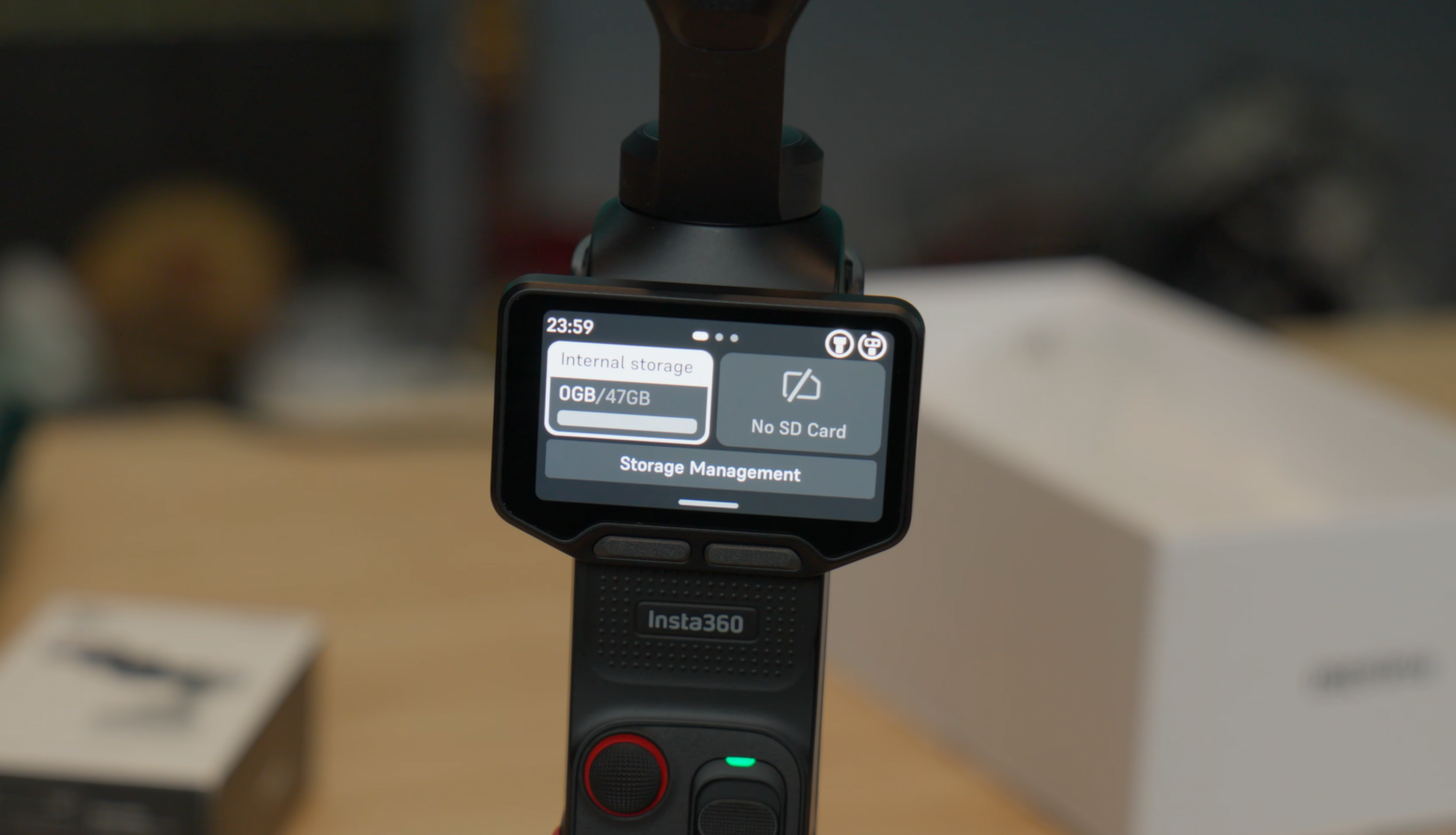
Speaking of four hours, that’s how long the internal battery will last. The small battery pack (1000 mAh) that serves as an adapter will bump that up an additional hour of 4K/30 film time, or can charge the main body up roughly 45% in about 30 minutes. Given that it can be swapped without disruption, you can, of course, charge one while using the other, swapping them at will. For longer shoots, the passthru USB-C connection can be attached to a larger battery pack, though you should prepare as it adds to the overall heat on the device. Let’s talk about that.
It’s getting hot in here - or it was…
I had previously written about how, when I was at the Heidel Ball 2026, I ran into some overheating issues after roughly 2 hours of recording at 4K/30. I had to laugh as, just before hitting submit on this review, another firmware update dropped, eliminating the issue entirely. Previously, my testing suggested that you should shoot at 4K/24 to avoid the overheating issue, but now I’m going to say feel free to make those 8K interview videos and slow motion 240fps slow motion shots for accents, there’s no reason not to!
Horizontal or Landscape – You’ve got options
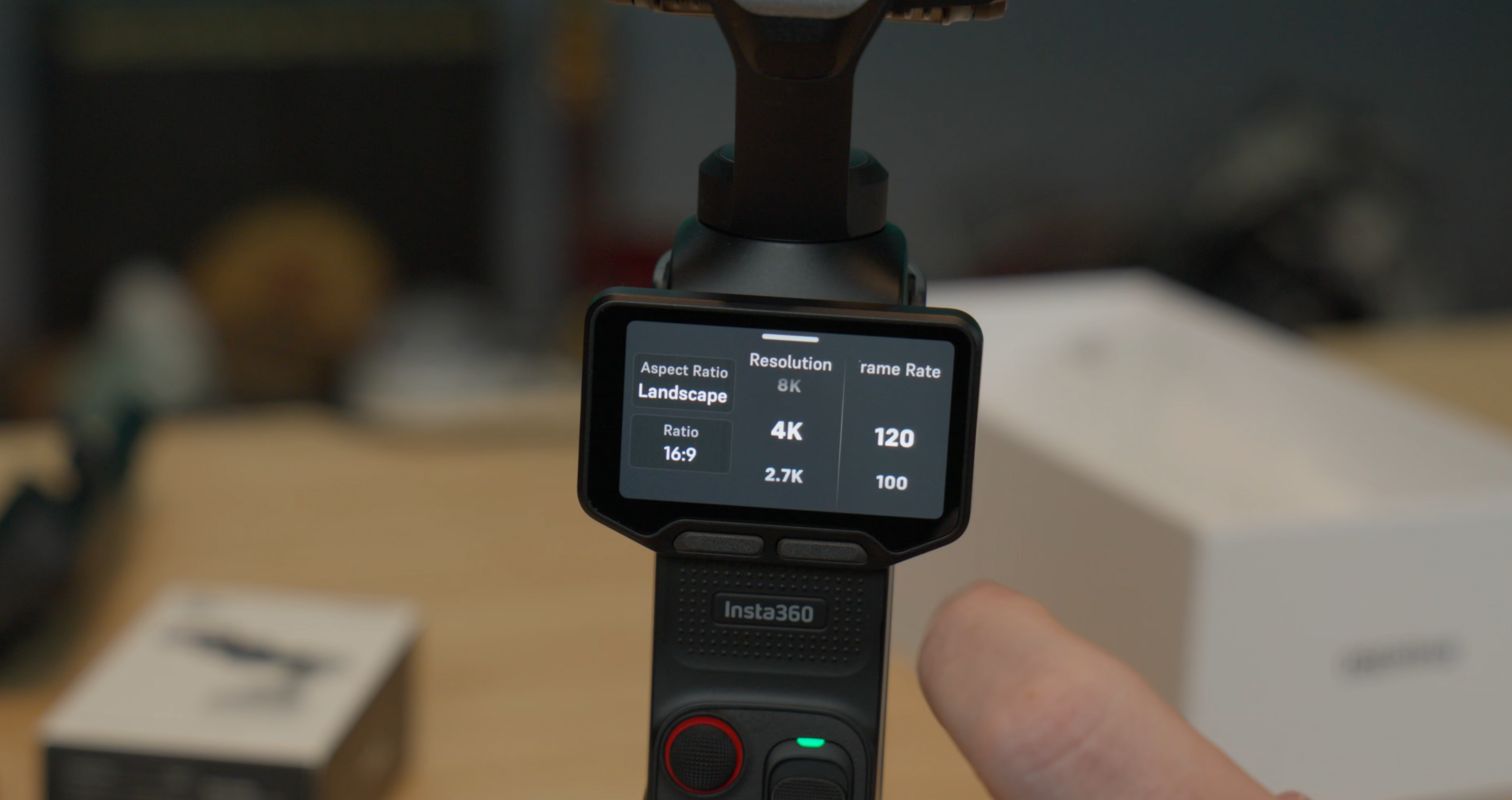
The Insta360 Luna Ultra is at its best when shooting horizontally. Frankly, anything that I’d like to take seriously and see more than 5 seconds of is shot horizontally anyway, so this camera is built for me. As such, this is where Insta360 put the most options. The camera happily shoots at 8K30 at 16:9 aspect ratio. If you do shoot horizontally, you aren’t entirely left out, though – the Luna delivers 3K30 at the vertical 9:16 ratio for you TicTock types. Now, before you pull out the pitchforks and torches, you actually don’t have to drop that resolution. Unlike the Osmo Pocket 3, if you turn the Luna Ultra sideways, it’ll go into what it calls “True Vertical Shooting mode”, which results in a vertical 4K/30 shot! This isn’t well documented, so I’m telling you now – this is the way. You can even use the entire device upside down, which is a cool way to get impossible shots inside of, for example, 3D printers!
Tracking, Tracking, Tracking
Insta360 is no stranger to tracking as it’s a primary feature of their Ace Pro and X series cameras. As such, it should come as no surprise that the tracking on the Insta360 Luna Ultra is not only remarkably clean, but very smooth. This is largely in part to Insta360’s well-hewn Tracking 5.0 software. Whether you’re tracking a person, an object, a dog, a frisbee, or whatever else, the camera does a remarkable job of keeping it in frame.
If enabled, you can place a hemispheric 9-box tracking option on the screen. Tapping one of the boxes will then try to put the subject in that position. If you’re wanting to be on one side of the screen while what you’re showing in the background is taking the bulk of the image, this is how you do that. It lines the subject up on the vertical lines to create the best composition - aka the “Rule of thirds”. Since you can have the screen with you while you’re in front of the camera, it’s incredibly helpful for solo shooters and Vloggers. It takes the guesswork out of framing, and it’s a feature I didn’t know I’d use as much as I am.
Beyond the 9-box framing mechanism, there are a handful of other tracking options. Auto tracking is activated by depressing the joystick. The camera then tries to identify the primary subject and starts tracking them immediately. If it gets it wrong (which seems to be quite rare), you can tap the subject on the screen and it'll lock onto the subject, framing them in a square. Tapping and dragging on the screen will allow you to draw a box around a subject or subjects, providing whole-body tracking, or tracking of an object in the environment. Using the stick while in this mode repositions the subject in-lens, similar to the golden ratio boxes.
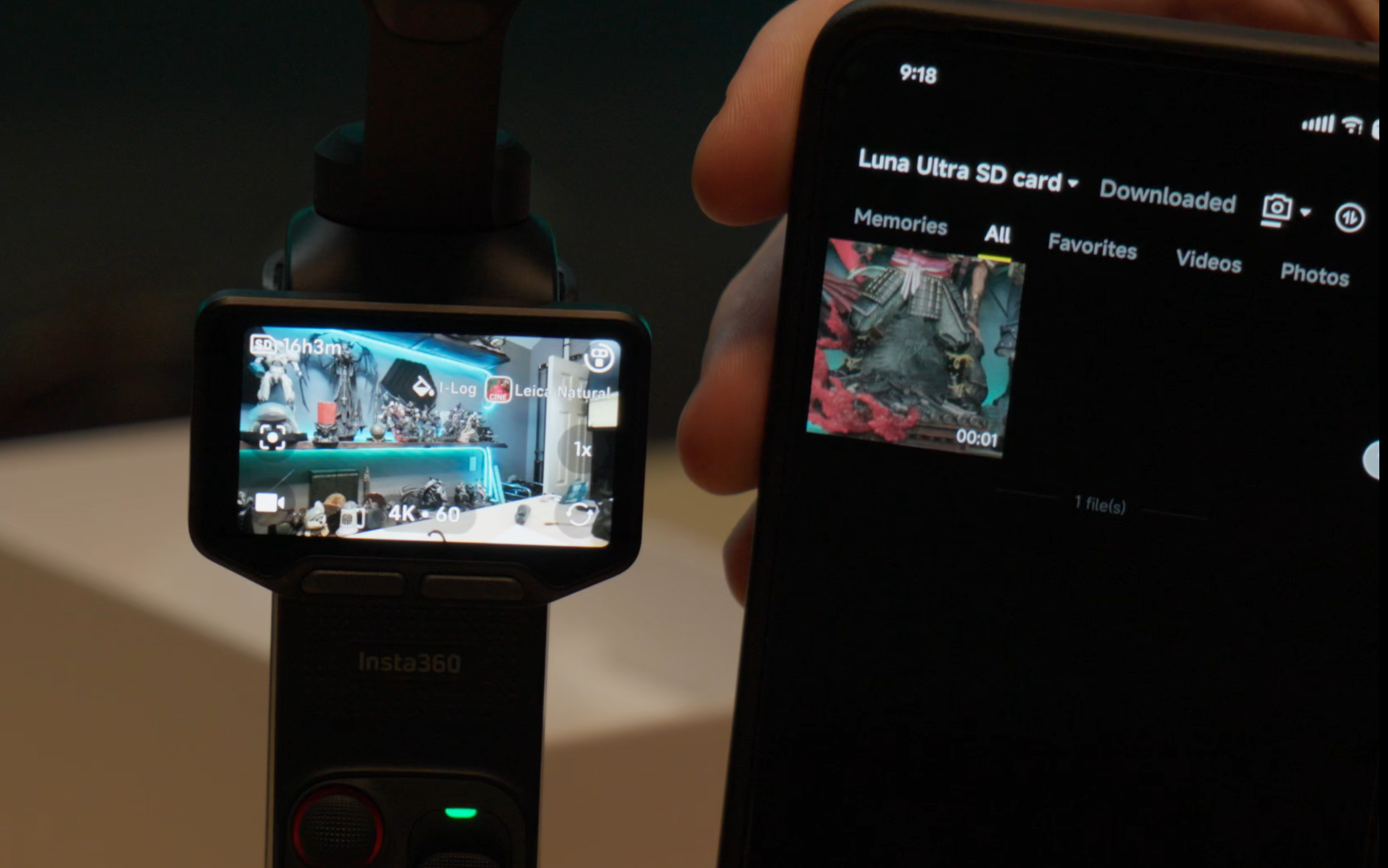
Active zoom tracking is, as the name suggests, for tracking fast moving objects. That’s your kid chasing the soccer ball, your dog with the zoomies at the dog park, or a bird shooting by – times when the subject is a bit in the distance, requiring the zoom, but where you still want active tracking. The camera works overtime to keep that subject dead center, no matter how fast their moving.
The last mode, group tracking, utilizes the full frame of the camera to try to keep your group of subjects in the shot. This is great for when you’re close together, but be mindful that it’s not meant to operate in a crowd. Still, it’s great for a group where you’re conducting an interview, but the subject likes to pace – something that’s happened a surprisingly frequent number of times.
No matter which of these tracking modes I used, the Luna Ultra had zero problem keeping up with the target. It’s no surprise that a company that has cut their teeth on action cameras has mastered this, but it is nice to have it in a handheld camera like this.
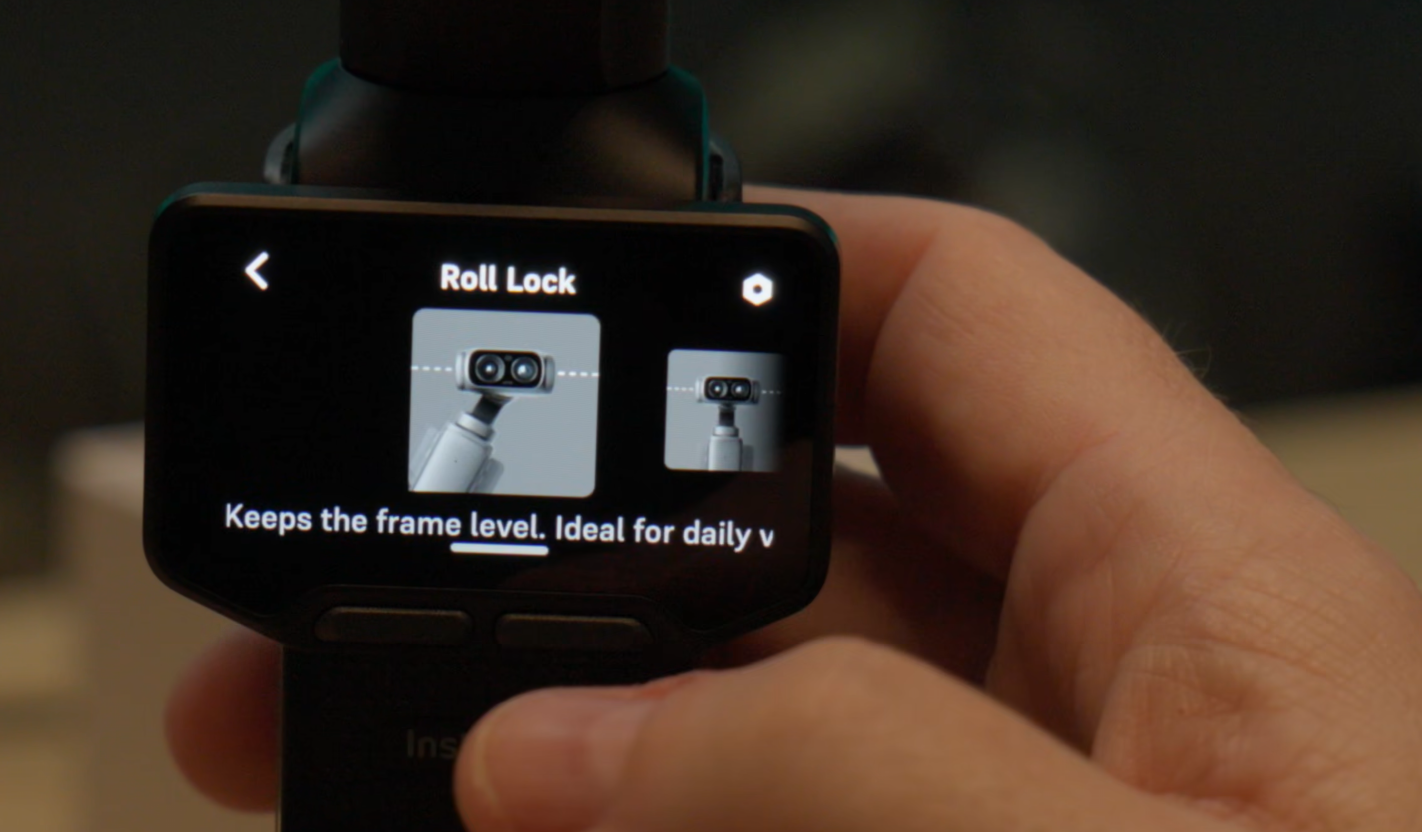
Let’s get a closer look, shall we?
When we talked about F-stops, I mentioned that the Insta360 Luna Ultra has a zoom capability of up to 20X, but there are plenty of steps in between – five in fact: 1, 2, 3, 6, and 12X zoom capabilities give you an effective lens from 20mm to 240mm. This is important as it allows you to capture things in the distance, yes, but it’s also useful from a shot variety perspective. You can shoot wide and further away, then snap in for a closer look to make the shot more intimate. This is a great storytelling technique enabled by technology, and I appreciate that.
Let’s be honest here – using the 240mm 12X zoom is never going to be directly compared to something like my Canon FX-30, but that device costs $2000 or more before I put a lens on it. Frankly, it’s not meant to. Instead, I’m continuously awed that I can zoom that far with a device that fits comfortably in my pocket, and with zero setup. Moments that would otherwise be lost in an instance can be grabbed and preserved from an insane distance, even if you lose a touch of image quality at that distance.
The Luna is remarkably stable, and that’s not something I have to quantify with a distance. Whether you’re shooting at 1X or 12X, the Luna tracks a subject remarkably well. Walking is smoothed out quite a bit, and the gimbal and in-lens stabilization ensures you have footage that won’t make the viewer nauseous from bobbing.
Most people are interested in this device as a camera, but whether you’re shooting in RAW or JPEG, the color quality on the Luna for a still photo is absolutely gorgeous. My Osmo Pocket looks more like I snagged a still from the video (which it likely is), whereas the Luna Ultra’s image quality is noticeably higher. I even went online to compare it to a variety of shots from the Pocket 4, and frankly there’s just no competition – the Luna Ultra takes pictures that rival or beat any phone on the market, and even give most DSLR cameras a run for their money.
All the modes!
There are a handful of camera modes to know about as they will help you figure out if the Luna aligns with your workflow. For fun, we’ll use music videos to demonstrate them:
Timeshift: Timeshift delivers a video where you move through the environment and you get an effect similar to Fallout Boy’s “Centuries” video.
Timelapse: Timelapse is somewhat opposite of Timeshift, where the camera stays put but every else moves over time. Star Guitar from The Chemical Bros is a great example of this.
Slow motion - Slow motion is what the name suggests, letting you shoot up to 120 frames per second in 4K, which isn’t unique to handhelds. What is unique, is that you can do it with sound. The Osmo Pocket’s 60fps cut sound, saves at 30 fps and plays as slow motion, and you lose the ability to do any sLOG capture, and obviously the aforementioned sound. The Luna gives you audio, full playback, LUT, and image quality options. OK Go’s “The One Moment” is an extreme slow motion example, and it’s pretty cool at that.
360 panoramas: It should come as no surprise that the king of panoramas, Insta360 (it’s in the name!) would also have a great panorama option for their flagship handheld. Shot at 200 megapixel, the Insta360 Luna Ultra can give you a full 360 panorama shot, just like their X5 camera. It can also allow you to corkscrew the shot 180° for a dynamic spinning shot, for a little added flair. Avicii did a fully interactive 360 degree video called “Waiting For Love” that you can grab and spin around with your mouse.
Let’s talk audio
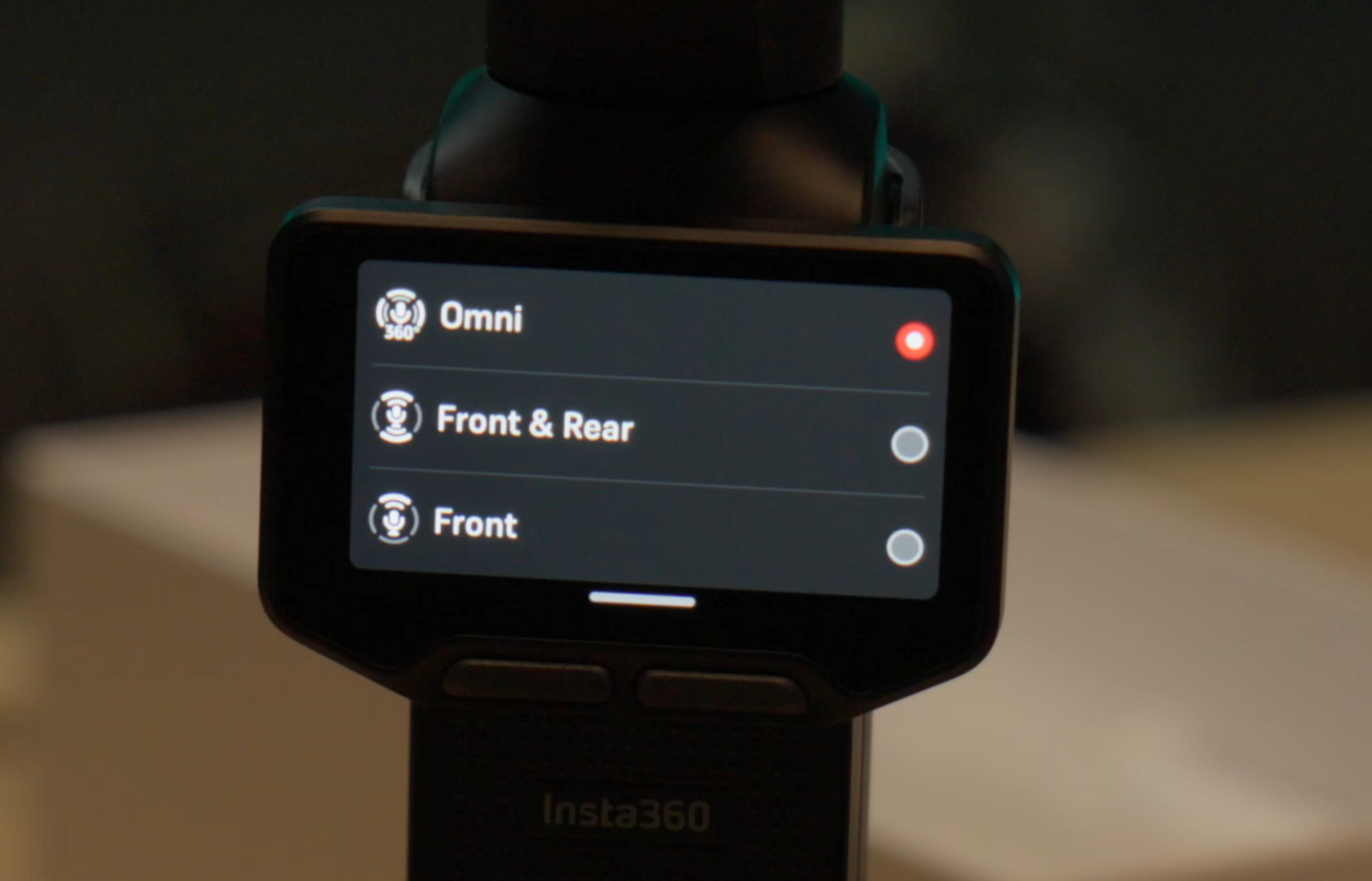
The built in microphone is quite solid on the Luna. You get a touch of echo, but it’s far from unmanageable. Instead, however, I’d recommend you buy the Creator Bundle as I can’t overstate just how S-tier the Insta360 Mic Pro microphones are. You can check out our review here, but also know that you can record with both. Why would you want that, you ask? You can use the internal for scratch audio or as a backup, with your Mic Pro pulling the high quality audio you expect.
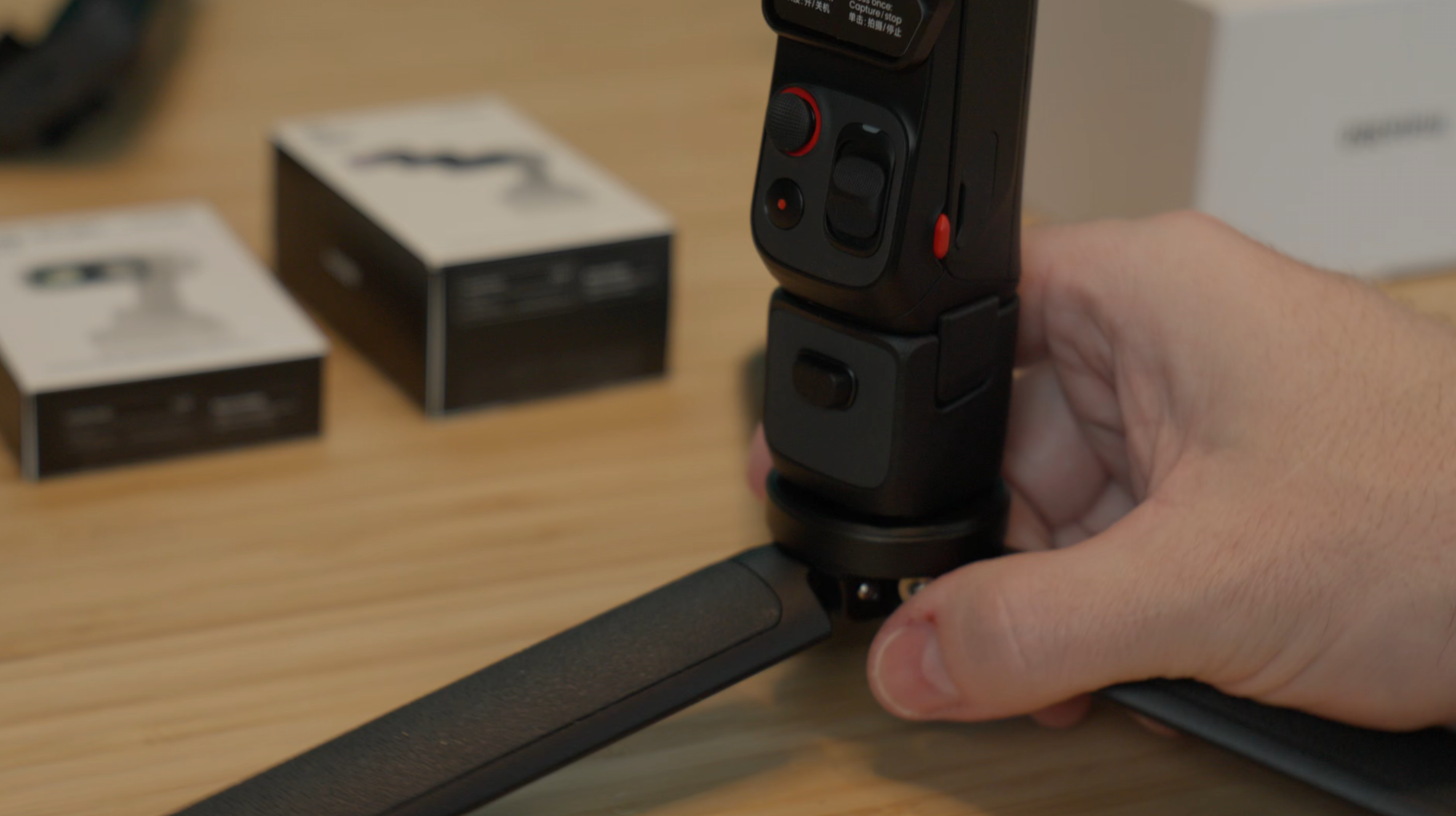
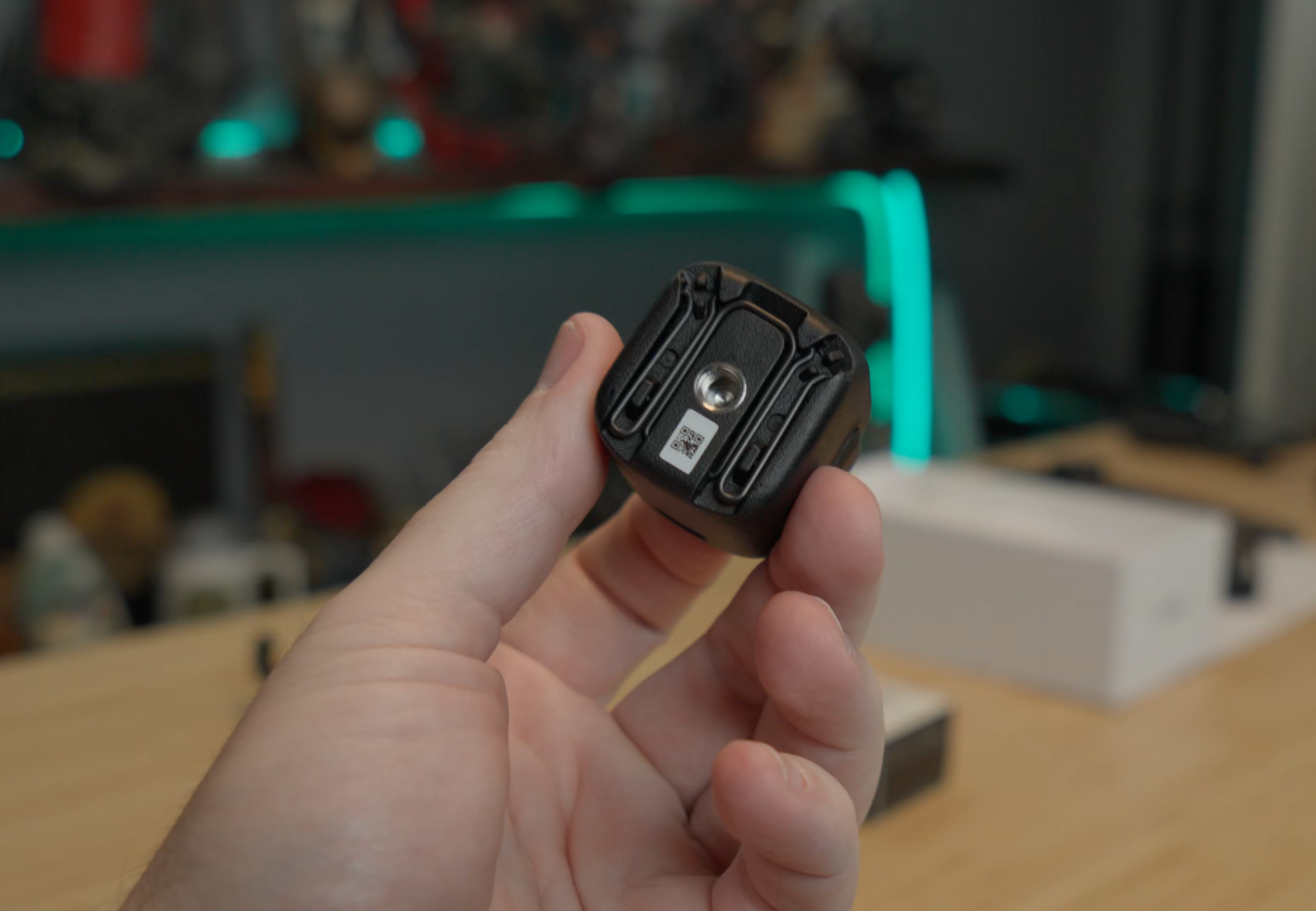
The design on the Luna Ultra does something odd in that it copies the USB-C bottom of the Osmo Pocket 3. Well, this is an area where Insta360 iterated on the original thought. The USB-C port on the bottom of the Luna allows it to connect to all manner of things, but most often you’ll use that small adapter. In the bottom of the adapter is a standard 1/4"-20 UNC thread (the small common screw type), but also a set of wireless feet that fold up into the bottom. This gives it a nice little tripod that tucks away when not in use, meaning you aren’t setting your $700 camera on the rounded square bottom, just asking for it to topple over. Unlike most of the Osmo Pocket’s similar adapters, this one sports a pass-through USB-C port that not only supports charging, but also audio connectivity, now located in the rear of the camera. When combined with four Mic Pro microphones, you can split the audio into four tracks – something very few microphones on the market can do, allowing you to record four subjects simultaneously.
The Luna Ultra allows you to use a LOT of accessories. ND filters come in a wide variety, allowing you to reduce the glare on a bright day or when you have a strong light source in the room. There is a collar system that gives you a small square light that magnetically attaches, giving you a light for when your subject needs it (though this collar prevents the device from closing up, so you’ll have to remove it after you’re done. You can use the normal screen or a furry wind screen on the front to keep air from hitting your audio. A taller version of the aforementioned bottom adapter also has a battery in it, extending your overall battery life. It comes with a hard clamshell case that keeps it all safe. Frankly, the sky is the limit on accessories, and more seem to be coming every day for this very popular camera. I tend to overbuy accessories for my cameras, portable otherwise, but it’s great to see such high quality first party options right out of the gate.
Best feature for any camera, hands down
You’ll have to excuse me for burying the lede, but I did save the best feature for last. The Insta360 Luna Ultra features a 2” removable remote control. Pressing the two buttons on the sides of the body releases the entire front face of the camera, letting you take the touchscreen, joystick, zoom controls, and record start/stop/power button with you. This allows you to remotely operate the camera up to 20 meters (65 feet) away. At the Heidel Ball 2026 I was able to put the camera on a tall tripod, extend it well above the crowd, and then operate it from my seat. I was using my Microphone Pro kit, so it wasn’t necessary, but the removable remote also doubles as a microphone, if needed.
There are a few cool tricks with the detachable screen that I don’t want you to miss. When I was shooting my video for a 3D printer and I flipped the Luna upside down to go down into the print itself, I was surprised that the detached screen also inverted my controls. Up was still up, down was still down, left was left, and right was right. It’s a small thing, but one that I appreciated greatly. Not for nothing, but I did pick up a remote for my Osmo Pocket 3 and was immediately surprised that you can make exactly zero changes on that screen, so I had even more appreciation for a full 1:1 experience whether the screen is attached to the Luna or not.
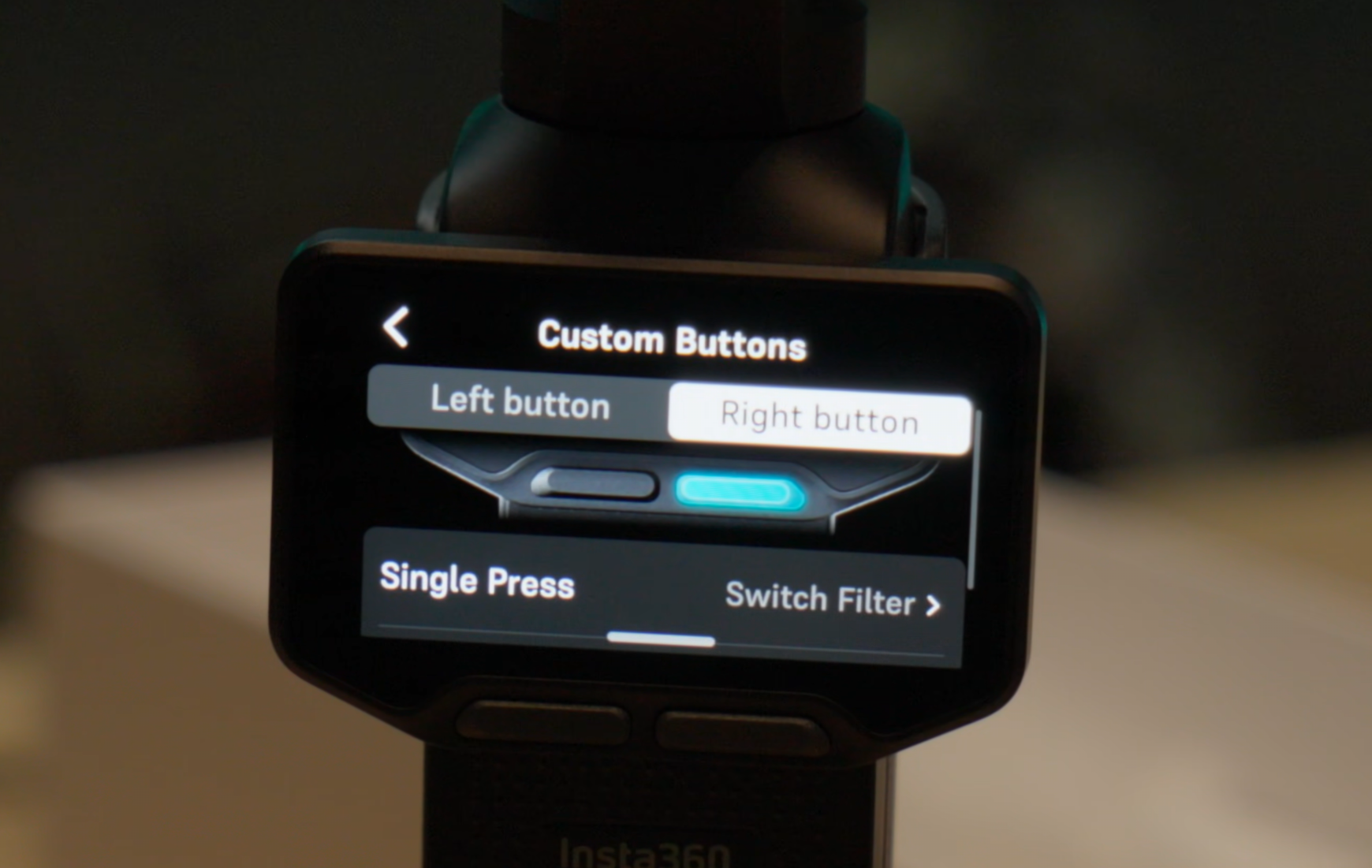
I do have to point out that the joystick movement on the Luna gives the video a somewhat unnatural look, even with the current updates. As there’s no speed ramping, it’s all go, all stop, and full speed between. Some options for how this operates would be appreciated. I’m not sure if this is something that could be accomplished in software updates, but it would encourage me to use it a lot more often. That said, when I’m at an event, I have set up the camera (especially when raised to a higher height), and I can use the Luna’s detachable screen to line up my shot from a distance, I couldn’t care less if it’s a touch jerky in the process. This improvement to my workflow offsets any other considerations. Similarly, when I’m shooting alone and I can be certain that the shot is framed, tracked, zoomed, and otherwise set up exactly as I want without having to recruit a person to stand in my place, it’s a massive time and quality improvement.
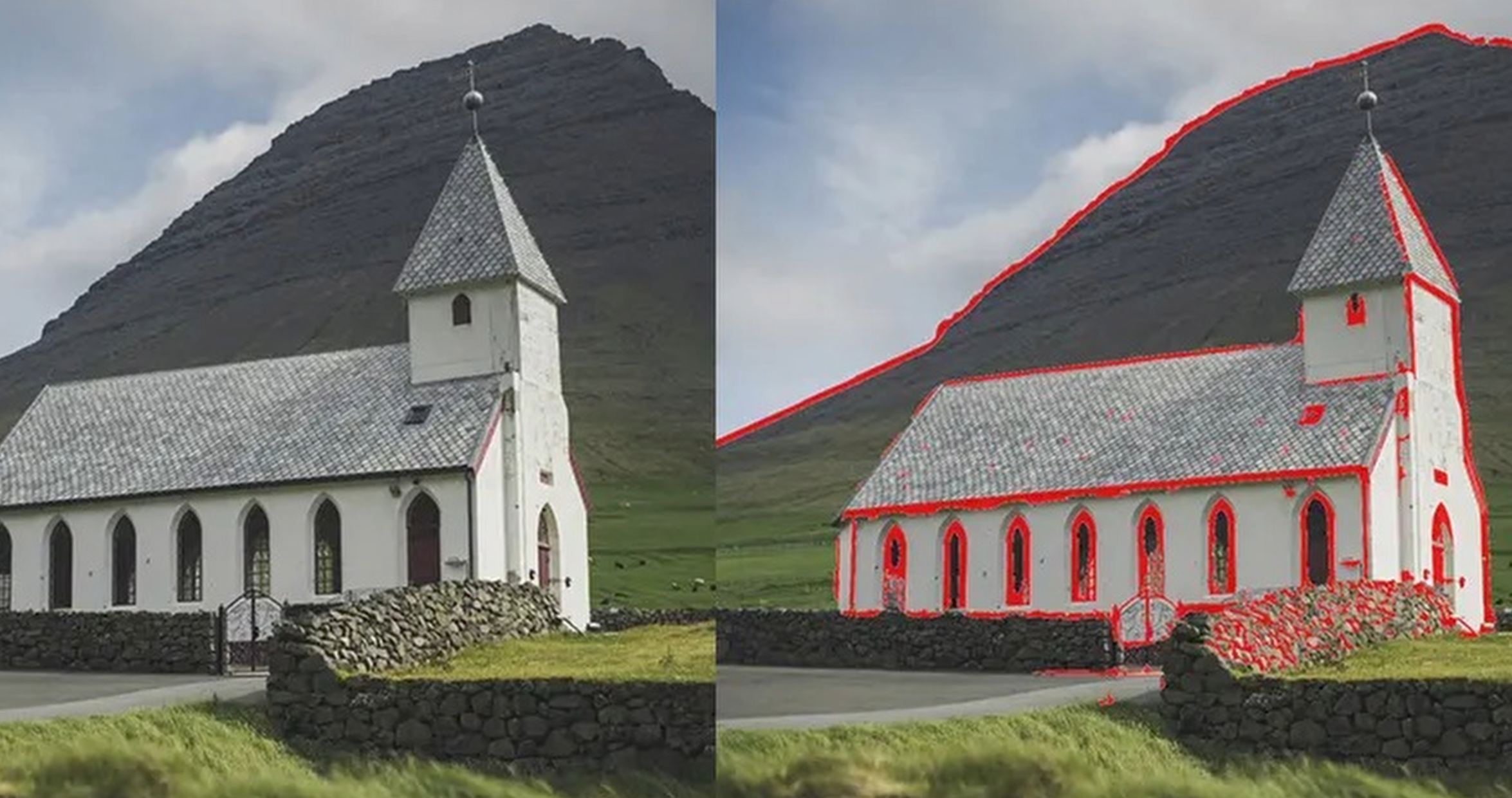
My biggest wishlist item, however, is the ability to add things like zebra stripes and false color. If you’re unfamiliar, these are exposure and focus tools, the first of which telling you areas where a shot might be over or under exposed, and the latter showing where the camera is focused. The Luna could use both of these tools to give it parity with DSLR options, making this a wish list item, but it’d also be a great value-add as my other portable cameras don’t have them either. Here’s a differentiator – perhaps in a future firmware version?
So who is this for?
Hands-down, The Insta360 Luna Ultra is amazing. In fact, I’m not afraid to call it the absolute best solo-creator experience, and for far more than just a few reasons. If you are shooting alone, there’s frankly no better camera on the market. Yes, some cameras allow you to use your phone in a similar fashion, but that carries its own set of complications. Having a one-stop-shop camera that does everything my DSLR can do, but fits in my front pocket is a game changer for me. So much so that I’m actively considering selling my Osmo Pocket 3 cameras for a second or even third Luna Ultra. If that’s not a rousing endorsement, I don’t know what is. That said…the pricing on the Luna Ultra isn’t for the faint of heart, though still within range of their contemporaries..
The standard bundle for the Insta360 Luna Ultra is $769.99 USD, with the creator bundle coming in at $969.99. That said, as I compare it to my Sony FX-30, I have to wonder if it’s more of a deal than it seems. Yes, I have more flexibility with my larger camera, through the use of more lenses and the like, but for the vast majority of my shooting, it’s just not necessary. That camera also costs $2000 before I even attach a lens. Much like driving an electric car, 99% of the time you’re driving from home to work at a very short distance, meaning range anxiety is less important. For this camera, 99% of the time the automatic settings are more than sufficient to capture just about any moment from just about any environment. In the end, simplicity beats features every day, making the Insta 360 Luna Ultra the ONLY portable handheld camera I would recommend.
Insta360 Luna Ultra portable camera
Excellent
The Insta360 Luna Ultra is, by far, the easiest and most feature-packed portable camera on the market. It could use a few updates, but the Insta360 team has been adding them non stop. The camera and its features are beyond impressive, earning our heartiest recommendation.
Pros
- Detachable screen is a workflow game changer
- Remarkably excellent video quality
- Color composition is solid
- Multiple audio options
- Top-tier still shot color and composition
- Innumerable quality-of-life improvements over their contemporaries
- Wildly-response firmware updates
Cons
- Minor missing features
- Pricing is a bit stiff
This review is based on a retail version provided by the manufacturer.












