If it ain't broke, don't fix it. This has been SteelSeries' methodology surrounding their Nova Pro headset, which provided outstanding audio at a premium price. That said, with recent upgrades to the rest of their line, one had to wonder how long we'd be waiting on a refresh. Now, with Hi-Res audio certification and the Sonar mobile app available, it's time. The Arctis Nova Pro Omni is here, and while a pretty penny, is worth all 40,000 of them.
In the bright orange box you’ll find the Arctis Nova Pro Omni headset, two USB-C charging cables that both measure five feet, a microphone pop filter, two hot swappable batteries, and the Hi-Res GameHub. The only thing really missing here is an auxiliary cable as the Omni does have a 3.5mm jack. It’s not a necessary addition, but an intriguing omission with previous models having one.
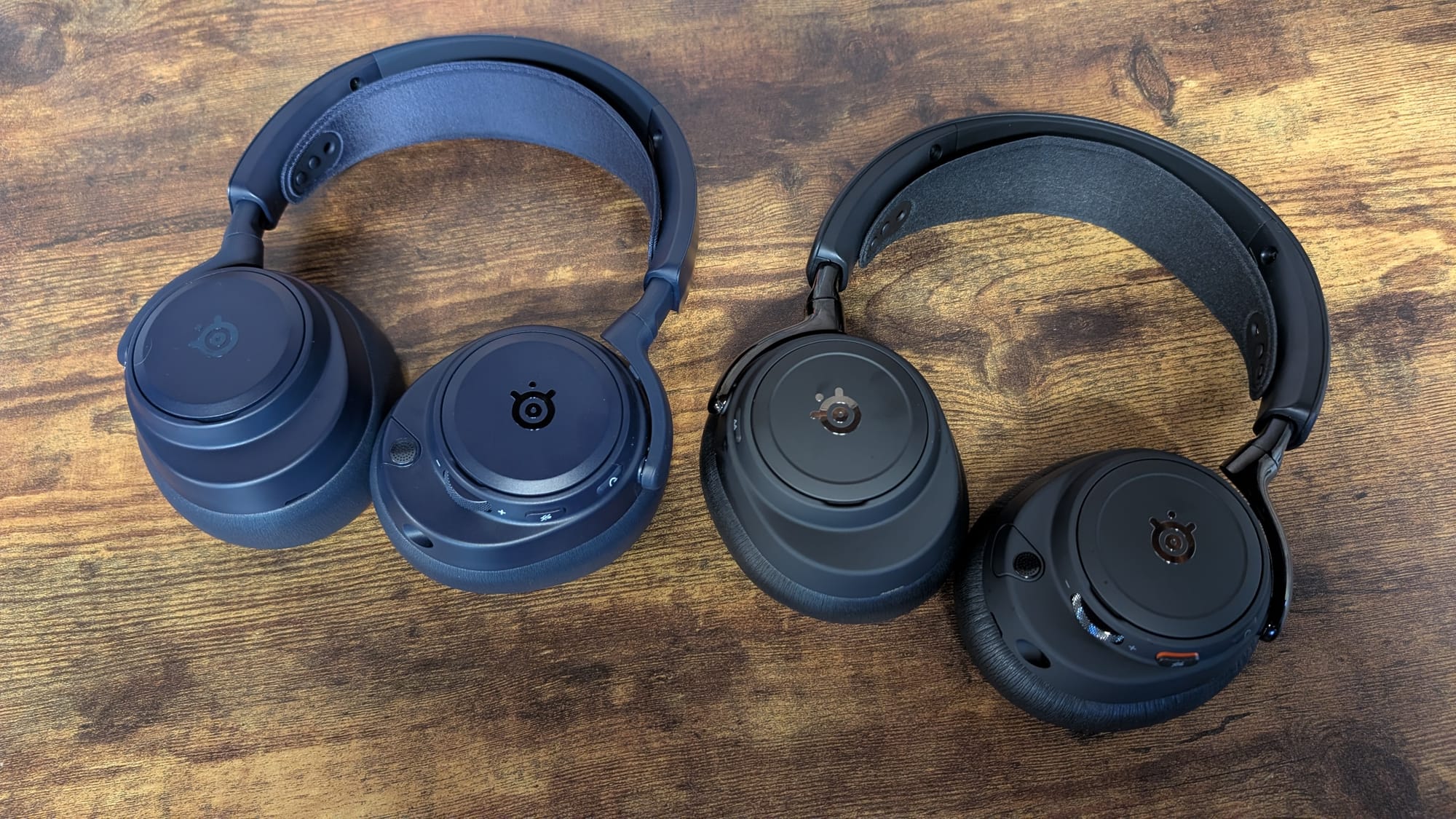
Anyone familiar with SteelSeries’ headsets will have a decent idea of the form factor and design present (and you can get a good look via the short above). There really isn’t a reason to change much – SteelSeries’ headsets are world-class in comfort and aesthetic. One adjustment to the Omni has been with the ear cups; they’re a tad thicker to allow more comfort. It does lead to a bit more retained heat, but it’s snug on your head and enhances the noise cancellation with a better seal over your ears.
Everything you’d look to find on the Omni in terms of controls are also here. The right earcup contains only the Bluetooth button and the battery underneath the removable ear plate. The left earcup holds most of your important functionality: the power button, mute button, volume wheel, retractable microphone, 3.5mm port, and a USB-C port underneath this ear plate for updating the Omni or charging it in a pinch. I love the added texture to the volume wheel; this just makes it easier to locate and scroll. While there is a lot of functionality that could necessitate an extra button, SteelSeries does a great job of identifying what’s important. They have mitigated a bunch of extra buttons in other ways, which we’ll dive into below.
That brings us to the GameHub. Again, this will not be foreign to those who’ve bought into the higher end of the SteelSeries ecosystem. This device is the command center of your headset, allowing you to make adjustments on the fly with its control wheel and buttons. There’s a lot here you can do as well, activating active noise cancellation, your primary input, mic gain, and so on. I’ve used a lot of different examples because the GameHub really contains every setting you’ll need to tweak. It even has functionality outside of SteelSeries information – I always love mentioning how it tracks my Counter-Strike 2 rounds, kills, and other intel when I’m playing and displays it.
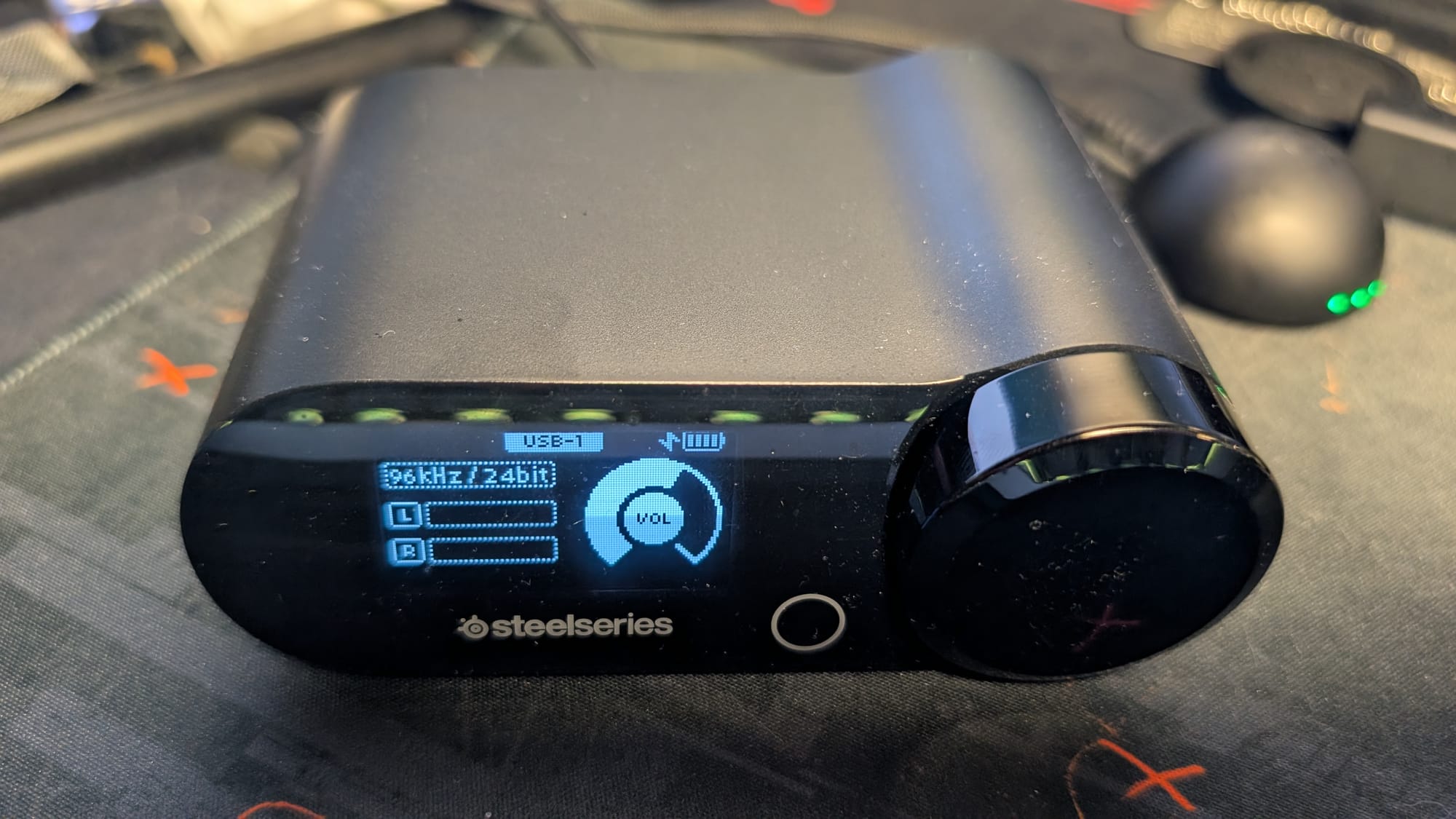
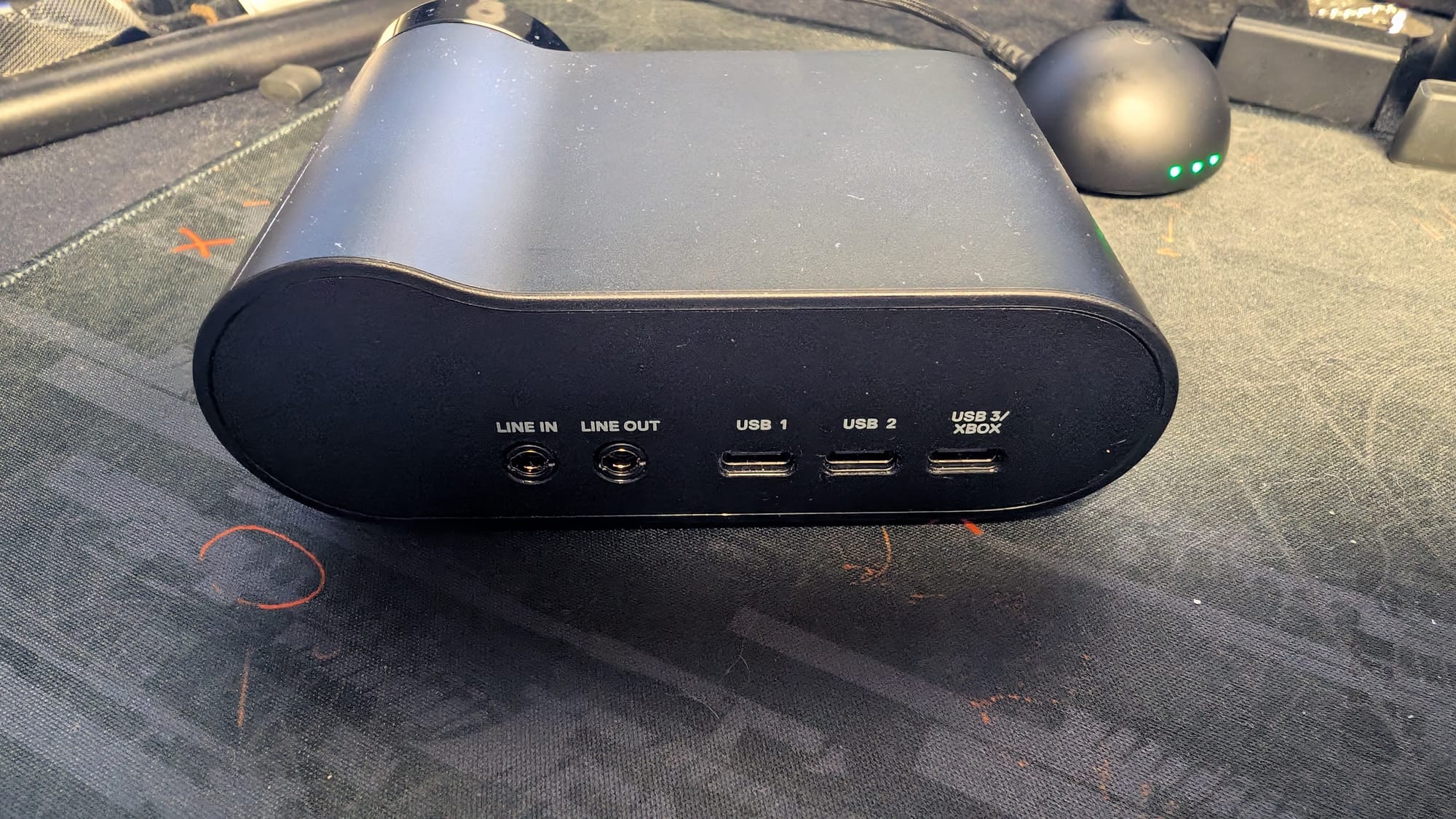
A huge part of the GameHub’s importance comes in connectivity. SteelSeries introduced the first multi-connected headset with the Nova Elite, and have copied over that capability with the Omni. Through three USB ports, a line in and out, and Bluetooth, the sky is the limit. Being able to mix four sources of audio is incredible, even if I’d most likely never need that feature. What I do use often is the 2.4GHz with my PC or console while listening to an esports game or music from my phone via Bluetooth. SteelSeries has perfected this mix, as I’ve never had an issue with convoluted audio between my different sources. Also a benefit: utilizing your GameHub to have all of your consoles connected at once. I’ve never had the ability to use the same headset for every device without at least needing to swap the dongle over. That’s not an issue anymore.
One of the biggest additions to the Omni is Hi-Res audio via SteelSeries own custom-tuned Neodymium Magnetic drivers. The sound SteelSeries headsets offer is bar none; the detail of the audio is simply sublime. I made a joke in my call discussing this headset with the team about how I used a different headset in a friendly 1v1 tournament with friends, and lost handily. After moving back to my Arctis Nova Elite, I managed to regain and beat the same person in near-dominant fashion. While some of it was map choice, plenty of it is with my comfort level with SteelSeries headsets. Many drivers have given me great audio cues to know where my opponents are at, but none have had the consistency of the Nova Pro/Elites at delivering them every time, and now, the Omni.
Playing Call of Duty: Black Ops 7 with my friends, I hear everything. Even when the opposing player is running the Ninja perk to erase their movements on the map, I manage to catch little sound effects here and there. I know exactly when someone is planting the bomb in Search and Destroy, or if they’re defusing. The line between a win and a loss can be extremely thin, but using this new Omni headset widens the gap and gives you more chances to get the dub. This is just a single game example as well – each game I play just sounds better on the Omni.
I was a part of the review crew for Saros, and the capability the Omni has for immersive gaming is just as strong. Saros is all about immersion, just as its older brother in Returnal was. Considering I used Returnal as a testing ground for the original Pro, it made sense to measure Saros with the Omni. Just like it was four years ago, the way this headset pulls me into the world, giving Carcosa such a real quality, continues to show how much SteelSeries understands their drivers, users, and the tuning they’re doing.
All of these efforts have earned them their Hi-Res certification. This isn’t anything to be taken lightly, the team was validated by the Japan Audio Society. While this is a benefit reserved for your PC, the extra 96kHz/24bit fidelity is amazing to hear. It’s usable wirelessly as well, something many other headsets boasting Hi-Res don’t have available. My favorite use of this feature – besides simply hearing the best detail of games possible – is music, especially with so many songs being released in higher resolution. My mark is always if my favorite song (Composure by August Burns Red) sounds fresh, and it certainly does through the Omni.
Improved active noise cancellation is also included for the Omni. I’m a huge believer in ANC, to the point I call out expensive headsets that don’t have it. When I put on the Omni, it blocks out every distraction. When I write a review, like this one, I tend to grab my SteelSeries headset just for the ANC. Beyond this, as soon as I start listening to something, the blend of outstanding audio and stellar ANC thwarts any outside interference. If you want a headset that will offer you immersion in whatever you’re doing, the Omni has that.
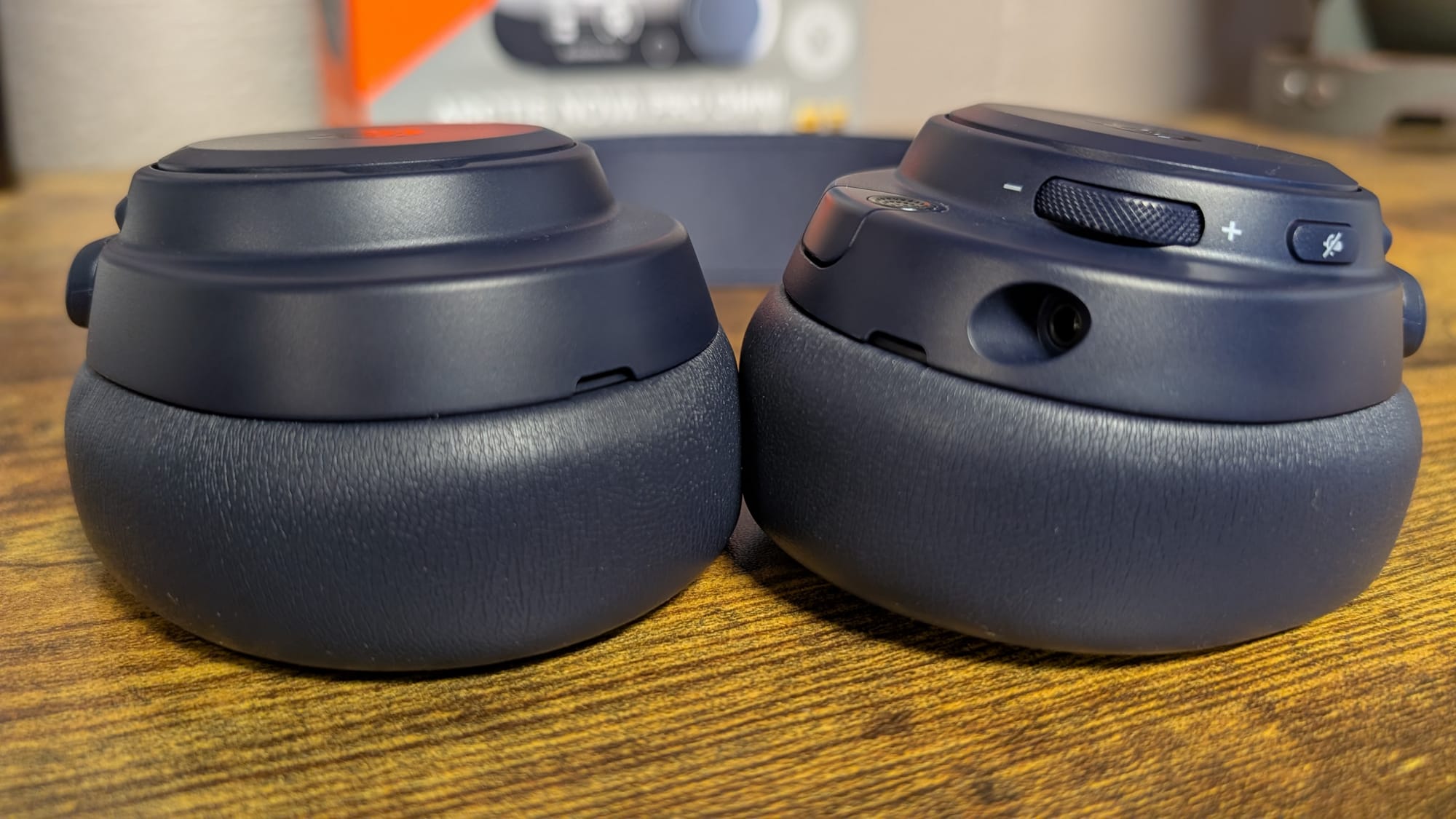
Battery is something that didn’t need to change for the Omni, and thankfully, the hot swap system remains intact. It’s impossible to run out of battery when you always have a charged one on hand. Since you can change them out in seconds, returning to your firefight or album has never been simpler. This is the perfect battery system – don’t build a bigger battery, give me more of them.
Advertised with this new model is a new ClearCast Pro omnidirectional microphone. After a bit of time with it, I can attest to it having broadcast level quality. While I need to tweak it a bit as it’s coming through somewhat quietly on my SteelSeries Moments software, the depth of my voice is captured nicely. The departure of the buzzy headset mic is appreciated, hopefully SteelSeries implements this tech in all of their headsets going forward. Also something to continue – the mic auto-mutes when retracted. That’s a game changer for me as someone who forgets to mute at times.
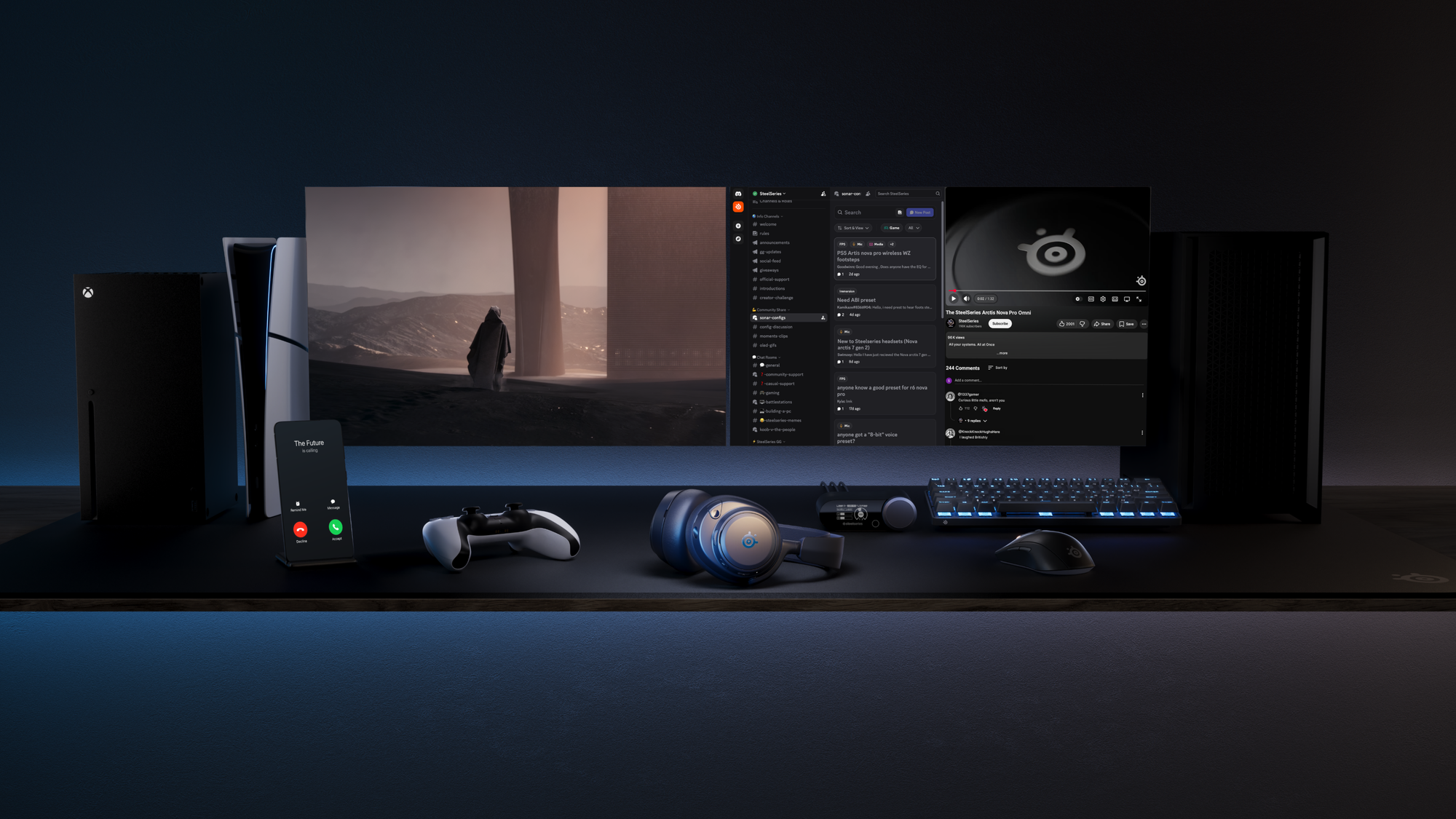
You knew you couldn’t get out of one of my SteelSeries reviews without me going on and on about Sonar, so let me drop it in condensed form. This is legitimately the best software for EQ and more on the market. The level of customization you can do here, whether you’re just playing games or streaming or more, is obscene. With over 300 EQ settings and climbing, this is a future proofed headset. Now, the Sonar mobile app capability is also baked in, so you can access all of those through your console. My only qualm is that this is the same chipset as the Elite, so your Bluetooth doesn’t contain them. Considering you can build your own EQs, even if not as intricate, you can get close at least. Just go download the GG app for your PC and the Sonar app for your phone already.
I don’t usually talk about price, but the Omni is a tad luxurious, coming in at four hundred dollars. That’s going to be too rich for people’s blood, especially in this economy. That said, this headset is completely worth what they’re asking. There are other options for you if you don’t want to spend the coin, but if you do, you are getting a premium product that will deliver $400 worth of features and functionality.
SteelSeries Arctis Nova Pro Omni headset
Phenomenal
It's almost unfathomable at this point that SteelSeries would ever release a headset anything short of excellent. The Arctis Nova Pro Omni continues that brilliant trend with a refresh of the Pro line that is simply tremendous. Everything you love about SteelSeries’ headsets is here; they've taken all the improvements they've found since the Pro and built THE premium headset. It's pricey, but it delivers on the expense with outstanding Hi-Res audio, fantastic ANC, and all the other great features you expect from this brand.
Pros
- Best in class audio with Hi-Res capability
- Premium comfort and design
- GameHub control center
- Neverending battery life
- Sonar is the king of software – Now available in mobile form!
Cons
- None
This review is based on a retail copy provided by the publisher.