I'll be honest, when I first heard of glass mouse mats, I thought the idea was pretty silly. Surely something so fragile and slippery would be a poor fit for a mouse, right? While it may not be a massive game changer from standard cloth mouse pads, the Razer Atlas Pro certainly makes a noticeable difference in everyday computing and gaming with a mouse.
The biggest difference between this and other mouse pads is thickness. The Atlas Pro is shockingly thin, at only 1.9mm in thickness (the glass taking up 1.1mm while the rubber bottom takes up the other .8). This low profile makes it a lot more comfortable to use my mouse, with the transition from mouse to keyboard and vice versa not requiring much, if any, upward or downward movement. It's not something I even thought about before it was gone, but it has made a difference in comfort over the course of a work day, if a relatively small one.
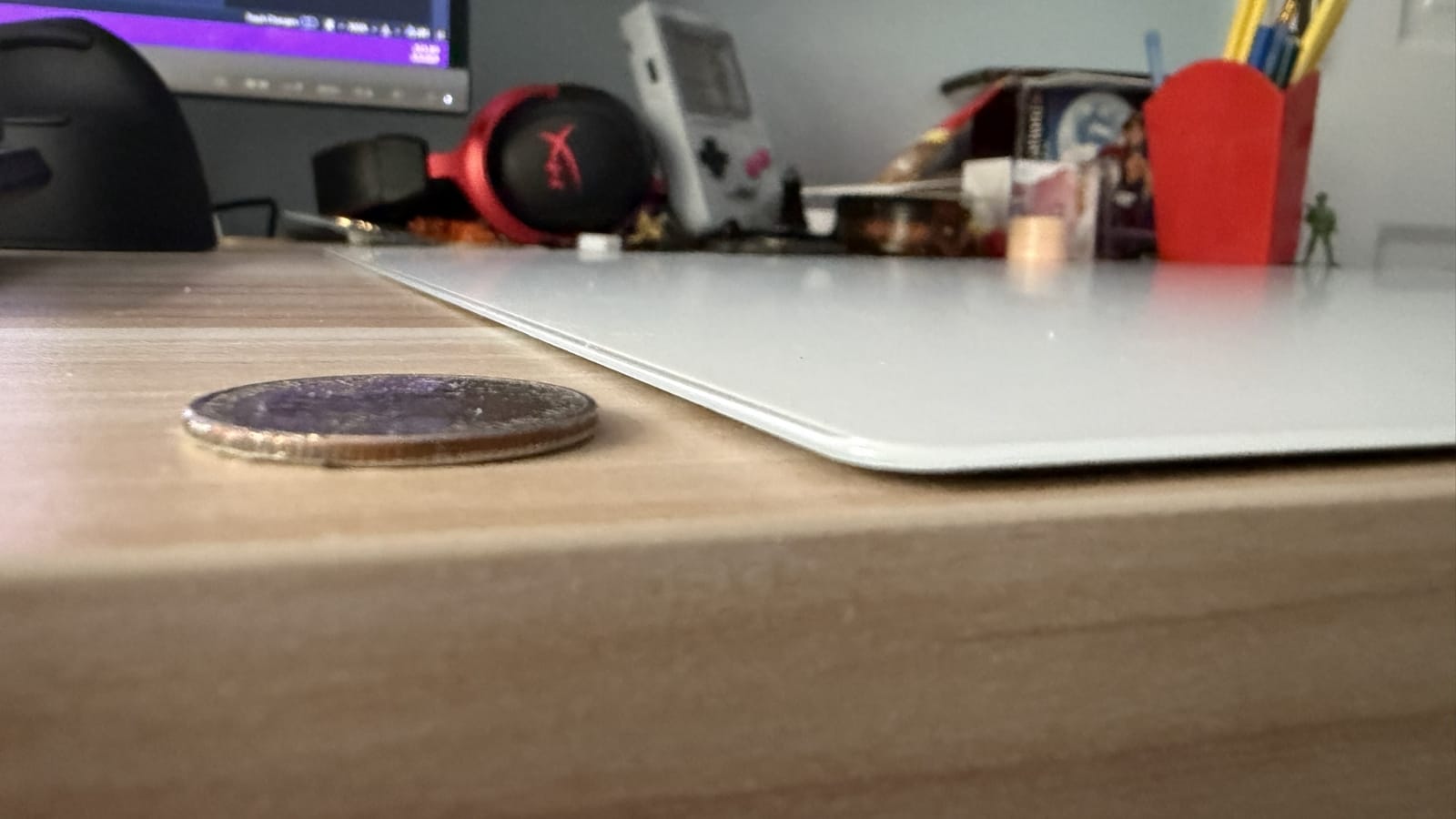
With the mat being so thin, you'd also think you need to be super careful for fear of cracking or breaking it, but the Atlas Pro is surprisingly flexible too. I wouldn't go around bending it as hard as I can, but you can safely lift up one end a bit while the other end is pinned under something. You also don't have to worry too much about scratches, as the glass is rated 9H on the Mohs hardness scale (something I learned about from The Crimson Diamond), meaning most everyday items won't leave a mark. In fact, the mat is more likely to cause damage to something like your house keys if you rub them together.
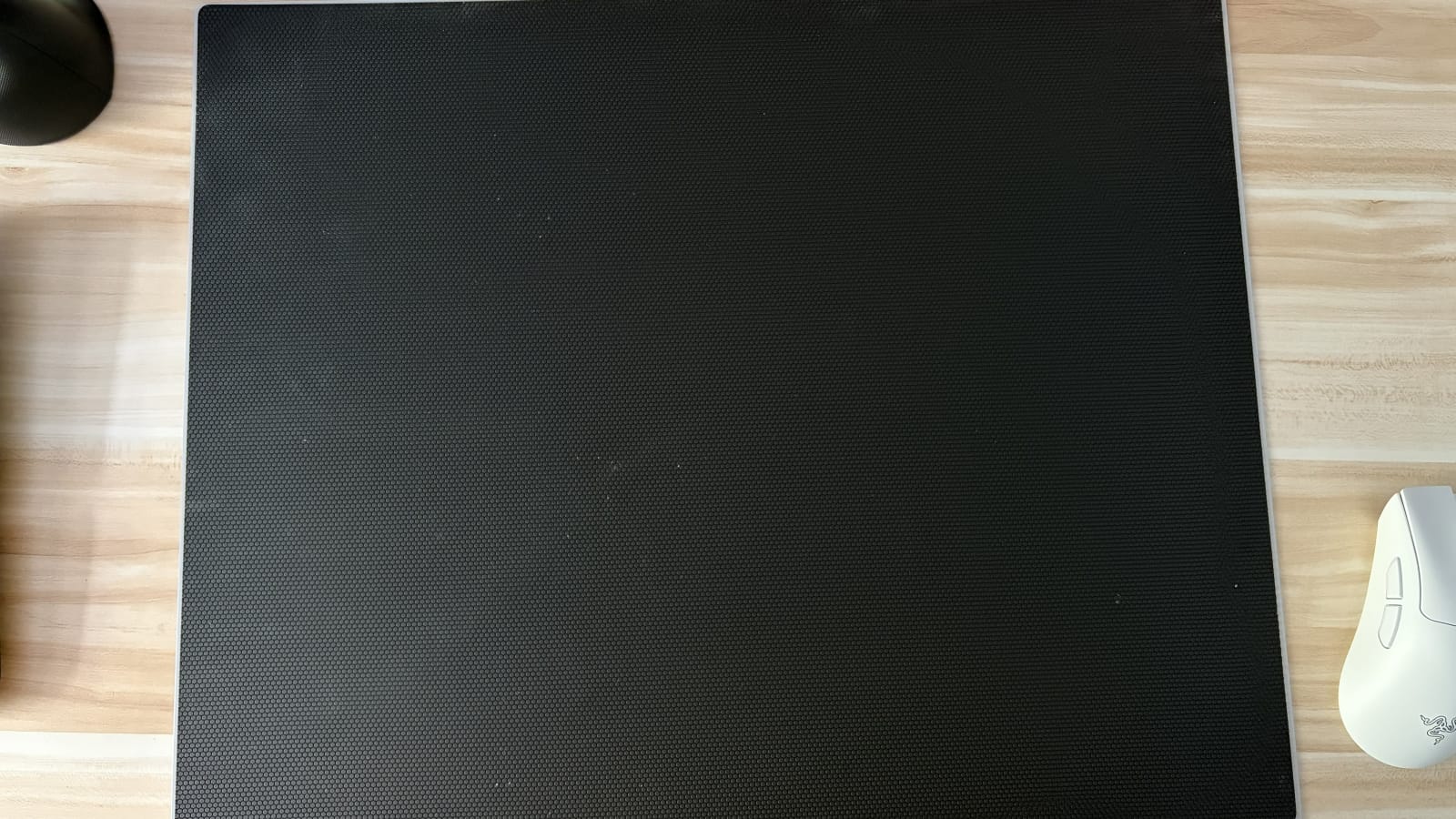
The mat comes in two colors, black and white, and I went with white to match my desk. I do worry that it might become dirty over time, but so far, any dust, dirt, or other debris that's landed on it I've been able to clean off as easily as just brushing it away. My old cloth mat had a lot of wear and tear on it, and while we can only really know how it holds up by using it over a long period of time, this is a promising start.
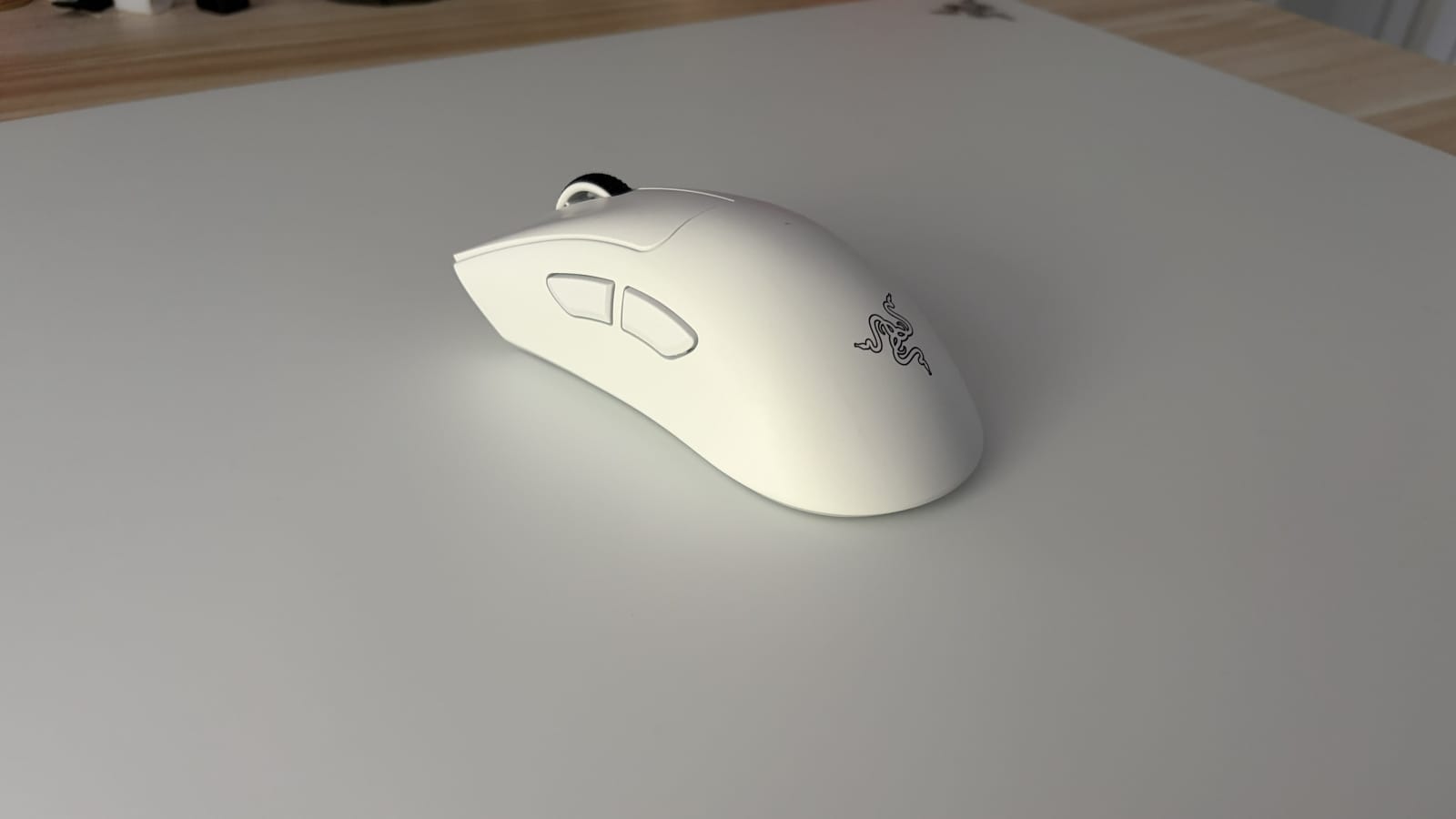
I do find that the Atlas Pro is way too big for its own good, especially considering how the glass facilitates smaller, quicker mouse movements over broad strokes. I keep my DPI pretty high, so I'm only using the left third of the pad, with the rest of it sitting under general desk clutter. The thinness helps this not matter as much, but considering the $129.99 price tag I feel like Razer could sell a much smaller variant at, say, a third of that price. Of course, having more room is nice so the mouse doesn't fall off the mat, but this thing is massive.
Razer also sent me two mice: the Death Adder and the Ergonomic Pro Click V2. I've been using both with this mat as well as an ergonomic keyboard they sent me (review coming soon) and, while the Pro Click has a bit more friction due to its weight, both glide effortlessly across the Atlas Pro. I ended up not really liking the ergonomic mouse, as the form factor is comfortable enough but I find it a little cumbersome to move around and a little jittery besides.
In contrast, I am enamored with the Death Adder. I generally prefer mice with a bit more weight to them, as this thing is light as a feather, but it's very comfortable to use and the 8000Hz polling rate is an absolute game changer. Testing it with Halo: Reach, I suddenly found myself able to make headshots easily. I like first person shooters, but I have never claimed to be any good at them, and that actually might change with this mouse.
It feels like the Death Adder and the Atlas Pro were made for each other. The glass surface facilitates smooth motion with lighter mice, and really does wonders for high polling rates when compared with other surfaces. It provides an ease of use that makes the mouse disappear in your hands, something I've never really experienced when using a computer. It's something that, once you experience it, you won't really want to go back.
Razer Atlas Pro
Excellent
The Atlas Pro mouse mat may be oversized, but for those of us slaving over a hot keyboard and mouse all day long, it makes small but significant differences in everyday computing and gaming. It's comfortable, sleek, and lets any mouse glide smoothly over its surface.
Pros
- Stylish form factor
- Incredibly thin and comfortable
- Surprisingly flexible and difficult to damage
- Absolutely perfect for the Death Adder
Cons
- Way too big
- Pricey for a mouse pad
This review is based on a retail copy provided by the publisher.