There’s a common misconception that “budget” audio gear means either “cheap” or “junk”. While it is true that there is a crowded world of budget audio gear on the market, it’s easy to assume that a compact USB audio interface is going to be a compromise — a stopgap solution until you’re ready for something “real”. It’s clear from my time using the Maono P1 USB Audio Interface that the team intends to challenge that assumption with their most recent releases. We reviewed the PD200 microphone and found it to be more than capable. Now we’re seeing what it can do with a device that can amplify what it does well. It’s a device built with a clear understanding of what modern creators actually need: clean gain, reliable monitoring, real‑time processing that doesn’t sound artificial, and a workflow that removes any friction that might slow your production down. While Maono markets the P1 as an accessible entry point for beginners, it might be the bit of simplicity that lets people “just press record”.
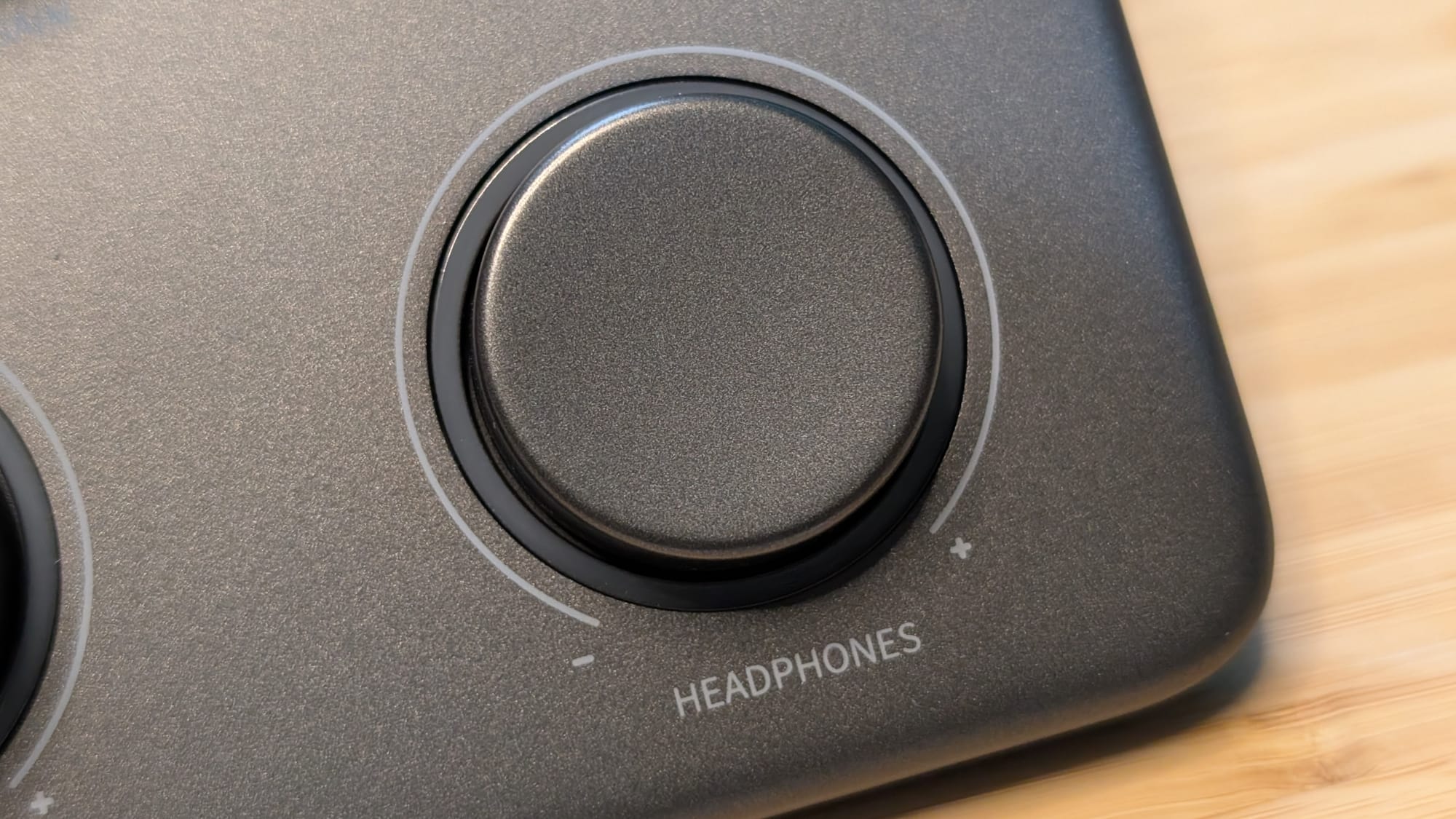
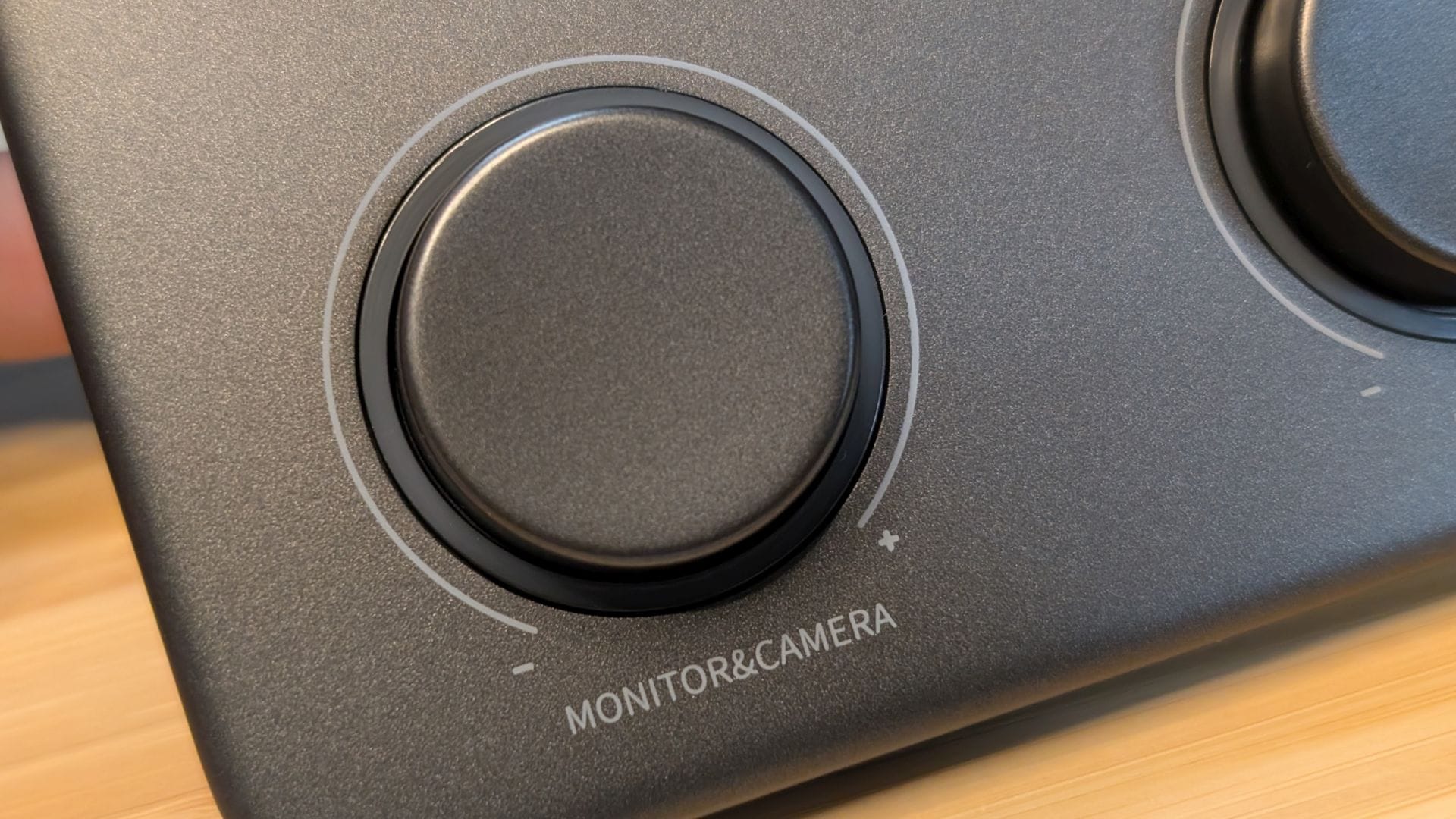
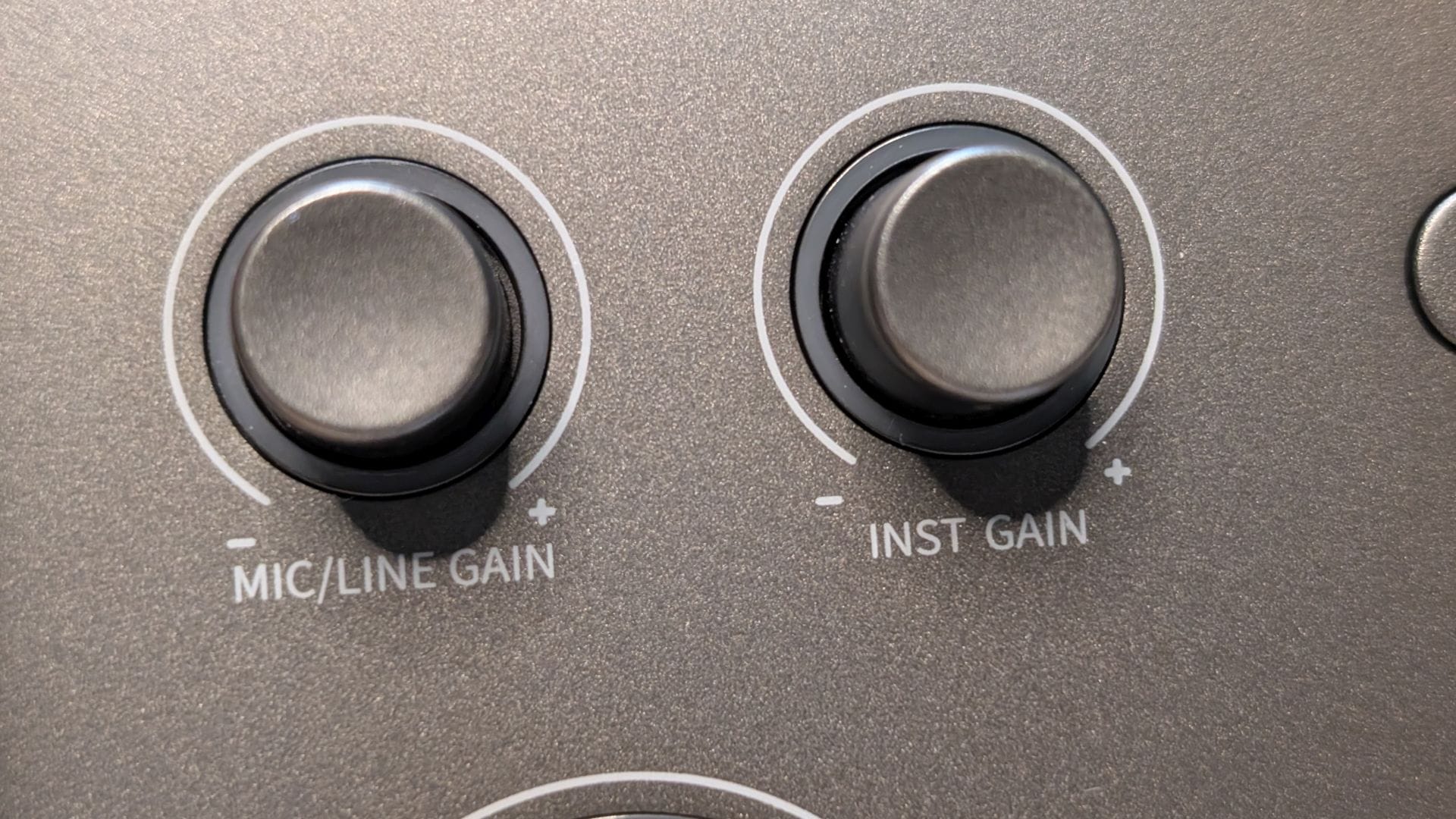
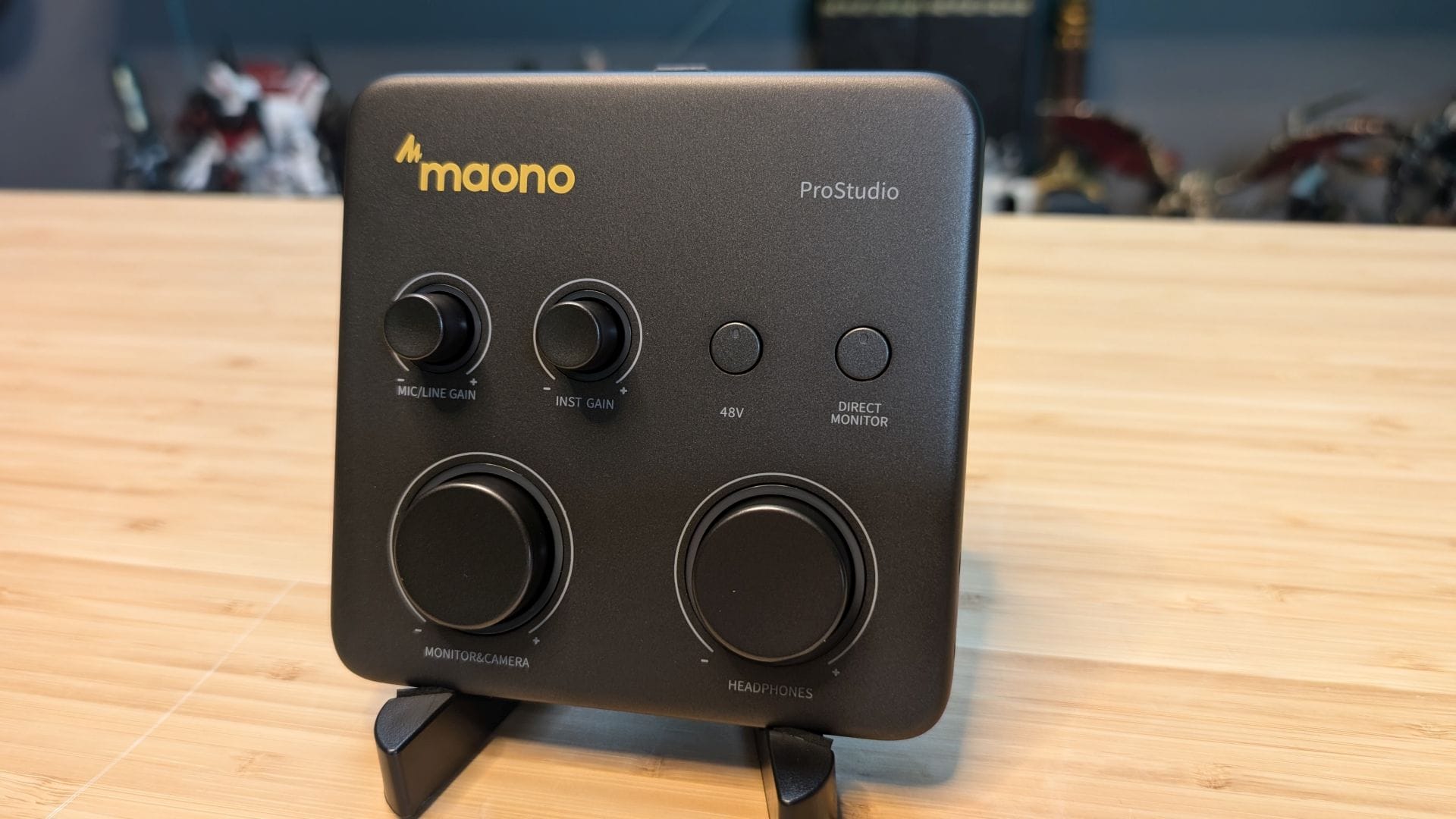
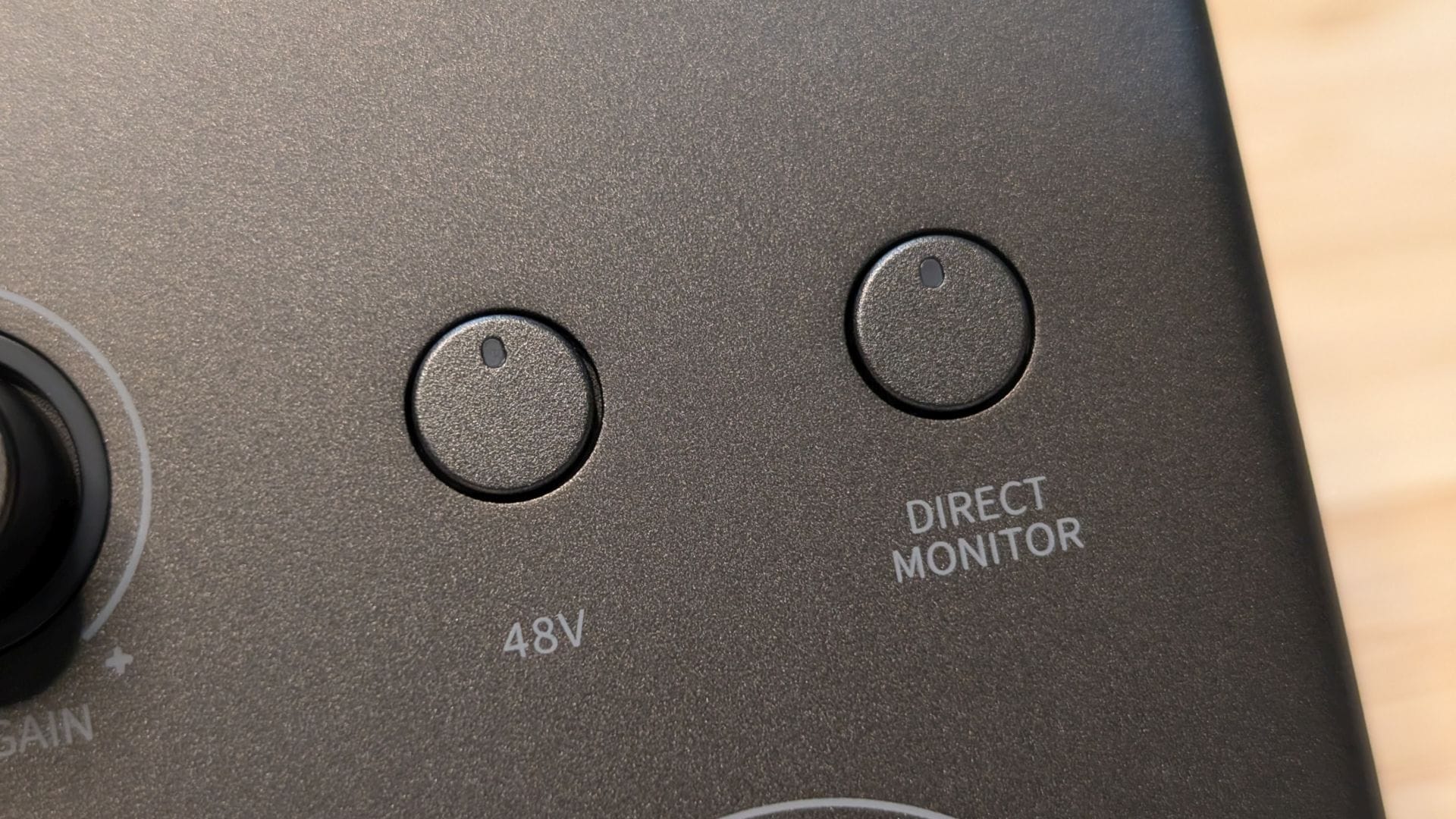
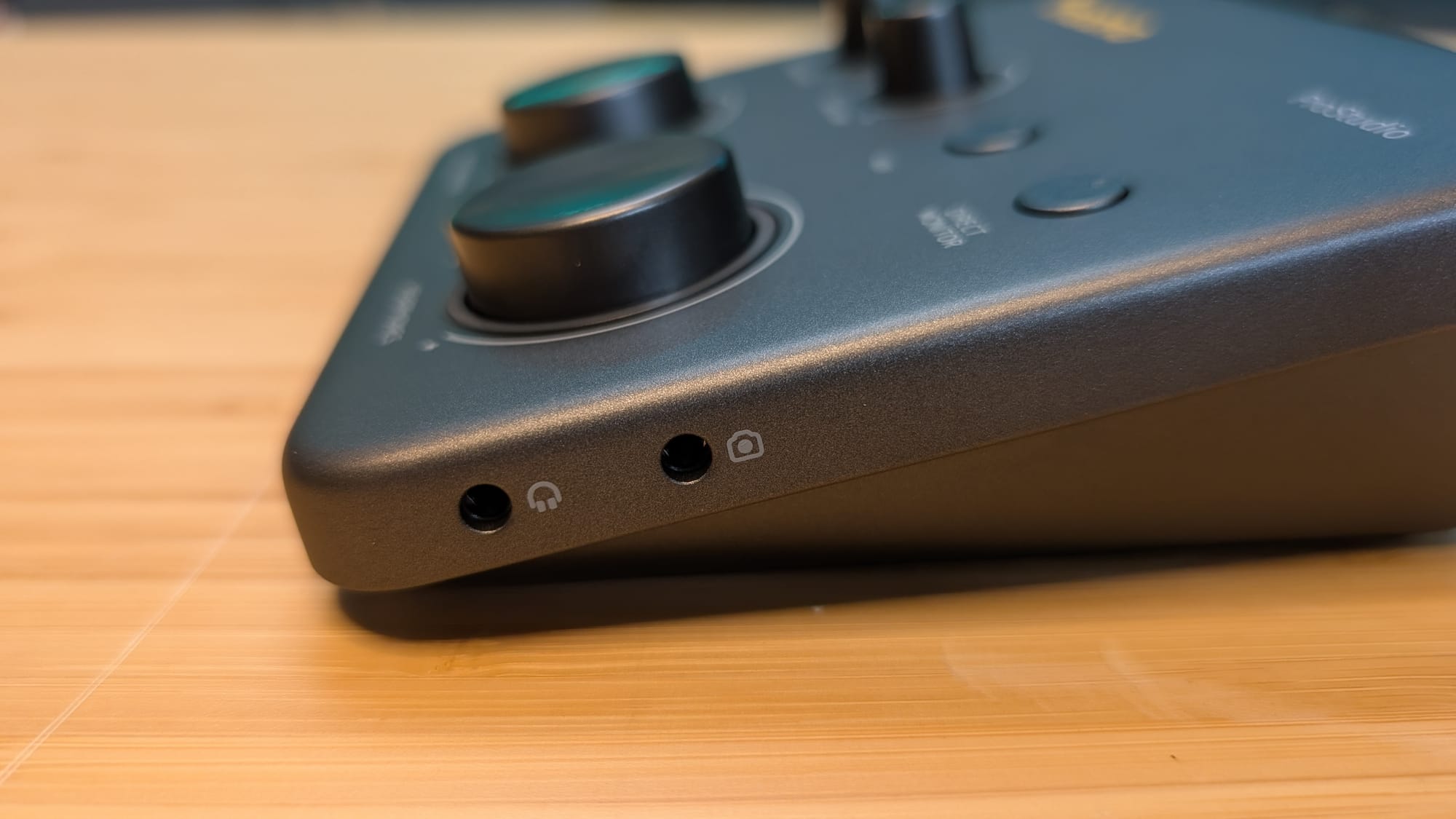
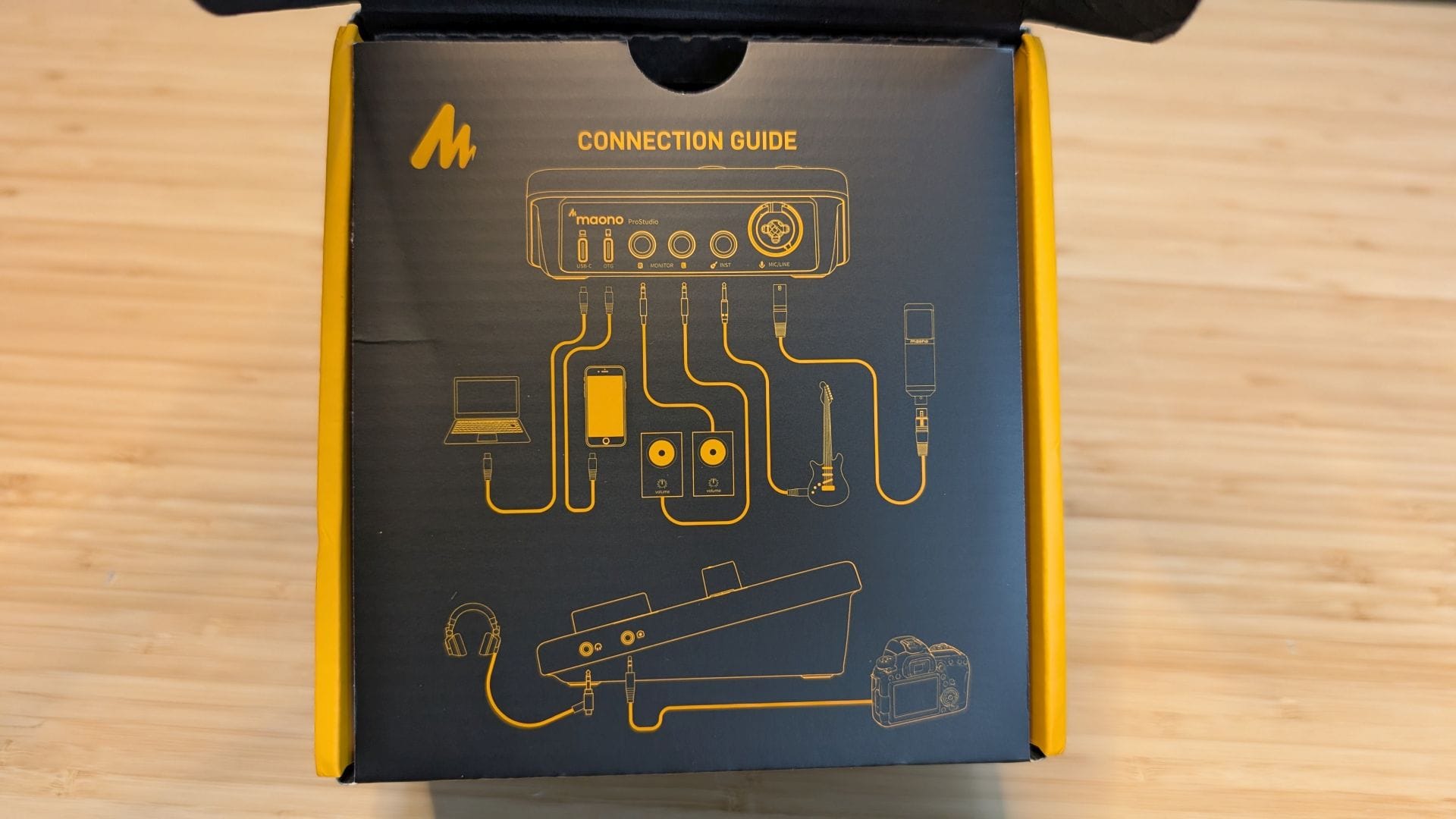
I would describe the P1’s product design as one of intentional simplicity. Its footprint is small, but the build quality feels reassuringly solid. The controls are laid out with a clarity that suggests Maono spent time observing how creators interact with their gear. The gain knob has a smooth, deliberate “notchy” resistance that makes fine adjustments feel precise rather than imprecise. The mute button responds instantly and almost silently, avoiding the audible and clacky pops that plague cheaper interfaces or better pickups. The real‑time monitoring toggle (labeled “Monitor & Camera”) is positioned exactly where you’d expect on the left, and the headphone volume control (on the right) offers enough range to accommodate everything from sensitive in-ear-monitors (IEMs) to high-quality studio headphones. Both of these are large dials with click-to-mute functionality. Above them lies two knobs and two buttons. The two knobs on the left are “Mic/Line Gain” and “Inst Gain”. The two buttons to the right are 48V and Direct Monitor, both with LEDs to indicate status on the 12:00 position of the button. On the right side of the device is a pair of 3.5mm audio jacks – one for headphones, and the other for a camera audio connection. Nothing about the P1 feels cluttered or overthought - it’s something meant to be used, not as a glowing RGB centerpiece for your next selfie.
Where the P1 begins to distinguish itself is in its preamp performance. Many compact USB interfaces struggle with dynamic microphones, especially those with lower sensitivity. They introduce hiss, distortion, or odd digital tonal wobbles at the higher gain value. The P1, however, delivers a surprisingly clean and stable gain without a single inconsistency. Even when driving a dynamic microphone like the Maono PD200W — a mic that benefits from healthy gain, the P1 maintains a low noise floor, as well as avoiding the crackles that can sometimes occur near the top end. This clean gain performance is one of the P1’s most impressive traits, and it’s a major reason the interface feels like it belongs in a higher price tier. You can read our full review of the Maono PD200W right here – if you pick up a P1, that microphone pairs with it perfectly.
The P1’s real‑time DSP processing is another standout feature. Many entry‑level interfaces include “effects” that are little more than gimmicks. These gimmicks often give the sound a tinny or unnatural tone that your audience will notice. It’s said that folks will put up with blurry visuals, but bad audio is an instantly closed window. The P1 takes a different approach to its DSP. The onboard processing is subtle, tasteful, and most importantly, useful. The noise reduction algorithm, for example, does an admirable job of taming low‑level backgrounds like the clicking of keys or the hum of an air conditioner without crushing the natural timbre of the voice. It’s not a heavy‑handed gate or a digitally added effect. Instead, it feels like a layer of polish that helps you achieve a warm sound even in a challenging room with echo and other distractions, and all without post‑processing.
Understanding what the device is trying to show you comes courtesy of the LED circles around every knob. Green means you are well within audio range. Yellow means you are approaching clipping, and red means the sound has clipped. These offer a visual indicator if your subject is overspeaking for the audio pickup and needs to be adjusted. More than that, it also shows how close you are to clipping – they aren’t just on or off, but instead show where you are in the audio envelope. It would have been easy for Maono to just go for red, yellow, and green, but they did the extra bit to give you an EQ without needing to open the EQ.
The EQ presets follow the same philosophy. They’re not meant to replace a full parametric EQ, but they offer gentle shaping of the overall tone that can help a voice sit more comfortably in a mix instead of on top of it, or worse, drowning underneath it. Whether you need a touch more clarity, a bit of warmth, or a slightly more forward presence, the P1’s presets provide all of the adjustments you’ll need without that same artificial wobble that can sometimes happen with EQ adjustments. The limiter is equally well‑implemented, catching sudden peaks without needing to suddenly boost volume or cut out entirely.
One of the most overlooked strengths of the P1 is its monitoring performance. Zero‑latency monitoring is crisp and accurate, with no perceptible delay. This is crucial for solo creators who need to rely on real‑time feedback while recording or streaming. Additionally, the headphone amp is surprisingly powerful, capable of driving higher-end headphones without any distortion or electronic tiling. When livestreaming, you get exactly one chance to get it right, so proper monitoring you can trust is crucial, and not something I've been able to say has been the reality of a lot of more cost-conscious devices in this space.
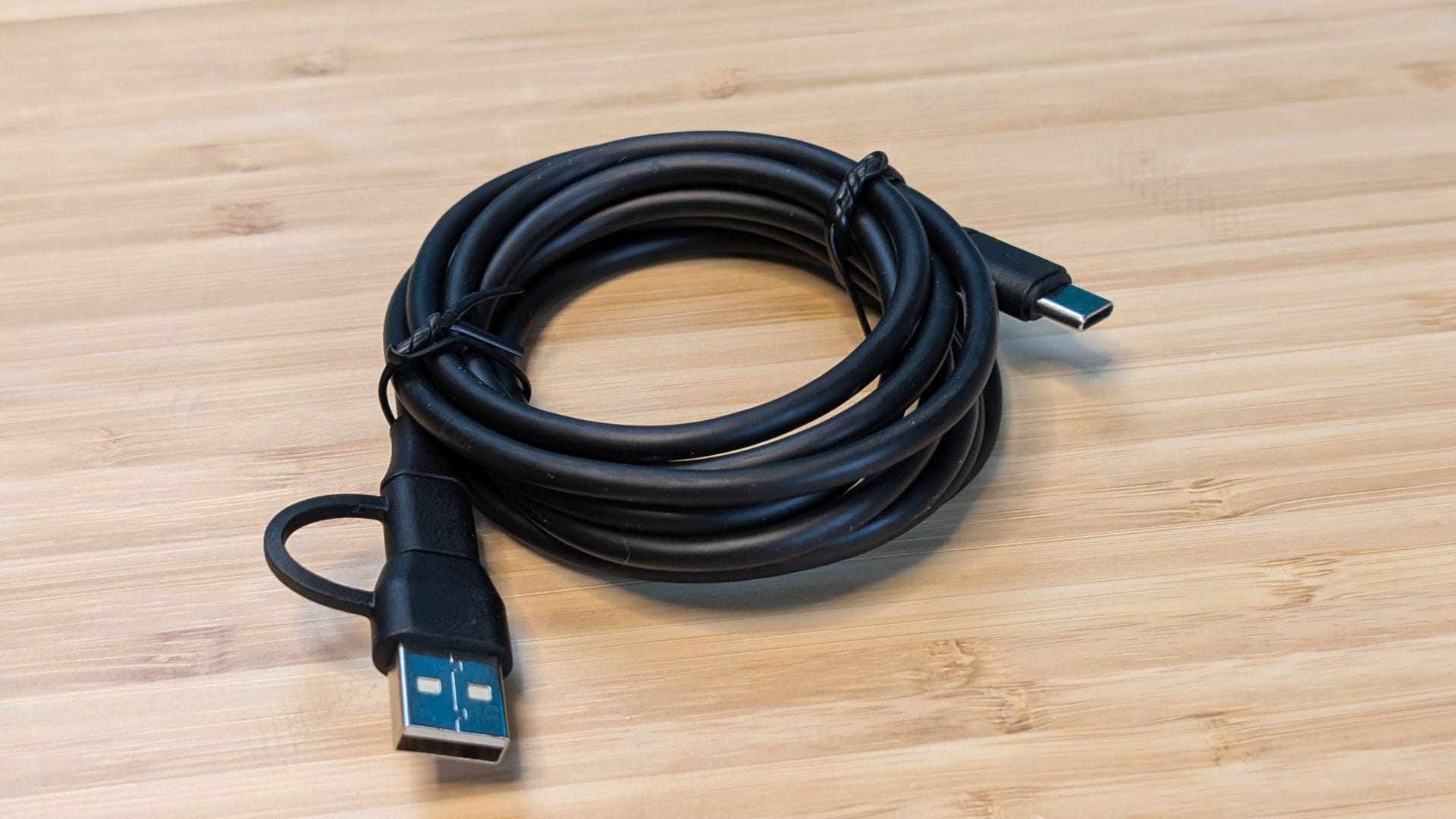
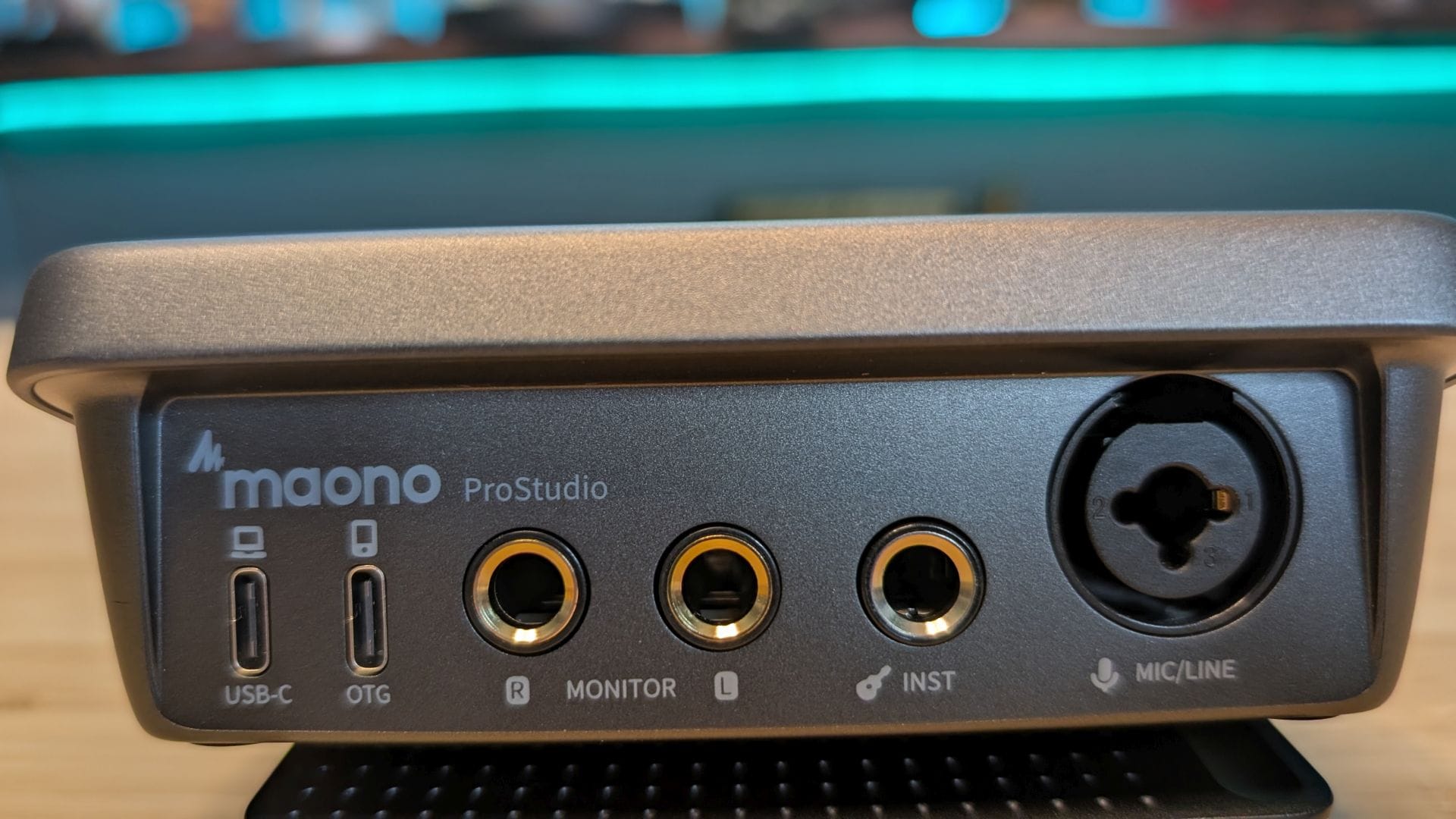
I expected the Maono P1 to deliver a solid USB audio interface, but I didn’t expect it to be accompanied by a standard XLR port as well. The P1 has both, as well as the inclusion of a 48V phantom power toggle to bring it to life. If you’re using the PD200W via that XLR, it’s surprisingly unneeded. In fact, the whole thing is plug-and-play, requiring no drivers. If you’d rather spend your time recording and less time tweaking and tuning, you’ll appreciate that whether you use this microphone in USB mode or with a condenser microphone, you’re not only set, you’ve got room to grow without needing to replace the interface. At just $69.99, it delivers all of this tech at a price that’s frankly about half of what you'd expect.
On paper the Maono P1 is a rockstar, but how does it perform in practice? Remarkably well, thankfully. For streamers or folks doing voiceovers, the clean gain and real‑time DSP help maintain a polished vocal presence even in chaotic environments where you have a game playing in the background. The noise reduction eliminates overly-clicky keyboards and ambient room noise, while the limiter prevents clipping during explosive hype moments. Podcasters benefit from the interface’s low noise floor and stable monitoring, allowing them to capture consistent, professional‑sounding dialogue without relying on post‑processing that’ll add to their workload. Voiceover artists will appreciate the P1’s ability to deliver a clean, neutral signal that responds well to external processing chains like those in programs like Audacity. If you’d like to hear it in action, check out any of our last dozen reviews where I’ve provided the voiceover – those were handled with the Maono P1 and PD200W combination!
One of the things I appreciated most about the P1 is that it scales with the user. Beginners can plug it in, select a DSP preset, and immediately achieve a clean and polished sound. More experienced creators can disabled DSP and use their own post-processing to achieve exactly the sound they want. It’s a device that doesn’t force you into a particular workflow; it adapts to the one you already have. It’s focused on delivering a clean, modern, creator‑friendly experience that prioritizes usability and sound quality. To that end, it succeeds, but paired with a microphone like the PD200W, it forms a chain that feels cohesive, easy to use, and far more capable than its price suggests.
Maono P1 USB Audio Interface
Excellent
For people who want a compact, reliable, and fantastic sound that doesn’t require tweaks or troubleshooting, the Maono P1 is very easy to recommend. The fact that it does so without breaking the bank is a fantastic bonus.
Pros
- Exceptionally clean gain USB interface, with plenty of headroom
- Real‑time DSP with noise reduction, EQ shaping, and limiting
- Zero‑latency monitoring
- Plug‑and‑play simplicity with USB‑C power and data or XLR
- Solid build quality and a compact footprint
Cons
- Single XLR input limits multi‑mic or multi‑source recording setups
- DSP presets are fixed rather than customizable, which may leave advanced users wanting finer control
This review is based on a retail version provided by the manufacturer.