Content creation can be a game of incremental growth. With consistency, you can build an audience over time. In a similar manner, it’s reasonable for new creators to start with affordable tools and build from there. FIFINE’s AM8PROT microphone kit has proven to be an excellent option for creators looking to get a quality microphone and boom arm affordably. In a similar vein, their SC8 mixer is another great way to add options to your toolbox.
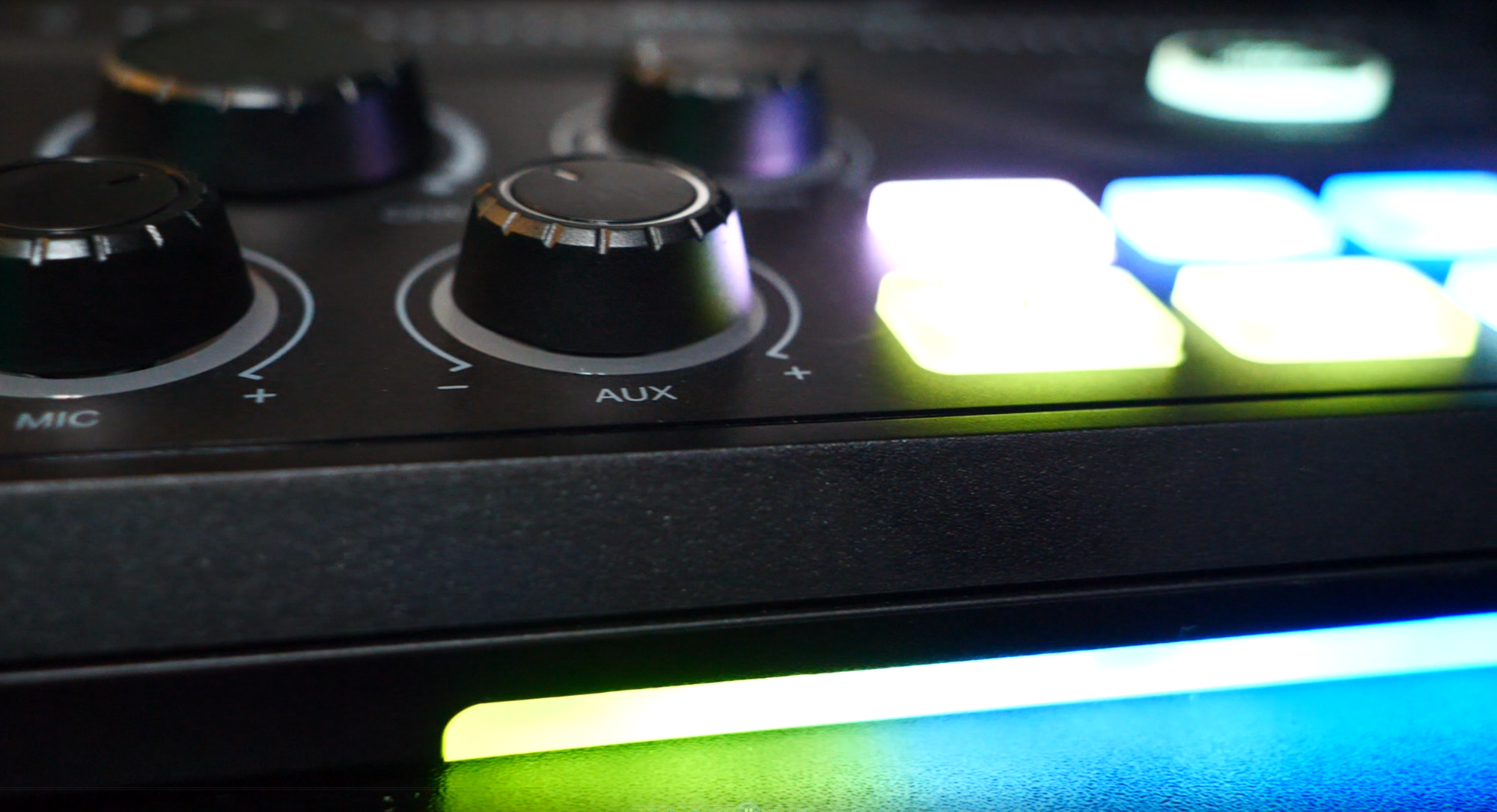
For a lot of people, a solid microphone like the FIFINE AM8PROT or Elgato Wave 3 is as much as they’ll need. They plug in via USB-C and sound great with minimal effort beyond plug-and-play. Many of us who’ve been creating content for any period of time will often want the option to do more, though. It’s not unreasonable to want control over the volume of a game, your voice, and maybe some music or a video in the background. Controlling all that in the software is possible, sure, but a dedicated hardware mixer puts all that in a single piece of gear you control manually. FIFINE’s SC8 gives you all that and some nice extra bells and whistles for about the same price as a new triple-A video game.
First, you need to be mindful that this is a tool designed for microphones that don’t rely solely on USB-C. The FIFINE AM8PROT, Elgato DX, and Shure SM7B are notable XLR contenders. Thanks to FIFINE’s offerings, the SC8 could also give you the tools, even with nothing but a gaming headset like, say, the HyperX Cloud Stinger 3.
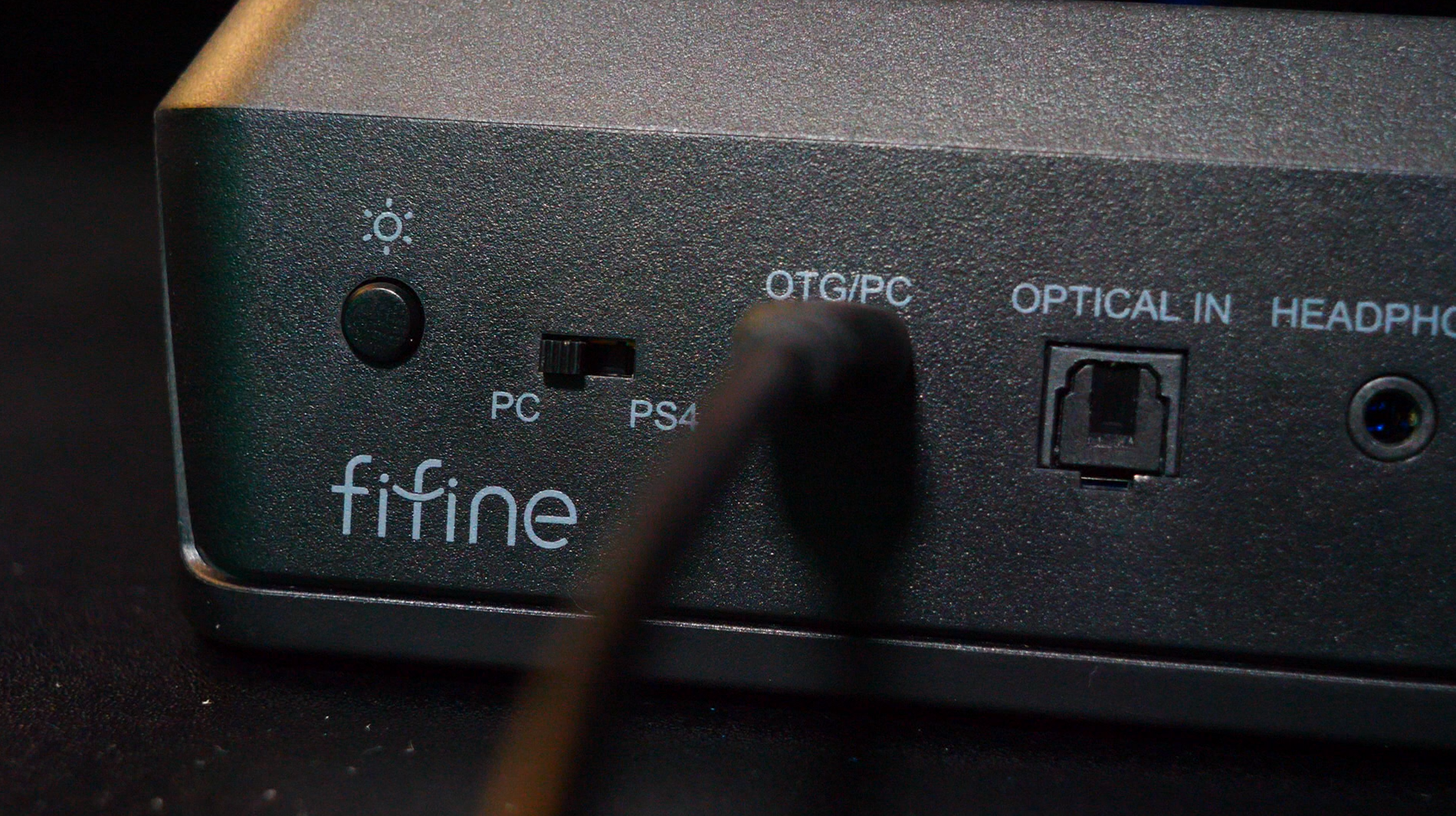
With your weapon of choice in mind, you’ll plug your microphone into the mixer. After that, you can use the included auxiliary cable or an optical audio cable to run audio from your PC or game console into the mixer. With FIFINE’s Genie software, you can even assign a channel for chat audio. Plug in a set of 3.5mm earbuds or headphones to monitor your output, and you’re ready to fly.
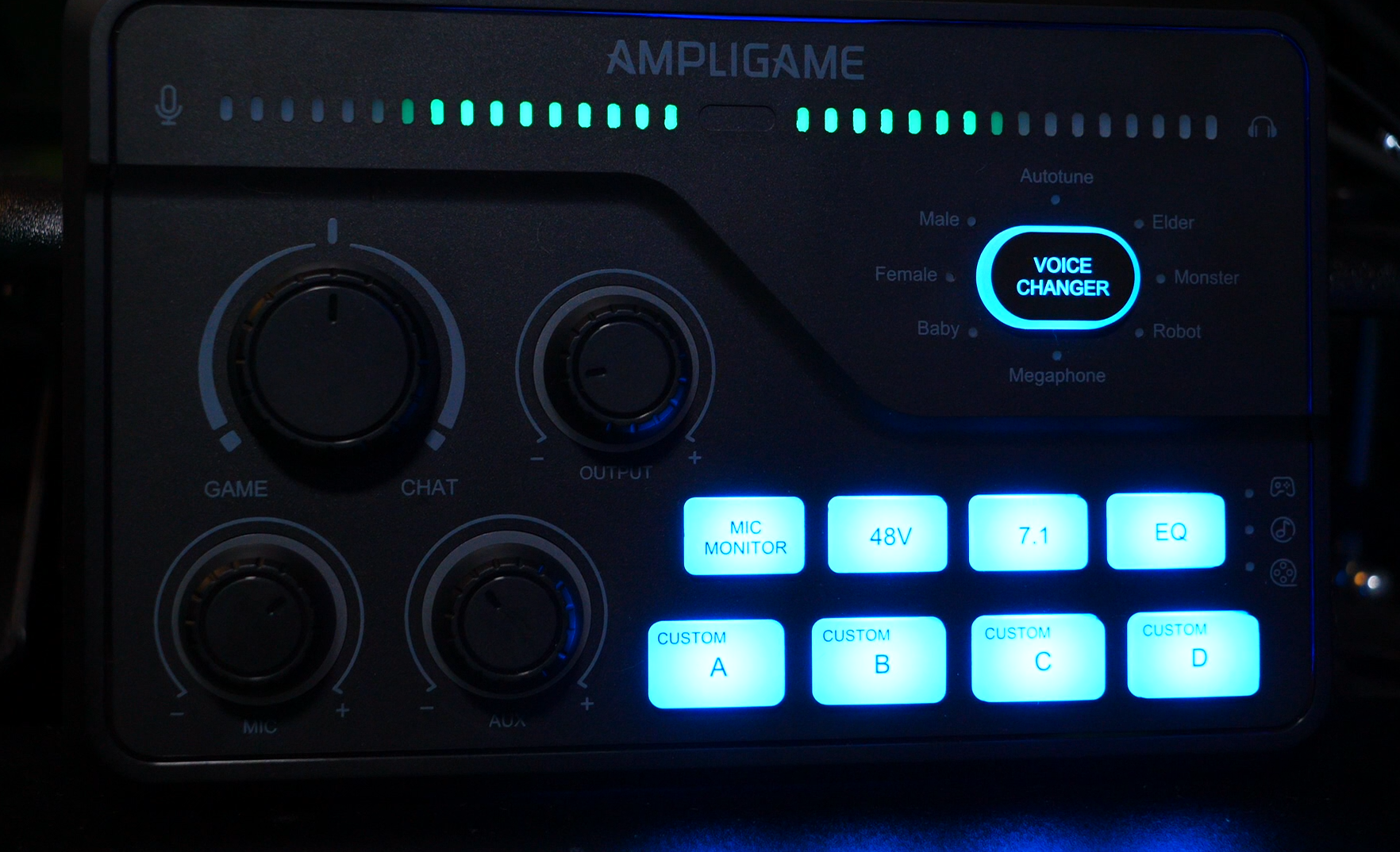
Using the four built-in knobs, you’ll be able to control the balance between game audio and chat volume. Is the game too loud to hear your buddies chatting? Turn that knob until things sound good. One knob controls the dedicated volume for your microphone in the mix. One is dedicated to the auxiliary/optical audio volume. Finally, the last knob controls overall volume. It’s really handy to be able to adjust everything smoothly on the fly. Even cooler, the microphone, auxiliary, and overall volume knobs have a button-press feature that acts as an instant mute for what it controls. Pretty slick. It’s also worth noting that in my experience with the SC8 and the AM8PROT, the microphone output sounded crystal clear. I dare say it was even better through the mixer than on its own as a USB mic.
On top of the smooth volume adjustments, which are a lot of the reason you’d want a physical mixer to begin with, the FIFINE SC8 gives you a few more tools. You can turn the monitor output on/off with a touch of a single button. Should your mic need the 48V phantom power, you can activate it with a single button. One of the SC8’s dedicated buttons allows you to turn on 7.1 surround sound, which is a feature I’ve not seen on lower-end mixers. There’s also a dedicated EQ button that lets you adjust output based on a game, movie, or music preset.
Along with the dedicated functionality mentioned above, the SC8 has a built-in voice changer, should you want the option to explore it. This lets you cycle through eight different presets ranging from a baby to a robot (which is, honestly, virtually impossible to understand) and more. I get the novelty of these built-in options, but I feel like this functionality is a little bit throwaway. It could be fun to break out with your buddies in a pinch, but you’re not going to want it to be part of your everyday toolset.
Finally, the mixer comes with 4 built-in customizable buttons. As a streamer, these could be useful for things like preset audio cues you use regularly, and having them be customizable gives you some flexibility that could be handy.
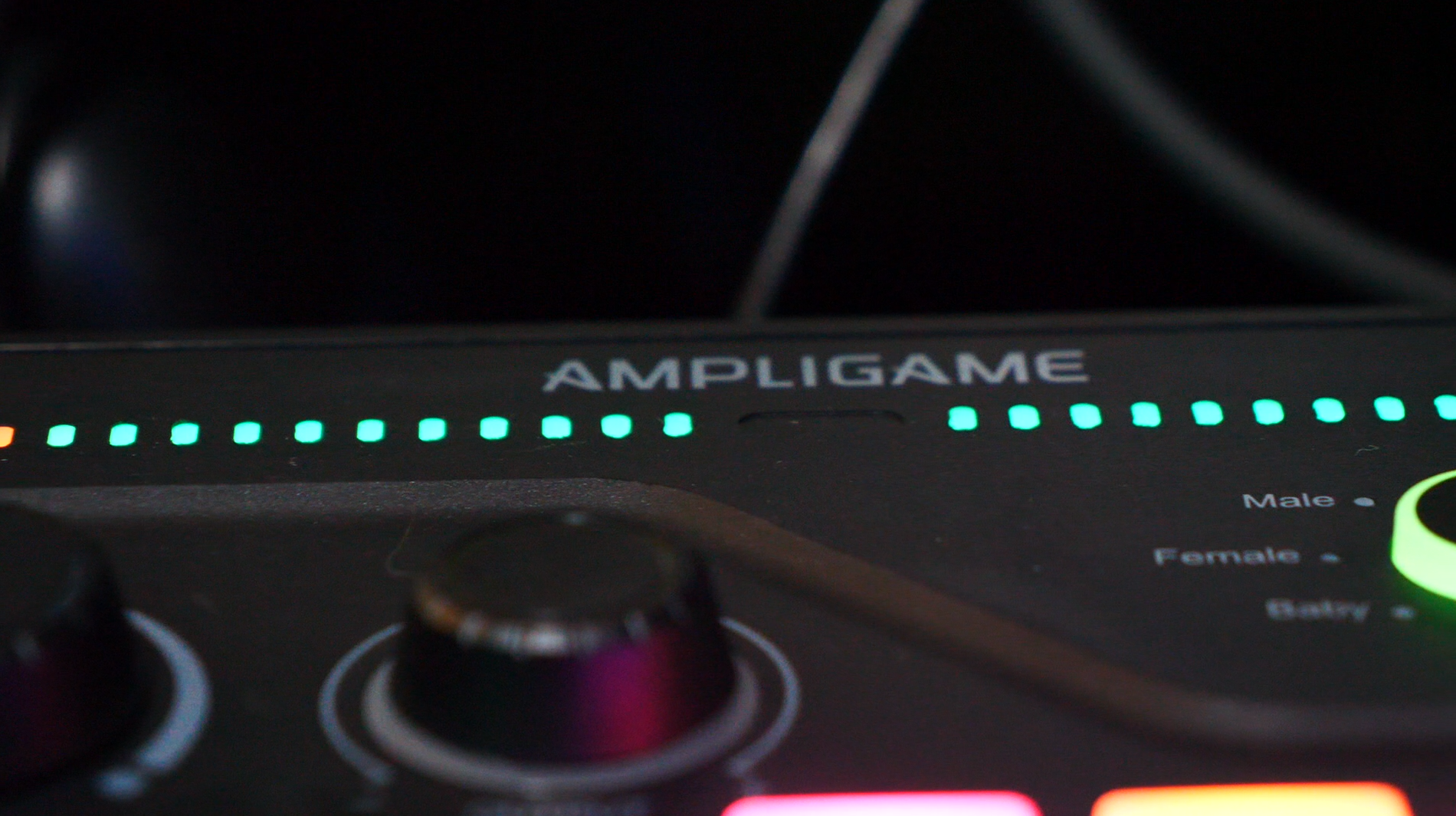
Oh yeah, I’d be remiss to leave out the built-in RGB options here, too. There are a handful of presets you can cycle through. These will show up with the preset/custom buttons and a forward-facing lightbar on the base of the unit. Of course, with the Genie software, you have much greater flexibility on how you want this to be used. It’s fun and could liven things up on a livestream if you want.
If you’re a growing content creator (or just a gamer wanting some goofy options to break out with your buddies) and want more audio control at your fingertips, the FIFINE SC8 is a great option, provided you have the desk space and an XLR microphone (or gaming headset). This won’t be the right fit for everybody, but for those looking for more, you’ll get greater control in a neat package. When the well-known options in the space are $360 for a GoXLR, it’s great to know companies like FIFINE have great options for a fraction of the price that will serve your needs.
FIFINE AmpliGame SC8 Mixer
Great
FIFINE’s AmpliGame SC8 mixer offers solid functionality and performance without breaking the bank. Whether you’re running an XLR microphone or headset with a microphone, the SC8 lets you adjust volume and output for a handful of devices in a small, easy-to-use unit. With built-in equalization settings, noise reduction, voice changer presets, and programmable keys, this little guy puts more analog control at your fingertips. A solid recommendation if you’re looking for more options in your content creation toolkit.
Pros
- Customizable with FIFINE Genie software (including an excellent noise reduction toggle in the software will have your XLR mic sounding great)
- Knobs are big and comfortable, get visual volume feedback, and double as mute buttons
- Can take input from XLR, 3.5mm, and Optical Audio options,
- Great affordable option with plenty of bang for your buck
Cons
- If you use it with the AM8PROT, your microphone won’t get the pretty RGB lights (but the mixer does!)
- Getting accustomed to a mixer can take some practice if you’ve never used one before
- Voice changer options are interesting, but feel more like a bullet point than a practical tool. Your mileage may vary.
This review is based on a retail copy provided by the publisher.