Back buttons are a complex thing. Mainly in that everyone will have a favorite, as they sit in everyone's grip differently. AimController's Spider layout has been around for a while, and although it's not my favorite (although their AIM MH5 PC controller is), it's still more than serviceable. Now, you can choose something new – their Delta button design. This new build has two larger buttons in grip, with two on the front between and beside your R1 and L1 bumpers. Check it out below, and use CODE: GamingTrend for 5% off any order!
AIM DELTA Controller
USA branch of Aimcontrollers - custom PS5, PS4 & Xbox Controllers!

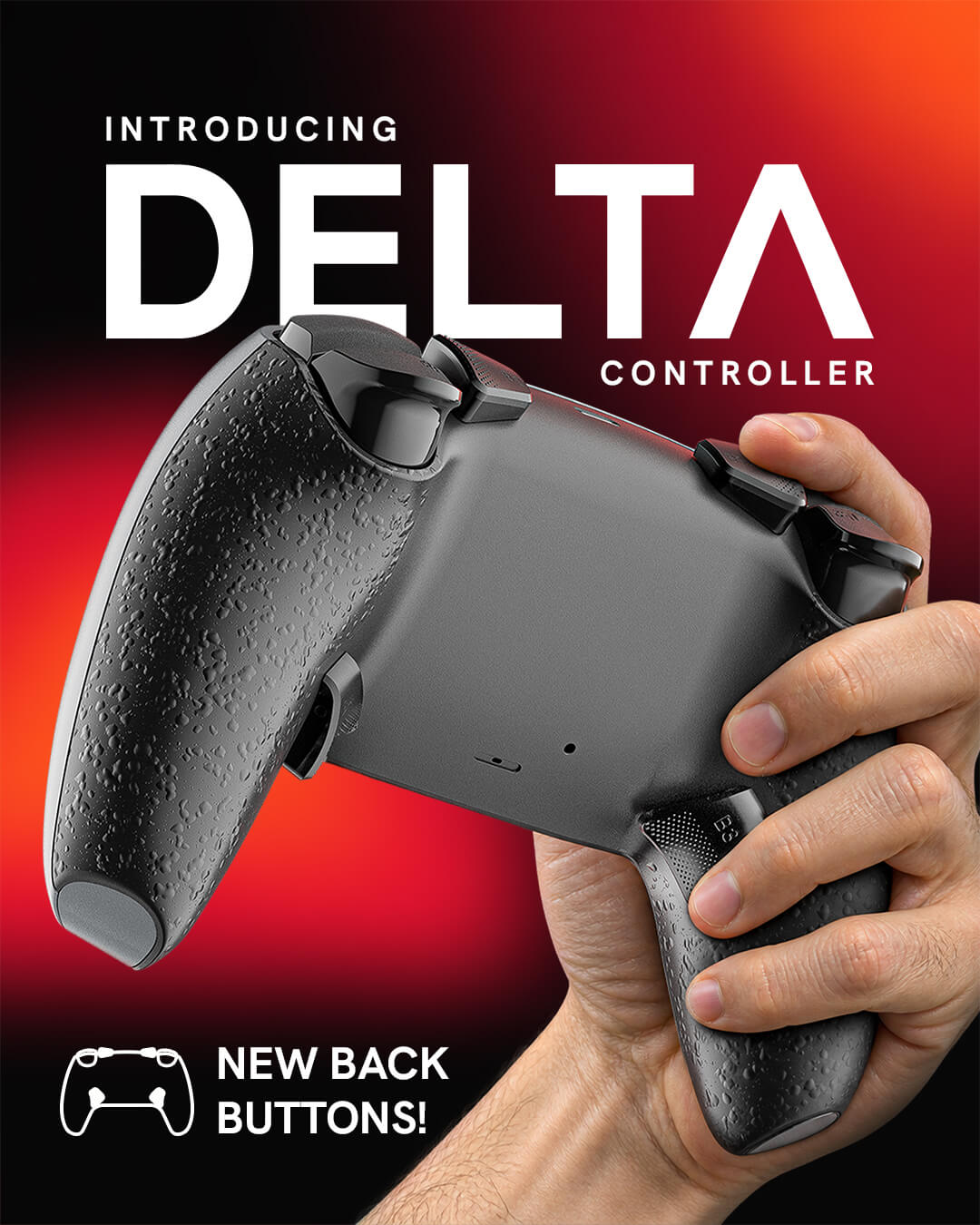
Two shoulder buttons next to L1 and R1, two rear buttons on the grips. Your index and middle fingers take over the moves your thumbs used to make, so your aim never stops.
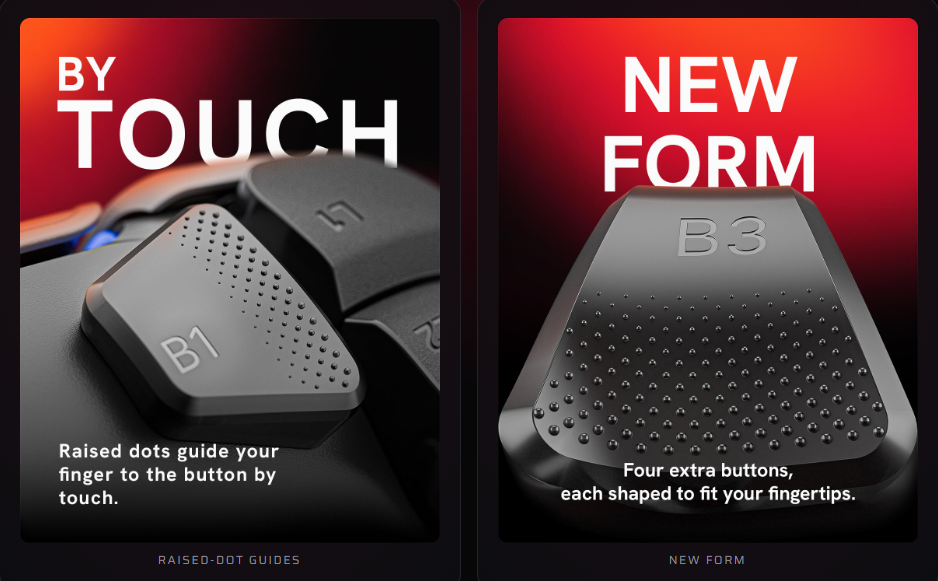
Four extra buttons, right where your fingers rest
4 Extra buttons
B1, B2, B3 and B4 put more actions under your fingers without moving your thumbs.
2+2 Shoulder + rear layout
Two buttons next to L1 and R1 for your index fingers, two on the grips for your middle fingers.
10 Functions to choose from
Build a custom DELTA and pick the function of every extra button in the configurator.
Every move you need. In reach.
Jump, crouch, reload or ping without taking your thumbs off the sticks. Each DELTA button triggers a controller function, so the action follows your in-game layout.
B1 and B2 Shoulder buttons
On the top edge, right next to L1 and R1. Pressed with your index fingers.
B3 and B4 Rear buttons
On the back of the grips, exactly where your middle fingers rest.
No stretching, no regrip
You press every DELTA button from your natural grip, so after a few matches they feel like they were always part of the controller.
Textured grips keep the controller locked in your hands during long sessions.
Shaped to fit your fingertips
You never look down mid-fight. Raised dots and a dedicated shape for every button tell your finger exactly where it is.
Stay tuned to GamingTrend for more AimControllers news and info!