I do a lot of writing and notetaking between my work here at GamingTrend, my job in IT, and other projects on the side. The logistics of being a writer can be tricky; notebooks start piling up, pens go missing, screens hurt the eyes. I never knew there was an alternative solution until I was introduced to the reMarkable Paper Pro Move by a friend who works in marketing. I was finally able to get my hands on one thanks to the reMarkable team, and I've been putting it through its paces over the last few months. It has truly revolutionized how, and where, I do my best work.
The reMarkable Paper Pro Move is an e-ink tablet that removes the headaches of notebook stacks, lost pens, and harmful screens, while presenting a whole suite of options for anyone who is trying to get their thoughts organized. The primary feature of e-ink tablets is the use of ambient light instead of bright LED light to illuminate the display. On traditional tablet devices, light has to be strong enough to pass through several layers, including the diffuser, polarizer, shutters, color filter, and then the touch panel. Conversely, e-ink devices reflect ambient light off a reflective layer, with an additional edge-lit plate to add more light if you're working in a low-light setting.
Reflected light is much safer and easier on the eyes than emissive light because instead of it being pushed in a specific direction, reflected light is diffused into the area around you - your eyes only receive what naturally is directed towards them. Even when increasing the amount of reflected light using the edge-lit plate above the reflective layer, the light directed towards you eyes is much more subtle than even a dimmed setting on a phone or tablet. An e-ink's use of ambient light also means you can easily see what's on screen when outside in sunlight, whereas phones and other tablets have to have brightness increased. Lastly, there's no need to enable a night light or warm color setting on e-ink devices since your eyes aren't being pummeled by blue light.
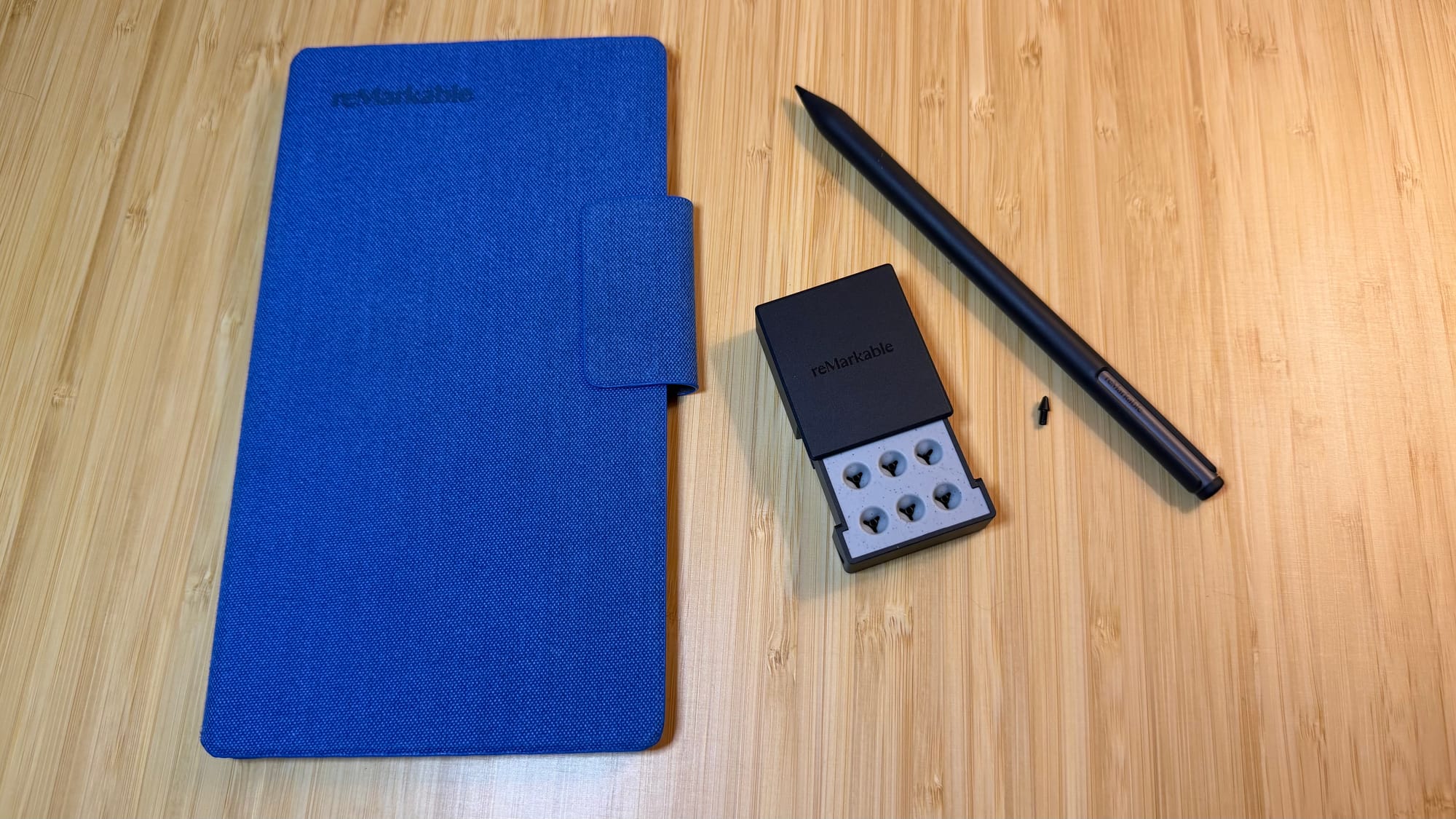
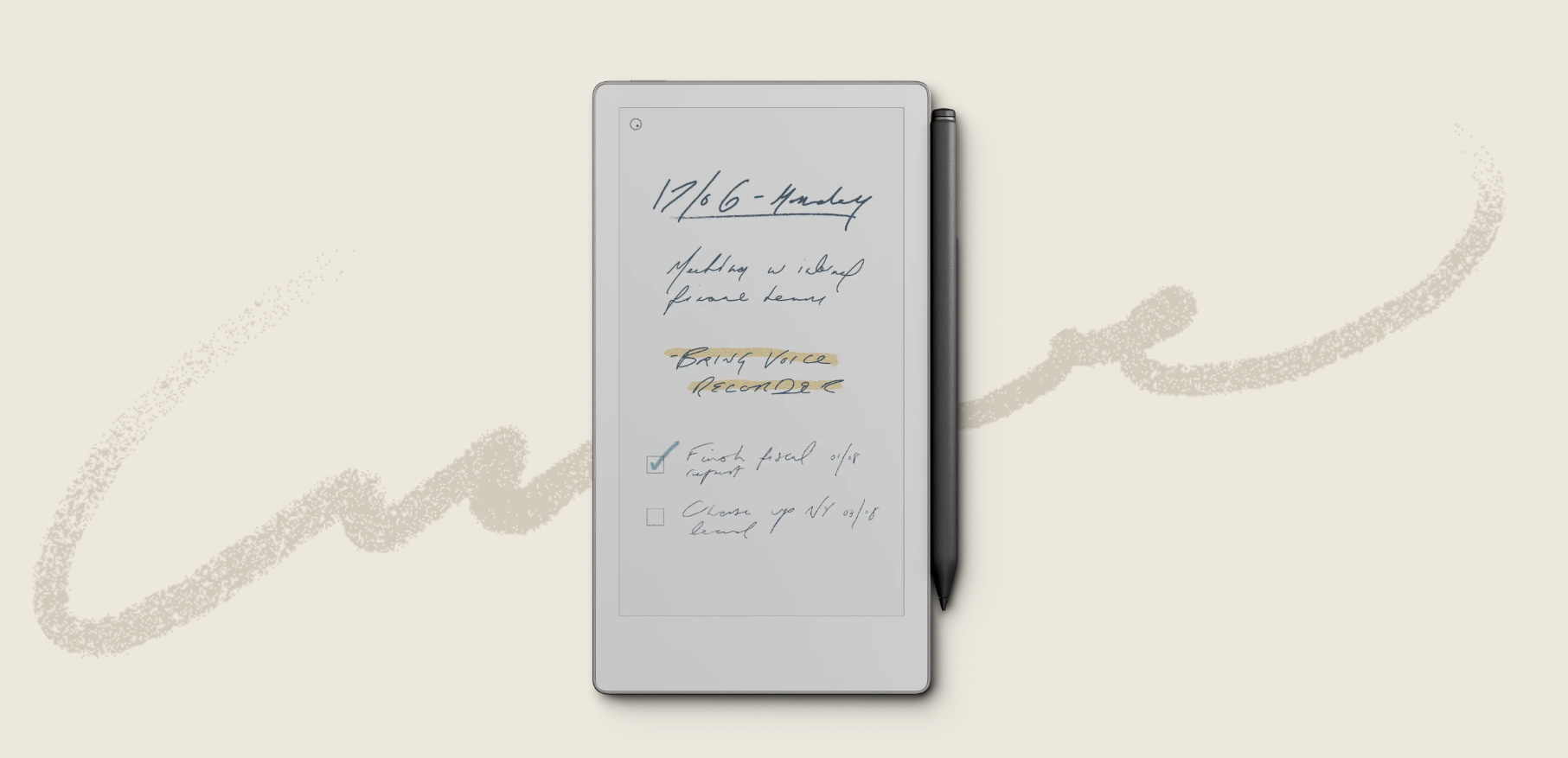
As soon as it was in my hands, it was immediately put to work. I started gathering all my GT notes, IT task and projects, and other ideas and thoughts in various documents called Notebooks. Gone are the days of having stacks of physical notebooks or journals laying around. The reMarkable Paper Pro Move's 64GB of storage is enough to house over 800 notebooks worth of writing. There are many notebook types, called Templates, that can be created, including storyboards, music sheets, checklists, grids, regular note pages, and even blank pages. Collections of these notebooks can be created, saved in folders to keep everything organized. The only downside of the available templates is that the outlines are barely visible, so I've resorted to just using the blank pages myself.
Each notebook can have several pages, as any notebook should, and each page gives you a ton of writing real estate, even outside of the boundaries you see by default as you're able to do a pinch touch on the screen to zoom out. Doing the reverse will zoom back in, and even magify the page, which would come in hand if you're working on a drawing and need to get finer details.
I use my reMarkable Paper Pro Move to write down all kinds of notes and lists and otherwise compile my thoughts. The utensil used for writing is the Marker, which is easily the best tablet writing tool I have ever used. There are two types, the Marker and the Marker Plus, with the Plus having additional features, including an eraser tip, which takes just a quick swipe to remove anything from the page. The Marker glides gently across the lightly textured display surface with virtually zero latency, delivering precise and clear written script. And unlike when using my iPad with the Apple Pencil, my hand can touch the screen as I'm writing and it won't interfere or make the screen move.
The Marker is shaped like a typical pencil, but there are several options for utensil types, stroke thicknesses, and colors to choose from for whatever you're working on. For example, text can be easily highlighted by selecting the highlighter option and a color from the menu. Then you simply swipe over the desired text to highlight it. Some of the utensil options feel more like thicker variations of the standard ballpoint pen, like the fineliner and marker, but the calligraphy pen looks really cool and the shader will actually darken (shade) anything you swipe over. I can't see too many uses for the pencil since it doesn't write as well, having to sometimes retrace words or lines, which you don't have to do with a real pencil. The mechanical pencil, however, worked just fine. The paint brush option leaves much to be desired, not really creating a paint brush stroke, even when using the side of the Marker tip to broaden the stroke even further.
I've taken the reMarkable Paper Pro Move to work every day, back home to the couch, and even all the way to Salt Lake City when I attended the Blast R6 Major. It's small enough to fit into a purse or small bag and fits perfectly in my hand, making it easy to hold while writing.
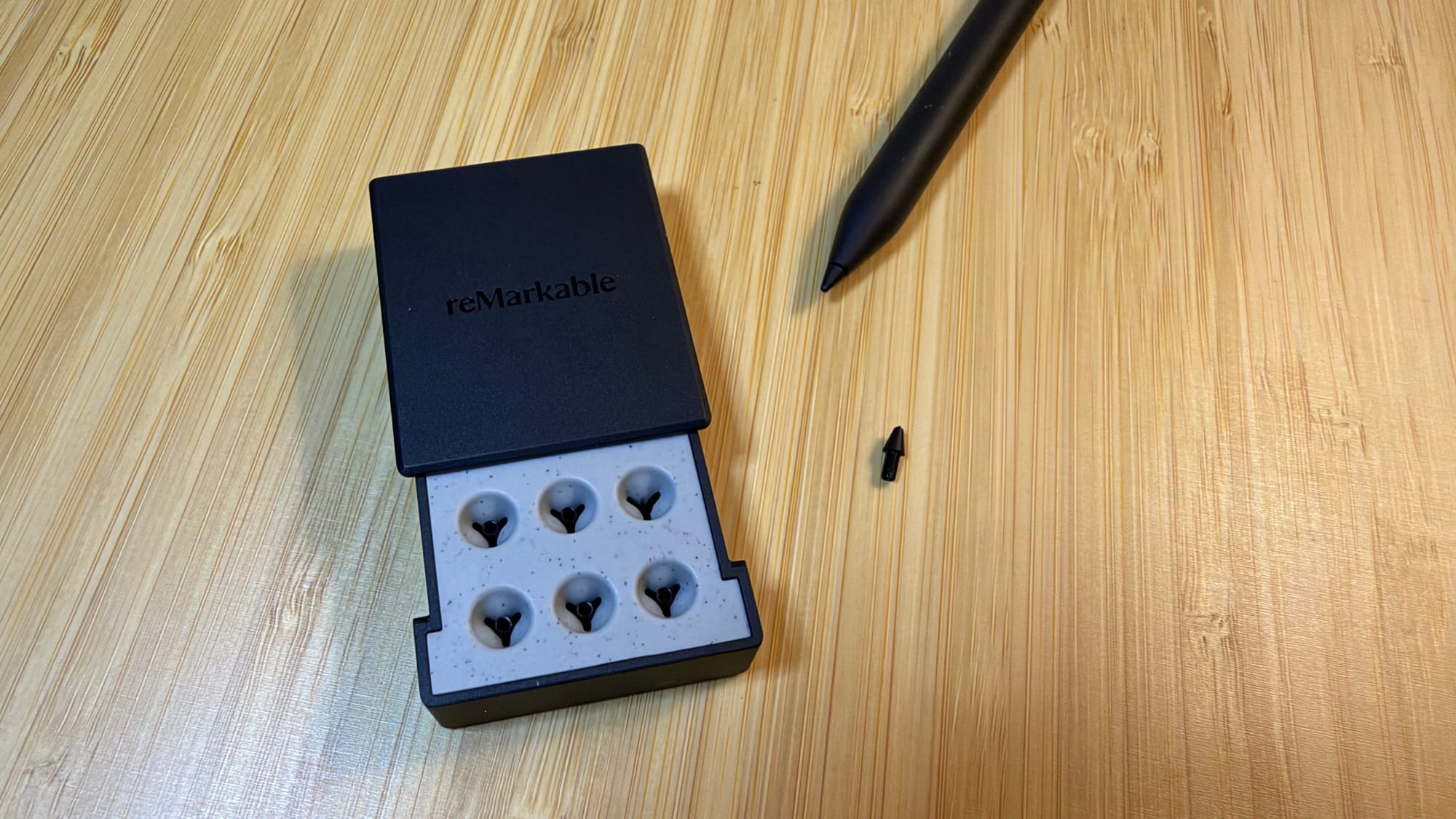
In all this time I've had the Move, I've only had to recharge it a handful of times. This tablet can last up to two whole weeks between charges, and it takes maybe an hour to fully recharge. The Marker charges by magnetically attaching to the side of the tablet, like similar devices, and has never run out of juice. The only thing due to be changed is the tip of the Marker, which is for sure good for three months for best writing results. Mine doesn't feel like it has degraded, but I was sent some backup tips as well that should last me for the next 18 months. Replacement tips can be purchased for only $15 on the reMarkable website.
Cost is the big question when considing any new tech. The reMarkable Paper Pro Move is priced at $449, which is about the average cost when compared to other e-ink writing tablets. The argument could be made that since this is a smaller display model than most other tablets, the cost should be lower, especially when considering the additional cost of a protective folio and the premium cost of getting the Marker Plus over the standard Marker can push the total up to $600. (Six replacement Marker tips are included with initial purchase.) However, there is a lot of value packed into this small device, and they even give you 50 days to try it out worry free. On top of that, you get a 1-year manufacturer's warranty to cover any defects of the tablet, the Marker, and even the folio.
The use cases of the reMarkable Paper Pro Move are limitless, and I feel like I've only just scratched the surface (figuratively, of course). Only time will tell the real value I pull out of this thing, but it's already a staple in my day-to-day.
reMarkable Paper Pro Move
Excellent
The reMarkable Paper Pro Move has been a game changer for how I can get all my ideas, projects, and thoughts organized. It’s packed with features and options for everyone, from creatives to business professionals to hobbyists, and beyond. Writing is smooth, the display is gentle on the eyes, and I no longer have stacks of notebooks piling up.
Pros
- e-ink display is better for the eyes
- Marker writes smoothly across the lightly-textured surface
- More than enough storage capacity
- Versatile and conveniently sized
Cons
- Template lines are hard to see
This review is based on a retail sample provided by the reMarkable team.