Not every product needs to reinvent the wheel to be worth recommending. Sometimes, all a good pair of headphones needs to do is deliver solid audio, and a comfortable and reliable experience. Unfortunately, the Razer Hammerhead V3 Chroma earbuds struggle to meet even those relatively simple expectations. At $79.99 USD, they're not exactly an inexpensive pair of wired earbuds either, and that price makes some of their shortcomings considerably harder to overlook.
I spent about a week using these earbuds as my daily drivers, listening to music, watching videos, and playing games on my mobile devices. Throughout that time, I found the audio quality to be good, but nothing noticeably better than any other earbuds I've used. They certainly get the job done in that regard, but I never found myself particularly impressed by what I was hearing. It was nice not having to worry about charging them like I would with Bluetooth earbuds, but even that benefit didn't mean much to me. My usual daily drivers are the Apple AirPods Pro 3, and battery life has quite literally never been an issue I've had to worry about with them. So while there's definitely something to be said for the convenience of wired audio, it wasn't enough to make up for the other issues I encountered.
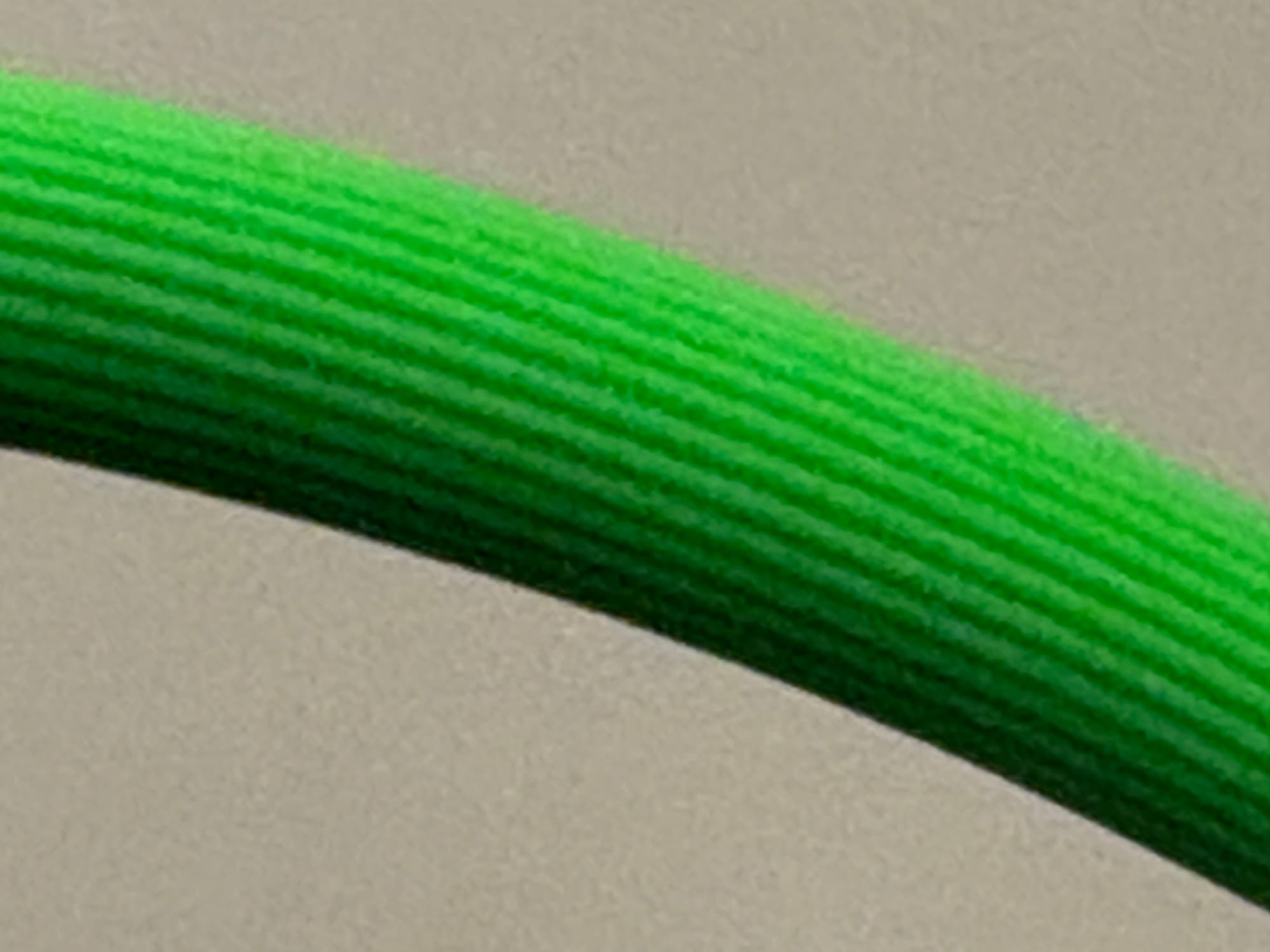
One of the first things I noticed during my time with them was the texture on the plastic wires, which created unnecessary friction whenever they rubbed against your clothes. This even pulled the earbuds out of my ears a few times, which is about as annoying as it sounds. This problem is especially prevalent if you run the wires underneath your shirt, like people often do with wired headphones today for both style and convenience, but even while keeping them hanging outside of my clothes, I still ran into this problem. For a product built to take advantage of the resurgence in wired headphones as a style choice, the Hammerhead V3s don't do a particularly good job of conforming to that style. The bright green color doesn't help much either. I understand that Razer has a look and wanted to stick to it, and I can respect wanting to stay on brand, but the reality is that this bright, almost neon green clashes with most outfits. Unless your wardrobe is made up of Game Theory merch and other assorted Razer products, there's a pretty good chance these earbuds are going to stand out against whatever you're wearing.
Another omission that stuck out to me personally was the lack of skip-song functionality. Most wired earbuds offer this, but because this pair includes an ANC/Spatial Audio option, the double-click control is used to switch between those modes instead of skipping songs. Even the triple-click control has a function, but its use is to switch between audio presets, a function that I think is substantially more situation-dependent than a skip. It's a relatively small inconvenience on its own, but when you're using headphones every day, having to pull out your phone just to skip a song gets pretty old pretty quickly. It's also something that's especially disappointing considering how common these controls are on much cheaper alternatives. And while we are on the topic of noise cancellation, it's just alright. It's not bad by any means, but it's also not noticeably better than what you can get from other earbuds, especially ones with a more comfortable form factor. Nothing about the ANC particularly stood out to me, which wouldn't be a huge issue if the rest of the experience was better.
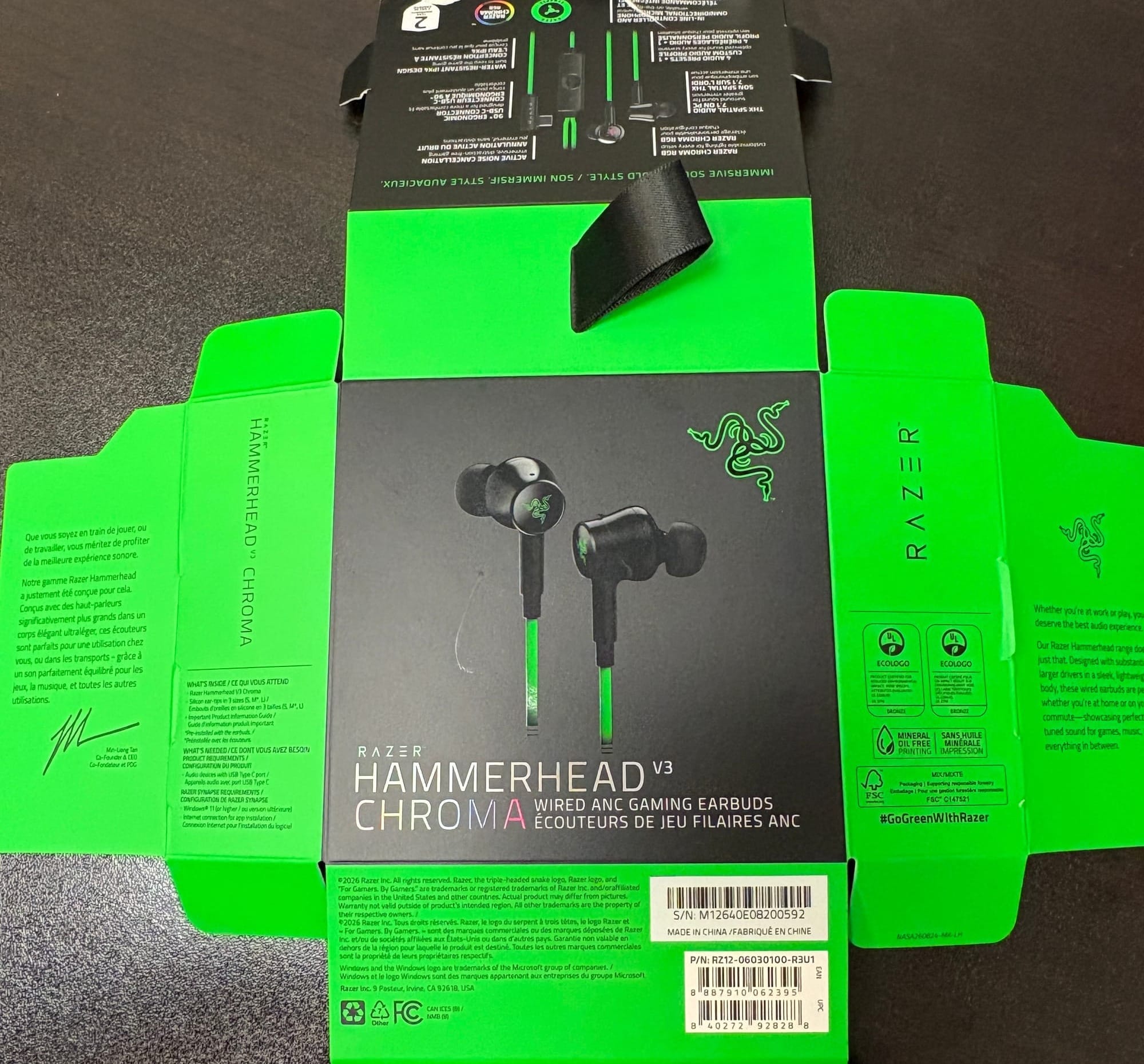
The RGB lighting on the Hammerhead V3s is another feature that feels a little out of place. The lights are compatible with Razer Synapse, their device-customizing software, which sounds great until you remember what these earbuds are primarily marketed for. While they can certainly be used on a PC, these are intended for gaming on the go, specifically with mobile devices that don't support Synapse. As a result, the customization feels mostly fruitless. It's nice that the functionality exists, but I'm not exactly going to carry my PC around just to change the lights on these earbuds. I understand the appeal of RGB lighting, especially on a Razer product that's made for gamers, but on a pair of earbuds primarily intended for mobile gaming, it feels more like an aesthetic choice than something that actually adds something substantial to the product.
Another issue I encountered was with the silicone ear tips, which don't hold their shape particularly well. I tested multiple sizes before eventually settling on the medium tips that I started with, but with both the medium and large sizes I ran into the same frustrating problem. Every time I took the earbuds out of my ears (or they were pulled out by the friction of the wires), the silicone tips would flip inside out. This didn't happen with the small tips, but I would attribute that to the fact that they didn't fit my ears particularly well in the first place. While using the small tips, ANC was also remarkably less effective, so they weren't a viable option for me.
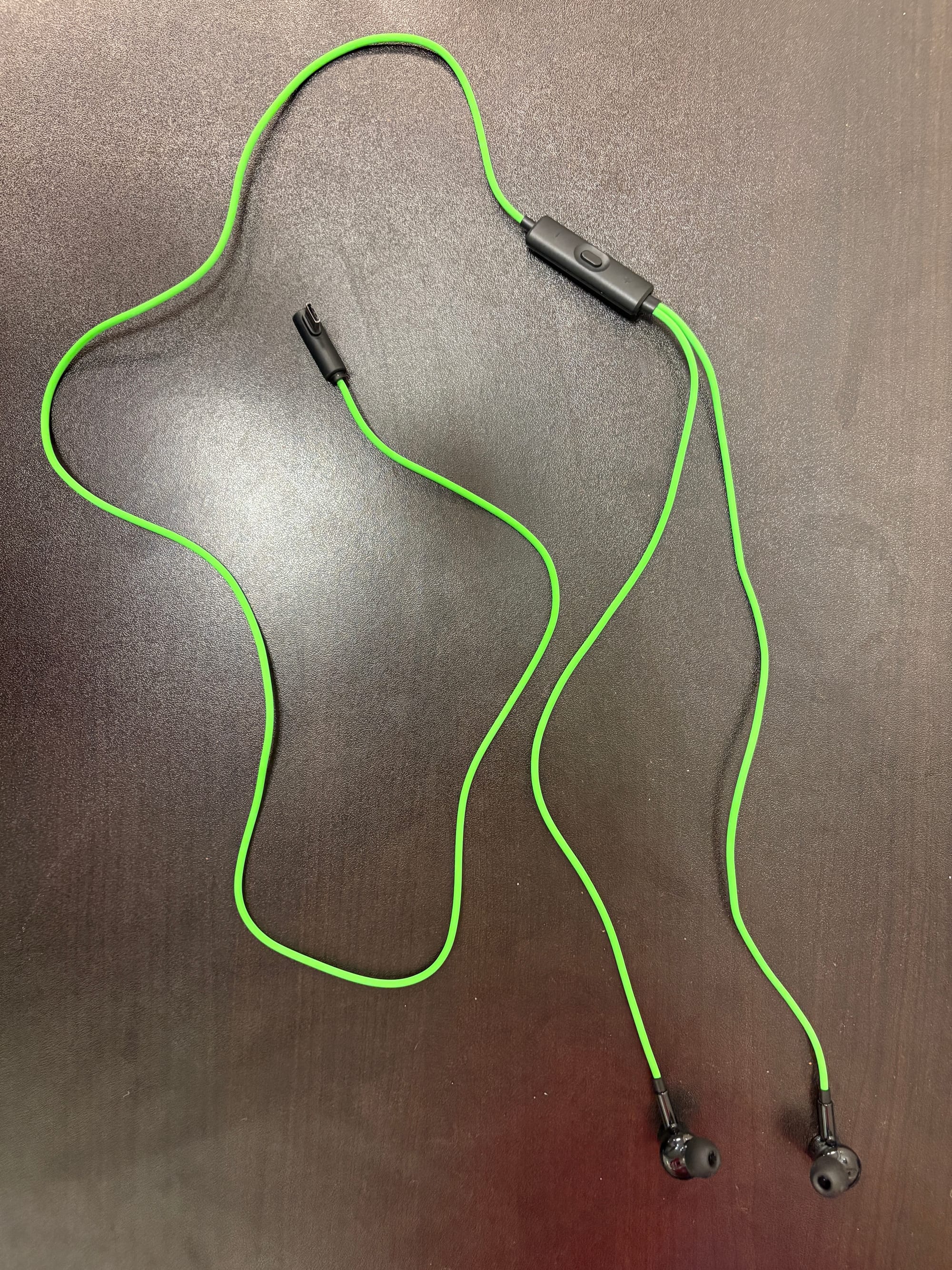
It boils down to the idea that using silicone tips that actually fit my ears meant that about 75% of the time when I removed the earbuds, I had to flip them back into place before putting them back in. Again, it's not the end of the world, but it's an annoyance that becomes increasingly frustrating when you're dealing with it multiple times a day. I’m noticing a trend starting to emerge with these earbuds… Between that and the wires constantly catching on my clothes, I found myself adjusting these earbuds far more often than I would have wanted to.
Of course, the Hammerheads are marketed primarily for mobile gaming, and I actually think they're alright at that as a whole. However, one of the key features Razer uses to advertise them as gaming earbuds is the "90° ergonomic USB-C connector," which I found to be a bit of a mixed bag. Unlike a traditional USB-C connector that sticks straight out of your device, this one is situated at a 90-degree angle, allowing the cable to run either to the left or right depending on how you plug it in. In theory, this should make the earbuds more convenient for gaming, without a connector jutting straight out of your device, but in practice, I found that it created more problems than it solved.
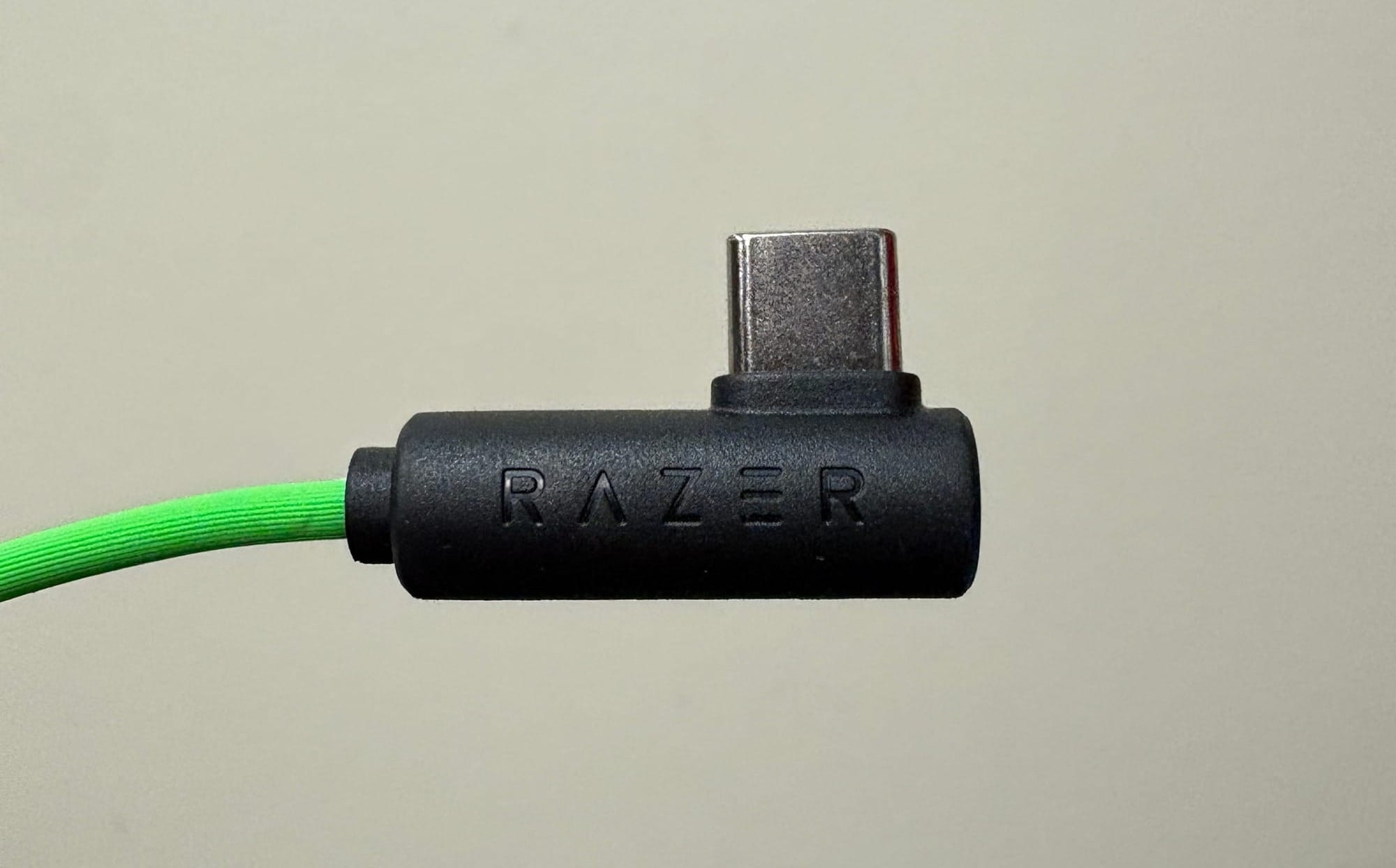
I play a lot of games on my Nintendo Switch 2, which was one of the devices specifically highlighted in my initial brief on these earbuds. When using the top USB-C port with the connector facing to the right, it covers the auxiliary port. That doesn't matter all too much, considering the earbuds are already your audio output, but it also covers a portion of the game card slot, making it annoying to switch games in and out. Facing the connector in the opposite direction blocks a portion of the fan, which wasn't a problem for me during testing, so I opted for that orientation instead. Neither option is particularly ideal, but at least you have a choice.
If you choose to use the bottom USB-C port, you pretty much have to be playing in handheld mode. That isn't a problem exclusive to these earbuds; it's something you'll run into with pretty much any wired pair of headphones. Either orientation works on the bottom, so if you're on the move, that's probably your best bet. But if you're stationary, using the top port with the connector facing away from the game card slot is definitely the way to go. I know that explanation sounds more complicated than it needs to be, and that's kind of my point. The fact that I have to put this much thought into which way to plug in a pair of earbuds says a lot about how unnecessarily complicated the 90-degree connector makes things.
Now let's talk about mobile gaming on a phone, because this is where I found the 90-degree connector to be noticeably uncomfortable. While playing games like Minecraft and Cookie Run: Kingdom, the connector regularly got in the way. These aren't necessarily the most intense mobile games out there, but they're still games that require some hand movement, and I found that the added layer underneath my hand created by the flat orientation of the connector made my hands noticeably more uncomfortable compared to something like Apple's wired earbuds.
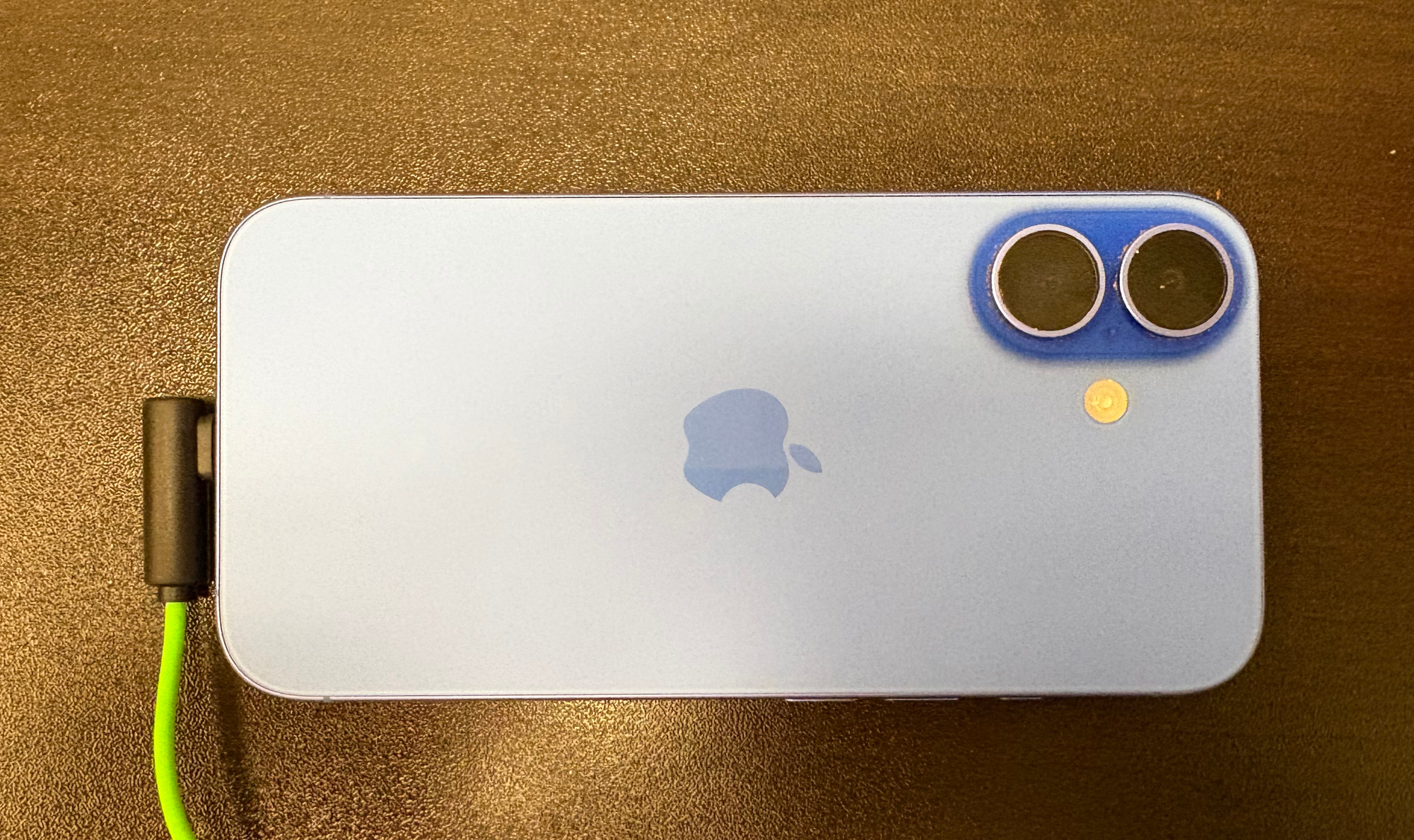
With those earbuds and others that use a connector that sticks straight out, I typically let the connector sit between my pointer and middle fingers. This allows my hand to sit flat against my phone, which is a much more comfortable way to play. With the Hammerhead V3s, the connector got in the way of where I naturally wanted to rest my hand. The intention to make the experience more comfortable is there, but at least for the way I hold my phone while gaming, it ended up doing more harm than good.
After spending a week with the Razer Hammerhead V3 Chroma, I really struggled to come up with a compelling reason to recommend them over any alternative. The audio quality is good, the noise cancellation works well enough, and there's certainly something convenient about never having to charge your headphones, but none of those things are exclusive to these headphones, and the sheer amount of small frustrations I encountered throughout my time with them made the idea of tossing them in my pocket and putting my AirPods back on all the more enticing.
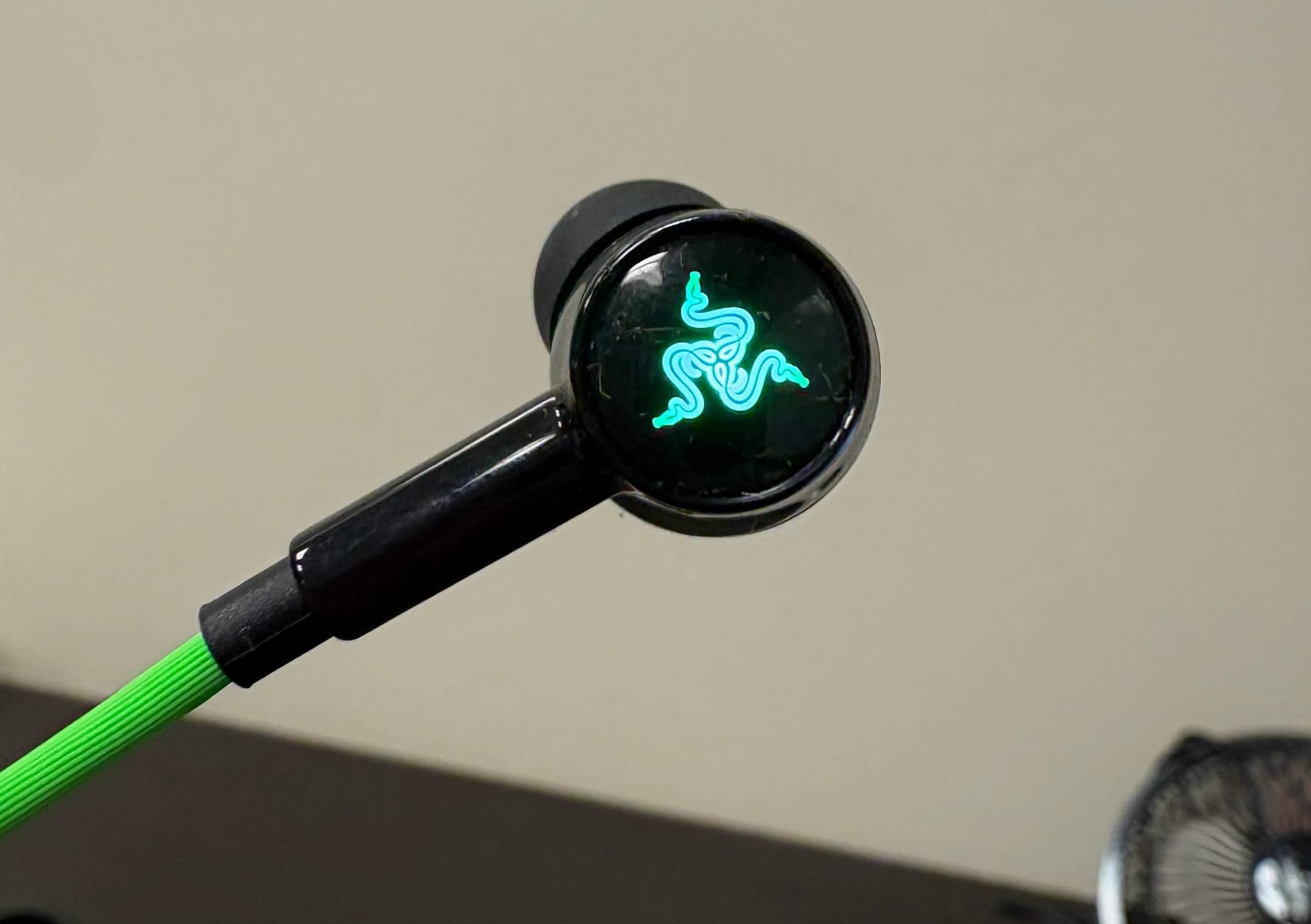
Between the high-friction cable texture, my issue with the silicone tips, the lack of basic playback controls, and a 90-degree connector that ultimately made my life more difficult, these earbuds struggle to deliver on the convenience they think they are providing. Throw in RGB lighting that offers customization that's largely inaccessible on the devices these earbuds are intended for, and it's not crazy to think you’d start to question some of the design decisions Razer made.
At the end of the day, these earbuds aren't terrible at their core function. They sound fine, and they work fine as well. The problem is that being a decent pair of earbuds isn't enough when so many of the features meant to set them apart actively set them back. For $79.99, I want more than decent audio and a collection of features that sound better on paper than they feel in my hand. It's unfortunate, because the Hammerhead V3 Chromas do a perfectly fine job of being earbuds. It's everything else they're trying to be that becomes a problem.
Razer Hammerhead V3 Chroma
Bad
Good audio quality isn't enough to overcome the Hammerhead V3 Chroma's frustrating design choices, particularly when so many of its gaming-focused features make everyday use less convenient.
Pros
- Good overall audio quality
- Decent noise cancellation
Cons
- High-friction cables catch on clothing
- Silicone tips frequently flip inside out
- No dedicated skip-track controls
- Awkward 90-degree USB-C connector
- RGB customization is impractical for mobile use
- Underwhelming value at $79.99
This review is based on a retail copy provided by the publisher.