Epomaker isn’t a big name in the peripherals space yet, but you should definitely keep your eyes on them. We covered their TH108 Pro keyboard a while back, and I’ve been pretty happy with them. It wasn’t until recently, though, that I discovered they have a whole series of gaming mice. When I heard they were releasing a carbon fiber gaming mouse, I knew I had to get my hands on it. The Epomaker Carbonis did not disappoint.
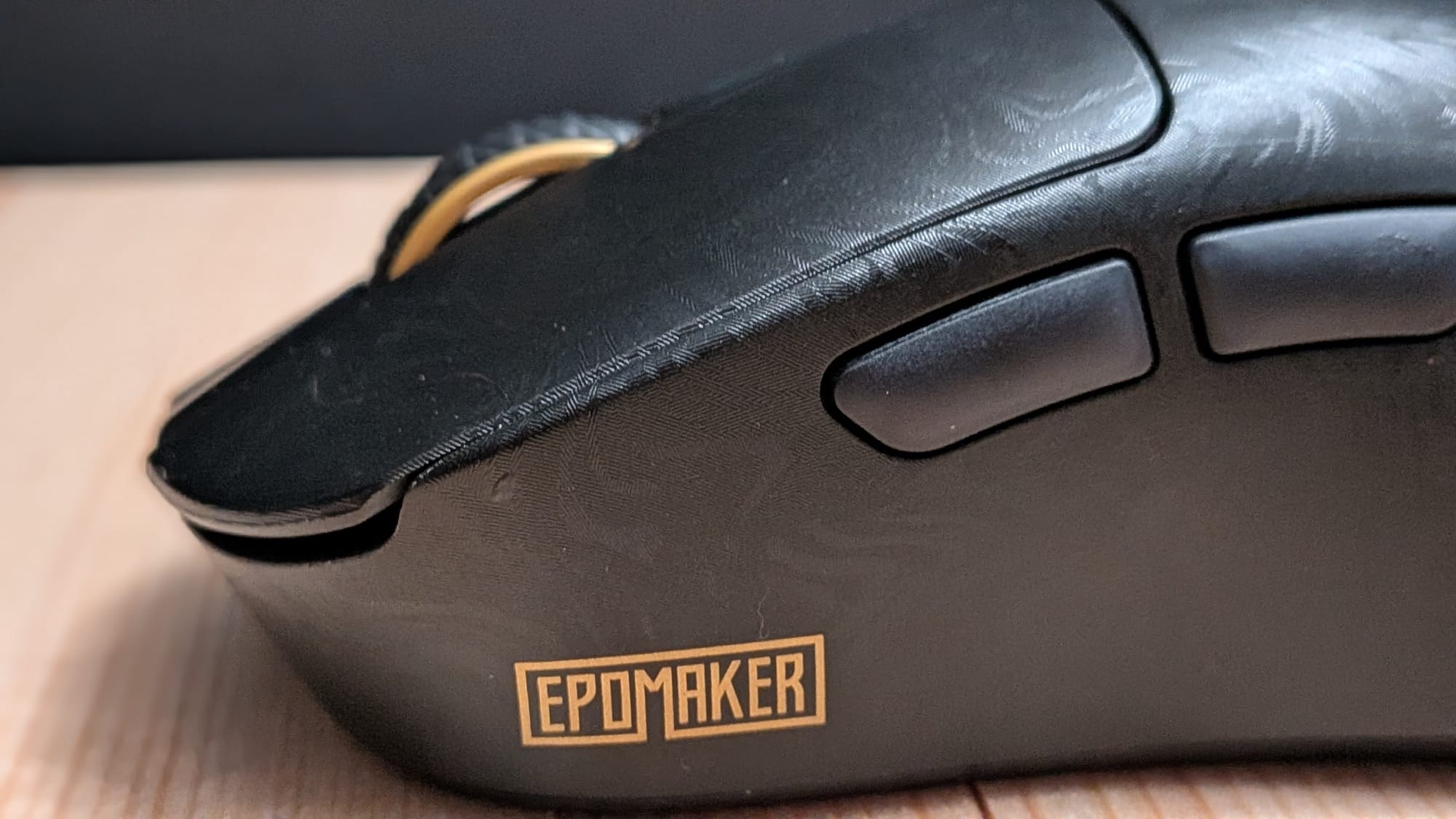
The Carbonis is packed with everything you’d expect from a competitive gaming mouse: USB-C cable, a wireless dongle, additional skater feet, and, of course, the Carbonis itself. It has a carbon fiber shell that almost evokes the rippled aesthetic of Damascus steel. The gold accents on the logo and mouse wheel add a refined air to the device.
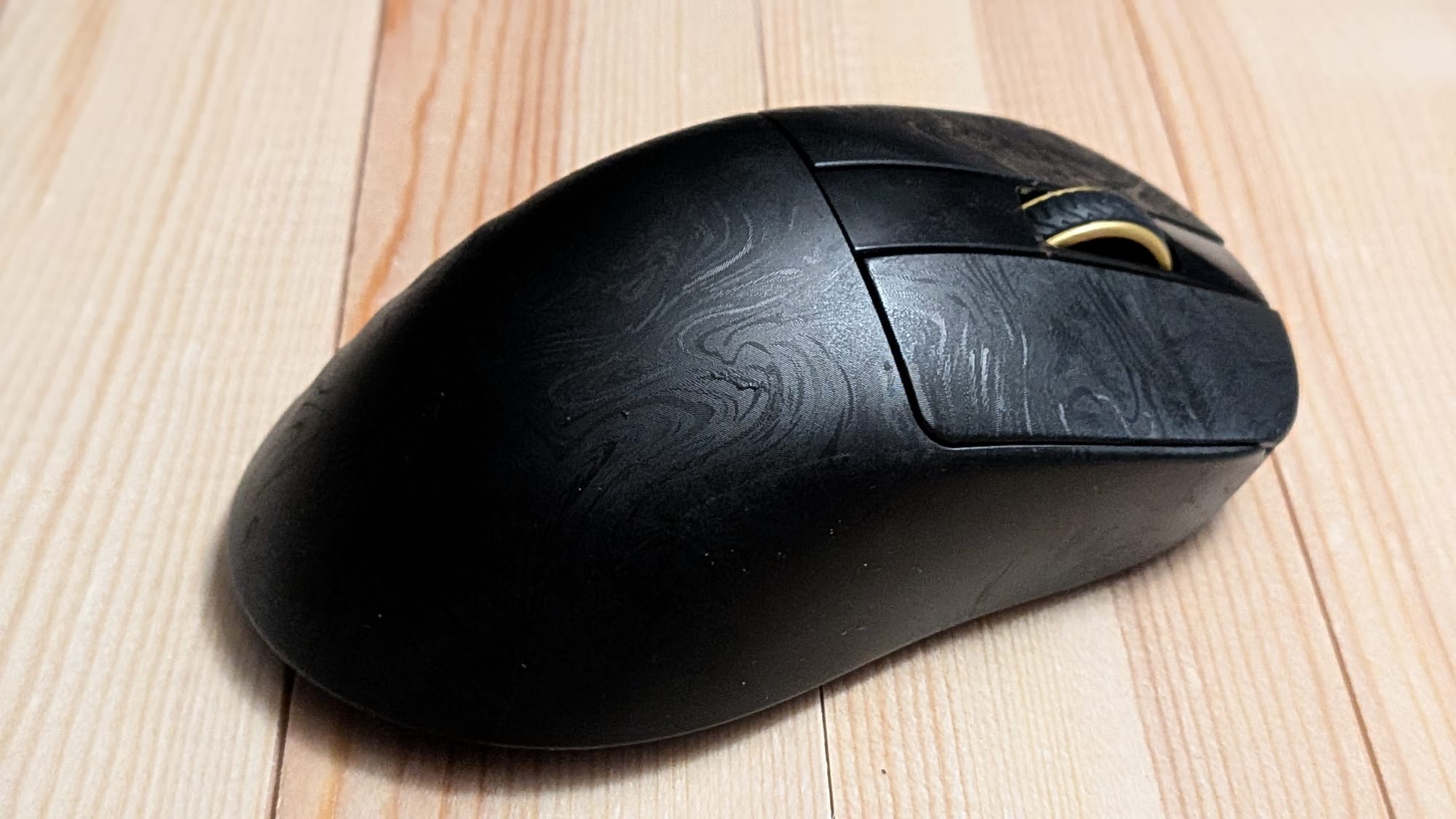
That carbon fiber shell allows the mouse to be particularly lightweight yet strong. At right around 50 grams, it’s certainly a competitor when looking for options to reduce strain, especially after long hours of gaming. As it turns out, carbon fiber may not be such a great material for a submarine, but it’s an excellent choice for gaming mice. The ergonomic design of the Carbonis adds some rippling around the palm rest for added grip, too, so the mouse feels good from the first click to the end of a long night.
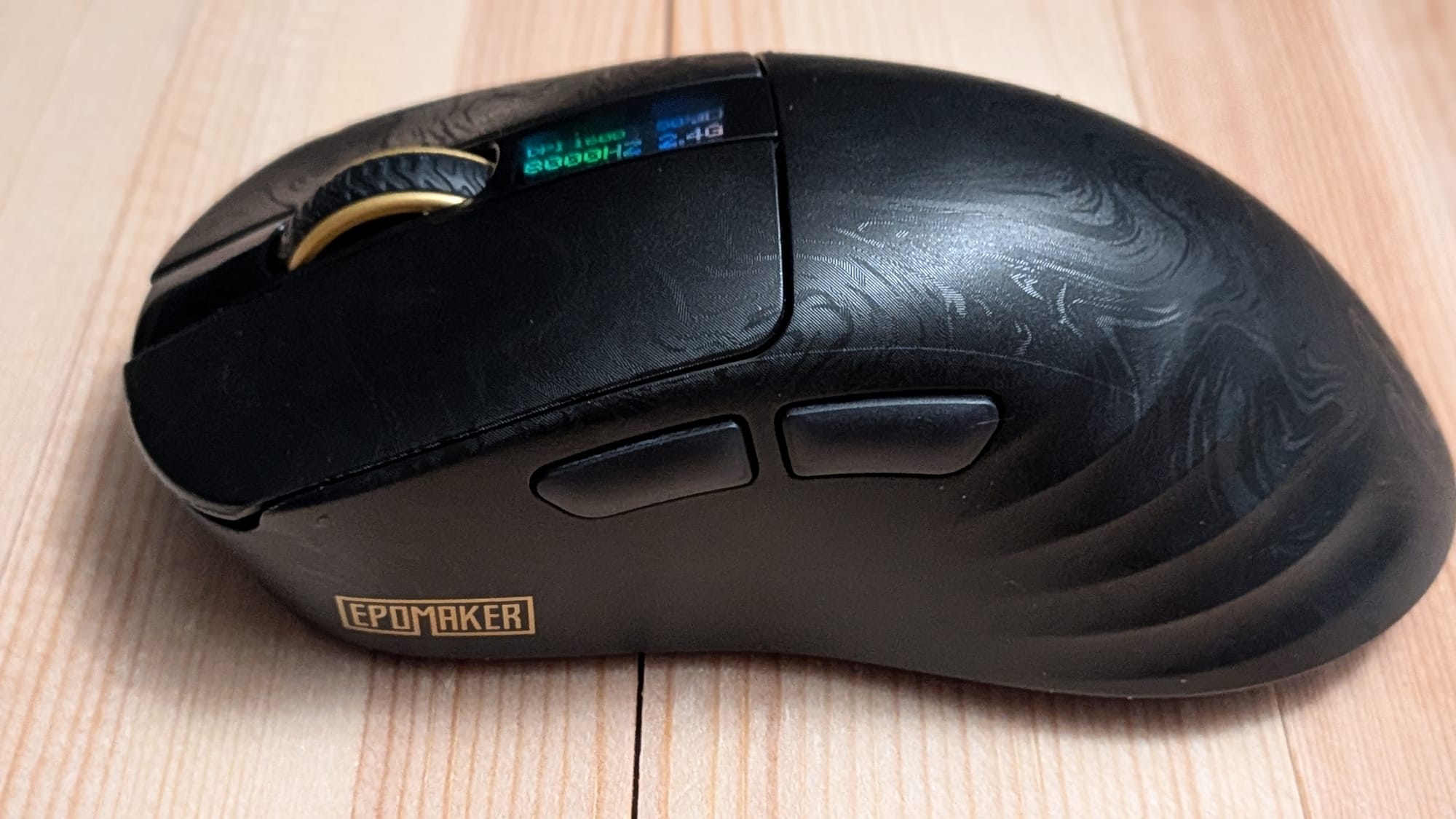
The Carbonis is built with a fairly standard button configuration for the focused ultra-lightweight gaming mouse category. Beyond your standard left and right-click buttons, you have the forward and back buttons by your thumb, and a standard mouse wheel (with rubberized grip that reminds me of a tractor tire). Sitting just below the scroll wheel, there’s a small digital display that lets you see your DPI, battery life, polling rate, and connection mode all in a neat little package.
Speaking of polling rate and DPI, the Carbonis meets the high-end gaming standard with 8K polling for near-instant feedback and a PAW3950 sensor that supports up to 30,000 DPI (well beyond anything my middle-aged mind is capable of capitalizing on). The mouse supports up to 6 DPI settings you can adjust, and you can cycle between them with a DPI button on the bottom of the mouse. It also has a 300 mAh battery that can typically last 20-85 hours on a full charge, depending on your polling rate and various other factors.
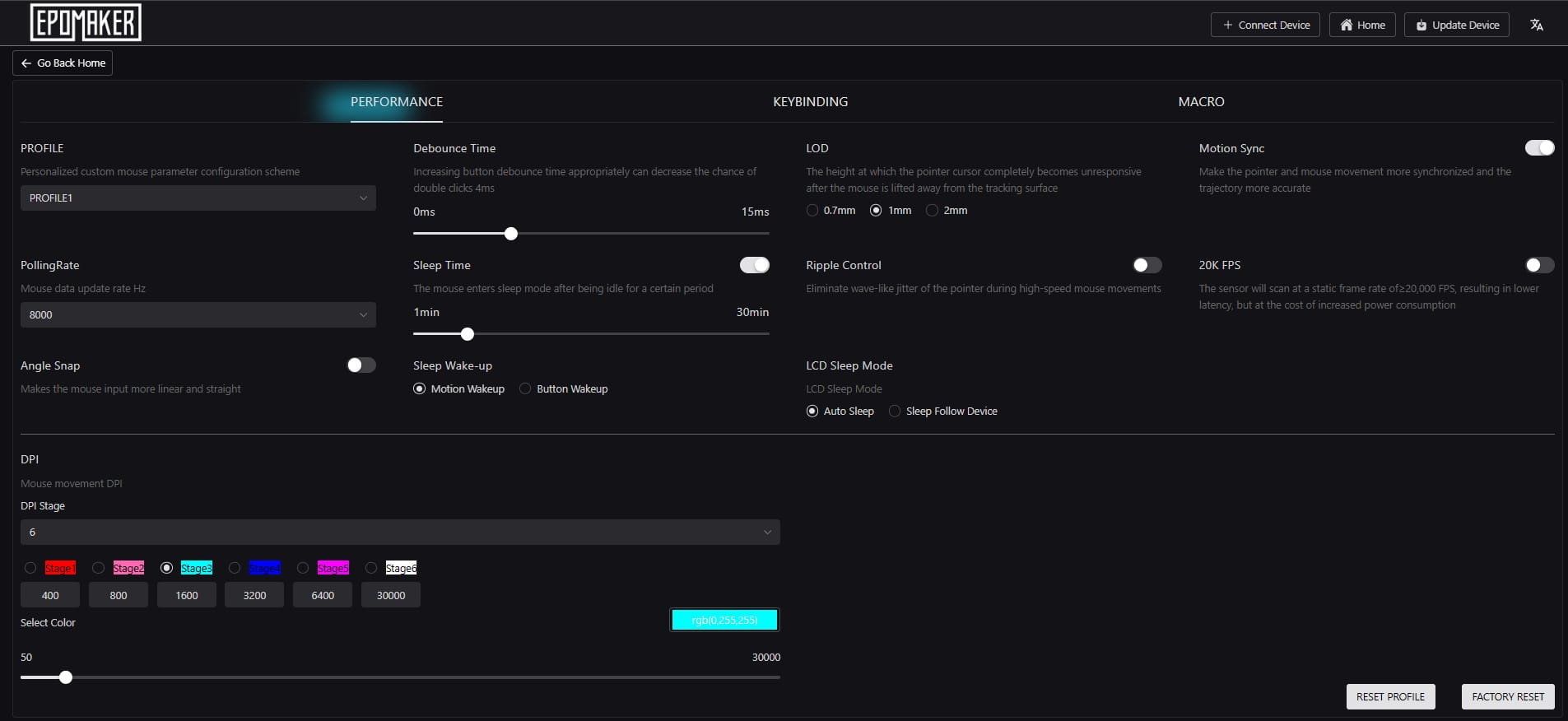
Whether you’re working with spreadsheets or spending your day locked in intense first-person combat, the Carbonis is an excellent option for accuracy, comfort, strain, and battery life. The form factor is comfortable, and the feedback feels good. I found Epomaker’s online tools handy in adjusting settings and updating firmware, too. At $90, the Carbonis is a good, competitively priced gaming mouse I would put up against more well-known names in the space, and you can sometimes find them on sale for less than a new game. If you’re in the market for a great ultra-lightweight gaming mouse, you should definitely consider the Carbonis.
Epomaker Carbonis
Excellent
The Epomaker Carbonis has some nice features that make it competitive against more well-known competitors. Its sleek, carbon fiber shell keeps it firmly in the ultra-lightweight category, while it boasts 8K polling and an on-device display to show you battery and DPI. Priced on the low end for a premium ultra-lightweight gaming mouse, the Carbonis is a great deal.
Pros
- Comfortable, ergonomic design
- On-device display for battery and DPI
- Black and gold with carbon fiber makes for a gorgeous piece of hardware
- Priced competitively to be a good option with other high-end carbon fiber gaming mice
Cons
- Epomaker’s Driver v4 software couldn’t recognize the mouse, so their online tool may be your only option for customization.
This review is based on a retail copy provided by the publisher.