The world has slowly been moving away from full-sized keyboards. While I tend to represent the old guard, the appeal of losing the numpad has been growing on me in recent years. With that, I’ve also been looking to make the jump from a lifetime of wired keyboards to a wireless option, should a suitable replacement become available. Over the last couple of weeks, I’ve happily unplugged my longtime wired mechanical keyboard to make the swap. The Womier SK75 TMR has earned its place on my desk. It could be a great option for you, too.
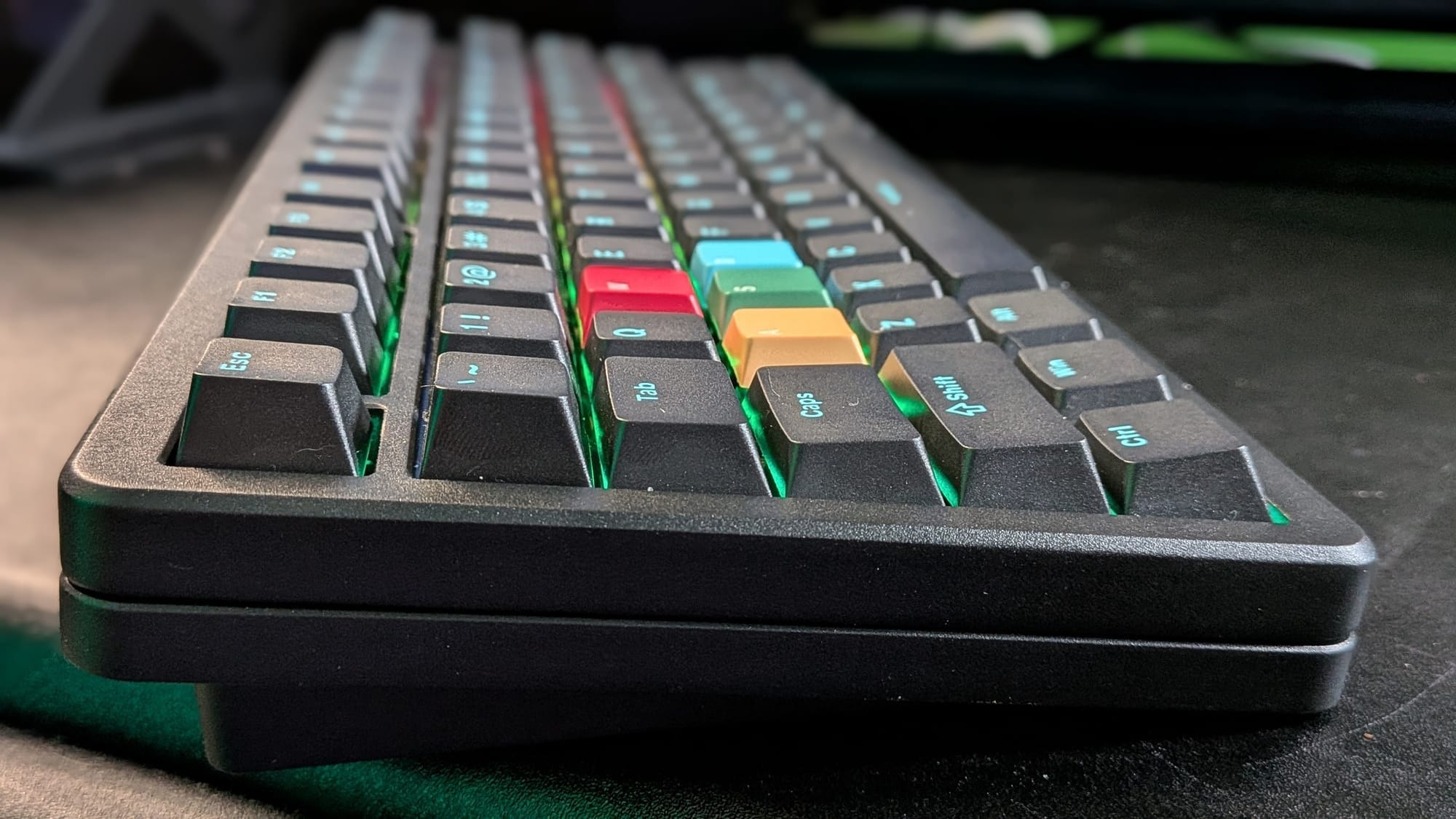
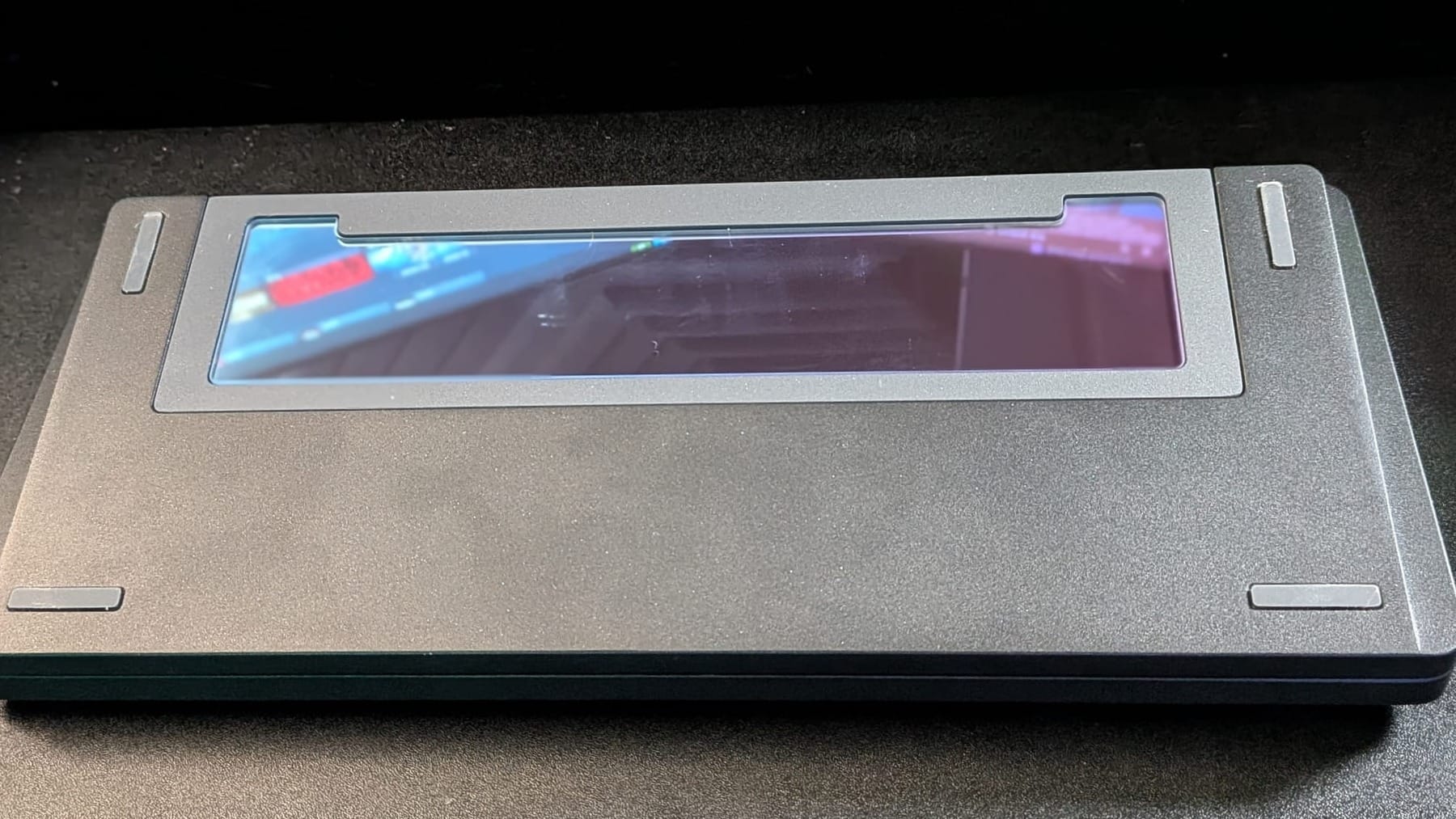
The first thing you’ll notice with the SK75 TMR is its heft. Despite its reduced size as a 75% keyboard, the SK75 TMR comes in at a surprisingly beefy 4.4 pounds, placing it on even ground with other melee weaponry (long swords are typically 4 pounds or less). My jaw genuinely dropped when I picked up the box, opened the container, and saw nothing but this little keyboard inside. That’s thanks to a beefy external chroma mirror weight placed on the rear of the keyboard.
That said, the weight actually serves the keyboard well. Combined with the four rubber feet, it ensures the keyboard won’t travel while you use it. That sucker is staying planted firmly wherever you set it down. You have to be seriously intentional to move it as you type, if you want. It also just feels good.
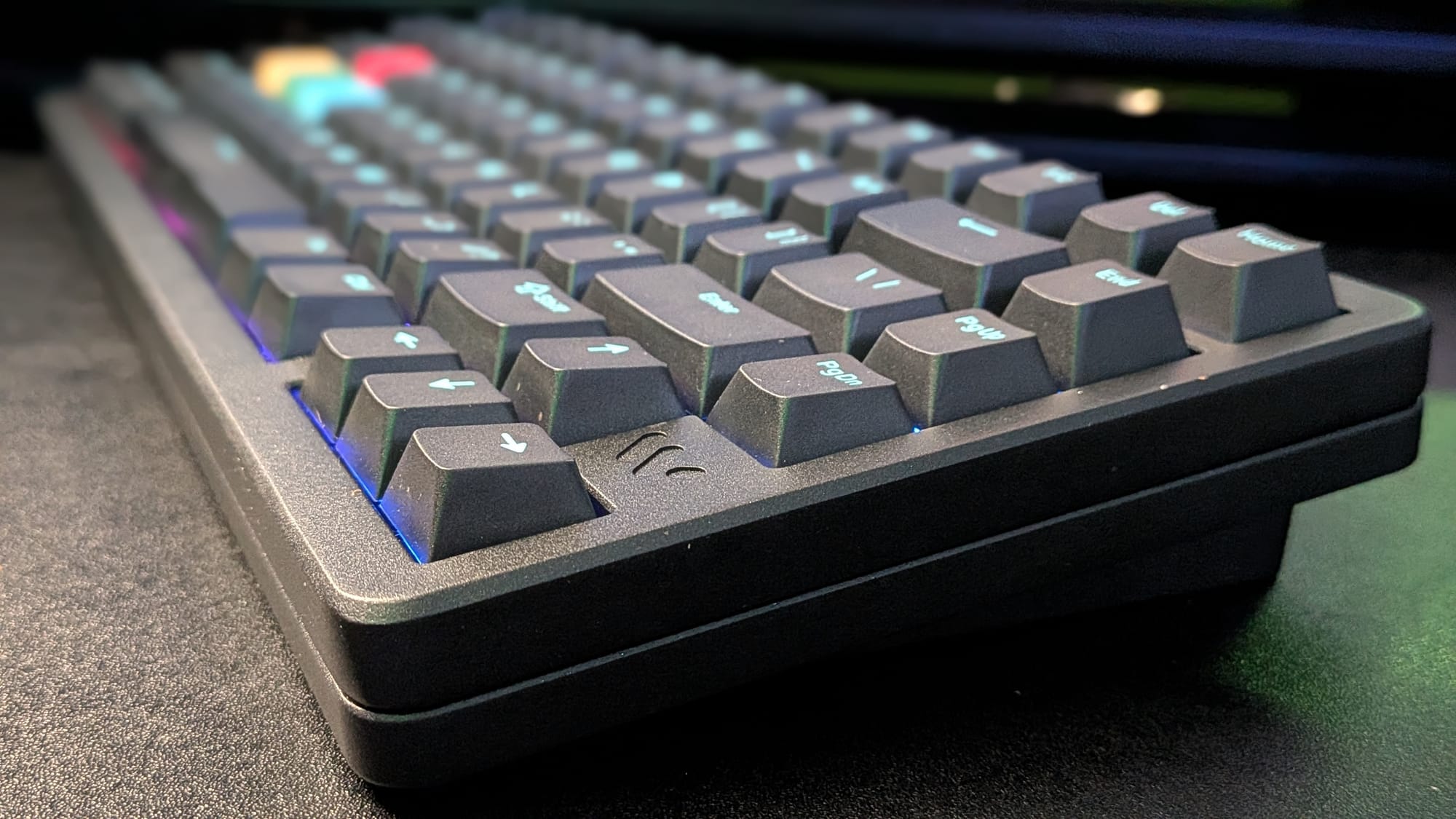
The body of the SK75 TMR is machined aluminum, which both looks and feels great. Man, I seriously love this keyboard’s form factor. It’s not without some flaws, though. If you don’t like the height of the keyboard, you won’t enjoy your time with the SK75 TMR. There are no kickstands to adjust the angle at which your hands sit on the keys. Again, that’s probably due to the unit’s weight.
Thankfully, I haven’t had any issues with how my hands sit on the keyboard. While other keyboards tend to give me a little bit of wrist strain after a long day of work, Womier’s SK75 TMR has been a joy. I’ve had no pain or strain. It’s one of the most comfortable keyboards I’ve used.
I think it’s fair to attribute a lot of that comfortable user experience to the SK75 TMR’s magnetic Void switches. They’re buttery-smooth to strike, offering a bit of a soft, marshmallowy *thock* with each keystroke. I used to love the loud, satisfying *bang* of a good cherry switch, but between the SK75 TMR and my time with the Logitech G515, magnetic switches have squarely won me over. If you’re still adamantly a fan of traditional mechanical switches, have no fear: the SK75 TMR’s board still supports the use of mechanical switches, so you can replace any you desire (or even mix-and-match for a custom setup).
The keyboard itself is an impressive piece of kit. It can be used both wired and wireless via Bluetooth or 2.4 GHz wireless. The SK75 TMR features 8000Hz polling, both in wired and wireless modes. While this is becoming the norm for high-end gaming keyboards, it obliterates the outdated standard 1000Hz. Even more impressive, the experience is every bit as responsive and satisfying wirelessly as it is with a cable. Want to keep your edge in those intense sessions of Call of Duty, but don’t want to be restricted by another messy cable? Look no further. The battery life is impressive. With constant wireless use over ~10 days, I'm still sitting around 90% battery from a single charge.
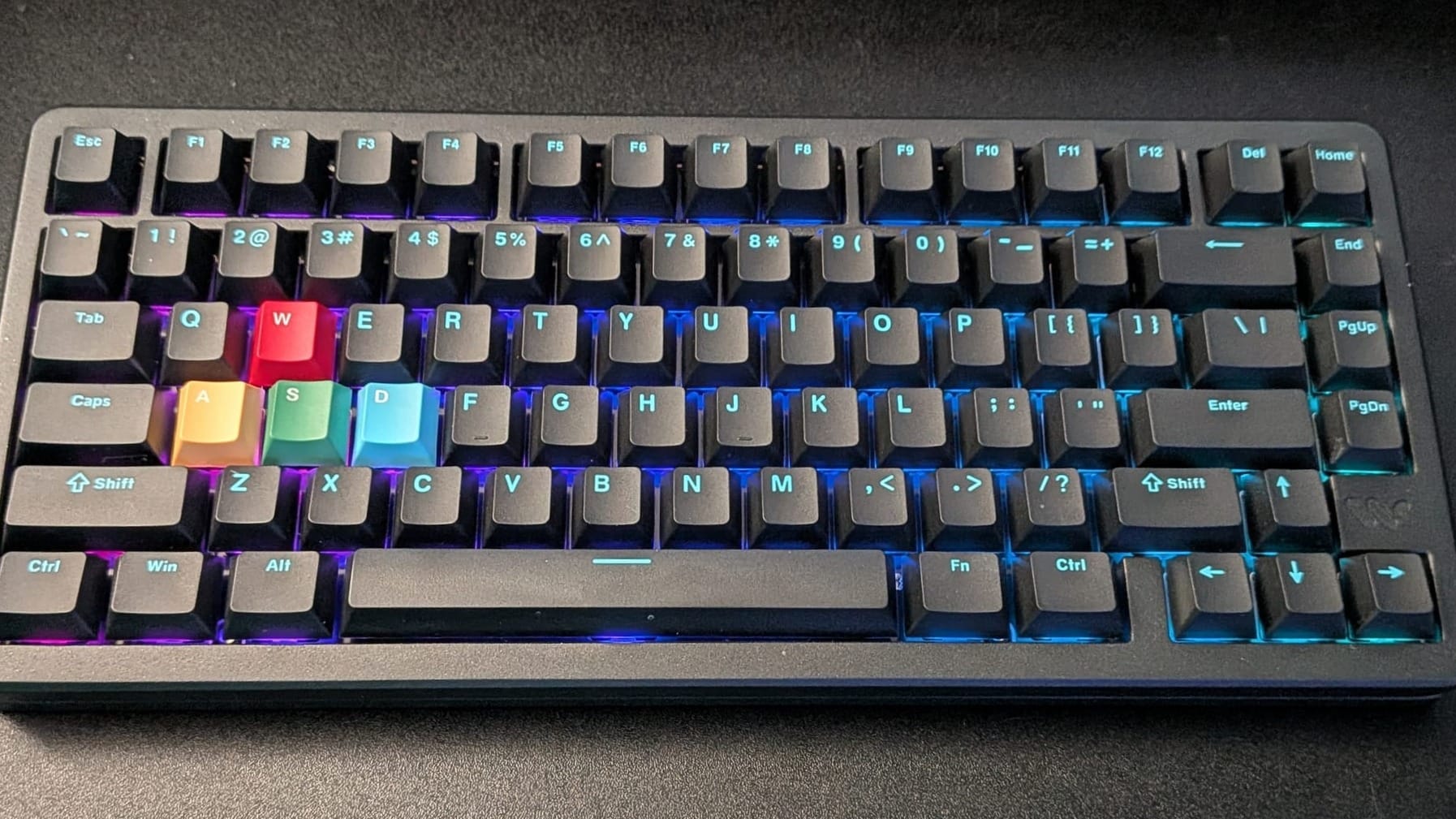
As for the keyboard layout, Womier’s SK75 TMR took a little bit of getting used to. The alphabet and numerical keys are all where you’d expect on a standard QWERTY keyboard, of course, but a handful of default key placements drove me nuts at first. The arrow keys are directly under the Enter key, which isn’t too wild, since that still puts them on the bottom right of the keyboard. The Delete key is placed directly above the Backspace key, though, and the Home and End keys are on different rows.
Thankfully, with Womier’s software suite, I was able to make changes to suit my layout grievances. I functionally have Home and End side by side and the Delete key off on its own, where I’m comfortable with it for normal use. The software offers a wide range of functional customization, though. There are your run-of-the-mill adjustments, like RGB patterns. Beyond that, though, you can change key functions, set up macros, and ensure the mechanical switches are set to trigger with specific ranges of movement. I love the way companies are moving this direction, and the travel distance measurements afforded by magnetic switches let you optimize for your own use. The suite even lets you update drivers and firmware easily and share keyboard configurations online, if you want.
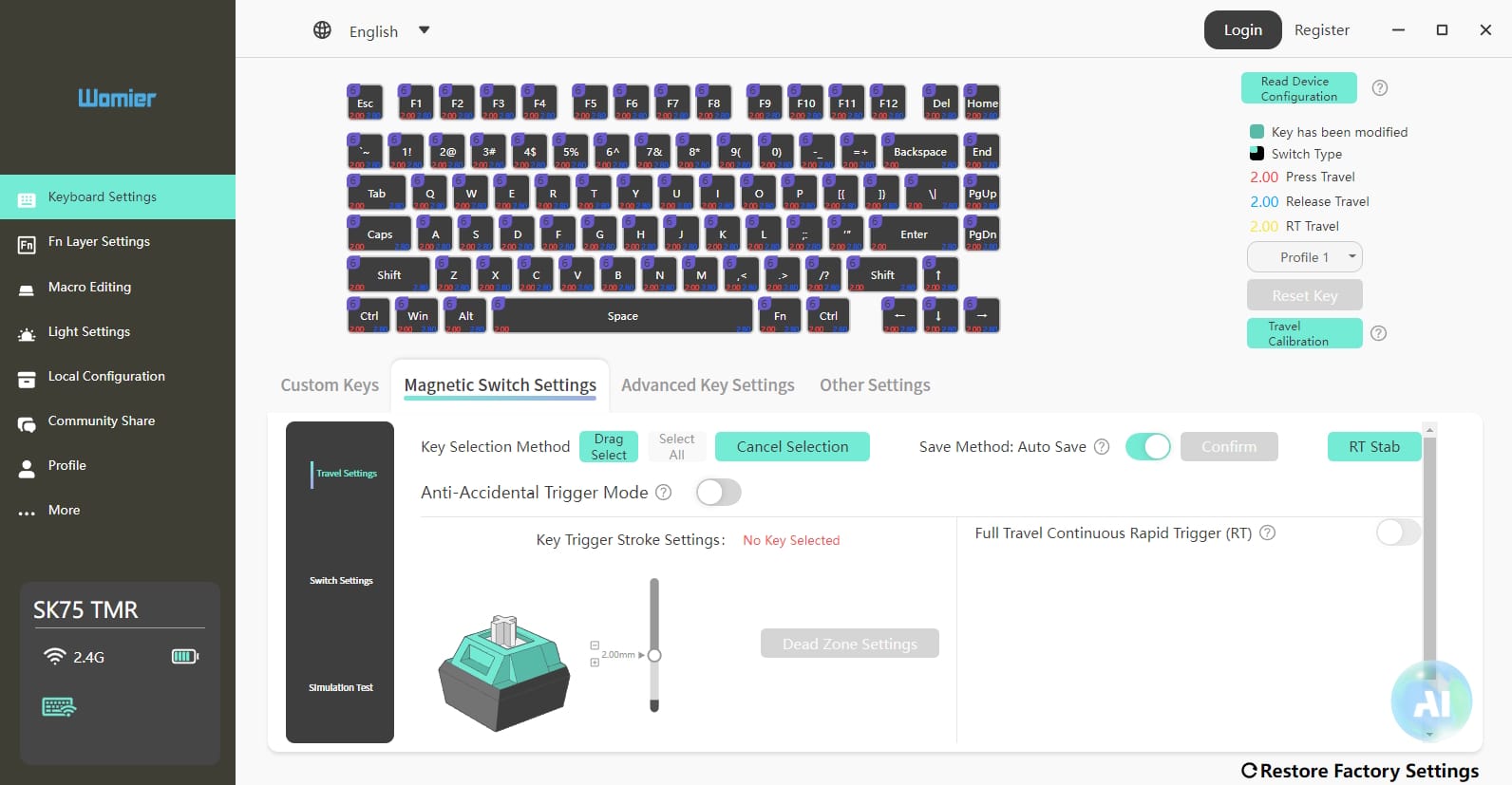
The only frustration I have with this keyboard is something I had to adjust once and won’t likely need to revisit. To use the keyboard in wireless or Bluetooth mode, you have pull the CAPS LOCK key and flip a manual switch on the PCB. I understand it would’ve screwed with the form factor to have this switch be external, but it feels bizarre to pull a key cap off to make this adjustment. The keyboard comes with a keycap puller, so it isn’t really that big of a deal, but it feels like a bad solution.
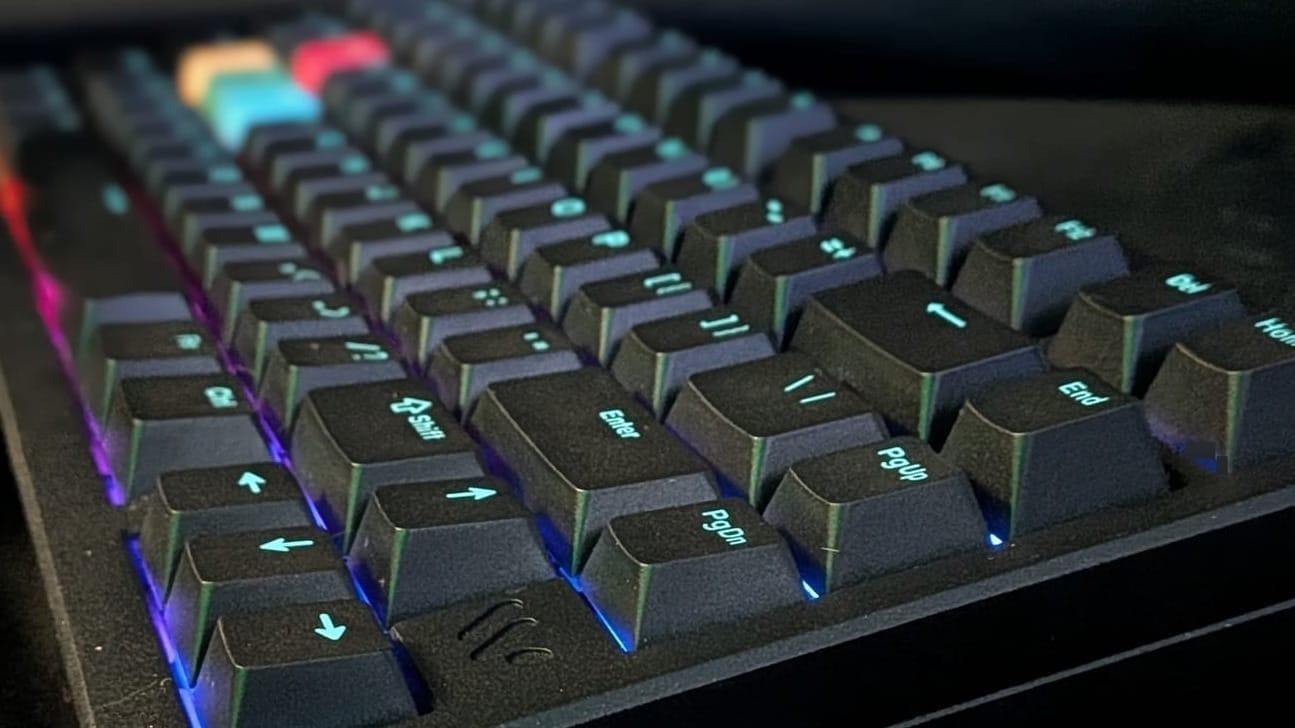
I have enjoyed my experience with the Womier SK75 TMR enough to finally retire the wired mechanical keyboard I’ve used for years. Thanks to its lightning-fast wireless, I’ve also ditched my cable for 2.4 GHz wireless without sacrificing performance. The SK75 TMR’s weight feels great, the aluminum body is sleek and attractive, and I’m in love with the feeling of striking its magnetic keys. If you’re looking for a premium compact keyboard and don’t mind a premium price point, the SK75 TMR is an option you should definitely consider. Your fingers will thank you.
Check out the Womier SK75 TMR and their Void switches for yourself:
SK75 TMR:
 Womier Keyboard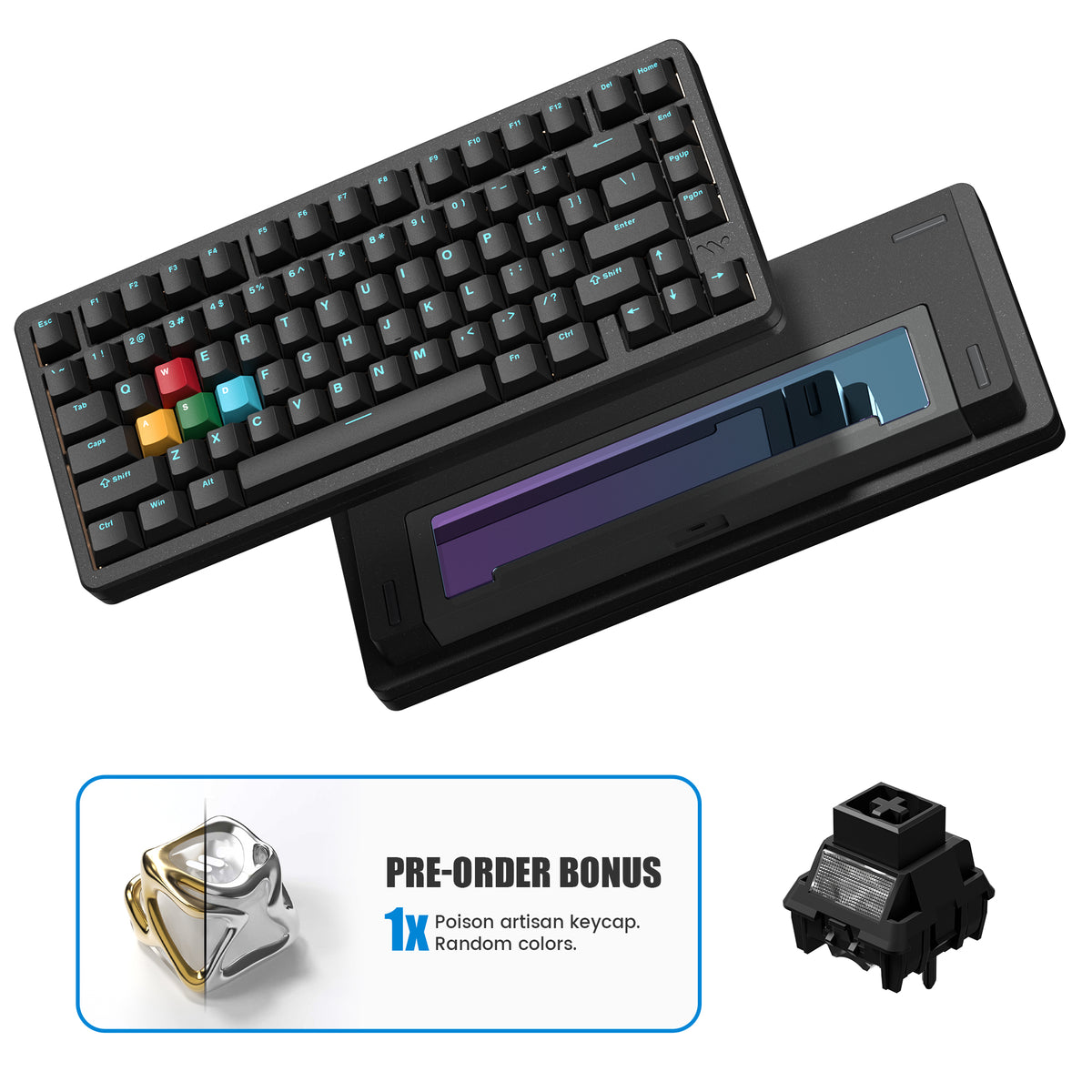
Void Switches:
 Womier Keyboard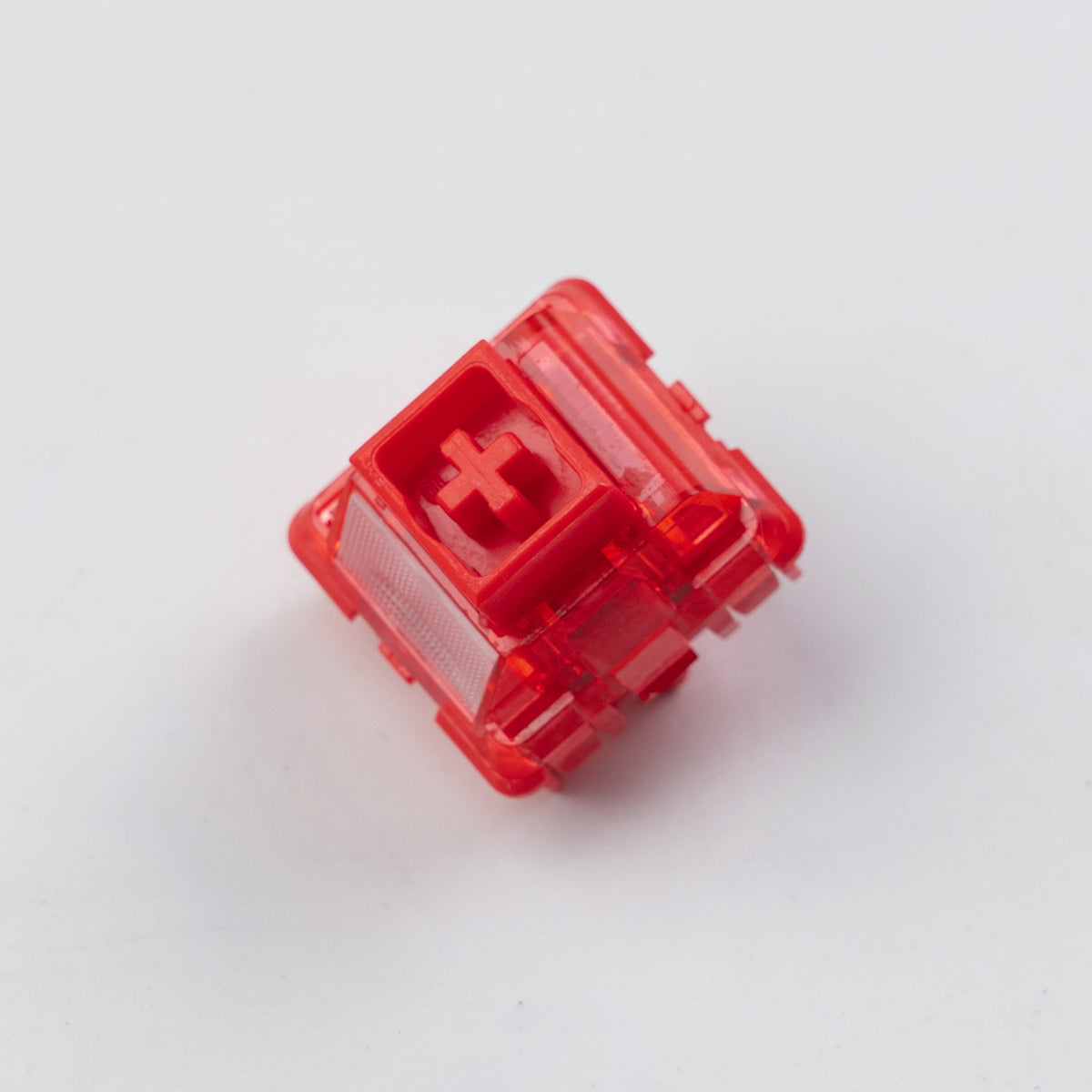
Womier SK75 TMR
Great
While Womier isn’t a brand I was previously familiar with, after my experience with the SK75, I hope to see their name alongside big dogs like Logitech and Razer. Despite a couple of minor grievances, the SK75 TMR is a fantastic keyboard I plan to have in my arsenal for the foreseeable future. It has earned its place as my primary gaming keyboard, and as a writer and typist, it’s a joy to use.
Pros
- Fantastic melee weapon, should the need arise
- Buttery smooth typing and a sleek aluminum case
- Can be used via wired, wireless, and 3 different Bluetooth bands
- Customizable via software suite
- Impressive battery life
Cons
- A bit on the expensive side
- 75% layout takes some time to get used to
- Have to remove the CAPS key to turn on wireless
This review is based on a retail copy provided by the publisher.