It feels like every time I turn around, another company has a pro controller out to market. ROG is starting to get noticed with their recent Xbox Ally handheld, and now that collaborative effort has led to something new. After all, why develop a "console" without a controller to go with it? the ROG Raikiri II Xbox wireless controller is here, fully certified, and ready to rock. But, is it a better buy than Xbox's own Elite 2? Let's dive in.
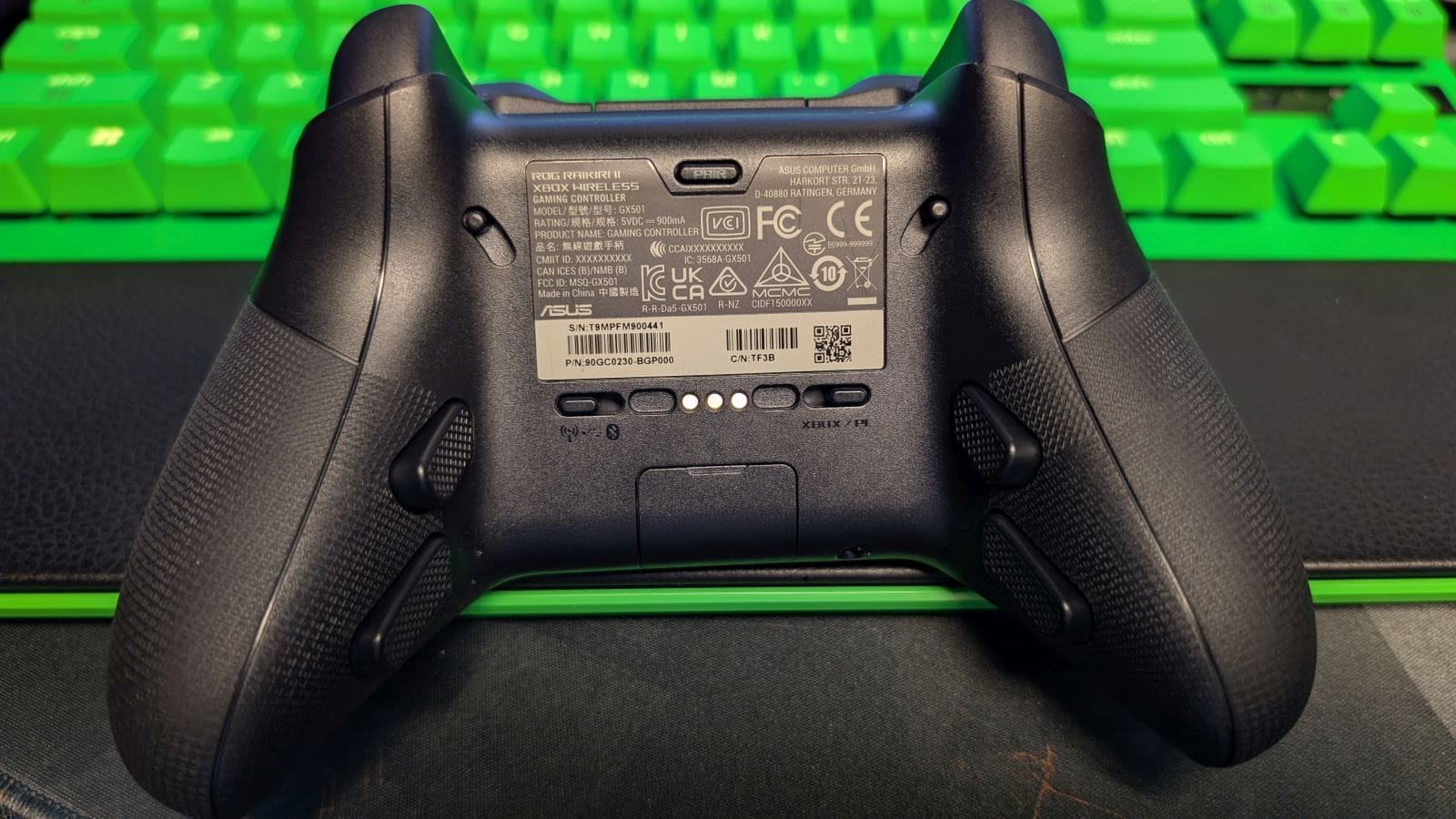
Opening the box you'll find the ROG Raikiri II Xbox wireless controller on a removable charging dock, a braided-sheath USB-C charging cable, two additional thumbsticks, and a USB dongle, all inside a nifty soft-shell carrying case. The USB dongle is easy to miss, as it's hidden in a secret compartment on the underside of the controller. That said, I always enjoy that design choice – it makes it easier to take my dongle with me.
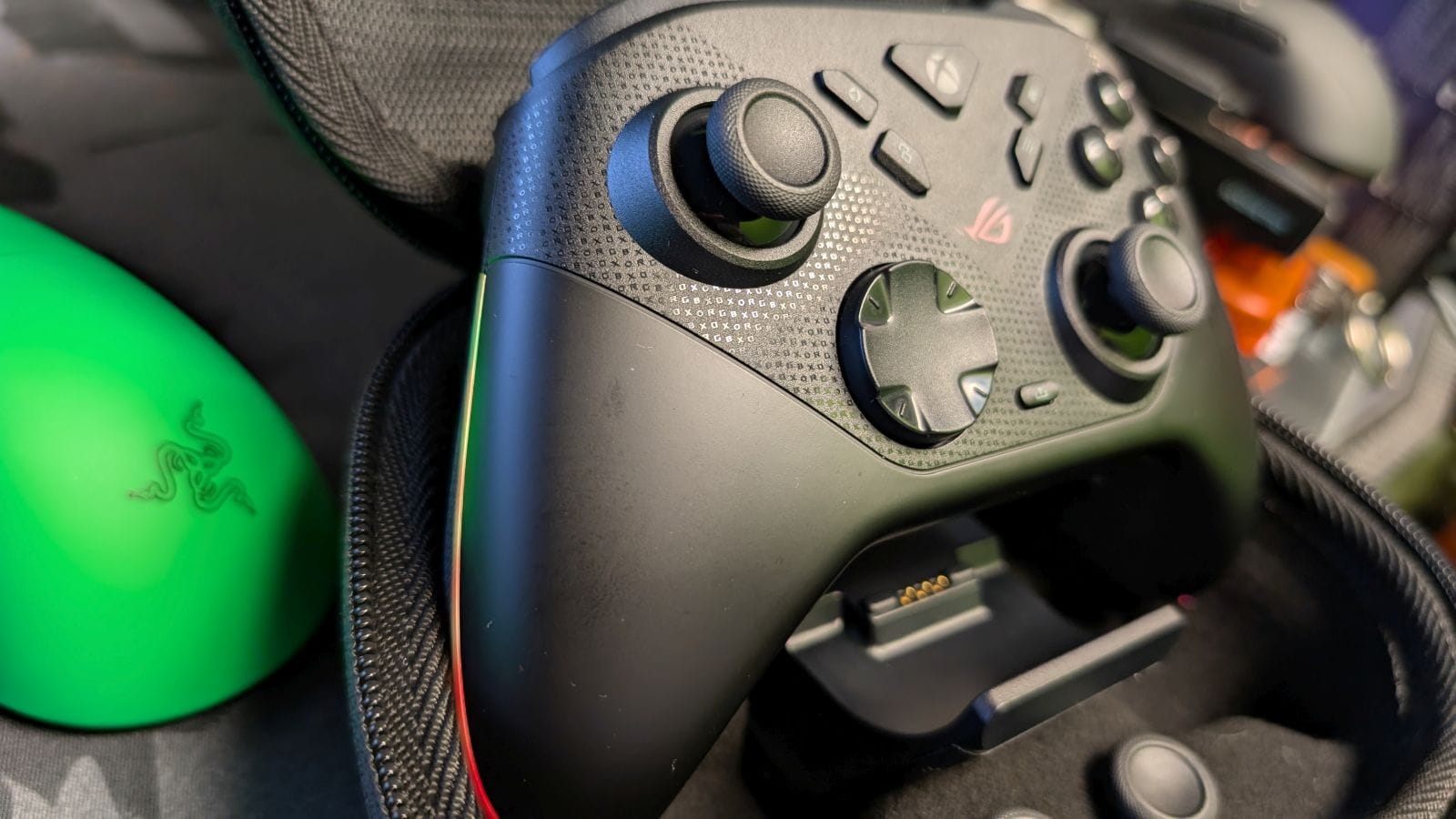
The Raikiri II feels good in hand. It's on the smaller side, somewhere between a regular Xbox controller and SCUF's recent Valor Pro. This leads to a really nice grip, along with good contact on the thumbsticks. With some really clicky Micro-Switch face buttons as well, it's just a great package for comfort. It also looks really nice, particularly the RGB strips adorning the handles. You can also modify them with different effects and specific colors; this controller has pizzazz.
That said, my biggest disappointment lies in the thumbsticks themselves. These are Tunnel Magnetoresistance (TMR) thumbsticks, which are the optimal anti-drift tech available in the industry today. They're smooth and accurate. My issue lies not in the tech behind it – which is more than solid – but the wells the thumbsticks inhabit. The wells are a bit wider than you find on other controllers, which leads to more freedom of movement.
As I've used the Raikiri II, I find myself over-aiming and over-correcting due to this design choice. This is especially prevalent when sniping, as I've missed easy shots from moving my crosshairs too far and had to move back. It mainly affects the right thumbstick, but it's still annoying. While this is something you can get used to, and make subtle adjustments to your sensitivity and deadzones, there is a big enough difference here that it will take some time to fine tune your aim.
Outside of this quirk, however, this is a truly fantastic controller. The back buttons and triggers are especially stupendous. I cannot tell you how much I disdain companies that put back buttons in odd places, but on the Raikiri II, they perfectly sit in grip, along with a nice textured feel to keep said grip on them. Beyond that, they've got that mouse-click that lets you know your input is going through, along with responsiveness when you use them.
Similarly, the quick triggers are equally fantastic. These triggers have a full and instant pull, all controlled with a locking switch next to each trigger. If you want to use your controller normally, no problem. If you want the competitive edge of a mouse-click, you have it in seconds. It's on the level of SCUF's Valor Pro; these triggers are to die for.
You'll rarely run into an uncharged battery as well. ASUS and ROG have put a battery that can last upwards of fifty hours inside. Admittedly, you have to be conservative and lose the RGB and vibration features, but even cutting that total in half, you're getting more than enough to last most of the week. With the capability of also charging your controller on the included dock inside or outside of the case, it ensures keeping your battery full is on your mind.
Of course, being able to use it where you'd like makes a good controller, and the versatility of the Raikiri II makes it great. You have three options for connectivity: wired, a 2.4GHz USB dongle, and Bluetooth. With two switches on the back to let you know what mode or platform your controller is set for, it's easy to be ready to roll. While it is an Xbox-coded and certified controller (meaning you won't be able to use it on PlayStation), the PC and mobile connectivity, especially being compatible with the ROG Xbox Ally handhelds, gives you a wide breadth of devices for use. I'm also loving the 1K polling rate on PC – as a competitive gamer, not having to go to the effort of overclocking my controller for better input registration is appreciated.
In terms of gameplay, my aforementioned qualms with the thumbsticks haven't deterred me from enjoying my time playing games like Call of Duty, Halo, and more. All of the features together, minus the right stick's aiming woes, complement the controller and create natural and snappy movement. Black Ops 7 is an especially involved game when you're trying to jump and slide around, including the new wall jump mechanic. The Raikiri II lets you map the back buttons to their best inputs (through the app or a simple button combination) and lock in your shots faster than your opponents through the quick triggers.
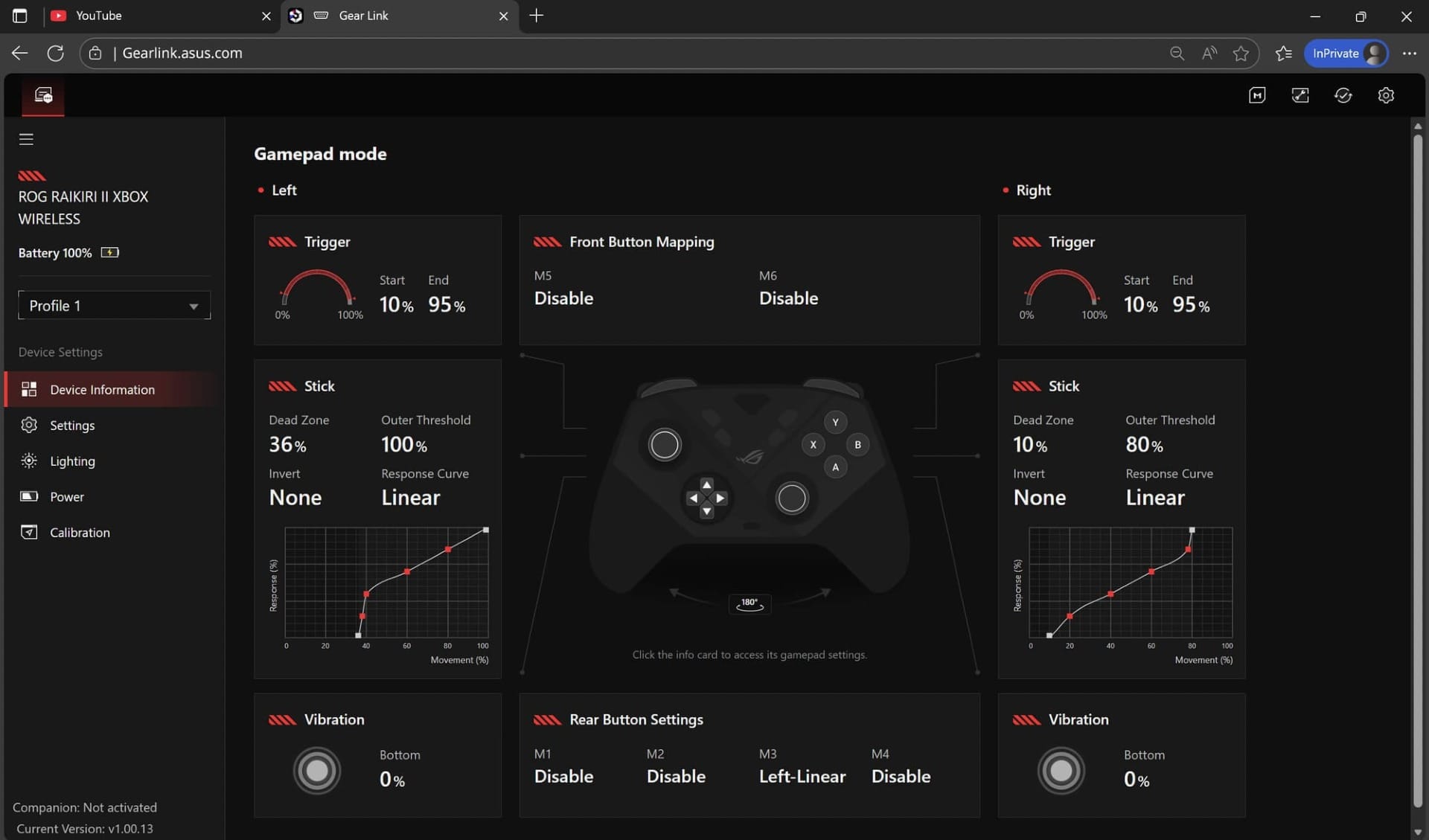
Something that can make or break a controller for me is the ease of software. The Raikiri II has a quality app in Gear-Link, but I don't care for the implementation. Instead of an actual app you download, you have to boot into it via a browser. It's odd, and while I'd forgive it if it was to give you mobile access, that's not a thing. Gear-Link works well, with plenty of different settings to tweak – like button remapping, trigger deadzones, vibration intensity; even stick response curve. I just wish it was accessible through my phone to make quick adjustments.
Bonus: There are two extra face buttons around the power/Xbox button that are mainly beneficial for the ROG Xbox Ally, but can be used outside of it. A Command Center and Library button give you instant access to that functionality on the handheld, but also can be remapped to what you need. Out of the box they're mapped to the thumbsticks, but the freedom to change them is a nice extra.
ROG Raikiri II Xbox wireless controller
Great
The ROG Raikiri II Xbox wireless controller is a great controller, but held back by a singular design flaw. Outside of the issues with the thumbsticks, everything else on this controller is smooth. Fantastic back buttons, quick triggers, and connectivity raise its profile. If you take the time to adjust and tweak the thumbsticks, this will be your next weapon of choice.
Pros
- Comfortable build
- Stellar back buttons and quick triggers
- Great versatility between devices
- Awesome battery life
Cons
- Thumbstick wells lead to over-correcting aim
- No mobile Gear-Link for customizing settings
This review is based on a retail copy provided by the publisher.