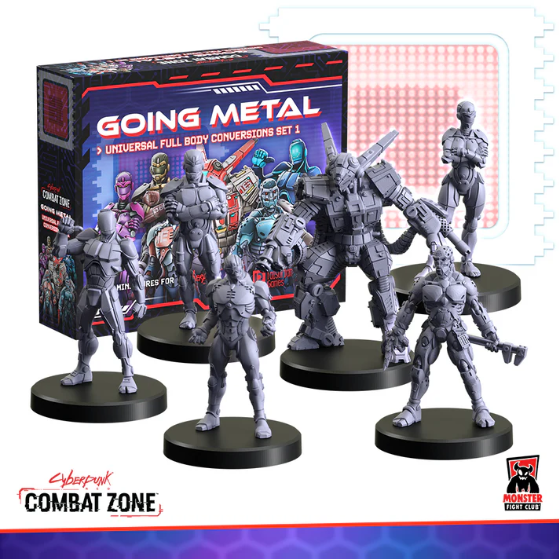
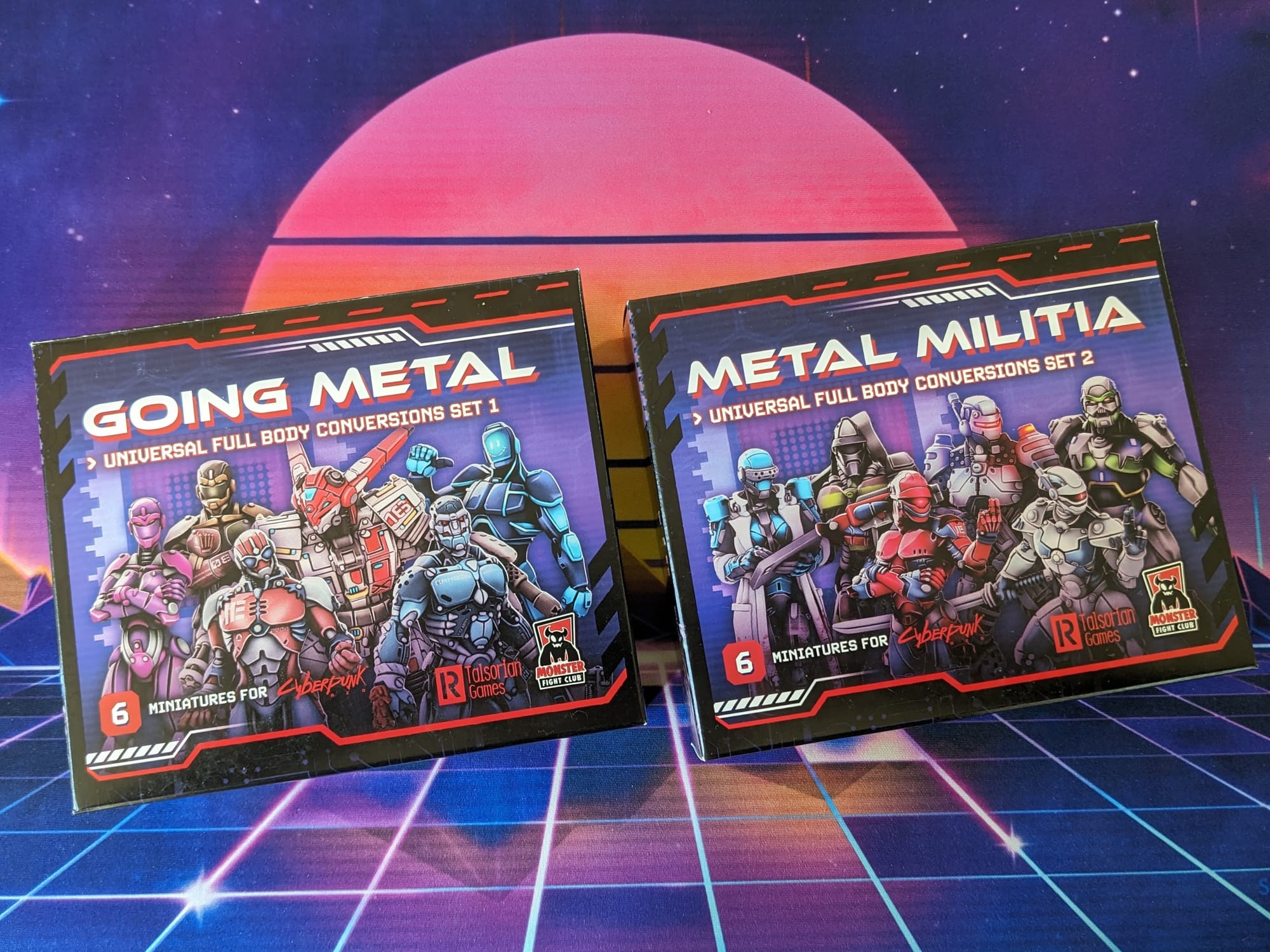
In a world where metal and flesh have become one and the same, cybernetic enhancements become a necessity. Granting new abilities and upgrades, the Going Metal (Universal Full Body Conversion 1) adds even more variation to your Cyberpunk Red: Combat Zone games. Six new miniatures and cards are included in this set to introduce cybernetic augmentations to the battle for Night City!
 Monster Fight Club
Cyberpunk Red: Combat Zone is a fast-paced, miniature skirmish game from Monster Fight Club. Set in the high-tech dystopia of the Cyberpunk RPG universe created by Mike Pondsmith, Cyberpunk Red: Combat Zone opens up a new way for players to create stories and combat in the universe. Crafted by veteran tabletop game creators, Combat Zone uses the [RE]action Dice System for organic, free-flowing gameplay interactions; no rounds, no turns—the game just goes!
Unboxing
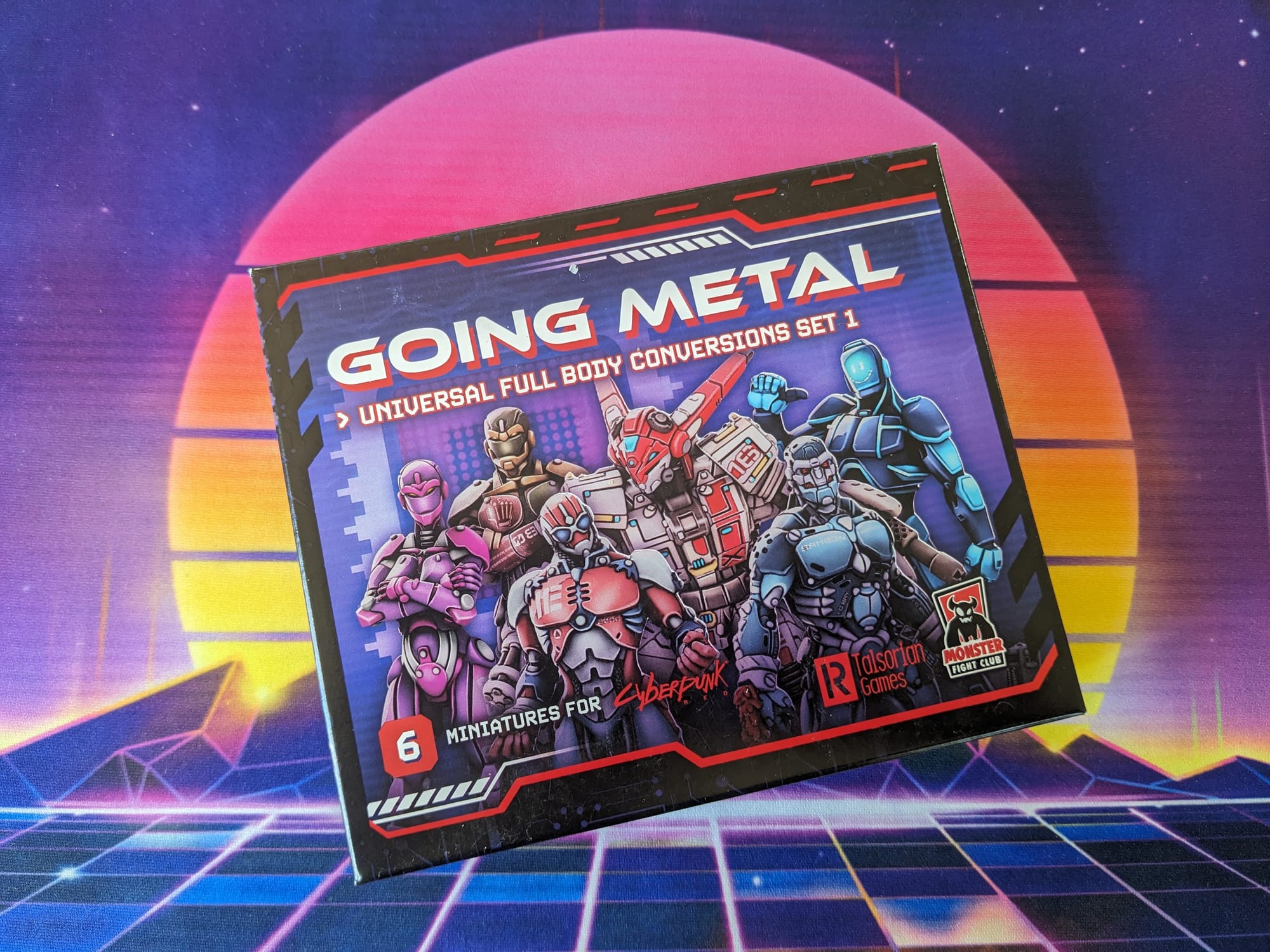
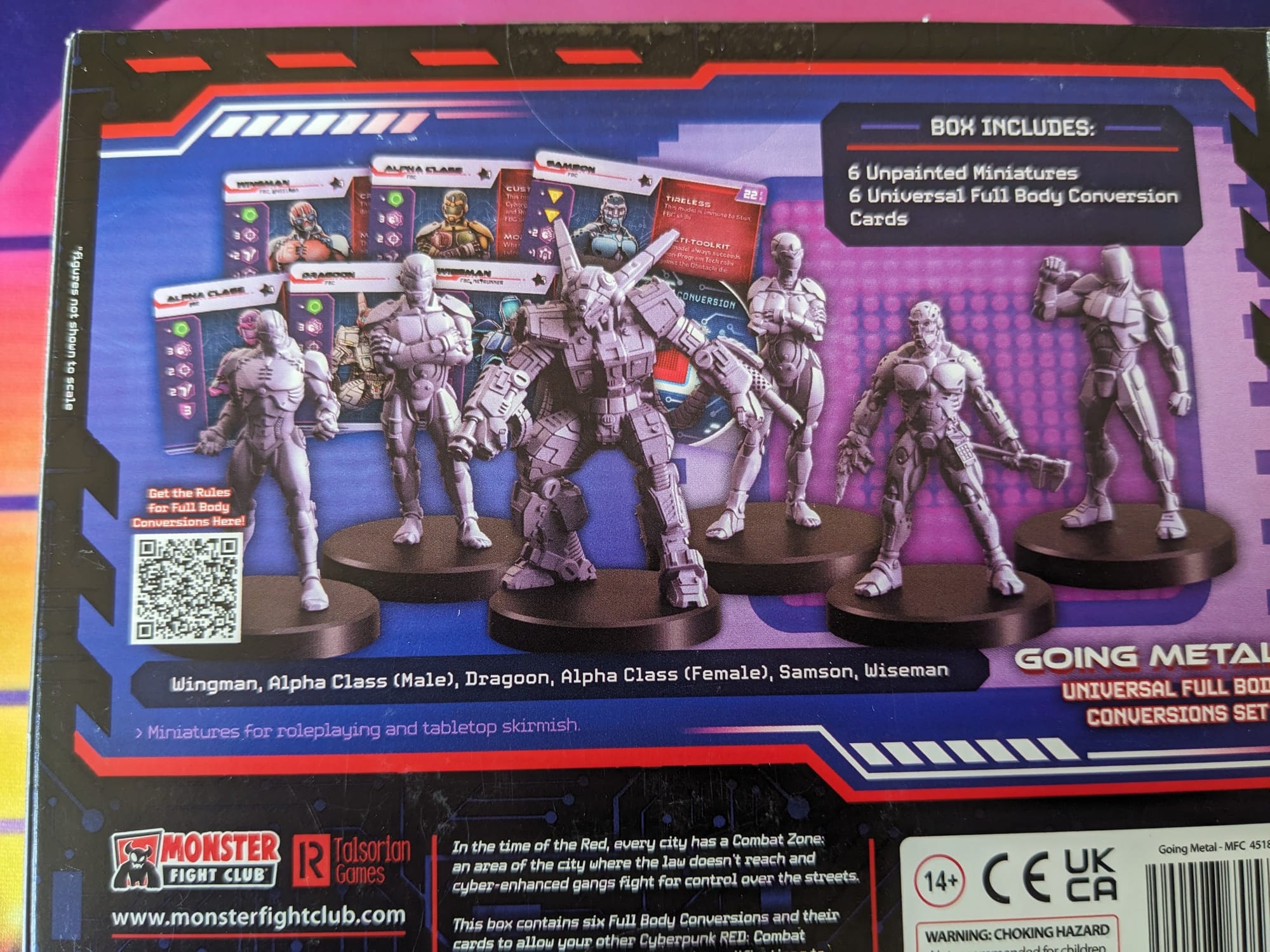
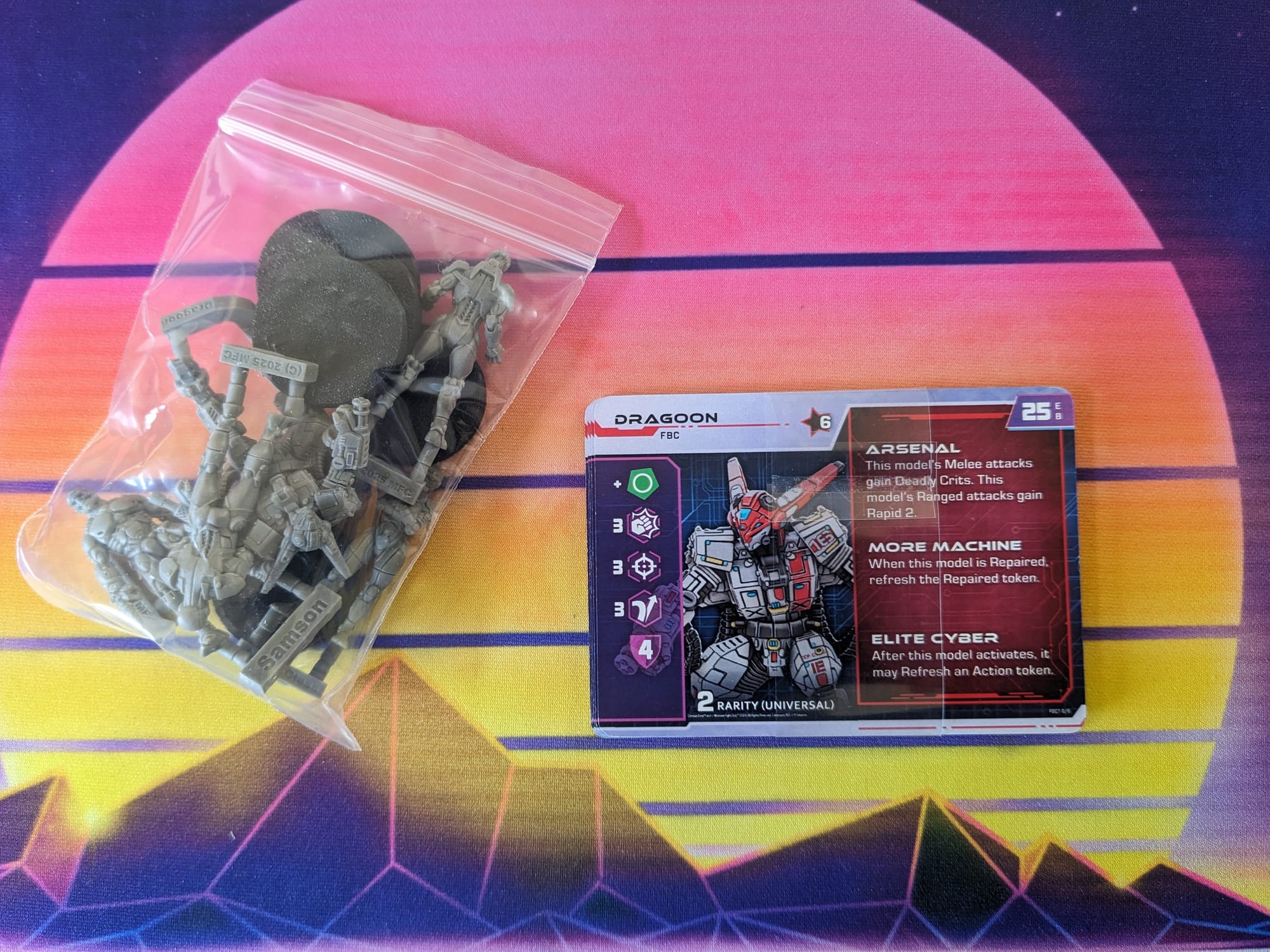
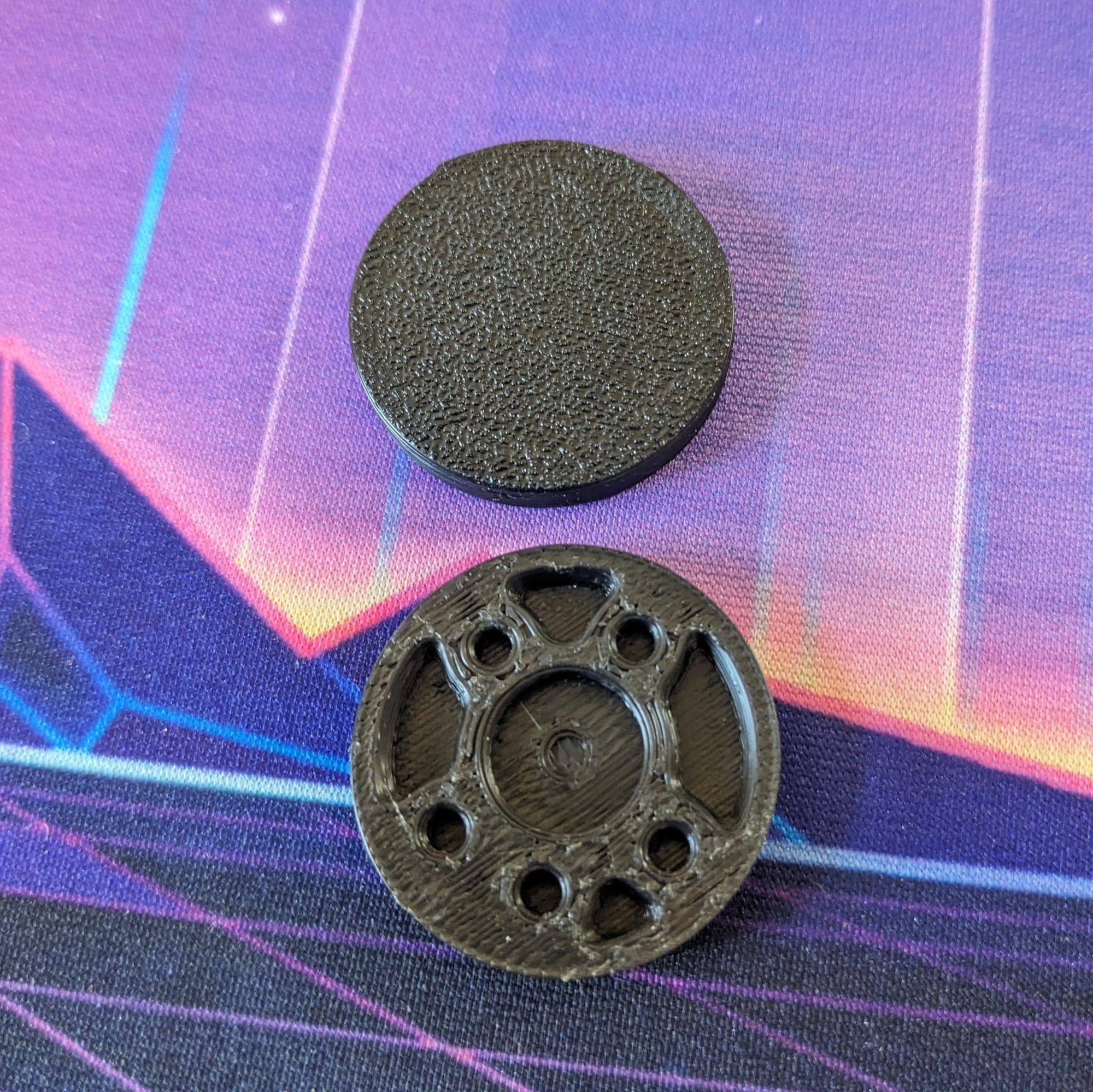
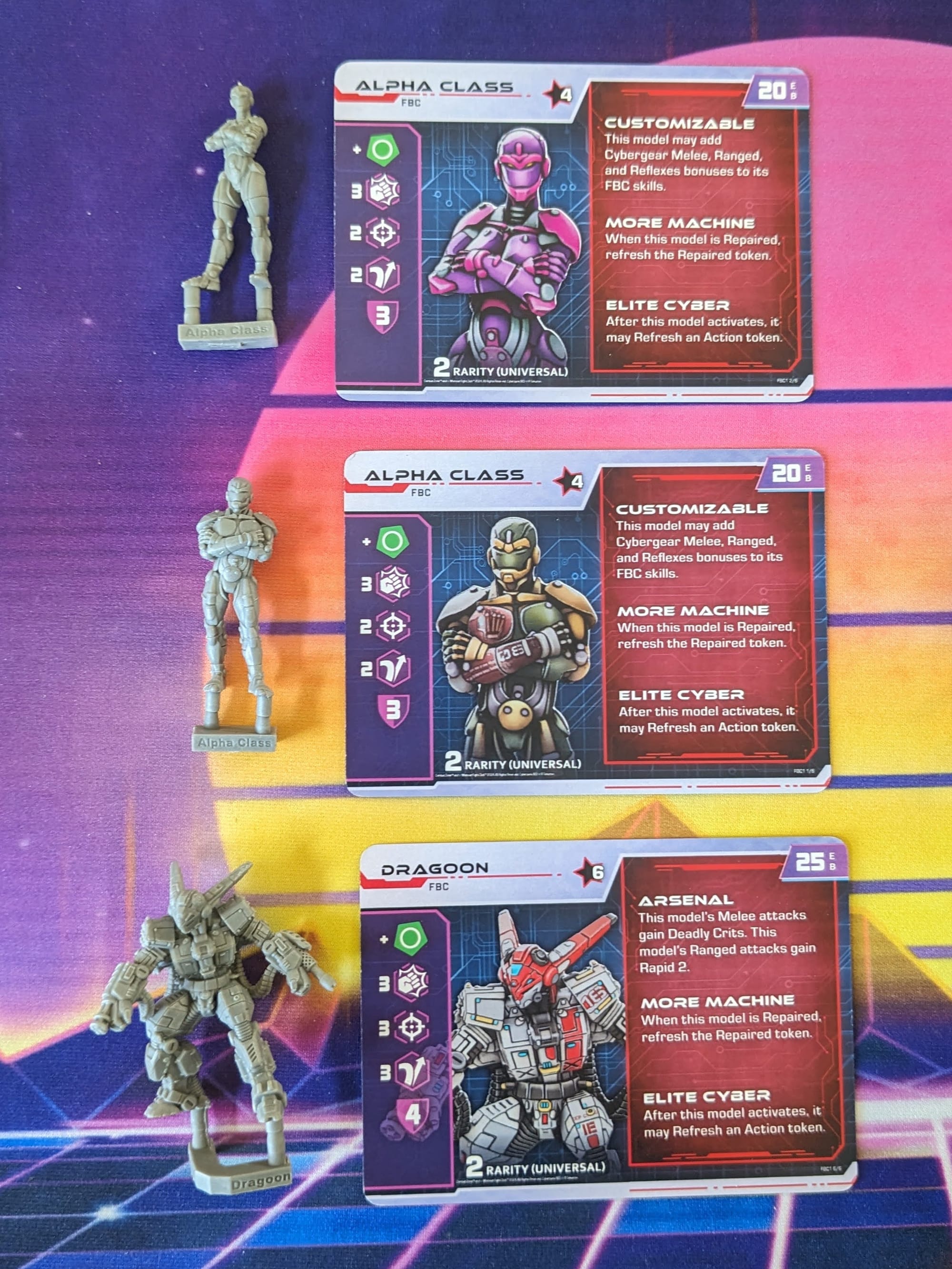
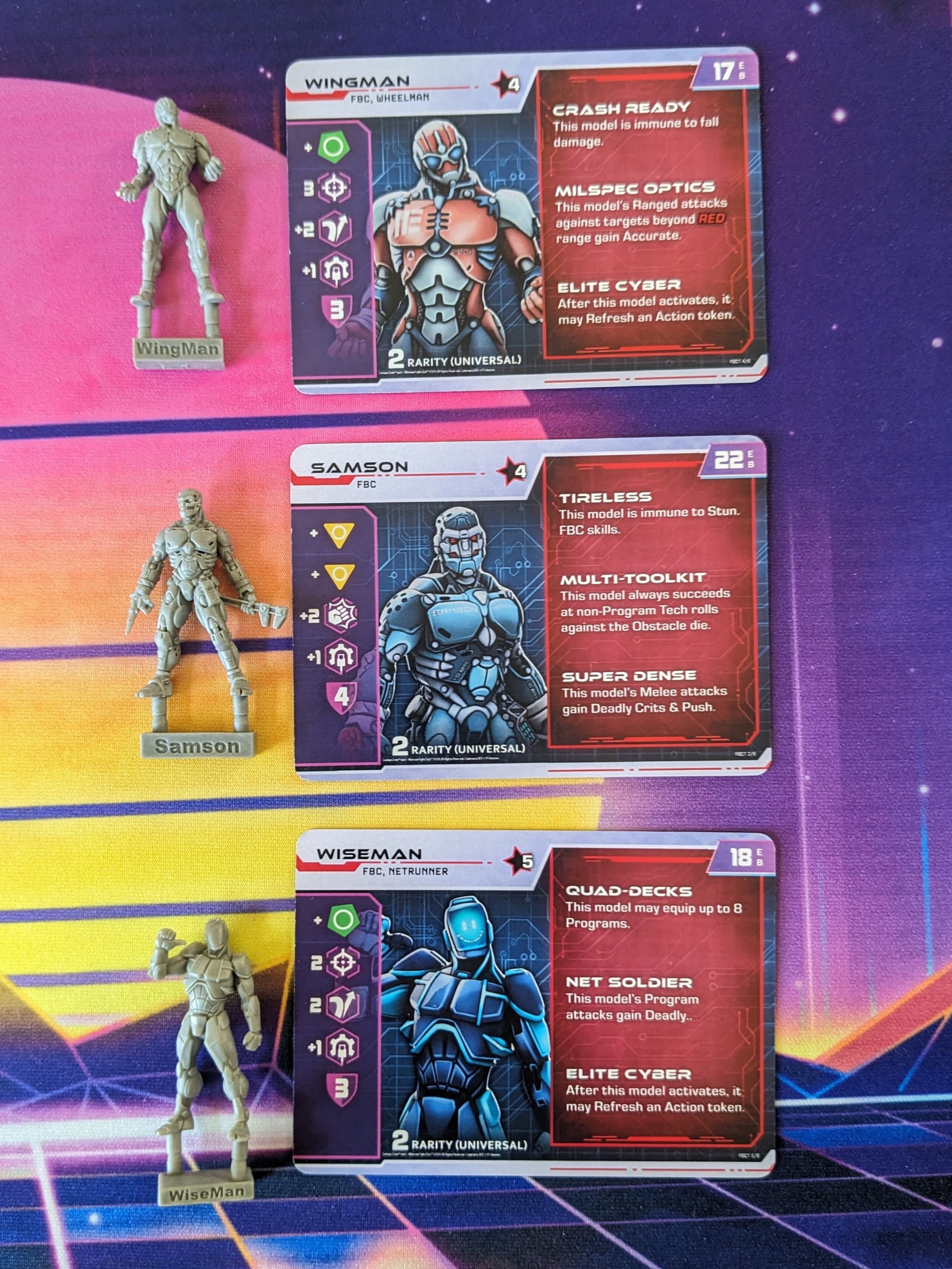
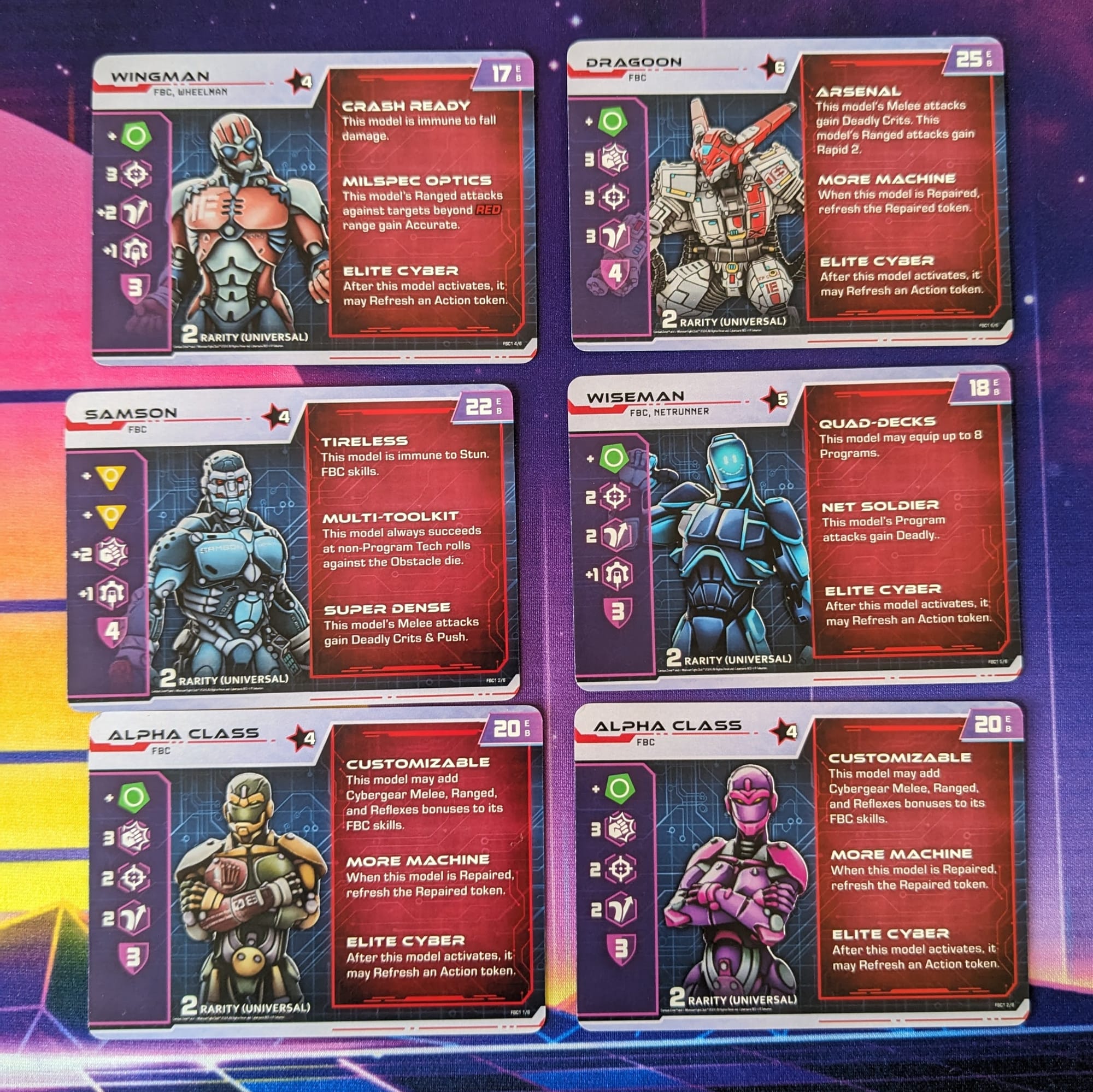
The box includes the six figures, six bases, and six corresponding cards. The sculpts match the card art, but if you're not sure which is which, the model's sprue has their name printed on them. The landscape-oriented cards are a good design, because the FBCs attach to an individual model, adding more abilities and stats.
Rules for playing with the Full Body Conversions can be downloaded here for free:
Assembling Your Models
PREPPING YOUR MODELS
Before you get to painting your models, there are a few small steps you can take to help make your painting go smooth and fast. In general, the manufacturing process for most models and miniatures allows companies to produce minis quickly to meet demand. However, the process sometimes includes a release agent within the mold. Depending on the type of plastic used, models may warp due to rapid heating and cooling. Mold lines are always going to be present if they were manufactured with injection molding, so be mindful of that as well.
Washing Your Minis
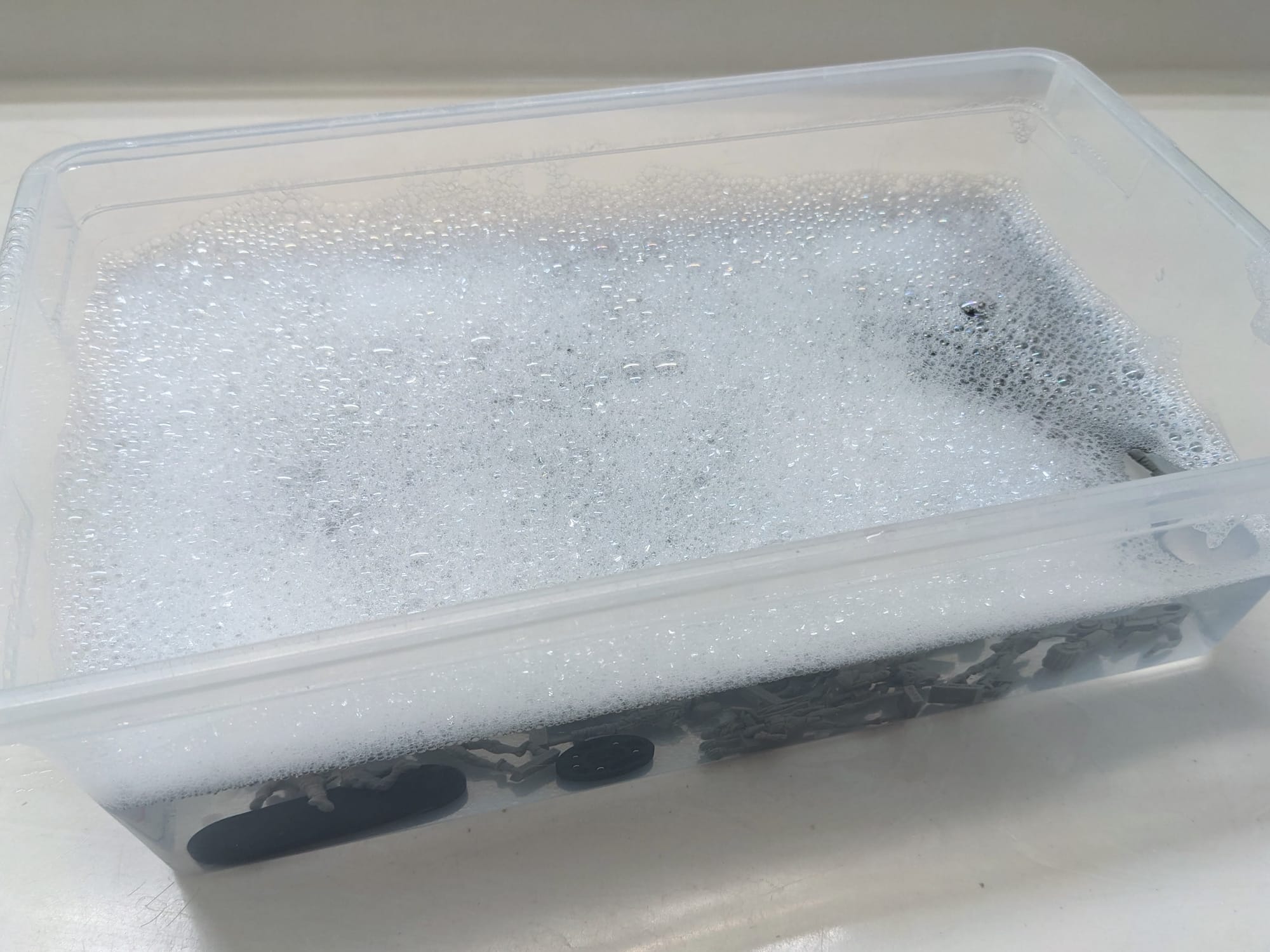
Release agent chemicals and other manufacturing residue can be easily removed by washing them thoroughly with dish soap and warm water. I have found that single-piece minis or large parts tend to have a greater amount of release agent to them, so I just spent a little more time washing to get them clean.
Removing Sprue Parts
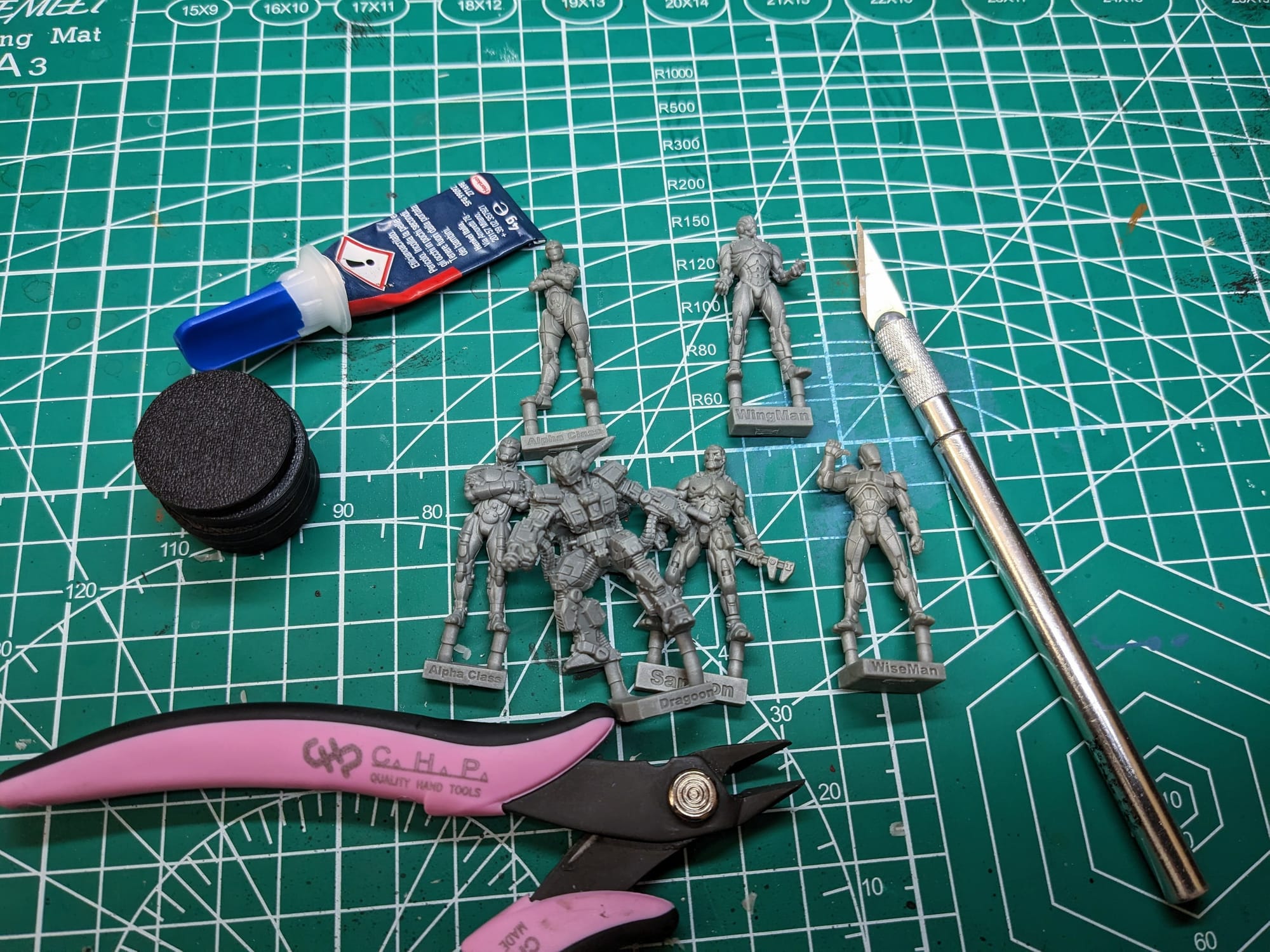
When you clip the parts for your figures off of the sprue, be sure to use the flat edge of the clipper against the part. If using an X-Acto blade, press firmly and straight down onto a protective mat or cutting board to avoid digging into the model. For smaller parts, I recommend using a small blade instead of clippers to avoid pinching and damaging the model part you're trying to remove.
Remove Mold Lines
Soft plastic miniatures tend to have more pronounced mold lines than hard plastic ones. The mold lines are a result of the manufacturing process, where the two halves of the piece come together. These can be easily removed with an X-Acto blade or mold line remover tool. Just be careful with the sharp blade and be mindful of how hard you’re digging into the plastic; you don’t want to amputate your mini accidentally.
Fixing Your Warped Minis
The other common malady of single-piece miniatures is that the swords or poles or bases can arrive looking like potato chips and swords can look like whips. Fortunately, this is an effortless fix! Boil some water and pour it into a coffee cup. Using pliers or tweezers, submerge your model in the boiled water for 10-15 seconds. Take the model out and then push the model onto a flat surface, like a countertop. Once you’re satisfied with the shape of the plastic, submerge your model in a bowl of ice water for about 10-15 seconds, remove it, and place it on a towel to dry.
If you’re satisfied with the mini, then let it fully dry before you prime. If it still needs some tweaking, just repeat the process.
Gluing Your Miniatures
Assembly is straightforward, and you can use the box as the guide. The plastic is soft, so you can use basic Loctite Super Glue (Gel Control) to affix them to the bases.
Affixing Your Minis to the Bases
Depending on the miniatures, I sometimes prime and paint the figures separately from the bases. I use double-sided tape and affix them to extra bases. This allows me to quickly and freely paint the bases separately, assembling the model to the base once both are done.
Brushes & Painting Tools
Everyone’s paint collection is different, and there is no ‘right way’ to paint your models. I use a wide variety of paint lines, but the majority of what I use for painting is Monument Hobbies’ Pro Acryl, Games Workshop’s Citadel Paints, and Army Painter’s various paint lines. For Citadel and Army Painter paints, I also make sure to mix in Liquitex Flow-Aid Additive to the paint pots and dropper bottles so that the paints are a little thinner and ready to add right onto my wet pallet or paint tray.
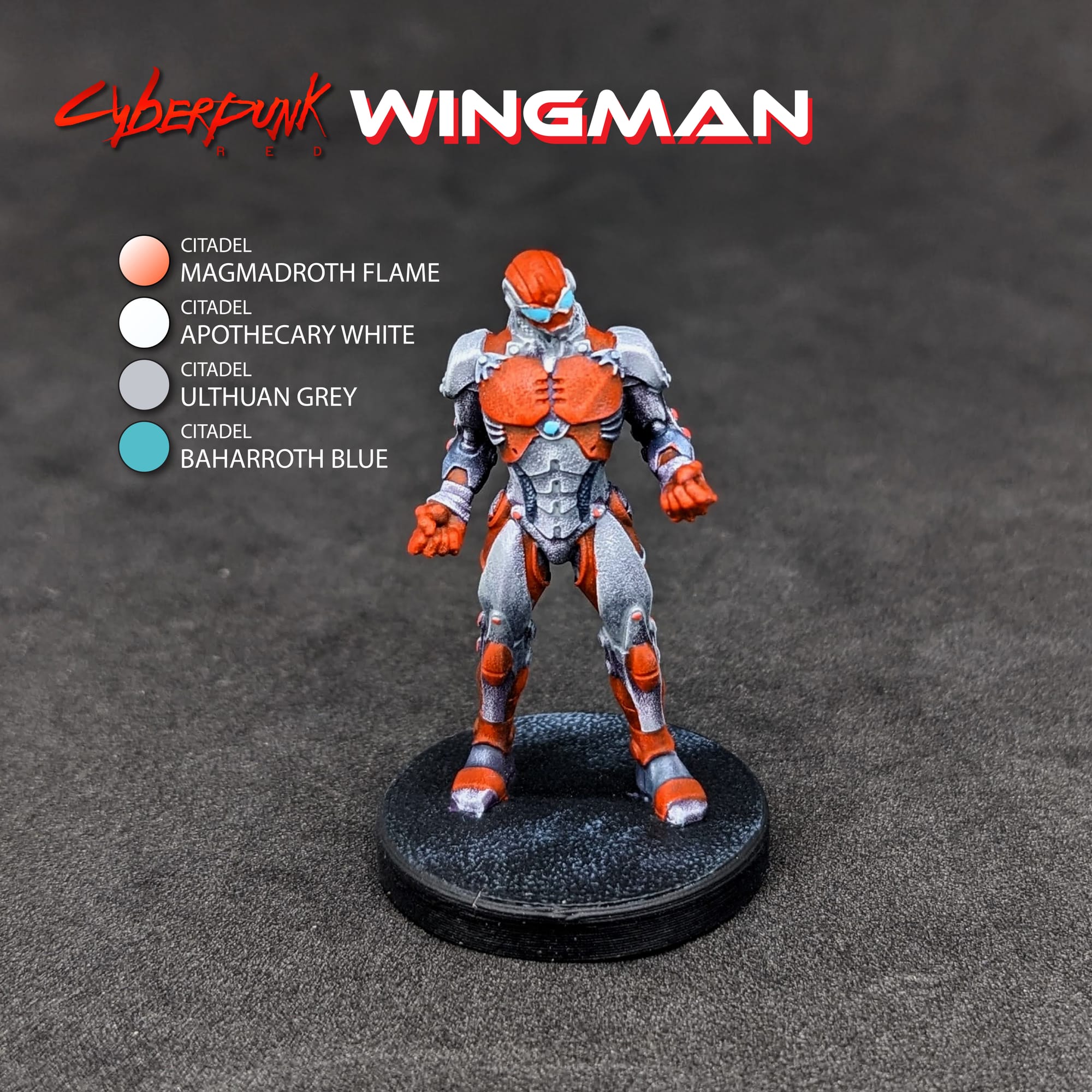
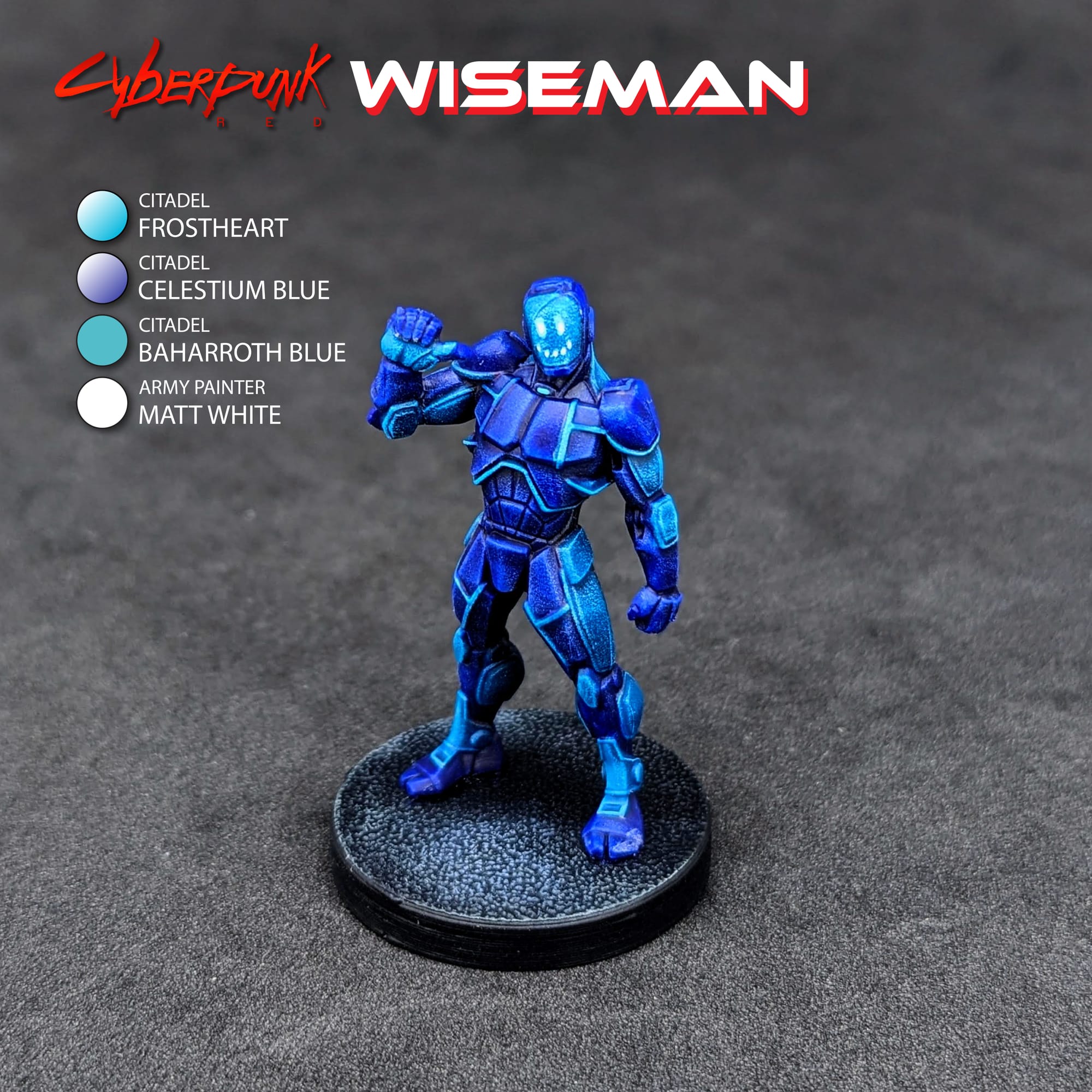
For this tutorial, I have included a visual guide (below) of the paints I used for the miniatures so you have an easily-accessible list to refer to if you need to go shopping. The paints are noted on the picture. Many paints are used for multiple figures, so a single bottle will be more than enough.
Matching Paints & Colors
You don’t need to use the exact paints listed in the pictures, and can substitute with the paints and colors you already own from other paint lines. Most of these colors are fairly generic, and I use them for multiple projects. I only recommend going out and buying a new paint or color if you think you’re going to use it for multiple projects in the future. You can use the PaintRack App for color comparisons across the different paint brands out there.
PaintRack App Links
Paint Brushes
As far as brushes go, any brush brand you’re comfortable painting with is totally fine. If this is your first time painting, I’d encourage you to get a starter model brush pack or a series of different brush sizes (5 being the largest, 00000 being the smallest) so you have different options depending on what you’re painting. You also don’t need the high-end, super expensive brands; most generic brands are absolutely fine to use.
Model Holders
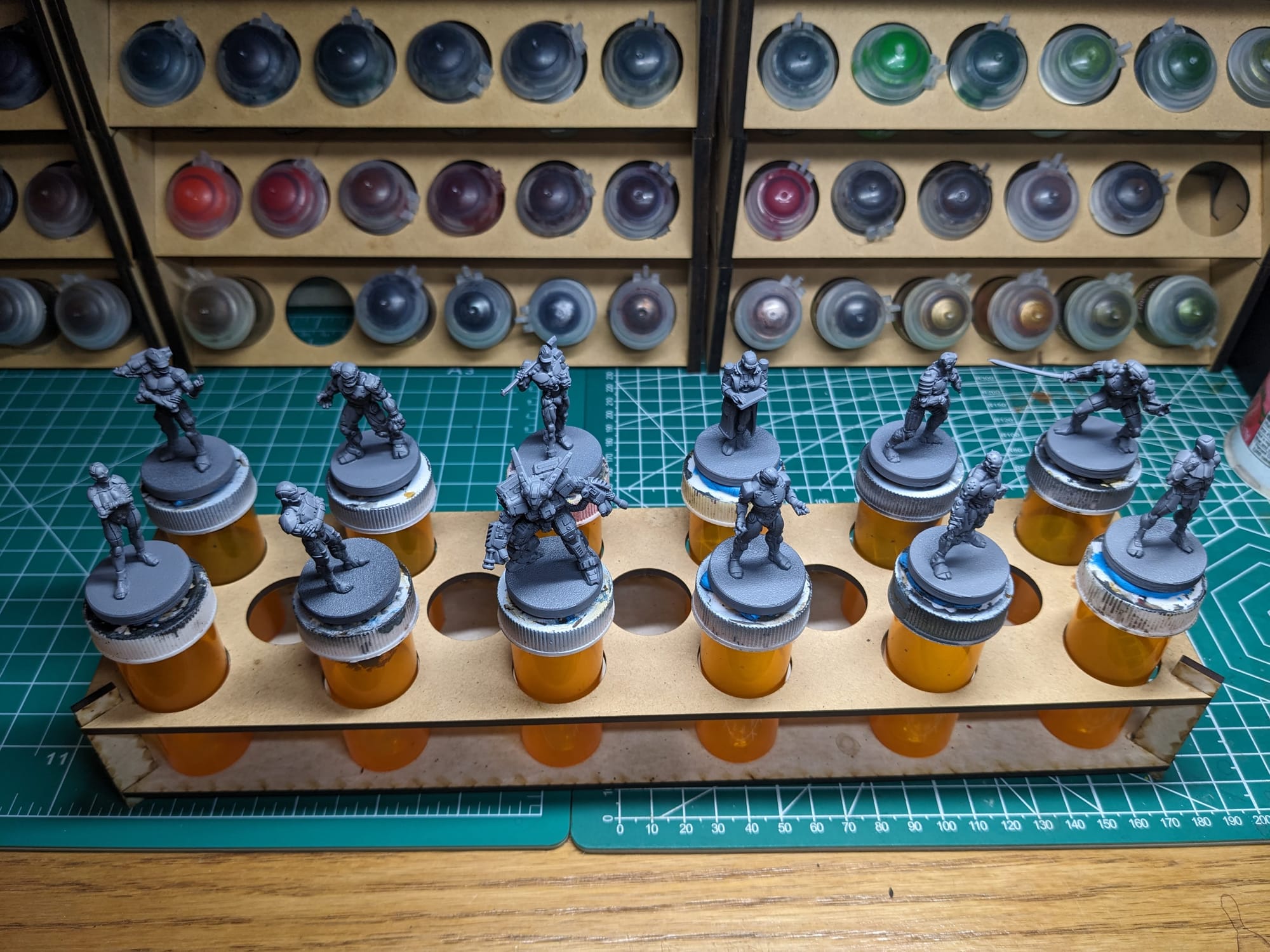
After I finish priming models, I affix them to some large medicine tubes with some double-sided tape or poster tack. There are official miniature holders and handles out there, but I just use these since they’re cheap, and sometimes I need multiple holders for batch painting. Paint holders allow me to easily handle the models so I can turn the models freely to get a good angle to paint certain parts or areas, as well as prevent hand cramping.
Painting Your Miniatures
The Paint Plan
For pretty much every miniature painting project I do, I start with a plan. Even before putting the primer and paint on a model, I find photo references of the paint schemes and details I am looking for. Most times, this means having a browser window up with different web pages and images next to my painting area, so I can quickly refer to them as I paint. I also come up with a paint plan, choosing what colors I am going to use and what order I apply them in.
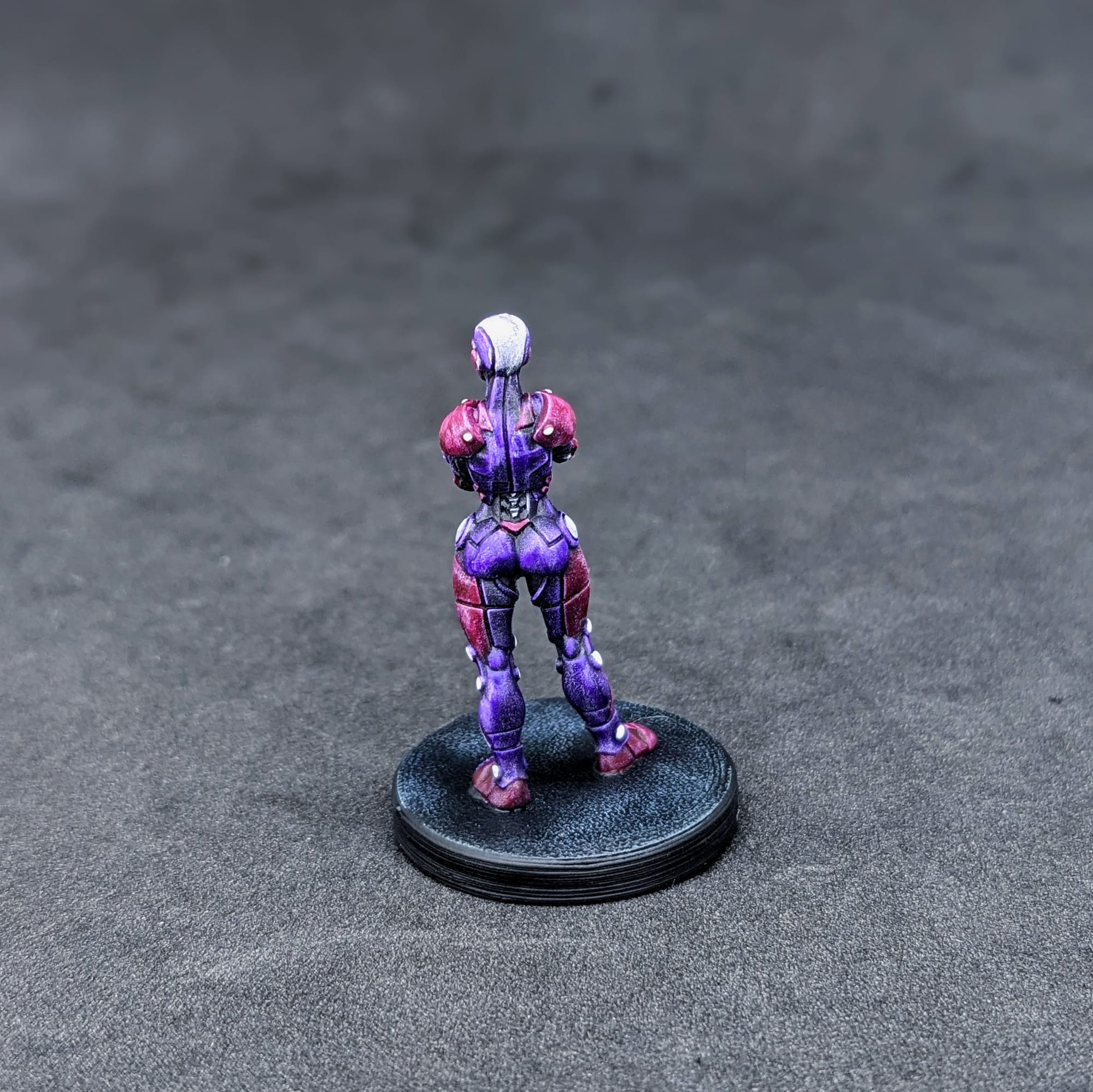
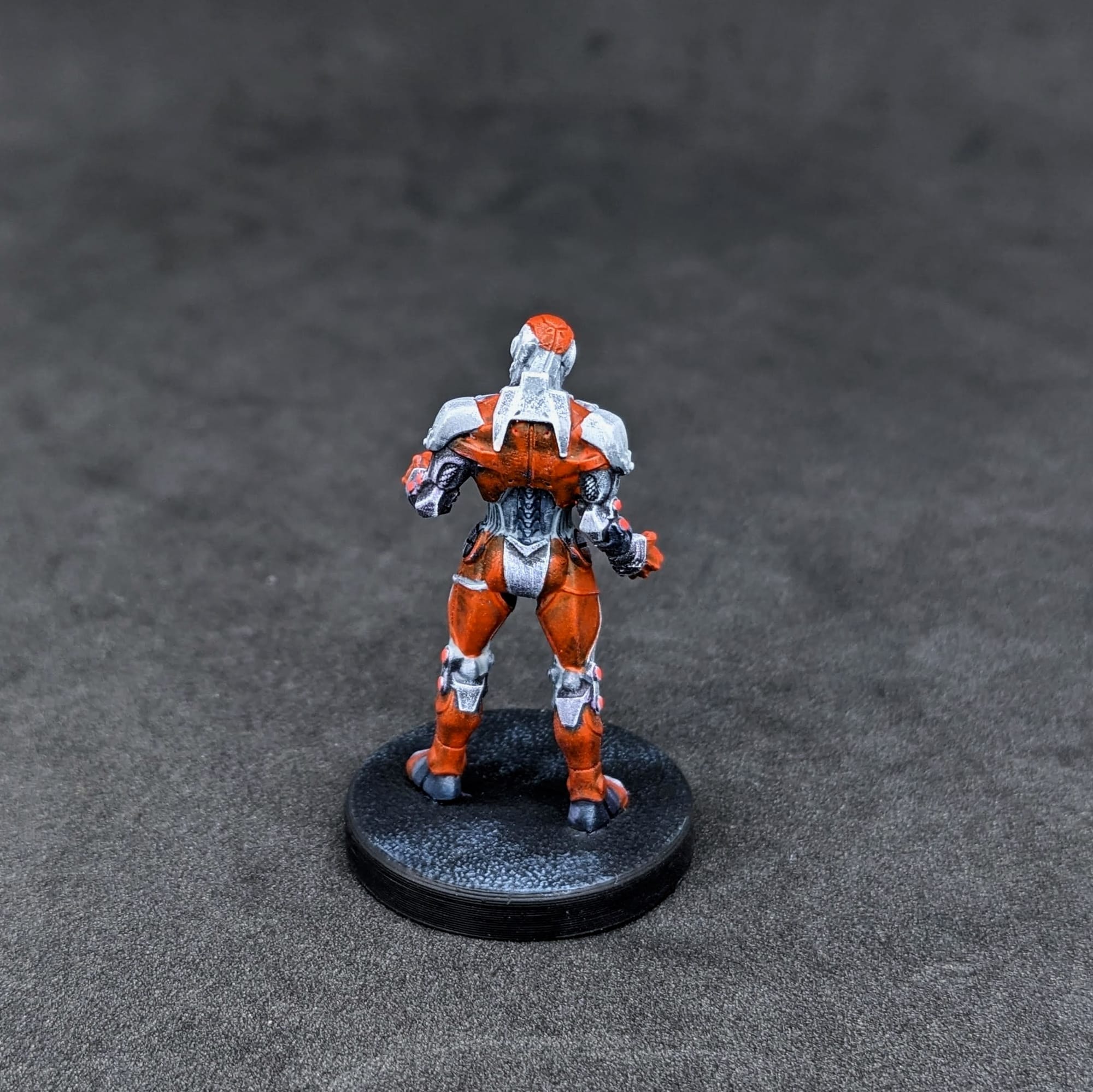
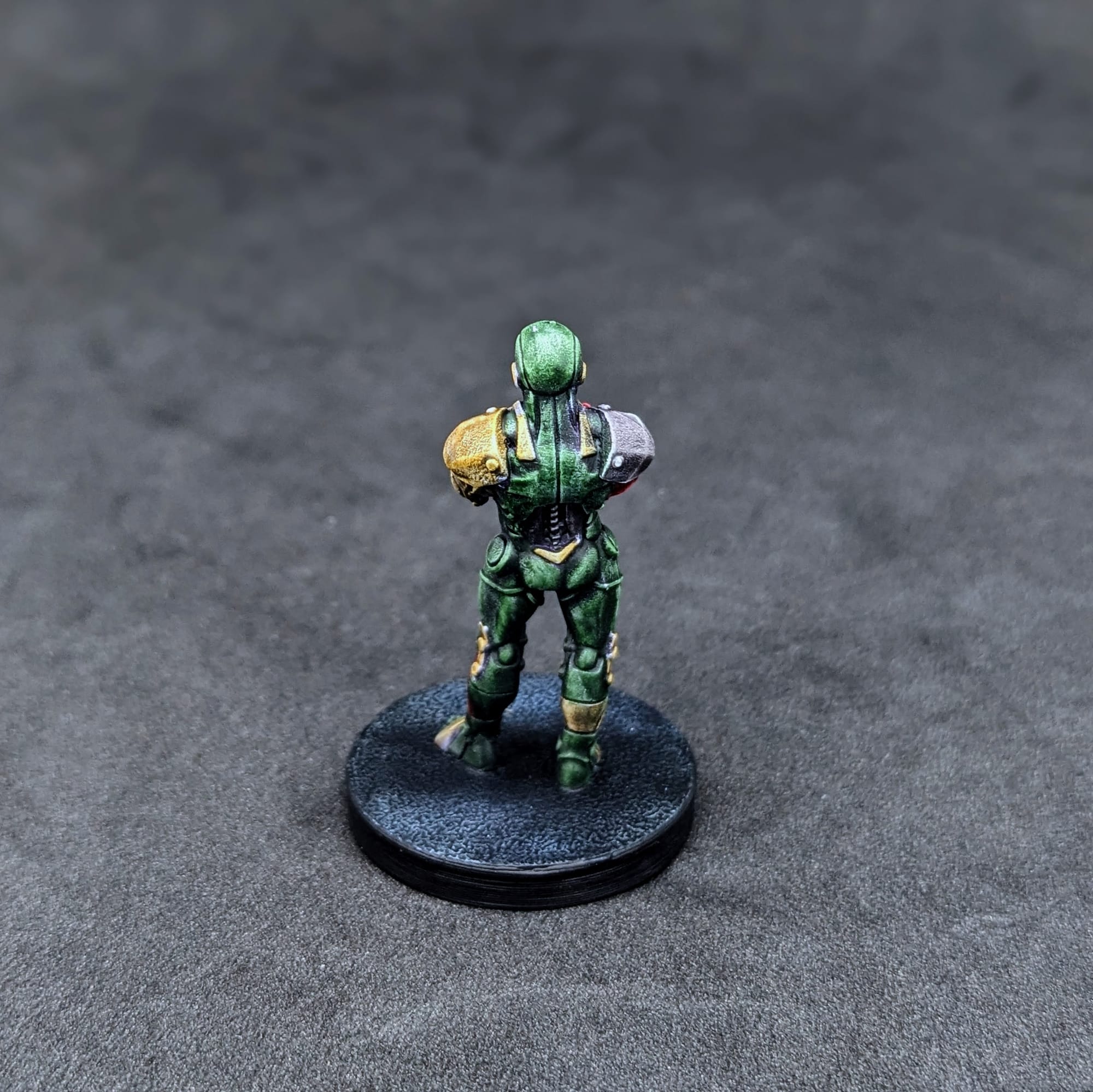
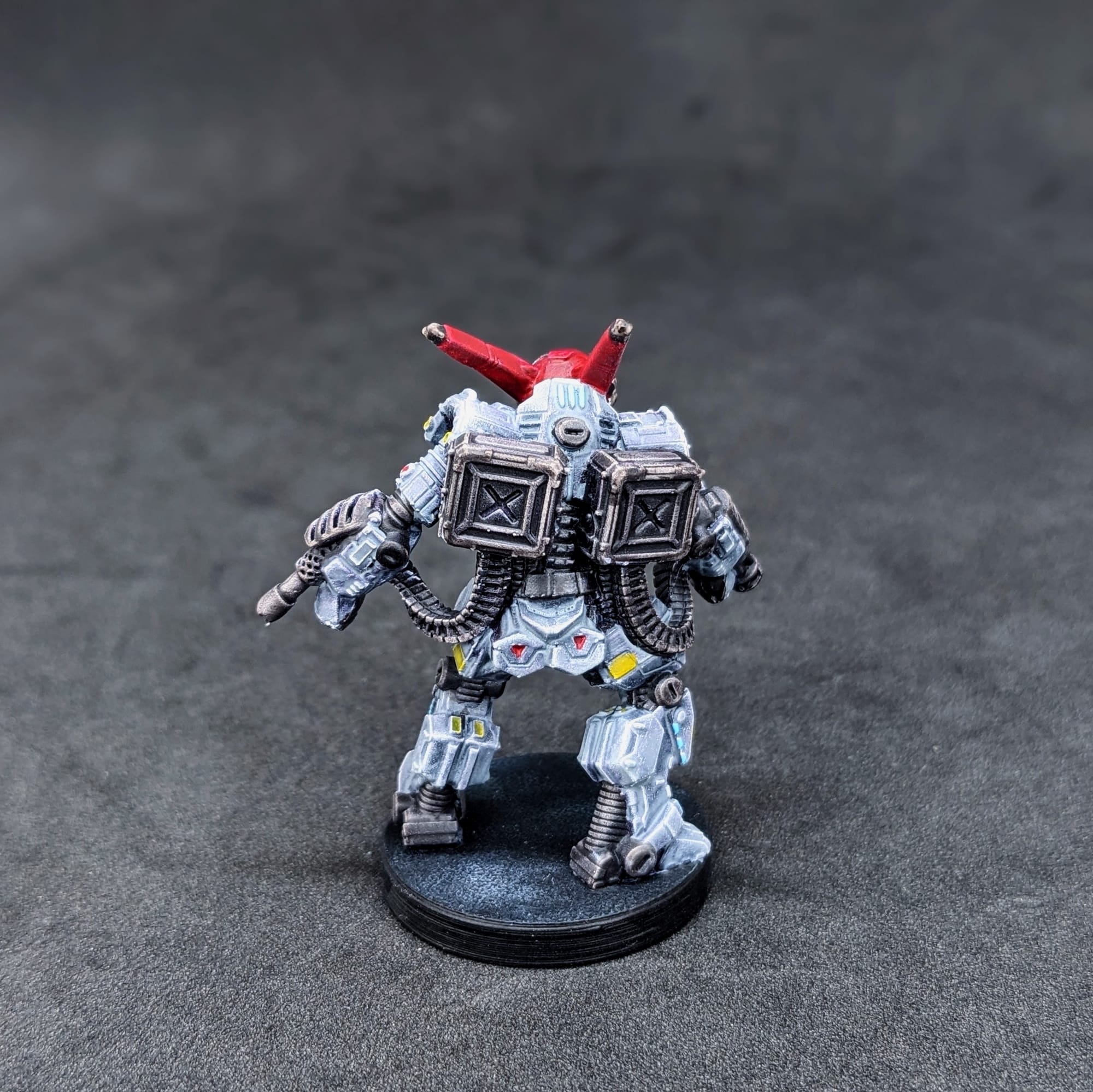
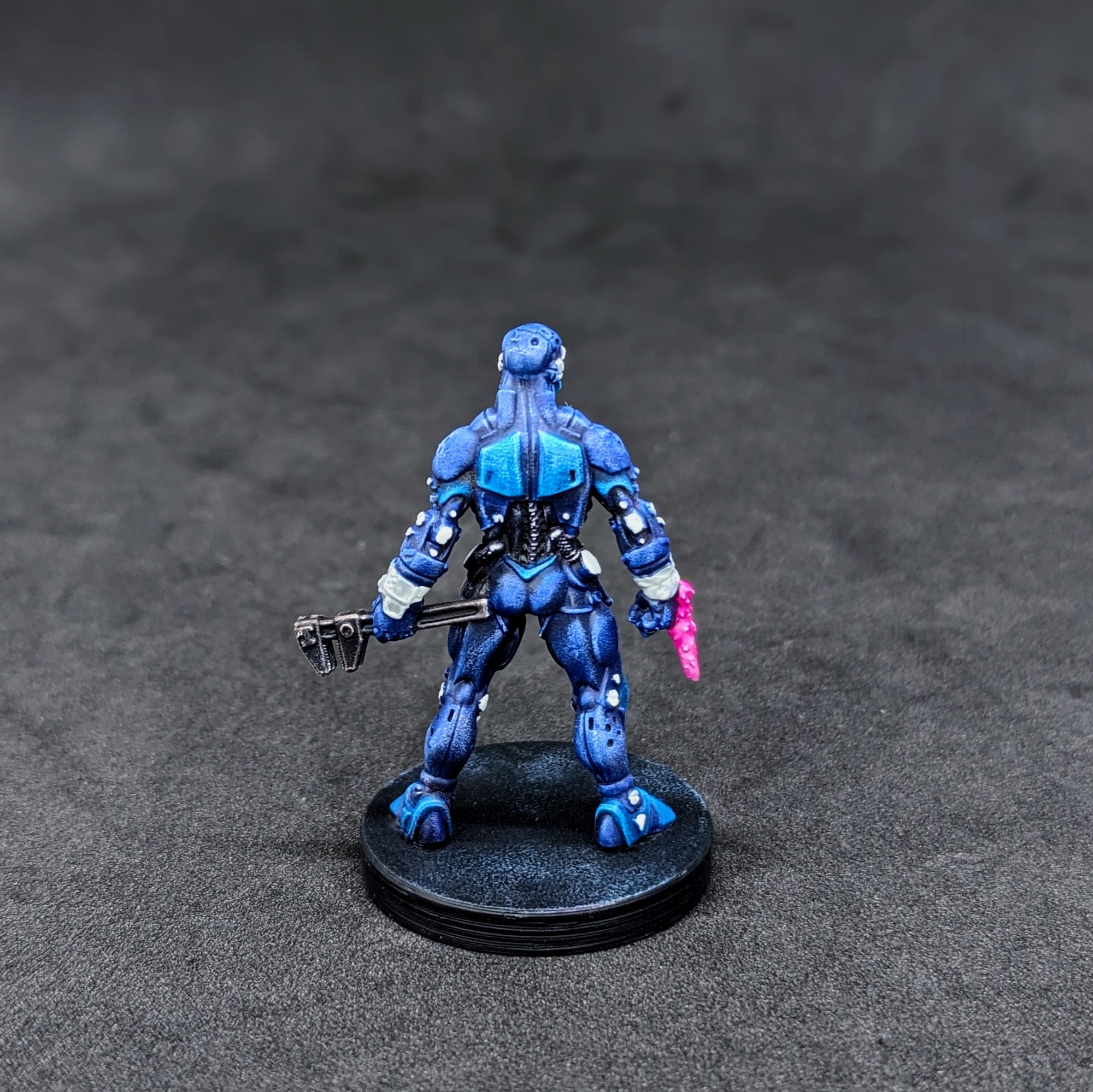
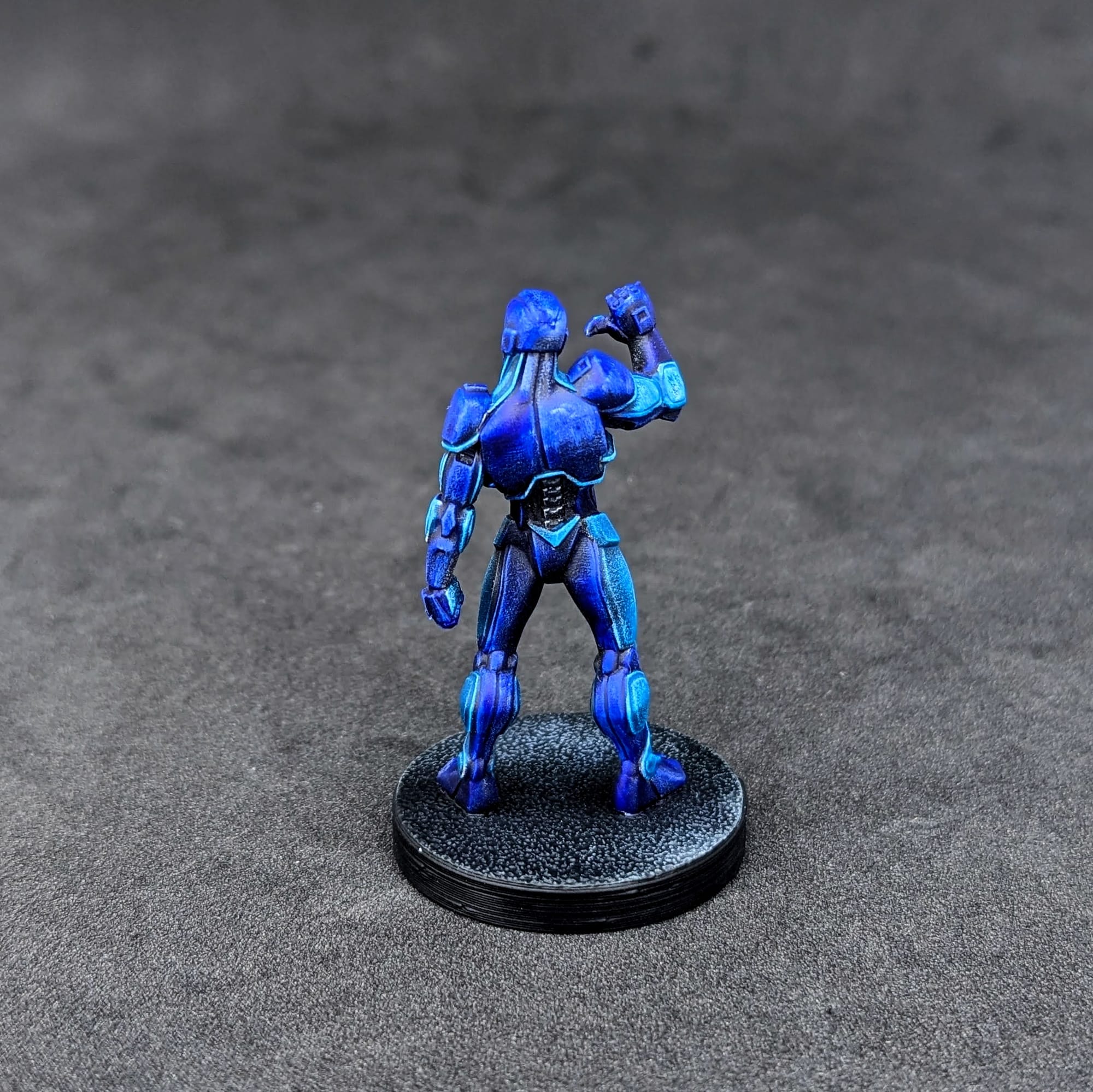
For the FBC Set 1, I wanted to match the card/box art as closely as possible, using the Slapchop Method (below) to quickly get them painted. Since these figures are upgrades, and may not always be used in games, I wanted to make them look like the art but not overdo it.
Additionally, I also wanted to challenge myself a little and not use any metallic paints for these metal miniatures. I like metallic paints, but I wanted to get close to the card art which doesn't use any metallic paints. If you do want to use metallic paints, and really lean into the chrome aspect, the same techniques for SlapChop can be used, but with a base coat of silver and black instead of black and white.
Remember that done is better than perfect!
I painted both the Going Metal (Full Body Conversion Set 1) and Metal Militia (Full Body Conversion Set 2) at the same time. If you would like to check out my Learn to Paint guide and review for the other set, check it out here!
Priming
In general terms, getting the majority of a color for a model applied via a rattle can or airbrush saves a lot of time. Typically, I primed all of the figures with a Zenithal prime on them, using a base coat of Rustoleum Flat Black and a top coat of Army Painter White Primer or one of the other color primers. However, sometimes I use just the black primer or use another color for the Zenithal.
Here are the primers I used for the miniatures and terrain pieces.
- Rustoleum Flat Black Primer
- Rustoleum Flat Gray Primer
SLAPCHOP METHOD
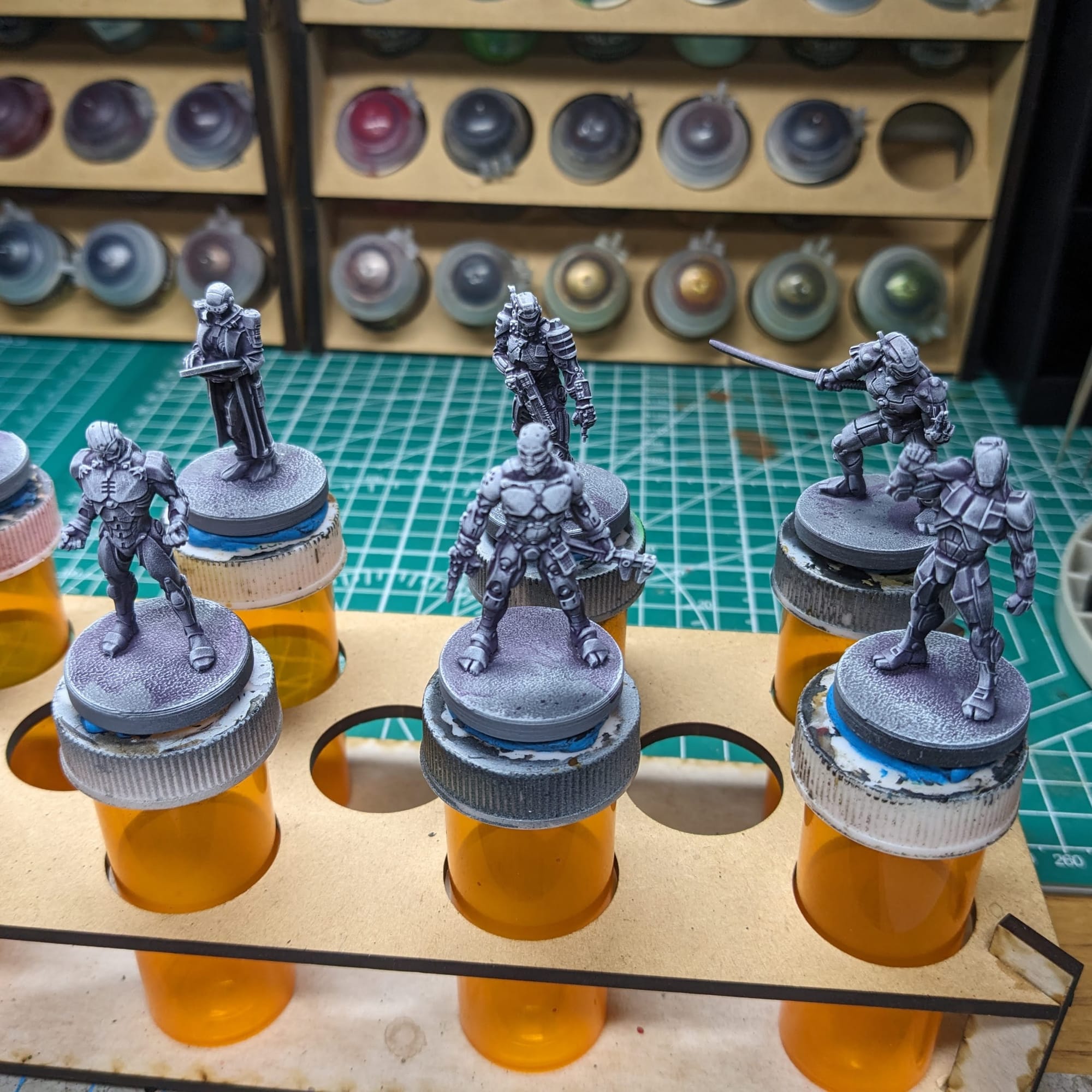
For these pieces, I chose to take a variation of the “slapchop” approach for them. If you're unfamiliar with this technique, Slapchop is a painting method where you accent the details of the models by dry-brushing shades of gray and white. Then, using speed paints, contrast paints, and/or washes, you paint a single coat over the top of the model, creating shadows, mid-tones, and highlights in a single pass. This would be akin to using Multiply or Screen layers in Photoshop to establish color values on a gray under layer. This is a very fast and efficient way to paint a lot of models that you don’t want to put a lot of detail into, and instead rely on the mold/details of the model to provide enough detail and contrast to make it stand out on the table.
For the Full Body Conversion Sets, I first started by dry-brushing Longbeard Grey over the model to highlight the details. Then, I used Druchii Violet as the shade. Any purple shade will do, and provides a little bit more depth later when I used the speed paints. Once the wash dried, I finished by dry-brushing Army Painter Matt White, focusing more on the top of the model and parts that extended out from the center, like the chest, hands, feet, and other accessories.
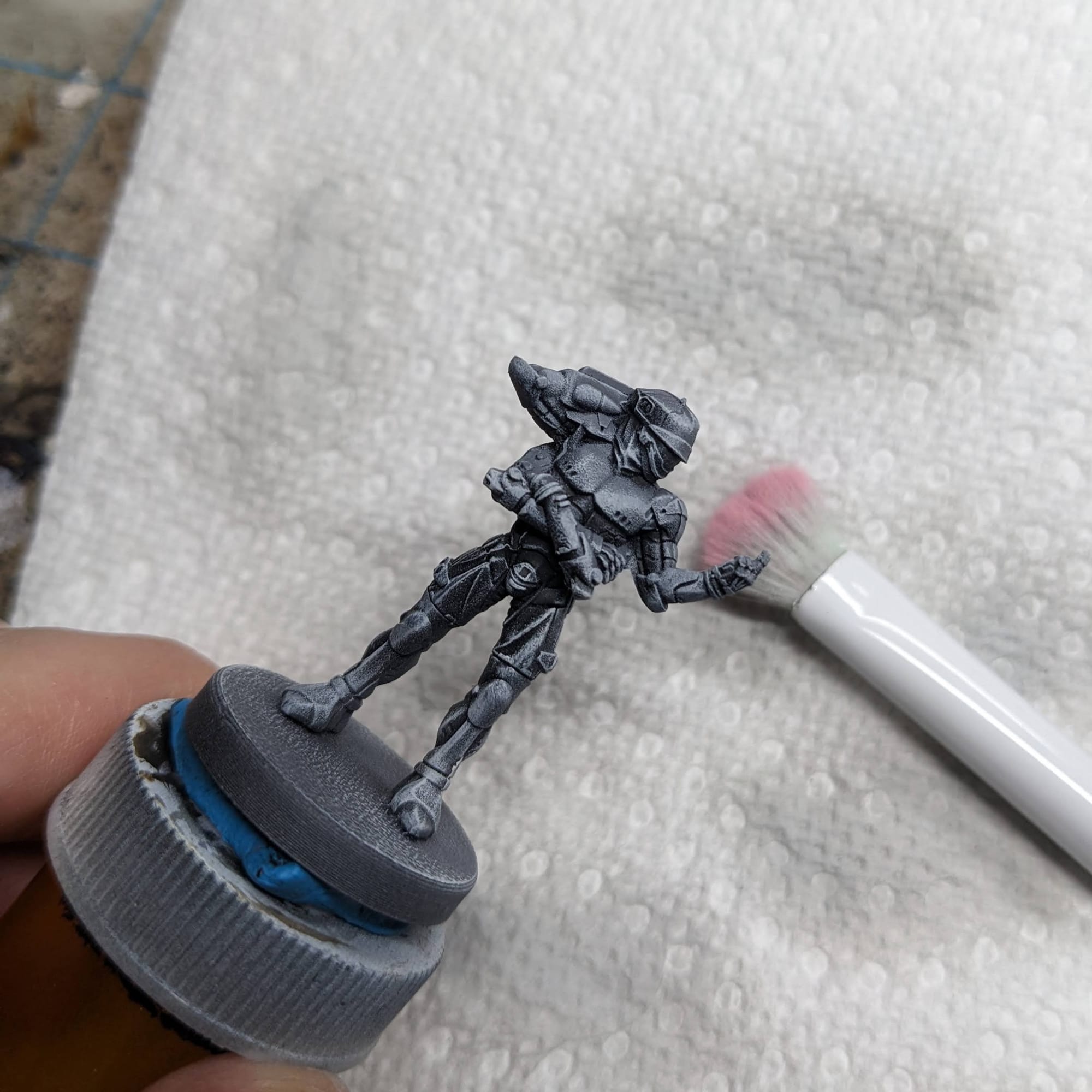
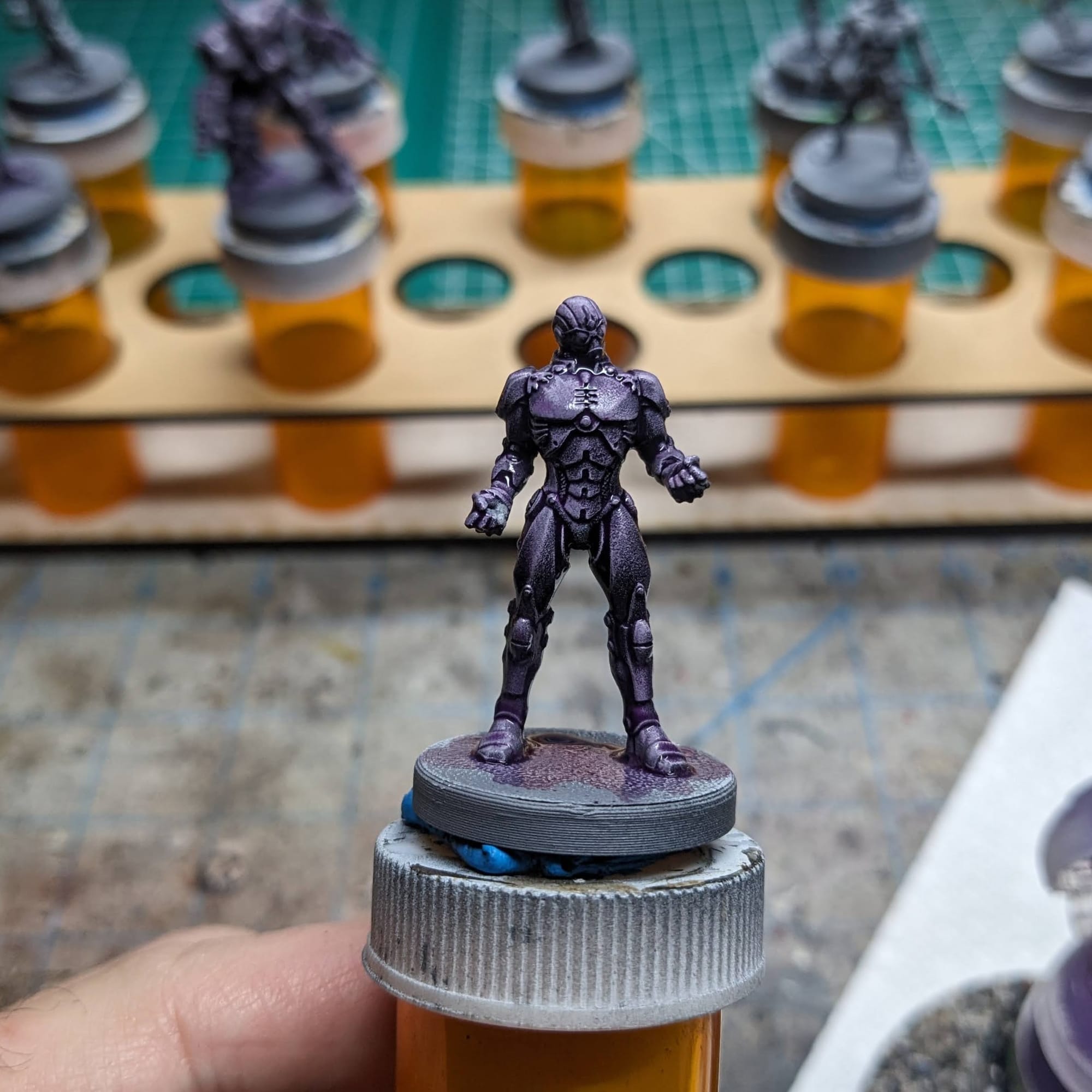
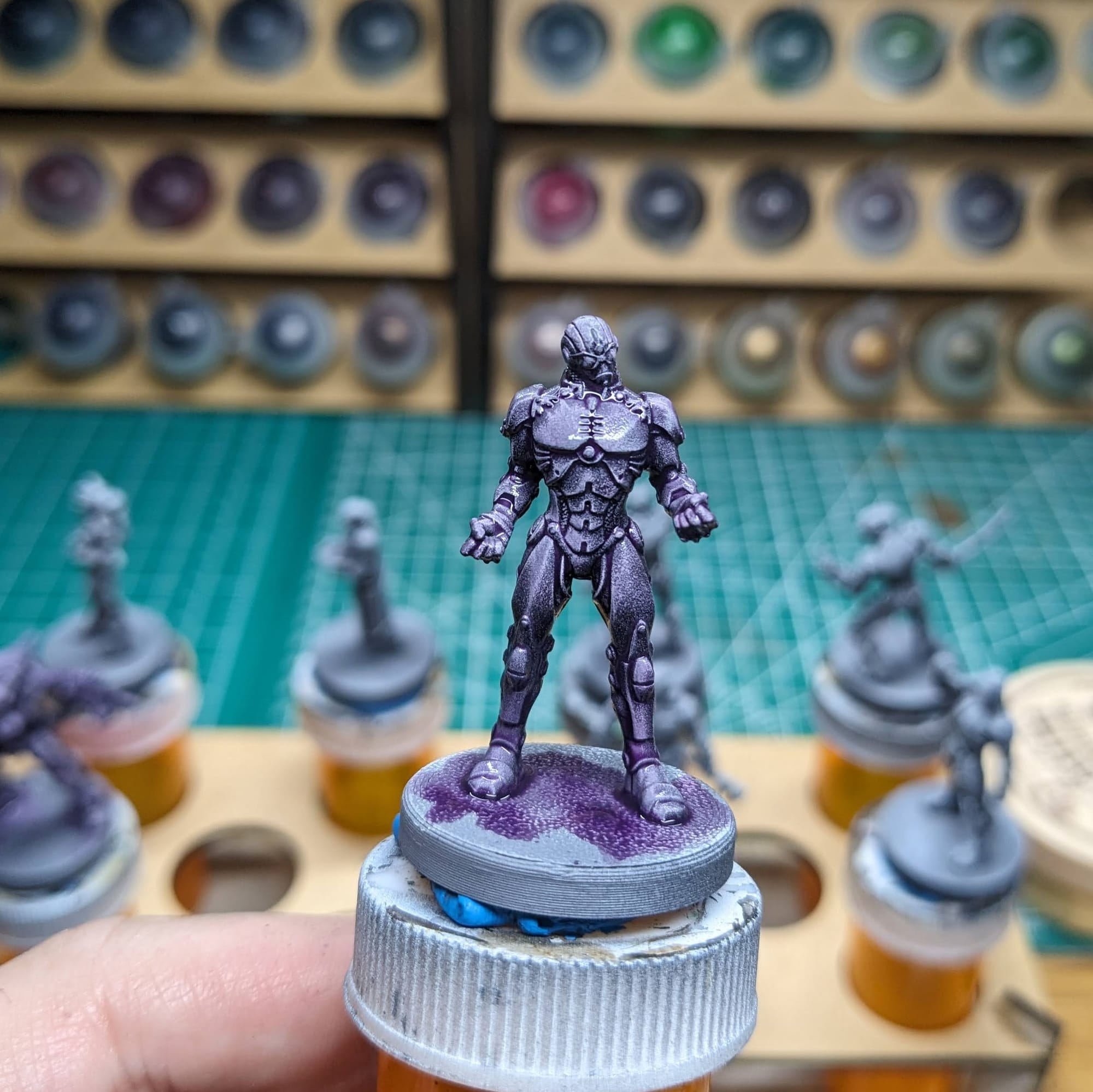
Dry brush Longbeard Grey, and then apply a wash of Druicii Violet
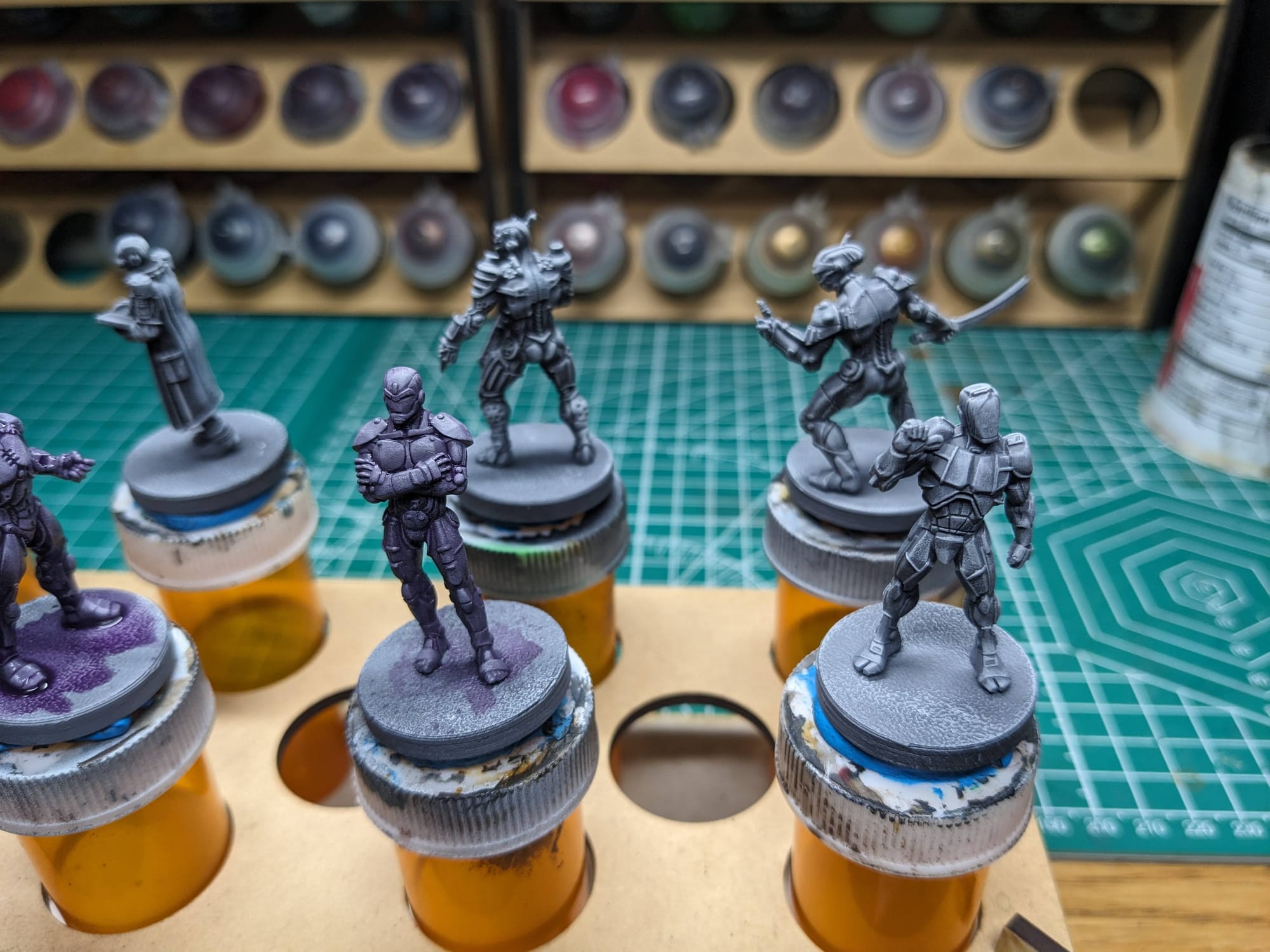
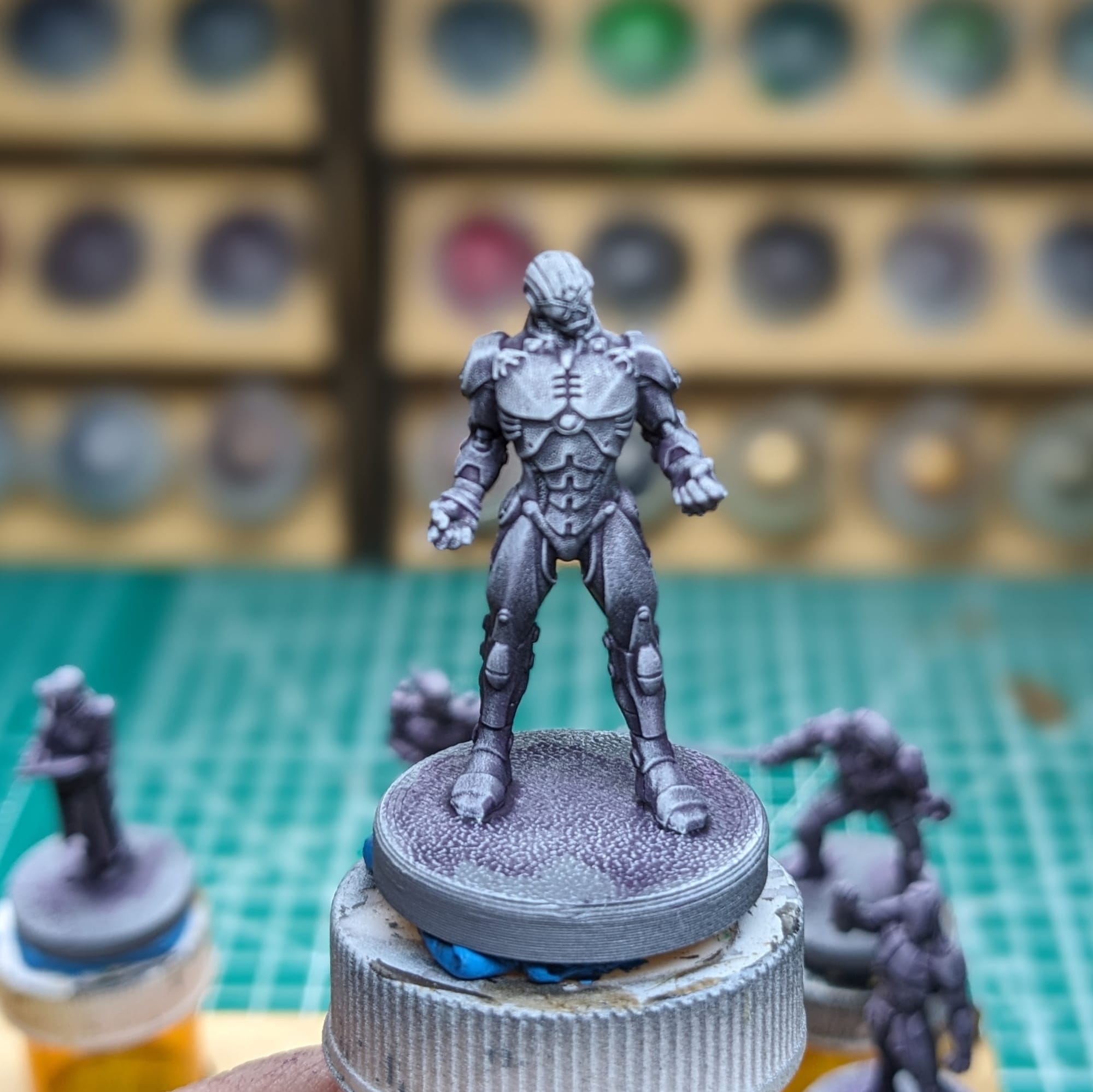
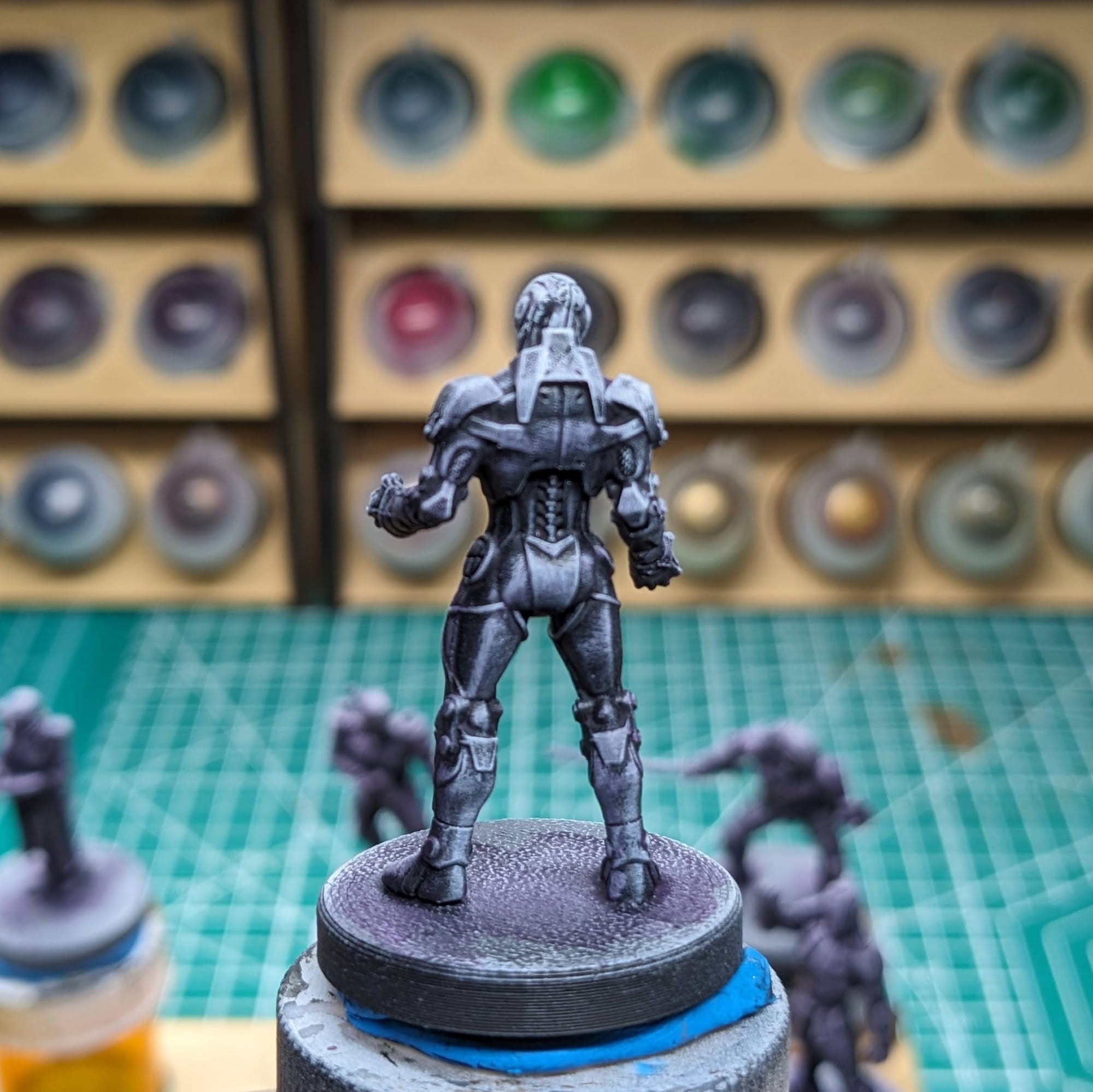
Adding the white dry brushing over the top helps accents the features even more
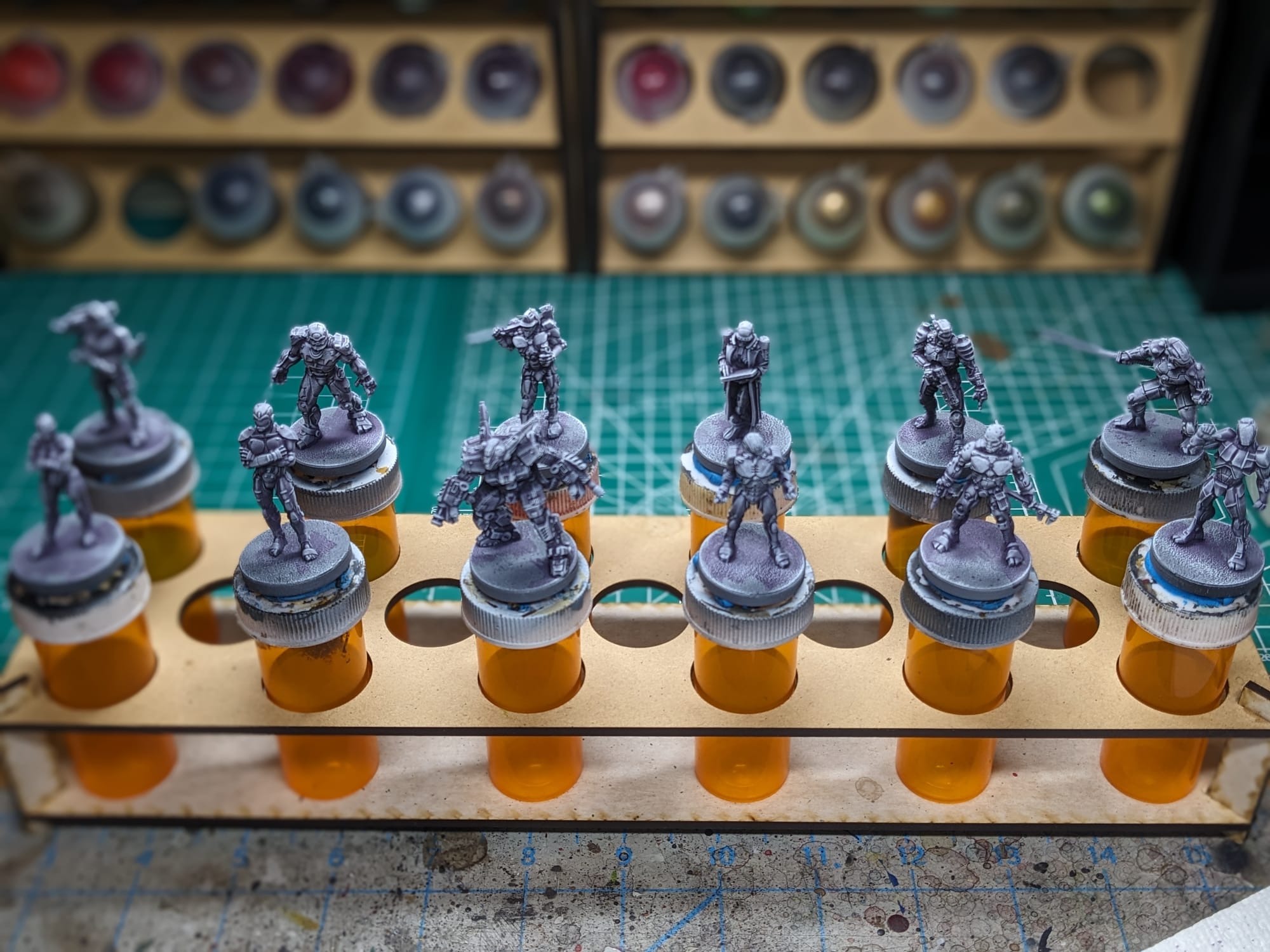
Step-by-Step Painting Guide
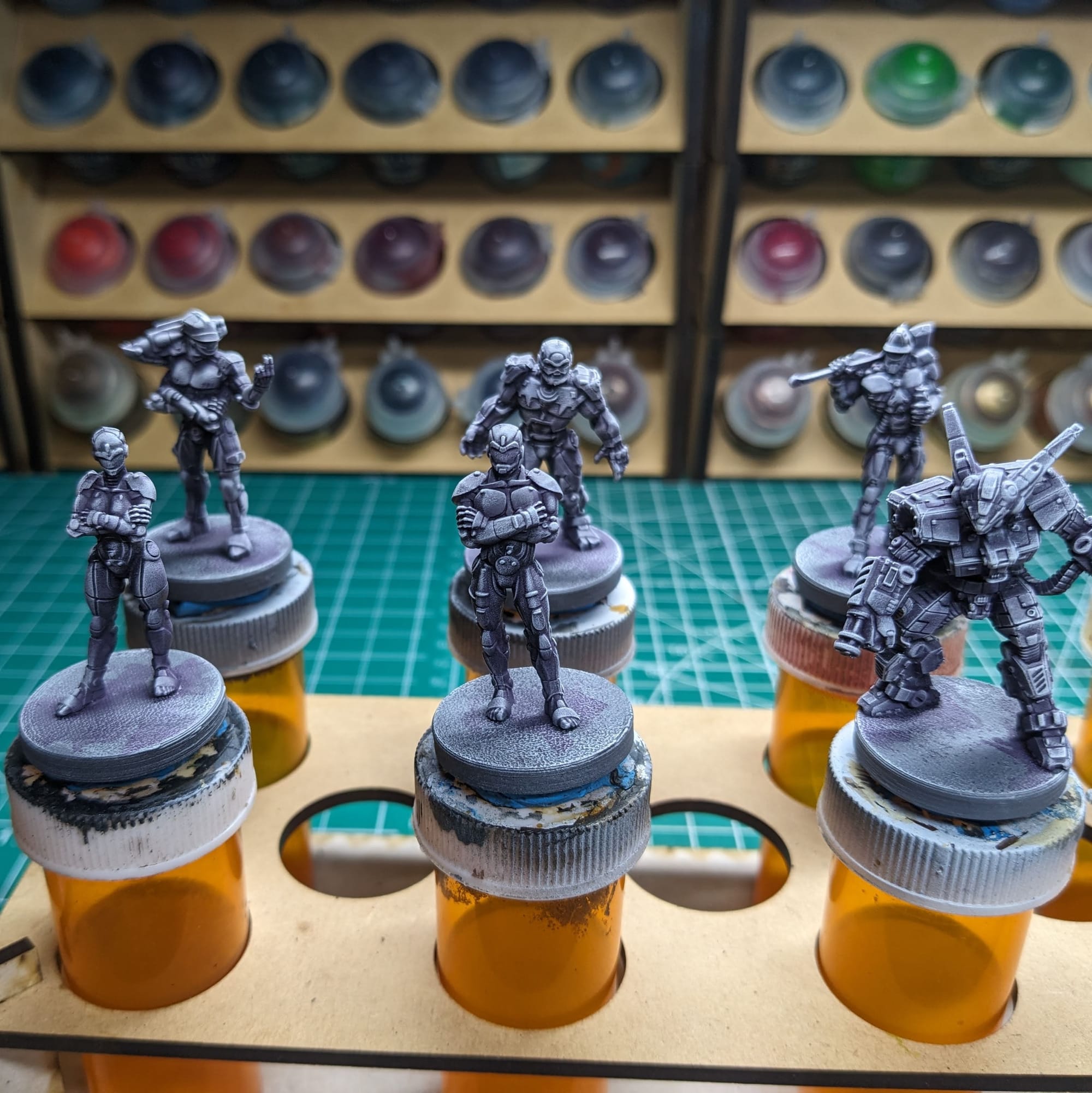
Since the goal here was to paint these pieces as quickly as possibly, following the official art, I used just one thin coat of the Citadel Contrast paints. Some of the details, like eyes or data pads, needed additional painting, which I did after the Contrast paints dried.
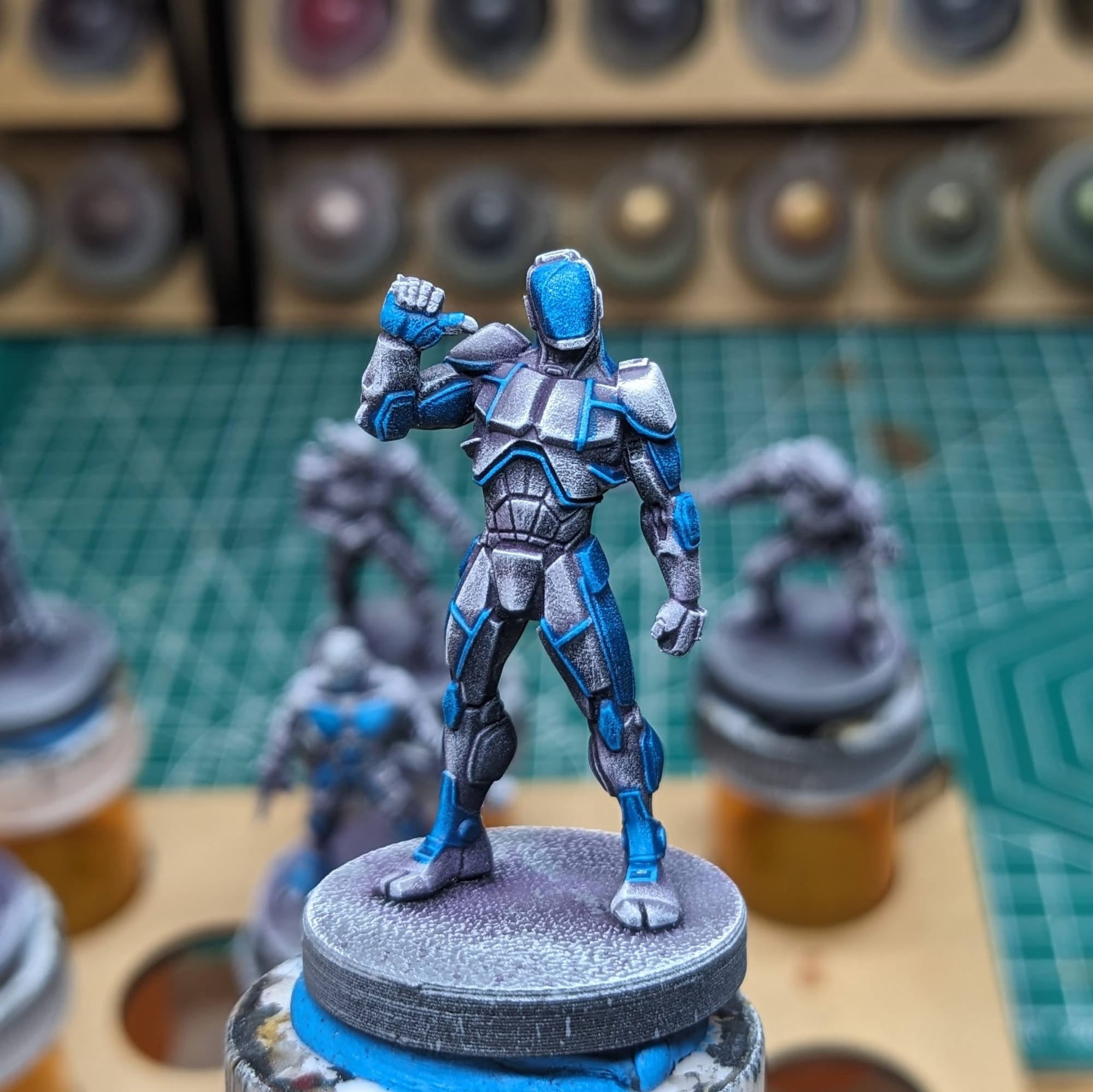
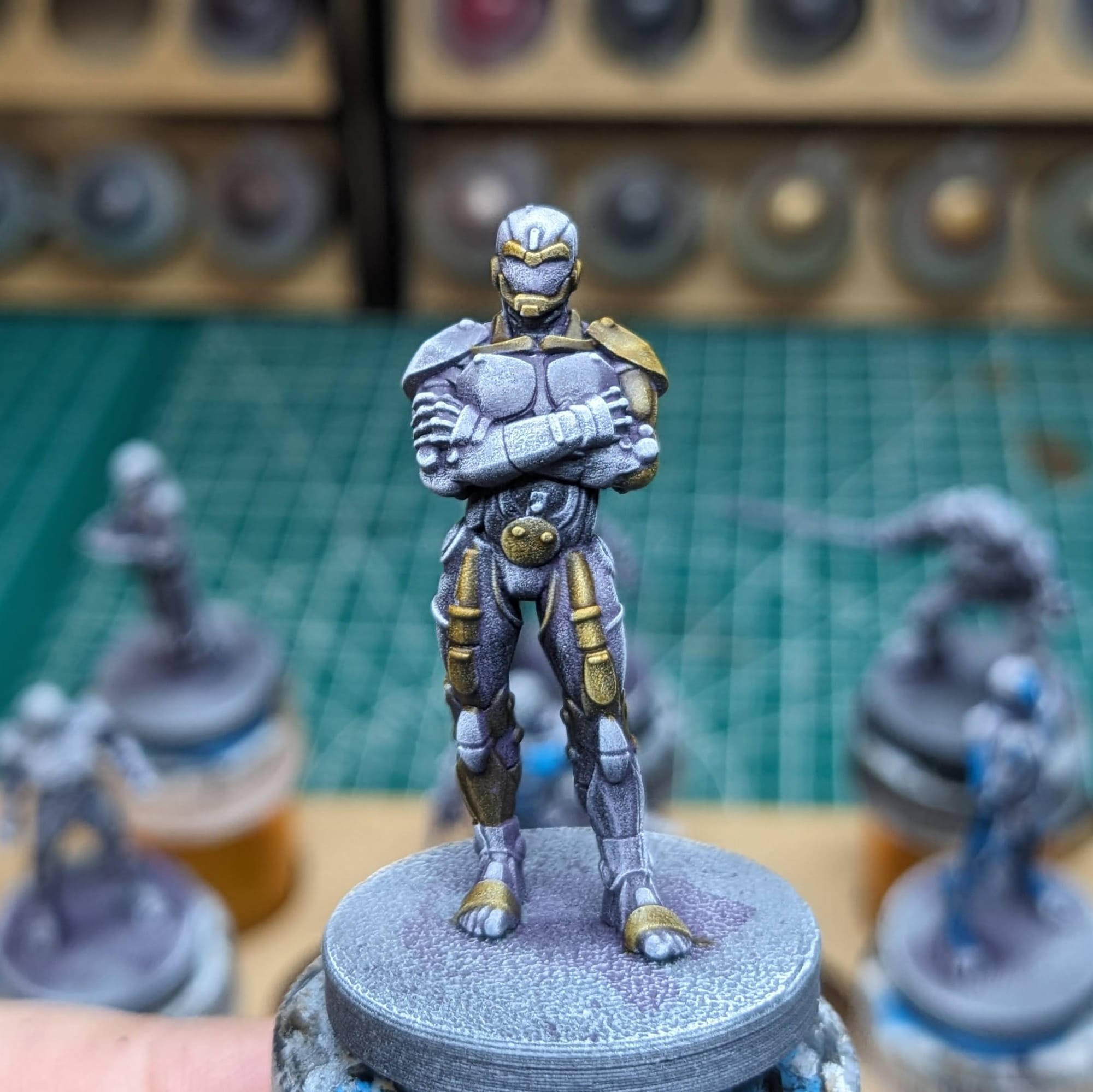
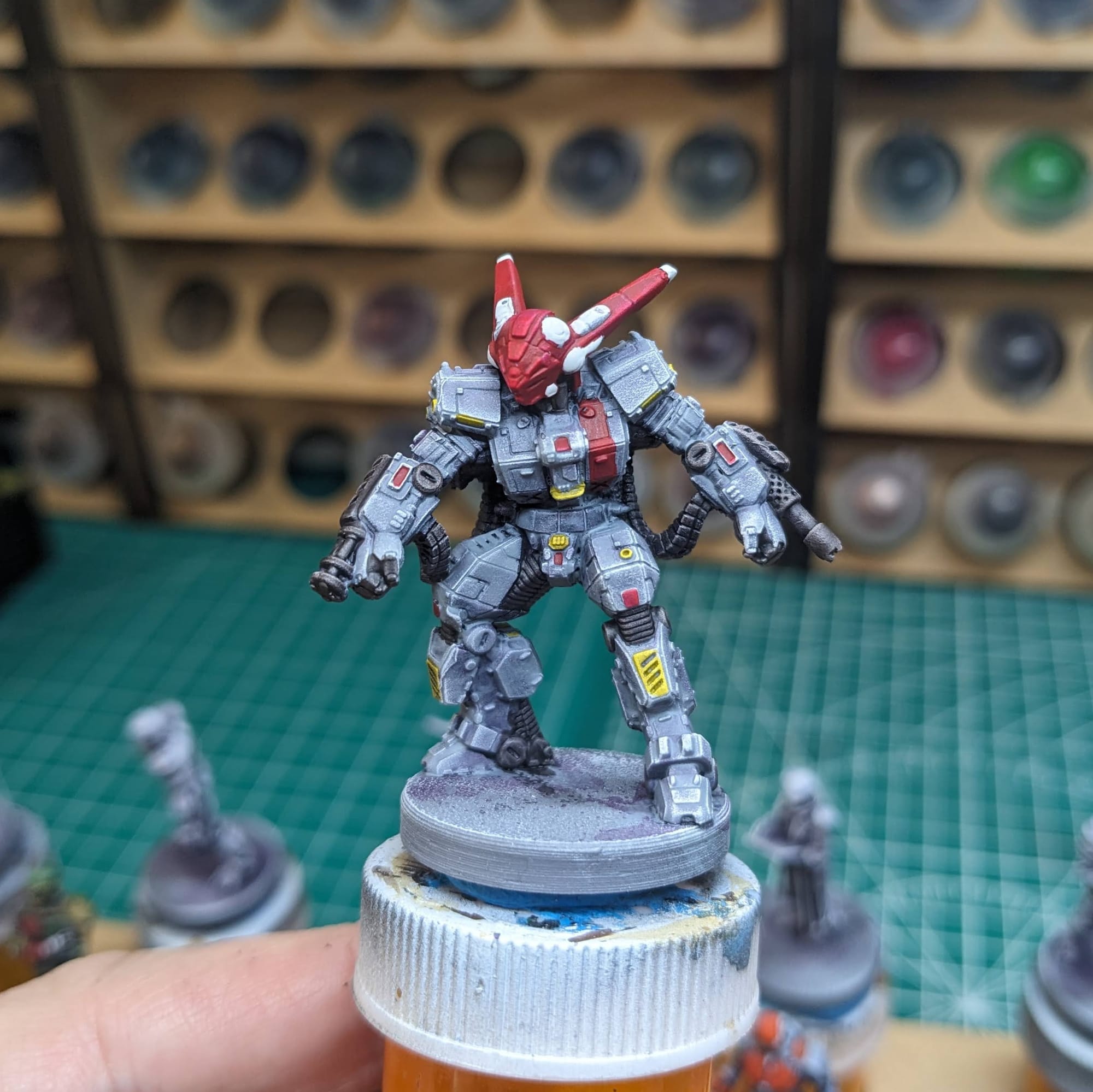
Starting with the lighter contrast colors (like Apothecary White, Aggaros Dunes, Frostheart, etc.), I "color blocked" those areas. Color blocking, in this case, is just like coloring inside the lines of a coloring book, but instead it's on a model. If I spill over into another area on the model with the lighter colors, I can cover that up with the darker color later, like a darker blue or gray, for example. So, I am less careful at the start, and then am more mindful of brush placement later as I get into the darker colors.
If I cover an area with contrast paint that I didn't mean to, and plan on using another color in the spot or area, I just go back over with the Matt White, like I did on the Dragoon's helmet (pictured above). It's like White-Out, but for painting.
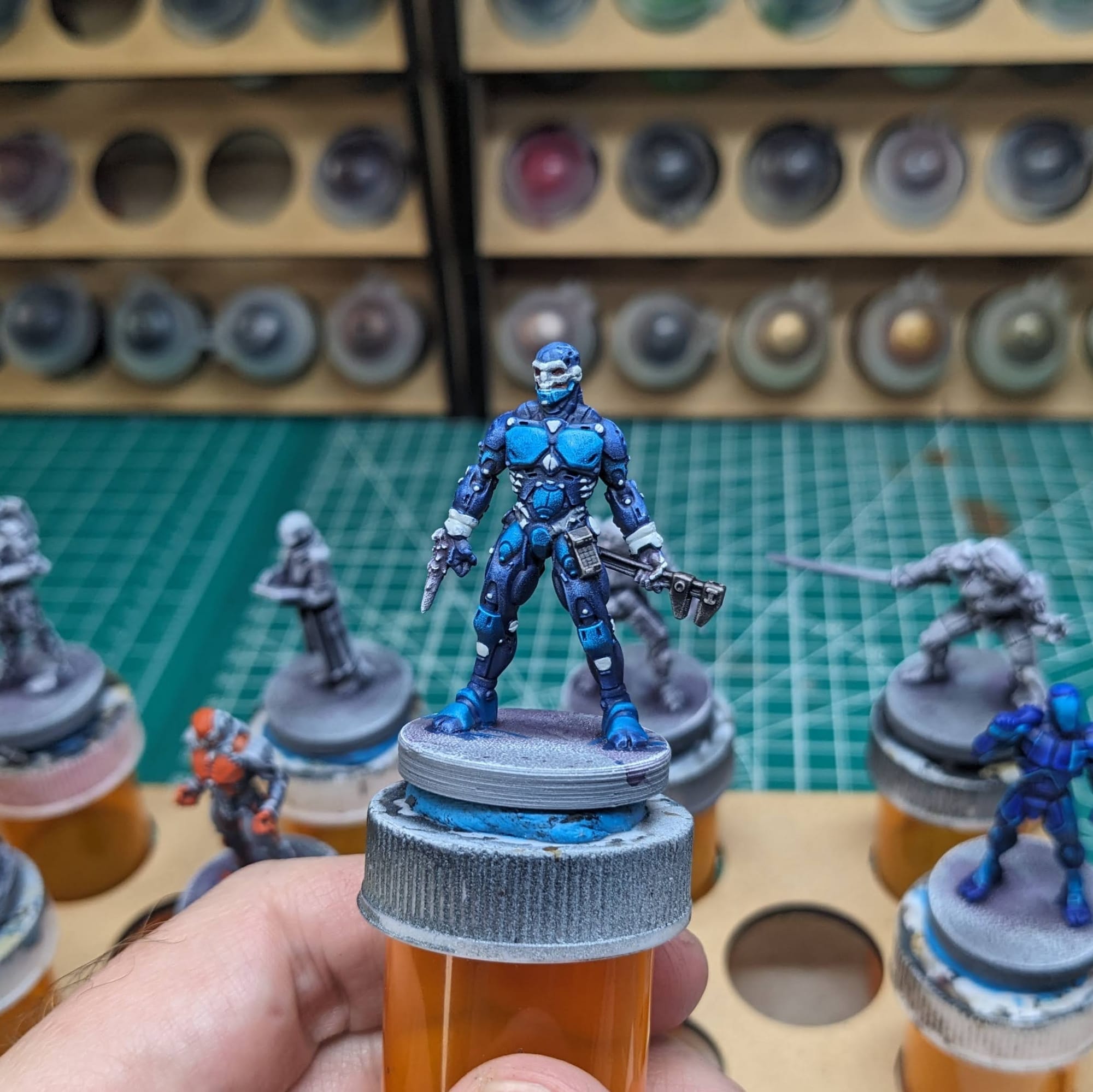
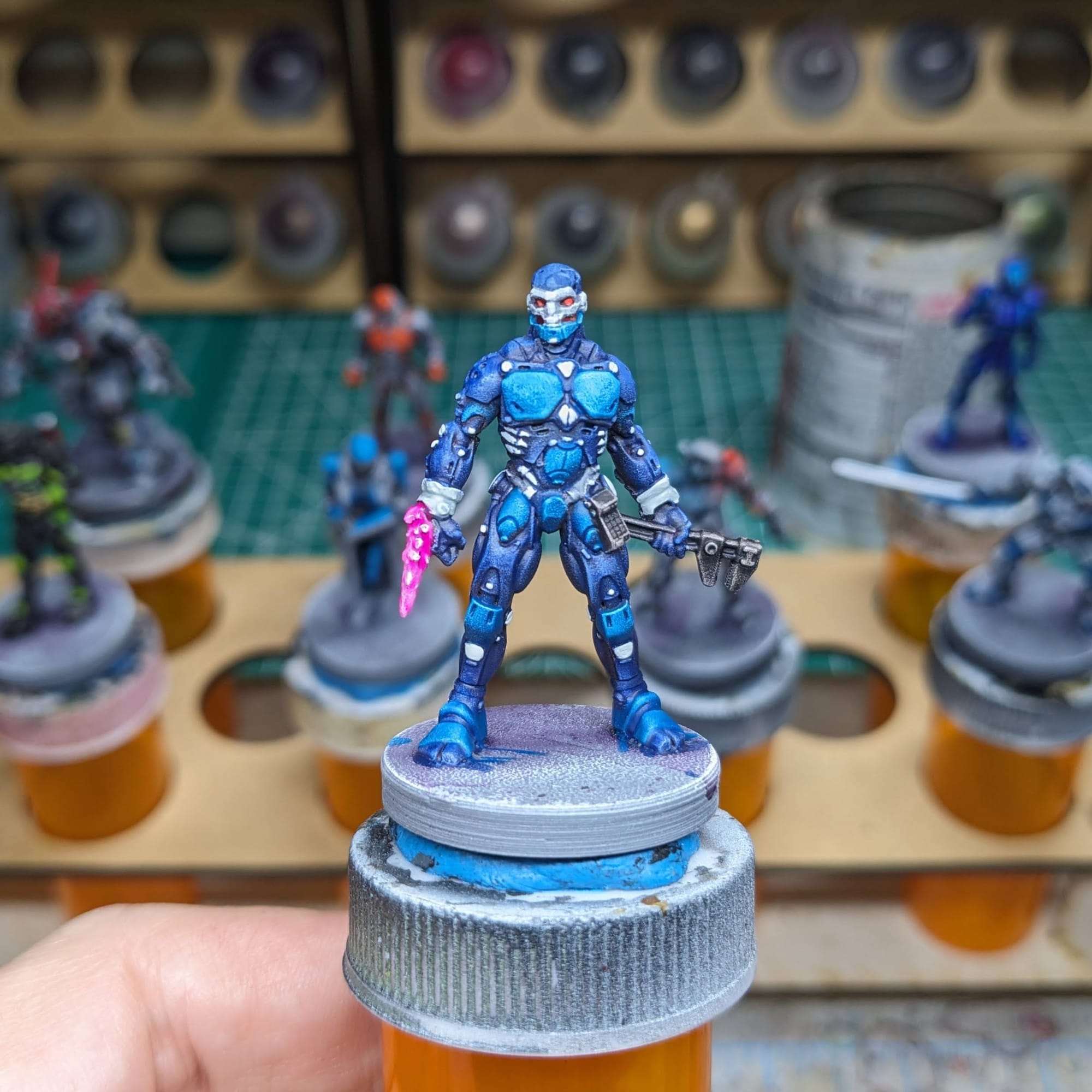
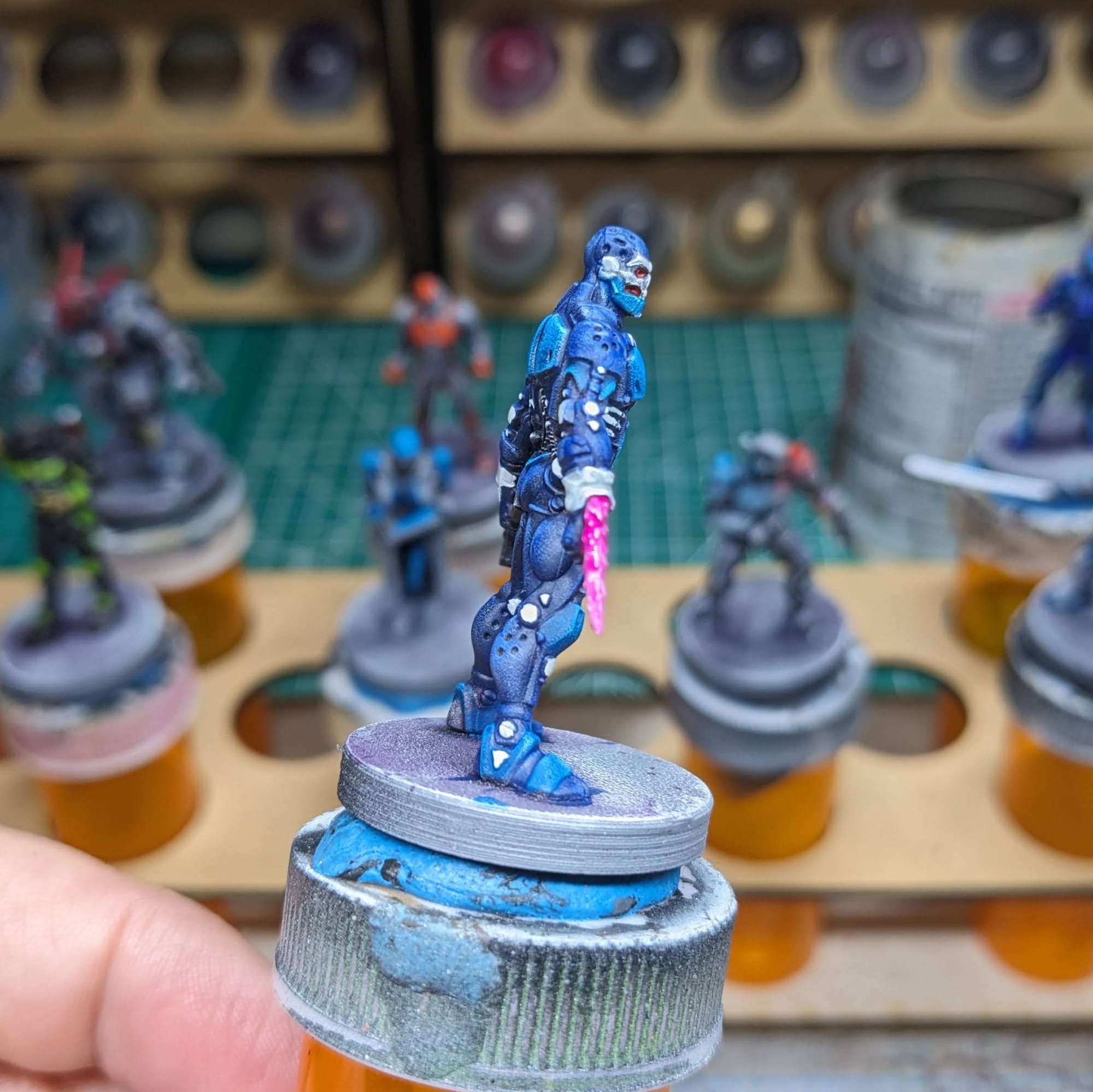
For the FBC Samson, I wanted to make sure his gauntlet laser really popped with the Fluorescent Pink. I painted the laser white, then applied a few thin coats of the pink, which allowed the paint to flow into the recesses, leaving the outermost effects still white.
Basing
For the Cyberpunk theme, I wanted to keep the basing basic. The 3D printed texture on the base is pretty close to asphalt or grimy concrete, so I just did a little bit of dry-brushing of Citadel Stormfang, although any gray or dark blue would work here. You can also add in road markings, or designs from warehouse or loading zone, or even just leave it black. You can also apply texture paints if you wanted. More often than not I do the basing at the very end because, and you can see from the Contrast paints, paint tends to get on the base.
Sealing
As I do with all of the models I paint that I also play, I apply a protective clear coating over the paint. This helps preserve the paint on the model and keeps oils from hands from rubbing off the paint as you continuously touch the models during games. There are many different kinds of clear varnishes to use, but I typically use any matte or anti-shine varnishes, as satin, semi-gloss, and gloss tend to distort the colors of the models (not to mention that most models aren’t supposed to be shiny).
Brands that have been reliable for me are Krylon Matte Clear Spray, Rustoleum Matte Clear Coat, which is slightly glossy, and Testors Dullcote, although the latter can be expensive and difficult to find. For a coat with no shine that really enhances the colors, I use AK Interactive’s Ultra Matte Varnish, applied with an airbrush.
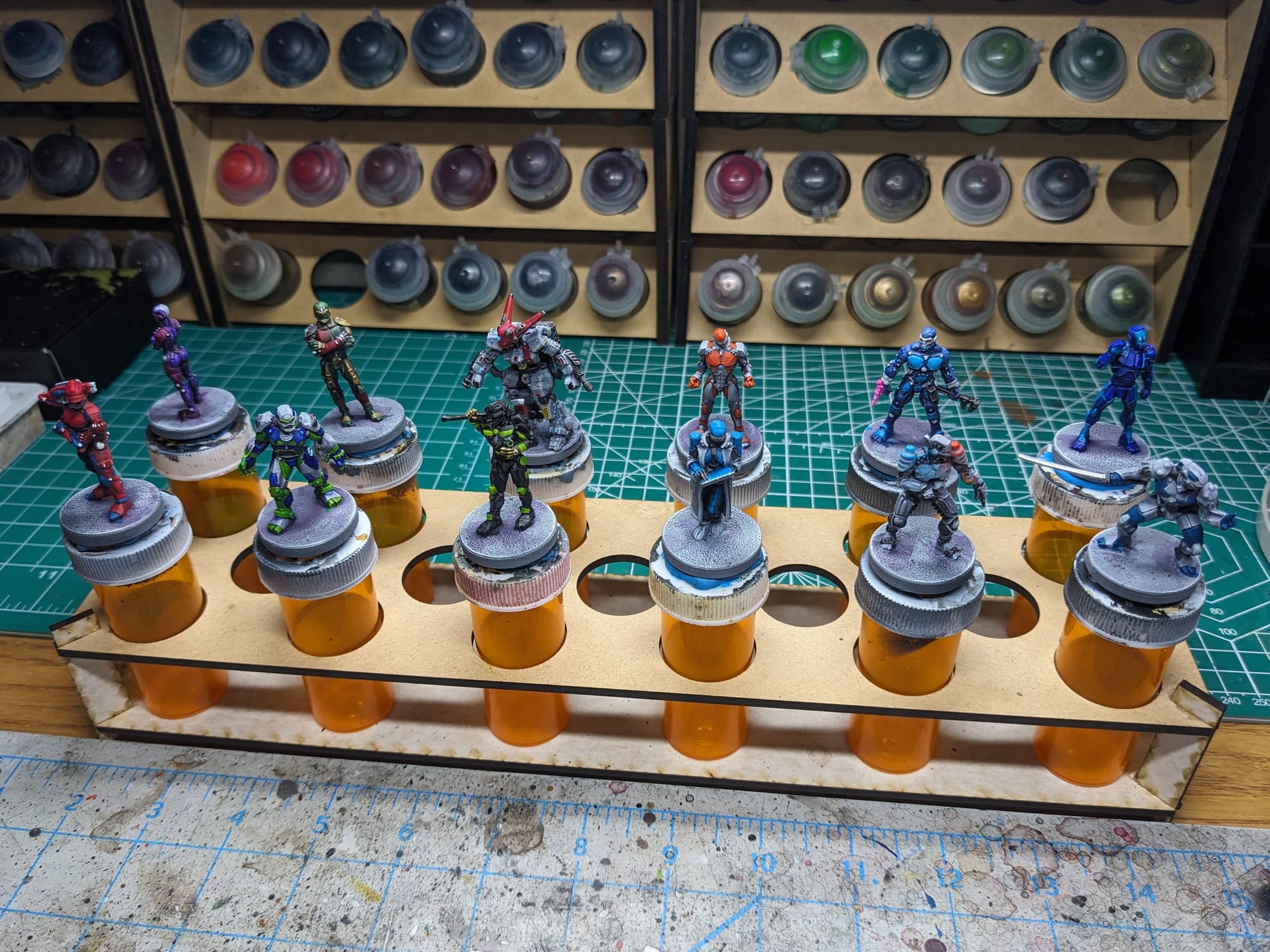
Painted and Ready for Play
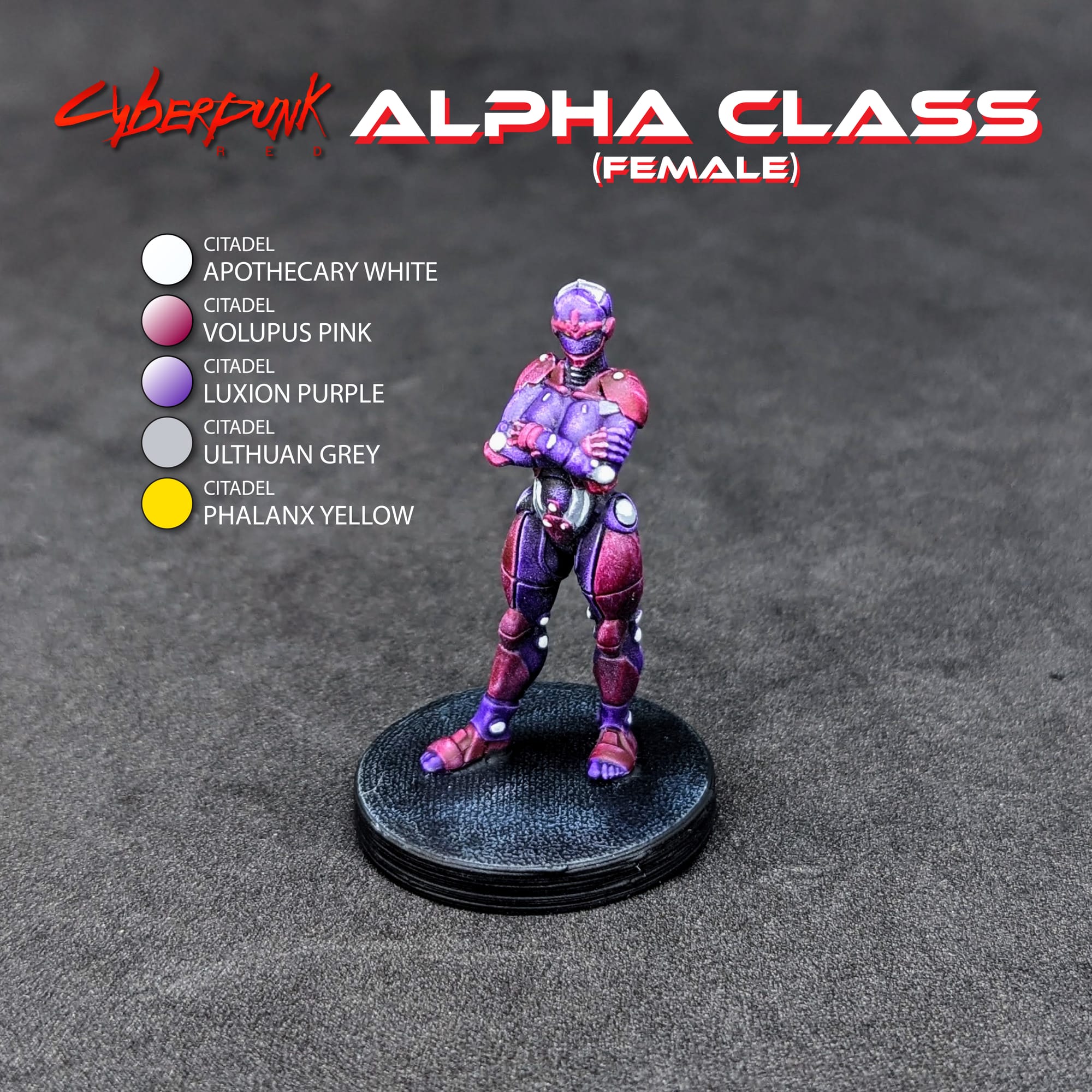
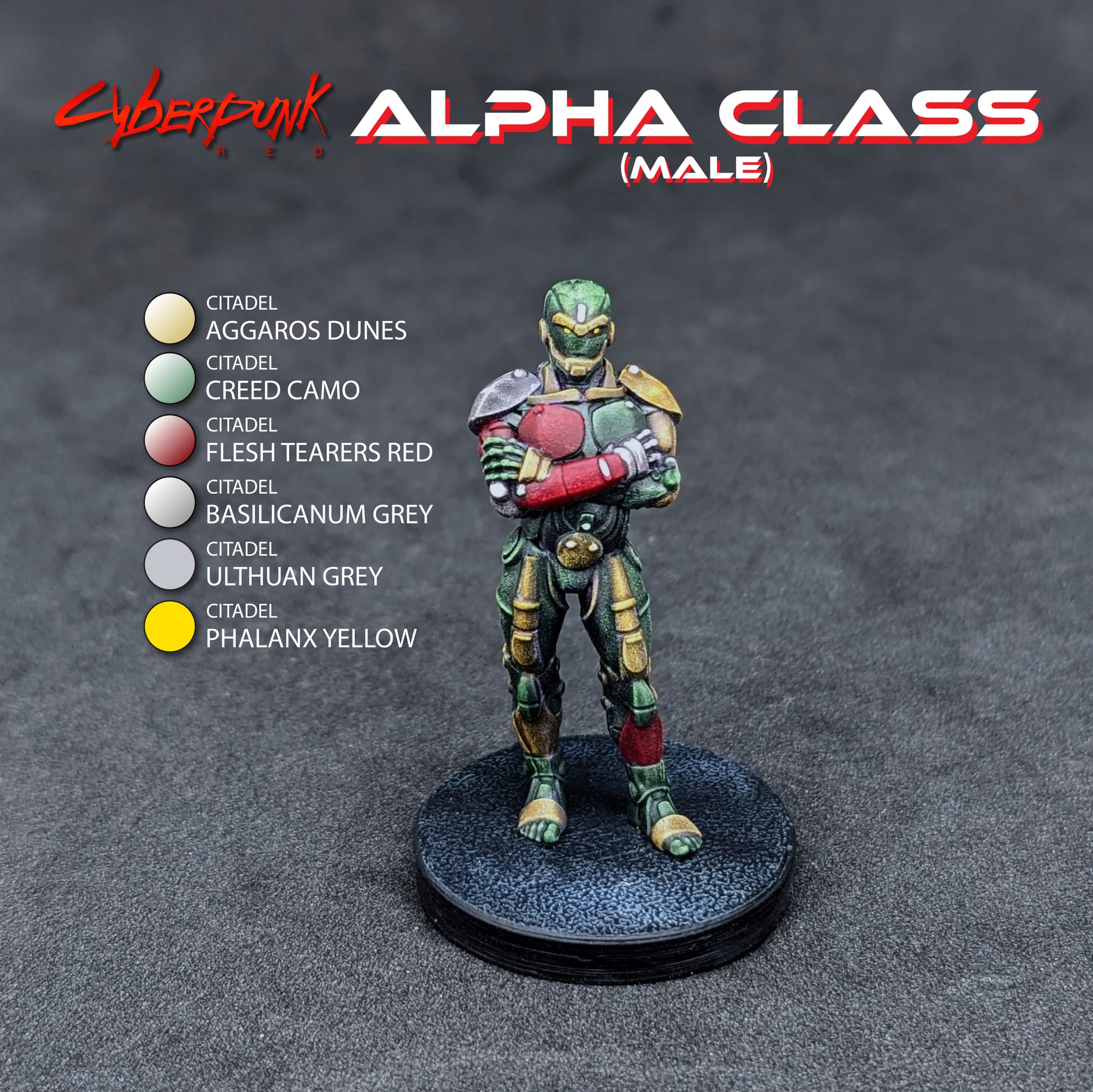
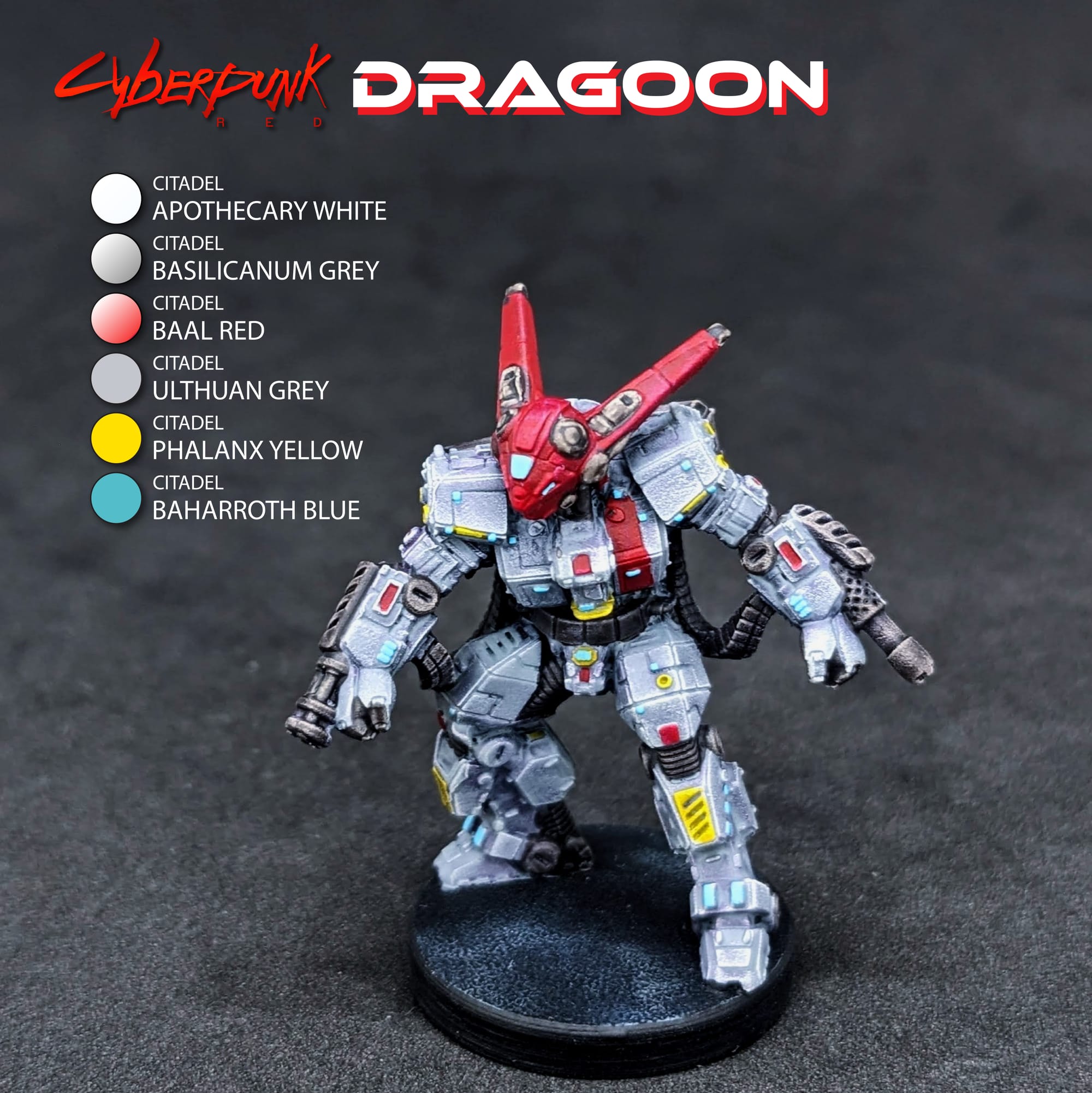
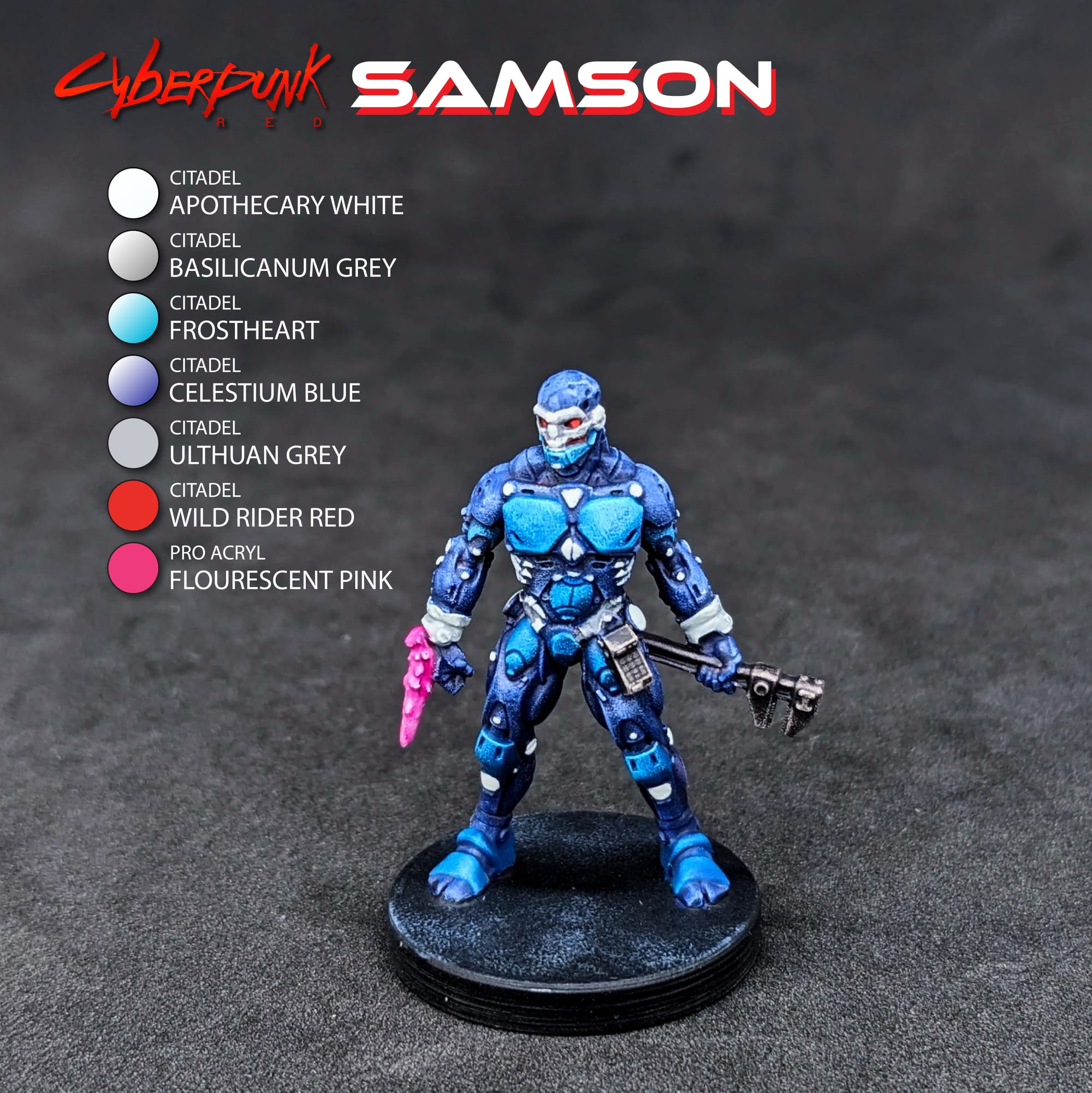
Review
With how simple these poses are, and the way that they were sculpted, painting them was very quick and easily. Using the Slapchop method, I could accent and highlight the models appropriately to allow for a single pass of the speed paints/contrast paints. I used minimal paints to go back and add glowing eyes, edge details, and/or accents, allowing the shadows, midtones, and highlights to be predominant come through with the single coat of paint. Using the silver/black Slapchop method would have also worked for this process, and if I paint more FBCs I might try that out.
I noticed several mold lines that I missed during prep (like Wiseman's face). I may go back in, removed it, and then touch it up. Naturally it's something I caught once the Contrast Paint was applied!
Cyberpunk Red: Combat Zone: Going Metal (Universal Full Body Conversion 1) Expansion Pack
Great
These upgrades for your miniatures in Cyberpunk Red: Combat Zone add a lot to gameplay. While some of the sculpts are very simple, others like the Wiseman and Dragoon offer an opportunity to add details and character to the final design. The additional abilities and powers are a great way to enhance your gangs, so this expansion brings even more variety to your gameplay!
Pros
- Easy to build, easy to paint!
- These can be used for any faction.
- Dragoon is a sweet sculpt, and the smiley face on Wiseman is fantastic.
Cons
- Some difficult mold lines to remove.
This review is based on a retail copy provided by the publisher.
Have you painted Cyberpunk Red: Combat Zone miniatures yet? Share your work with us!
Don’t forget to subscribe and follow us on Instagram, Bluesky, and YouTube for more Cyberpunk Red: Combat Zone reviews and painting guides, as well as more hobby and tabletop news and reviews!