Work and play. Productivity and entertainment. We want the best of both worlds. The ROG Strix Morph 96 keyboard was built to give gamers a keyboard that gave them the competitive edge for gaming while delivering the full package for productivity when it's needed. How well does it perform overall, though?
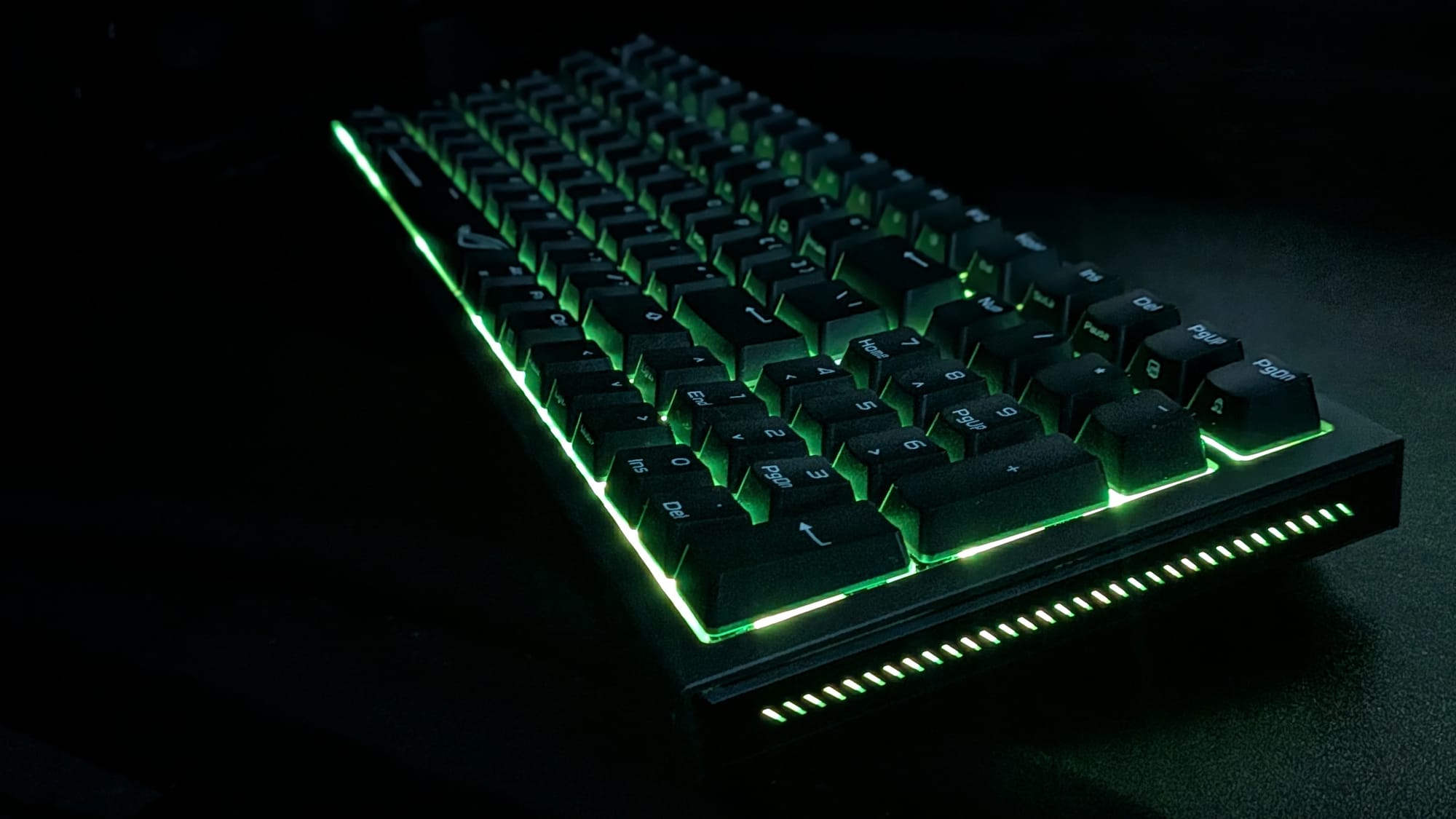
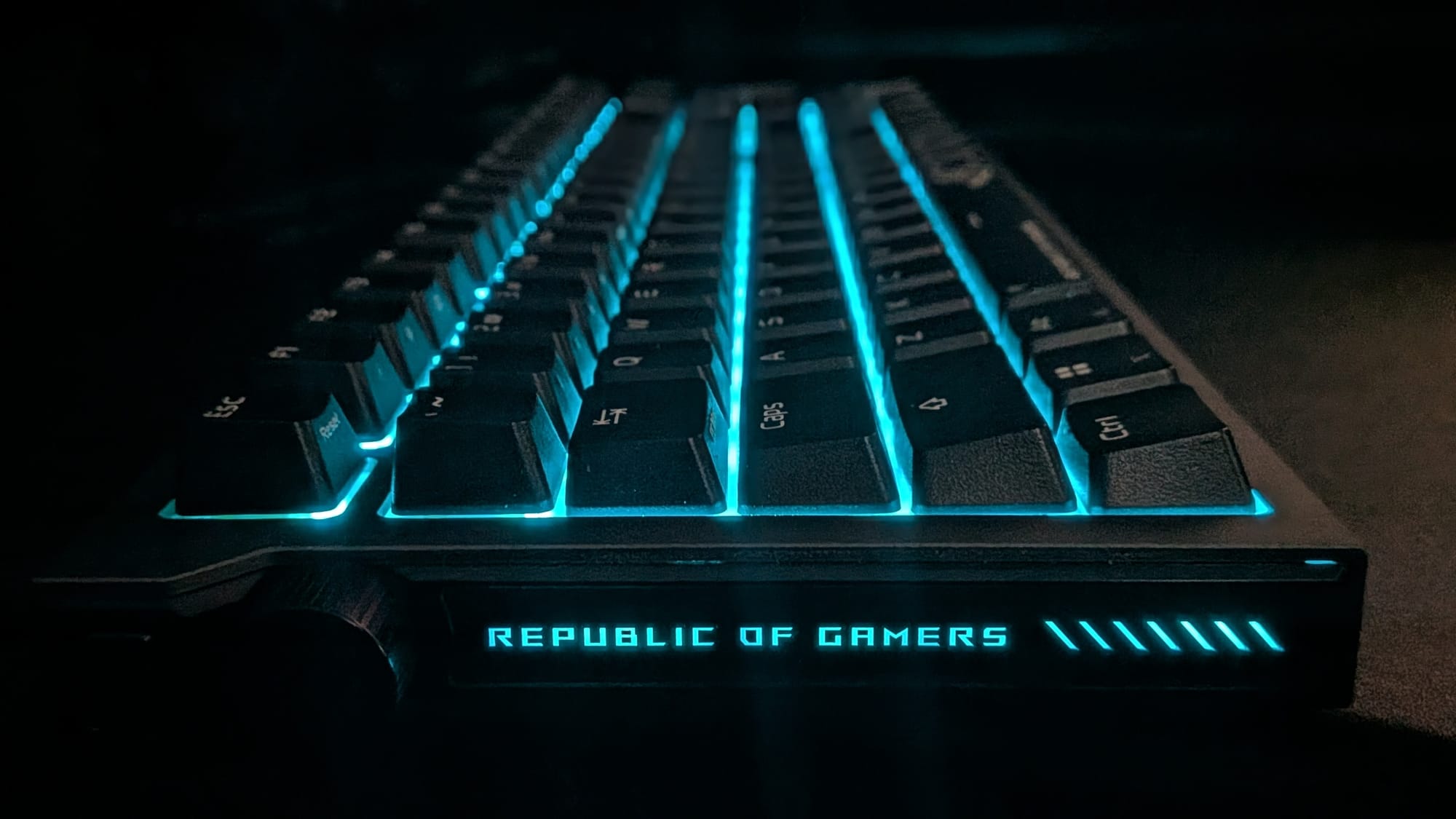
Unboxing the Strix Morph 96, (you can watch in our unboxing video below), we see a slick keyboard with black keys and white accents. The space bar sports that sexy "Republic of Gamers" phrase and trademark strix-eye logo. The top plate of the Morph 96 is made of CNC-machined aluminum in an attractive gunmetal gray with an etched "ROG" on the user-facing side. Also included in the box is a wireless dongle, some extra keycaps, a keycap/switch puller, USB A-to-C cable, and a wireless dongle extender.
First, let's talk about all the things the Morph 96 gets right. I love the engineering that's been put into this keyboard. Using ROG SpeedNova technology, it ensures you have the quickest latency-free wireless experience possible when using 2.4 GHz wireless. Thanks to their tri-mode connectivity, you'll also have access to your weapon of choice via Bluetooth or hardwired. With a nearly-600 hour battery life, there's really no reason to have this connected via cable, unless you're actively recharging it or just get peace of mind from knowing a cable is attached. If you have multiple wireless ROG devices, you can connect them all through the ROG Omni Receiver, too.
The GamingTrend ROG Strix Morph 96 unboxing video
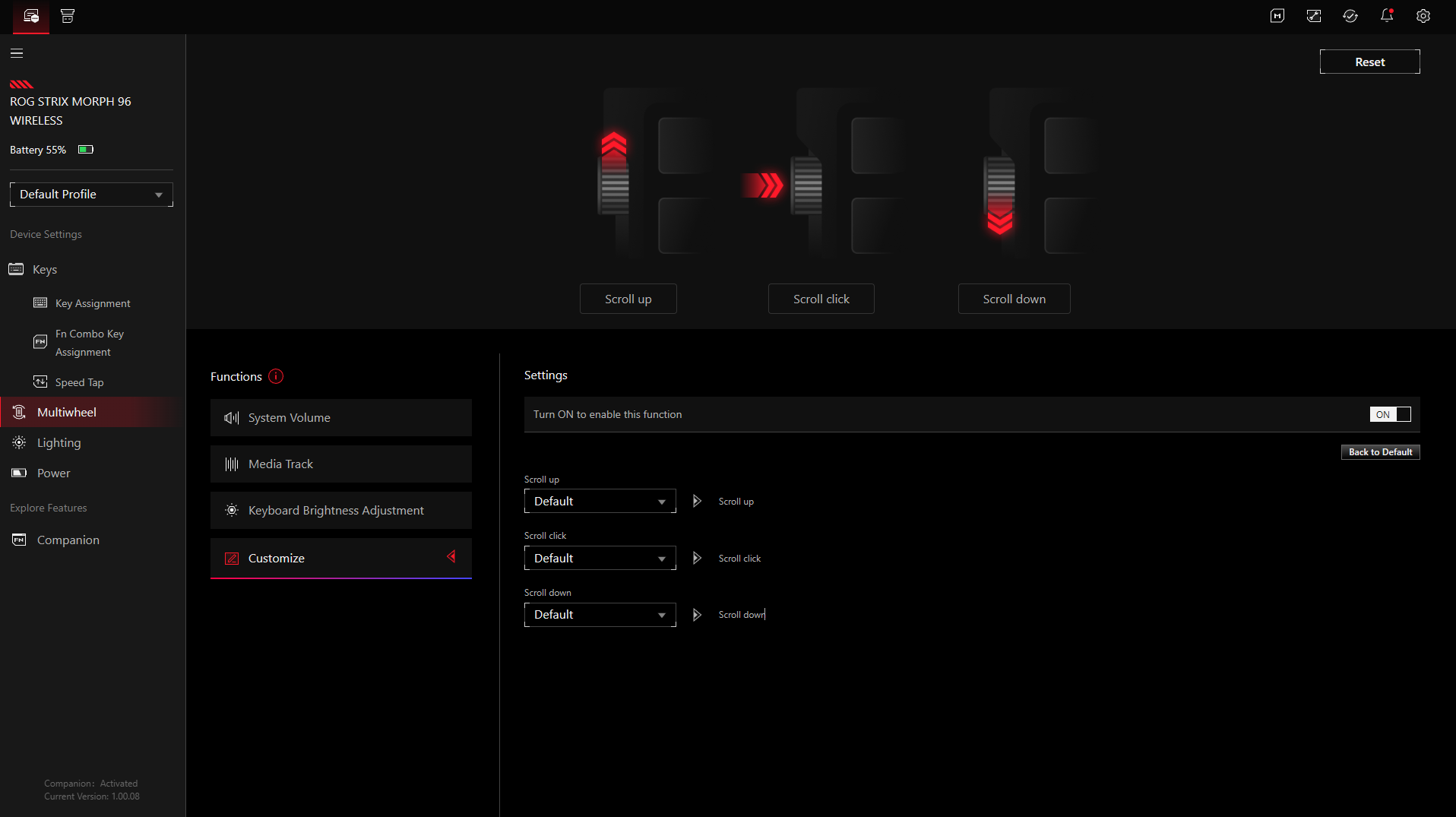
While I've been an outspoken detractor for keyboard knobs, I understand the general market finds them useful, so I'll concede others find value with them. The Morph 96 offers a mode button on the top-left of the keyboard to let you swap what the knob affects on the fly: volume, media, lighting, or some other functions you can set up yourself via the Gear Link software. The button itself is out of the way, and the knob is just below it, right at the fingertips of your left hand. I will admit, the inclusion of a knob is always visually striking, even if I don't personally get much use out of it.
Let's talk about the actual feel of the keyboard. The Morph 96 ships with ROG NX V2 mechanical switches and doubleshot plastic keycaps. The switches, which provide soft acoustics with excellent tactile feedback, feel fantastic. Combined with the silicone gasket mount and dampening layers to reduce rattle and ping, the Morph 96 delivers a keyboard experience I would classify as "soft but satisfyingly responsive." While I personally enjoy an occasional trip to the range with firearms, I've never fired a silenced rifle. I have to imagine that offers the same sort of experience for a marksman that the Morph 96 offers for gamers. With a hundred hours or so of use, I consistently find typing and gaming to be a satisfying tactile experience I look forward to.
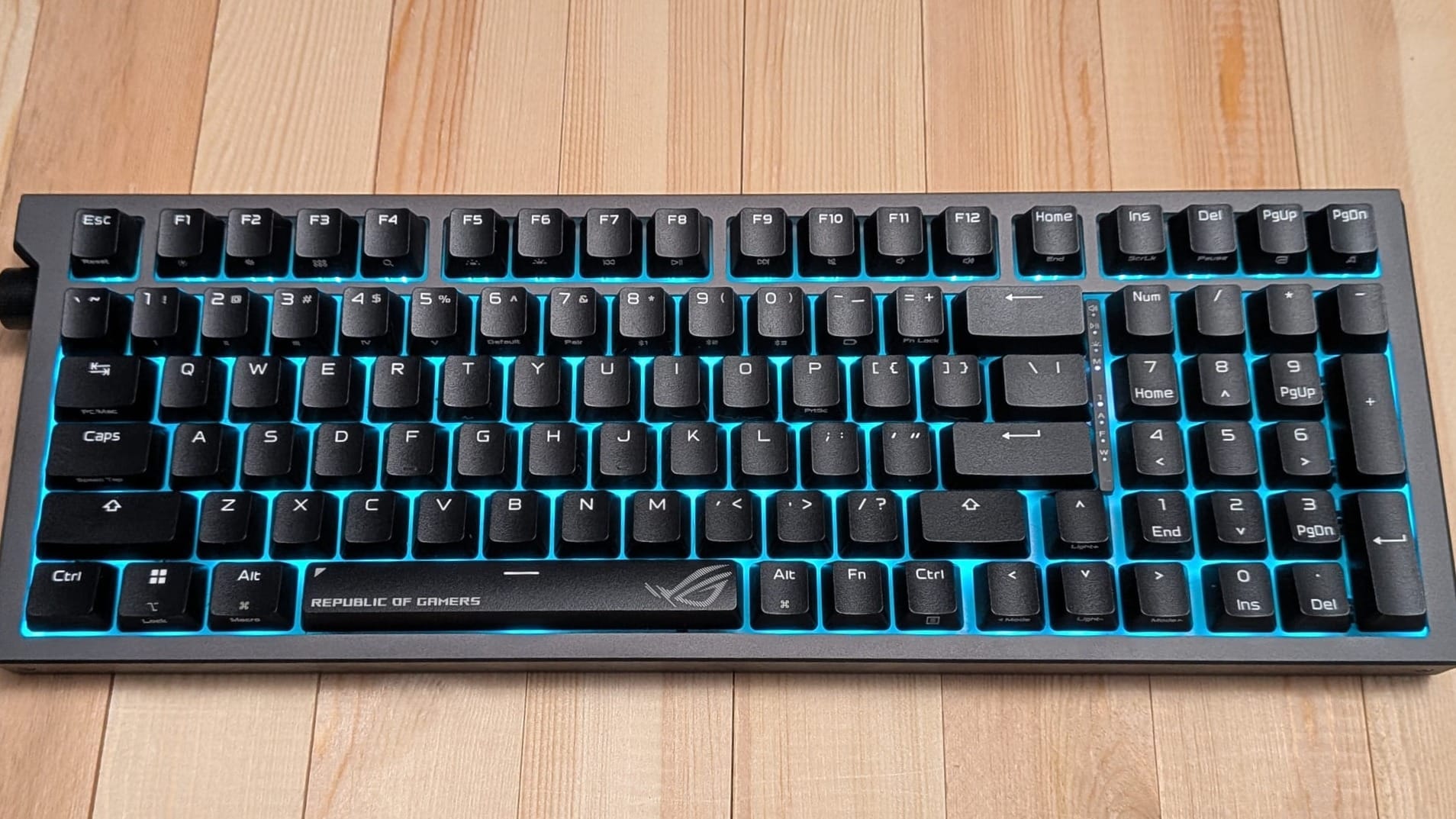
At a quick glance, you may think this is just like any other full-sized keyboard, but the 96% profile means they've made some adjustments to save space. The keyboard itself, despite the inclusion of a full number pad, is just a centimeter wider than your normal TKL keyboard. That means they've made some decisions that seriously clamp down on extra space. While this is a great idea on paper, you'll have to be mindful of the layout to decide whether the Morph 96 is the right fit for you.
Customizability is a major focus of the Morph 96. As with most mechanical keyboards, you're free to swap mechanical switches and keycaps (though, given how much I enjoy the NX V2 switches, it's perfectly understandable if you never do). That said, the Morph 96 gives you the capability of doing more yourself, if you're so inclined.
The aluminum top plate has 5 Torx screws holding things in place. Using the packed-in Torx screwdriver, you can remove these and take the top plate off. From there, the world is your oyster. You can adjust and replace elements under the hood on your own. If you don't like the way the positioning plate or dampening foam feels, you're welcome to crack it open and tinker to your heart's content. You could consider the Morph 96 the Volkswagon of keyboards, if it were built more like a Ferrari.
As I previously mentioned, I love the day-to-day typing and gaming experiences on the Morph 96. That said, I've run into some issues with the layout that I feel warrant discussion. First, the default Windows layout (and yes, you can flip this to be a Mac layout too) makes it so instead of a right Ctrl key, there's a Copilot key. I routinely use the right Ctrl key in my daily use, and I can't tell you how many times I called up that infernal AI tool by accident. I understand our world is drifting toward a more common adoption of AI in day-to-day life, but that wasn't a substitution I was ready for. Thankfully, using their robust Gear Link software, I was able to re-map the key, but having that as the hardware's default was an exercise in frustration I was happy to remedy.
Beyond the Copilot key, the 96% layout proved a bit frustrating to me because even now, after a hundred hours of use, I routinely hit the wrong keys when trying to rest my hands on the arrow keys naturally. I consistently find myself going down when I mean to navigate sideways. The arrows have nothing that really helps them stand out from the rest of the keyboard. Thankfully, I was able to remedy this on my own by swapping keycaps with one of the more high-profile keycap sets I had sitting in the closet.
My final notable exercise in frustration came when I was editing a couple of GamingTrend videos for Crimson Desert. With my normal video editing workflow, I'll cut up clips, go to the end of a clip, and maneuver other clips for a cut. I'm an amateur video editor, but the Morph 96's layout added frustration to my experience. With the trimmed-down layout, some of the keys are mapped to an alternate function of an existing key. Unfortunately, the End key requires hitting Fn + Home...and the Home key is situated alone the top of the keyboard. I was able to get it figured out, and of course, I could eventually re-map controls to better suit my needs, but as an out-of-the-box experience, it presented some issues.
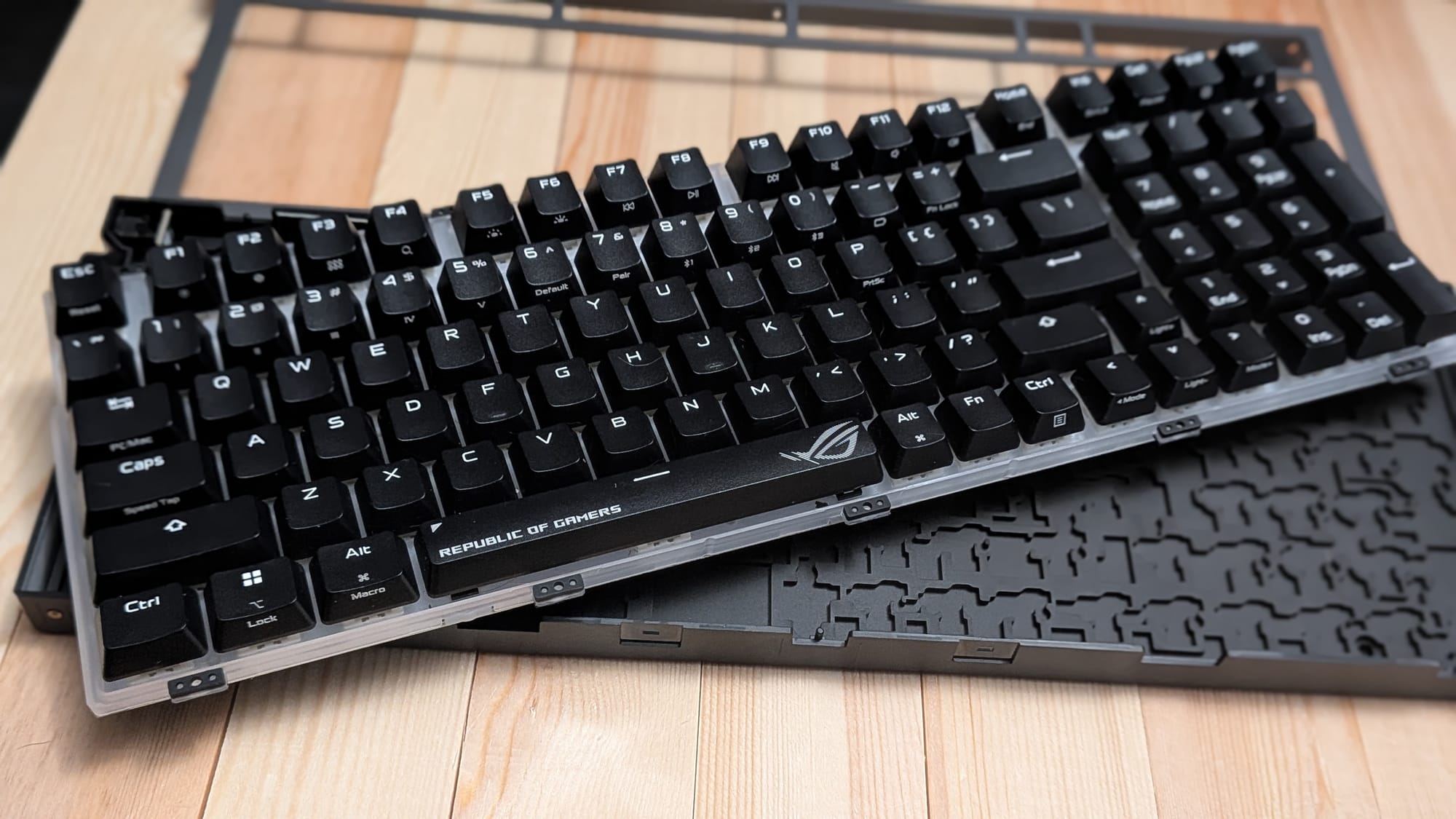
At $139.99, the ASUS ROG Strix Morph 96 feels like a great keyboard for entry-level enthusiasts who want a satisfying, snappy gaming experience, the chance to tinker with their hardware, and pine for the full-sized layout. The compact design presents a few frustrations, but robust key layout customization, along with the freedom to swap switches and keycaps, ensures you're welcome to make this experience your own. While it makes an excellent gaming keyboard on its own, the added bells and whistles give you plenty of bang for your buck, provided you're willing to deal with the learning curve of its unusual layout.
ASUS ROG Strix Morph 96
Great
The ROG Strix Morph 96 is an excellent gaming keyboard with plenty of options for customization. ROG's fantastic NX V2 switches, combined with excellent dampening, a long battery life, and fast, responsive wireless feedback via ROG SpeedNova ensure a top-tier gaming experience. There are some annoyances you'll likely encounter due to the compact nature of the Morph 96's construction, but if you're willing to dig in and explore, you'll find a responsive, high-quality keyboard to enjoy.
Pros
- Excellent for gaming
- Fantastic tactile feedback with virtually no wireless latency
- Nearly 600 hour battery life and great web-based customization software
- Heavy emphasis on customization and tinkering - both inside and out
- Full keyboard layout in a space-saving design
Cons
- Default layout replaces right Ctrl with dedicated "Copilot" button
- Compact design requires some adjustment that may cause frustration ("End" key requires "Home" + Fn keys, etc)
This review is based on an early copy provided by the publisher. ASUS ROG Strix Morph 96 comes out on March 30, 2026.