I own a few drones, big and small. An older Walkera Blade helicopter model that spends as much time in the sky as it does grounded and waiting for parts, a foam X-Wing drone that's fun to fly when there's no wind outside, and yes, a tiny little DJI drone that needs my phone to function. Each one of those has pros and cons that we'll talk about, but while continue to save up for that FL500 FLISHRC Airwolf replica, I wanted something that is easy to fly, fun for the missus to learn drone flight, and is reasonably priced enough to not break the bank. That brought me to the Ruko U11MINI 4K Drone with Screen Controller. The name may not roll off the tongue, but when I tell you why this drone is my new top recommendation, I bet you'll remember it. Let's prep for flight!
As it's the most direct analog, we'll be comparing this Ruko U11 Mini 4K to the DJI Mini 4 Pro, and the DJI Mini 3 4K—the two most common small drones (and arguably best) on the market. Let's look at these two from DJI before we get into the Ruko.
The DJI Mini 3 4K will set you back somewhere between $419 and $469, depending on sales. It's weighs exactly 249 grams, making it possible to fly it without registering it with the FAA, is highly portable, and carries a 4K/30 camera with a 1/1" CMOS sensor with dual ISO and HDR technology onboard for a clean video signal. With 40-50 minutes of battery life, it's a solid drone option... with two big exceptions: the screen and obstacle avoidance. The Mini 3 does not have any intelligent obstacle avoidance, so you'll need to keep your eye on the screen to keep the drone safe, and that reveals the biggest disadvantage with this drone. The controller does not have a screen on it, instead, using your phone as your viewing portal. In my case, I'm using a Google Pixel 8 Pro, which has a 6.7-inch (170 mm) LTPO OLED with a resolution of 1344x2992. Speaking of cases, I have to remove mine just to get it to fit. Using an integrated cable and spring holder, it locks into place and works well enough, but it's just not that big when in portrait mode.
Jumping up to DJI's flagship, the DJI Mini 4 Pro ($759), you do get some solid upgrades. First and foremost, it does have intelligence obstacle avoidance, and the resolution pops up to 4K/60 for video, but it has the same exact problem with needing to use your phone as a screen. Worse, that jump in framerate sets this drone back to 35 to 44 minutes of flying time per battery—a roughly 12.5% loss.
Looking at the DJI lineup, you'd need to pop up to the DJI RC 2 to solve for both of these issues as it has both obstacle avoidance and a screen, though it still carries the same 35 to 45 minutes of battery life despite a jump up to an eye-watering $1099 USD price tag.
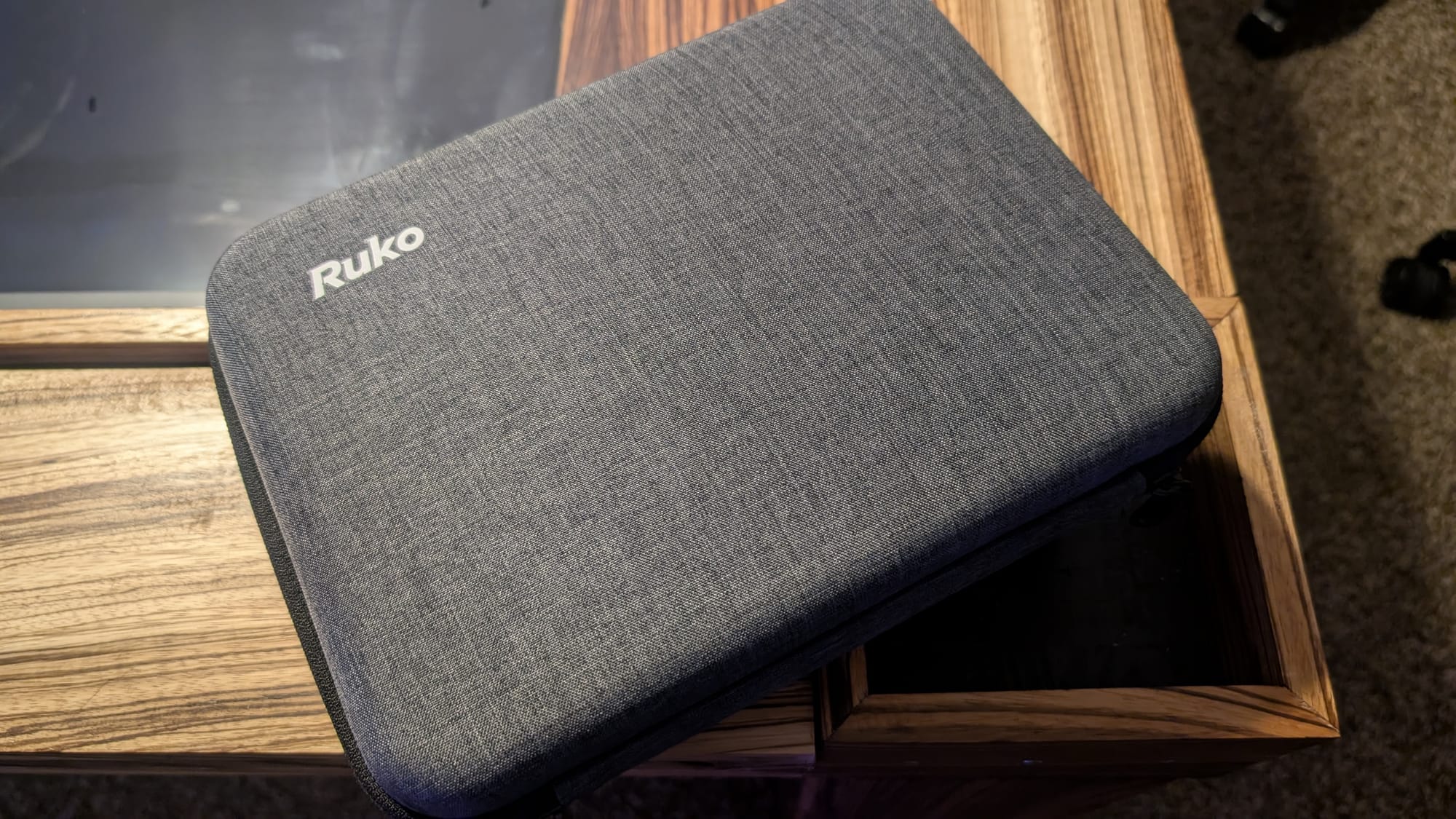
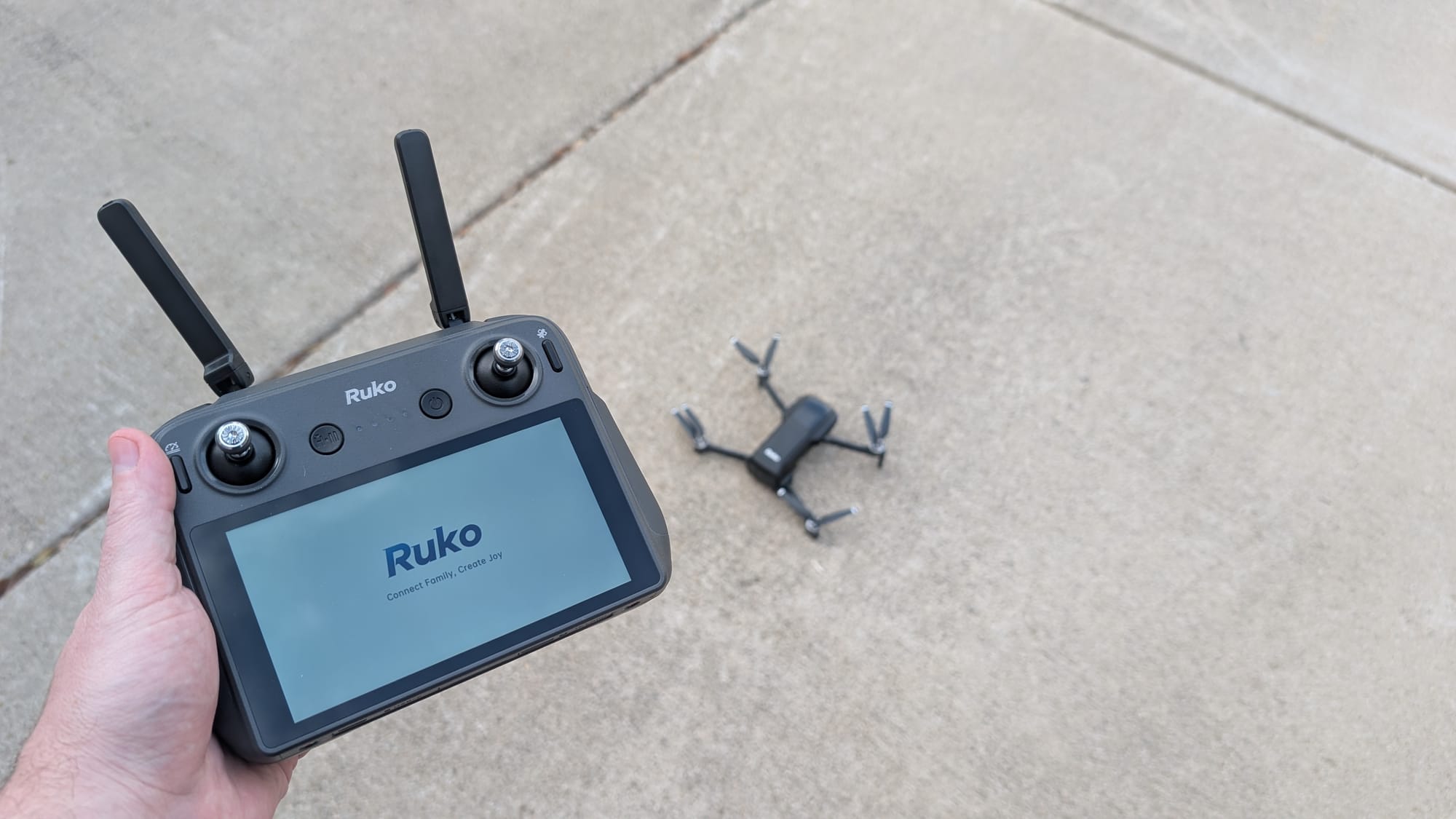
With a good look at its competitors out of the way, let's talk about what Ruko is cooking up with their own Mini 4K Drone. First and foremost, let's go over the specs that matter, many of which are directly parallel to one or all of the aforementioned drones. First, it shoots in 4K/30 (or 1080p/60), but takes 8K pictures, thanks to the integrated 1/2" CMOS sensor operating at a wonderful 48 Megapixels. A larger CMOS like the one in the DJI drones is used to take in more light, allowing for better low light videography and photography, but we'll save that for when we do some direct comparisons. Each battery provides roughly 35 minutes of flight. Batteries from Ruko will set you back $59.99, compared with the eye-wateringly expensive alternatives at either $99 or $149, depending on model. The drone itself? It's just $499 AND it has a huge 5.5" integrated touchscreen! The screen itself is crystal clear (downsampled from 4K to 1080p to ensure no loss at distance), highly reactive, and bright. The screen has its own battery (rapid-charged with USB-C, which is included), with a number of safety features to ensure that even if the screen runs out of battery, the drone will instantly recover back to its home position. Let's get under the virtual hood a bit more.
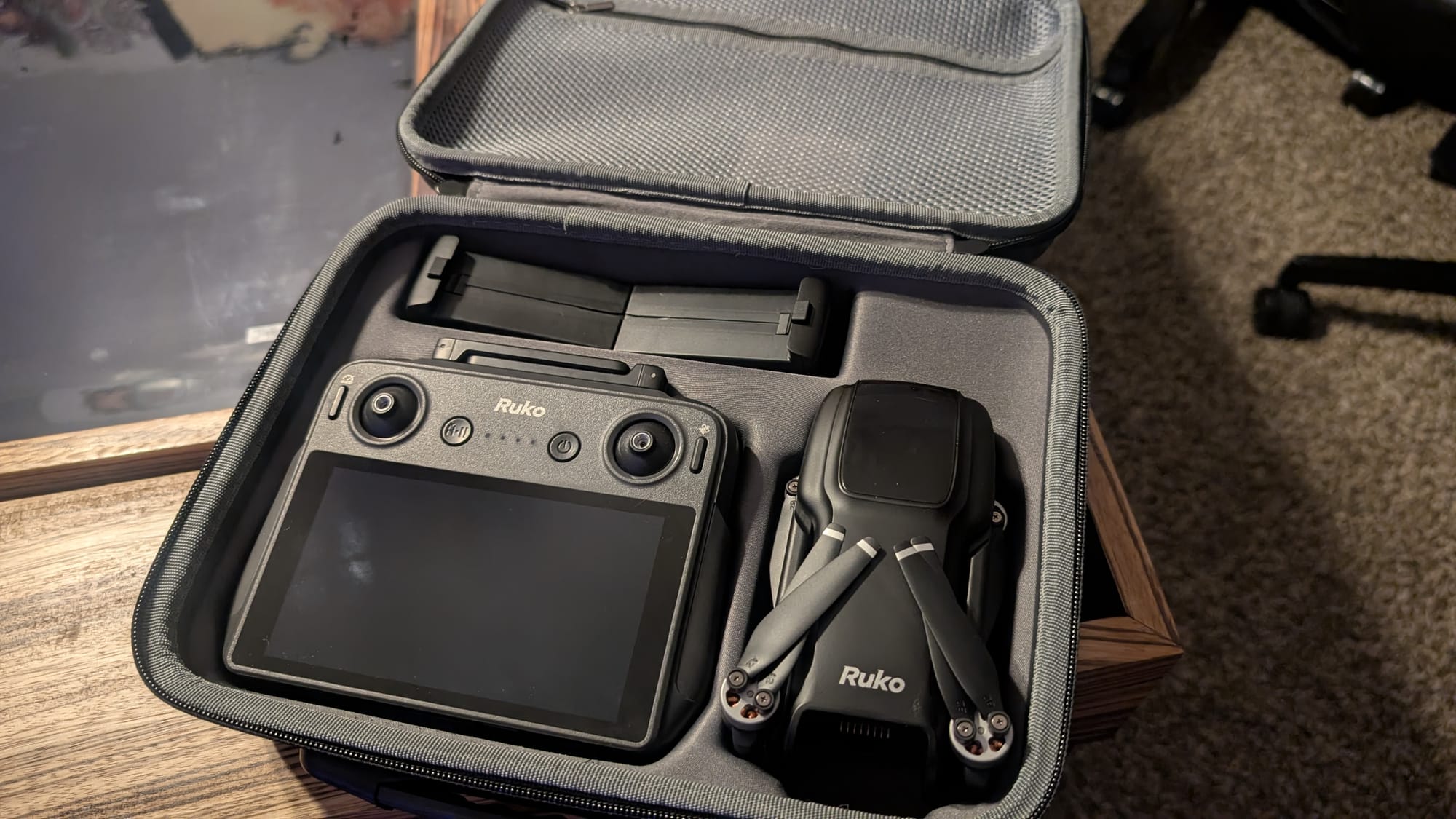
Firing up the drone for the first time, the drone auto-connects immediately. The pairing stage doesn't require a bunch of menu hopping, pairing, resets, and frustration—they know about one another, they connect, and you're done without delay. After that initial connection, when you fire up the drone again it connects even faster.
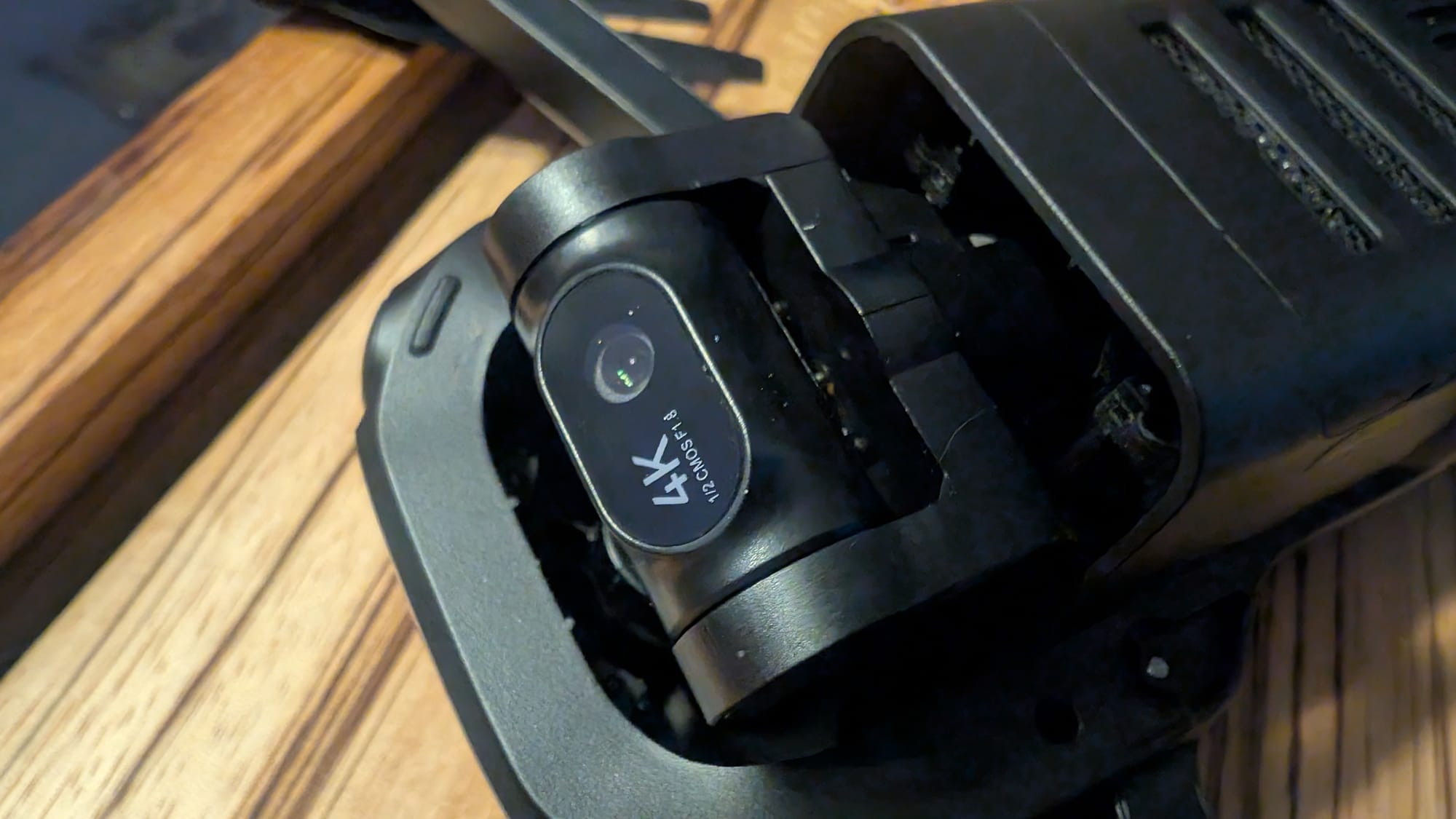
To ensure you have buttery-smooth video, the U11 uses a 3-axis brushless head with Electronic Image Stabilization (EIS). It also has a 5X zoom, but as we're dealing with a camera roughly the size of a head of a nail, it's going to be optical—there's no room for physical zoom here. I could describe it, but I think it's worth just taking a look for yourself. This was at 5X zoom in hover mode.
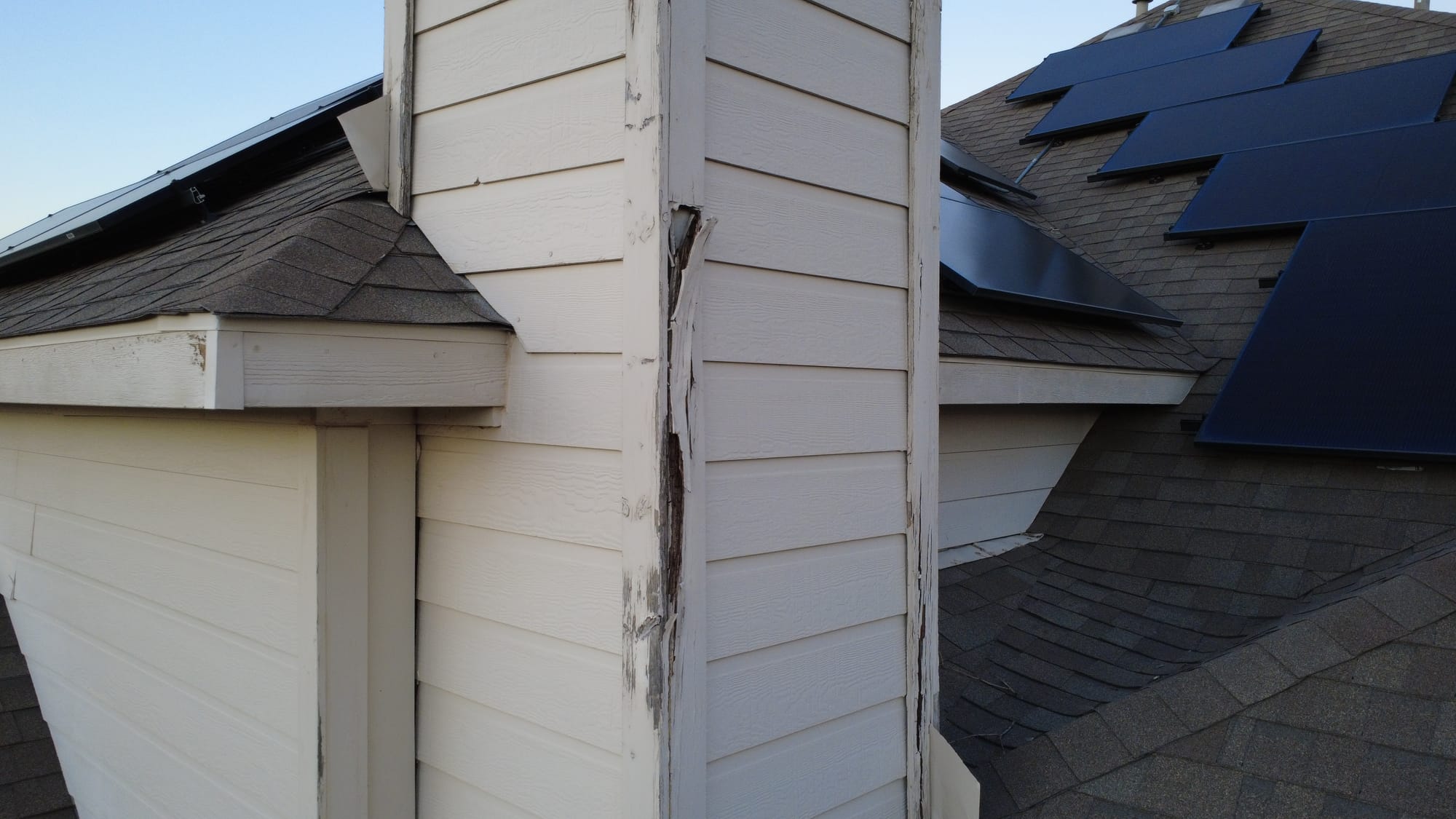
As you can see, the image is remarkably clear! Even zoomed, the image is solid. The EIS also ensures you can stay locked onto your target. That becomes important for the next feature I want to talk about: Follow.
The Ruko drone has a number of features that you can use to do a lot more than just fly under direct control, the first of which being GPS Follow. GPS Follow, as the name suggests, uses GPS data to track and follow a subject. This allows you to specify a person, a bicycle, a car, or any number of moving objects and follow them at a specified distance and altitude, allowing the creator to perform hands-free filming. If you're doing a jogging sequence or want to show a cool overhead shot as your car drives down a road, this is the mode for you. The Ruko drone has the GPU functionality built directly into the controller itself, and it keeps constant connection to even allow it to take off. Not once in a month of testing and fun did I have it lose GPS, allowing my fear of my drone wandering off to dissipate pretty quickly.
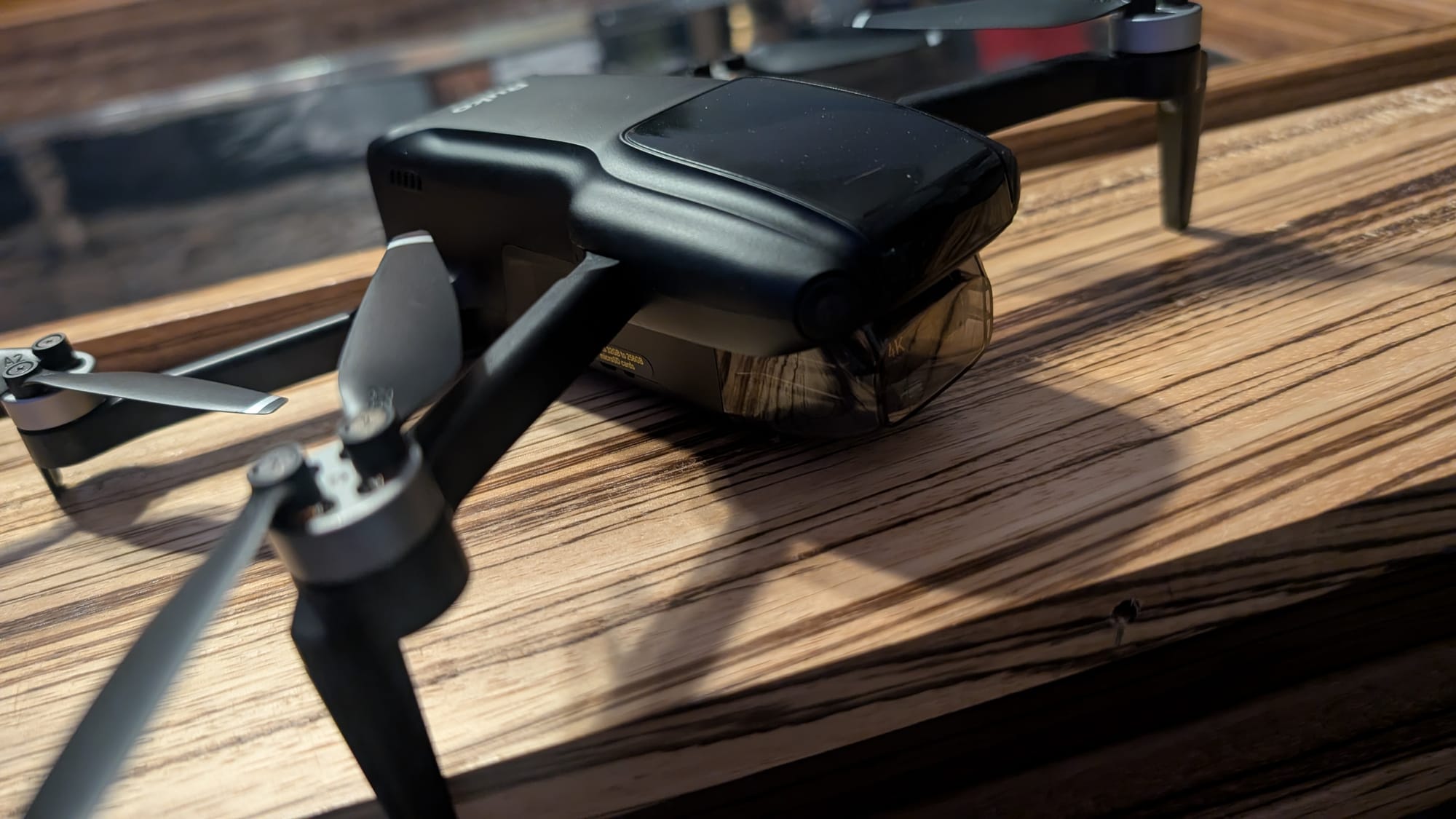
The second and third features are similar but more focused on the camera—Image Follow and Point of Interest. Image Follow looks at an object you specify (marked with a square around them) and then tries to track them visually. Image tracking works well, but it is heavily based on maintaining visual contact. Especially in a park setting, variances in light and shadow plus occasional obstruction can cause the drone to lose tracking and stop in its tracks. GPS tracking is far more effective. Point of Interest works similarly, but allows you a few more tricks. With that function you can set an object, like a statue or some other stationary object, and then have the drone orbit around it. Next up is Route Rules. With little effort, you can set a specific route for your drone to fly and then return back to base, and in this function you can also set the specifics of that flight. It allows for more complex shots. Maybe you're doing real estate and you want to orbit a house, fly in while you lock onto the solar panels on the roof, and then slowly lower in front of the front door for a grand reveal. It's all possible with a little bit of pre-planning of your flight path. The next few functions aren't modes per se, but more utility for how your drone operates. You can adjust the lens angle, allowing you to fly with the camera pointed straight down, for instance, and you can zoom in with the next icon. The remainder of the icons are about adding post production sort of things like filters, music, and changing from widescreen to vertical if you intend to put your video on a social platform. The last three icons let you look at your flight records, sound an alarm to help you find a downed drone, and also update your designated "return" position—your home base.
When you do feel comfortable, you can take off the training wheels and turn off "Beginner mode". This unlocks a number of safety controls including flight distance (up to 3048 meters or 1.9 miles), Flight Height (from 10 to 120 meters or 393 feet), and Return Altitude (the height the drone sets to when told to fly home in an automated fashion (you might want to fly above or below something, making this setting important).
This drone has a Level 5 wind resistance. That means it can hold stability with cross-breeze up to 24mph. The gimbal and the drone work in tandem to keep the footage stable. The video below is in wind that is right around that maximum, but you'd never know it—the video looks stable, even with full-speed directed movement.
There are two additional things that really stand out about this drone. The first is that it has all of the features and functionalities that a newcomer to drone flying might need, built right into the device. All of the videos on how to do basic flight, how to recover the drone, what each setting does, and much more are pre-loaded on the controller itself, meaning you always have reference at your fingertips. Second, it's built for sharing. You'll shoot on the drone at 4K/30 or 1080p/60 and it saves locally to your SD card aboard the drone, but it also can stream 720p directly to your phone to share immediately with your socials. If you are filming an event like a disaster and need to share it for safety, or are showcasing some cool event in your neighborhood, you can share those moments in realtime. When you're first getting into flight, focusing on the drone should be your highest priority, and the Ruko lets you do exactly that, making the rest seamlessly easy.
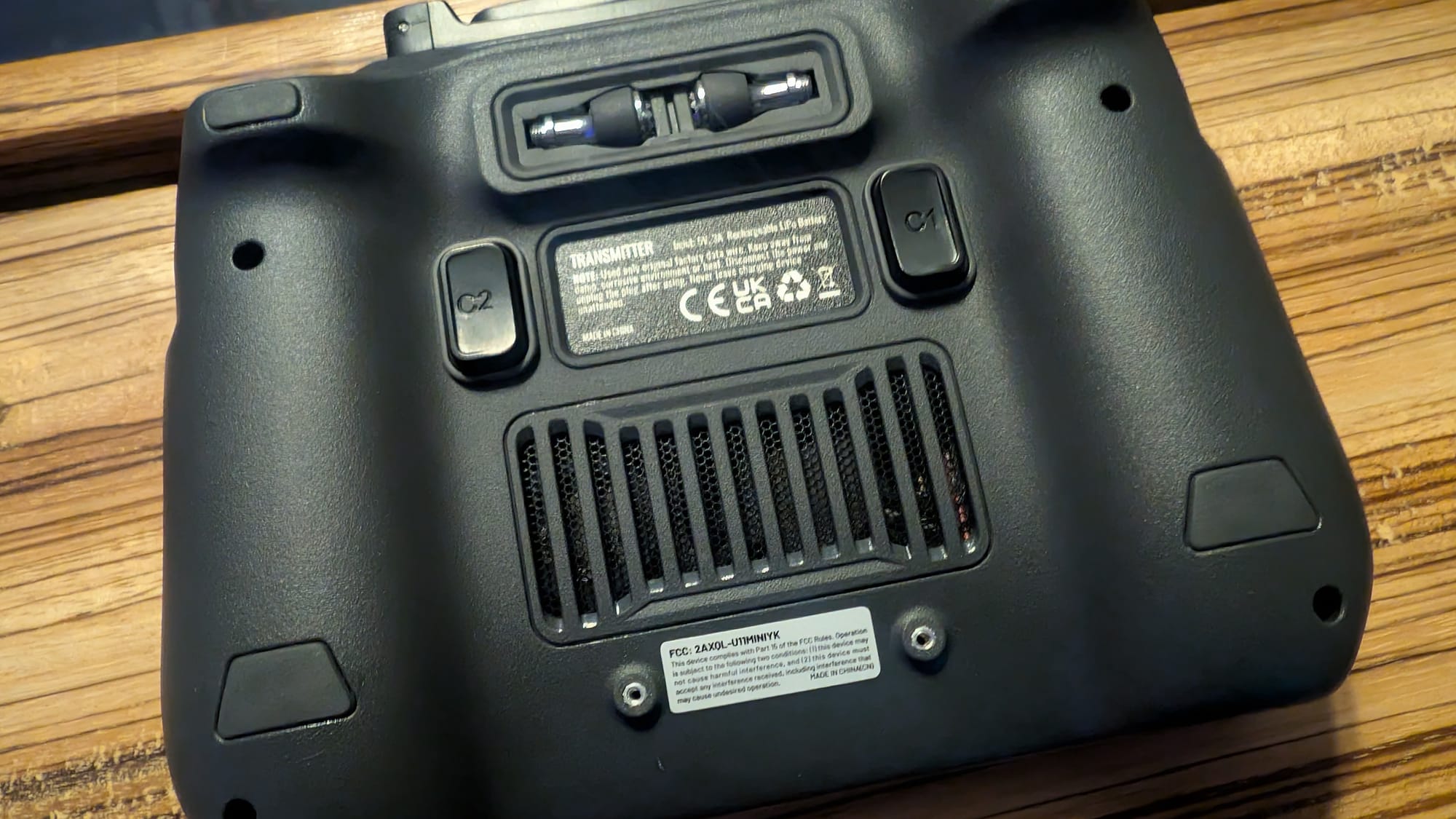
One thing that's easy to overlook when you're focused on the tech is the overall comfort. The Ruko U11MINI4K 's controller has a very comfortable and ergonomic shape to its design. The buttons to take a picture or start a video are at your fingertips. The sticks are positioned perfectly for your thumbs to operate it for 90+ minutes without hand cramps. It's also well balanced as the weight is distributed evenly. As you aren't relying on having a phone hanging off the back of the device, it sits comfortably in your palm. It's obvious that the Ruko team iterated on this design a bit to ensure it's suitable for long flight times. Lastly, I will point out that this drone comes in right at the 249 gram weight mark, meaning you do not have to register it with the FAA or have a license to fly.
There's an inescapable fact in drone flight that you need to come to grips with sooner rather than later: you WILL crash. Parts WILL break. At that point, you need to be able to repair your drone easily to get back in the sky. I'm glad to say that the Ruko uses remarkably inexpensive parts that are readily available. The blades are between $9.99 and $19.99 just about anywhere. If you were to somehow break a whole arm, it's just $29.99 to replace, and it's easy to access and accomplish. The batteries are $59.99 to $69.99. The whole assembly is remarkably easy to maintain, with the sole exception being the camera—don't break that as that's a whole drone replacement as far as I can tell.
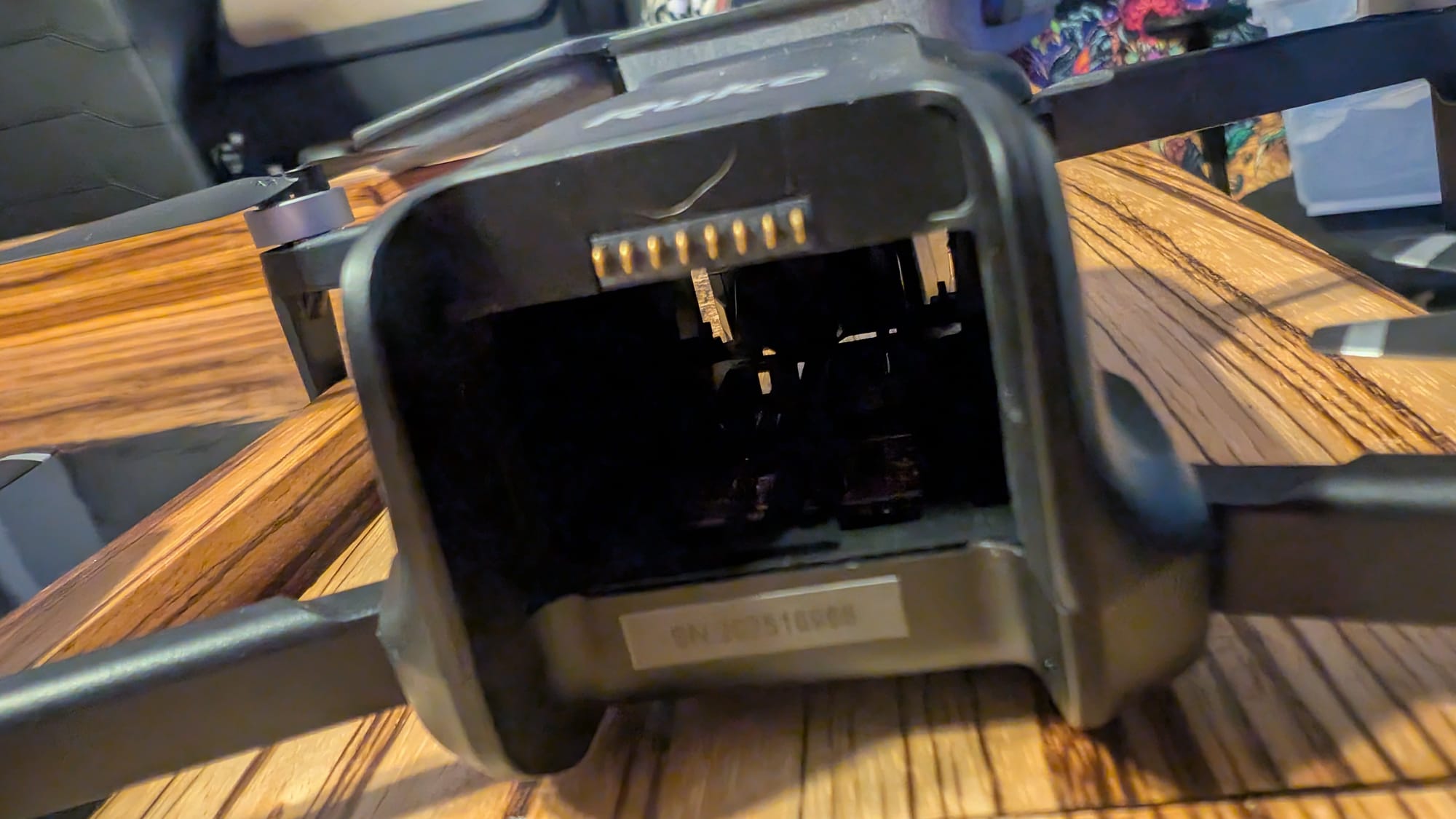
Ruko warranties this drone for 90 days, which is significantly short of what DJI or Aventon offers. That said, as an owner of a DJI drone that failed, a warranty is only as good as the company that honors it. Mine was a drone that just stopped firing up no matter what I did with batteries or resets, and DJI refused to honor the warranty after four months of back and forth. Ruko has an after-care option that is $49.99 which extends their 90 day warranty to 1 year, and based on my back and forth with support (less than 24 hours between test-replies) I'm encouraged.
Last up on any review we do on hardware is a chat about price. I won't make a value judgment as what's expensive for one is trivial to somebody else, but I will point out that the price is significantly less than DJI's offering, despite the Ruko device being a superior product in just about every way. The MSRP on the U11MINI4K is $389, but at the time of writing it's on sale for a shockingly-low $220. It's staggering just how well-built and full-featured this drone is for that price. Even if you add in the $49.99 to extend the warranty, you're getting a COMPLETE flight system, including carrying case and extra batteries, without the need to buy a single additional thing. Compare that to the closest DJI drone which costs an additional $539, and you still have to use your phone, and it makes this a no brainer.
Ruko U11MINI4K Drone with Screen Controller
Excellent
The Ruko U11MINI4K drone is a self-contained flight system that carries nearly every feature of any competitor but at a fraction of the cost. Add in solid warranty support options, incredibly easy flight controls for beginners, and a laundry list of excellent image stabilization, and it's very easy to recommend.
Pros
- Impossibly low price
- Excellent image stabilization
- 8K still images, 4K/30 footage
- Solid transmission range
- Integrated screen with comfortable ergonomics
Cons
- Image-based tracking is less reliable than GPS
- 90 day warranty is very short—buy the extended one
This review is based on a retail version provided by the manufacturer.