I get it. I only just released our review for the Huntsman V3 Pro TKL. How much better could Razer truly make a new version of that keyboard? Well, I’ve been converted. As much as I like the original, 8K and a few tweaks have made this variant into my choice for playing any game with a keyboard and mouse. Let’s take a look at what Razer’s done in crafting the centerpiece to your gaming desk. Given the similarities between these keyboards, I’m dropping the review for the Huntsman V3 Pro TKL below so you can get an even better overview of how Razer’s Huntsman brand works.
 David Burdette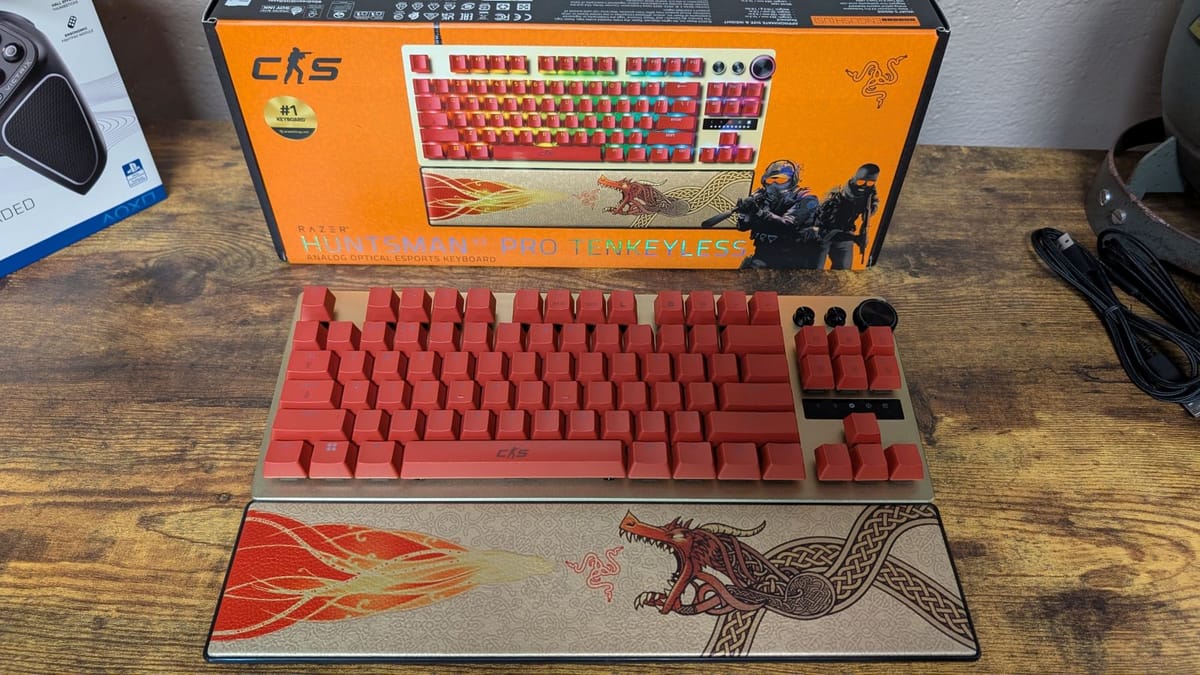
Inside the box you’ll find the Razer Huntsman V3 Pro TKL 8K gaming keyboard, a USB-C cable, and a magnetic wrist rest. I’ve spoken before about the wrist rest being outstanding, and it’s the same thing here. Razer has actually made a minor adjustment as well, making the leatherette firmer for better support. All I know is it’s super comfortable, and as someone who’s dealt with cubital tunnel issues, a god-send for my wrists.
There’s something about this keyboard that’s simply striking. The aluminum top-plate looks fantastic, the keys are nicely spaced to feel comfortable while typing, and the rubber pads on the bottom keep it firmly in place. The two settings for the legs allow the Huntsman V3 Pro TKL 8K to sit at the perfect angle, so long typing or gaming sessions aren’t strenuous. Combined with the extra controls in the top right – two buttons and a dial – along with the LED indicator panel, make this an aesthetically pleasing and well-rounded keyboard. Oh, and the esports green variant looks spectacular.
One of the issues I had previously with the non-8K version was the typing. It’s one thing to play a game, but another to type. Razer took this to heart, and there’s a completely different feel to typing on this 8K version than that one. There was an almost hollow feeling to typing on the regular V3 Pro, here there’s more weight to it. I’m unsure what was adjusted, but it’s much better on the 8K.
That, of course, leads to playing games being sublime. I’ve mentioned before about my getting into Counter-Strike 2, and there isn’t another keyboard I’d rather use while playing than the Huntsman V3 Pro TKL 8K. From the second I booted into a match after getting this keyboard, I felt comfortable with it, and I hadn’t played CS2 in a few weeks. I dropped 20 kills in my first go and, for me, that’s some of my best work. Considering the only thing that changed on my desk was my keyboard, I’ll go ahead and give the V3 Pro all the credit.
A lot of this comes from the improvement of 8K. Razer’s been on the forefront of this tech, with their HyperSpeed advancements making input lag a thing of the past. It’s been the most recognizable with the DeathAdder V4 Pro mouse – another staple of my desk. The smooth precision it provides means any micro-movements you’re making are accurate, and in a game like Counter-Strike 2 (and more), millimeters can be the difference in a round won or lost. Razer has completely won me over with 8K polling rate, and it’s just as good on the Huntsman.
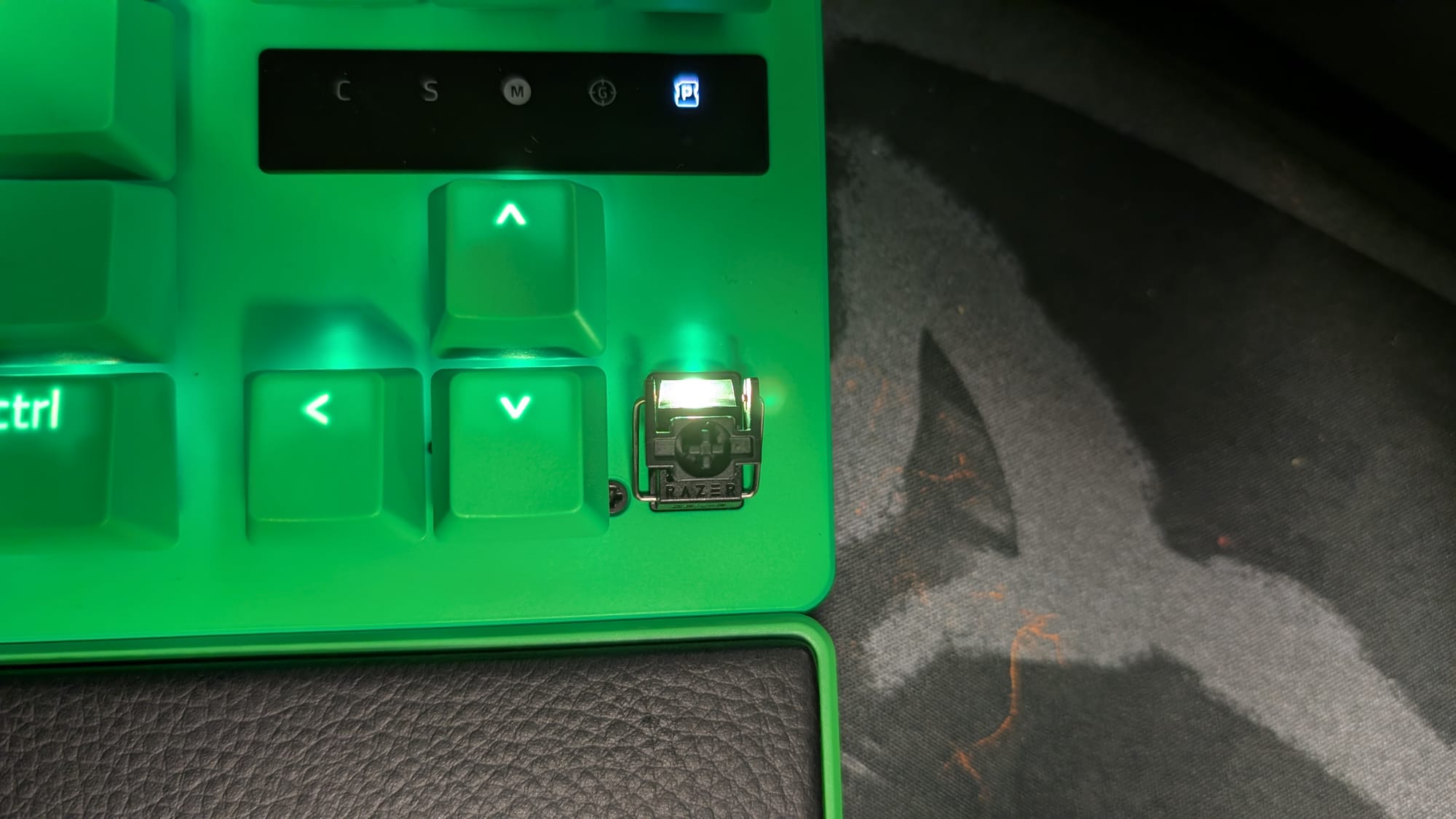
This is backed up by Razer’s premium Analog Optical Switches Gen-2. As mentioned, the precision these measure your presses at is incredible. Besides just this, Razer offers a lot of versatility through tweaks you can make yourself both analog and digitally. Snap Tap’s strafing is so good Counter-Strike 2 has it banned. Rapid Trigger reacts to your release as quickly as you press on a key, letting you follow it faster and more accurately. Quick Actuation Point Adjustment gives you full control over when your key press is recognized by the switch, allowing you quick or delayed inputs – whatever feels best to you.
All of this can be done in Synapse, or through a few button combinations directly on your keyboard. It’s simple and fast, which is what matters when you’re playing something competitively. There are even multiple profiles available at the press of a button, making setting up your preferred playstyle easy and even game-oriented.
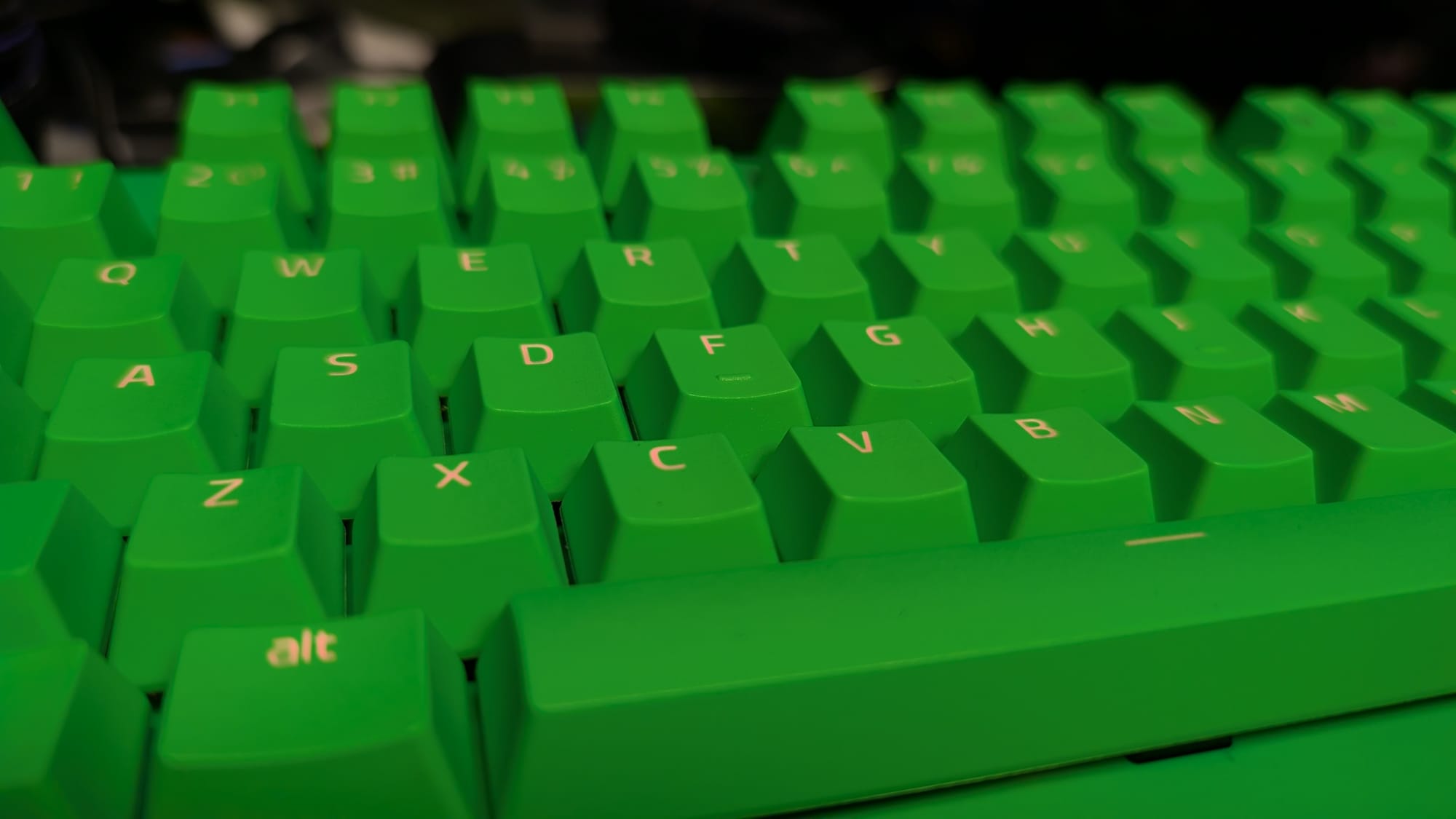
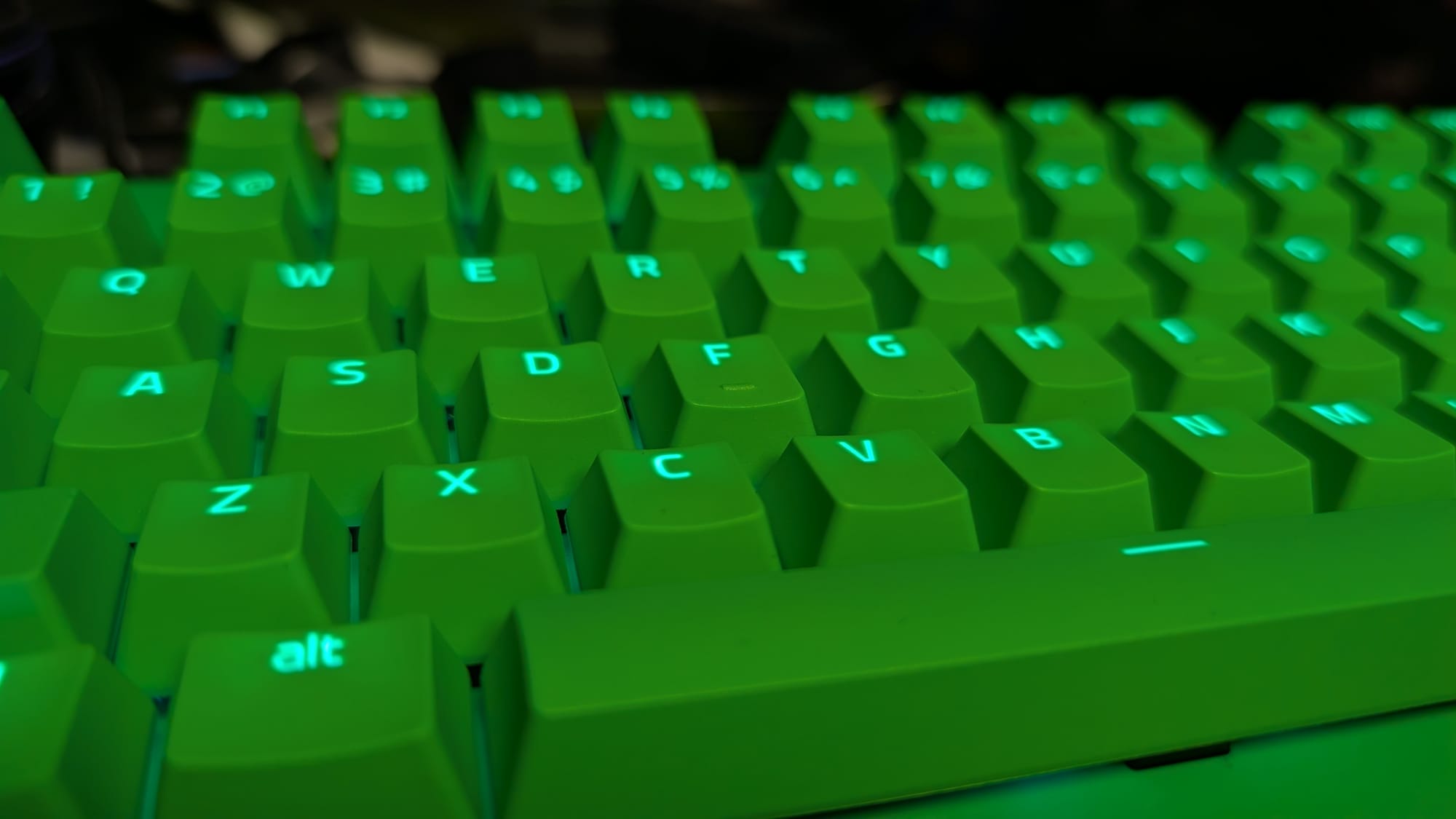
I’ve been told multiple times that I have an obsession with RGB lighting, and that’s true. Thankfully, Razer enables me with superb, loud LEDs that blare out even in the day time. Synapse and Chroma gives a ton of control over it as well, letting you choose static colors, spectrum waves, and so much more. Considering my affinity to shiny things, I appreciate Razer leaning into their identity with flashy RGB.
There is a bit of a price difference in these upgrades, although I’m not sure as big of a gap as it seems. Right now, the 8K version of the Huntsman V3 Pro TKL is $219.99. It’s on the high-end of pricing for gaming keyboards, but it’s on par for Razer. The regular Huntsman V3 Pro TKL can be found on special for as low as $107.99, but I’d imagine this is a holiday special as on their site it will cost you $159.99, but marked down from $219.99. At any rate, coming in at the same price as where you were originally with the previous model isn’t bad, especially with the tremendous 8K and typing upgrades.
Razer Huntsman V3 Pro TKL 8K gaming keyboard
Phenomenal
Whatever little drawbacks existed in the original Huntsman V3 Pro TKL have been fully corrected with the 8K. Razer has not only made day-to-day typing feel fantastic, but upgraded your gaming experience with premium 8K polling, leading to phenomenal precision and smooth gameplay. You won’t find many better keyboards than Razer’s Huntsman line, but Razer even managed to find a better one within.
Pros
- 8K polling rate
- Improved typing
- Plethora of special features (Snap Tap, Actuation Adjustment, and more)
- Luminescent RGB
- Exceptionally comfortable (thanks wrist rest)
Cons
- None
This review is based on a retail copy provided by the publisher.