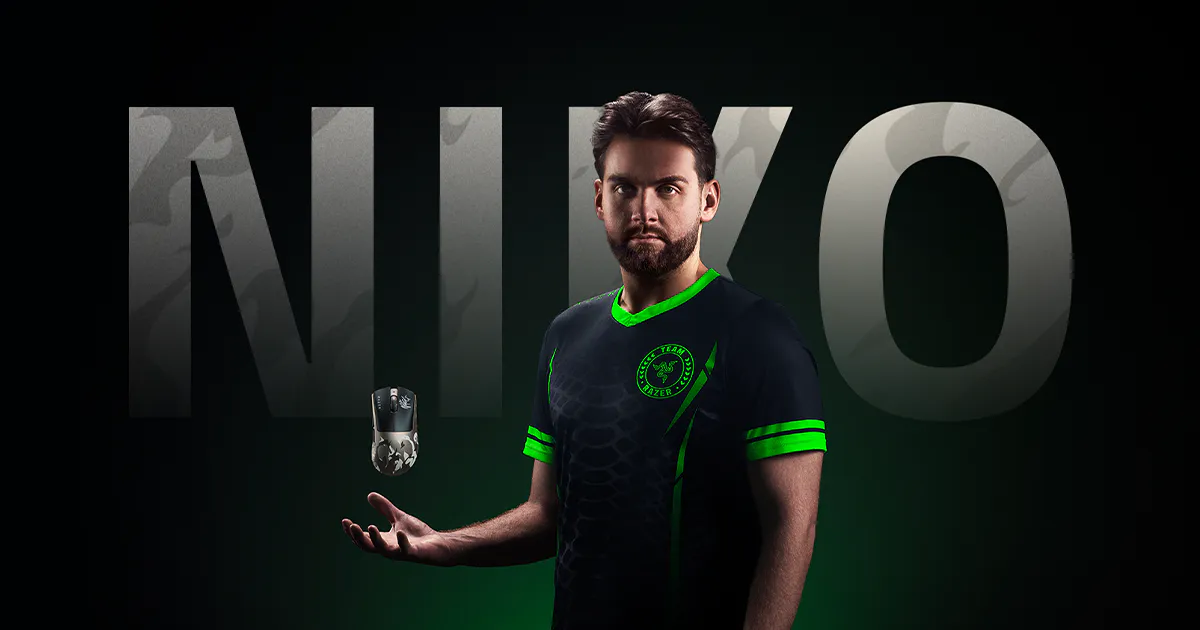
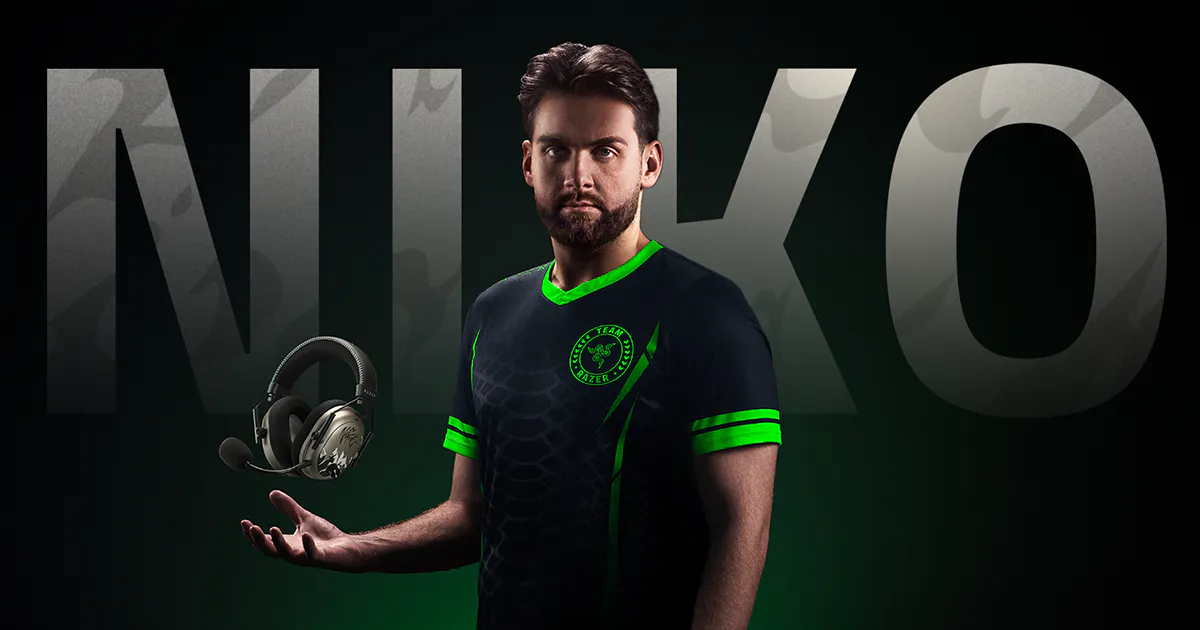
There have been a lot of great Razer collaborations over the past year. One in particular you love to see is in the gear maker's relationship with Nikola Kovač (NiKo), one of the greatest Counter-Strike players to grace the catwalk of Dust II. While NiKo's professional record as of recent has been fraught with a few obstacles, no one can deny his talents. That got me thinking as I unboxed this latest collection: could NiKo's personal preferences help me be better at Counter-Strike 2?
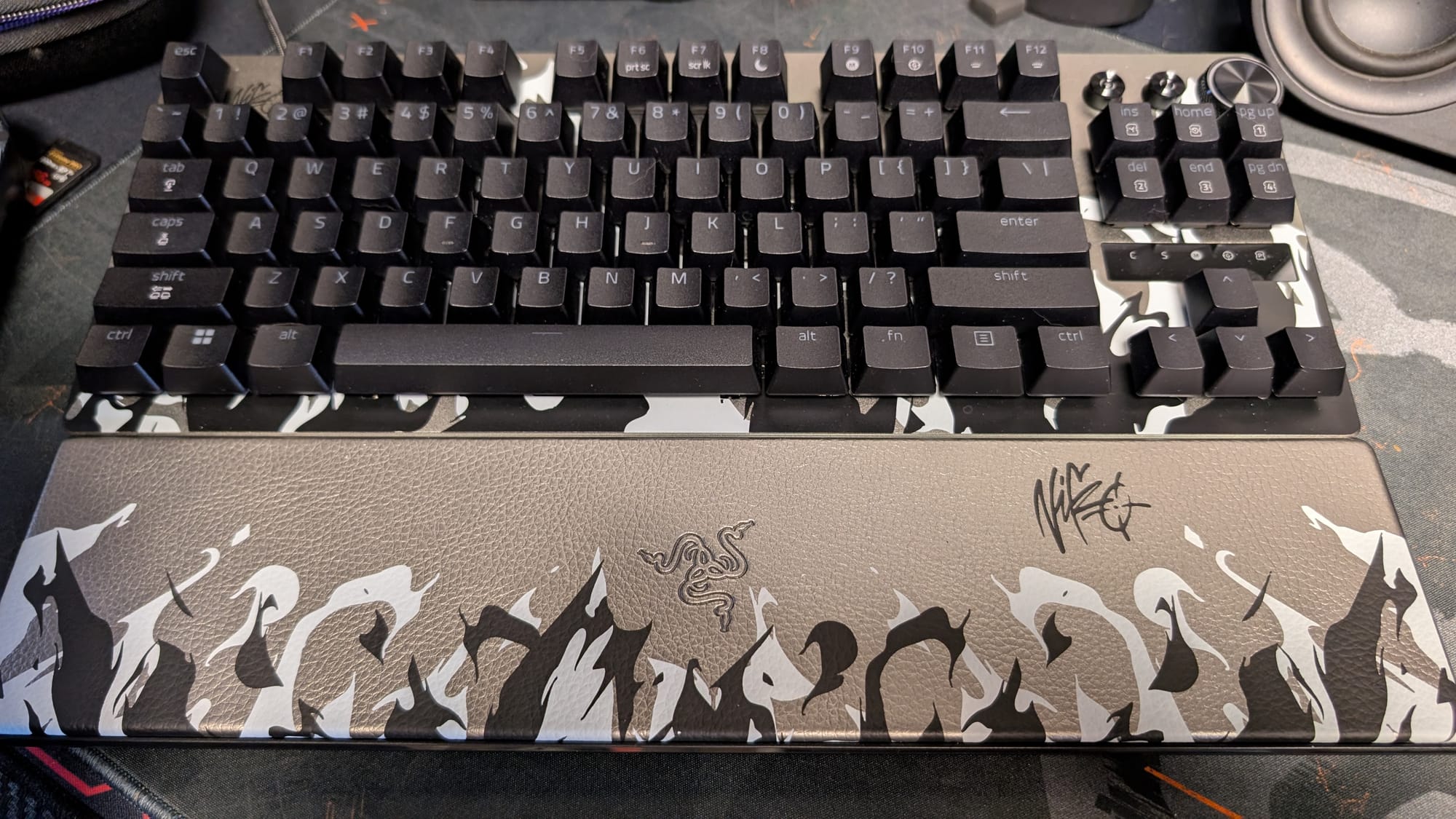
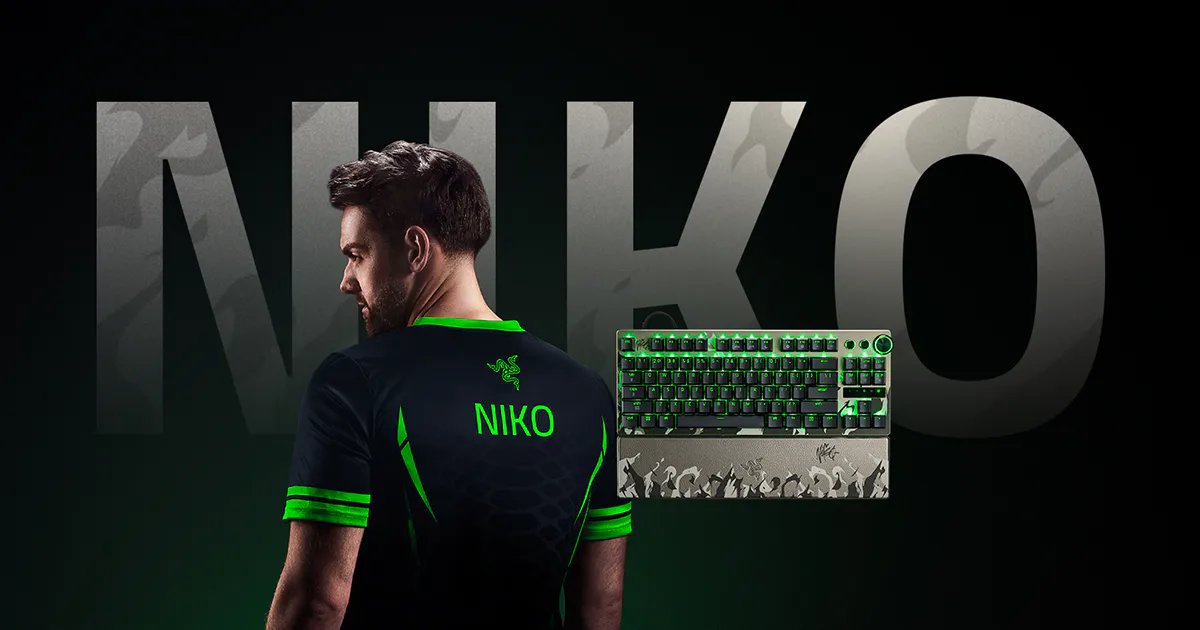
Razer has launched four different products for testing: the DeathAdder V4 Pro mouse, the Gigantus V2 Pro mouse mat, the Huntsman V3 Pro TKL 8Khz keyboard, and the BlackShark V3 Pro headset. The only thing we didn't have a chance to check out is the Gigantus, but you can look at our V2 Pro mouse mat impressions from the new line here. All of the gear is dark gray, with black and white flames adorning the bottom halves. With NiKo's signature topping off the package, this is one of Razer's best looking collections.
Let's look at each piece of equipment individually and how it all comes together:
Razer DeathAdder V4 Pro mouse
Sensitivity: 1600
Polling Rate: 2000 Hz
 David Burdette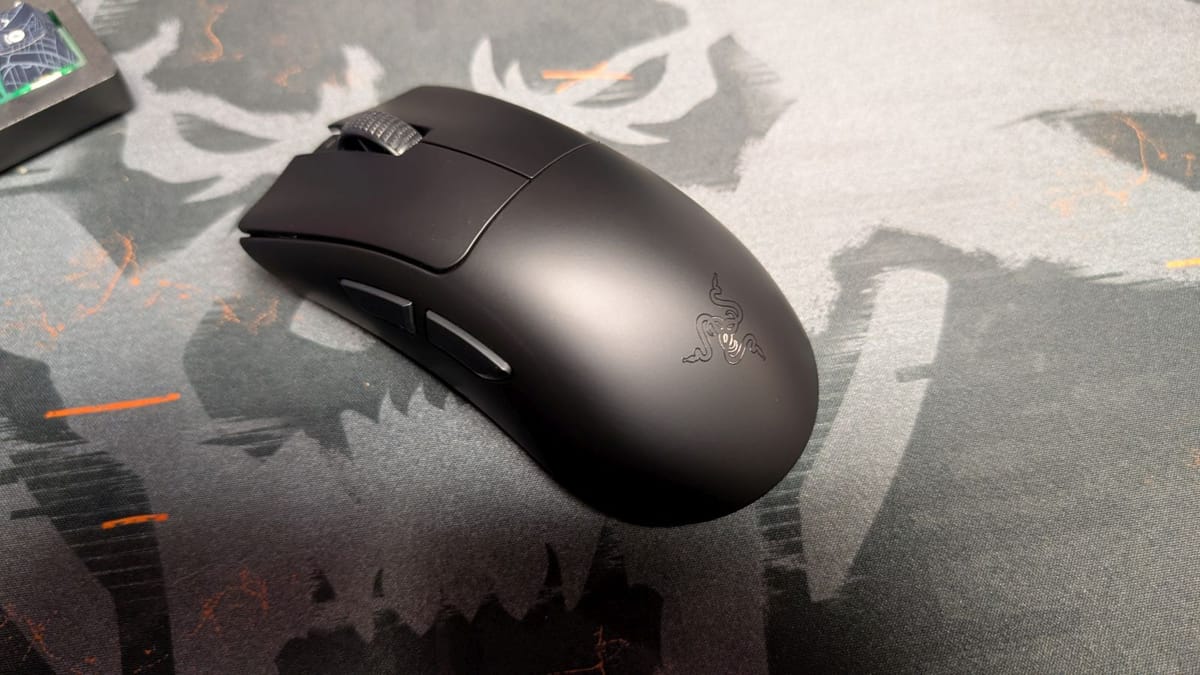
This is the crown jewel of it all. Razer's DeathAdder V4 Pro is arguably the best at what it does, even as unassuming as it looks on your desk. An ergonomic mouse, it fits in your grip wonderfully, and will take you through a full twenty-four rounds of Counter-Strike 2 and more without giving you hand cramps. At only 57 grams, it's light and comfortable, and with the battery sporting up to 150 hours of charge, you won't be caught with your aim dying.
I swapped my settings to NiKo's, and my biggest surprise is he's running the DeathAdder V4 Pro at 1600 DPI, with only 2K polling rate. Razer offers so much more, and with how impressive the control is by the pros, you'd think they'd take advantage of it. Still, as I played with this change, I could see how it helps you keep from overcorrecting and controlling your spray, so I get the choice. A lower polling rate also saves your battery life, which can be drained as dramatically, only having 22 hours worth of charge at 8K polling.
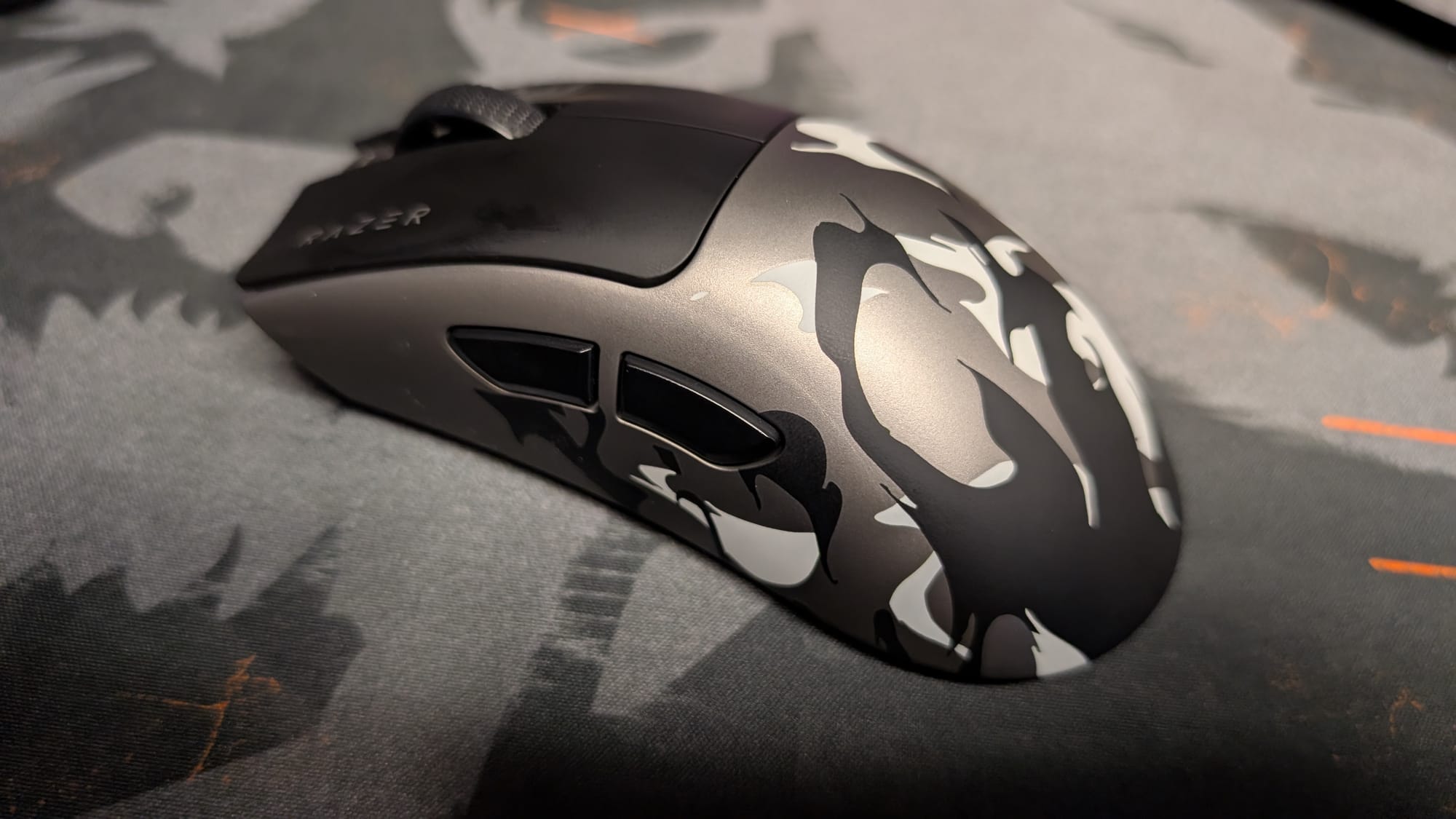
No matter how you use this mouse, it is one hundred percent perfect for Counter-Strike 2. As I've been playing, the precision of the optical sensors and switches has been on display. Every swipe goes exactly where I need it to, every quick shot actuated timely by the mouse buttons. Maybe the best part of the DeathAdder V4 Pro is the optical scroll wheel, and when you're trying to quickly cycle through your kit, making sure you correctly select an item is paramount to a clutch. It's no surprise NiKo and many pros go with this one.
While I'll be playing on a higher DPI and polling rate, a DeathAdder V4 Pro will in fact improve your Counter-Strike 2 game.

Razer Huntsman V3 Pro TKL 8KHz keyboard
Actuation Point :
• WASD: 1.2mm
• Space Bar: 2.0mm
• Others: 1.5mm
Rapid Trigger Sensitivity: 0.3mm
Continuous Rapid Trigger: On
Switch Dead-zone: Medium
Polling Rate: 8000 Hz
 David Burdette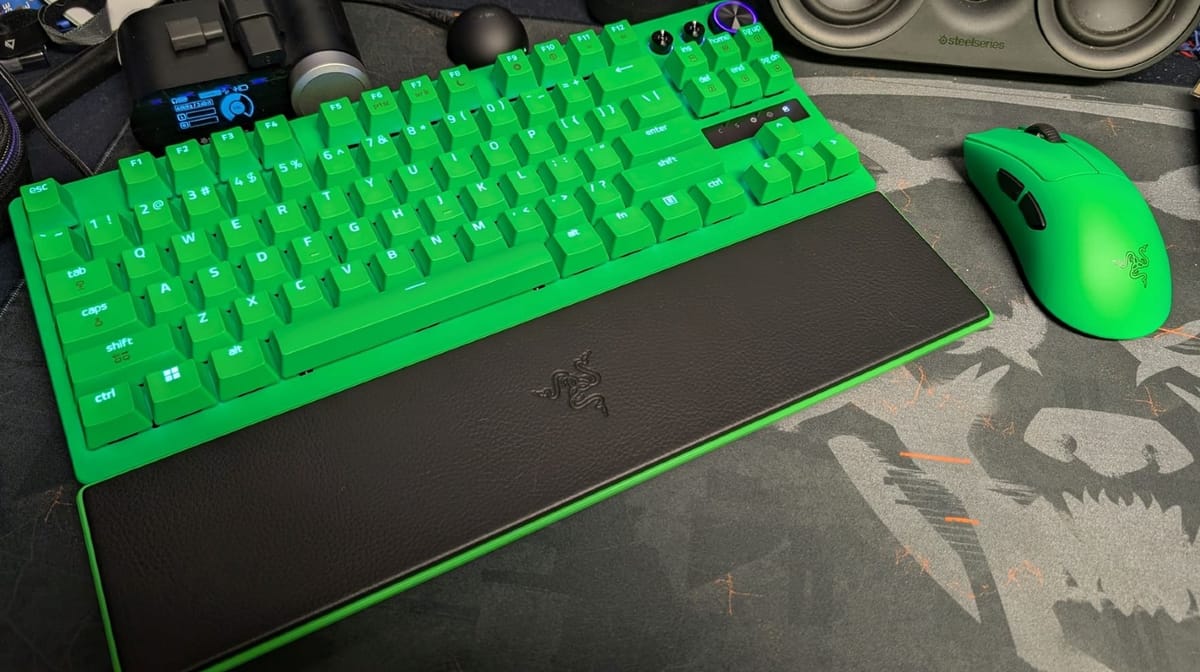
It's the Robin to the Batman of your desk, but just as important. Having the right keyboard makes your strafes and swings work at their finest, and few feel as good while doing it as the Huntsman V3 Pro TKL 8KHz keyboard. The previous model was just fine, but there was a hollow thock to the keys. This mainly made it not too great to type on, even with the gaming side working fantastically. With this upgrade, however, it's an all-around terrific keyboard.
You don't have to change much to get the best out of the Huntsman V3 Pro TKL. Featuring true 8000Hz hyperpolling that offers near zero latency, every press you make is registered and done correctly. The analog optical switches are phenomenal, with the capability to adjust your actuation in seconds through a key combination. Since there is a LED indicator showing your actuation as you hit your keys, you know if it's at the level you need it.
The only thing you need to stay away from is Snap Tap while playing Counter-Strike 2. Rarely do you see a keyboard aspect restricted to the point where you'll be banned for using it. Razer's Snap Tap is such a powerful strafing feature that you can't take it into Counter-Strike 2. You'll be fine even without it, but imagine what that can do for you outside of the popular shooter.
I don't usually play games with a keyboard and mouse, and usually because my smaller hands and shorter fingers can't always handle a keyboard. Beyond the stretching required, I'm right-handed, so being twitchy in my movements isn't natural. The Huntsman V3 Pro TKL has been easier to acclimate to; I've been able to move like the entry-fragger I try to be when playing Counter-Strike 2. I never thought I could engage with CS2 on the level I do Call of Duty, but this keyboard has helped me keep pace.
Razer BlackShark V3 Pro headset
Esports EQ: CS2 NiKo
Ultra-Low Latency: On
Active Noise Cancellation: On (Level 4)
Mic: Default
 David Burdette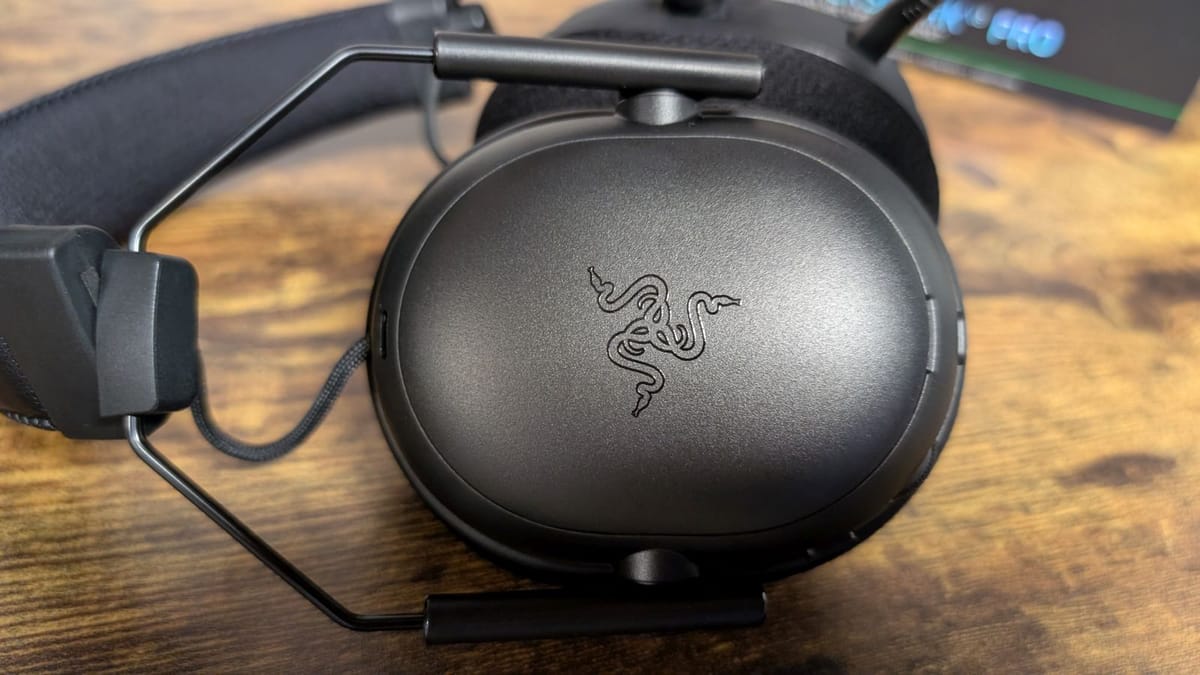
As silly as this is going to sound, the BlackShark V3 Pro was the device I had the least faith in. Not that it isn't an awesome headset, but that I've been so accustomed to my daily driver that I didn't see another headset being able to match it. Boy, am I surprised. The BlackShark V3 Pro headset isn't just competent – I may start using it to play Counter-Strike 2 permanently.
Audio is a pet peeve for me. If a game's sound is bad or not being translated correctly, I am not a happy camper. Heck, I recently re-downloaded and played Modern Warfare 2019 only to have the audio come through backwards for some reason. Yes, I did indeed wear my OTHER headset backwards to fix it. Thankfully, that didn't happen with the BlackShark V3 Pro headset and Counter-Strike 2, and instead I found myself locating my opponents on the map as if through sonar.
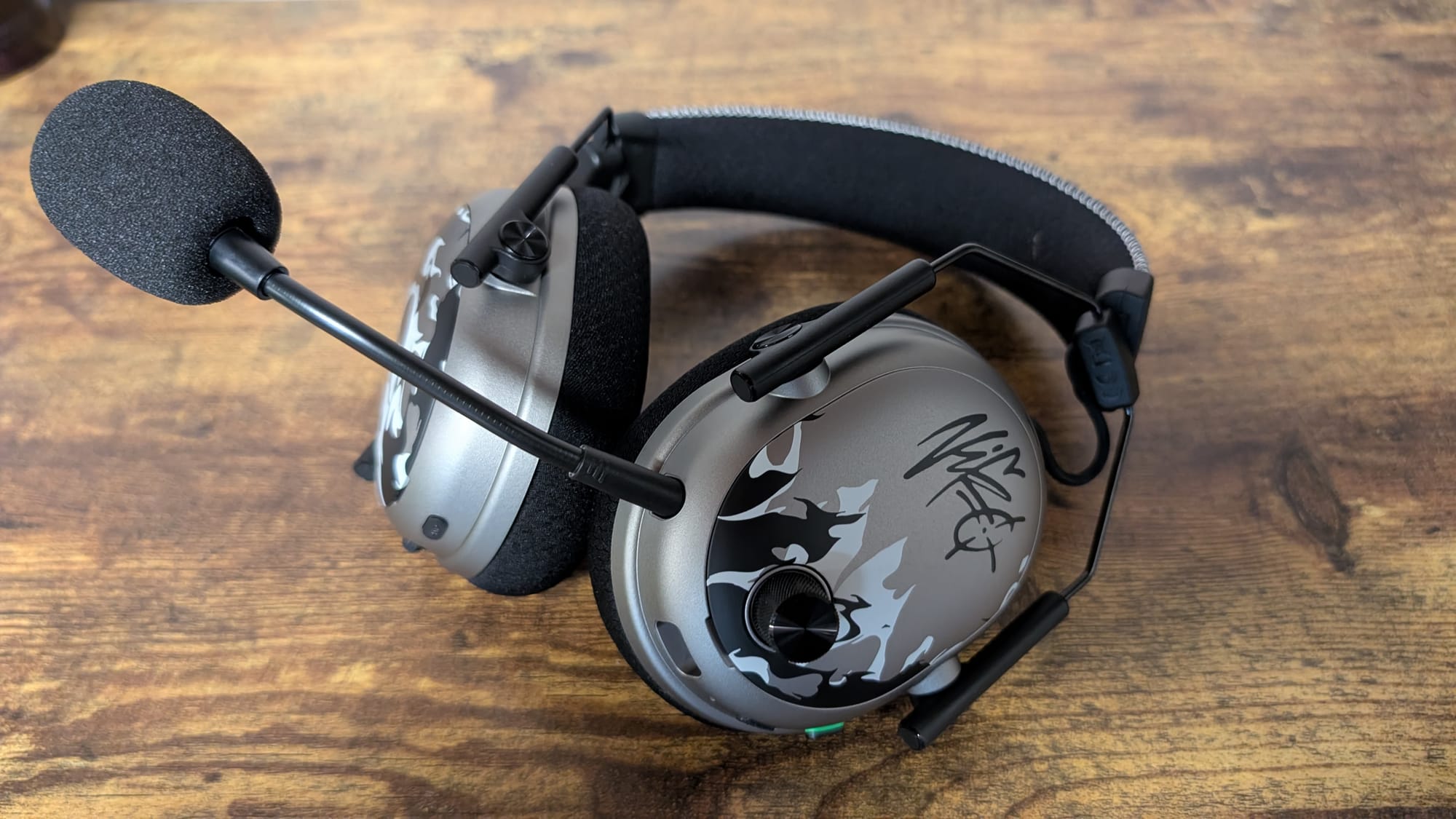
There's something about the way NiKo's custom setting works that completely cancels out all the other ambient noises and puts your attention on what matters. Footstep audio is suddenly ambient. Gunfire is directional and lets you know exactly where firefights are before you even check your mini-map. If you have another Razer headset and Razer Synapse, give it a try, but the abilities of the BlackShark V3 Pro certainly amplify it. Even better, with the new Synapse Web app you can run everything through your browser.
Not only does the cancellation of noises inside the game help you, but the cancellation of all noises outside your headset. Razer included active noise cancellation in the latest model of the BlackShark, and it does a great job of quieting everything around you. While it doesn't completely erase your surroundings, it does make it easier to focus on the game in front of you and the sound you're engaging with through the headset.
So, the question remains - can I claim to be as good as NiKo with his gear and settings? Absolutely not. I'm not in the same zip code. But, I'm positively better with Razer's accessories and features in Counter-Strike 2 than without. If you want to improve in CS2 and don't have anything on your desk from Razer, this is your sign to do so.